
Cloud Backup and Disaster Recovery for Australian SMBs
Data loss can end a business. Whether from ransomware, hardware failure, human error, or natural disaster, Australian SMBs face real risks that require real solutions. The good news: cloud-based backup and disaster recovery have become accessible and affordable for businesses of all sizes. The challenge is implementing them properly.
At CloudGeeks, we’ve helped Australian businesses recover from ransomware attacks, hardware failures, and even the 2020 bushfires that destroyed physical infrastructure. The businesses that survived had robust backup strategies. Those that struggled didn’t. This guide provides everything you need to implement reliable backup and disaster recovery for your Australian SMB.
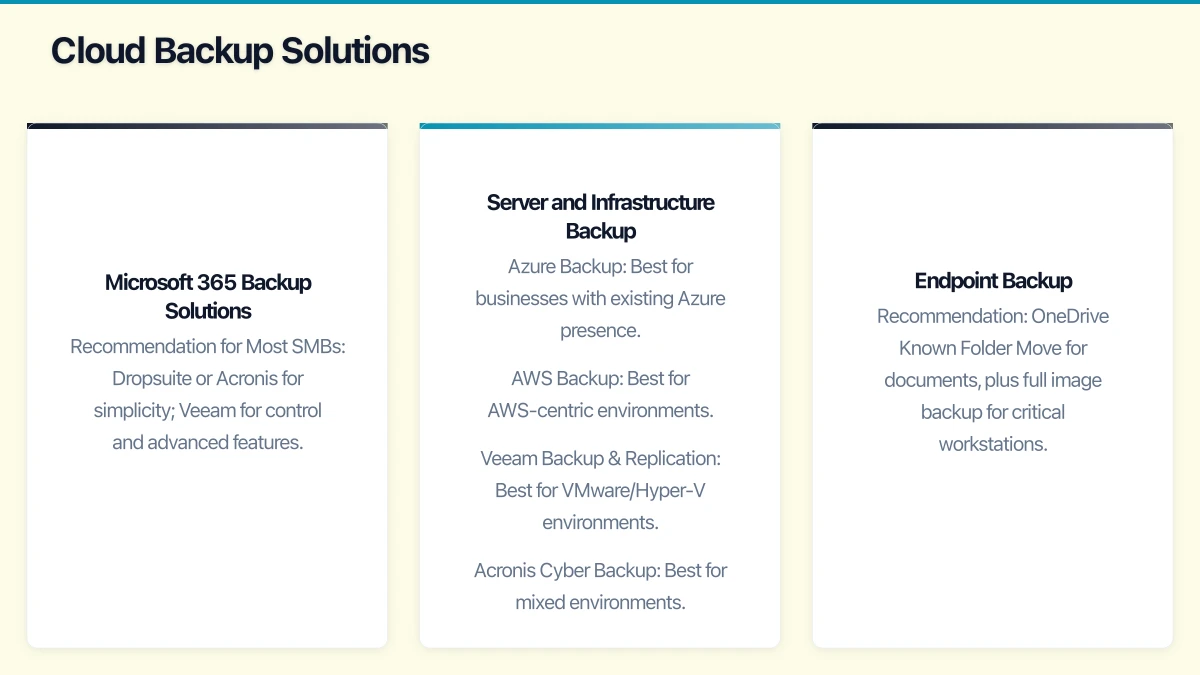
Understanding the Risks
Before designing solutions, understand what you’re protecting against.
Threat Landscape for Australian SMBs
Ransomware The most pressing threat. Ransomware encrypts your data and demands payment for decryption keys.
- 2025 saw a 45% increase in ransomware attacks on Australian SMBs
- Average recovery cost without backup: $250,000-$500,000 AUD
- Average recovery cost with proper backup: $15,000-$50,000 AUD
- Recovery time without backup: Weeks to months
- Recovery time with backup: Hours to days
Hardware Failure Despite reliability improvements, hardware still fails.
- Hard drive annual failure rate: 1-5%
- Server failure probability over 3 years: 15-25%
- Mean time to replace failed hardware: 1-5 business days
Human Error The most common cause of data loss.
- Accidental deletion
- Overwriting important files
- Misconfiguration of systems
- Sending data to wrong recipients
Natural Disasters Australia’s unique environment creates specific risks.
- Bushfires (particularly for regional businesses)
- Floods (increasing frequency)
- Severe storms
- Prolonged power outages
Theft and Physical Damage Physical security failures remain relevant.
- Office break-ins
- Laptop theft
- Fire and water damage
- Equipment damage during moves
Backup Strategy Fundamentals
The 3-2-1 Rule
The foundational backup strategy that every business should implement:
- 3 copies of your data
- 2 different storage types
- 1 copy offsite or offline
Practical Implementation:
| Copy | Storage Type | Location |
|---|---|---|
| Primary | Production systems | Office/Cloud |
| Secondary | Local backup | Office (different device) |
| Tertiary | Cloud backup | Australian data centre |
Extended 3-2-1-1-0 Rule
For ransomware resilience, extend the rule:
- 3 copies of your data
- 2 different storage types
- 1 copy offsite
- 1 copy offline or immutable
- 0 errors (verified backups)
The addition of an offline or immutable copy prevents ransomware from encrypting your backups.
Recovery Objectives
Define these metrics for your business:
Recovery Point Objective (RPO) Maximum acceptable data loss measured in time.
- If RPO is 4 hours, you must backup at least every 4 hours
- Lower RPO = more frequent backups = higher cost
Recovery Time Objective (RTO) Maximum acceptable downtime.
- If RTO is 8 hours, you must be able to restore within 8 hours
- Lower RTO = faster recovery capability = higher cost
Typical SMB Objectives:
| System Type | RPO | RTO |
|---|---|---|
| 15 minutes | 2 hours | |
| Critical applications | 4 hours | 4 hours |
| File servers | 24 hours | 8 hours |
| Archive data | 24 hours | 24 hours |
What to Backup
Critical Data Categories
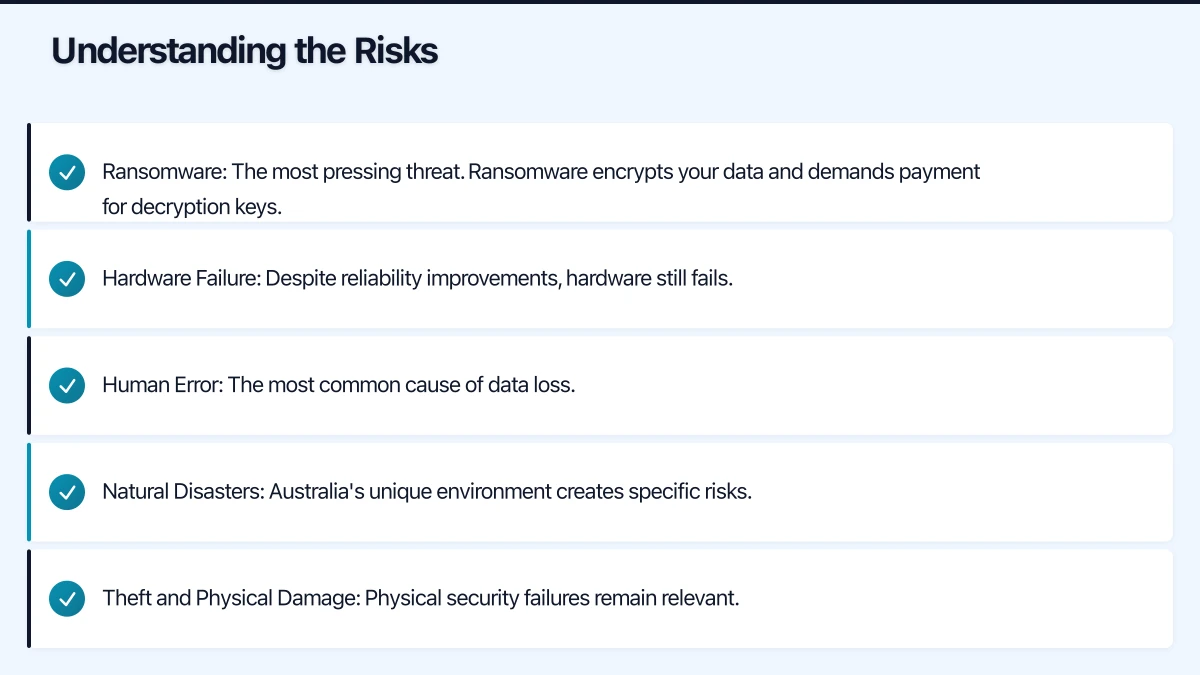
Category 1: Business Critical (Daily Backup, Immutable Copy)
- Financial records and accounting data
- Customer information and CRM data
- Active project files
- Email and communications
- Business applications and databases
Category 2: Important (Daily Backup)
- Historical documents
- HR records
- Marketing materials
- Internal documentation
- Development and test data
Category 3: Replaceable (Weekly Backup)
- Software installations (can be reinstalled)
- Training materials (can be recreated)
- Archived completed projects
Microsoft 365 Data
Many businesses assume Microsoft backs up their data. This is partially true but insufficient.
What Microsoft Provides:
- Geo-redundant storage
- Short-term retention (14-93 days for deleted items)
- Disaster recovery for their service
What Microsoft Doesn’t Provide:
- Long-term backup retention
- Point-in-time recovery beyond retention period
- Protection against user deletion after retention expires
- Protection against ransomware encrypting OneDrive
Recommendation: Always use third-party backup for Microsoft 365 data.
Cloud Services Data
Identify all cloud services containing business data:
- Microsoft 365 (Exchange, SharePoint, OneDrive, Teams)
- Google Workspace
- Salesforce/CRM systems
- Accounting software (Xero, MYOB)
- Project management tools
- Industry-specific applications
Many SaaS providers have limited backup capabilities. Review each provider’s backup policy.
Cloud Backup Solutions
Microsoft 365 Backup Solutions
| Solution | Monthly Cost (25 users) | Key Features |
|---|---|---|
| Veeam Backup for M365 | $75-150 | Industry standard, self-hosted |
| Acronis Cyber Backup | $75-125 | Simple interface, ransomware protection |
| Backupify | $100-150 | True SaaS, no infrastructure |
| Dropsuite | $75-100 | Australian company, simple setup |
| AvePoint | $100-175 | Enterprise features, compliance |
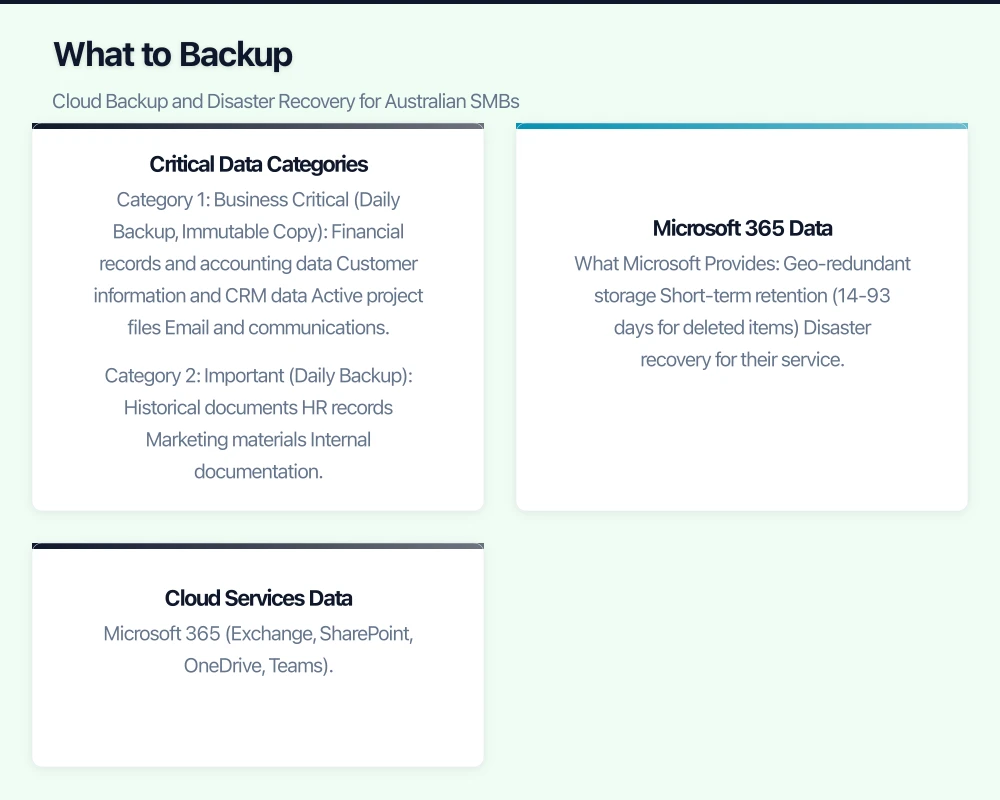
Recommendation for Most SMBs: Dropsuite or Acronis for simplicity; Veeam for control and advanced features.
Server and Infrastructure Backup
Azure Backup Best for businesses with existing Azure presence.
- Native integration with Azure VMs and Windows servers
- Agent-based backup for on-premises servers
- Long-term retention in Australian data centres
- Cost: ~$10/server/month + $0.024/GB storage
AWS Backup Best for AWS-centric environments.
- Unified backup for AWS services
- Cross-region backup capability
- Integration with AWS organisations
- Cost: ~$0.05/GB/month + restore costs
Veeam Backup & Replication Best for VMware/Hyper-V environments.
- Industry-leading VM backup
- Flexible cloud target options
- Strong recovery capabilities
- Cost: ~$100-200/server/year
Acronis Cyber Backup Best for mixed environments.
- Universal backup for physical and virtual
- Ransomware protection included
- Australian data centres available
- Cost: ~$50-100/server/month
Endpoint Backup
For laptops and workstations:
| Solution | Monthly Cost (per device) | Key Features |
|---|---|---|
| Microsoft OneDrive (with M365) | Included | Known Folder Move, 1TB storage |
| Backblaze Business | $12 | Unlimited storage, simple |
| Acronis Cyber Backup | $3-5 | Full image backup |
| Veeam Agent | $2-4 | Application-aware backup |
Recommendation: OneDrive Known Folder Move for documents, plus full image backup for critical workstations.
Disaster Recovery Planning
Business Impact Analysis
Before designing DR solutions, understand the business impact of downtime:
Questions to Answer:
- Which systems are critical to business operations?
- What is the cost of each hour of downtime?
- What manual workarounds exist?
- Which systems have dependencies on others?
- What compliance requirements affect recovery?
Impact Assessment Template:
| System | Business Impact ($/hour) | Manual Workaround | Dependencies |
|---|---|---|---|
| $500 | Phone/SMS | Internet, DNS | |
| Accounting | $2,000 | Paper processes | Email, Database |
| CRM | $1,500 | Spreadsheets | |
| File Server | $800 | Local copies | Network |
Disaster Recovery Tiers
Tier 1: Basic Backup (Most SMBs)
- Regular backups to cloud
- Manual recovery procedures
- RTO: 24-72 hours
- RPO: 4-24 hours
- Cost: $500-2,000/month
Tier 2: Warm Standby
- Replicated infrastructure in standby
- Semi-automated failover
- RTO: 4-8 hours
- RPO: 1-4 hours
- Cost: $2,000-5,000/month
Tier 3: Hot Standby
- Always-running replica systems
- Automated failover
- RTO: 15-60 minutes
- RPO: 15 minutes-1 hour
- Cost: $5,000-15,000/month
Most Australian SMBs operate at Tier 1, with Tier 2 for critical systems.
Disaster Recovery Options
Azure Site Recovery Automated replication and failover to Azure.
- Replicate on-premises VMs to Azure
- Automated failover orchestration
- Non-disruptive DR drills
- Cost: ~$25/protected server/month + Azure compute during failover
AWS Disaster Recovery Multiple DR options depending on requirements.
- Pilot Light: Minimal always-running infrastructure
- Warm Standby: Scaled-down replica environment
- Multi-Site: Full production replica
- Cost varies by approach
Zerto Real-time replication platform.
- Near-zero RPO (seconds)
- Automated failover
- Cloud-agnostic
- Cost: ~$100-200/VM/month
Veeam Disaster Recovery DR capabilities built into backup platform.
- Replication to cloud or secondary site
- Instant VM recovery
- Orchestrated failover
- Cost: Included with Veeam licensing
Implementation Guide
Phase 1: Assessment and Planning (Weeks 1-2)
Week 1:
- Inventory all data and systems requiring backup
- Classify data by criticality
- Define RPO and RTO for each category
- Document current backup state
Week 2:
- Evaluate backup solution options
- Calculate storage requirements
- Develop budget and business case
- Select backup solutions
Phase 2: Implementation (Weeks 3-6)
Week 3-4: Cloud Backup Setup
- Configure Microsoft 365 backup
- Set up server/infrastructure backup
- Configure endpoint backup
- Establish retention policies
Week 5-6: Testing and Validation
- Verify backup jobs completing successfully
- Test file-level recovery
- Test full system recovery
- Document recovery procedures
Phase 3: Disaster Recovery Setup (Weeks 7-10)
Week 7-8:
- Design DR architecture
- Configure replication to DR site
- Set up failover procedures
- Create runbooks for recovery
Week 9-10:
- Conduct DR drill
- Document lessons learned
- Refine procedures
- Train staff on recovery
Phase 4: Ongoing Operations
Daily:
- Automated backup job monitoring
- Alert review and response
Weekly:
- Backup success rate review
- Storage consumption review
- Failed job remediation
Monthly:
- Test file recovery
- Review backup policies
- Storage optimisation
Quarterly:
- Full system recovery test
- DR drill
- Procedure review and update
Budget Planning
Small Business (10-25 Users)
| Component | Monthly Cost |
|---|---|
| Microsoft 365 Backup (25 users) | $100 |
| Server Backup (2 servers) | $100 |
| Endpoint Backup (included with OneDrive) | $0 |
| Cloud Storage (500GB) | $50 |
| Management/Monitoring | $100 |
| Total | $350/month |
Annual cost: $4,200 AUD
Medium Business (25-100 Users)
| Component | Monthly Cost |
|---|---|
| Microsoft 365 Backup (50 users) | $200 |
| Server Backup (5 servers) | $400 |
| Endpoint Backup (50 devices) | $150 |
| Cloud Storage (2TB) | $150 |
| DR Replication (2 servers) | $200 |
| Management/Monitoring | $300 |
| Total | $1,400/month |
Annual cost: $16,800 AUD
Cost of Not Having Backup
Compare backup costs to potential loss:
| Scenario | Recovery Without Backup | Recovery With Backup |
|---|---|---|
| Ransomware attack | $250,000+ | $15,000 |
| Server failure | $50,000+ | $5,000 |
| Accidental deletion | Variable | Near zero |
| Natural disaster | Business-ending | $25,000-50,000 |
Backup is insurance. The cost is minimal compared to potential loss.
Testing Your Backups
Untested backups are not backups. Implement regular testing.
Test Types
Backup Verification (Daily)
- Automated verification that backup jobs completed
- Checksum validation of backup data
- Alert on any failures
File Recovery Test (Monthly)
- Recover random files from backup
- Verify file integrity
- Time the recovery process
Application Recovery Test (Quarterly)
- Recover complete application to test environment
- Verify application functionality
- Test with real users if possible
Full DR Drill (Annually)
- Simulate complete disaster scenario
- Execute failover procedures
- Operate on DR systems for defined period
- Document lessons and update procedures
Testing Documentation
Document each test with:
- Date and participants
- Scenario tested
- Time to recover
- Issues encountered
- Actions to address issues
- Sign-off that test was successful
Australian Compliance Considerations
Data Sovereignty
For businesses with data sovereignty requirements:
- Verify backup data centres are located in Australia
- Understand where data transits during backup
- Review provider’s data handling policies
- Consider encryption key management location
Australian Data Centre Locations:
- Azure: Sydney, Melbourne, Canberra
- AWS: Sydney, Melbourne
- Google Cloud: Sydney, Melbourne
- Many backup providers: Sydney-based
Privacy Act Requirements
The Privacy Act requires reasonable steps to protect personal information:
- Backup systems must have appropriate access controls
- Encryption required for backup data
- Retention policies must align with data retention obligations
- Backup providers may be considered overseas disclosure
Industry-Specific Requirements
Healthcare:
- Health records may require specific retention periods
- Backup systems must comply with health records legislation
Financial Services:
- APRA CPS 234 requirements for security of backup systems
- Specific testing and recovery requirements
Legal Services:
- Extended retention requirements for client files
- Legal privilege considerations for backup data
Getting Started
The best time to implement backup was yesterday. The second best time is today.
Immediate Actions:
- Verify Microsoft 365 backup exists (it probably doesn’t)
- Confirm server backups are current and tested
- Enable OneDrive Known Folder Move for all users
- Schedule a backup recovery test
This Week:
- Complete data inventory
- Define RPO and RTO requirements
- Evaluate backup solutions
- Create implementation plan
This Month:
- Implement Microsoft 365 backup
- Verify server backup configuration
- Test recovery procedures
- Document disaster recovery plan
At CloudGeeks, we help Australian SMBs implement comprehensive backup and disaster recovery solutions. From assessment through implementation and ongoing management, we ensure your business can survive any data loss scenario. Contact us to discuss your backup requirements.
Related Articles
- Cloud Backup Strategy: The 3-2-1 Rule for Australian SMBs
- Data Backup and Recovery: Complete Guide for Australian SMBs
- Cybersecurity Essentials for Australian Small Business
- Azure Migration Guide for Australian SMBs
Need a web presence to complement your cloud setup? Our web team at Cosmos Web Tech designs fast, secure websites for Australian businesses.
Ashish Ganda is the founder of Ganda Tech Services, a Sydney-based technology consultancy helping Australian businesses grow through cloud, web, and mobile solutions.