
Cloud Backup Strategy: 3-2-1 Rule for Australian SMBs
If your business lost all its data tomorrow, how long would it take to recover? For many Australian SMBs, the honest answer is “we don’t know” or worse, “we couldn’t.” With ransomware attacks on the rise and the recent high-profile breaches affecting Australian organisations, having a robust backup strategy isn’t optional—it’s essential for survival.
The 3-2-1 backup rule has been the gold standard for data protection for over a decade, but many Australian SMBs still struggle with implementation. Between understanding the rule itself, choosing the right cloud providers, navigating data sovereignty requirements, and managing costs, it’s easy to see why backup strategies often end up on the “we’ll get to it eventually” list.
This guide breaks down everything you need to know about implementing a 3-2-1 backup strategy for your Australian SMB, including practical cloud options, real costs in AUD, and how to protect your business from the growing ransomware threat.
Understanding the 3-2-1 Backup Rule
The 3-2-1 rule is elegantly simple: maintain 3 copies of your data, stored on 2 different types of media, with 1 copy kept offsite. Let’s break down what this actually means for your business.
Three Copies of Your Data: This includes your primary working data plus two backups. If you’re running a retail business in Sydney, for example, your point-of-sale system holds your primary data, and you need two separate backup copies of that information.
Two Different Media Types: This prevents a single point of failure. If you’re backing up to external hard drives, don’t use the same brand or model for both backups—a manufacturing defect could affect all drives from the same batch. More commonly for SMBs today, this means combining local backup (NAS device or external drive) with cloud storage.
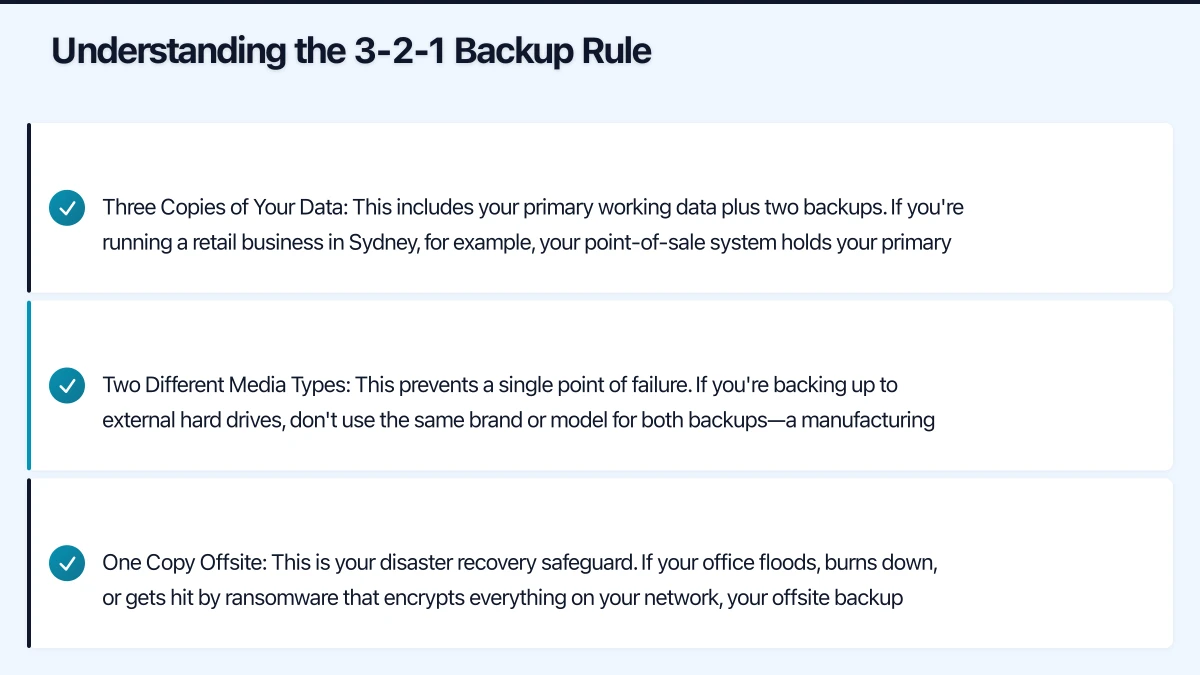
One Copy Offsite: This is your disaster recovery safeguard. If your office floods, burns down, or gets hit by ransomware that encrypts everything on your network, your offsite backup remains untouched. Cloud storage has made offsite backups dramatically more practical than the old approach of physically transporting tapes to a storage facility.
Here’s what a modern 3-2-1 strategy looks like for a typical Australian SMB:
- Copy 1: Production data on your servers or computers (primary)
- Copy 2: Local backup to a NAS device or external drive (same office)
- Copy 3: Cloud backup to AWS, Azure, Backblaze, or similar (offsite)
This approach gives you fast local recovery for common scenarios like accidental deletion, plus offsite protection for catastrophic events.
The Ransomware Protection Challenge
Traditional 3-2-1 implementations have a critical weakness that ransomware operators exploit ruthlessly: if your backup storage is accessible from your network, ransomware will encrypt it along with everything else. Australian businesses are increasingly aware of this risk following several high-profile attacks on local organisations over the past year.
This has led to an evolution: the 3-2-1-1-0 rule. The additional “1” represents an immutable (unchangeable) or air-gapped backup copy, and the “0” represents zero errors in your backup verification.
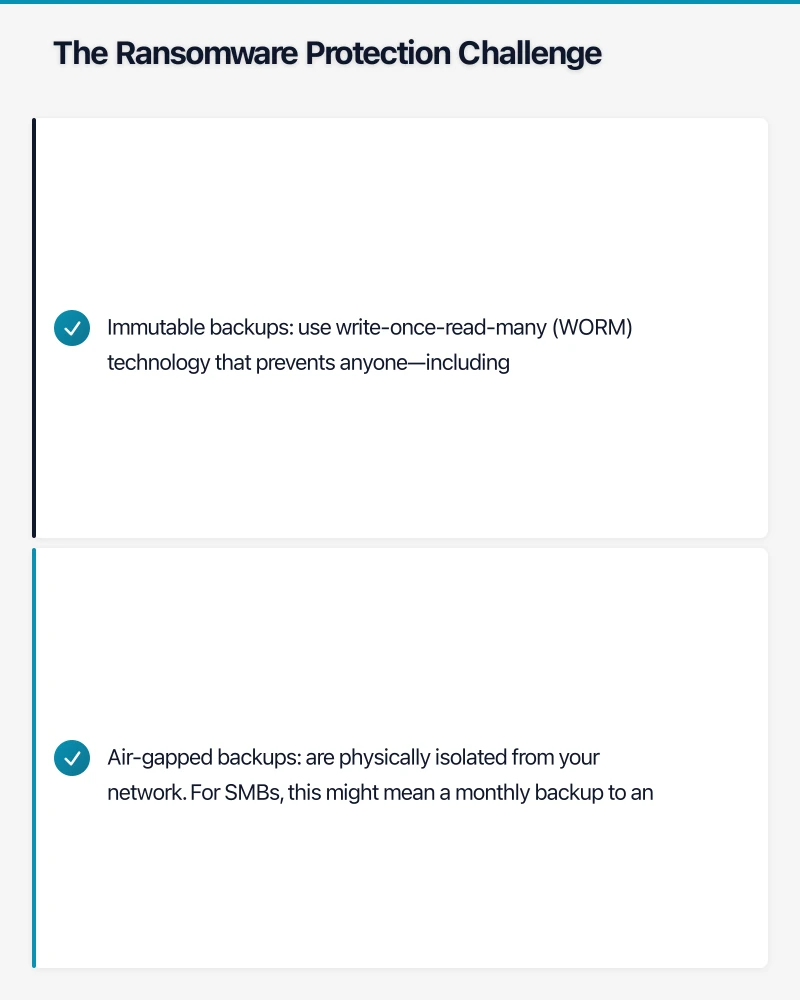
Immutable backups use write-once-read-many (WORM) technology that prevents anyone—including administrators—from modifying or deleting backup data for a specified retention period. Even if ransomware compromises your admin credentials, it cannot touch immutable backups.
Most modern cloud backup services now offer immutability features:
- AWS S3 Object Lock: Prevents deletion or overwriting of backup objects for your defined retention period
- Azure Immutable Blob Storage: Creates time-based retention policies that even account owners cannot override
- Backblaze B2 Object Lock: Provides WORM compliance at competitive pricing
For Australian SMBs, enabling immutability should be non-negotiable. Set your retention period based on how long you need to detect and respond to ransomware—most experts recommend at least 30 days, with many organisations moving toward 60-90 day retention as ransomware attacks become more sophisticated.
Air-gapped backups are physically isolated from your network. For SMBs, this might mean a monthly backup to an external drive that you disconnect and store offsite, or rotating drives that are only connected during the backup window. While less convenient than always-online cloud backups, an air-gapped copy provides ultimate ransomware protection.
Cloud Backup Options for Australian SMBs
Let’s examine the most practical cloud backup solutions for Australian businesses, with real costs and considerations for each.
AWS Backup and Amazon S3
AWS offers multiple backup approaches, but for most SMBs, a combination of AWS Backup (for managed backups) and S3 storage (for file-level backups) makes the most sense.
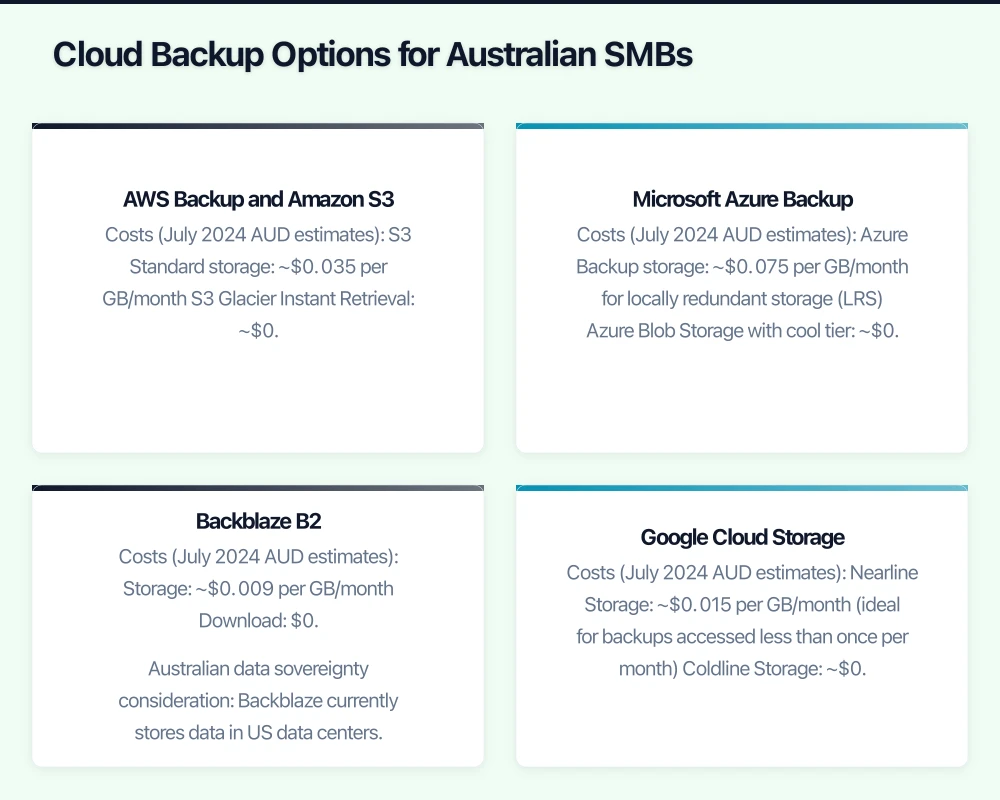
Costs (July 2024 AUD estimates):
- S3 Standard storage: ~$0.035 per GB/month
- S3 Glacier Instant Retrieval: ~$0.006 per GB/month (good for compliance data)
- Data transfer out to internet: $0.15 per GB (first 100GB free per month)
- AWS Backup storage: ~$0.075 per GB/month for warm storage
For a typical SMB with 500GB of data, monthly costs would be approximately:
- S3 Standard approach: $17.50/month storage + retrieval costs if needed
- Tiered approach (100GB hot, 400GB cold): $9.90/month storage
Australian data sovereignty: AWS has multiple Sydney availability zones, and the AWS Melbourne Region opened in late 2022, giving Australian businesses excellent local options. You can configure S3 buckets to never leave Australian soil by selecting the Sydney (ap-southeast-2) or Melbourne (ap-southeast-4) region and enabling bucket restrictions.
Pros: Highly reliable (99.999999999% durability), excellent integration with other AWS services, strong security features including S3 Object Lock for immutability, Australian data center presence.
Cons: Complexity for non-technical users, costs can escalate if you’re not careful with storage classes and data transfer, requires understanding of IAM permissions and S3 configurations.
Microsoft Azure Backup
Azure integrates naturally with Microsoft 365 and Windows environments, making it particularly attractive for SMBs already invested in the Microsoft ecosystem.
Costs (July 2024 AUD estimates):
- Azure Backup storage: ~$0.075 per GB/month for locally redundant storage (LRS)
- Azure Blob Storage with cool tier: ~$0.015 per GB/month
- Data egress: $0.138 per GB after first 100GB
For 500GB of backup data:
- Azure Backup approach: $37.50/month
- Blob Storage cool tier: $7.50/month storage + egress costs
Australian data sovereignty: Azure has extensive Australian presence with Australia East (Sydney) and Australia Southeast (Melbourne) regions. You can enable geo-replication within Australian regions for additional redundancy while maintaining data sovereignty.
Pros: Seamless integration with Windows Server, Active Directory, and Microsoft 365, excellent management interface for non-technical users, strong compliance certifications including Australian data residency options.
Cons: Can be more expensive than alternatives for pure storage, requires Azure subscription management, some features require specific Windows Server versions.
Backblaze B2
Backblaze has become increasingly popular with Australian SMBs due to its straightforward pricing and ease of use. While it doesn’t have Australian data centers, it offers compelling value for businesses without strict data residency requirements.
Costs (July 2024 AUD estimates):
- Storage: ~$0.009 per GB/month
- Download: $0.015 per GB (first 3x your storage is free monthly)
- API calls: Minimal for typical SMB usage
For 500GB of backup data:
- Monthly cost: $4.50 storage + download costs (typically minimal)
- First 1.5TB of downloads per month: Free
Australian data sovereignty consideration: Backblaze currently stores data in US data centers. For many Australian SMBs, this is acceptable for backup purposes, but businesses with strict data residency requirements (healthcare, government contractors, those handling sensitive personal information) should choose AWS or Azure with Australian regions instead.
Pros: Incredibly simple pricing with no hidden costs, easy-to-use interface, excellent value for money, B2 Object Lock for immutability included.
Cons: No Australian data centers currently, fewer integration options compared to AWS/Azure, limited advanced features.
Google Cloud Storage
Google Cloud Platform offers competitive pricing and is worth considering, especially if you’re already using Google Workspace.
Costs (July 2024 AUD estimates):
- Nearline Storage: ~$0.015 per GB/month (ideal for backups accessed less than once per month)
- Coldline Storage: ~$0.006 per GB/month (accessed less than quarterly)
- Data egress: $0.19 per GB to internet
For 500GB of backup data:
- Nearline approach: $7.50/month storage + retrieval costs
- Coldline approach: $3.00/month storage + retrieval costs
Australian data sovereignty: GCP has a Sydney region (australia-southeast1) established since 2017, and added Melbourne (australia-southeast2) in 2021, providing excellent Australian options.
Pros: Competitive pricing, good integration with Google Workspace, strong global infrastructure, Australian data center presence.
Cons: Less mature backup-specific features compared to AWS/Azure, smaller ecosystem of third-party backup tools, fewer Australian-specific compliance certifications.
Real-World Cost Comparison
Let’s look at a realistic scenario for a 15-person Australian SMB with:
- 500GB of current data
- 20GB monthly data growth
- Quarterly full restores for testing
- Immutability enabled
Year 1 costs (AUD):
- AWS S3: ~$300 storage + $60 retrieval = $360/year
- Azure Backup: ~$525 storage + $45 retrieval = $570/year
- Backblaze B2: ~$75 storage + $0 retrieval (under free tier) = $75/year
- GCP Nearline: ~$125 storage + $75 retrieval = $200/year
Year 3 costs (with growth to 740GB):
- AWS S3: ~$444 storage + $60 retrieval = $504/year
- Azure Backup: ~$777 storage + $45 retrieval = $822/year
- Backblaze B2: ~$111 storage + $0 retrieval = $111/year
- GCP Nearline: ~$185 storage + $75 retrieval = $260/year
For pure cost efficiency, Backblaze wins decisively. However, if you’re already using AWS, Azure, or GCP for other services, or if Australian data residency is required, the premium may be justified by integration benefits and compliance requirements.
Implementing Your 3-2-1 Strategy
Here’s a practical implementation approach for Australian SMBs:
Step 1: Audit Your Data (Week 1) Identify what data is critical for your business operations. Not everything needs the same level of protection. Categorize into:
- Critical (customer data, financial records, core business systems): Most frequent backups, longest retention
- Important (project files, communications, internal documents): Regular backups, medium retention
- Standard (general files, archived materials): Less frequent backups, shorter retention
For each category, document:
- Current data volume
- Expected growth rate
- Recovery time objective (how quickly you need it back)
- Recovery point objective (how much data loss is acceptable)
Step 2: Choose Your Tools (Week 1-2) Select your backup solution based on:
- Budget constraints and data volume
- Technical capability of your team
- Data sovereignty requirements (Privacy Act 1988 compliance)
- Existing cloud service investments
- Integration needs with current systems
For most Australian SMBs, we recommend:
- Data sovereignty required: AWS S3 (Sydney/Melbourne regions) or Azure Backup (Australia East/Southeast)
- Cost-conscious without sovereignty needs: Backblaze B2
- Google Workspace users: Google Cloud Storage Nearline (Sydney region)
- Microsoft 365 users: Azure Backup for seamless integration
Step 3: Implement Local Backup (Week 2) Set up your first backup copy:
- For small businesses (under 2TB): Consider a Synology or QNAP NAS device (approximately $600-1,500 AUD for suitable models like Synology DS220+, DS420+, or QNAP TS-453D)
- For larger datasets: Windows Server with backup software or dedicated backup appliance
- Configure automated daily incremental backups with weekly full backups
- Test local recovery within 24 hours of setup
Popular NAS options for Australian SMBs (2024 pricing):
- Synology DS220+ (2-bay): ~$650 AUD + drives
- QNAP TS-253D (2-bay): ~$750 AUD + drives
- Synology DS920+ (4-bay): ~$900 AUD + drives
- Add 2x 4TB NAS-rated drives: ~$500 AUD total
Step 4: Configure Cloud Backup (Week 3) Implement your offsite copy:
- Create your cloud storage account and bucket/container in Australian region if using AWS/Azure/GCP
- Enable immutability with 60-90 day retention period minimum
- Configure automated backup software:
- MSP360 (formerly CloudBerry): Excellent for AWS/Azure, ~$150 AUD/year per machine
- Duplicati: Free, open-source, works with all major cloud providers
- Veeam Community Edition: Free for up to 10 workloads
- Cloud-native tools: AWS Backup, Azure Backup, or provider’s own solutions
- Set up encryption (ensure you control the encryption keys, not just the provider)
- Configure backup schedule: Daily incrementals, weekly full backups
- Set up monitoring and email alerts for backup failures
Step 5: Test and Verify (Week 4 and ongoing) The “0” in 3-2-1-1-0 is critical:
- Perform a test restore within the first week of implementation
- Schedule quarterly disaster recovery drills where you restore critical data from cloud backup
- Document your recovery procedures step-by-step with screenshots
- Monitor backup success daily (most solutions send email alerts)
- Verify backup integrity monthly by checking file counts and data sizes
- Test restore speed to ensure it meets your recovery time objectives
Step 6: Document Your Recovery Plan (Week 4) Create a simple recovery playbook that includes:
- How to access each backup copy (credentials, URLs, access procedures)
- Step-by-step restoration procedures for different scenarios
- Contact information for cloud providers and any IT support partners
- Recovery time objectives for critical systems
- Recovery point objectives (acceptable data loss)
- Who is responsible for initiating recovery (primary and backup contacts)
- Communication plan for stakeholders during recovery
Store this documentation:
- Printed copy in secure offsite location
- Digital copy in password manager or secure documentation system
- Share with key personnel and ensure they understand their roles
Australian Compliance Considerations
When implementing backup strategies, Australian SMBs need to consider several compliance requirements:
Privacy Act 1988: If you’re backing up personal information (customer data, employee records), ensure your cloud provider offers appropriate safeguards. Using Australian regions for AWS, Azure, or GCP helps demonstrate compliance with Australian privacy principles.
Notifiable Data Breaches scheme: Since February 2018, businesses must notify affected individuals and the Office of the Australian Information Commissioner (OAIC) of eligible data breaches. Having robust, tested backups demonstrates you’ve taken reasonable steps to secure personal information.
Industry-specific requirements:
- Healthcare: My Health Records Act requirements may apply
- Financial services: APRA CPS 234 requirements for information security
- Legal: Law Society requirements for client data protection
- Government contractors: Protected security framework considerations
Tax records: The ATO requires businesses to keep most records for five years. Your backup retention policies should support these requirements.
Common Mistakes to Avoid
Mistake 1: Never testing backups Having untested backups is nearly as bad as having no backups. We regularly see Australian SMBs discover their backup strategy doesn’t work only when they desperately need it. Schedule quarterly recovery drills and document the results. Make restoration testing a routine part of your IT operations.
Mistake 2: Backing up everything equally Treating all data the same wastes money and complicates recovery. A 50GB folder of marketing stock photos doesn’t need the same protection as your customer database. Implement tiered backup strategies based on data criticality and recovery requirements.
Mistake 3: Forgetting about retention Your backup system should maintain multiple restore points. If ransomware encrypts your files and your backup system immediately backs up those encrypted files, you’ve lost your protection. Maintain at least 30 days of backup history, preferably 60-90 days for enhanced ransomware protection.
Mistake 4: Ignoring SaaS data Many SMBs assume Microsoft 365, Xero, or MYOB data is “already backed up” by the provider. While these services have excellent uptime, they typically don’t protect you from accidental deletion, malicious changes, or account compromise. Consider third-party backup solutions for critical SaaS applications:
- Microsoft 365: Veeam Backup for Microsoft 365, AvePoint Cloud Backup
- Google Workspace: Spanning Backup, Backupify
- Xero/MYOB: Regular exports to your backup system
Mistake 5: Using network-attached backups without immutability If your backup drive is mapped as a network drive (Z:, for example), ransomware can encrypt it. Either enable immutability features or implement air-gapped backups for at least one copy. Never leave backup drives constantly connected to your network without immutability protection.
Mistake 6: Neglecting bandwidth requirements Initial backup uploads can take days over typical Australian business internet connections. A 500GB initial backup on a 50 Mbps upload connection will take approximately 24 hours of continuous transfer. Plan accordingly:
- Schedule initial uploads outside business hours
- Consider seeding large initial backups via physical drives if your provider supports it
- Ensure subsequent incremental backups can complete within your backup window
Mistake 7: Poor encryption key management If you lose your encryption keys, your backups are worthless. Store encryption keys securely:
- Use a password manager (1Password, Bitwarden, LastPass)
- Keep printed copies in a secure physical location
- Ensure multiple trusted people can access keys if needed
- Never store keys in the same location as backups
Moving Forward with Confidence
Implementing a proper 3-2-1 backup strategy is one of the most important IT investments an Australian SMB can make. While the upfront effort requires planning and testing, the ongoing operation is largely automated and the peace of mind is invaluable.
Start with the basics: identify your critical data, choose a cloud provider that fits your budget and compliance needs, and implement automated backups with immutability enabled. Test your backups quarterly and document your recovery procedures. Even a simple implementation following these principles will put you ahead of most Australian SMBs and dramatically improve your resilience against data loss.
The cost of implementing a robust backup strategy is modest—typically $100-600 per year for cloud storage plus $600-1,500 for local backup hardware. Compare this to the cost of data loss, which regularly puts Australian SMBs out of business permanently. Recent research suggests that 60% of small businesses that lose their data close within six months of the incident.
Your next steps:
- Schedule time this week to audit your current backup situation
- Calculate your data volumes and backup requirements
- Choose your cloud provider based on your needs
- Implement local backup within the next two weeks
- Add cloud backup within the following two weeks
- Test your recovery procedures within one month
Remember that backup strategy isn’t a one-time project—it’s an ongoing operational requirement. As your business grows and data volumes increase, revisit your costs and approach annually. Schedule backup reviews as part of your financial year planning to ensure your protection keeps pace with your business growth.
Your data is your business. The time to protect it is now, before you need it.
Need help implementing a robust backup strategy for your Australian business? Cloud Geeks specializes in practical IT solutions for SMBs. Contact us for a free backup strategy consultation.
For a strategic perspective on how cloud technology fits into your broader digital transformation, read Ash Ganda’s insights on technology leadership.
Cloud Geeks is the IT infrastructure division of Ganda Tech Services, providing managed cloud and cybersecurity solutions to Australian businesses.