
Cybersecurity Essentials for Australian Small Businesses in 2026
Cybersecurity for Australian small businesses has fundamentally changed. The threats are more sophisticated, the regulatory requirements more stringent, and the consequences of breaches more severe than ever before. Yet the core challenge remains: how do resource-constrained SMBs implement effective security without enterprise budgets or dedicated security teams?
At CloudGeeks, we work with Australian SMBs daily on practical security implementations. This guide provides the essential cybersecurity framework every Australian small business needs in 2026, with realistic approaches that balance protection with practicality.
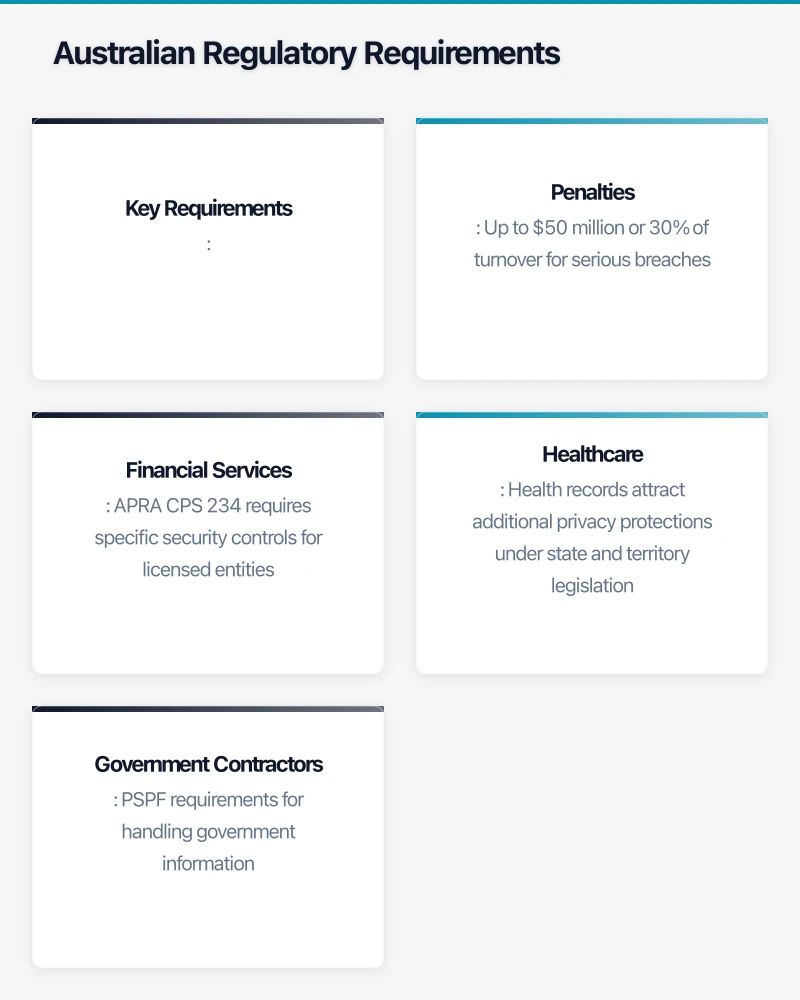
The Australian Threat Landscape in 2026
Understanding the threats helps prioritise defences. The Australian Cyber Security Centre (ACSC) reports these as the primary threats to Australian SMBs:
Business Email Compromise (BEC)
BEC remains the most financially damaging attack for Australian SMBs. Attackers compromise email accounts or impersonate trusted contacts to redirect payments or extract sensitive information.
2025-2026 Trends:
- AI-generated emails that perfectly mimic writing styles
- Deepfake voice calls to authorise fraudulent payments
- Compromised supplier accounts targeting their customers
- Average loss per incident: $98,000 AUD
Ransomware
Ransomware attacks on Australian businesses continue to increase, with SMBs increasingly targeted as “soft targets” with weaker defences.
2025-2026 Trends:
- Double extortion (encryption plus data theft and publication threats)
- Ransomware-as-a-Service making attacks more accessible
- Targeted attacks on specific industries (healthcare, professional services)
- Average ransom demand for SMBs: $250,000-$500,000 AUD
Supply Chain Attacks
Attackers increasingly compromise trusted software suppliers or service providers to access their customers.
2025-2026 Trends:
- Compromised MSPs used to attack their clients
- Malicious updates in legitimate software
- Credential theft from third-party services
Phishing and Credential Theft
The gateway to most other attacks, phishing continues to evolve in sophistication.
2025-2026 Trends:
- AI-personalised phishing at scale
- Multi-stage attacks through legitimate services
- QR code phishing (“quishing”)
- SMS phishing targeting mobile users
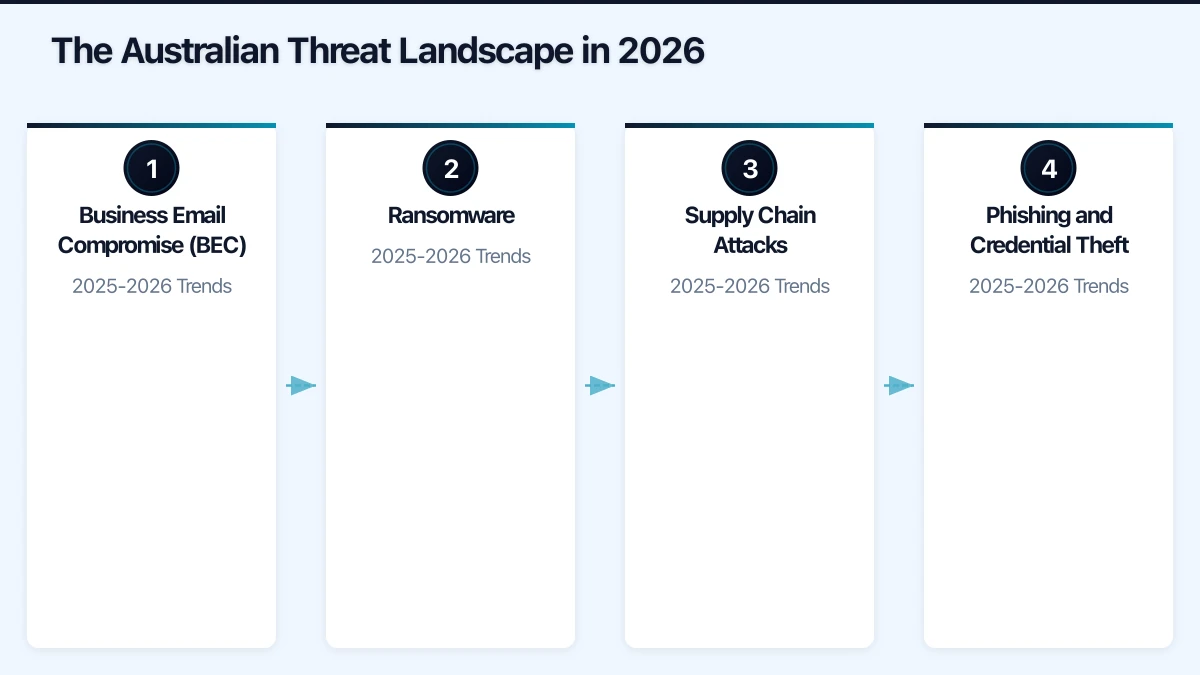
Australian Regulatory Requirements
Australian SMBs face increasing regulatory obligations around cybersecurity.
Privacy Act and Notifiable Data Breaches
The Privacy Act 1988 applies to businesses with annual turnover above $3 million, or those handling health information or government contracts.
Key Requirements:
- Protect personal information from misuse, interference, loss, and unauthorised access
- Notify affected individuals and the OAIC of eligible data breaches
- Maintain records of data handling practices
Penalties: Up to $50 million or 30% of turnover for serious breaches.
Security of Critical Infrastructure Act
If your business supports critical infrastructure (energy, communications, healthcare, food, transport), additional obligations may apply.
Industry-Specific Requirements
Financial Services: APRA CPS 234 requires specific security controls for licensed entities.
Healthcare: Health records attract additional privacy protections under state and territory legislation.
Government Contractors: PSPF requirements for handling government information.
The Essential Security Framework
Based on the ACSC Essential Eight and practical SMB requirements, here’s the security framework every Australian small business should implement.
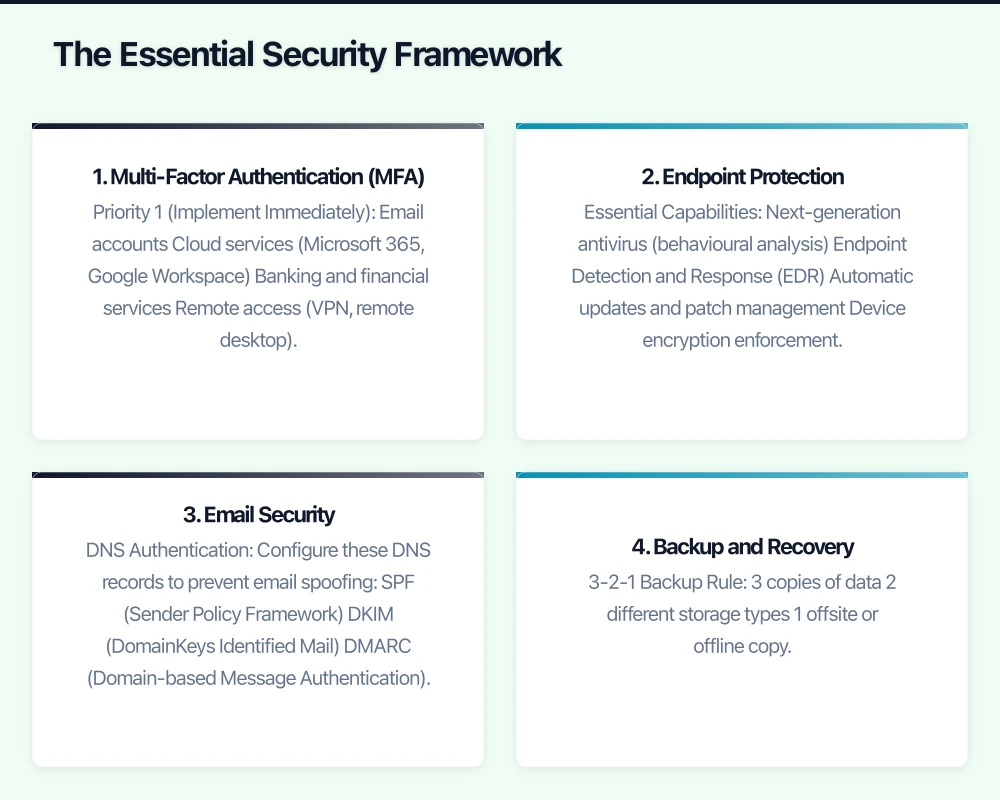
1. Multi-Factor Authentication (MFA)
MFA is the single most effective control against account compromise. Implement MFA on:
Priority 1 (Implement Immediately):
- Email accounts
- Cloud services (Microsoft 365, Google Workspace)
- Banking and financial services
- Remote access (VPN, remote desktop)
Priority 2 (Implement Within 3 Months):
- Business applications with sensitive data
- Social media accounts
- Domain registrar and DNS management
- Backup services
Implementation Options:
| Method | Security Level | User Experience | Cost |
|---|---|---|---|
| SMS codes | Basic | Easy | Free |
| Authenticator apps | Good | Moderate | Free |
| Push notifications | Good | Easy | Included in M365/Google |
| Hardware keys (FIDO2) | Excellent | Moderate | $50-80/key |
Recommendation: Use authenticator apps (Microsoft Authenticator, Google Authenticator) as minimum. Consider hardware keys for admin accounts.
2. Endpoint Protection
Modern endpoint protection goes beyond traditional antivirus to include:
Essential Capabilities:
- Next-generation antivirus (behavioural analysis)
- Endpoint Detection and Response (EDR)
- Automatic updates and patch management
- Device encryption enforcement
- USB and removable media control
Recommended Solutions for Australian SMBs:
| Solution | Monthly Cost (25 users) | Features |
|---|---|---|
| Microsoft Defender for Business | Included in M365 Business Premium | AV, EDR, basic MDR |
| CrowdStrike Falcon Go | ~$750/month | Premium EDR, threat hunting |
| SentinelOne | ~$600/month | Strong EDR, rollback capability |
| Sophos Intercept X | ~$500/month | Good EDR, managed option |
Budget Recommendation: Microsoft Defender for Business provides excellent protection at no additional cost for M365 Business Premium subscribers.
3. Email Security
Email is the primary attack vector. Implement these controls:
DNS Authentication: Configure these DNS records to prevent email spoofing:
- SPF (Sender Policy Framework)
- DKIM (DomainKeys Identified Mail)
- DMARC (Domain-based Message Authentication)
Email Filtering:
- Advanced threat protection (ATP) for malicious attachments and links
- Impersonation protection for key personnel
- External sender warnings
- Quarantine for suspicious messages
User Awareness:
- Reporting button for suspicious emails
- Regular phishing simulation exercises
- Clear procedures for verifying unusual requests
Microsoft 365 Implementation:
For M365 Business Premium, enable:
- Microsoft Defender for Office 365 (included)
- Safe Attachments and Safe Links policies
- Anti-phishing policies with impersonation protection
- External sender identification
4. Backup and Recovery
Backups are your last line of defence against ransomware and data loss.
3-2-1 Backup Rule:
- 3 copies of data
- 2 different storage types
- 1 offsite or offline copy
Backup Requirements:
- Automated daily backups
- Immutable backup copies (cannot be deleted by ransomware)
- Regular recovery testing (monthly at minimum)
- Air-gapped or offline copies for critical data
Recommended Backup Solutions:
| Solution | Best For | Monthly Cost (1TB) |
|---|---|---|
| Microsoft 365 Backup (via third party) | M365 data | $3-5/user |
| Acronis Cyber Backup | Servers and endpoints | $50-100/server |
| Veeam Backup | VMware/Hyper-V environments | $70-150/server |
| Datto | MSP-managed backup | $100-200/server |
Critical: Test your backups regularly. Untested backups aren’t backups.
5. Patch Management
Unpatched systems are the most common entry point for attackers.
Patching Priorities:
- Internet-facing systems (within 48 hours of critical patches)
- Email and web browsers (within 2 weeks)
- Productivity software (within 1 month)
- Other systems (within 1 month)
Implementation Approaches:
For Microsoft 365/Azure AD joined devices:
- Windows Update for Business
- Microsoft Intune for mobile devices
- Automatic updates enabled with controlled rollout
For on-premises servers:
- Windows Server Update Services (WSUS)
- Azure Update Management
- Scheduled maintenance windows
Third-party applications:
- Patch management tools (PDQ Deploy, ManageEngine)
- Application auto-update where available
- Regular vulnerability scanning
6. Access Control
Limit access to the minimum necessary for each role.
Principle of Least Privilege:
- Users only have access to data needed for their role
- Admin accounts separate from daily-use accounts
- Regular access reviews (quarterly)
- Immediate removal of access when staff leave
Administrative Access:
- Dedicated admin accounts (not used for email/web)
- MFA on all admin accounts
- Privileged access workstations for sensitive administration
- Just-in-time admin access where possible
Password Policies:
- Minimum 14 characters (or 12 with MFA)
- Password manager for unique passwords
- No password expiry (encourages weak passwords)
- Block common/breached passwords
Recommended Password Manager:
- 1Password Business ($11.99 AUD/user/month)
- Bitwarden Business ($5 USD/user/month)
- LastPass Business ($9 AUD/user/month)
7. Network Security
Even with cloud-first approaches, network security remains important.
Essential Network Controls:
- Business-grade firewall with intrusion prevention
- Segmented networks (separate IoT, guest, corporate)
- Encrypted Wi-Fi (WPA3 where possible)
- VPN for remote access to on-premises resources
Cloud-First Security:
- Conditional access policies (location, device, risk-based)
- Cloud access security broker (CASB) for SaaS visibility
- Zero-trust network access replacing traditional VPN
Microsoft 365 Implementation: Enable Conditional Access policies for:
- Require MFA for all users
- Block legacy authentication
- Require compliant devices for sensitive data
- Block access from high-risk locations
8. Security Awareness Training
Your staff are both your greatest vulnerability and your first line of defence.
Training Program Requirements:
- Initial security awareness training for all staff
- Regular refresher training (quarterly)
- Role-specific training for high-risk roles
- Phishing simulation exercises
Recommended Training Platforms:
| Platform | Monthly Cost (25 users) | Features |
|---|---|---|
| KnowBe4 | ~$300/month | Comprehensive training, phishing sim |
| Proofpoint Security Awareness | ~$250/month | Training, phishing, reporting |
| Microsoft Attack Simulator | Included in M365 E5 | Basic phishing simulation |
Training Topics:
- Recognising phishing and social engineering
- Password security and MFA
- Safe web browsing
- Handling sensitive data
- Incident reporting
Implementation Roadmap
Month 1: Critical Controls
Week 1-2:
- Enable MFA on all email accounts
- Enable MFA on all admin accounts
- Review and update admin account list
Week 3-4:
- Deploy endpoint protection to all devices
- Enable email security features (ATP, DMARC)
- Implement backup for critical data
Month 2: Foundation Building
Week 5-6:
- Configure patch management for workstations
- Implement password manager for business
- Create security policies and procedures
Week 7-8:
- Conduct security awareness training
- Review and restrict access permissions
- Enable conditional access policies
Month 3: Maturity Improvement
Week 9-10:
- Implement network segmentation
- Deploy phishing simulation program
- Conduct backup recovery test
Week 11-12:
- Security assessment against Essential Eight
- Address gaps identified
- Plan ongoing security program
Incident Response Preparation
Despite best efforts, incidents happen. Preparation reduces impact.
Incident Response Plan
Every business needs a documented incident response plan covering:
- Detection: How will you know something is wrong?
- Containment: How do you stop it spreading?
- Eradication: How do you remove the threat?
- Recovery: How do you restore normal operations?
- Lessons Learned: How do you prevent recurrence?
Key Contacts List
Maintain current contact information for:
- IT support provider
- Cyber insurance provider
- Legal counsel
- ACSC (1300 CYBER1)
- OAIC (for data breach notification)
- Key customers/suppliers to notify
Cyber Insurance
Cyber insurance has become essential for Australian SMBs. Typical coverage includes:
- Incident response costs
- Business interruption
- Ransom payments (controversial)
- Legal and regulatory costs
- Third-party liability
Typical Premiums: $3,000-$15,000 AUD annually for $1-5 million coverage.
Important: Insurers increasingly require specific security controls. Verify your policy requirements.
Budget Planning
Minimum Security Budget (25 Users)
| Category | Annual Cost |
|---|---|
| Microsoft 365 Business Premium | $9,900 |
| Password Manager | $1,800 |
| Backup Solution | $2,400 |
| Security Awareness Training | $3,600 |
| Cyber Insurance | $5,000 |
| Security Assessment (annual) | $3,000 |
| Total | $25,700 |
This represents approximately $1,028 per user annually, or $86 per user monthly.
Enhanced Security Budget (25 Users)
| Category | Annual Cost |
|---|---|
| Microsoft 365 Business Premium | $9,900 |
| Premium EDR (CrowdStrike/SentinelOne) | $7,200 |
| Password Manager | $1,800 |
| Backup Solution (enhanced) | $4,800 |
| Security Awareness Training | $3,600 |
| SIEM/Monitoring | $6,000 |
| Cyber Insurance | $8,000 |
| Penetration Testing (annual) | $8,000 |
| Managed Security Services | $12,000 |
| Total | $61,300 |
This represents approximately $2,452 per user annually, or $204 per user monthly.
Essential Eight Maturity Assessment
The ACSC Essential Eight provides a framework for assessing security maturity.
Self-Assessment Checklist
Maturity Level 1 (Minimum):
| Control | Implemented? |
|---|---|
| Application control on servers | [ ] |
| Patch applications within 1 month | [ ] |
| Configure Microsoft Office macros | [ ] |
| User application hardening | [ ] |
| Restrict admin privileges | [ ] |
| Patch operating systems within 1 month | [ ] |
| MFA for remote access | [ ] |
| Daily backups | [ ] |
Maturity Level 2 (Good):
| Control | Implemented? |
|---|---|
| Application control on workstations | [ ] |
| Patch applications within 2 weeks | [ ] |
| Macros disabled for users from internet | [ ] |
| Block web ads and Java in browsers | [ ] |
| Validate admin activities | [ ] |
| Patch OS within 2 weeks | [ ] |
| MFA for all users on important services | [ ] |
| Test backup restoration | [ ] |
Most Australian SMBs should target Maturity Level 2 as a reasonable goal.
Getting Help
Cybersecurity is complex, and most SMBs benefit from expert assistance. Options include:
Managed Security Services Provider (MSSP): Outsourced security monitoring and management. Typically $500-2,000/month for SMBs.
Virtual CISO: Part-time security leadership. Typically $2,000-5,000/month.
Security Assessments: Point-in-time assessment of current security posture. Typically $3,000-10,000.
Penetration Testing: Simulated attacks to identify vulnerabilities. Typically $5,000-20,000.
At CloudGeeks, we help Australian SMBs implement practical cybersecurity that balances protection with business operations. From security assessments through to ongoing managed security, we provide the expertise your business needs. Contact us to discuss your security requirements.
Related Articles
- Essential Eight Implementation Guide for Australian Business
- Email Security for Australian SMBs
- Password Management Guide for Australian SMBs
- Remote Work Security for Australian SMBs
Mobile apps thrive on solid cloud foundations. Awesome Apps can build a companion app that leverages your existing cloud setup.
Ganda Tech Services brings together cloud infrastructure, web development, and mobile app expertise to help Australian businesses thrive in the digital economy.