
AWS vs Azure for Australian SMBs: Complete Cloud Comparison 2026

The AWS versus Azure debate continues to dominate cloud platform discussions in 2026, and for good reason. Both platforms have evolved significantly, with new Australian infrastructure investments, improved pricing models, and enhanced features specifically targeting the SMB market. For Australian businesses making this critical decision, the landscape has never been more competitive or more confusing.
At CloudGeeks, we’ve helped Australian SMBs navigate this decision for years. The truth is that there’s rarely a universally “better” choice. The right platform depends on your existing technology stack, compliance requirements, team capabilities, and growth trajectory. This guide provides the detailed comparison you need to make an informed decision.
Australian Infrastructure Overview in 2026
Both AWS and Microsoft have invested heavily in Australian infrastructure, providing genuine local options for businesses with data sovereignty requirements.
AWS Australian Presence
AWS operates substantial infrastructure in Australia:
Regions:
- Asia Pacific (Sydney) - ap-southeast-2
- Asia Pacific (Melbourne) - ap-southeast-4 (launched 2023)
Edge Locations: 12 locations across Sydney, Melbourne, Brisbane, Perth, and Adelaide
Key 2025-2026 Updates:
- Expanded Melbourne region capacity
- New local zones in Brisbane and Perth
- Enhanced interconnect options with Australian telcos
- Improved latency to New Zealand workloads
Azure Australian Presence
Microsoft Azure maintains comparable Australian infrastructure:
Regions:
- Australia East (Sydney)
- Australia Southeast (Melbourne)
- Australia Central (Canberra) - Government-focused
Edge Locations: Azure CDN PoPs across major Australian cities
Key 2025-2026 Updates:
- Expanded AI infrastructure in Australian regions
- Enhanced Azure Arc capabilities for hybrid deployments
- Improved Australian Government Community Cloud features
- New partnership with Australian data centre operators
Cost Comparison for Australian SMBs
Understanding the real costs requires looking beyond headline pricing to include licensing, support, and operational factors.
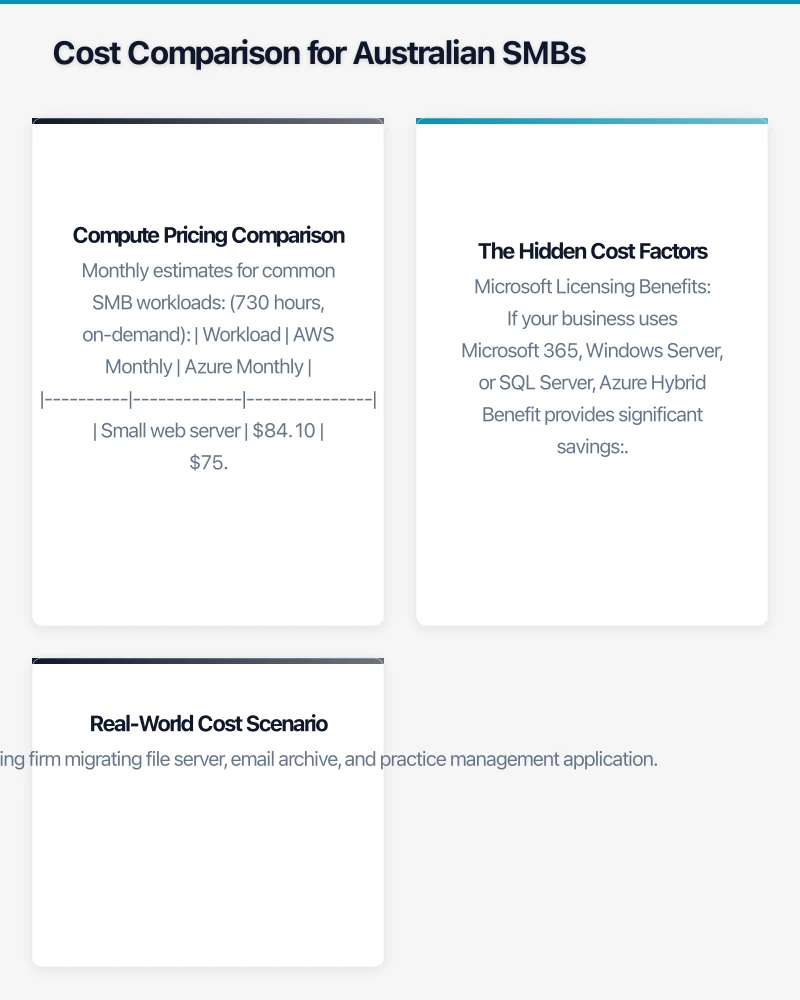
Compute Pricing Comparison
Comparing equivalent compute instances (prices as of January 2026):
| Instance Type | AWS (Sydney) | Azure (Australia East) |
|---|---|---|
| 2 vCPU, 8GB RAM | $0.1152/hr (t3.large) | $0.1040/hr (B2ms) |
| 4 vCPU, 16GB RAM | $0.2304/hr (t3.xlarge) | $0.2080/hr (B4ms) |
| 8 vCPU, 32GB RAM | $0.4608/hr (t3.2xlarge) | $0.4160/hr (B8ms) |
Monthly estimates for common SMB workloads (730 hours, on-demand):
| Workload | AWS Monthly | Azure Monthly |
|---|---|---|
| Small web server | $84.10 | $75.92 |
| Medium database server | $336.38 | $303.68 |
| Development environment | $168.19 | $151.84 |
Storage Pricing
| Storage Type | AWS S3 (Sydney) | Azure Blob (Australia East) |
|---|---|---|
| Standard (first 50TB) | $0.025/GB | $0.0208/GB |
| Infrequent Access | $0.0138/GB | $0.01/GB |
| Archive | $0.00099/GB | $0.00099/GB |
The Hidden Cost Factors
Raw pricing tells only part of the story. Consider these factors:
Microsoft Licensing Benefits
If your business uses Microsoft 365, Windows Server, or SQL Server, Azure Hybrid Benefit provides significant savings:
- Windows Server: Up to 40% savings with existing licenses
- SQL Server: Up to 55% savings with Software Assurance
- Microsoft 365: Bundled services reduce overall costs
For a typical Australian SMB with existing Microsoft investments, Azure often costs 20-30% less when accounting for these benefits.
AWS Reserved Instances and Savings Plans
AWS offers aggressive discounts for committed usage:
- Reserved Instances: Up to 72% savings for 3-year commitments
- Savings Plans: Up to 66% savings with flexible commitment
- Spot Instances: Up to 90% savings for interruptible workloads
Support Costs
| Support Tier | AWS | Azure |
|---|---|---|
| Basic | Free | Free |
| Developer | $29/month + usage | $29/month |
| Business | $100/month or 10% of usage | $100/month |
| Enterprise | $15,000/month + usage | Custom pricing |
Real-World Cost Scenario
Scenario: 30-person accounting firm migrating file server, email archive, and practice management application.
AWS Estimated Monthly Cost:
- EC2 instances (2 servers): $550
- RDS database: $280
- S3 storage (2TB): $51
- Data transfer: $45
- Support (Business): $100
- Total: $1,026/month
Azure Estimated Monthly Cost:
- Virtual machines (2 servers with Hybrid Benefit): $385
- Azure SQL: $240
- Blob storage (2TB): $42
- Data transfer: $40
- Support (Standard): $100
- Total: $807/month
In this scenario, Azure is approximately 21% cheaper due to Hybrid Benefit from existing Windows Server licenses.
Feature Comparison for SMB Workloads
Compute Services
AWS EC2 vs Azure Virtual Machines
Both platforms offer comprehensive virtual machine services:
| Feature | AWS EC2 | Azure VMs |
|---|---|---|
| Instance variety | 500+ instance types | 200+ VM sizes |
| Burstable instances | T3/T4 families | B-series |
| Spot/Low-priority | Yes (up to 90% savings) | Yes (up to 90% savings) |
| Auto-scaling | Auto Scaling Groups | VM Scale Sets |
| Reserved capacity | 1-3 year terms | 1-3 year terms |
Advantage: AWS for variety and maturity; Azure for Windows workloads.
Database Services
| Service | AWS | Azure |
|---|---|---|
| Managed SQL Server | RDS for SQL Server | Azure SQL |
| Managed MySQL/PostgreSQL | RDS, Aurora | Azure Database |
| NoSQL | DynamoDB | Cosmos DB |
| Data warehouse | Redshift | Synapse Analytics |
| Caching | ElastiCache | Azure Cache |
Advantage: AWS for open-source databases; Azure for SQL Server workloads.
Storage Services
| Service | AWS | Azure |
|---|---|---|
| Object storage | S3 | Blob Storage |
| File shares | EFS, FSx | Azure Files |
| Block storage | EBS | Managed Disks |
| Archive | S3 Glacier | Archive Storage |
| Backup | AWS Backup | Azure Backup |
Advantage: AWS S3 for maturity and tooling; Azure Files for SMB protocol support.
Networking
| Service | AWS | Azure |
|---|---|---|
| Virtual networks | VPC | VNet |
| Load balancing | ALB, NLB, ELB | Azure Load Balancer |
| CDN | CloudFront | Azure CDN |
| DNS | Route 53 | Azure DNS |
| VPN | Site-to-Site VPN | VPN Gateway |
Advantage: Generally equivalent for SMB requirements.
Identity and Security
| Service | AWS | Azure |
|---|---|---|
| Identity | IAM, SSO | Entra ID (Azure AD) |
| MFA | AWS MFA | Microsoft Authenticator |
| Key management | KMS | Key Vault |
| Secrets | Secrets Manager | Key Vault |
| Compliance | AWS Artifact | Compliance Manager |
Advantage: Azure for Microsoft 365 integration; AWS for granular IAM policies.
Data Sovereignty and Compliance
For Australian businesses, particularly those in regulated industries, data sovereignty is often the deciding factor.
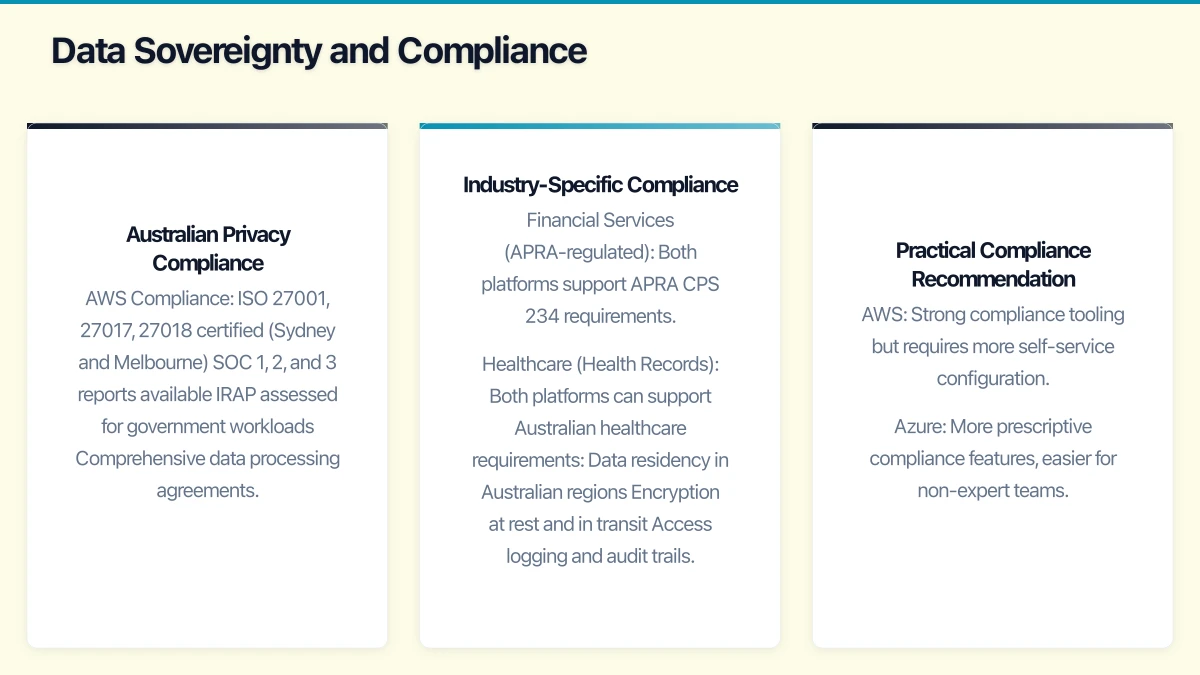
Australian Privacy Compliance
Both platforms support Australian Privacy Principles (APPs) compliance:
AWS Compliance:
- ISO 27001, 27017, 27018 certified (Sydney and Melbourne)
- SOC 1, 2, and 3 reports available
- IRAP assessed for government workloads
- Comprehensive data processing agreements
Azure Compliance:
- ISO 27001, 27017, 27018 certified (all Australian regions)
- SOC 1, 2, and 3 reports available
- IRAP assessed (Protected level)
- Australian Government Community Cloud for sensitive workloads
Industry-Specific Compliance
Financial Services (APRA-regulated):
Both platforms support APRA CPS 234 requirements. Key considerations:
- Data must remain in Australia (both platforms support this)
- Outsourcing notifications required
- Security assessment documentation available from both
Healthcare (Health Records):
Both platforms can support Australian healthcare requirements:
- Data residency in Australian regions
- Encryption at rest and in transit
- Access logging and audit trails
Azure’s HIPAA BAA and healthcare-specific blueprints provide additional assurance for health data workloads.
Government (PSPF):
For government contractors or businesses handling government data:
- AWS has IRAP assessment at Protected level
- Azure has IRAP assessment at Protected level
- Azure’s Australian Government Community Cloud provides additional isolation
Practical Compliance Recommendation
For most Australian SMBs, both platforms adequately support compliance requirements. The key differentiator is often the availability of compliance documentation and the maturity of compliance tools:
- AWS: Strong compliance tooling but requires more self-service configuration
- Azure: More prescriptive compliance features, easier for non-expert teams
Integration Considerations
Your existing technology stack significantly influences the optimal platform choice.
Microsoft 365 Integration
If your business uses Microsoft 365 (and 85%+ of Australian businesses do), Azure provides natural advantages:
Seamless Integration Points:
- Entra ID (Azure AD) provides single identity across M365 and Azure
- SharePoint and Azure Blob storage integration
- Teams integration with Azure services
- Power Platform connects to Azure resources
Practical Benefits:
- Single sign-on across all services
- Unified administration through Microsoft 365 admin centre
- Consistent security policies
- Simplified licensing and billing
AWS Integration Options
AWS integrates with Microsoft 365 through:
- AWS SSO with Azure AD federation
- AWS WorkDocs as alternative to SharePoint
- Amazon Chime as alternative to Teams
However, these integrations require additional configuration and don’t provide the same seamless experience as native Azure integration.
Development Tools
AWS Developer Experience:
- AWS CLI and SDKs for all major languages
- CloudFormation and CDK for infrastructure as code
- CodeCommit, CodeBuild, CodePipeline for CI/CD
- Strong support for containers (ECS, EKS, Fargate)
Azure Developer Experience:
- Azure CLI and SDKs for all major languages
- ARM templates, Bicep, and Terraform support
- Azure DevOps for comprehensive CI/CD
- Excellent Visual Studio and VS Code integration
Recommendation: AWS for cloud-native development; Azure for .NET and Microsoft tooling.
Support and Partner Ecosystem
Direct Vendor Support
AWS Support:
- 24/7 support available at Business tier and above
- Australian support team for business-hours coverage
- Comprehensive documentation and community resources
- AWS Trusted Advisor for optimisation recommendations
Azure Support:
- 24/7 support available at Standard tier and above
- Australian support team for business-hours coverage
- Integration with Microsoft 365 support escalation
- Azure Advisor for optimisation recommendations
Partner Networks
Both platforms have extensive Australian partner networks:
AWS Partner Network (APN):
- 500+ Australian partners
- Strong startup and technology focus
- Comprehensive training and certification programs
Microsoft Partner Network:
- 1,000+ Australian partners
- Broader SMB focus, many with Microsoft 365 expertise
- Established relationships with traditional IT providers
For SMBs, the Microsoft partner network often provides more accessible local support due to its broader reach into traditional IT services.
Decision Framework
Choose AWS When:
- Cloud-native applications: Building new applications designed for cloud
- Linux/open-source stack: Primary workloads are Linux-based
- Variable workloads: Need aggressive spot pricing for variable compute
- Specific services: Require AWS-specific services (Lambda, DynamoDB, etc.)
- Multi-cloud strategy: AWS as primary with other platforms secondary
- Startup or tech company: Team has cloud-native expertise
Choose Azure When:
- Microsoft shop: Heavy Microsoft 365 and Windows Server investment
- Windows workloads: Primary applications are Windows-based
- SQL Server: Significant SQL Server database workloads
- Hybrid requirements: Need strong on-premises integration
- Microsoft partner: Existing relationship with Microsoft partner
- Compliance simplicity: Need prescriptive compliance features
Consider Multi-Cloud When:
- Specific service requirements: Need best-of-breed from each platform
- Vendor risk mitigation: Strategic decision to avoid single-vendor lock-in
- Acquisition integration: Inherited workloads from different platforms
- Specialised workloads: Different platforms optimal for different applications
Migration Considerations
Typical SMB Migration Timeline
| Phase | AWS | Azure |
|---|---|---|
| Assessment | 2-4 weeks | 2-4 weeks |
| Planning | 2-4 weeks | 2-4 weeks |
| Migration | 4-8 weeks | 4-8 weeks |
| Optimisation | Ongoing | Ongoing |
Migration Tools
AWS Migration Tools:
- AWS Migration Hub for tracking
- AWS DMS for database migration
- AWS SMS for server migration
- AWS Transfer Family for file transfers
Azure Migration Tools:
- Azure Migrate for assessment and tracking
- Azure Database Migration Service
- Azure Site Recovery for server migration
- Azure Data Box for large data transfers
Migration Cost Considerations
Both platforms offer migration incentives for Australian businesses:
- AWS: Migration acceleration program credits
- Azure: Azure migration program incentives
Typical migration costs for a small-medium workload: $15,000-$50,000 AUD including assessment, migration, and initial optimisation.
Recommendations by Business Type
Professional Services (Accounting, Legal, Consulting)
Recommended: Azure
Reasoning:
- Heavy Microsoft 365 usage for documents and email
- Windows-based practice management applications
- Compliance requirements benefit from Azure’s prescriptive approach
- Existing Microsoft partner relationships
Retail and E-commerce
Recommended: AWS or Multi-cloud
Reasoning:
- Variable traffic patterns benefit from AWS auto-scaling
- Strong e-commerce platform integrations on AWS
- CDN and edge computing maturity
- Consider Azure for back-office Microsoft workloads
Manufacturing
Recommended: Azure
Reasoning:
- Windows-based ERP and MES systems
- IoT integration with Azure IoT Hub
- Power Platform for shop floor applications
- Hybrid cloud for on-premises equipment integration
Technology Startups
Recommended: AWS
Reasoning:
- Cloud-native development preferences
- Startup credits and programs
- Broader service catalog for innovation
- Developer community and resources
Healthcare
Recommended: Azure
Reasoning:
- Healthcare-specific compliance blueprints
- Microsoft Cloud for Healthcare solutions
- Integration with common healthcare applications
- Australian healthcare industry partnerships
Conclusion
The AWS versus Azure decision for Australian SMBs in 2026 comes down to three primary factors:
- Existing Technology Stack: Microsoft-centric businesses benefit from Azure integration; cloud-native organisations often prefer AWS
- Compliance Requirements: Both support Australian compliance, but Azure provides more prescriptive tools
- Team Capabilities: Azure often has lower learning curve for traditional IT teams; AWS preferred by cloud-native developers
For most Australian SMBs with existing Microsoft 365 investments, Azure provides the path of least resistance and often the lower total cost of ownership. However, AWS remains the leader in breadth of services and innovation pace.
The best decision is the one aligned with your specific business requirements, not industry benchmarks or analyst rankings. Take time to evaluate both platforms against your actual workloads and growth plans.
At CloudGeeks, we help Australian businesses evaluate, select, and implement cloud platforms. Whether you’re starting your cloud journey or optimising existing deployments, we provide the local expertise you need. Contact us to discuss your cloud strategy.
Related Articles
- Azure Migration Guide for Australian SMBs
- AWS Cost Optimisation Strategies for Australian SMBs
- Multi-Cloud Strategy for Australian Businesses
- Cloud Migration ROI: Calculating the Real Costs
Need a web presence to complement your cloud setup? Our web team at Cosmos Web Tech designs fast, secure websites for Australian businesses.
Ashish Ganda is the founder of Ganda Tech Services, a Sydney-based technology consultancy helping Australian businesses grow through cloud, web, and mobile solutions.