
Which Business Accounts Actually Need a Hardware Security Key
A hardware security key is the single strongest authentication method available to a small business — and also the easiest to over-deploy. Handing one to every staff member for every login is expensive, creates a lockout risk every time a key is lost, and protects accounts that were never the actual target.
The better question isn’t “should we use hardware keys” — it’s “which specific accounts justify one.” Here’s the test we use with CloudGeeks clients before recommending a single purchase.
The Two-Question Test
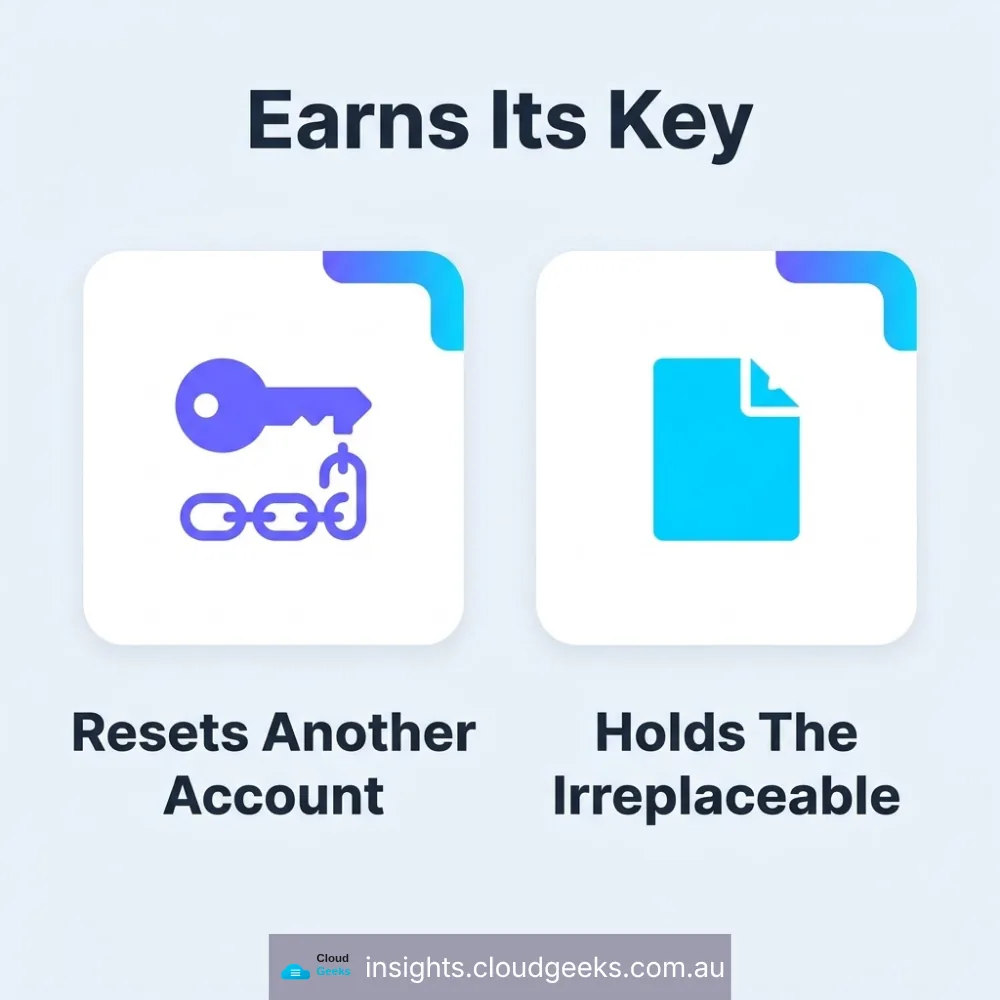
An account earns a hardware key if either is true:
- Compromising this account lets an attacker reset the password on another account you own.
- This account holds data or files you could never recreate or recover elsewhere.
Nearly every business account fails both tests — which is the point. Hardware keys are for the handful of accounts where a breach doesn’t stay contained.
The Short List That Almost Always Qualifies
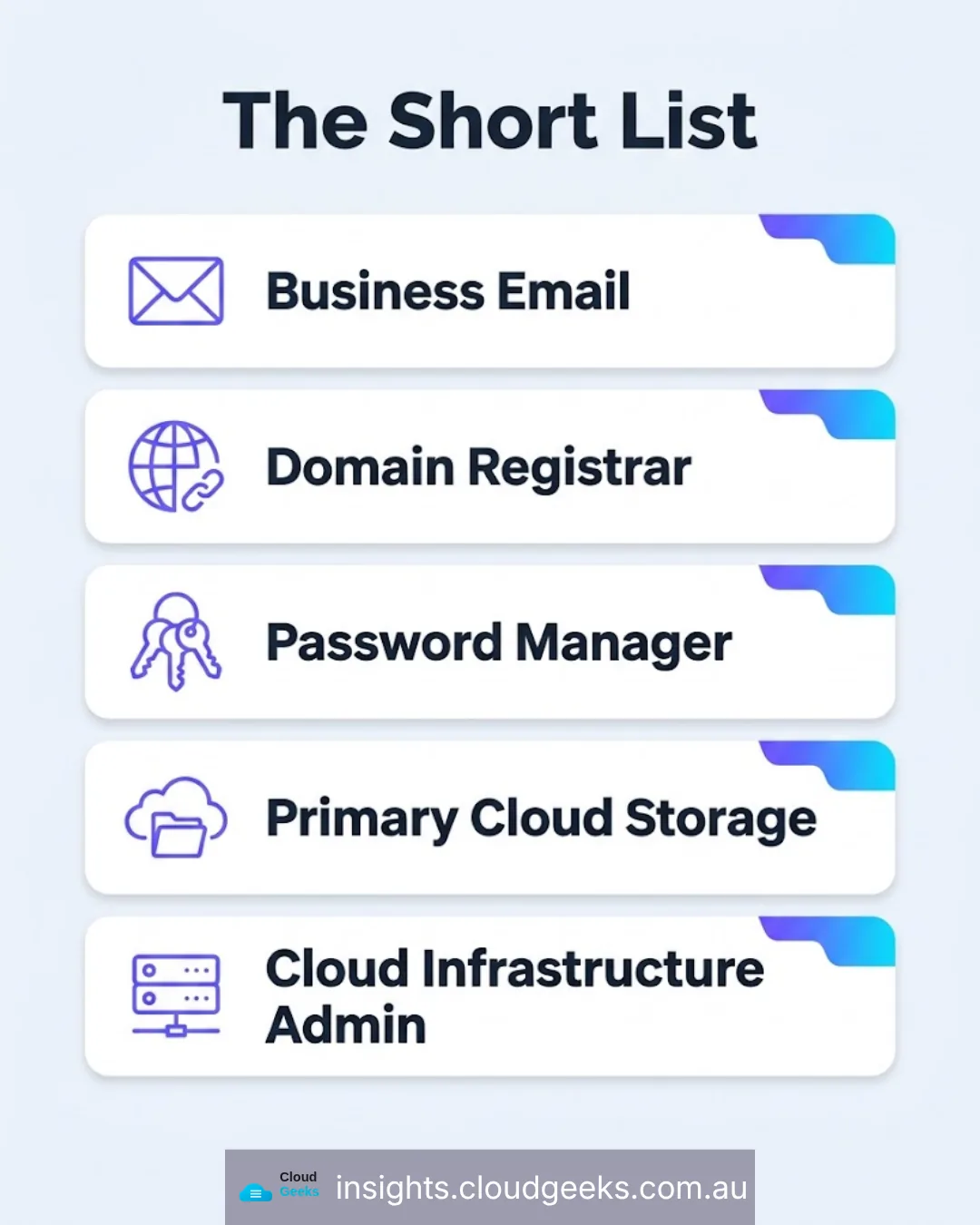
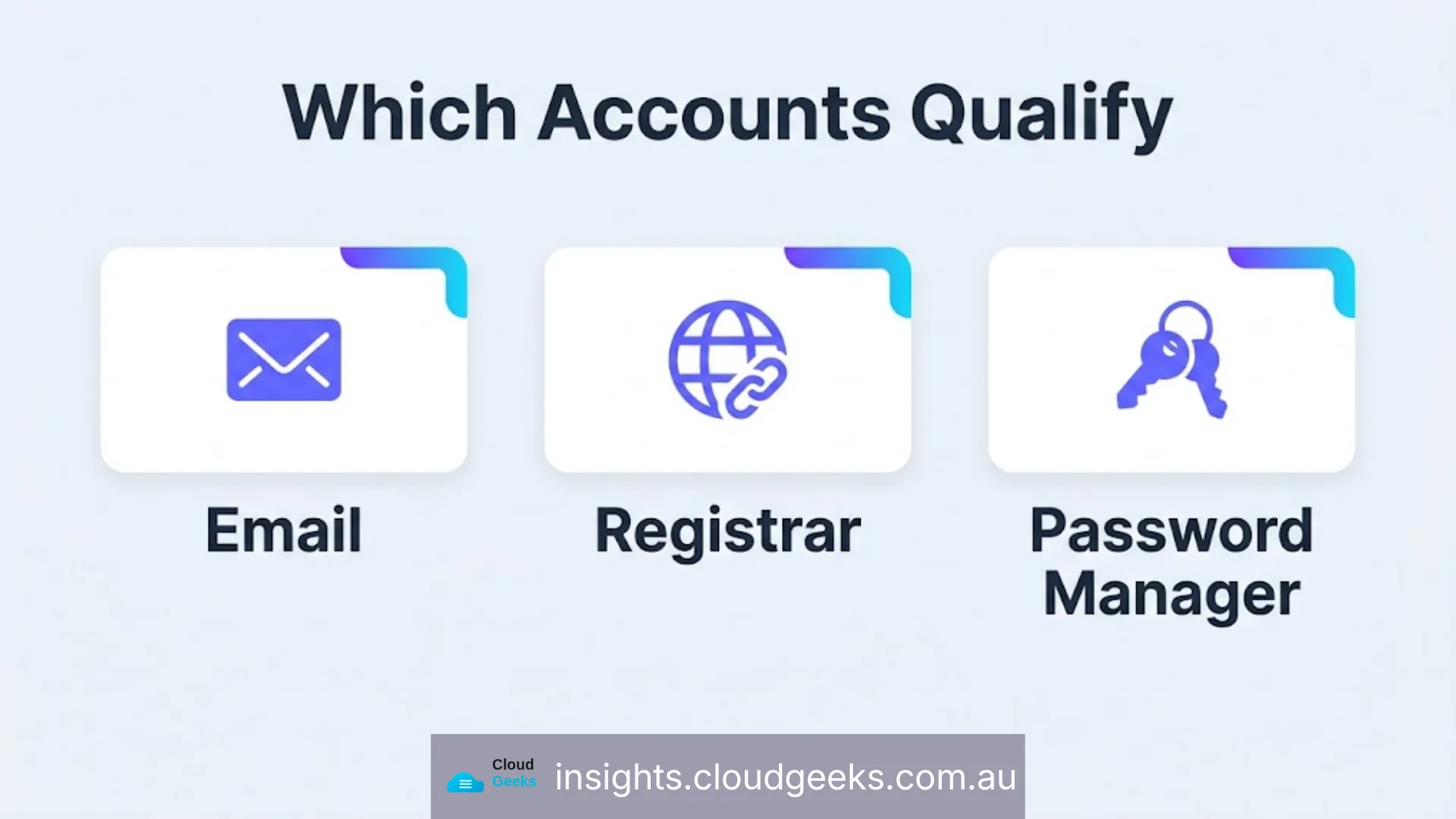
- Business email (Microsoft 365 / Google Workspace). Password reset flows for nearly every other business tool run through email. Compromise the inbox, and an attacker doesn’t need to breach anything else directly.
- Domain registrar. Whoever controls DNS controls where your email and website actually resolve. A hijacked domain redirects both simultaneously.
- Password manager master account, if the business uses one. It is, by design, the one account that unlocks every other credential.
- Primary cloud file storage, if it’s the only copy of contracts, financial records, or client files.
- Cloud infrastructure admin accounts (AWS root, Azure, Google Cloud) for businesses running their own infrastructure — a compromised root account is a compromised business.
Where a Passkey Is Actually the Right Call
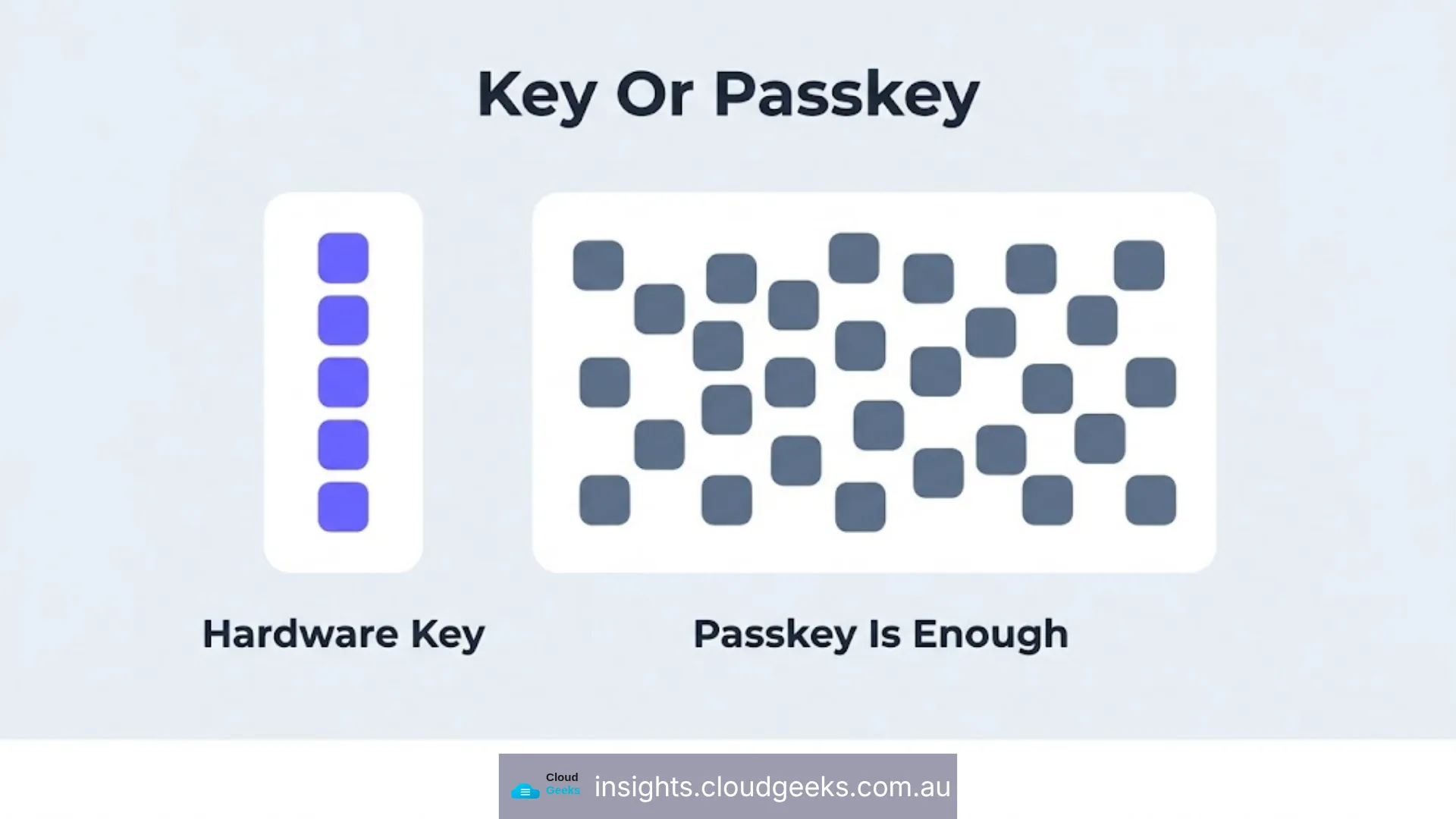
Banking, government portals, insurance, LinkedIn, accounting software, CRM tools — these matter, but a breach doesn’t cascade into every other system. A passkey (fingerprint or face unlock, built into current phones and laptops at no extra cost) is phishing-resistant and free. Reserving hardware keys for the short list above, and passkeys for everything else, is what makes the strategy sustainable rather than something a business abandons after month one.
The Operational Details That Actually Cause Problems
The technology is rarely where hardware key rollouts fail. The failure mode we see most often at CloudGeeks is procedural:
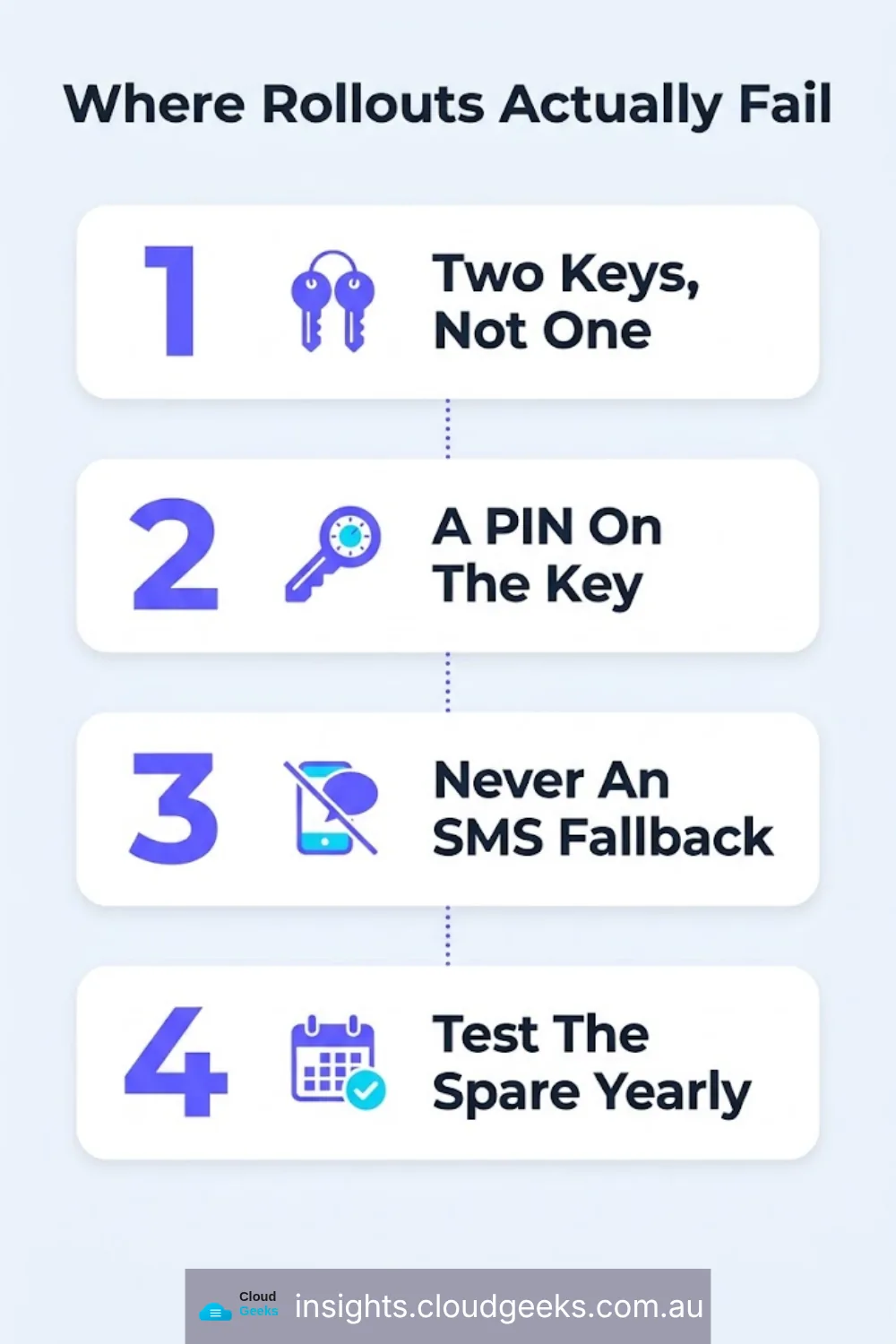
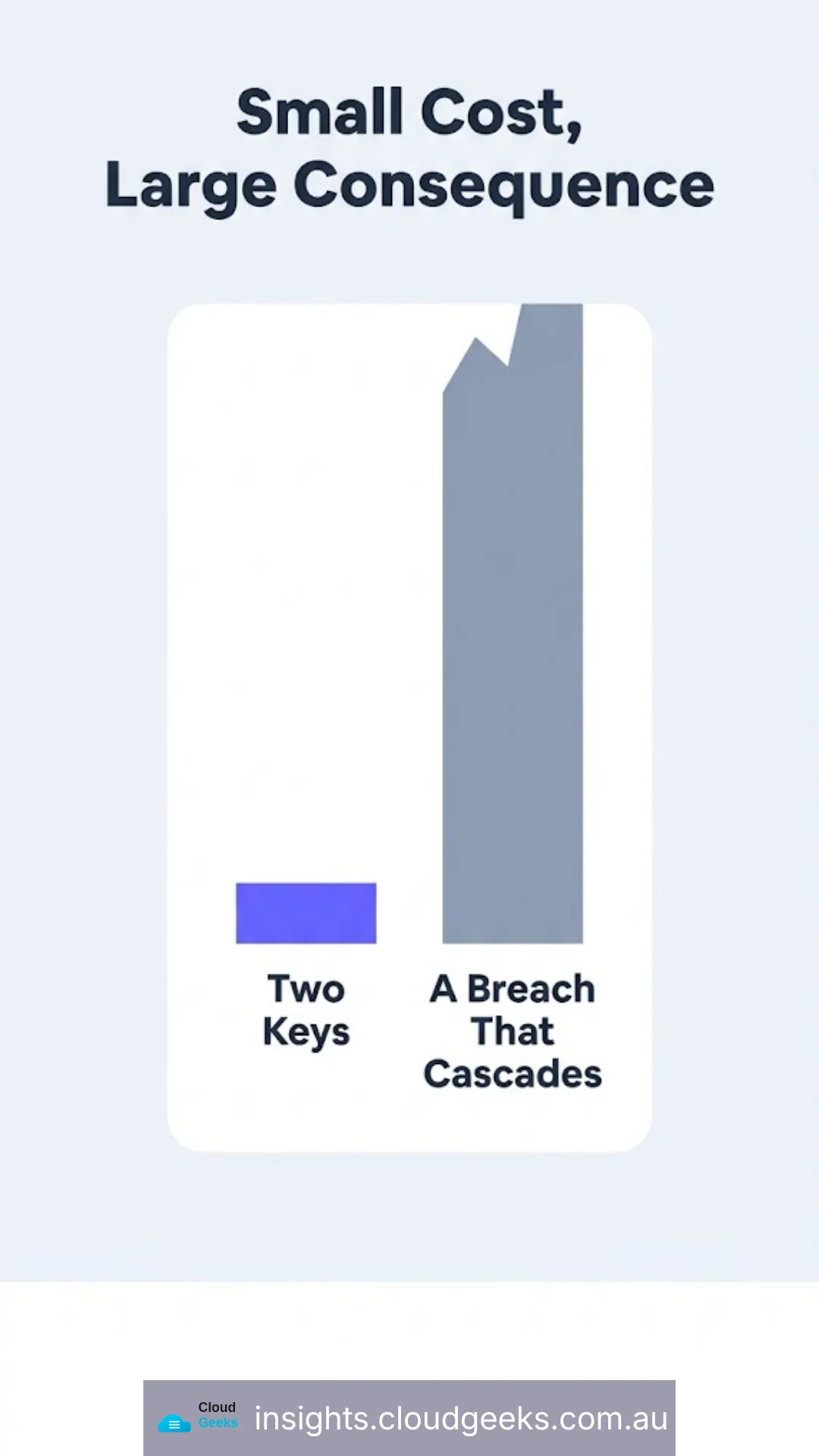
Buy two keys, not one. A single key on a Tier 1 account is a lockout waiting to happen — lost, damaged, or left at home the day it’s needed. One key stays with the user; one lives somewhere secured but accessible, like a locked drawer or a director’s safe.
Set a PIN on the key itself. A hardware key without a PIN is only useless to a thief in transit — with one, it’s useless to anyone who finds it at all.
Never fall back to SMS codes on a Tier 1 account. This is the mistake that quietly defeats the entire investment. If the recovery option for a hardware-key-protected account is a text message, the account’s real security level is “text message,” because that’s the option an attacker will use. SIM-swap attacks exist specifically to exploit this fallback.
Test the spare key annually. A backup that hasn’t been checked in a year is a backup you’re assuming works, not one you know works.
Why This Matters More for Six People Than Six Thousand
Enterprises can absorb an account compromise — they have security teams, incident response budgets, and redundant systems. A six-person Sydney business usually cannot. One compromised email account can mean fraudulent invoices sent to real clients, a hijacked domain redirecting customers to a scam site, or financial records that simply disappear. The two-question test above exists because a small business has to spend its security effort on the two or three accounts where a breach doesn’t stay contained — not spread thin across every login evenly.
This is also the reasoning built into CloudGeeks’ managed IT support baseline: a cybersecurity foundation included in the $99–$199 per-user monthly fee, not sold as a separate line item after something has already gone wrong.
Related reading: passkeys versus passwords for everything below the short list; the 3-2-1 backup rule, for the files a hardware key protects.
Frequently Asked Questions
How many hardware keys does a typical small business actually need? Two per Tier 1 account holder — usually the business owner and one or two senior staff with admin access — not one per employee. Most staff logins are better served by passkeys.
What happens if both hardware keys are lost at the same time? This is exactly why account recovery planning matters as its own step — printed backup codes stored separately, and a documented recovery path, so losing both keys is inconvenient rather than catastrophic. We cover this in what happens to business logins when the IT person leaves.
Do hardware keys work across Google, Microsoft, and other platforms? Yes — any FIDO2/WebAuthn-certified key works across all major platforms and most password managers. It’s an open standard, not a single-vendor lock-in.
Is this overkill for a five-person business? No — the accounts on the short list (email, domain, password manager) exist regardless of business size, and the cost of two keys is under $150. The risk they cover doesn’t scale down with headcount.
Should the same key protect personal and business accounts? Most hardware keys support multiple accounts on one physical key, but treat business Tier 1 accounts as a separate, business-owned key rather than mixing them with personal logins — it keeps recovery and handover clean if a staff member’s role changes.