
Passkeys vs Passwords: What Every Sydney Small Business Should Switch On This Year
Most small business owners we talk to still think of security as one setting: strong password, maybe a code texted to a phone. In practice, the accounts that run a business fall into three very different risk tiers, and treating them all the same way is how one phished login becomes a full business compromise.
At CloudGeeks, we’ve watched the same pattern play out across Sydney SMBs: the business email gets the same protection as the office Netflix account, and the business email is exactly the account that can reset the password on everything else. Here’s the framework we actually use with clients — no enterprise security budget required.
The Question That Sorts Every Account
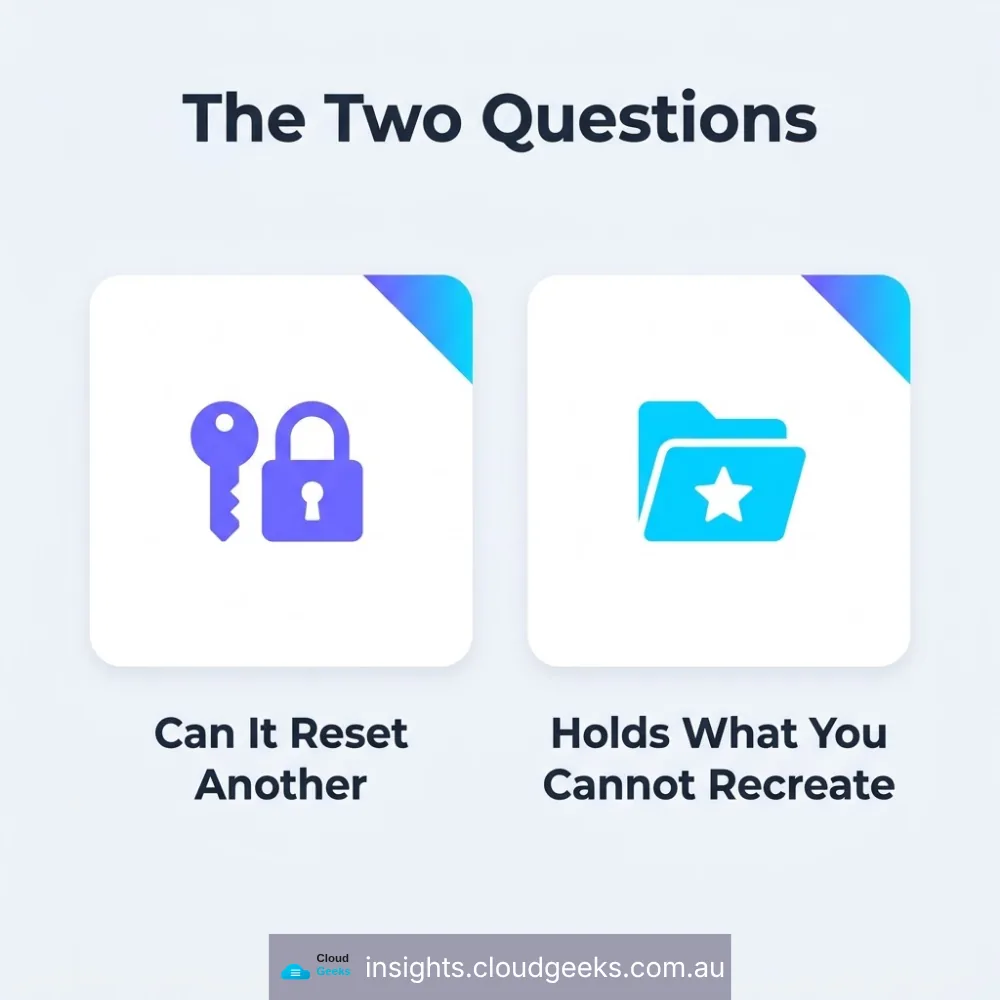
Before deciding what protects an account, ask two questions:
- Can this account reset the password on something else you own?
- Does it hold files or data you could never get back?
If the answer to either is yes, that account gets the strongest protection you have available. Everything else gets a passkey. This single test does more to prioritise a small business’s limited security effort than any generic checklist.
Tier 1: The Accounts That Can Take Down Everything Else
For most businesses, this is a short list — and it’s the same short list every time:
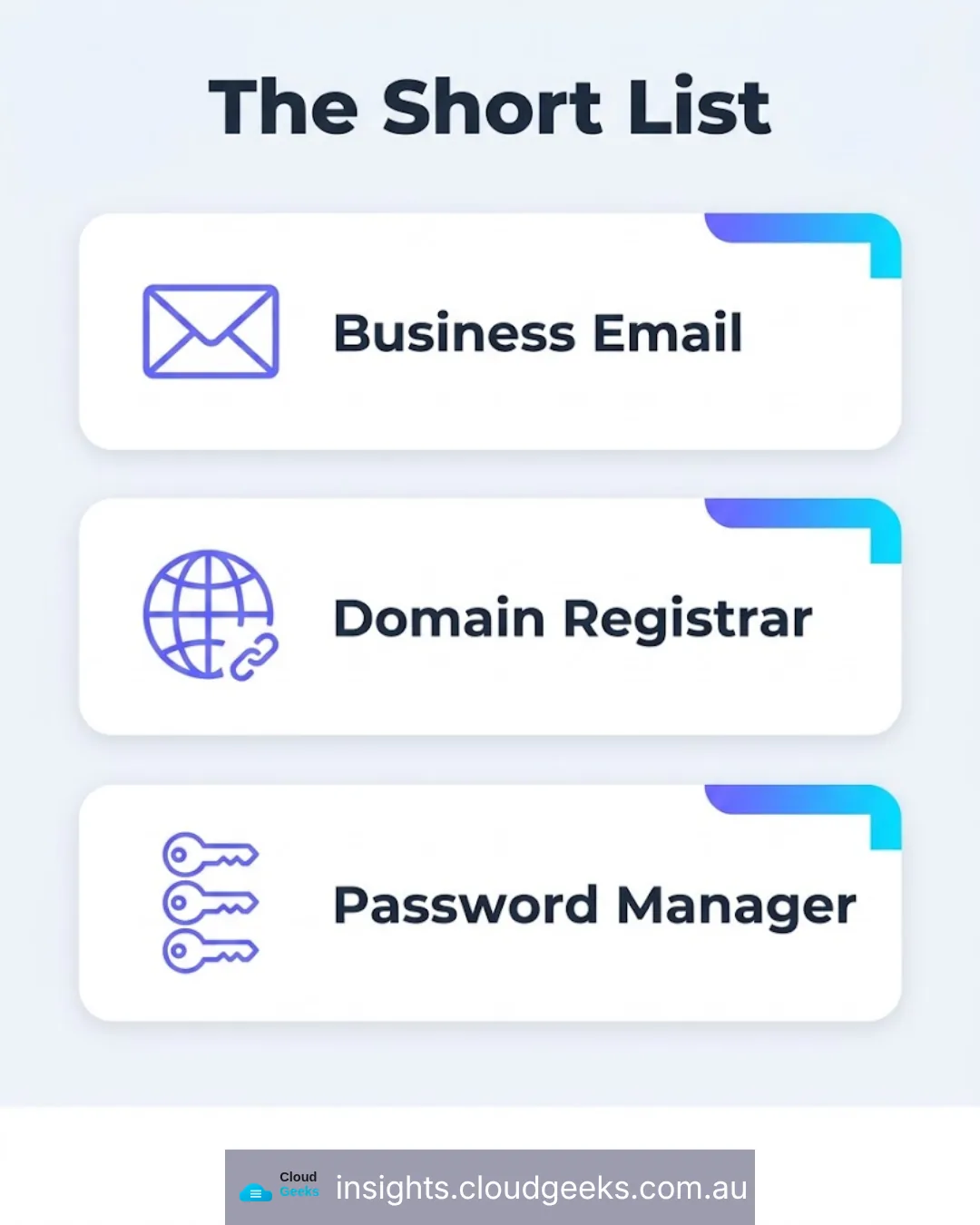
- Your business email (Google Workspace or Microsoft 365) — resets almost every other account’s password
- Your domain name registrar — controls where your email and website actually point
- Your password manager, if you use one — holds every other credential
- Your cloud file storage (Dropbox, OneDrive, Google Drive) — if it holds files you cannot recreate
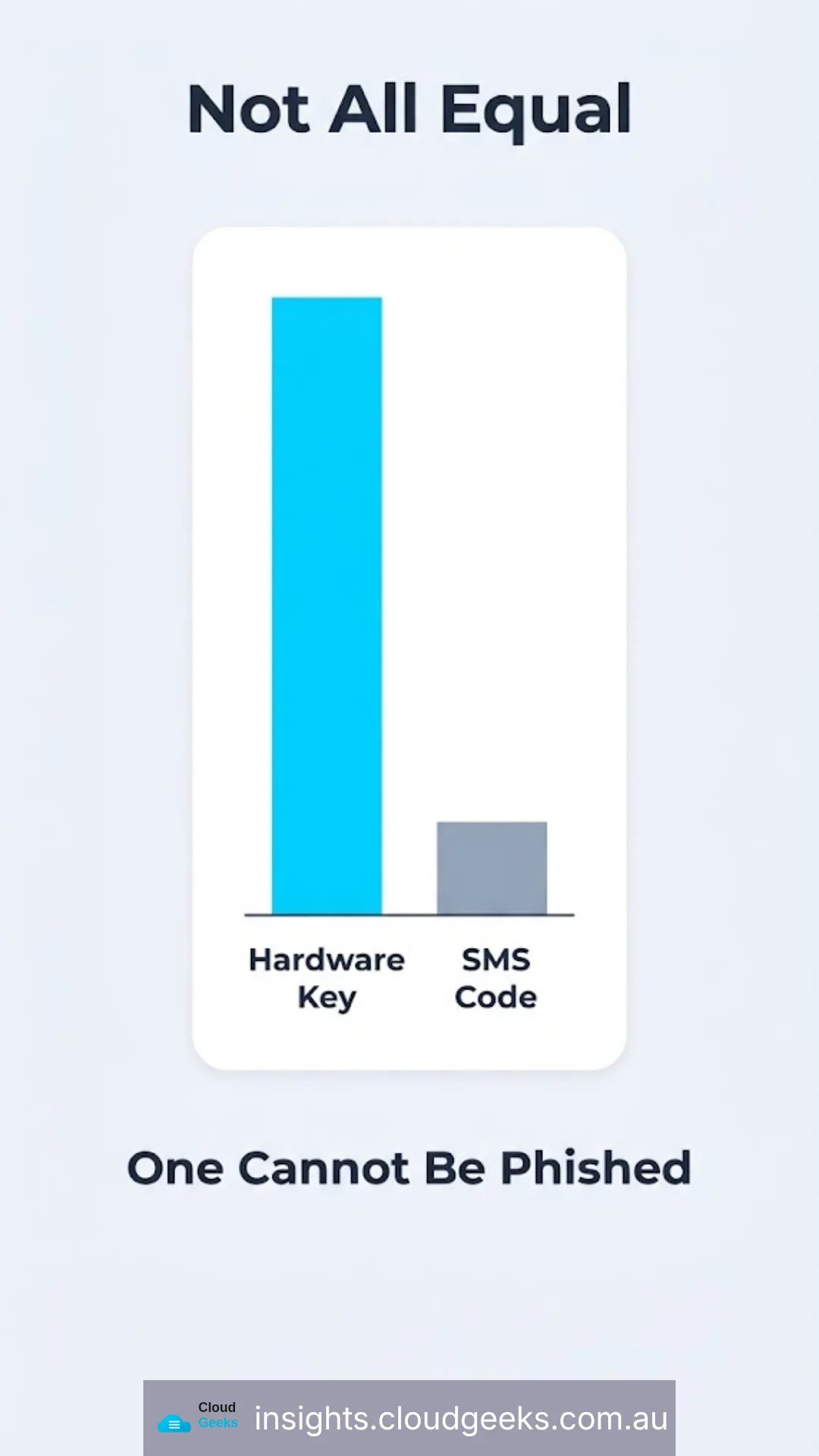
These accounts deserve a hardware security key — a small physical USB or NFC key you tap to log in (YubiKey is the best-known brand, but any FIDO2-certified key works the same way). A hardware key can’t be phished the way a password or an SMS code can, because it only responds to the real website’s cryptographic handshake — a fake login page gets nothing.
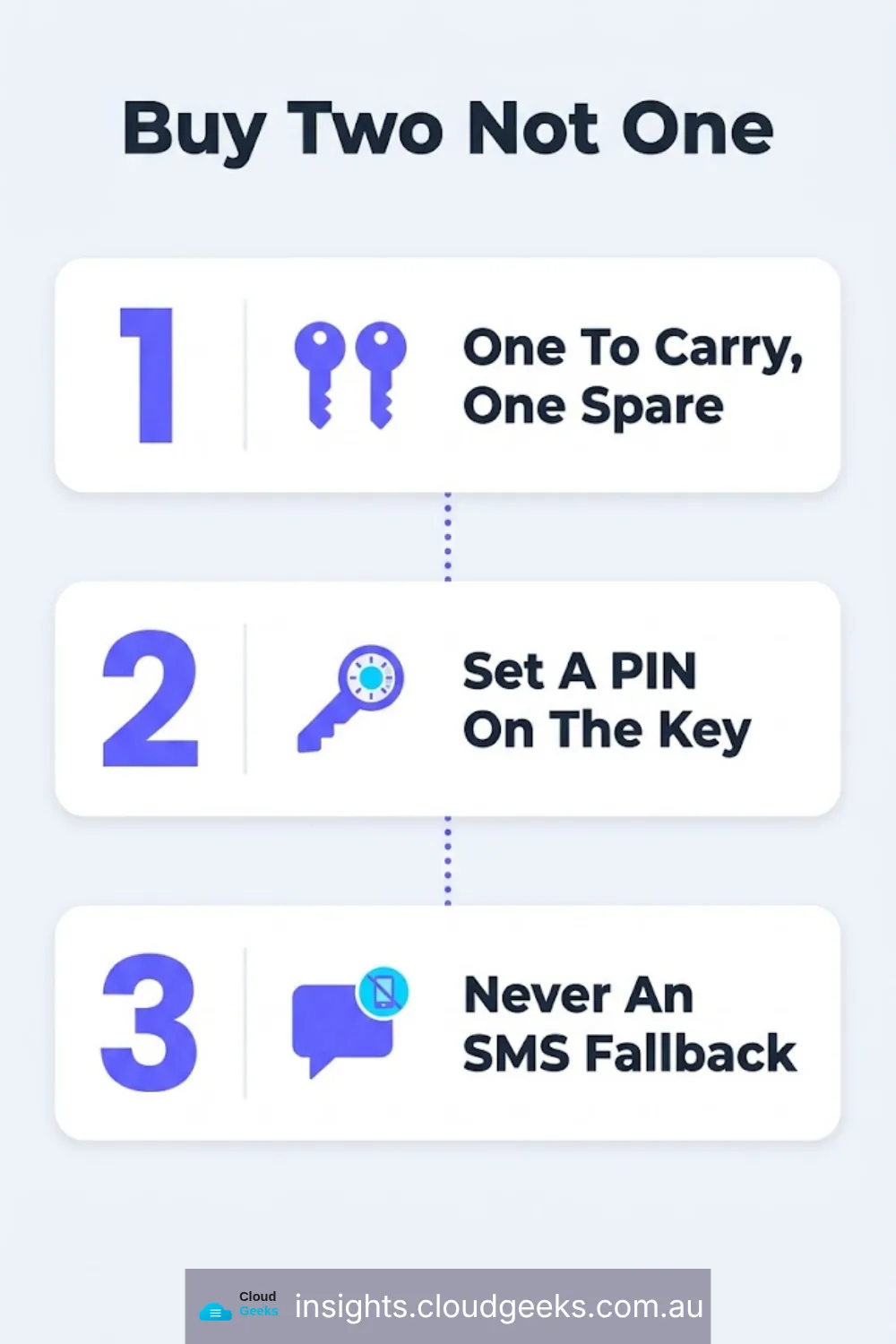
The practical rule: buy two. One you carry, one locked away as a spare. A single hardware key is how people lock themselves out of their own business email at the worst possible time.
Tier 2: Everywhere Else — Use a Passkey
A passkey is your fingerprint or face unlocking the login instead of a typed password. It’s built into every current phone and laptop, costs nothing extra, and is already offered by most services a business logs into: banking, government and tax portals, insurance, LinkedIn, cloud accounting software, and most SaaS tools.
The advantage over a password isn’t convenience — it’s that a passkey cannot be phished. There’s no string of characters to type into a fake page, because the passkey only ever talks to the real site’s actual domain.
Tier 3: When Neither Is Offered — the 6-Digit Code
Plenty of smaller, older business tools still haven’t added passkey support. For those, a time-based 6-digit code app (not a text message) is the fallback. The code is generated independently by your phone and the website — nothing travels over the mobile network, which is exactly the channel SIM-swap attacks exploit.
The one rule that matters here: never use an SMS code as a backup for a Tier 1 account. An account is only as strong as its weakest recovery option, and a text message is the weakest option on the table.
What This Actually Costs a Small Business
| Protection | Typical cost | Covers |
|---|---|---|
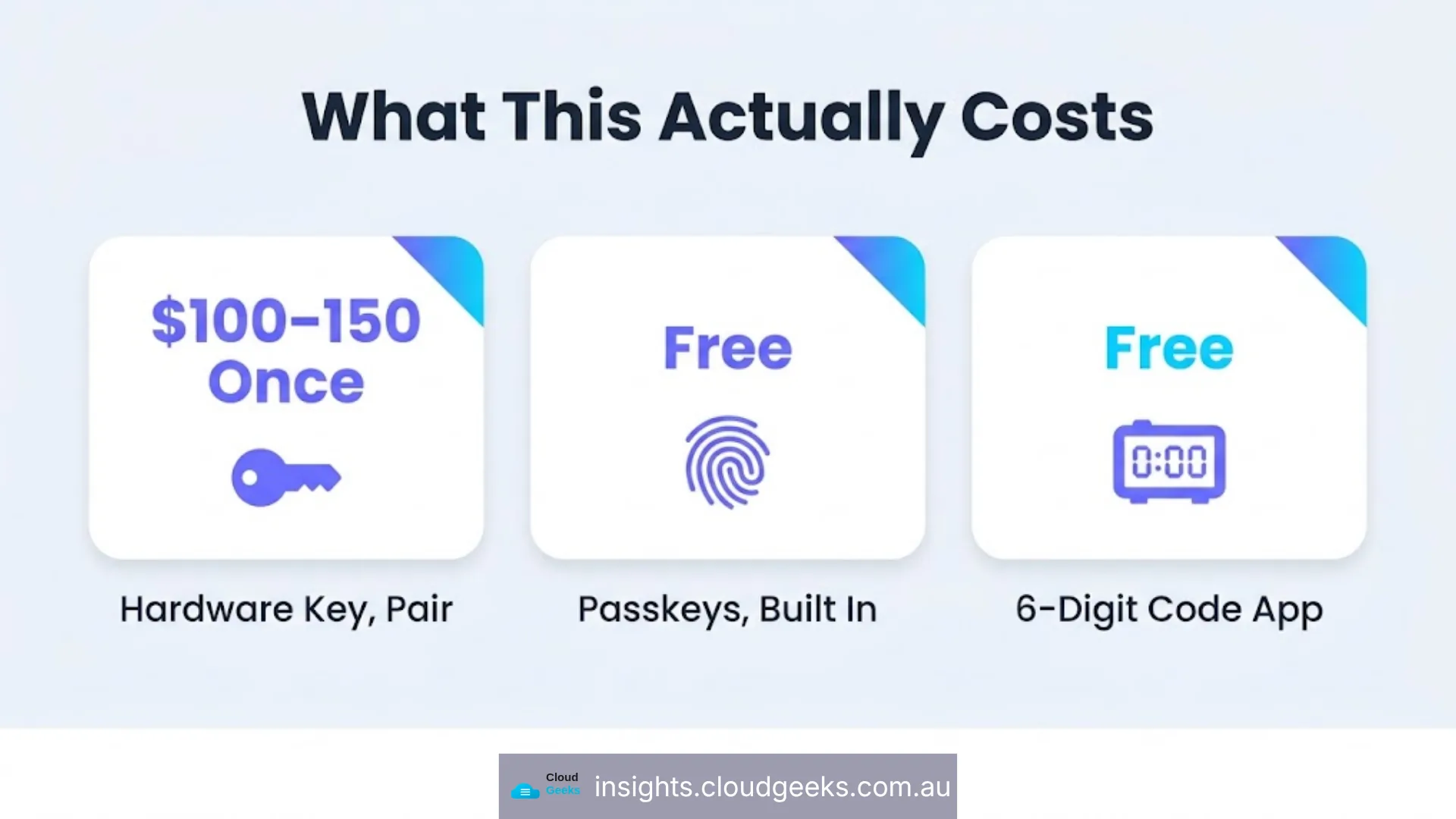
| Hardware security key (2, for redundancy) | ~$100–150 one-off | Email, registrar, password manager, cloud storage |
| Passkeys | Free — built into devices already owned | Banking, government, SaaS, social, most day-to-day logins |
| 6-digit code app | Free | Any account that hasn’t added passkey support yet |
There’s no subscription here. The entire Tier 1 protection for a small business — the accounts that can take down everything else — costs about as much as one month of managed IT support, which at CloudGeeks runs $99–$199 per user per month and already includes a cybersecurity baseline rather than selling it separately.
Where This Fits a Broader Security Baseline
Passkeys and hardware keys solve identity — who can log in. They don’t solve what happens after a device is lost, a staff member leaves, or ransomware hits a shared drive. Those are backup, recovery and continuity problems, and they need their own plan (we cover the backup side in the 3-2-1 rule for Australian SMBs).
The strategic version of this same argument — why identity is the real perimeter, not the network — is one we’ve made in more depth for technology leaders on Ash Ganda’s blog.
Frequently Asked Questions
Do I need to buy a specific brand of hardware security key? No. Any key certified to the FIDO2/WebAuthn standard works the same way across Google, Microsoft, and most password managers. YubiKey is the most recognised brand, but the standard — not the brand — is what matters.
What if my business tool doesn’t support passkeys or hardware keys at all? Use the strongest option it does offer, and treat that as a reason to review whether the tool is due for replacement — a vendor with no modern authentication options is usually behind on other security practices too.
Is a passkey actually safer than a strong, unique password? Yes, specifically because it removes the phishing risk. A strong password can still be typed into a fake login page by mistake. A passkey physically cannot be, because it never leaves your device and only responds to the genuine site.
What happens if I lose the device my passkeys are stored on? Passkeys sync through your device’s cloud account (iCloud Keychain or Google Password Manager), so a new device recovers them once you sign back into that account — which is exactly why that account itself needs Tier 1 protection.
Where should a business start if it’s doing none of this today? Two hardware keys on the business email account, this week. That one account protects the most, costs the least to fix, and is the single most common way we’ve seen a Sydney SMB actually get compromised.