
The 3-2-1 Backup Rule, and What Actually Happens When Ransomware Hits
Most small businesses have a backup. Fewer have a backup that survives the specific way it’s most likely to be needed: ransomware that reaches the backup drive at the same time it reaches everything else.
A backup that’s always connected to the same network as the files it’s protecting isn’t really a separate copy — it’s the same copy, one step removed. The 3-2-1 rule exists specifically to close that gap, and at CloudGeeks it’s the baseline we build every disaster recovery plan on.

The Rule Itself
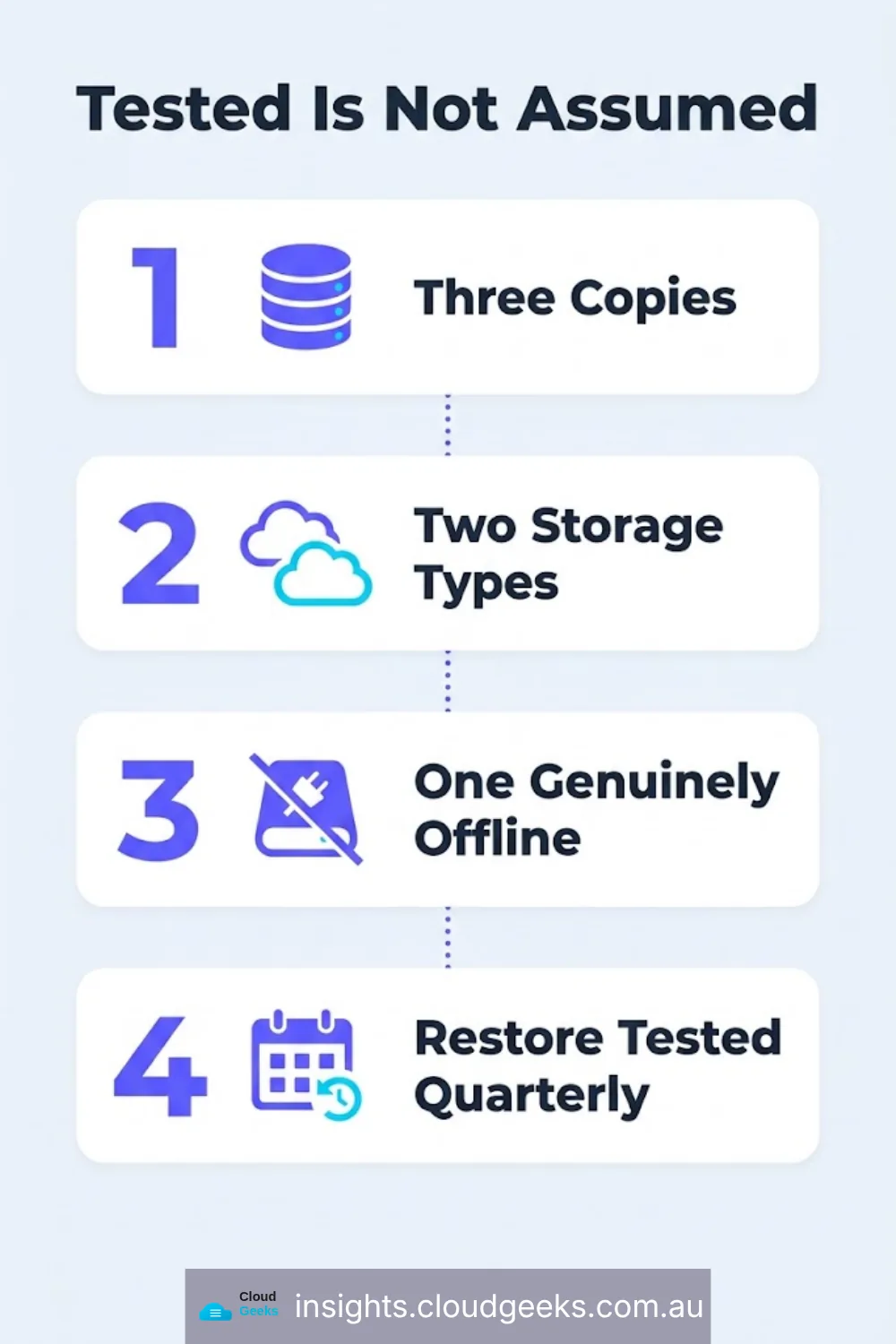
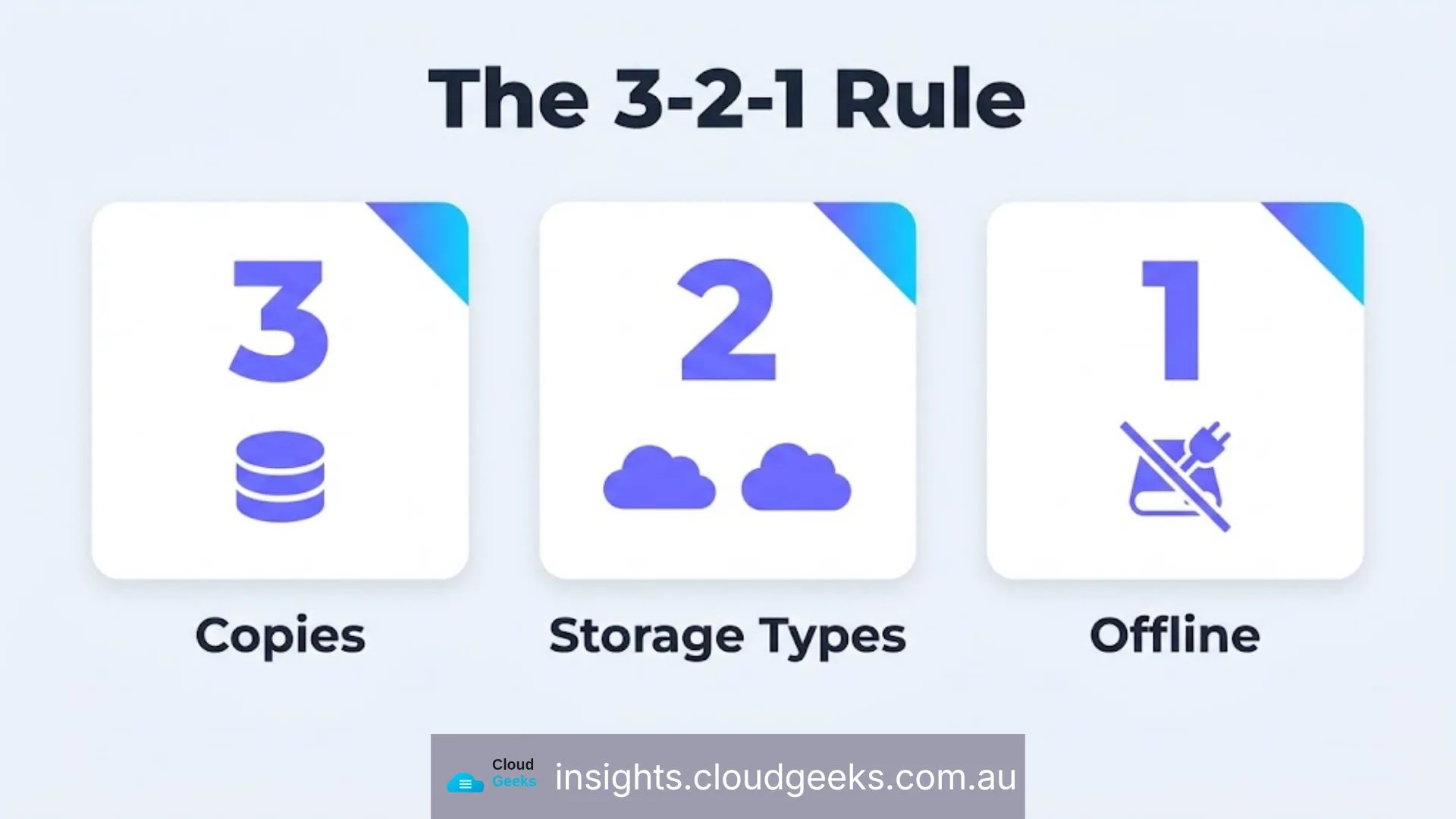
Three copies of anything that matters. Two different types of storage. One copy that’s offline — physically disconnected from the network the other two live on.
Each part of that rule closes a specific failure mode:
- Three copies — because two copies means one failure away from zero. A single backup that fails silently (a corrupted drive, a sync error nobody noticed) leaves a business with nothing when the original is lost.
- Two storage types — a cloud backup and a local backup fail differently. A cloud provider outage doesn’t touch a local copy; a local hardware failure doesn’t touch the cloud copy. Relying on one storage type means one class of failure takes out everything.
- One offline copy — this is the part ransomware defeats when it’s missing. Ransomware that encrypts a shared drive will also encrypt any backup that’s mapped to that same network, syncing continuously. An offline copy — a drive that’s disconnected except when it’s being updated — is physically unreachable by malware running on the network.
What This Looks Like in Practice for a Small Business
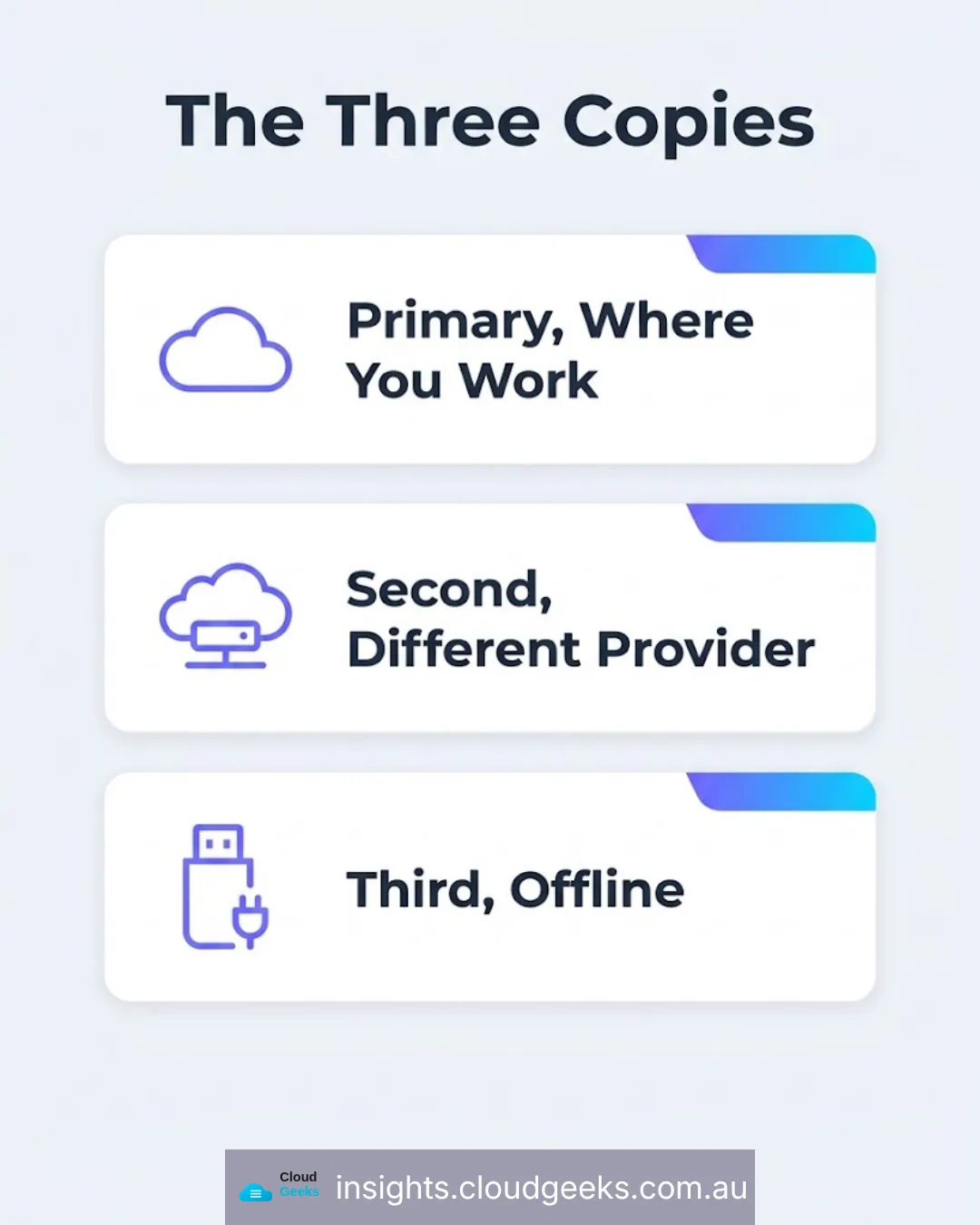
Primary copy: live files, wherever the business actually works from day to day — a cloud file platform like Dropbox, Google Drive, or OneDrive.
Second copy: a different cloud provider, or a local network drive, syncing on a schedule rather than continuously. The point of a second, different system is that whatever takes down the first system for its own operational reasons doesn’t take down the second at the same time.
Third copy, offline: a portable encrypted drive, updated on a schedule (weekly for active businesses, at minimum monthly) and then disconnected. This is the copy that exists specifically for the day the other two are compromised at once.
For a business with genuinely irreplaceable records — client files, financial history, anything with a legal retention requirement — an annual refresh onto a new drive, stored in a fireproof safe or bank locker, is the final layer. It’s not for convenience. It’s the copy that survives a fire, a flood, or a ransomware event that reaches everything connected.
Why “We Have Backups” Isn’t the Same as “We Tested Our Backups”
The failure we see most often at CloudGeeks isn’t the absence of a backup — it’s a backup that was never actually tested for restoration. A backup job that reports “success” every night can still be backing up a corrupted file, missing a folder that was moved six months ago, or writing to a drive that quietly filled up three weeks prior. None of that shows up until the day the backup is actually needed.
The fix is simple and rarely done: restore something from the backup on a schedule, not just when there’s an emergency. Once a quarter is enough to catch the failures that matter — verifying a real file restores correctly, not just checking that a backup job’s log says “complete.”
The Ransomware Scenario This Actually Prevents
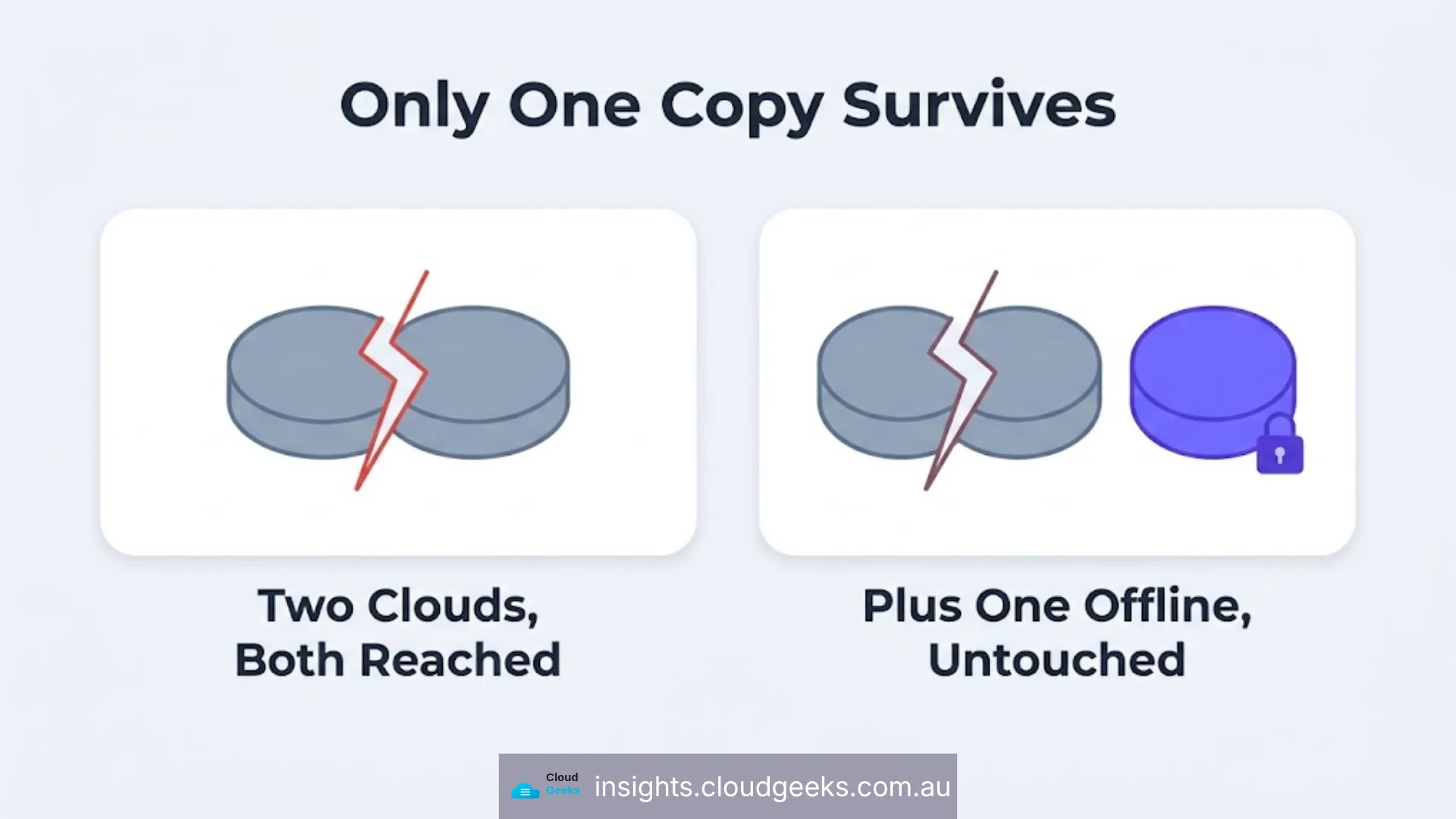
Ransomware doesn’t usually arrive as a single dramatic event. It typically sits inside a network for days or weeks before triggering encryption — long enough that a naive backup strategy has already synced the compromised state into every online copy. This is precisely why the offline copy has to be offline, not just “a different cloud service.” If it’s connected to the network at the moment ransomware activates, it’s exposed the same as everything else.
When a business with a genuine 3-2-1 setup is hit, the actual incident response is almost boring: isolate the affected systems, wipe them, restore from the most recent clean offline copy. When a business without one is hit, the conversation becomes whether to pay the ransom — and paying provides no guarantee the data comes back intact.
Where This Fits the Bigger Picture
Backups solve “how do we recover.” They don’t solve “how do we stop it happening” — that’s the identity and access side, covered in which business accounts need a hardware security key, or “what happens if the person who set all this up leaves,” covered in account handover planning. A backup strategy without an access control strategy is treating the symptom; a business needs both.
This is also the reasoning behind CloudGeeks running its own infrastructure on a self-hosted stack — Mautic and Chatwoot on Hetzner, rather than sole reliance on third-party SaaS lock-in — because the same 3-2-1 discipline applies to a business’s own tools, not just its client-facing data.
Frequently Asked Questions
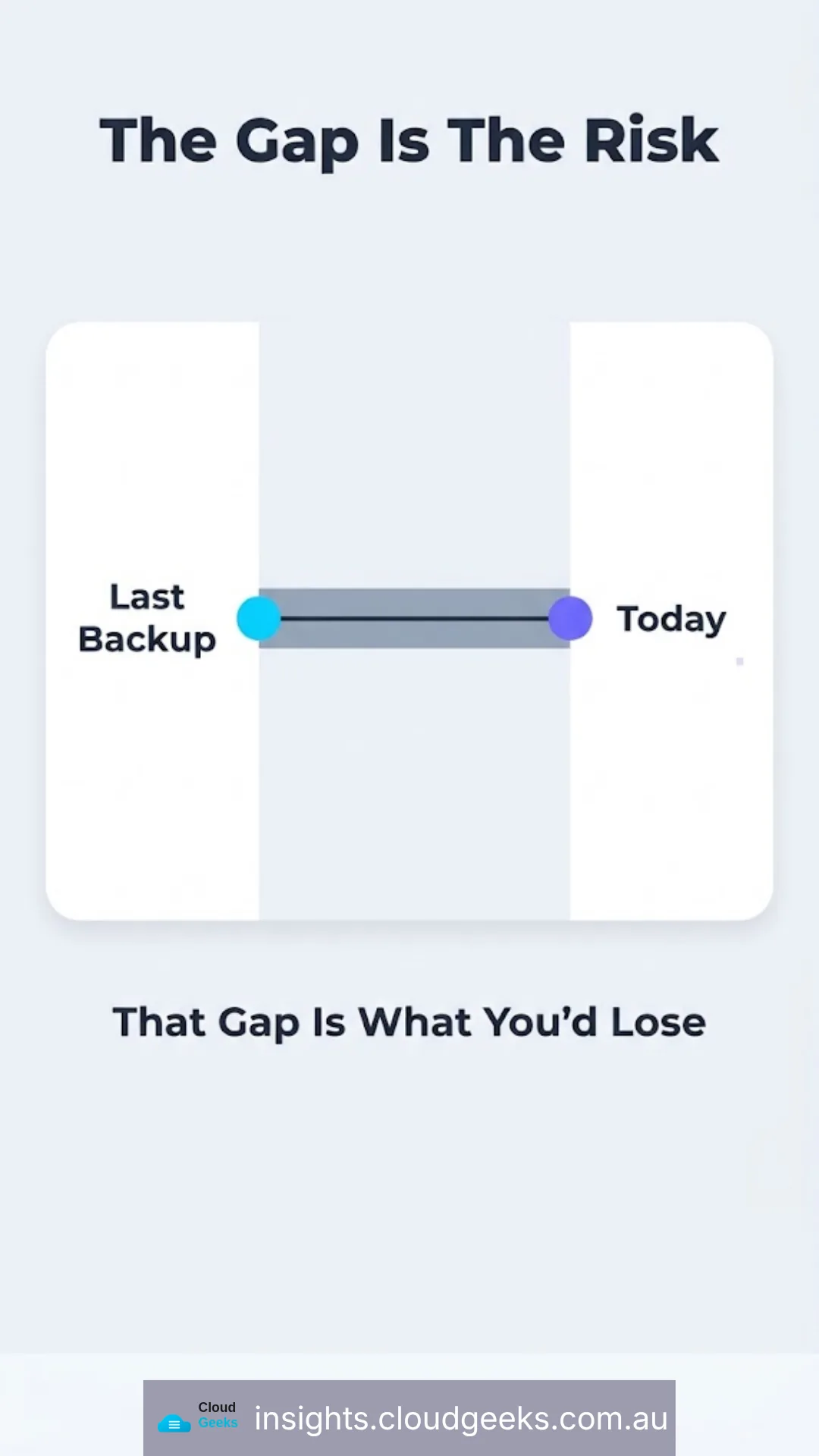
How often should the offline backup actually be updated? Weekly for a business generating meaningful new data daily; monthly at an absolute minimum. The gap between backup updates is the maximum amount of work a business could lose.
Is a second cloud account enough to satisfy the “two storage types” rule? Not fully — two cloud accounts still share the risk of “always connected to the network.” The rule is satisfied properly with one cloud copy and one genuinely offline copy, not two clouds and nothing offline.
What’s the actual cost of doing this properly for a small business? A portable encrypted drive is a one-off cost under $200. Cloud storage for a second copy typically adds $10-20 a month depending on data volume. The cost is small relative to what a ransomware event costs a business that has no clean copy to restore from.
Does encryption on the backup drive matter if it’s locked in a safe? Yes — encryption protects against the drive being lost, stolen, or accessed by anyone other than an authorised person, independent of where it’s physically stored. Treat “locked away” and “encrypted” as two separate, both-necessary protections.
How do we know our backup actually works without waiting for a disaster to find out? Schedule a real restore test — pull one file or folder from the backup and confirm it opens correctly — quarterly. It takes minutes and is the only way to know the backup isn’t quietly broken. If nobody owns that quarterly test in your business, it is one of the things managed IT support exists to own.