
What Happens to Your Business Logins When the Person Who Set Them Up Leaves
Every small business has one — the person who set up the Microsoft 365 tenant, registered the domain, configured the password manager, and became, without anyone deciding it deliberately, the only person who actually knows how to get back into anything if it breaks. It’s often the owner. Sometimes it’s a single technically capable staff member. Either way, the business has a single point of failure that nobody has written down anywhere.
This isn’t a hypothetical risk. At CloudGeeks, account recovery is one of the most common emergency calls we get — not from a cyberattack, but from an ordinary staff departure, a health event, or simply someone forgetting their own recovery details for an account they set up years earlier.

The Same-Day Checklist Most Businesses Skip
Account recovery planning fails for a predictable reason: it feels like a task with no urgency until the day it suddenly has all the urgency in the world. The fix takes an afternoon and should happen the same week a business’s core accounts are set up, not after a scare.
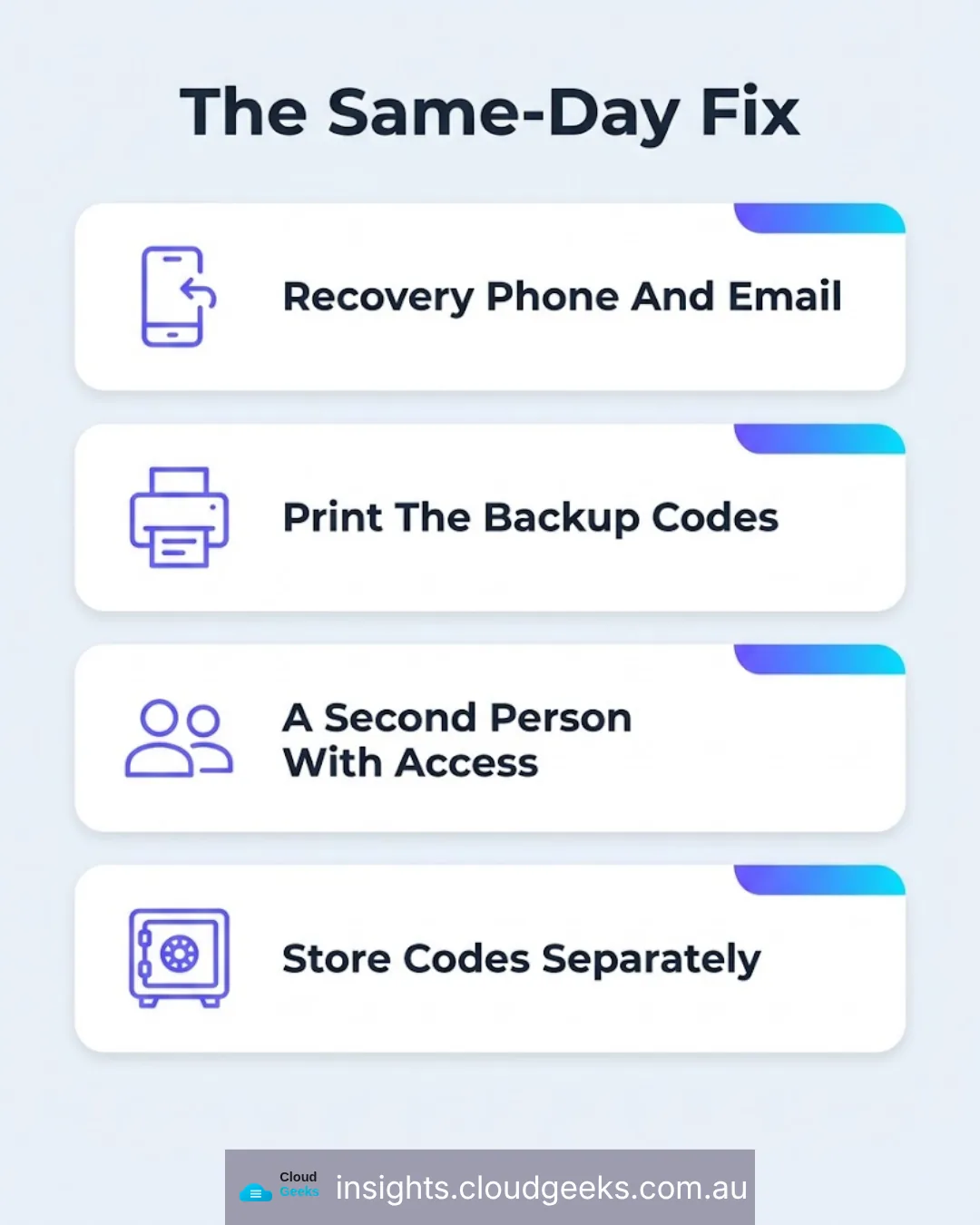
Set a recovery phone number and backup email on every core account — the business email platform, the domain registrar, the password manager. Most services support this and most businesses never configure it.
Save and print any backup or recovery codes offered at setup. These are typically shown once, during initial setup, and never again unless explicitly regenerated. If they weren’t saved then, retrieving them later usually means going through account support — slow, and not guaranteed to succeed for a business account.
Nominate a documented second person with genuine access, not just knowledge that a person exists who “would know.” A password manager’s emergency access feature, or a formally added second admin on the business email platform, means recovery doesn’t depend on one specific person being reachable.
Store the printed codes somewhere physically secure and separate from the digital accounts they recover — a locked drawer or safe, not a folder on the same computer the codes are meant to help you get back into.
Why “They’ll Just Call Support” Isn’t a Plan
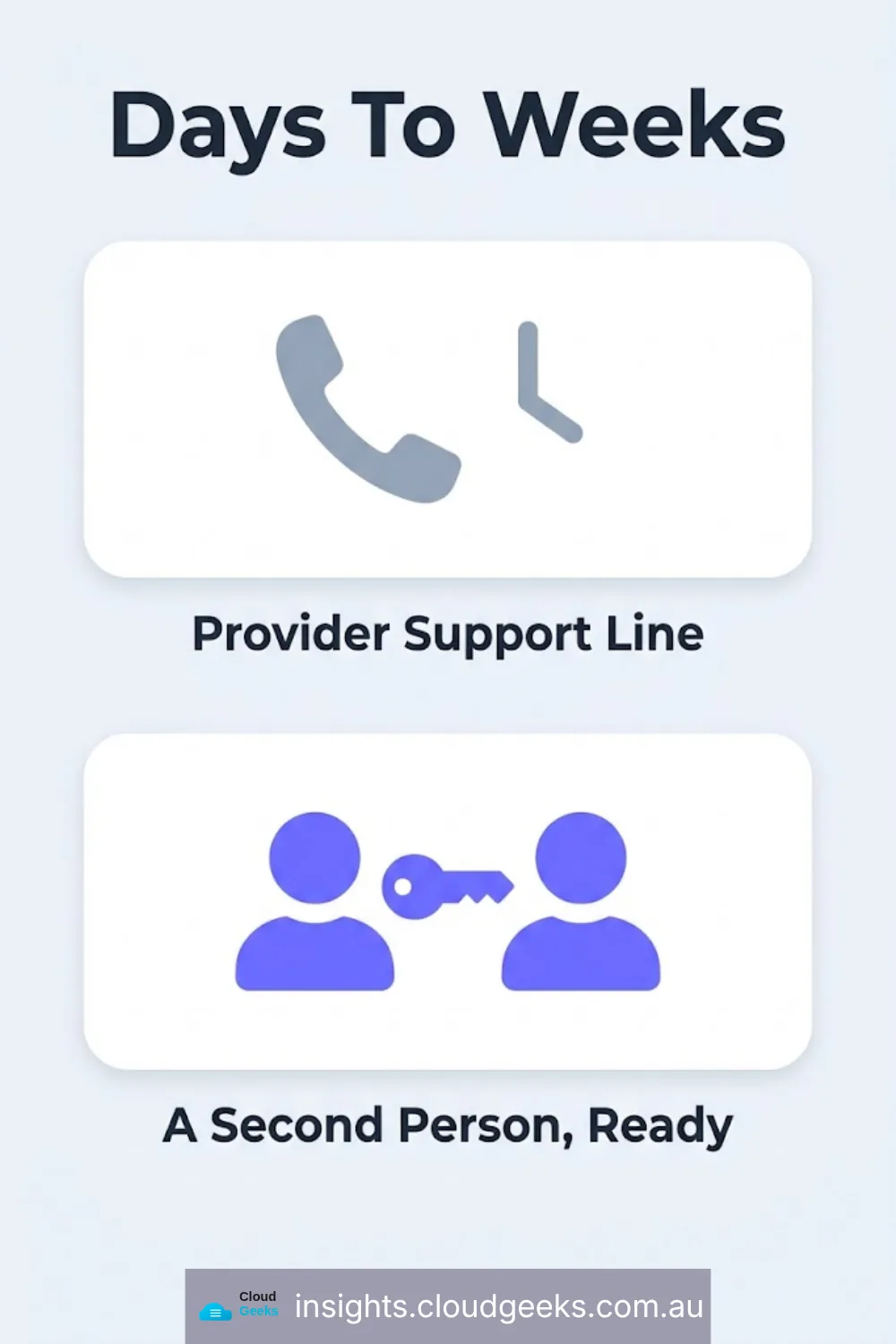
Account recovery through a provider’s support line exists, but it’s built for individual consumers, not verified business ownership disputes. Proving to Microsoft, Google, or a domain registrar that you are legitimately entitled to regain control of a business account — particularly when the original account holder is unreachable, uncooperative, or simply gone — can take days to weeks, during which the business’s email, website, and every connected tool may be inaccessible.
The businesses that recover fastest from this scenario are the ones that never needed the support line at all, because a second authorised person already had legitimate access the whole time.
The Departure Scenario, Specifically
When the person who holds this knowledge leaves the business — whether that’s a resignation, a dismissal, or simply moving to a different role — the handover needs to happen before the departure, not after. A structured offboarding for accounts looks like:
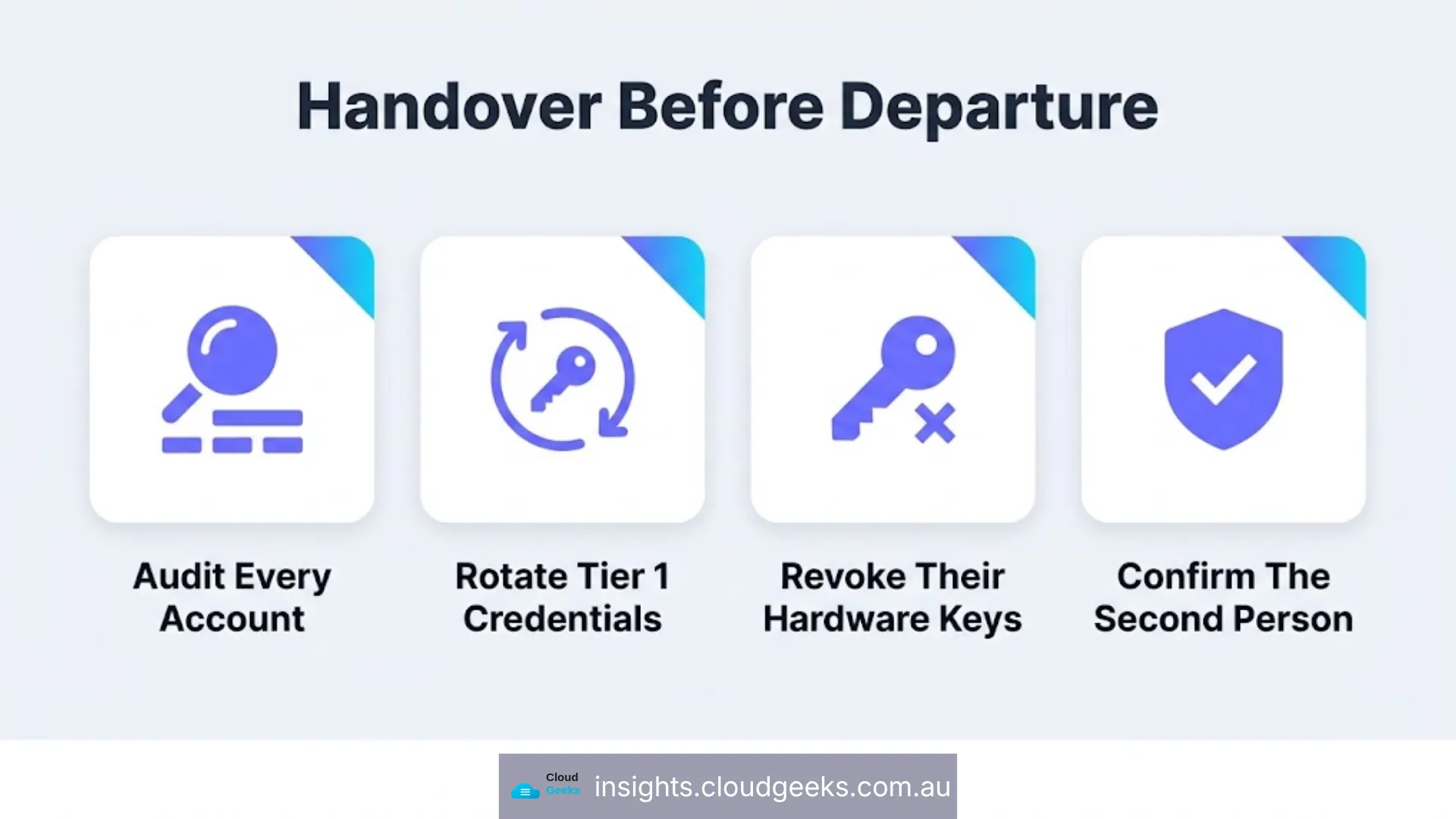
- Audit every account that person had access to, cross-referenced against the password manager or account inventory, not relying on memory.
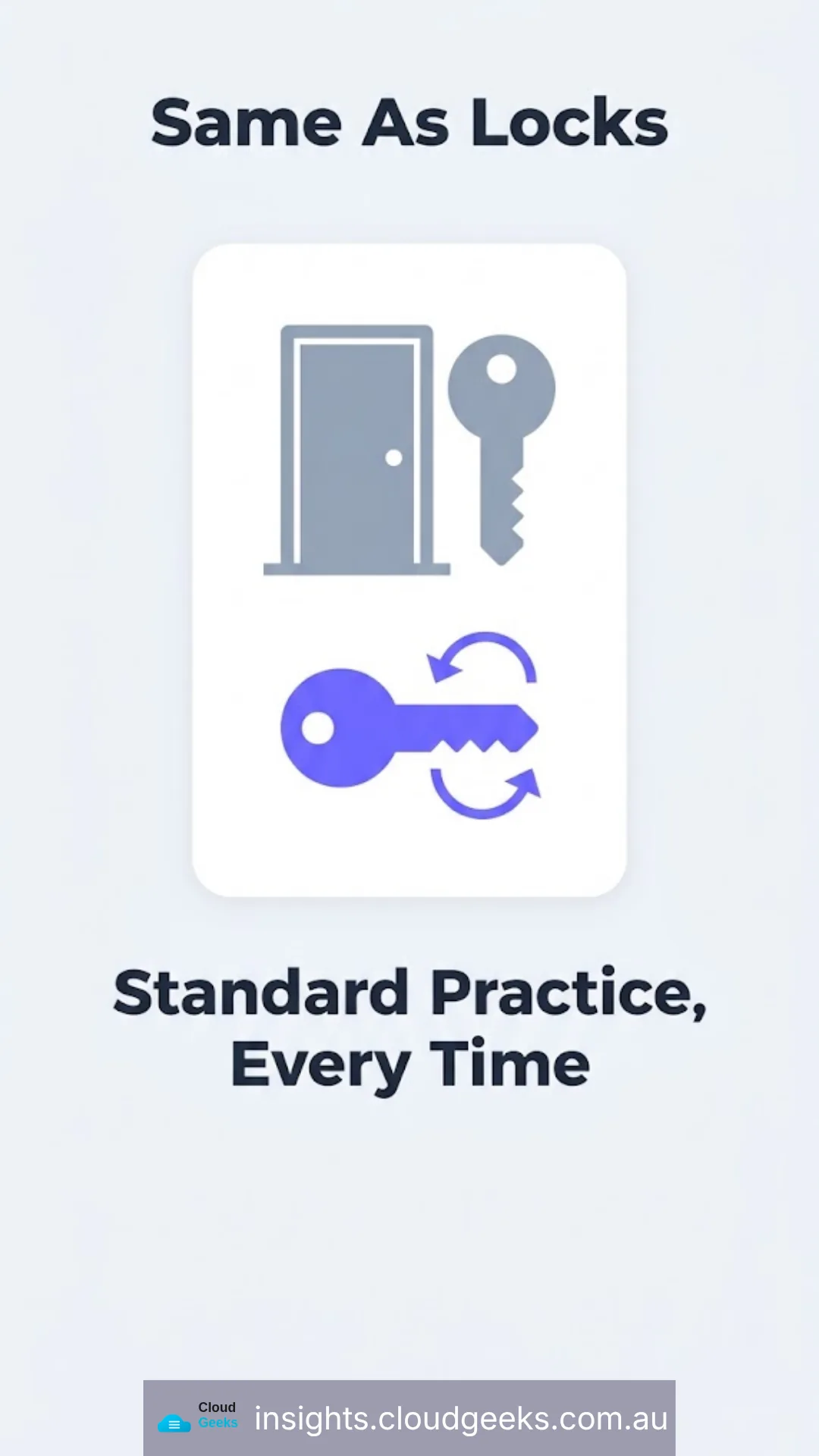
- Rotate credentials on every Tier 1 account — email admin, domain registrar, password manager, cloud infrastructure — regardless of how amicable the departure is. This isn’t about distrust; it’s standard practice, the same way a business changes office locks when a key holder leaves.
- Revoke any hardware security keys or device trust registered to that person specifically, and issue keys tied to the business rather than the individual going forward.
- Confirm the second authorised person can independently access every Tier 1 account, tested before the departure date, not assumed.
Business Continuity Beyond Staff Departures
The same planning applies to the business owner directly — what happens to the business’s accounts if the owner is unexpectedly unavailable for an extended period. Password managers offer an emergency access feature specifically for this; major platforms offer an equivalent concept (a designated recovery contact) on personal accounts, and the same logic should extend deliberately to business accounts rather than being left unconfigured.
This connects directly to the hardware security key strategy and backup planning covered elsewhere on this blog — access control, recovery planning, and backups are three parts of the same continuity picture, and a business with only one of the three still has a single point of failure.
Frequently Asked Questions
How often should account recovery details actually be reviewed? At minimum annually, and immediately after any change in who holds admin access to core business accounts. Recovery phone numbers and backup emails that point to a departed staff member’s personal details are a common and easily missed gap.
Is this something a small business can manage without dedicated IT staff? Yes — the checklist above is largely one-off setup work, not ongoing management. It’s exactly the kind of foundational work included in a managed IT support engagement, where it gets done once, correctly, rather than postponed indefinitely.
What if the business genuinely has only one person who understands any of this? That is itself the risk this article describes. The fix is deliberately building in a second authorised person, even if that person’s day-to-day role has nothing to do with IT — a co-owner, a trusted senior staff member, or a managed IT provider acting in that capacity.
Should password manager backup codes go in the password manager itself? No — backup and recovery codes for a password manager specifically should never be stored inside that same password manager, because the whole point of the code is to recover access when the vault itself is inaccessible. Paper, stored securely and separately, is the correct place.
Does rotating credentials after a departure imply distrust of the departing employee? No more than changing office locks implies distrust of a departing employee who had a key. It’s standard operational hygiene, applied consistently regardless of how the departure went, which is exactly what makes it non-personal and easy to apply every time.