
Apple, Google or Microsoft: Picking One Ecosystem for Your Business
The most common IT setup we see walking into a new Sydney SMB client isn’t a bad choice of platform — it’s no choice at all. A mix of personal Gmail accounts, a Microsoft 365 subscription nobody fully uses, some staff on iPhones, some on Android, and a file share that exists in three different places because nobody picked one.
Each individual decision was reasonable at the time. Together, they create the exact conditions security gaps grow in: nobody can say with confidence where a file actually lives, whose device management policy applies to what, or which recovery process to follow when something breaks.
Why the Mixing, Not the Choice, Is the Problem
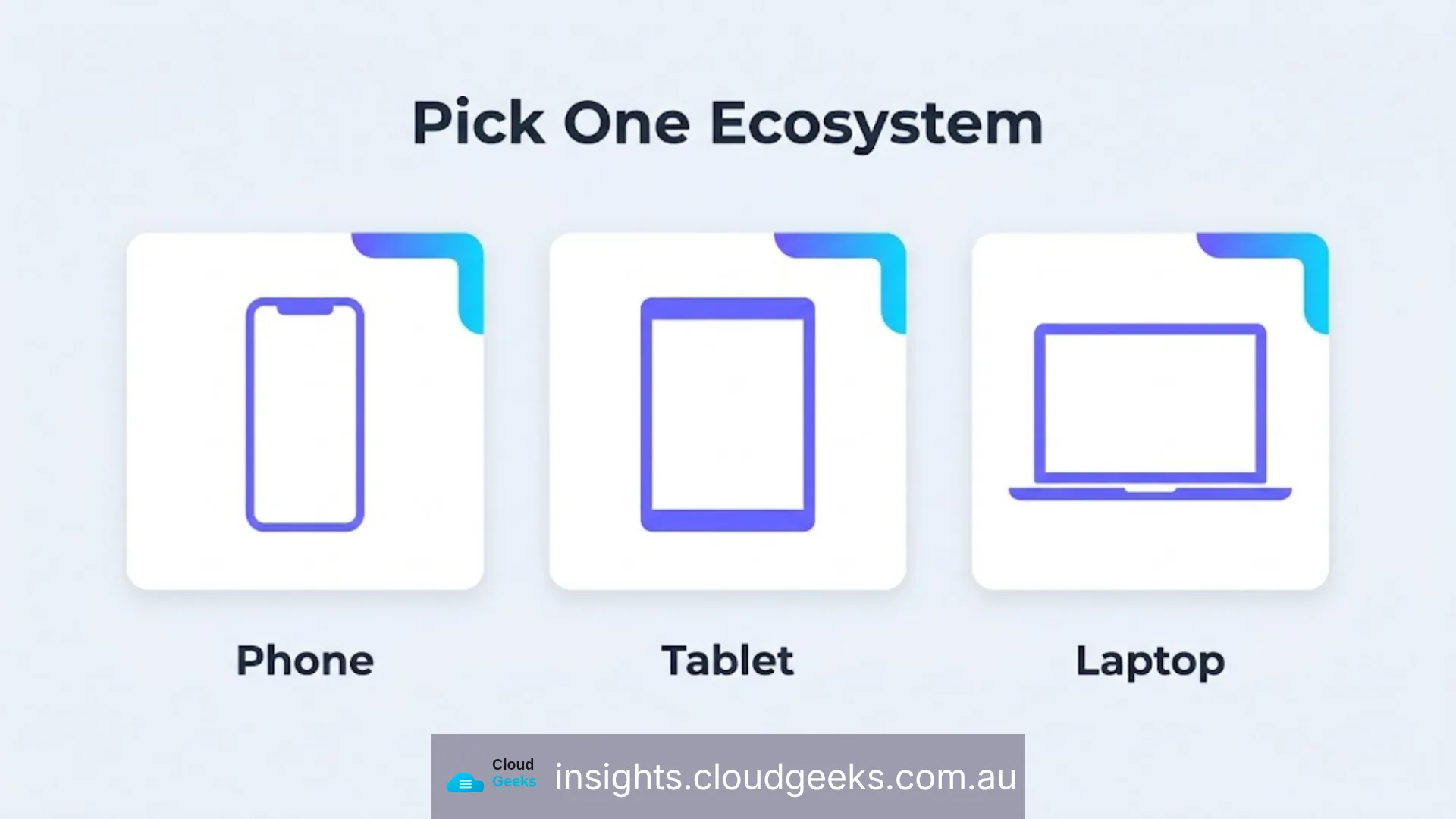
Devices and accounts from the same provider work as a single system by design — sign-in once, and photos, files, passwords and messages appear consistently across every device, and each device can help secure the others (a lost iPhone can be located and locked from any other Apple device signed into the same account, for example). Mix providers, and you get gaps: a Windows laptop that can’t easily verify against an Android phone the way it can against a matching device, a password manager that behaves differently across ecosystems, a lost-device story that requires three different recovery workflows depending on which platform the lost device happened to be.
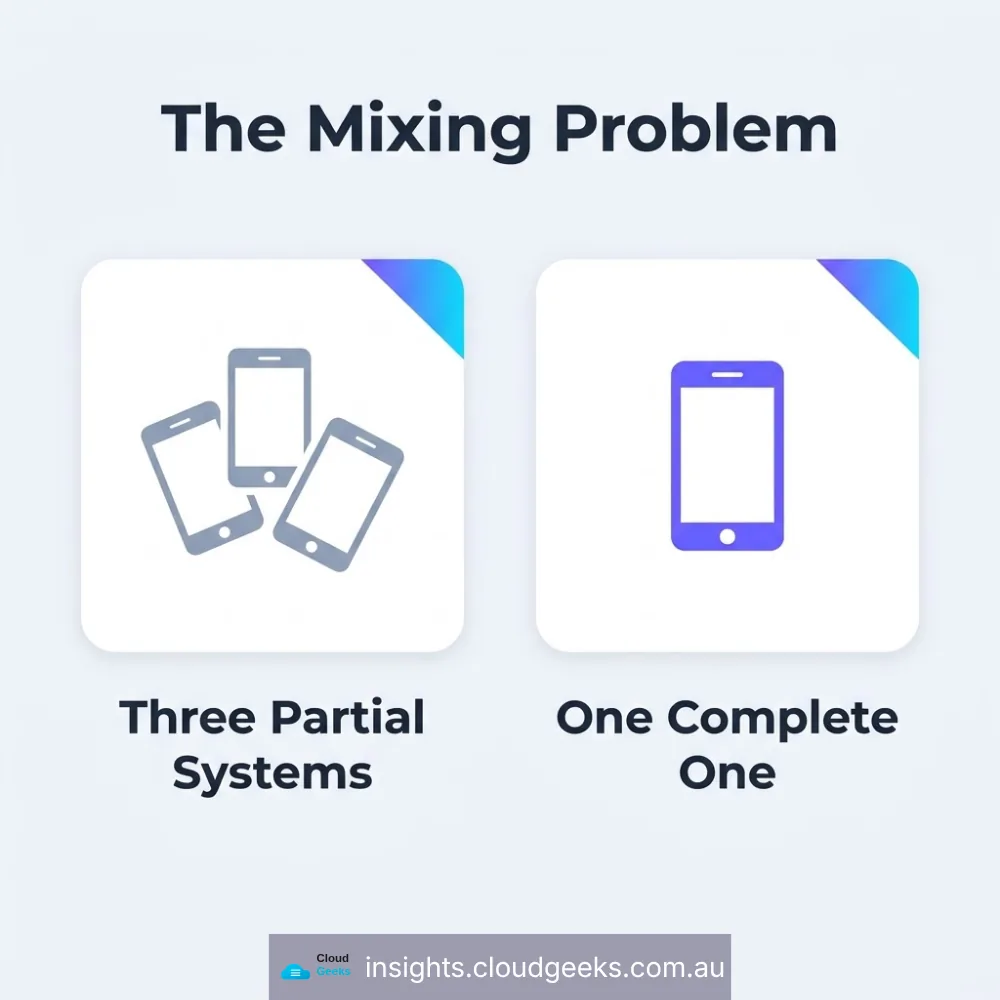
None of the three major ecosystems is insecure. The security problem is specifically the mixing — three partial systems instead of one complete one.
The Practical Comparison for a Small Business
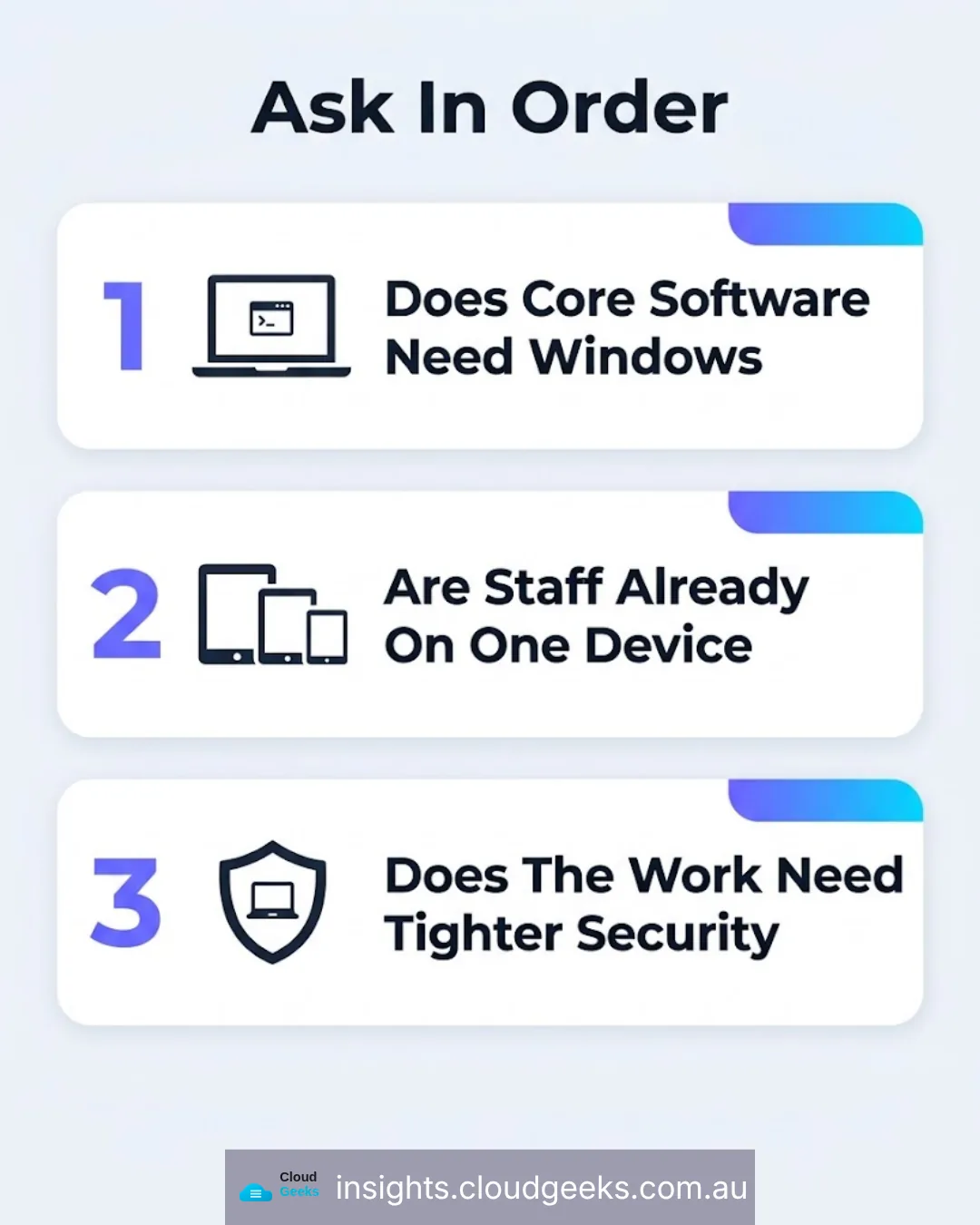
Microsoft 365 is the default choice for a reason: it’s what most business software still assumes, from accounting packages to line-of-business tools, and Windows remains the standard for many industries’ specialist software. Its consumer ecosystem — phones, watches, device tracking — has largely disappeared, so it’s strongest as a work platform, not a personal-device one.
Google Workspace offers the same one-login-everywhere simplicity across Gmail, Drive, Docs, and Calendar, on any device rather than a specific ecosystem of hardware. It’s a strong choice for businesses that are cloud-native already and don’t have a hard Windows-software dependency, and it works cleanly alongside Android devices for staff.
Apple, through iPhone, iPad and Mac together, is the most tightly integrated ecosystem available — device finding, password and passkey sync, and security features that work across every device automatically. For a business that already runs primarily on Apple hardware, this is the strongest default. It’s less commonly the right choice where the business’s core software specifically requires Windows.
The Actual Decision Framework
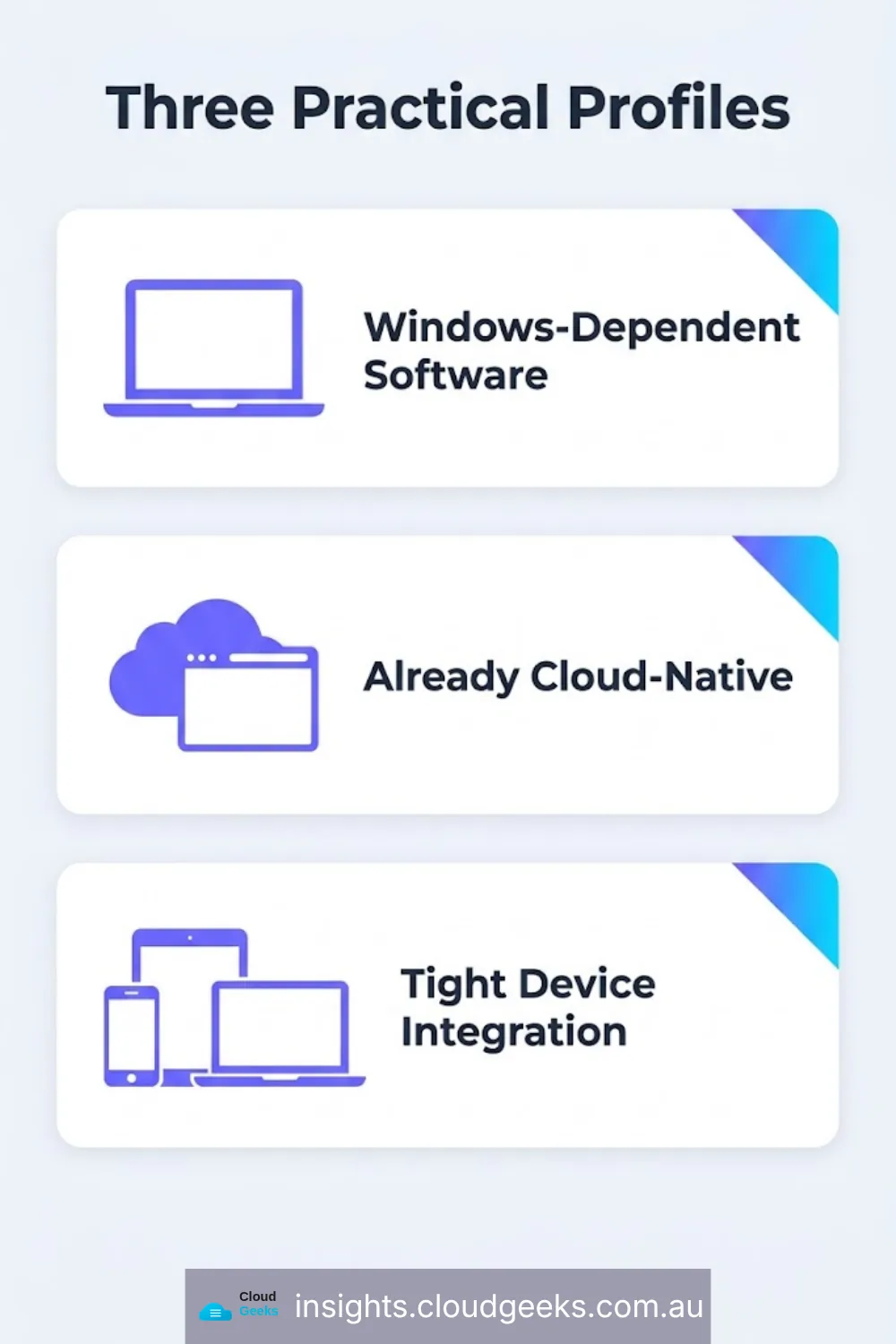
Ask three questions, in this order:
- Does your core business software require Windows specifically? If yes, Microsoft 365 is very likely the right call regardless of personal device preference — fighting the software requirement costs more than adapting to it.
- Are your staff already predominantly on one device type? Matching the account platform to the device people already carry removes a whole category of daily friction and support tickets.
- Does the business handle work that benefits from Apple’s tighter device-level security integration — client data, financial records, anything where a lost device needs to be locatable and lockable with minimal delay?
For most Sydney SMBs without an inherited Windows-only requirement, the answer to question three tips the decision toward Apple as the strongest default, Google as a strong and simpler second choice, and Microsoft as the right call specifically when the business’s own software forces it.
What “Picking One” Actually Requires
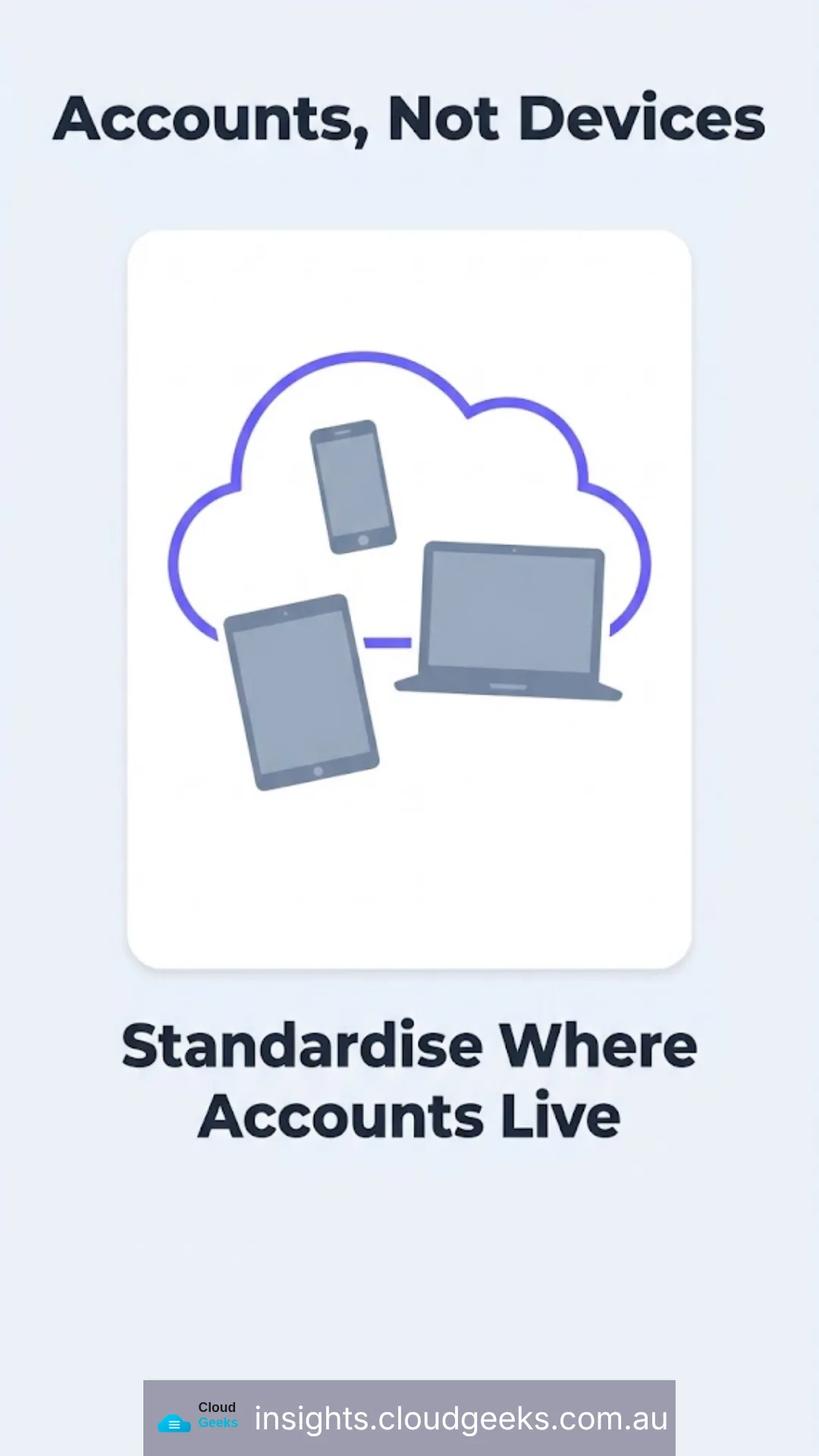
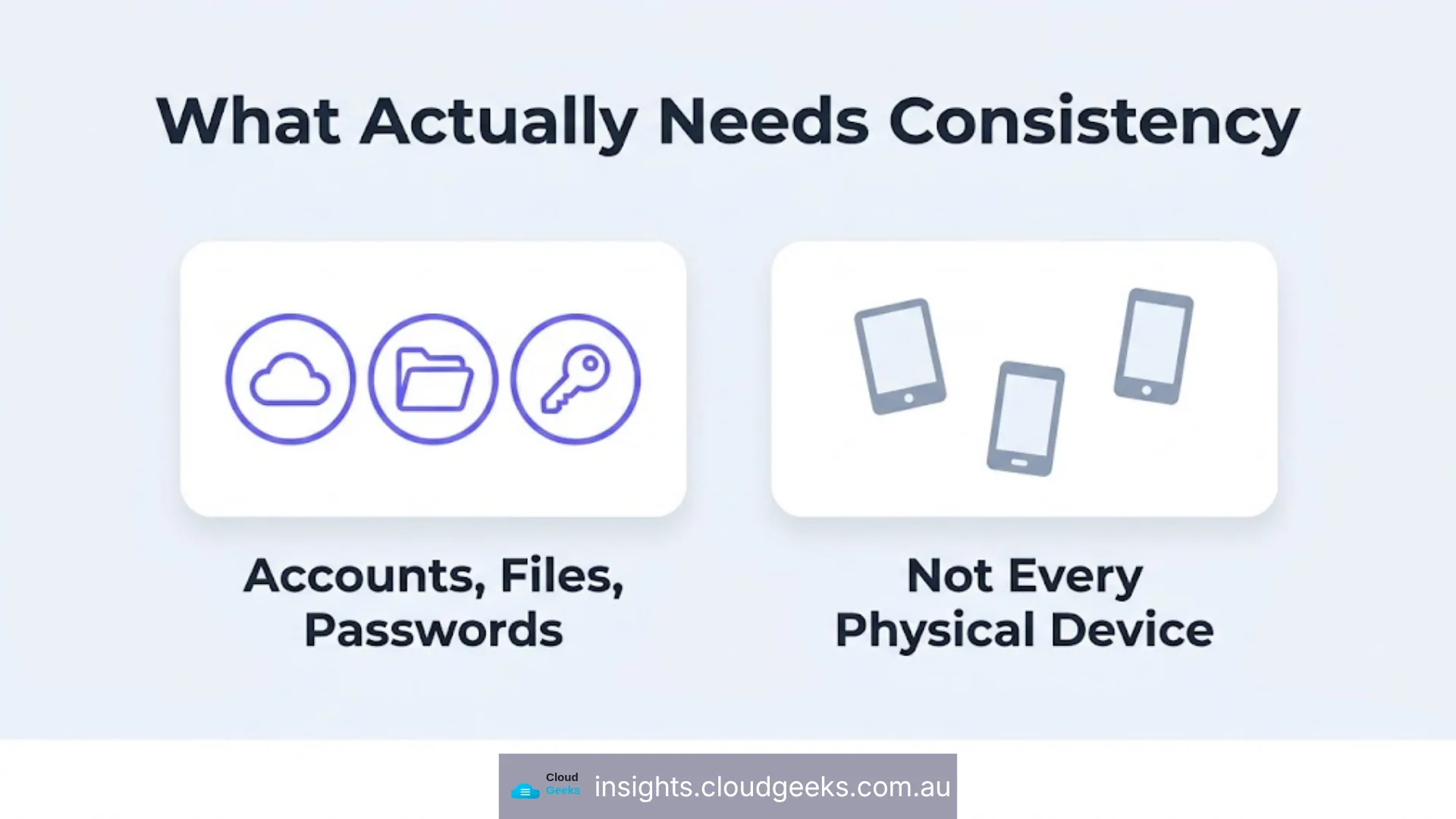
This isn’t about which brand of hardware every staff member personally owns — a business can standardise its accounts, its file storage, and its identity/password management around one ecosystem while still allowing device flexibility. The consistency that matters is in where the accounts live and how they’re recovered, not literally every physical device in the office.
At CloudGeeks, this decision is one of the first things we work through with a new managed IT client, because it directly shapes the account security recommendations and backup strategy that follow — you can’t design a consistent recovery plan around three inconsistent platforms.
Frequently Asked Questions
Can a business really standardise on one ecosystem if staff have personal preferences about their own phone? Yes — the standardisation that matters is the business account platform (Microsoft 365, Google Workspace, or an Apple Business setup) and where files and passwords live, not which phone brand each staff member personally carries. Some inconsistency in personal hardware is manageable; inconsistency in where business data and credentials live is not.
Is switching ecosystems later a realistic option, or is this a permanent decision? It’s realistic but disruptive — expect a genuine migration project, not a weekend task, particularly for email and file storage. This is a reason to make the decision deliberately once rather than drift into a third option later.
What if the business is already split across all three today? This is the most common starting point we see, not an unusual one. The fix is a planned consolidation onto one platform over a defined period, not an overnight switch — but it should have a defined end date, or the mixing simply continues indefinitely.
Does this decision affect cybersecurity insurance or compliance requirements? Indirectly — a consistent, well-documented platform makes it considerably easier to demonstrate access controls and data handling practices during any compliance or insurance review, because there’s one system to document instead of three.
Which ecosystem does CloudGeeks recommend by default? There isn’t a universal default — the three-question framework above determines it per business. What we do recommend universally is picking one and building the business’s security and backup strategy consistently around it, rather than maintaining a mixed environment indefinitely. Where that answer comes out Microsoft, we handle the Microsoft 365 setup and support side of it.