
Managed IT Services vs In-House IT: Australian SMB Decision Guide
Introduction
Every Australian SMB reaches a point where ad-hoc IT management no longer works. Systems become too complex, security too important, and the time spent troubleshooting too costly to leave technology management to chance.
The question then becomes: hire internal IT staff or engage a managed service provider (MSP)?
This isn’t a simple decision. Both models have genuine advantages and real limitations. The right choice depends on your business size, complexity, budget, and strategic priorities.
At CloudGeeks, we’ve worked with businesses on both sides of this decision. Here’s an honest assessment of each approach to help you choose what’s right for your Australian SMB.
Understanding the Options
What Are Managed IT Services?
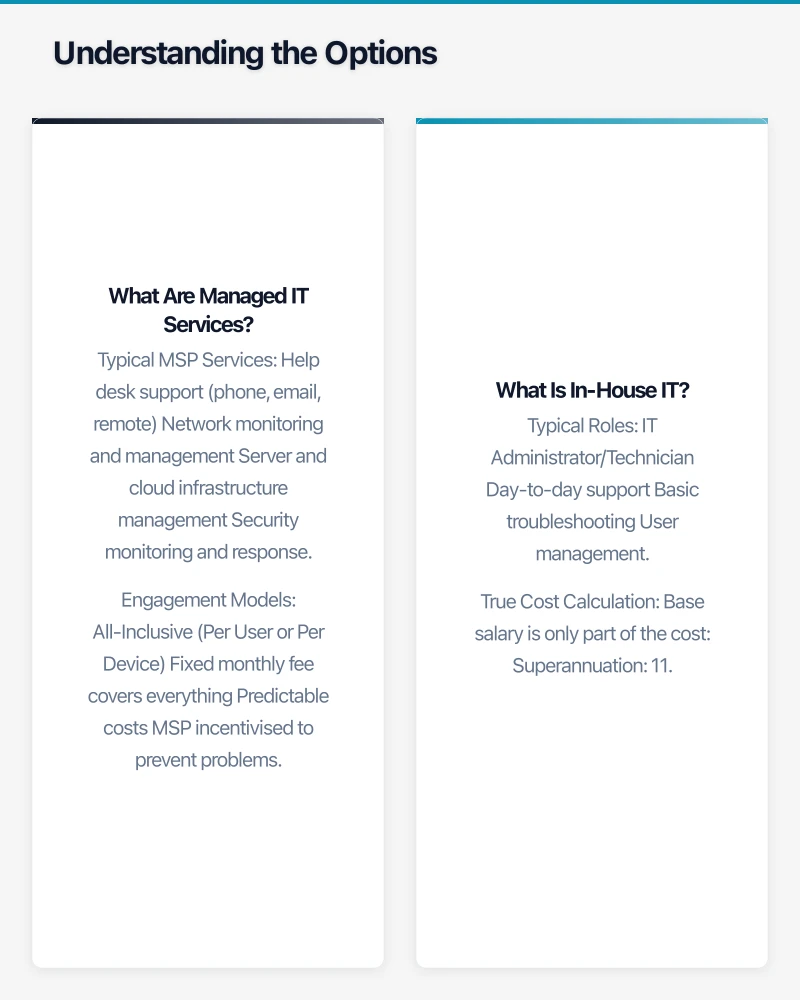
Managed IT services (delivered by an MSP) involve outsourcing some or all IT functions to an external provider:
Typical MSP Services
- Help desk support (phone, email, remote)
- Network monitoring and management
- Server and cloud infrastructure management
- Security monitoring and response
- Backup and disaster recovery
- Patch management and updates
- Vendor management
- Strategic IT planning (virtual CIO)
- Project implementation
- Procurement assistance
Engagement Models
All-Inclusive (Per User or Per Device)
- Fixed monthly fee covers everything
- Predictable costs
- MSP incentivised to prevent problems
- Typical: A$80-150 per user per month
Tiered Support
- Basic, standard, premium levels
- Different response times and coverage
- Choose level matching needs
- Typical: A$50-200 per user per month
Break-Fix + Monitoring
- Low monthly fee for monitoring
- Pay hourly for support
- Less predictable costs
- Typical: A$20-40 per user per month + A$150-200/hour
What Is In-House IT?
In-house IT means employing your own IT staff:
Typical Roles
IT Administrator/Technician
- Day-to-day support
- Basic troubleshooting
- User management
- Simple projects
- Salary range: A$60,000-85,000
Systems Administrator
- Server and infrastructure management
- Security implementation
- More complex troubleshooting
- Medium projects
- Salary range: A$80,000-110,000
IT Manager
- Team leadership
- Strategic planning
- Vendor management
- Budget responsibility
- Salary range: A$100,000-140,000
True Cost Calculation
Base salary is only part of the cost:
- Superannuation: 11.5%
- Leave provisions: ~4 weeks paid leave
- Training and development: A$2,000-5,000/year
- Tools and software: A$2,000-5,000/year
- Recruitment costs: 15-25% of salary when hiring
- Workspace and equipment
A$85,000 salary IT admin actually costs ~A$105,000-115,000 annually.
Cost Comparison
Scenario: 25-Person Professional Services Firm
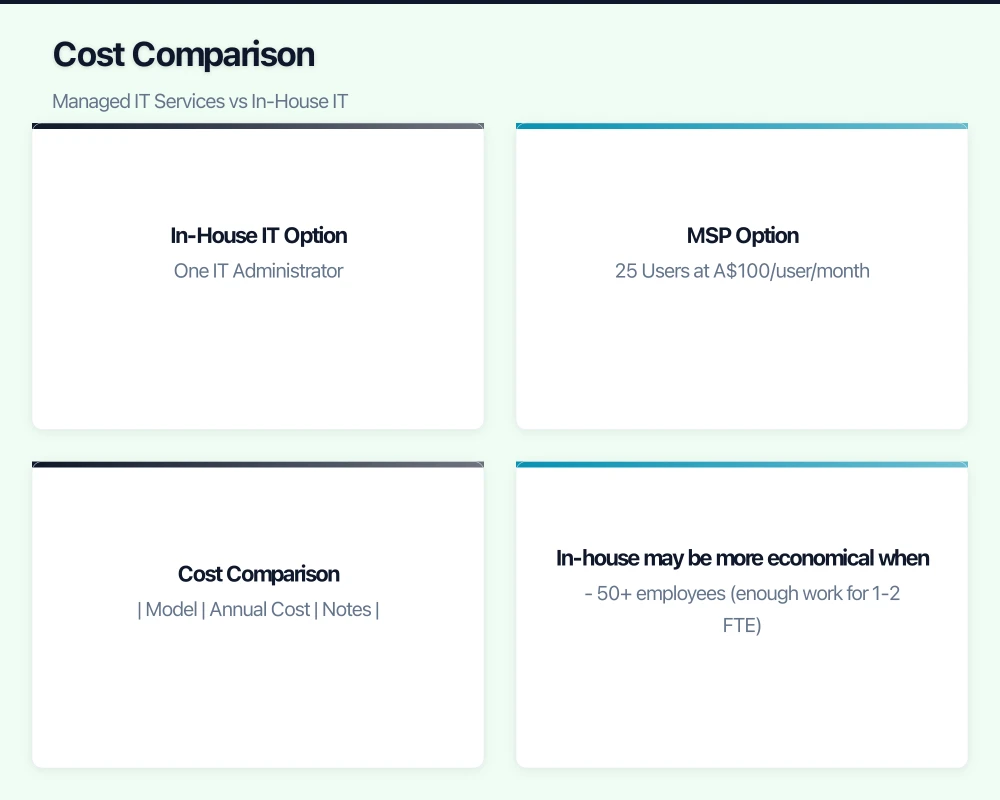
In-House IT Option
One IT Administrator
- Salary: A$80,000
- Super: A$9,200
- Leave loading: ~A$3,000
- Training: A$3,000
- Tools/software: A$3,000
- Recruitment (amortised): A$4,000
- Total: ~A$102,200/year
Coverage Limitations
- One person = one point of failure
- Limited expertise breadth
- Holidays and sick leave create gaps
- After-hours support problematic
- Large projects require outside help
MSP Option
25 Users at A$100/user/month
- Monthly: A$2,500
- Annual: A$30,000
What’s Included
- Help desk support during business hours
- 24/7 monitoring
- Basic security management
- Patch management
- Backup monitoring
- Some strategic input (limited hours)
What’s Extra
- Major projects: A$150-200/hour
- After-hours support: Often premium rates
- Advanced security: A$10-30/user additional
- Strategic consulting: A$200-300/hour
Realistic Total with Projects
- Base: A$30,000
- Projects (estimate): A$15,000
- Security additions: A$6,000
- Total: ~A$51,000/year
Cost Comparison
| Model | Annual Cost | Notes |
|---|---|---|
| In-House (1 FTE) | ~A$102,000 | Limited coverage, single point of expertise |
| MSP (mid-tier) | ~A$51,000 | Team support, broader expertise |
| MSP (premium) | ~A$75,000 | Enhanced security, more strategic support |
| Hybrid | ~A$85,000 | Part-time internal + MSP support |
For a 25-person business, MSP typically costs 50-75% of in-house—but the comparison isn’t just about cost.
When In-House Becomes More Cost-Effective
The crossover point varies, but generally:
In-house may be more economical when:
- 50+ employees (enough work for 1-2 FTE)
- Complex, specialized technology environment
- Constant hands-on requirements
- Security requirements necessitating dedicated staff
- Industry-specific compliance needs
MSP typically more economical when:
- Under 50 employees
- Standard technology environment
- Variable IT workload
- Limited budget for redundancy
- Need for broad expertise
Beyond Cost: Capability Comparison
Advantages of Managed IT Services
Breadth of Expertise
One person can’t know everything. MSPs provide:
- Network specialists
- Security experts
- Cloud architects
- Application specialists
- Help desk technicians
Access to varied expertise without hiring multiple staff.
Redundancy and Coverage
- No single point of failure
- Coverage during holidays and illness
- After-hours support options
- Disaster response capability
- Career risk insurance (staff departures don’t create crises)
Economies of Scale
MSPs invest in:
- Monitoring tools
- Security platforms
- Documentation systems
- Training programs
- Best practice development
These investments would be uneconomical for individual SMBs.
Predictable Costs
- Fixed monthly fees (mostly)
- Budgetable IT spending
- No surprise recruitment costs
- No salary negotiations
Industry Knowledge
Good MSPs work with many similar businesses:
- Know common problems and solutions
- Understand industry-specific requirements
- Can recommend proven tools and approaches
- Benchmark performance against peers
Limitations of Managed IT Services
Less Immediate
- Response times, not instant availability
- Remote support first (onsite takes time)
- Queue-based support for non-urgent issues
- Learning curve for your specific environment
Potential for Misalignment
- MSP priorities may not match yours
- Profit motive can influence recommendations
- Generic solutions instead of tailored approaches
- Less investment in your long-term success
Communication Overhead
- Explaining context repeatedly
- Ticket systems can feel impersonal
- Relationship building takes effort
- May interact with different technicians
Limited Strategic Depth
- vCIO time often limited
- Strategic advice may be generic
- Deep business understanding takes time
- May not understand your industry
Advantages of In-House IT
Deep Business Understanding
Internal staff learn:
- Your specific workflows
- Staff preferences and pain points
- Business priorities and strategy
- Informal knowledge that’s hard to document
Immediate Availability
- Walk to their desk for help
- No tickets for quick questions
- Immediate response for urgent issues
- Part of the team, shares the urgency
Alignment with Business
- Success tied to company success
- Investment in long-term solutions
- No profit motive skewing advice
- Advocacy for the business in vendor relationships
Control and Flexibility
- Direct management of priorities
- Adjust workload as needed
- Confidentiality for sensitive projects
- No contracts or switching costs
Cultural Fit
- Part of the team
- Understands company culture
- Personal relationships with staff
- Investment in the business
Limitations of In-House IT
Single Point of Failure
One person means:
- No backup during leave
- Knowledge silos
- Career risk if they leave
- Limited perspectives
Limited Expertise
One person can’t be expert in:
- Networking AND security AND cloud
- Microsoft AND Google AND Apple
- Strategy AND daily support
- Every application you use
Cost of Redundancy
Proper in-house coverage requires:
- Minimum two people (expensive)
- Or accept coverage gaps
- Or supplement with external support (hybrid model)
Recruitment Challenges
Finding good IT staff is hard:
- Competition from larger employers
- Salary expectations rising
- Skills verification difficult
- Cultural fit important but hard to assess
Training and Development
IT changes constantly:
- Need ongoing training investment
- May leave after training (retention risk)
- Training takes time away from work
- Difficult to justify for one person
The Hybrid Approach
Many Australian SMBs find a middle ground:
Model 1: Internal Coordinator + MSP
Structure
- Part-time or full-time internal IT coordinator
- MSP handles technical support
- Internal person manages relationship and priorities
Best When
- Need onsite presence
- Want internal control of priorities
- MSP for technical depth
- Budget for both components
Cost Example (25 users)
- Internal coordinator (part-time): A$40,000/year
- MSP base support: A$25,000/year
- Total: A$65,000/year
Model 2: In-House Primary + MSP Escalation
Structure
- Internal IT staff handles day-to-day
- MSP for complex issues, projects, backup
- Clear escalation procedures
Best When
- Strong internal candidate available
- Want in-house relationship benefits
- Need backup and expertise access
- Growing toward full in-house
Cost Example (25 users)
- Internal IT admin: A$95,000/year
- MSP escalation support: A$15,000/year
- Total: A$110,000/year
Model 3: MSP + Specialist Consultants
Structure
- MSP handles general IT
- Specialist consultants for specific areas (security, cloud architecture)
- Project-based specialist engagement
Best When
- Standard IT needs
- Occasional advanced requirements
- Limited budget for full specialist access
- Project-driven advanced needs
Choosing the Right MSP
If you decide managed services fit your needs:
What to Look For
Technical Capability
- Relevant certifications (Microsoft, Cisco, security)
- Experience with your technology stack
- Demonstrated expertise in your industry
- Adequate team size for support levels needed
Service Delivery
- Clear SLAs (response times, resolution times)
- Multiple support channels (phone, email, portal)
- After-hours options if needed
- Escalation procedures documented
Business Stability
- Years in operation
- Client references (talk to them)
- Financial stability indicators
- Staff tenure and expertise
Cultural Fit
- Communication style matches yours
- Proactive vs reactive orientation
- Flexibility vs process orientation
- Partnership vs vendor mentality
Questions to Ask
About Services
- What exactly is included vs extra?
- How do you handle projects outside scope?
- What are your response time commitments?
- How is after-hours support handled?
About People
- Who will be our primary contacts?
- How experienced is the team?
- What’s your staff turnover like?
- How do you handle staff departures?
About Process
- How will onboarding work?
- How do you document our environment?
- What happens if we’re not satisfied?
- How do you handle security incidents?
About Business
- How long have you been operating?
- Can we speak to reference clients?
- What’s your typical client size?
- How many clients do you support?
Red Flags
- Reluctance to provide references
- Vague about what’s included
- Overly aggressive sales approach
- No clear escalation path
- Limited local presence (if you need onsite)
- Very low pricing (usually indicates cut corners)
- Poor responsiveness during sales process
Making the Decision
Decision Framework
Choose Managed Services When:
- Under 40-50 employees: Not enough work or budget for dedicated staff
- Standard technology: Common platforms, no unusual requirements
- Budget-conscious: Need to maximise IT value per dollar
- Need breadth: Require varied expertise you can’t hire
- Coverage critical: Can’t accept gaps from one-person team
- Limited management capacity: Don’t have time to manage IT staff
Choose In-House When:
- 50+ employees: Enough work for at least one FTE
- Complex environment: Specialized systems requiring deep knowledge
- Immediate response critical: Business can’t wait for support queues
- Security-sensitive: Need dedicated security focus
- Strategic priority: IT differentiation matters to business
- Strong candidate available: Right person at right time
Choose Hybrid When:
- Want best of both: Onsite presence plus expertise access
- Transition period: Building toward in-house capability
- Variable needs: Day-to-day is manageable, projects aren’t
- Risk mitigation: Don’t want single points of failure
Practical Evaluation Process
- Document current IT spend: What are you spending now on all IT?
- List IT activities: What does IT actually do for your business?
- Assess coverage needs: What hours, response times do you need?
- Evaluate current pain points: What’s not working now?
- Get quotes: Multiple MSP quotes, salary research for internal
- Compare total cost: Not just obvious costs, but all costs
- Talk to references: Both MSP clients and businesses with in-house
- Pilot if possible: Some MSPs offer trial periods
Conclusion
The managed services vs in-house decision doesn’t have a universal answer. Both models can work well for Australian SMBs—the right choice depends on your specific circumstances.
Managed services typically make sense for businesses under 50 employees seeking broad expertise, predictable costs, and reliable coverage without the overhead of employment.
In-house IT typically makes sense for larger businesses with complex environments, immediate response requirements, and the budget for at least two IT staff to ensure coverage.
Hybrid approaches often provide the best balance—internal presence with external expertise and backup.
Whatever you choose, the key is matching your IT support model to your actual needs, not industry norms or what worked at your last company. Your business is unique; your IT support approach should reflect that.
Need help evaluating your IT support options? CloudGeeks can assess your current situation and provide honest recommendations—even if that recommendation is to build internal capability. Contact us for an obligation-free discussion.
Related Articles
- IT Budget Planning for Australian Small Businesses
- Essential Eight Implementation Guide
- Cloud Migration Checklist for Australian SMBs
- Business Continuity Planning Guide
If your team needs on-the-go access to cloud-managed systems, Awesome Apps builds practical mobile solutions for Australian businesses.
Cloud Geeks operates under the Ganda Tech Services umbrella, delivering end-to-end technology solutions for Australian businesses.