
IT Budget Planning for Australian Small Businesses: Complete 2026 Guide
Introduction
With the end of financial year approaching, now is the ideal time to review your IT spending and plan for FY2026-27. Technology costs have evolved significantly—AI subscriptions, cloud services, and cybersecurity requirements have changed what “normal” IT spending looks like for Australian small businesses.
The good news? With proper planning, you can get better value from your technology investment while avoiding the surprise expenses that disrupt cash flow. This guide provides a practical framework for IT budgeting that works for Australian SMBs.
At CloudGeeks, we’ve helped hundreds of Australian businesses develop sustainable IT budgets. Here’s what we’ve learned about planning technology spending that actually supports business growth.
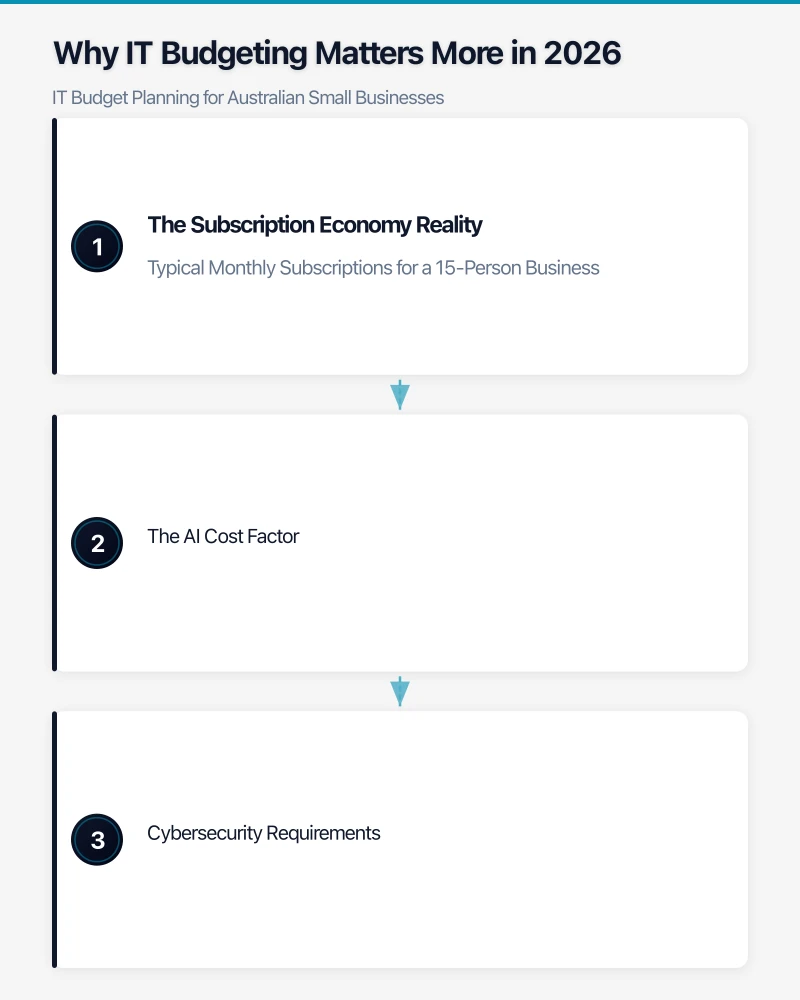
Why IT Budgeting Matters More in 2026
The Subscription Economy Reality
A decade ago, technology was largely a capital expense—buy equipment, depreciate over years. Today, Australian SMBs face a different reality:
Typical Monthly Subscriptions for a 15-Person Business
- Microsoft 365 or Google Workspace: A$280-500
- Accounting software (Xero/MYOB): A$70-150
- CRM system: A$200-600
- Cybersecurity tools: A$150-400
- Cloud backup: A$100-200
- Phone system (VoIP): A$200-400
- Industry-specific software: A$200-1,000
These subscriptions add up quickly. Without visibility, a 15-person business can easily spend A$2,000-4,000 monthly on software alone—often more than their office rent.
The AI Cost Factor
AI tools have introduced new budget considerations:
- Microsoft Copilot: A$44/user/month
- Google Gemini for Workspace: A$33/user/month
- Standalone AI tools: A$20-100/month
These aren’t essential for most businesses, but they’re increasingly common line items. Deciding where AI adds genuine value (and where it doesn’t) is now part of IT budget planning.
Cybersecurity Requirements
The Privacy Act amendments effective this year increase compliance requirements for Australian businesses handling personal information. Budget considerations include:
- Security awareness training: A$15-50/user/year
- Advanced email protection: A$3-10/user/month
- Endpoint detection and response: A$5-15/device/month
- Security assessments: A$2,000-10,000 annually
- Cyber insurance: A$2,000-10,000 annually
Underinvesting in security creates risk; overinvesting wastes resources. Finding the right balance requires understanding your actual risk profile.
Australian IT Spending Benchmarks
Industry Standards
Research from Australian SMB surveys suggests these benchmarks:
IT Spending as Percentage of Revenue
| Industry | Low | Typical | High |
|---|---|---|---|
| Professional Services | 3% | 5% | 8% |
| Retail/Hospitality | 1.5% | 3% | 5% |
| Manufacturing | 2% | 3.5% | 6% |
| Healthcare | 3% | 5% | 8% |
| Construction/Trades | 1.5% | 2.5% | 4% |
| Technology Companies | 6% | 10% | 15%+ |
Per-Employee IT Costs (Annual)
| Business Size | Conservative | Average | Premium |
|---|---|---|---|
| 5-10 employees | A$2,500 | A$4,000 | A$6,500 |
| 11-25 employees | A$2,200 | A$3,500 | A$5,500 |
| 26-50 employees | A$2,000 | A$3,200 | A$5,000 |
| 51-100 employees | A$1,800 | A$2,800 | A$4,500 |
These benchmarks provide context, but every business is different. A marketing agency with 10 staff might reasonably spend more than a warehouse operation with 30.
What “Conservative” Typically Means
Low IT spending often indicates:
- Basic productivity tools only
- Minimal security investment
- Reactive rather than proactive maintenance
- Limited automation and efficiency tools
- Higher risk of unplanned expenses
What “Premium” Typically Includes
Higher IT spending usually reflects:
- Advanced productivity and collaboration tools
- Comprehensive security stack
- Proactive IT management and monitoring
- Automation and AI tools
- Regular equipment refresh cycles
- Training and development
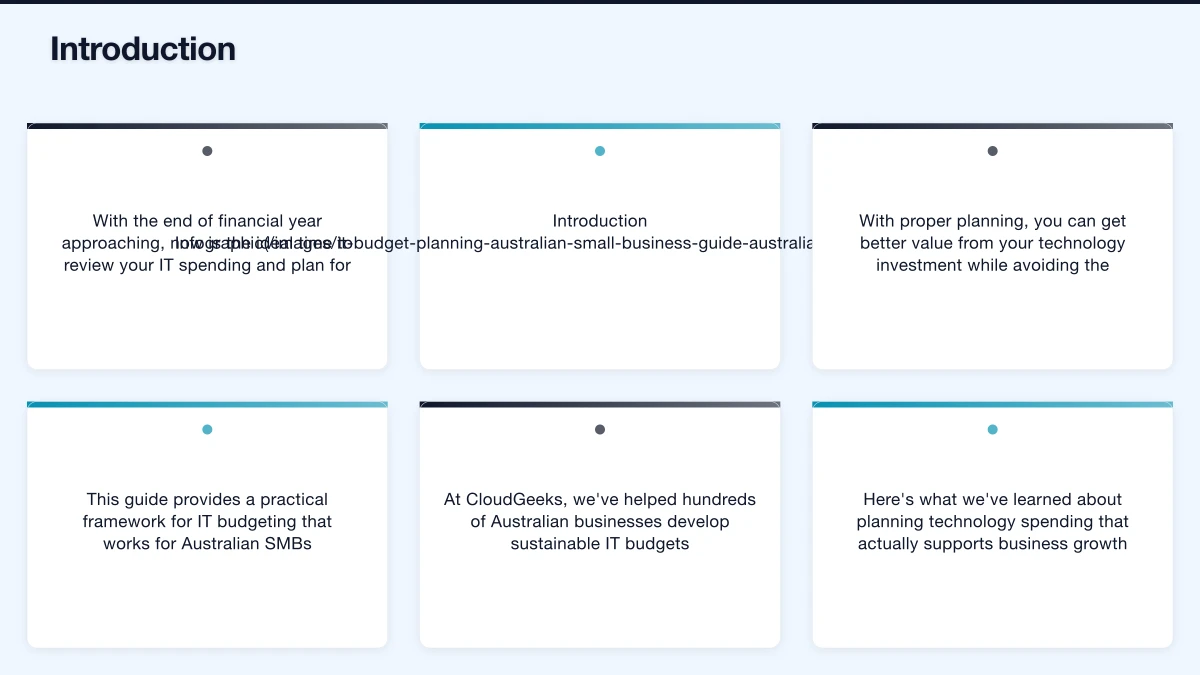
Building Your IT Budget: Step by Step
Step 1: Audit Current Spending
Before planning forward, understand where money goes now:
Document All Subscriptions
Create a master list including:
- Application name
- Monthly/annual cost
- Number of users/licenses
- Renewal date
- Contract terms
- Actual usage level
Many businesses discover they’re paying for unused licenses or duplicate tools. This audit alone often identifies savings.
Track Hardware Age
List all technology assets:
- Computers (purchase date, condition)
- Phones and tablets
- Network equipment
- Printers and peripherals
- Servers (if applicable)
Equipment older than 4-5 years typically needs replacement planning.
Review Service Contracts
Document:
- IT support arrangements (MSP, contractor, internal)
- Internet and telecommunications
- Maintenance agreements
- Cloud service contracts
Calculate Current Annual IT Spend
Total everything:
- Subscriptions: A$___/year
- Hardware purchases: A$___/year
- Services and support: A$___/year
- Projects and improvements: A$___/year
- Total: A$___/year
- Per employee: A$___/year
Step 2: Identify Gaps and Opportunities
With current spending documented, assess where investment is needed:
Security Assessment
- Do we have multi-factor authentication everywhere?
- Is our backup system tested and working?
- When did we last do security awareness training?
- Are our endpoint protection tools current?
- Do we have cyber insurance appropriate to our risk?
Efficiency Opportunities
- What manual processes could be automated?
- Are there bottlenecks that technology could solve?
- What do staff complain about that tech could fix?
- Where are we losing time to outdated systems?
Growth Requirements
- How many new staff do we expect to hire?
- Are we opening new locations?
- Do we need additional capacity?
- What new capabilities would help us compete?
Equipment Lifecycle
- What hardware is due for replacement?
- What’s at risk of failure?
- What can reasonably wait another year?
Step 3: Categorise and Prioritise
Not all IT spending is equal. Categorise needs:
Critical (Must Fund)
- Security essentials
- Business continuity requirements
- Compliance obligations
- Equipment at end of life
Important (Should Fund)
- Efficiency improvements with clear ROI
- Staff productivity enhancements
- Reasonable equipment refresh
- Training and development
Desirable (Fund If Possible)
- Nice-to-have upgrades
- Latest technology adoption
- Future capability preparation
Step 4: Build the Budget
Structure Your Budget
Ongoing Monthly Costs
| Category | Current | Planned | Notes |
|---|---|---|---|
| Productivity (M365/Workspace) | |||
| Accounting/Finance | |||
| CRM/Sales | |||
| Industry Software | |||
| Security Tools | |||
| Communication/Phone | |||
| Internet/Connectivity | |||
| IT Support/MSP | |||
| Cloud Services | |||
| Monthly Total |
Annual Allowances
| Category | Amount | Notes |
|---|---|---|
| Equipment Replacement | ||
| Software Projects | ||
| Security Improvements | ||
| Training | ||
| Contingency (15-20%) | ||
| Annual Total |
Sample Budget: 15-Person Professional Services Business
Monthly Ongoing
- Microsoft 365 Business Standard: A$297
- Xero accounting: A$85
- HubSpot CRM (starter): A$0
- Industry software: A$300
- Security (Defender, backup): A$200
- VoIP phone system: A$225
- Business internet: A$150
- IT support (MSP): A$1,200
- Monthly Total: A$2,457
Annual Allowances
- Equipment replacement: A$8,000
- Software projects: A$5,000
- Security improvements: A$3,000
- Training: A$2,000
- Contingency (15%): A$7,100
- Annual Total: A$54,584
Step 5: Plan Major Purchases
For significant investments, create individual business cases:
Business Case Template
- Investment: What are we buying?
- Cost: Total cost including implementation
- Problem solved: What pain point does this address?
- Benefit: Quantified value (time saved, revenue enabled, risk reduced)
- Payback: How long until investment recovers its cost?
- Alternatives: What other options were considered?
- Timing: When is optimal to implement?
EOFY IT Planning: Strategic Considerations
Tax Timing Strategies
The instant asset write-off for small businesses makes EOFY relevant for IT purchases. Current rules (as of April 2026) allow:
- Immediate deduction for assets under A$20,000 for small businesses (aggregated turnover under A$10 million)
- This applies per asset, so multiple purchases qualify
Good EOFY IT Purchases
- Laptops and desktops due for replacement
- Network equipment upgrades
- Server hardware (if still using on-premises)
- Professional services for implementation
- Annual software prepayments (check if deductible)
Poor EOFY Decisions
- Buying equipment you don’t need just for tax benefit
- Rushing major projects without proper planning
- Purchasing before comparing options
Prepayment Strategies
Annual subscription prepayments may be tax deductible in the year paid. Consider:
- Microsoft 365 annual commitment (save ~17% vs monthly)
- Google Workspace annual plans
- Security software annual licenses
- Domain and hosting renewals
Consult your accountant about prepayment rules for your situation.
Timing Hardware Purchases
EOFY creates good pricing for technology:
- Vendors push to meet targets
- Retailers clear inventory
- Business customers have budget to spend
- Negotiating leverage improves
If you need equipment in the next 12 months anyway, EOFY is often optimal timing—but only buy what you actually need.
Managing IT Spending Throughout the Year
Monthly Review (30 Minutes)
- Check actual vs budgeted spending
- Review any new subscriptions added
- Note upcoming renewals
- Flag any unexpected expenses
Quarterly Review (2 Hours)
- Deeper variance analysis
- Assess subscription utilisation
- Review security posture
- Adjust forecasts if needed
- Plan upcoming projects
Annual Review (Half Day)
- Comprehensive budget rebuild
- Technology roadmap review
- Security assessment
- Vendor evaluation
- Strategic alignment check
Common IT Budgeting Mistakes
Mistake 1: No Contingency
Everything works until it doesn’t. Without contingency:
- A laptop failure becomes a crisis
- A security incident has no response budget
- An opportunity requiring technology can’t be seized
Solution: Budget 15-20% contingency for unexpected expenses.
Mistake 2: Ignoring Renewal Increases
Subscription prices increase. Cloud services especially tend to rise annually:
- Assume 5-10% annual increases for planning
- Review contracts before auto-renewal
- Negotiate or evaluate alternatives
Mistake 3: Underestimating Project Costs
Technology projects typically cost more than quoted:
- Implementation and configuration
- Data migration
- Integration with existing systems
- Training
- Productivity dip during transition
Solution: Add 20-30% buffer to quoted project costs.
Mistake 4: Penny-Wise, Pound-Foolish
The cheapest option often costs more:
- Budget laptops need replacing sooner
- Free security tools provide false confidence
- Reactive support costs more than proactive management
Solution: Evaluate total cost of ownership, not purchase price.
Mistake 5: Set-and-Forget Budgets
Technology and business needs change:
- New tools become available
- Existing solutions become obsolete
- Business priorities shift
- Security requirements evolve
Solution: Review and adjust budgets quarterly.
Getting Professional Help
When to Engage an IT Professional
Consider professional input for:
- Initial budget development
- Major purchase decisions
- Security assessments
- Efficiency reviews
- Strategic technology planning
Questions to Ask Your IT Provider
- What’s realistic IT spending for a business like ours?
- Where are we overspending?
- Where are we underinvesting?
- What equipment needs replacing soon?
- What security gaps should we address?
- What efficiency improvements would provide quick ROI?
Evaluating Managed Service Providers (MSPs)
If considering outsourced IT support, understand:
What’s Included
- Help desk support (hours, response times)
- Monitoring and maintenance
- Security management
- Backup management
- Strategic planning
What Costs Extra
- Projects and implementations
- After-hours support
- Hardware procurement
- Training
- Site visits
Get clear pricing before committing.
Building a Technology Roadmap
12-Month Technology Plan
Beyond annual budgeting, map out when specific investments will occur:
Q1 (July-September)
- Annual software renewals
- New financial year setup
- Security assessment
- Strategic planning
Q2 (October-December)
- Major project implementations
- Equipment refresh
- Holiday readiness
- Year-end planning
Q3 (January-March)
- Efficiency improvements
- Training programs
- Mid-year review
- Budget adjustments
Q4 (April-June)
- EOFY purchases
- Annual reviews
- Vendor negotiations
- Next year planning
Conclusion
Effective IT budgeting for Australian SMBs requires understanding your actual spending, planning for known needs, and maintaining flexibility for unexpected requirements. The goal isn’t to minimise technology investment—it’s to maximise value from every dollar spent.
As you plan for FY2026-27, focus on:
- Visibility: Know where every IT dollar goes
- Prioritisation: Fund critical needs before nice-to-haves
- Contingency: Plan for the unexpected
- Review: Adjust throughout the year
- Strategy: Align technology spending with business goals
Technology is an investment in your business capability, not just an expense to minimise. With proper planning, your IT budget becomes a tool for growth rather than a source of stress.
Need help developing your IT budget or evaluating your technology spending? CloudGeeks provides practical IT planning assistance for Australian SMBs. Contact us for an obligation-free discussion about your technology needs.
Related Articles
- Managed IT Services vs In-House: Australian SMB Guide
- Cybersecurity Insurance for Australian SMBs
- Cloud Migration ROI: Calculating Real Costs
- Essential Eight Implementation Guide
Thinking about the big picture? Ash Ganda shares strategic insights on digital transformation, AI, and technology leadership for Australian businesses.
Ashish Ganda is the founder of Ganda Tech Services, a Sydney-based technology consultancy helping Australian businesses grow through cloud, web, and mobile solutions.