
Beyond Design: How Australian SMBs are Using Canva's AI for Operations

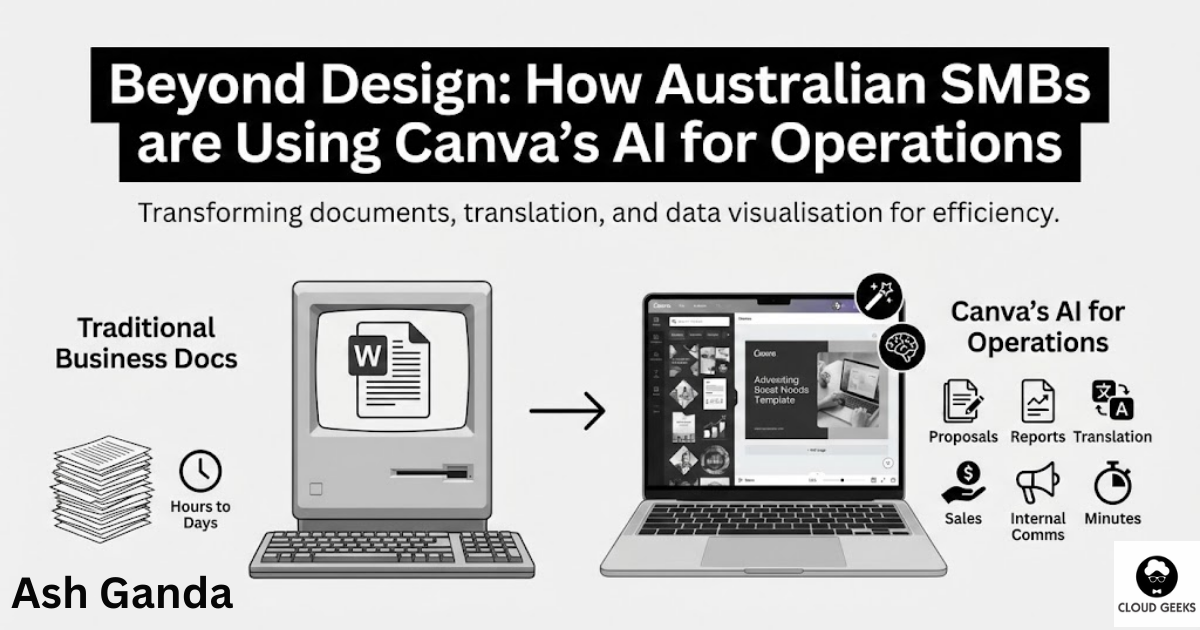
When most people think of Canva, they think of social media graphics and birthday cards. But Australia’s most valuable tech company has quietly become something far more powerful: an AI-driven operational tool that’s transforming how SMBs create business documents, translate content for export markets, and visualise complex data.
The statistics back this up: 90% of sales leaders say visual communication accelerates their sales cycles. Yet most businesses still rely on Word documents and basic PowerPoint slides that haven’t evolved since the 1990s.
At CloudGeeks, we’ve watched Australian SMBs unlock significant productivity gains by using Canva beyond design. Here’s how to stop thinking of Canva as a “graphics tool” and start using it as operational infrastructure.
The Canva Most Businesses Miss
Magic Studio: More Than Pretty Pictures
Canva’s Magic Studio is a suite of AI-powered tools that go far beyond image editing:
Magic Write: AI text generation for any document type Magic Design: Automatic layout and formatting based on content Magic Translate: Instant translation to 100+ languages Magic Animate: Turn static content into video Magic Resize: Adapt content across formats instantly Magic Grab: Extract and manipulate elements from images Magic Expand: Extend images beyond their original boundaries
These tools combine to create a business operations powerhouse that most companies are barely scratching.
Why This Matters for Operations
Traditional business document creation follows a painful workflow:
- Write content in Word
- Format (badly) in Word
- Realise it looks unprofessional
- Ask someone with “design skills” to make it look better
- Wait days for revisions
- Still end up with something mediocre
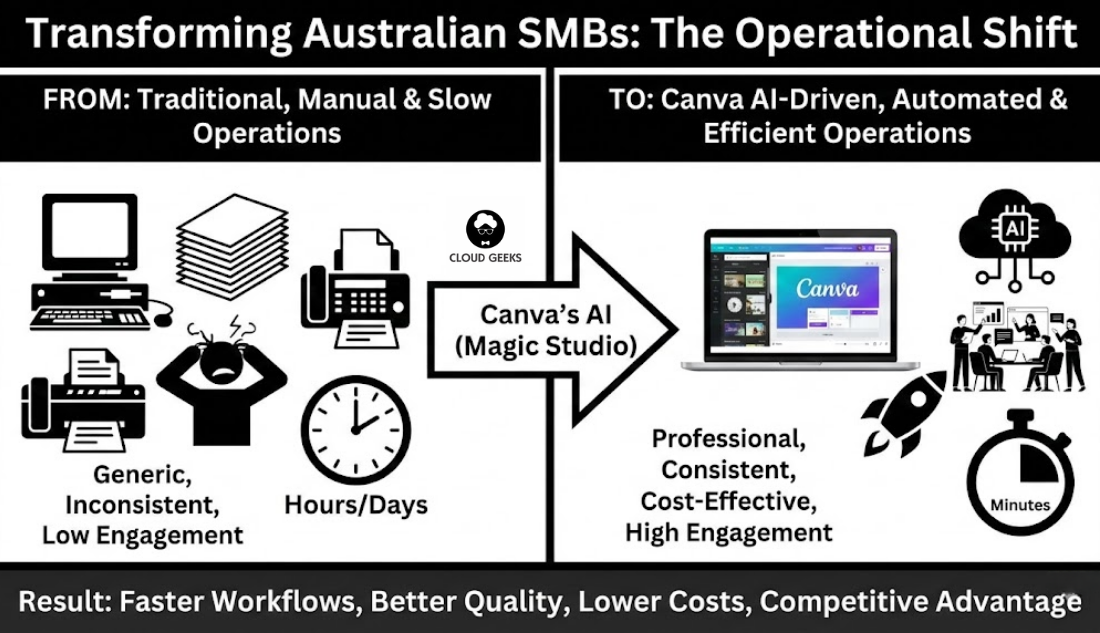
Canva’s AI collapses this into:
- Input content
- AI generates professional output
- Quick human refinement
- Done
Time saved: hours to days per document.
Operational Use Case 1: Business Proposals
The Traditional Approach
A typical Australian consulting firm creates proposals in Word:
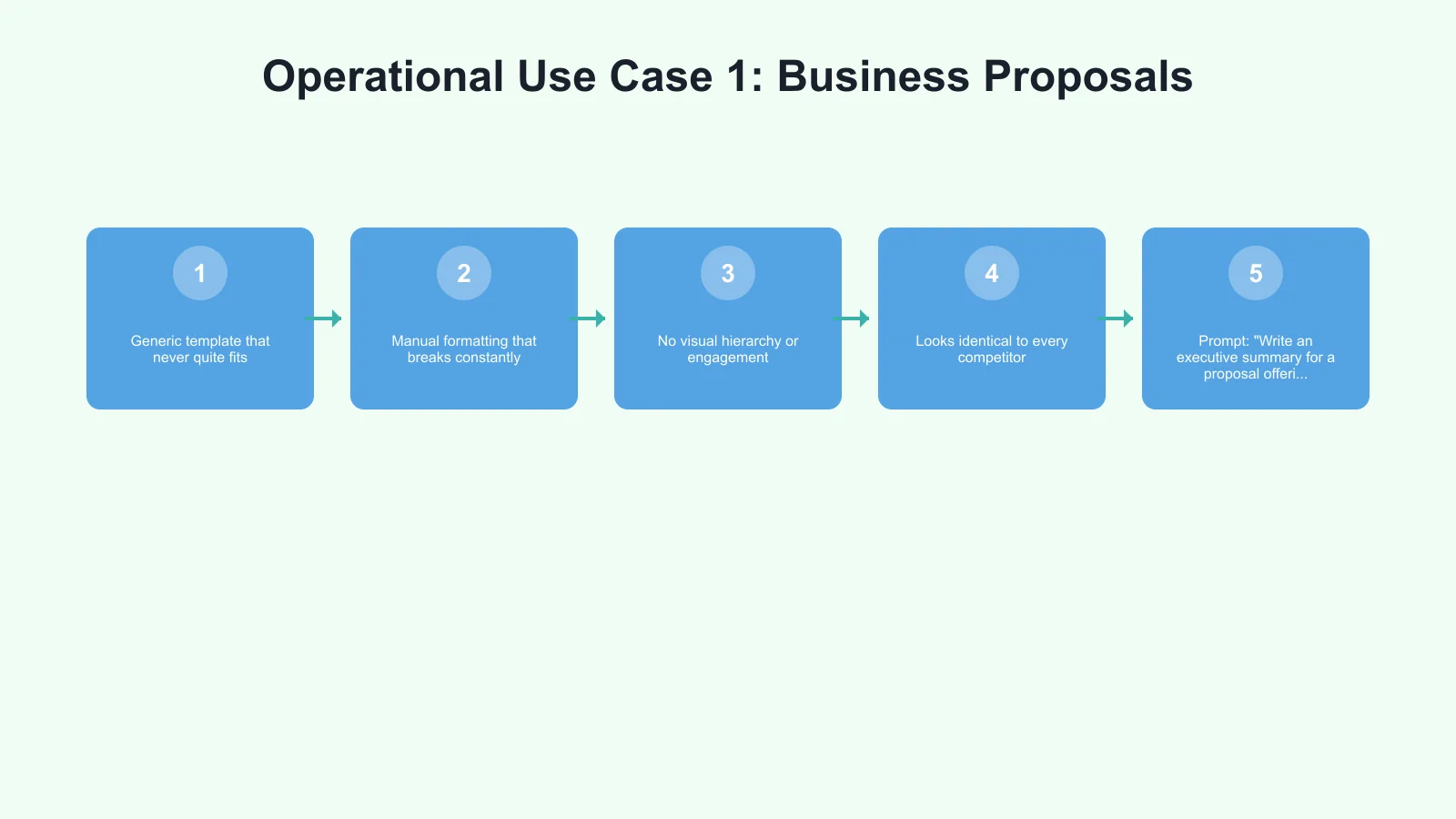
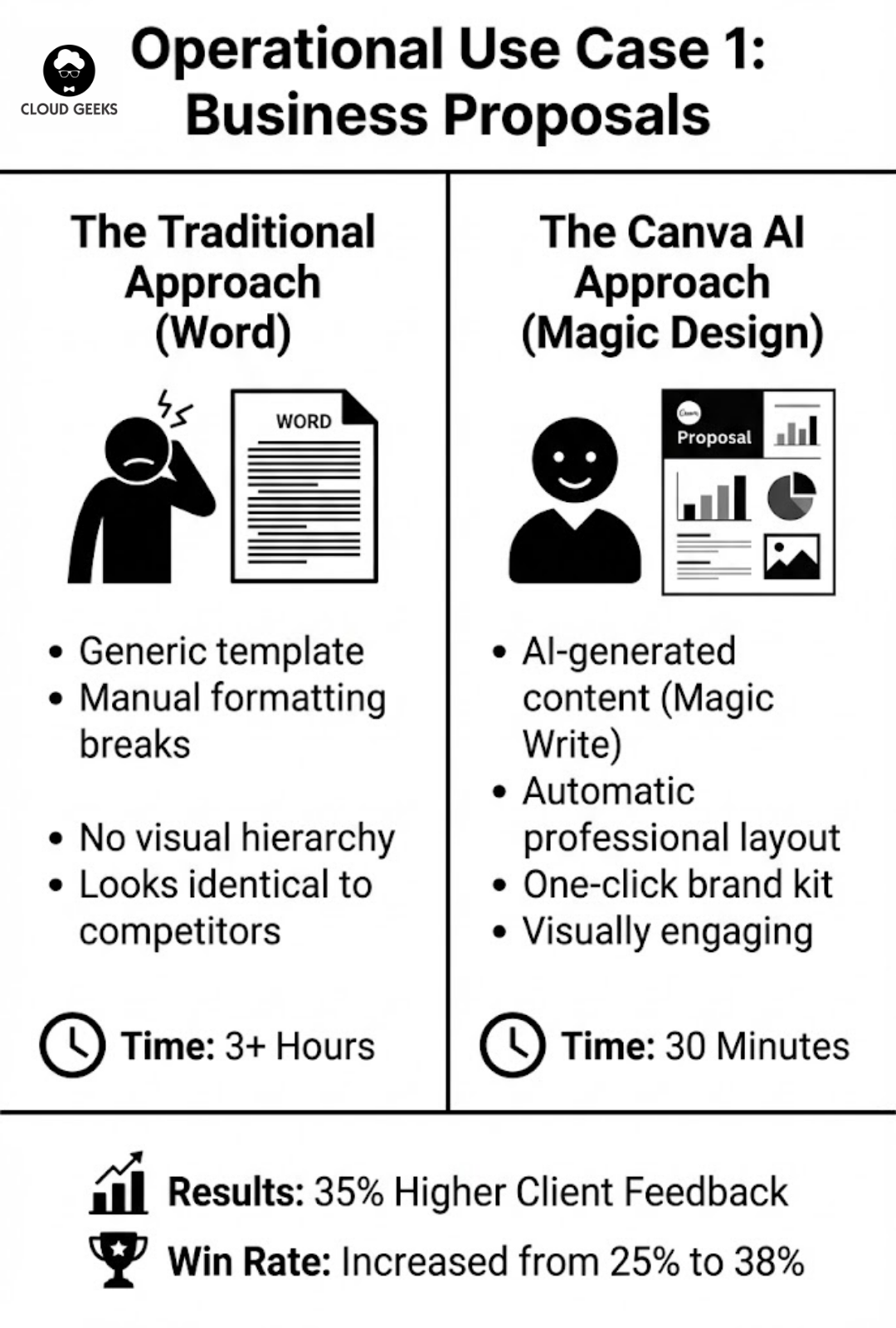
- Generic template that never quite fits
- Manual formatting that breaks constantly
- No visual hierarchy or engagement
- Looks identical to every competitor
The Canva AI Approach
Step 1: Open Canva and search “business proposal”
Step 2: Select a template that matches your brand energy
Step 3: Use Magic Write to generate sections:
- Prompt: “Write an executive summary for a proposal offering IT consulting services to a mid-sized accounting firm in Melbourne. Focus on cloud migration benefits and include specific ROI projections.”
Step 4: Magic Design automatically formats text into visual layouts
Step 5: Add your logo, brand colours (one-click brand kit application)
Step 6: Export as PDF or present directly
Result: A proposal that looks like a design agency produced it, completed in 30 minutes instead of 3 hours.
Real Example: Sydney Digital Agency
A 5-person digital agency was spending 4 hours per proposal, producing 8 proposals monthly.
After implementing Canva AI workflow:
- Proposal creation time: 45 minutes average
- Quality perception: 35% higher client feedback scores
- Win rate: Increased from 25% to 38%
- Monthly time saved: 26 hours
ROI: At $150/hour consulting rate, that’s $3,900/month in recovered billable time.
Operational Use Case 2: Client Reports
Monthly Reports That Don’t Bore
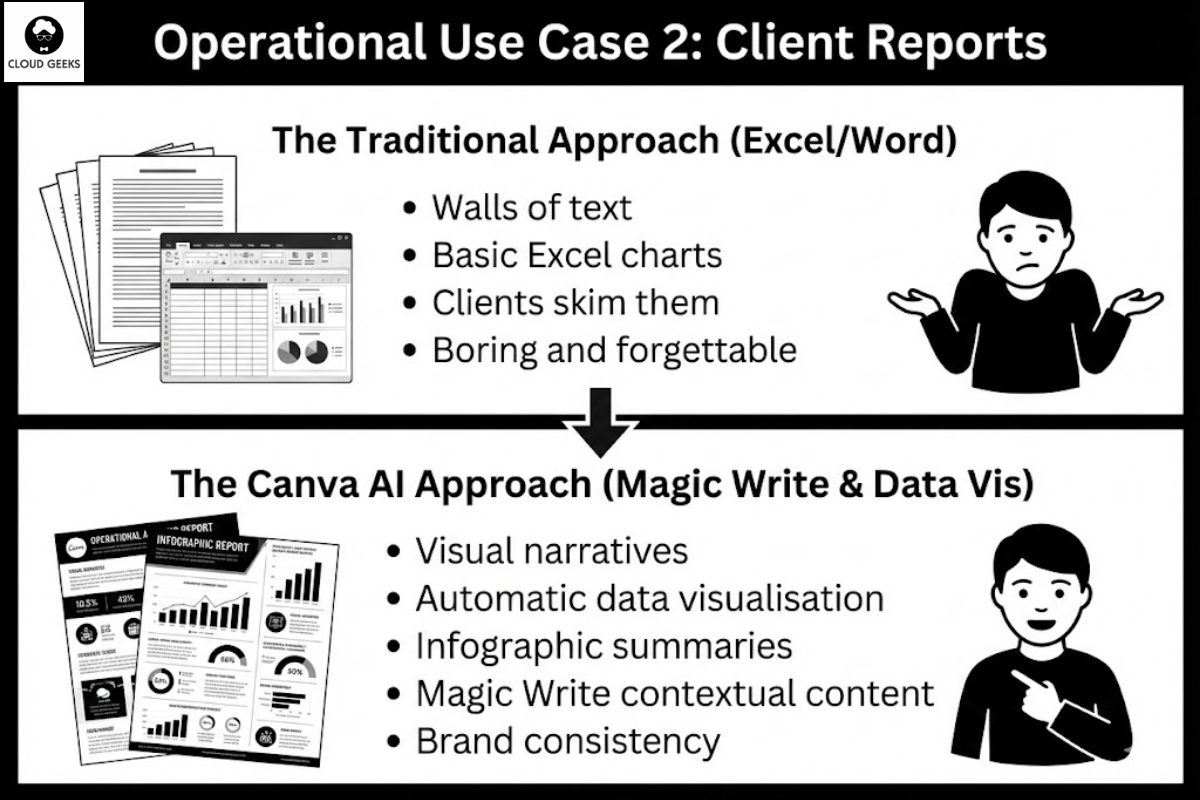
Most client reports are walls of text and basic Excel charts. Clients skim them (if they read them at all).
Canva transforms reports into visual narratives:
Data Visualisation: Connect Canva to your data sources (Google Sheets, Excel) and create charts that update automatically.
Infographic Summaries: Turn key metrics into visual highlights that clients actually remember.
Progress Tracking: Use Canva’s visual elements to show project status, milestones, and achievements.
Consistency: Brand kit ensures every report matches your professional identity.
The Magic Write Advantage
For report sections that need narrative, Magic Write generates contextual content:
Prompt: “Write a summary of marketing performance for Q3. Include: website traffic up 23%, leads up 45%, conversion rate stable at 3.2%. Explain what these numbers mean for an Australian retail client and recommend next steps.”
Output: A professionally written paragraph that contextualises data for non-technical clients.
Operational Use Case 3: Export Market Translation
The Aussie Export Challenge
Australian businesses expanding into Asian markets face content translation challenges:
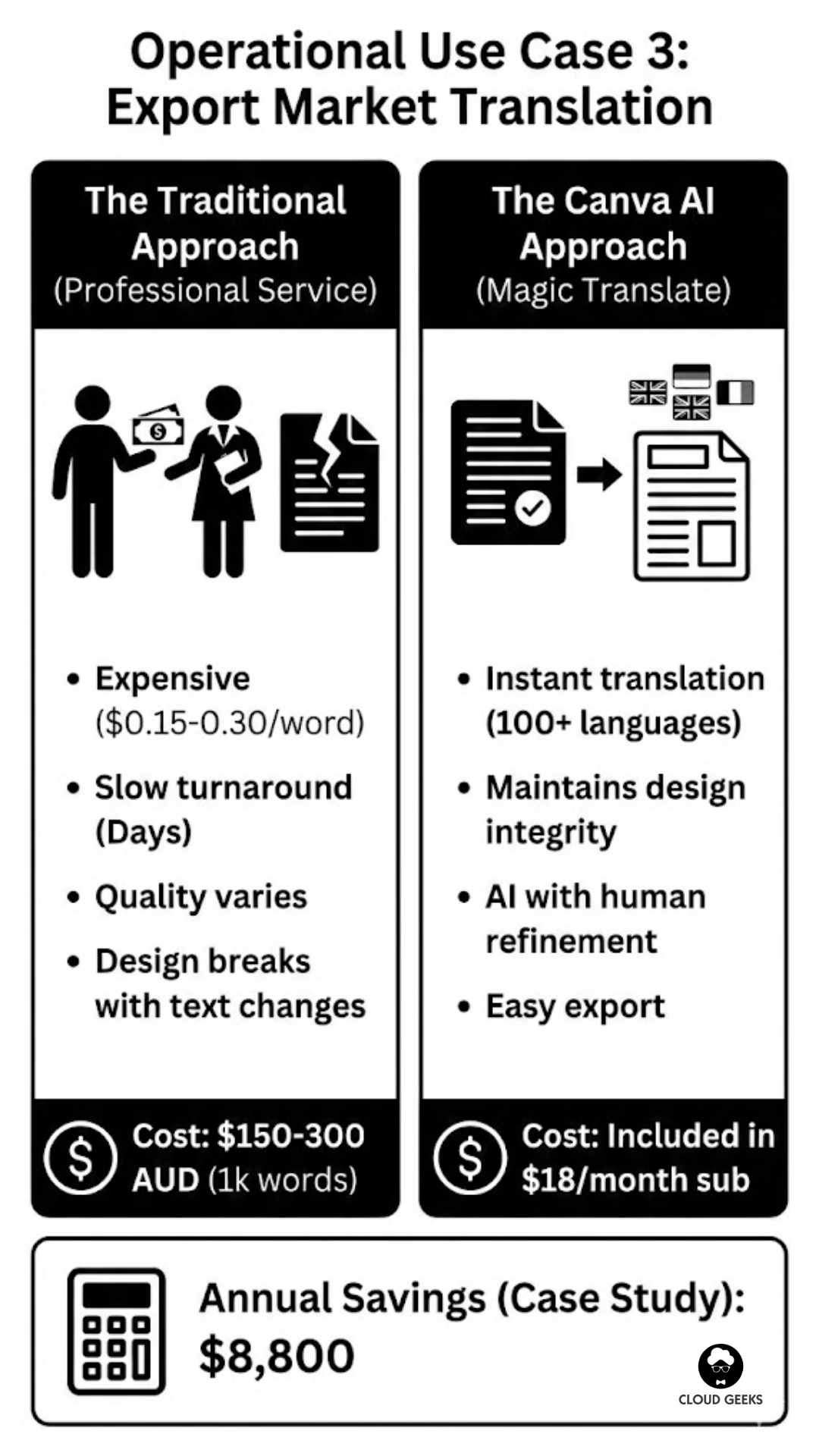
- Professional translation is expensive ($0.15-0.30 per word)
- Turnaround takes days
- Quality varies wildly
- Design breaks when text length changes
Canva Magic Translate Solution
Magic Translate maintains design integrity while translating content:
- Create your marketing material in English
- Select Magic Translate
- Choose target languages (Chinese, Japanese, Indonesian, Vietnamese)
- AI translates while preserving design layout
- Adjust any text that expanded/contracted
- Export language-specific versions
Cost Comparison:
- Traditional translation (1,000-word brochure): $150-300 AUD
- Canva Magic Translate: Included in $18/month subscription
For businesses producing regular multilingual content, the savings compound dramatically.
Case Study: Brisbane Food Exporter
A Queensland food producer needed marketing materials in:
- Simplified Chinese (China market)
- Traditional Chinese (Taiwan/Hong Kong)
- Japanese (specialty retail)
- Indonesian (emerging market)
Previous approach: $2,400/quarter for translation services Canva approach: Magic Translate + native speaker review = $200/quarter
Annual savings: $8,800
Note: Magic Translate works best for marketing content. Legal or technical documents still warrant professional translation.
Operational Use Case 4: Sales Enablement
The Visual Selling Advantage
Sales teams with visual content close deals faster. Canva enables:
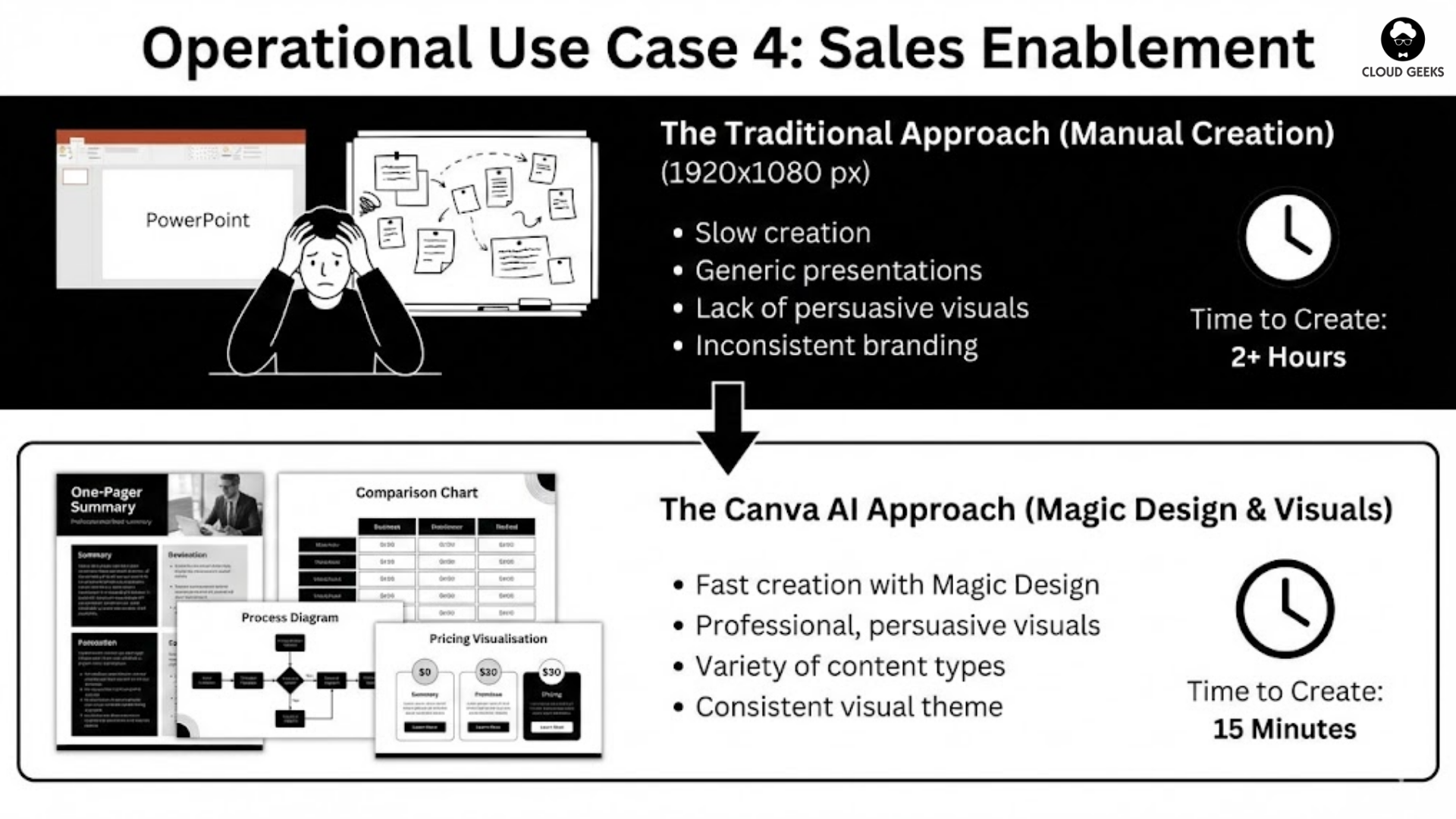
One-Pagers: Product summaries that sales reps can customise for each prospect
Comparison Charts: “Why Us vs. Competitors” visuals that are actually persuasive
Case Study Cards: Quick-reference success stories for relevant industries
Pricing Visualisations: Make complex pricing easy to understand
Process Diagrams: Show how your service works without lengthy explanations
Magic Design for Sales
Give Magic Design a brief, get a presentation:
Prompt: “Create a 5-slide presentation about cloud migration services for a manufacturing company. Include benefits, process overview, timeline, and pricing tiers.”
Magic Design generates:
- Professional slide layouts
- Suggested imagery
- Placeholder text you can refine
- Consistent visual theme
Time to create sales deck: 15 minutes instead of 2 hours.
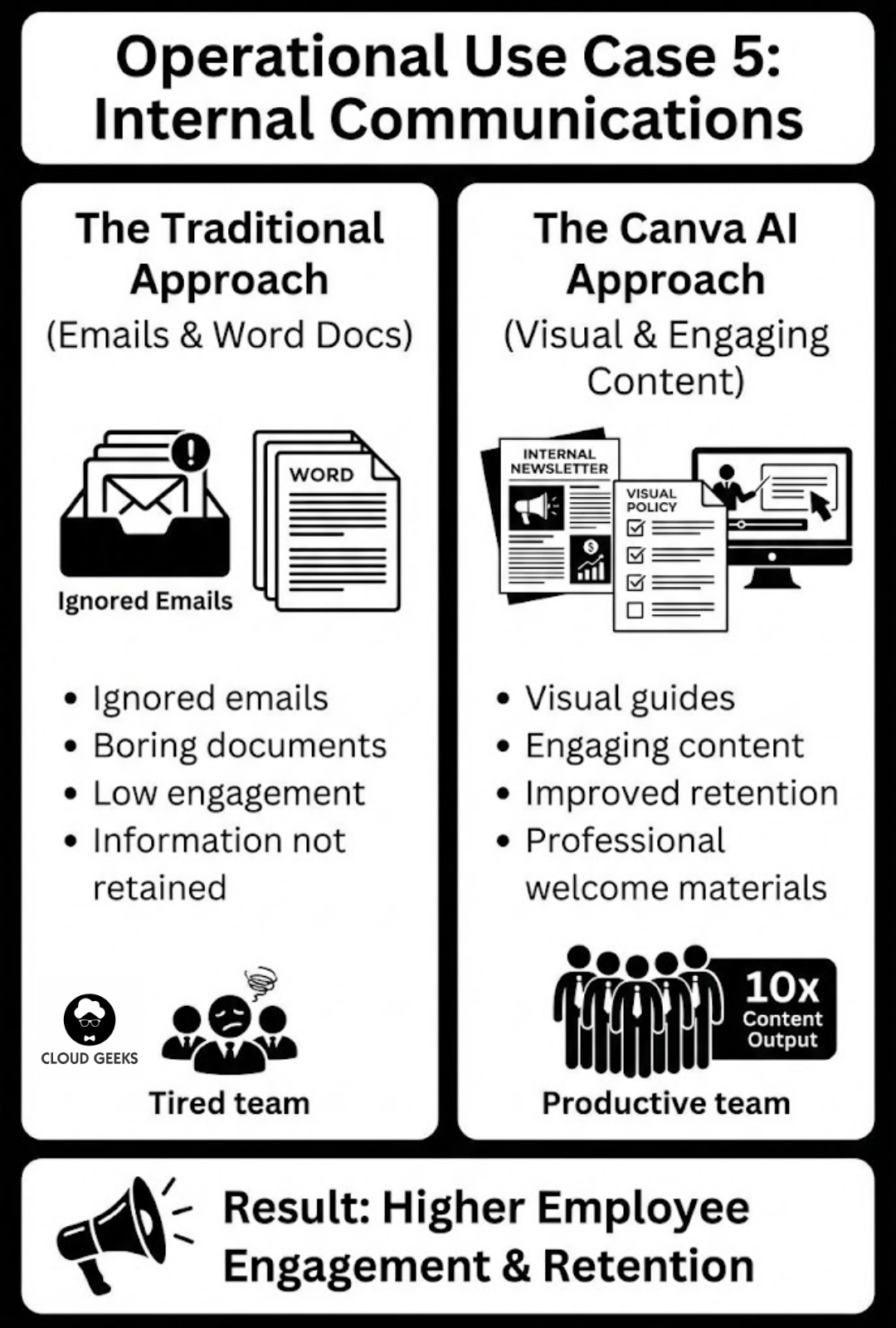
Operational Use Case 5: Internal Communications
Making Internal Docs Actually Get Read
Most internal communications are ignored emails and boring Word documents.
Canva transforms internal comms:
Policy Documents: Visual guides that employees actually understand Training Materials: Engaging content that improves retention Onboarding Packets: Professional welcome materials that make new hires feel valued Company Announcements: Designed updates that cut through inbox noise Process Documentation: Step-by-step visual guides
The Ausbiz Example
Australian media startup Ausbiz produces high-volume content with lean teams using Canva:
- Daily social content across 5 platforms
- Weekly newsletter graphics
- Video thumbnails for YouTube
- Podcast cover art
- Event promotional materials
Their secret: Canva templates + Magic Studio = 10x content output without proportional team growth.
What would require 3-4 designers at a traditional media company runs with 1 designer + AI assistance.
Maximising Canva AI for Your Business
Step 1: Audit Your Document Types
List every document your business creates regularly:
- Proposals and quotes
- Client reports
- Internal memos
- Training materials
- Marketing collateral
- Social media content
- Presentations
- Product sheets
Step 2: Identify Quick Wins
Start with documents that are:
- Created frequently (weekly/monthly)
- Time-consuming to produce
- High-visibility (client-facing or leadership-facing)
- Currently inconsistent in quality
Step 3: Build Your Template Library
Create Canva templates for each document type:
- Apply brand kit (colours, fonts, logos)
- Set up layouts for common content structures
- Include placeholder text that guides users
- Share templates with your team
Step 4: Train Your Team
Key skills to develop:
- Using Magic Write effectively (prompt engineering)
- Applying brand kit consistently
- Resizing content for different uses
- Basic data visualisation
- Collaboration features
Step 5: Establish Workflows
Define when and how Canva fits into processes:
- Sales proposals: Create in Canva, export as PDF, track in CRM
- Client reports: Data in Sheets, visualise in Canva, deliver via email
- Social content: Create in Canva, schedule via Buffer/Hootsuite
Canva Pricing for Australian Businesses
Canva Free
- Basic features
- Limited Magic Studio access
- 5GB storage
- Good for: Testing the waters
Canva Pro ($18 AUD/month per user)
- Full Magic Studio access
- Brand Kit (one brand)
- 100GB storage
- Background remover, Magic Resize
- Good for: Individuals and tiny teams
Canva Teams ($14.50 AUD/month per user, minimum 3 users)
- Everything in Pro
- Brand Kit (multiple brands)
- 1TB storage
- Approval workflows
- Team collaboration features
- Good for: SMBs with multiple people creating content
Enterprise (Custom pricing)
- SSO and advanced security
- Unlimited storage
- Dedicated support
- Custom integrations
- Good for: Larger organisations with compliance needs
Our recommendation: Most Australian SMBs get the best value from Canva Teams at the 3-5 user tier.
Integration Possibilities
Canva plays well with other business tools:
Google Workspace: Direct integration for Docs, Sheets, Slides Microsoft 365: Import/export compatibility Slack: Share designs directly in channels Dropbox/Google Drive: Cloud storage integration Hubspot: Marketing asset management Social Platforms: Direct publishing to major networks
Common Mistakes to Avoid
1. Treating It As “Just Design”
Canva is operational infrastructure, not a toy. Implement it seriously with training, templates, and processes.
2. Skipping Brand Kit Setup
Spend 2 hours setting up your Brand Kit properly. It pays dividends every time anyone creates anything.
3. Not Using Magic Write for First Drafts
Even if you rewrite everything, Magic Write gives you a starting point that’s faster than a blank page.
4. Forgetting About Team Collaboration
Canva’s collaboration features are powerful. Use comments, approvals, and shared folders.
5. Over-Designing
Just because you can add design elements doesn’t mean you should. Sometimes clean and simple wins.
The Competitive Advantage
Your competitors are probably still using Word and basic PowerPoint. Every proposal, report, and presentation you create with Canva AI looks more professional than theirs.
In competitive situations, this visual edge can make the difference. Clients perceive visual quality as a proxy for service quality.
Getting Started Today
- Sign up for Canva Pro (free trial available)
- Set up your Brand Kit with colours, fonts, and logos
- Choose one document type to transform
- Create a template using Magic Design
- Test with a real project this week
- Measure time saved and quality improvement
- Expand to more document types
Canva is an Australian success story. Using it for operational efficiency is a way to support local tech while genuinely improving your business.
Ready to go beyond design? Contact CloudGeeks to discuss how Canva AI fits into your broader business technology strategy. We help Australian SMBs implement tools like Canva as part of integrated digital transformation.
Your documents are your business’s face to the world. Make them look the part.
Related Articles
- AI Tools for Australian SMBs: Practical Guide with Real Case Studies
- AI on a Budget: How Australian SMBs Can Harness Artificial Intelligence
- Microsoft Copilot vs Google Gemini: The Battle for the Australian Office
- Meet JAX: How Xero’s AI Agent is Acting as a CFO for Small Businesses
- Budget-Friendly AI Implementation: A Complete Guide for Australian SMBs
Strong cloud infrastructure is the foundation — a great website is the shopfront. Cosmos Web Tech helps Australian businesses turn technical capability into online growth.
Cloud Geeks operates under the Ganda Tech Services umbrella, delivering end-to-end technology solutions for Australian businesses.