
AI Tools for Australian SMB Productivity: Complete Guide 2026

AI productivity tools have moved from experimental curiosity to business essential. For Australian SMBs, the question is no longer whether to use AI but which tools to adopt and how to implement them effectively. The landscape has matured significantly, with clear leaders emerging and practical applications becoming well-understood.
At CloudGeeks, we’ve helped Australian businesses navigate the AI productivity tool landscape since GPT-4 changed everything in 2023. This guide provides the practical comparison and implementation guidance you need to make AI work for your business in 2026.
The AI Productivity Tool Landscape
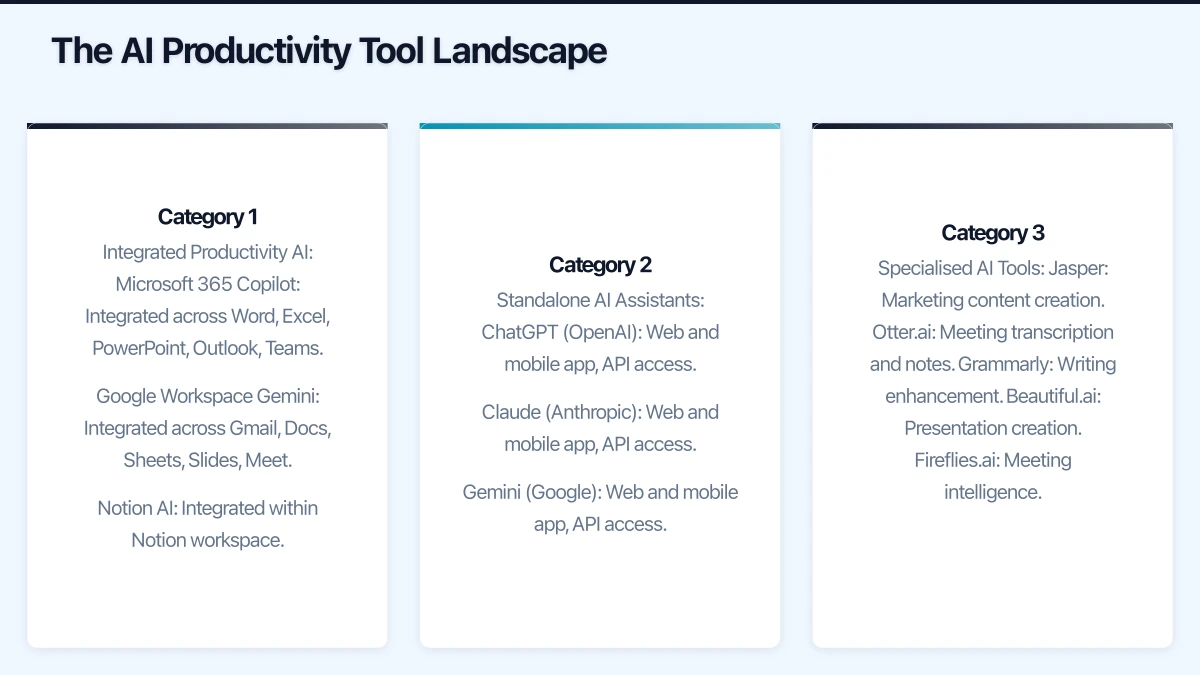
The market has consolidated around several major categories:
Category 1: Integrated Productivity AI
AI embedded within existing productivity suites:
- Microsoft 365 Copilot: Integrated across Word, Excel, PowerPoint, Outlook, Teams
- Google Workspace Gemini: Integrated across Gmail, Docs, Sheets, Slides, Meet
- Notion AI: Integrated within Notion workspace
Category 2: Standalone AI Assistants
General-purpose AI accessed directly:
- ChatGPT (OpenAI): Web and mobile app, API access
- Claude (Anthropic): Web and mobile app, API access
- Gemini (Google): Web and mobile app, API access
Category 3: Specialised AI Tools
Purpose-built AI for specific tasks:
- Jasper: Marketing content creation
- Otter.ai: Meeting transcription and notes
- Grammarly: Writing enhancement
- Beautiful.ai: Presentation creation
- Fireflies.ai: Meeting intelligence
Comparison: Microsoft 365 Copilot vs Google Workspace Gemini
For most Australian SMBs, the primary decision is between the two major productivity suite AI offerings.
Microsoft 365 Copilot
Pricing: $45 AUD/user/month (add-on to qualifying M365 subscription)
Minimum Requirements: M365 Business Basic, Standard, Premium, or E3/E5
Total Cost Example (25 users on Business Premium):
- M365 Business Premium: $825/month
- Copilot Add-on: $1,125/month
- Total: $1,950/month
Key Capabilities:
| Application | Capability | Quality Rating |
|---|---|---|
| Word | Document drafting, rewriting, summarisation | Excellent |
| Excel | Natural language formulas, data analysis | Very Good |
| PowerPoint | Presentation creation, design suggestions | Good |
| Outlook | Email drafting, summarisation, scheduling | Excellent |
| Teams | Meeting summaries, chat intelligence | Excellent |
| Business Chat | Cross-application queries | Very Good |
Strengths:
- Deep integration with Microsoft 365 applications
- Strong meeting intelligence (summaries, action items)
- Respects existing permissions and security
- Australian data residency available
Limitations:
- Expensive ($45/user/month adds up quickly)
- Requires good data organisation in SharePoint
- Quality depends on your existing content quality
- Some features inconsistent across applications
Google Workspace Gemini
Pricing: $30 AUD/user/month (add-on to qualifying Workspace subscription)
Minimum Requirements: Business Starter, Standard, Plus, or Enterprise
Total Cost Example (25 users on Business Standard):
- Workspace Business Standard: $375/month
- Gemini Add-on: $750/month
- Total: $1,125/month
Key Capabilities:
| Application | Capability | Quality Rating |
|---|---|---|
| Gmail | Email drafting, summarisation | Very Good |
| Docs | Document creation, editing assistance | Very Good |
| Sheets | Formula help, data analysis | Good |
| Slides | Presentation creation, image generation | Good |
| Meet | Meeting summaries, notes | Good |
| Gemini Chat | General queries, research | Excellent |
Strengths:
- Lower cost than Copilot
- Strong general AI capabilities
- Good integration with Google ecosystem
- Improving rapidly with updates
Limitations:
- Less mature than Copilot in productivity integration
- Meeting intelligence not as comprehensive
- Smaller market share means fewer Australian case studies
- Data location considerations for some industries
Head-to-Head Comparison
| Factor | Microsoft Copilot | Google Gemini | Winner |
|---|---|---|---|
| Cost | $45/user/month | $30/user/month | Gemini |
| Word processing AI | Excellent | Very Good | Copilot |
| Spreadsheet AI | Very Good | Good | Copilot |
| Email AI | Excellent | Very Good | Copilot |
| Meeting AI | Excellent | Good | Copilot |
| General AI quality | Very Good | Excellent | Gemini |
| Integration depth | Excellent | Good | Copilot |
| Australian data residency | Yes | Limited | Copilot |
| Enterprise features | Excellent | Good | Copilot |
Recommendation:
- For Microsoft 365 shops: Copilot (despite cost, integration value is significant)
- For Google Workspace shops: Gemini (natural fit, good value)
- For cost-sensitive businesses: Gemini or standalone tools
Standalone AI Tools Comparison
For businesses not ready for productivity suite AI, standalone tools offer flexibility.
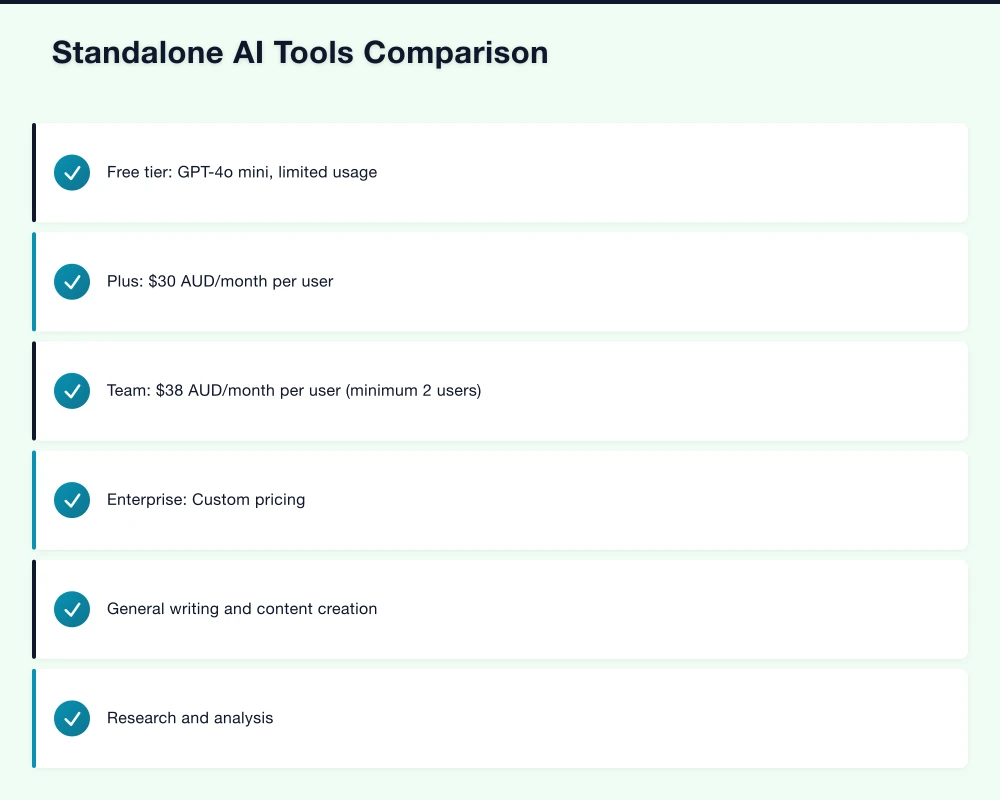
ChatGPT (OpenAI)
Pricing:
- Free tier: GPT-4o mini, limited usage
- Plus: $30 AUD/month per user
- Team: $38 AUD/month per user (minimum 2 users)
- Enterprise: Custom pricing
Best For:
- General writing and content creation
- Research and analysis
- Code generation and review
- Creative brainstorming
Australian Considerations:
- Data processed in US data centres
- OpenAI business terms provide some data protection
- Not ideal for sensitive data without Enterprise tier
Claude (Anthropic)
Pricing:
- Free tier: Claude 3.5 Sonnet, limited usage
- Pro: $28 AUD/month per user
- Team: $40 AUD/month per user
- Enterprise: Custom pricing
Best For:
- Long document analysis
- Nuanced writing tasks
- Complex reasoning and analysis
- Code review and generation
Australian Considerations:
- Data processed in US
- Strong privacy stance (doesn’t train on business data)
- Excellent for sensitive document analysis
Gemini (Standalone)
Pricing:
- Free tier: Gemini Pro, generous limits
- Advanced: $30 AUD/month per user
- Business: Included with Workspace Gemini add-on
Best For:
- Research and information gathering
- Integration with Google services
- Image understanding and generation
- Real-time information queries
Australian Considerations:
- Google’s data practices apply
- Good integration with existing Google usage
- Strong mobile experience
Comparison Table
| Feature | ChatGPT Plus | Claude Pro | Gemini Advanced |
|---|---|---|---|
| Monthly cost | $30 | $28 | $30 |
| Best model | GPT-4o | Claude 3.5 Sonnet | Gemini Ultra |
| Context window | 128K tokens | 200K tokens | 1M tokens |
| Web browsing | Yes | No | Yes |
| File upload | Yes | Yes | Yes |
| Image generation | Yes (DALL-E) | No | Yes (Imagen) |
| Code execution | Yes | No | Yes |
| Mobile app | Excellent | Good | Good |
Specialised AI Tools Worth Considering
Meeting Intelligence
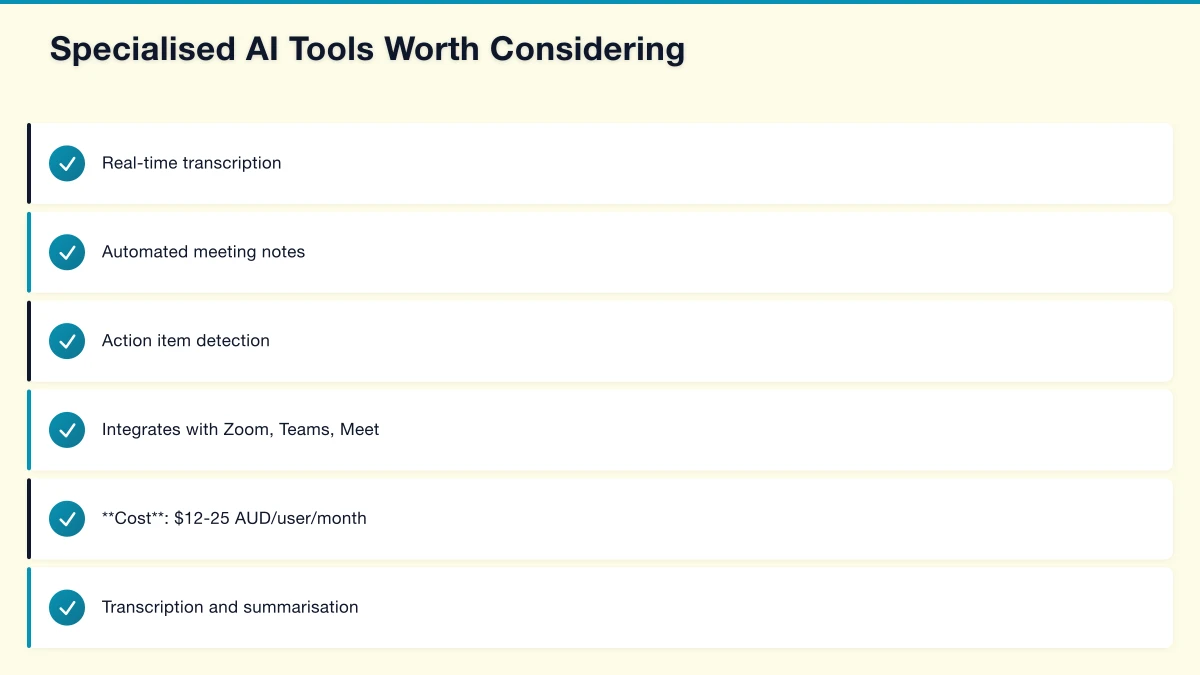
Otter.ai
- Real-time transcription
- Automated meeting notes
- Action item detection
- Integrates with Zoom, Teams, Meet
- Cost: $12-25 AUD/user/month
Fireflies.ai
- Transcription and summarisation
- Meeting analytics
- CRM integration
- Cost: $15-30 AUD/user/month
Read.ai
- Meeting summaries and action items
- Engagement analytics
- Multi-platform support
- Cost: $20-30 AUD/user/month
Recommendation: If using M365 Copilot or Gemini, built-in meeting features may suffice. Otherwise, Otter.ai offers best value for SMBs.
Writing and Content
Grammarly Business
- Writing enhancement across applications
- Tone detection and adjustment
- Brand voice consistency
- Cost: $15-25 AUD/user/month
Jasper
- Marketing content generation
- Brand voice training
- Template library
- Cost: $50-125 AUD/user/month
Copy.ai
- Marketing copy generation
- Workflow automation
- Team collaboration
- Cost: $50-100 AUD/user/month
Recommendation: Grammarly for general writing improvement. Jasper for marketing-heavy teams.
Presentation and Design
Beautiful.ai
- AI-powered slide design
- Automatic formatting
- Template library
- Cost: $15-50 AUD/user/month
Tome
- AI presentation generation
- Narrative-focused design
- Interactive elements
- Cost: $20-30 AUD/user/month
Gamma
- Document to presentation conversion
- Web-first presentations
- Collaboration features
- Cost: Free-$15 AUD/user/month
Recommendation: Built-in Copilot/Gemini features handle most needs. Gamma for budget option, Beautiful.ai for design-focused teams.
Implementation Strategy
Phase 1: Assessment (Weeks 1-2)
Identify High-Value Use Cases
Survey your team to identify where AI could help most:
| Task Category | Time Spent (hrs/week) | AI Potential | Priority |
|---|---|---|---|
| Email drafting and response | 8 | High | 1 |
| Document creation | 5 | High | 2 |
| Meeting preparation/follow-up | 4 | High | 3 |
| Data analysis | 3 | Medium | 4 |
| Presentation creation | 2 | Medium | 5 |
| Research | 3 | High | 6 |
Calculate Potential ROI
For a $85,000/year employee:
- Hourly cost (including on-costs): ~$55/hour
- If AI saves 5 hours/week: $14,300/year value
- AI tool cost: $540-$1,500/year
- Net ROI: $12,800-$13,760/year per employee
Phase 2: Pilot (Weeks 3-6)
Select Pilot Group Choose 5-10 users who:
- Have high potential for AI benefit
- Are technology-comfortable
- Will provide honest feedback
- Represent different roles
Pilot Success Metrics
| Metric | Target | Measurement Method |
|---|---|---|
| Adoption rate | 80%+ daily use | Usage analytics |
| Time savings | 3+ hours/week | User survey |
| Quality improvement | Noticeable | Peer review |
| User satisfaction | 7+/10 | Survey |
Pilot Duration: 4 weeks minimum to develop habits and accurate assessment
Phase 3: Rollout (Weeks 7-10)
Training Approach
| Audience | Training Duration | Focus Areas |
|---|---|---|
| All users | 30 minutes | Basic prompting, key use cases |
| Power users | 60 minutes | Advanced prompts, integrations |
| Admins | 90 minutes | Configuration, security, monitoring |
Rollout Sequence
- Administrative and executive support (highest impact)
- Sales and customer-facing roles
- Marketing and content creators
- Operations and technical staff
Phase 4: Optimisation (Ongoing)
Monthly Activities:
- Review usage analytics
- Collect user feedback
- Share best practices and prompts
- Address common issues
Quarterly Activities:
- Assess ROI against projections
- Evaluate new tools and features
- Update training materials
- Review security and compliance
Practical Prompting Guidelines
Effective prompting dramatically impacts AI output quality.
Prompt Structure Framework
CLEAR Framework:
- Context: Background information and constraints
- Length: Desired output length
- Examples: Sample output or references
- Audience: Who will read/use the output
- Role: What expertise should the AI embody
Example Prompts by Use Case
Email Drafting:
Context: I'm a project manager at an Australian IT services company.
A client is unhappy about a project delay.

Task: Draft a professional email acknowledging the delay,
explaining the cause (additional testing needed), and
proposing revised timeline of 2 weeks.

Tone: Apologetic but confident. Focus on quality commitment.
Length: 150-200 words.
Document Summarisation:
Summarise this 20-page report into:
1. Executive summary (3 bullet points, max 50 words each)
2. Key findings (5-7 bullet points)
3. Recommended actions (3-5 bullet points)

Audience: Senior executives with 5 minutes to review
Focus: Business impact and financial implications
Data Analysis (Excel/Sheets):
Analyse this sales data and:
1. Identify top 5 products by revenue
2. Show monthly trend for past 12 months
3. Flag any products with declining sales (>10% month-over-month)
4. Calculate average deal size by salesperson

Create a summary table and chart showing the key insights.
Meeting Preparation:
I have a meeting tomorrow with [Client Name] to discuss
their annual IT support renewal.

Based on our previous communications and their support
ticket history, prepare:
1. Meeting agenda (5-6 points)
2. Key talking points for each agenda item
3. Potential objections they might raise
4. Questions I should ask
Security and Compliance Considerations
Data Protection
Understand Where Data Goes:
- Productivity suite AI: Generally stays within platform ecosystem
- Standalone tools: Often processed in US data centres
- Enterprise tiers: Usually offer better data protection
Sensitive Data Guidelines:
- Never input customer personal information without consent
- Avoid financial data in free-tier tools
- Don’t share confidential documents with standalone AI
- Review AI provider terms for data usage
Australian Compliance
Privacy Act Considerations:
- AI tools may constitute overseas disclosure
- Ensure provider has adequate privacy protections
- Consider data sovereignty requirements
Industry-Specific:
- Healthcare: Be cautious with patient information
- Financial services: Review APRA guidance on AI
- Legal: Maintain privilege considerations
Recommended Policies
Create an AI acceptable use policy covering:
- Approved tools and tiers
- Data that can/cannot be input
- Review requirements for AI-generated content
- Security incident reporting
- Personal vs business use
Budget Planning
Small Business (10-25 users)
Option A: Productivity Suite AI
| Item | Monthly Cost |
|---|---|
| M365 Business Premium (25 users) | $825 |
| Copilot (10 power users) | $450 |
| Total | $1,275/month |
Option B: Mixed Approach
| Item | Monthly Cost |
|---|---|
| M365 Business Standard (25 users) | $468 |
| Claude Pro (5 users) | $140 |
| Grammarly Business (10 users) | $200 |
| Total | $808/month |
Medium Business (25-100 users)
Option A: Full Copilot
| Item | Monthly Cost |
|---|---|
| M365 Business Premium (50 users) | $1,650 |
| Copilot (25 users) | $1,125 |
| Total | $2,775/month |
Option B: Targeted Deployment
| Item | Monthly Cost |
|---|---|
| M365 Business Premium (50 users) | $1,650 |
| Copilot (10 power users) | $450 |
| ChatGPT Team (15 users) | $570 |
| Total | $2,670/month |
Getting Started Checklist
This Week:
- Survey team on highest-impact use cases
- Trial free tiers of major AI tools
- Review current productivity suite capabilities
- Draft AI acceptable use policy
This Month:
- Calculate ROI for top use cases
- Select pilot group and tools
- Implement basic training
- Launch pilot program
This Quarter:
- Complete pilot evaluation
- Make tool decisions based on data
- Roll out to broader organisation
- Establish ongoing optimisation process
AI productivity tools are no longer optional for competitive Australian businesses. The organisations that implement them thoughtfully will see significant productivity gains. Those that wait will fall behind.
At CloudGeeks, we help Australian SMBs evaluate, implement, and optimise AI productivity tools. From tool selection through training and ongoing support, we provide the expertise to make AI work for your business. Contact us to discuss your AI productivity strategy.
Related Articles
- Microsoft 365 Copilot Implementation Guide
- Microsoft Copilot vs Google Gemini: Battle for the Australian Office
- AI on a Budget: How Australian SMBs Can Harness AI
- Data Sovereignty 101: Keeping Your AI Australian
Cloud is one piece of the digital puzzle. Ash Ganda writes about enterprise technology strategy and how to align IT investments with business growth.
This article is brought to you by Ganda Tech Services — Sydney’s complete digital solutions provider covering cloud, web, and mobile.