
Microsoft 365 Copilot Implementation Guide for Australian SMBs

Microsoft 365 Copilot has moved from early adopter territory into mainstream deployment, and Australian SMBs are increasingly asking the same question: how do we actually implement this properly? After helping dozens of Australian businesses deploy Copilot over the past year, we’ve developed a comprehensive implementation approach that maximises value while minimising disruption.
At CloudGeeks, we’ve seen both successful deployments that transform how teams work and failed rollouts that became expensive shelfware. The difference almost always comes down to implementation approach, not the technology itself.
Understanding Copilot’s Current State in 2026
Microsoft 365 Copilot has matured significantly since its initial release. The January 2026 updates brought several improvements relevant to Australian businesses:
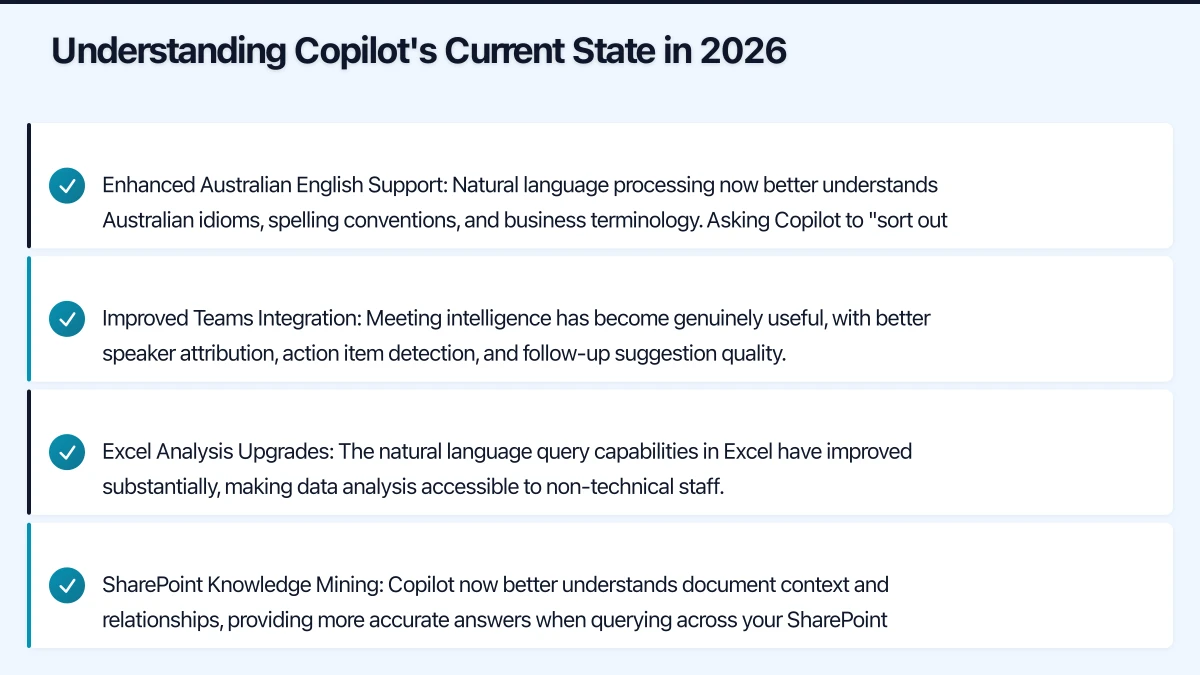
Enhanced Australian English Support: Natural language processing now better understands Australian idioms, spelling conventions, and business terminology. Asking Copilot to “sort out the arvo meeting notes” actually works now.
Improved Teams Integration: Meeting intelligence has become genuinely useful, with better speaker attribution, action item detection, and follow-up suggestion quality.
Excel Analysis Upgrades: The natural language query capabilities in Excel have improved substantially, making data analysis accessible to non-technical staff.
SharePoint Knowledge Mining: Copilot now better understands document context and relationships, providing more accurate answers when querying across your SharePoint environment.
Current Licensing and Costs
Understanding the full cost picture is essential for building your business case.
Base Requirements
Copilot requires one of these underlying Microsoft 365 subscriptions:
- Microsoft 365 Business Basic ($9.30 AUD/user/month)
- Microsoft 365 Business Standard ($18.70 AUD/user/month)
- Microsoft 365 Business Premium ($33.00 AUD/user/month)
- Microsoft 365 E3 or E5 (Enterprise licensing)
Copilot Add-on Pricing
Microsoft 365 Copilot costs $45 AUD per user per month as an add-on to qualifying subscriptions.
For a typical 25-person Australian SMB on Business Premium, the monthly cost breakdown:
| Component | Per User | 25 Users Monthly |
|---|---|---|
| M365 Business Premium | $33.00 | $825.00 |
| Copilot Add-on | $45.00 | $1,125.00 |
| Total | $78.00 | $1,950.00 |
Annual Copilot investment: $13,500 AUD for 25 users.
ROI Calculation Framework
To justify this investment, calculate the productivity value required:
Break-even analysis: $45/user/month = $540/user/year
For an employee earning $85,000/year (approximately $44/hour including on-costs), Copilot needs to save approximately 12 hours per year to break even. That’s roughly 15 minutes per week.
Our client data suggests well-implemented Copilot deployments save 30-60 minutes per week for heavy users in roles like:
- Administrative assistants
- Project managers
- Account managers
- Marketing coordinators
- Executive assistants
Pre-Implementation Assessment
Before purchasing licenses, complete this assessment to identify deployment priorities and potential blockers.
Technical Readiness Checklist
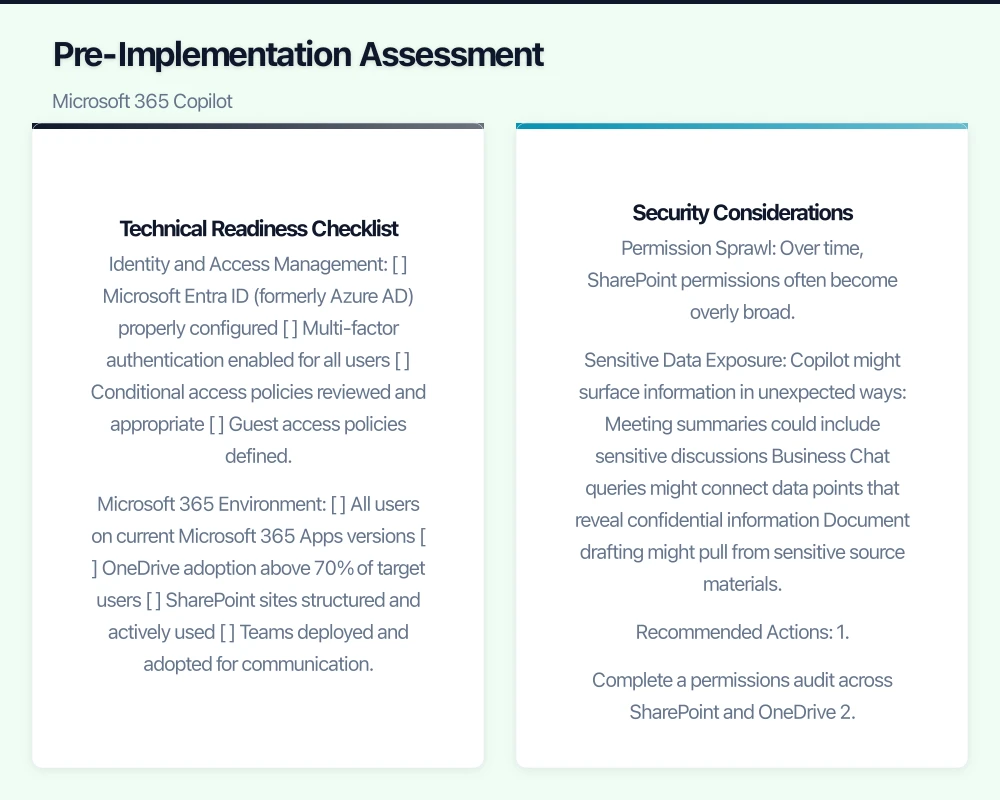
Identity and Access Management
- Microsoft Entra ID (formerly Azure AD) properly configured
- Multi-factor authentication enabled for all users
- Conditional access policies reviewed and appropriate
- Guest access policies defined
Microsoft 365 Environment
- All users on current Microsoft 365 Apps versions
- OneDrive adoption above 70% of target users
- SharePoint sites structured and actively used
- Teams deployed and adopted for communication
Data Organisation
- SharePoint document libraries organised logically
- Consistent file naming conventions in place
- Permissions audited within last 6 months
- Sensitivity labels configured if handling sensitive data
Security Considerations
Copilot accesses all data the user has permission to view. This creates several considerations:
Permission Sprawl: Over time, SharePoint permissions often become overly broad. Before Copilot deployment, audit:
- Who has access to which document libraries
- Whether “Everyone” or “All Users” groups have unintended access
- Whether former employees or contractors still have access
Sensitive Data Exposure: Copilot might surface information in unexpected ways:
- Meeting summaries could include sensitive discussions
- Business Chat queries might connect data points that reveal confidential information
- Document drafting might pull from sensitive source materials
Recommended Actions:
- Complete a permissions audit across SharePoint and OneDrive
- Implement sensitivity labels for confidential content
- Configure Data Loss Prevention policies for regulated data
- Review and tighten sharing settings
Implementation Roadmap
Phase 1: Foundation (Weeks 1-4)
Week 1-2: Technical Preparation
Configure the technical prerequisites:
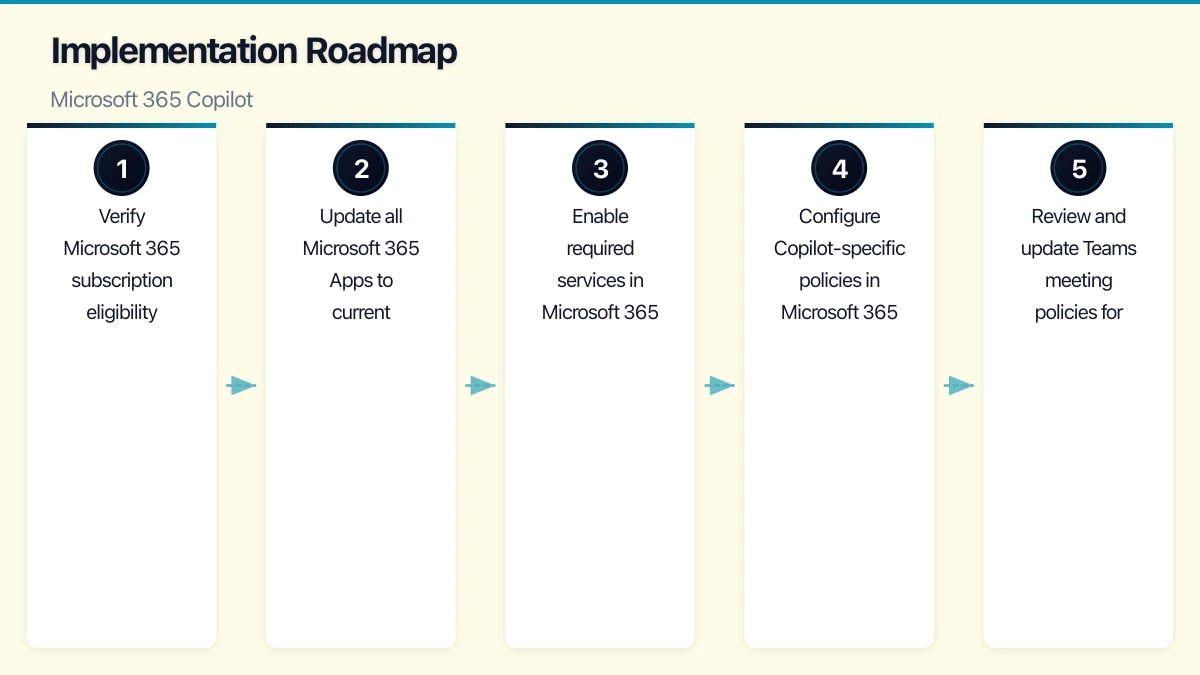
1. Verify Microsoft 365 subscription eligibility
2. Update all Microsoft 365 Apps to current channel
3. Enable required services in Microsoft 365 admin centre
4. Configure Copilot-specific policies in Microsoft 365 admin
5. Review and update Teams meeting policies for transcription
Key Admin Centre Settings:
- Enable Copilot in Microsoft 365 admin centre
- Configure which users or groups can access Copilot
- Set meeting transcription and recording policies
- Review data residency settings for Australian compliance
Week 3-4: Data Preparation
This phase often takes longer than expected. Allocate adequate time for:
- Cleaning up outdated documents from active SharePoint sites
- Archiving completed projects to archive locations
- Fixing inconsistent folder structures and naming
- Reviewing and correcting permission assignments
- Testing Copilot’s ability to find and reference key documents
Phase 2: Pilot Deployment (Weeks 5-8)
Selecting Pilot Users
Choose 5-10 users representing different roles and departments. Ideal pilot candidates:
- High Microsoft 365 usage (email, documents, meetings)
- Comfortable with technology and change
- Willing to provide detailed feedback
- Representative of roles that will use Copilot post-rollout
Poor pilot candidates:
- Technology-resistant staff
- Users with minimal Microsoft 365 engagement
- People too busy to learn new tools properly
Pilot Objectives
- Identify high-value use cases specific to your business
- Uncover data and permission issues before broad rollout
- Develop internal expertise and champions
- Create training materials using real examples from your business
- Measure actual productivity impact to refine ROI projections
Pilot Tracking Template
Track these metrics for each pilot user:
| Metric | Baseline | Week 2 | Week 4 | Target |
|---|---|---|---|---|
| Emails drafted with Copilot | - | 50%+ | ||
| Meeting summaries used | - | 80%+ | ||
| Documents started with Copilot | - | 40%+ | ||
| Time saved (self-reported) | 0 | 30+ min/week | ||
| Satisfaction score (1-10) | - | 7+ |
Phase 3: Broad Rollout (Weeks 9-12)
Rollout Strategy
Based on pilot learnings, typically deploy in waves:
Wave 1 (Week 9): Administrative and executive assistant roles
- Highest immediate value from email and meeting features
- Creates visible success stories
Wave 2 (Week 10): Project managers and coordinators
- Benefit from document drafting and meeting intelligence
- Often become Copilot champions
Wave 3 (Week 11): Knowledge workers and analysts
- Excel and document analysis capabilities
- May require more training due to advanced features
Wave 4 (Week 12): Remaining eligible users
- Broader deployment with established support processes
Training Approach
Skip generic Microsoft training videos. Instead, create role-specific training using your own examples:
For Administrative Roles:
- Email drafting and tone adjustment
- Meeting summary generation and action item tracking
- Calendar management assistance
- Document drafting from templates
For Managers:
- Meeting intelligence and follow-up automation
- Business Chat for quick information retrieval
- Excel analysis for decision support
- Presentation creation assistance
For Knowledge Workers:
- Document analysis and summarisation
- Research assistance across SharePoint
- Data analysis and visualisation
- Report generation and editing
Maximising Copilot Value
High-Impact Use Cases
Based on our implementation experience, these use cases deliver the most consistent value for Australian SMBs:
1. Meeting Intelligence (Estimated: 2-4 hours saved/month)
- Automatic meeting summaries with action items
- Follow-up email drafting
- Meeting preparation briefings
2. Email Management (Estimated: 3-5 hours saved/month)
- Drafting routine responses
- Summarising long email threads
- Adjusting tone for different audiences
3. Document Drafting (Estimated: 2-3 hours saved/month)
- Starting documents from prompts
- Reformatting and restructuring content
- Summarising long documents
4. Data Analysis (Estimated: 2-4 hours saved/month)
- Natural language Excel queries
- Trend identification and explanation
- Chart and visualisation creation
Prompt Engineering for Business Users
Teach your team effective prompting techniques:
Weak Prompt: “Write an email about the project delay”
Strong Prompt: “Draft a professional email to [Client Name] explaining that the website redesign project will be delayed by two weeks due to additional testing requirements. Maintain a positive tone, emphasise our commitment to quality, and propose new milestone dates.”
Key Elements:
- Specific context (who, what, why)
- Desired tone and style
- Expected outcomes or structure
- Relevant constraints
Integration with Business Processes
Copilot delivers maximum value when integrated into existing workflows:
Sales Process Integration:
- Use Copilot to draft proposal responses
- Generate meeting summaries for CRM updates
- Analyse win/loss data in Excel
- Create presentation decks for pitches
Client Service Integration:
- Summarise client communication history
- Draft response templates for common queries
- Generate weekly client status reports
- Prepare meeting briefings from past interactions
Project Management Integration:
- Generate weekly status updates from multiple sources
- Create meeting agendas from project plans
- Summarise project documentation for new team members
- Draft stakeholder communications
Common Implementation Challenges
Challenge 1: Poor Data Quality
Symptom: Copilot provides irrelevant or incorrect information when answering questions.
Root Cause: Disorganised SharePoint, outdated documents, inconsistent naming.
Solution: Invest in data cleanup before deployment. Create clear information architecture. Archive or delete outdated content.
Challenge 2: Permission Issues
Symptom: Users see information they shouldn’t, or can’t access information they need.
Root Cause: Permission sprawl over time, inconsistent sharing practices.
Solution: Complete permissions audit. Implement governance policies. Use sensitivity labels.
Challenge 3: Low Adoption
Symptom: Users have Copilot but don’t use it.
Root Cause: Inadequate training, unclear value proposition, old habits.
Solution: Role-specific training, visible success stories, management encouragement, tracked usage metrics.
Challenge 4: Unrealistic Expectations
Symptom: Disappointment that Copilot doesn’t handle complex tasks perfectly.
Root Cause: Over-promising during rollout, misunderstanding AI capabilities.
Solution: Set realistic expectations. Position Copilot as an assistant, not a replacement. Emphasise “draft and refine” workflow.
Measuring Success
Key Performance Indicators
Track these metrics to measure Copilot ROI:
Adoption Metrics:
- Weekly active Copilot users as percentage of licensed users
- Feature usage breakdown (email, meetings, documents, etc.)
- Prompt volume and quality trends
Productivity Metrics:
- Self-reported time savings (weekly surveys)
- Document creation time (before/after)
- Meeting follow-up completion rates
Quality Metrics:
- User satisfaction scores
- Document revision cycles
- Meeting action item completion rates
Success Benchmarks
Based on our implementation data, healthy Copilot deployments show:
| Metric | 30 Days | 90 Days | Target |
|---|---|---|---|
| Weekly active users | 60% | 80% | 85%+ |
| Average prompts/user/week | 10 | 25 | 30+ |
| Reported time savings | 20 min/week | 45 min/week | 60+ min/week |
| User satisfaction | 6.5/10 | 7.5/10 | 8+/10 |
Australian-Specific Considerations
Data Residency
Microsoft 365 Copilot processes data using your existing Microsoft 365 data residency settings. For Australian businesses requiring data sovereignty:
- Verify your Microsoft 365 tenant is configured for Australian data residency
- Understand that some Copilot processing may occur in global Microsoft infrastructure
- Review Microsoft’s data handling commitments for AI services
Compliance Considerations
For businesses in regulated industries:
- Financial Services: Review APRA guidance on AI and outsourcing
- Healthcare: Consider implications for health records and patient data
- Government: Ensure PSPF and ISM compliance requirements are met
Local Support
Microsoft’s Australian support team can assist with Copilot deployment. Additionally, local Microsoft partners like CloudGeeks provide implementation support tailored to Australian business requirements.
Getting Started
Microsoft 365 Copilot implementation success depends on preparation, measured rollout, and ongoing optimisation. Don’t rush the deployment to hit an arbitrary deadline. Instead, invest in the foundation work that enables long-term value.
Recommended Next Steps:
- Complete the technical readiness checklist
- Conduct a permissions and data quality audit
- Identify pilot users and define success metrics
- Build your business case with realistic ROI projections
- Engage implementation support if needed
At CloudGeeks, we help Australian SMBs implement Microsoft 365 Copilot effectively. From readiness assessments through to ongoing optimisation, we provide the local expertise needed for successful AI adoption. Contact us to discuss your Copilot implementation journey.
Related Articles
- Microsoft 365 Copilot: Is Your Australian SMB Ready?
- AI Tools for Australian SMBs: Practical Guide with Real Case Studies
- Microsoft Teams Optimisation for Australian SMBs
- SharePoint Online Setup Guide for Australian SMBs
How does cloud adoption fit your long-term business strategy? Ash Ganda explores technology leadership and digital maturity for growing businesses.
Ashish Ganda is the founder of Ganda Tech Services, a Sydney-based technology consultancy helping Australian businesses grow through cloud, web, and mobile solutions.