
Microsoft 365 Copilot: Is Your Australian SMB Ready?

Microsoft 365 Copilot represents the most significant change to productivity software since the smartphone made email mobile. For Australian SMBs already using Microsoft 365, the promise is compelling: AI that helps draft emails, summarise meetings, create presentations, and analyse spreadsheets—all within familiar tools.
But the promise comes with prerequisites. Copilot isn’t a switch you flip; it’s a capability that requires foundation work to deliver value. At CloudGeeks, we’re helping Australian businesses evaluate and prepare for Copilot deployment. Here’s what you need to know.
What Microsoft 365 Copilot Actually Does
The Real Capabilities
Copilot embeds AI assistance across Microsoft 365 applications:
Word: Draft documents from prompts, rewrite sections, summarise long documents, change tone and style.
Excel: Analyse data through natural language questions, create formulas, generate charts, identify trends.
PowerPoint: Create presentations from outlines or documents, add relevant images, suggest design improvements.
Outlook: Draft email replies, summarise email threads, schedule meetings, prioritise inbox.
Teams: Summarise meetings, capture action items, answer questions about meeting content, draft follow-up messages.
Business Chat: Query across all your Microsoft 365 data—documents, emails, chats, calendar—using natural language.
What It Doesn’t Do
Managing expectations matters:
- Copilot doesn’t replace human judgment: It drafts; you review and refine
- Copilot doesn’t access external information: It works with your Microsoft 365 data, not the internet
- Copilot doesn’t guarantee accuracy: AI can make mistakes; verification is essential
- Copilot doesn’t work offline: Requires internet connectivity
- Copilot doesn’t fix bad data: Garbage in, garbage out applies
Licensing and Cost Reality
Current Pricing (as of mid-2024)
Microsoft 365 Copilot costs $45 AUD per user per month, on top of existing Microsoft 365 subscriptions.
Prerequisites:
- Microsoft 365 Business Basic, Standard, or Premium
- OR Microsoft 365 E3 or E5
- Minimum 300 seats for enterprise customers (SMB minimums may vary)
For a 20-person Australian SMB already on Microsoft 365 Business Premium (~$33/user/month), adding Copilot increases per-user costs by 136%.
Cost-Benefit Calculation
The maths needs to work for your business:
Break-even analysis: At $45/user/month, Copilot needs to save or create value worth ~$540/user/year. For a staff member earning $80,000/year, that’s about 1% productivity improvement to break even.
Realistic productivity gains: Microsoft claims 70% of early users report productivity improvements. Industry analysts suggest 10-30% time savings on specific tasks. The question is which tasks and how often your team performs them.
Not everyone needs Copilot: A receptionist might use it daily for email management. A warehouse worker using Microsoft 365 minimally might get little value. Selective deployment often makes more sense than organisation-wide rollout.
Readiness Assessment
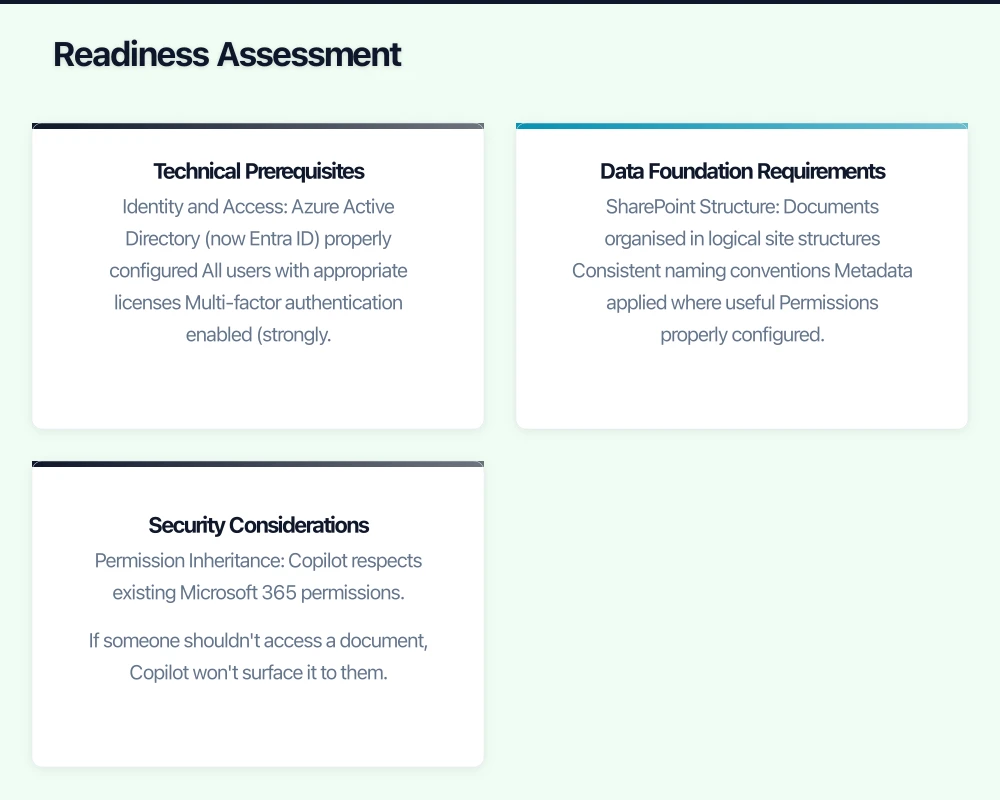
Technical Prerequisites
Identity and Access
- Azure Active Directory (now Entra ID) properly configured
- All users with appropriate licenses
- Multi-factor authentication enabled (strongly recommended)
- Conditional access policies if using
Data Location
- Understand where your Microsoft 365 data is stored
- Australian data residency if required for compliance
- OneDrive and SharePoint configured and adopted
Application Versions
- Microsoft 365 Apps for Business or Enterprise
- Current versions (Copilot features roll out to latest versions first)
- Mobile apps updated for mobile Copilot access
Data Foundation Requirements
Copilot’s value depends entirely on your data quality and organisation:
SharePoint Structure
- Documents organised in logical site structures
- Consistent naming conventions
- Metadata applied where useful
- Permissions properly configured (Copilot respects existing permissions)
Email Hygiene
- Inboxes not overloaded with irrelevant content
- Folders or categories used consistently
- Important communications identifiable
Meeting Practices
- Teams meetings recorded and transcribed (for meeting intelligence)
- Consistent meeting structures
- Action items captured in meetings
Security Considerations
Copilot accesses your data to provide assistance. This creates security considerations:
Permission Inheritance Copilot respects existing Microsoft 365 permissions. If someone shouldn’t access a document, Copilot won’t surface it to them. But this means:
- Review your current permissions
- Ensure overly broad sharing isn’t exposing sensitive content
- Implement data classification if handling sensitive information
Data Exposure Risks
- Copilot might surface information in unexpected contexts
- Meeting summaries might include sensitive discussions
- Business Chat queries across data could reveal connections
Recommended Actions
- Audit current SharePoint and OneDrive permissions
- Review sensitivity labels and data loss prevention policies
- Consider what data Copilot should and shouldn’t access
Preparing Your Organisation
Phase 1: Foundation (4-8 weeks before deployment)
Data Cleanup
- Remove outdated documents from active locations
- Archive old projects appropriately
- Fix inconsistent naming and organisation
- Review and correct permissions
Technical Setup
- Ensure all prerequisites met
- Configure any required security controls
- Set up pilot user group
Change Management Planning
- Identify Copilot champions
- Plan training approach
- Set expectations with staff
- Define success metrics
Phase 2: Pilot (4-6 weeks)
Select Pilot Users Carefully Good pilot candidates:
- Comfortable with technology
- High Microsoft 365 usage
- Representative of different roles
- Willing to provide feedback
Poor pilot candidates:
- Technology-resistant staff
- Minimal Microsoft 365 users
- People too busy to learn new tools
Pilot Objectives
- Identify most valuable use cases for your business
- Uncover data or permission issues
- Develop internal expertise
- Create training materials from real examples
Measure and Document
- Time savings on specific tasks
- Quality improvements in outputs
- User satisfaction and adoption
- Issues and workarounds discovered
Phase 3: Broader Rollout
Based on pilot learnings:
- Prioritise deployment to highest-value users
- Refine training based on pilot experience
- Address any data or security issues identified
- Establish ongoing support and optimisation
Realistic Expectations for Australian SMBs
Where Copilot Shines
Meeting-Heavy Roles: Meeting summaries, action item capture, and follow-up drafting save significant time for managers and consultants.
Communication-Intensive Roles: Email drafting, response management, and thread summarisation help customer service, sales, and administrative staff.
Document-Heavy Work: Summarising long documents, drafting reports, and creating presentations helps professional services and knowledge workers.
Data Analysis: Excel analysis through natural language makes data insights accessible to non-technical staff.
Where Value Is Limited
Minimal Microsoft 365 Usage: Staff who rarely use email, documents, or meetings won’t benefit much.
Highly Specialised Work: Domain-specific tasks may not translate well to general AI assistance.
Quick Tasks: If tasks are already fast, AI overhead may not save time.
Offline or Mobile-Primary Work: Field workers with limited connectivity see reduced value.
Australian-Specific Considerations
Data Sovereignty: Microsoft 365 can store data in Australian datacentres. Verify your configuration if data residency matters.
Australian English: Copilot handles Australian English well, including spelling differences and local expressions.
Time Zones: Meeting scheduling and calendar features work correctly with Australian time zones.
Local Integrations: Copilot works within Microsoft 365; integration with Australian-specific systems (MYOB, Xero, etc.) requires separate consideration.
Making the Decision
Copilot Makes Sense When:
- Staff spend significant time on email, documents, meetings
- Current Microsoft 365 adoption is strong
- Data is reasonably organised and permission-controlled
- Budget allows for proper preparation and training
- Leadership supports AI-assisted work
Wait or Reconsider When:
- Microsoft 365 adoption is inconsistent
- Data organisation is poor
- Security and permissions need significant work
- Budget is tight (AI costs add up)
- Staff resistance to AI is high
Questions to Ask Before Proceeding
- Which specific tasks would Copilot improve for each role?
- How much time do those tasks currently take?
- Is our data clean and organised enough for AI to be useful?
- Have we audited permissions recently?
- Who will champion and support this change?
- How will we measure success?
Getting Help
Microsoft 365 Copilot deployment benefits from experienced guidance, particularly for:
- Security and permission audits
- Data organisation and cleanup
- Change management and training
- Integration with existing workflows
At CloudGeeks, we help Australian SMBs evaluate, prepare for, and deploy AI productivity tools including Microsoft 365 Copilot. Whether you’re ready to deploy or need help assessing readiness, we can help you make informed decisions.
The AI productivity revolution is real, but success requires preparation. Invest in the foundation work, and Copilot becomes a genuine productivity multiplier. Skip the preparation, and you’re paying premium prices for minimal return.
Related Articles
- AI Tools for Australian SMBs: Practical Guide with Real Case Studies
- Cloud Security Fundamentals for Australian Small Business
- Digital Transformation Roadmap: A 7-Step Guide for Australian SMBs
For a strategic perspective on how cloud technology fits into your broader digital transformation, read Ash Ganda’s insights on technology leadership.
Ashish Ganda is the founder of Ganda Tech Services, a Sydney-based technology consultancy helping Australian businesses grow through cloud, web, and mobile solutions.