
Azure Virtual Desktop for Australian SMBs: When It Makes Sense
Azure Virtual Desktop (AVD) delivers Windows desktops and applications from the cloud. For Australian SMBs with remote workers, multiple offices, or specific application delivery challenges, AVD can solve real problems—but it’s not the right solution for every situation.
This guide helps you evaluate whether AVD makes sense for your business.
What Azure Virtual Desktop Actually Provides
The Core Capability
AVD runs Windows desktops in Azure datacentres, delivering them to users anywhere over the internet. Users see a complete Windows desktop environment, but processing happens in Azure, not on their local device.
Key characteristics:
- Full Windows 10/11 experience or published applications
- Access from any device: Windows, Mac, iOS, Android, web browser
- Data stays in Azure, not on user devices
- Centralised management and security
What’s Different from Other Remote Solutions
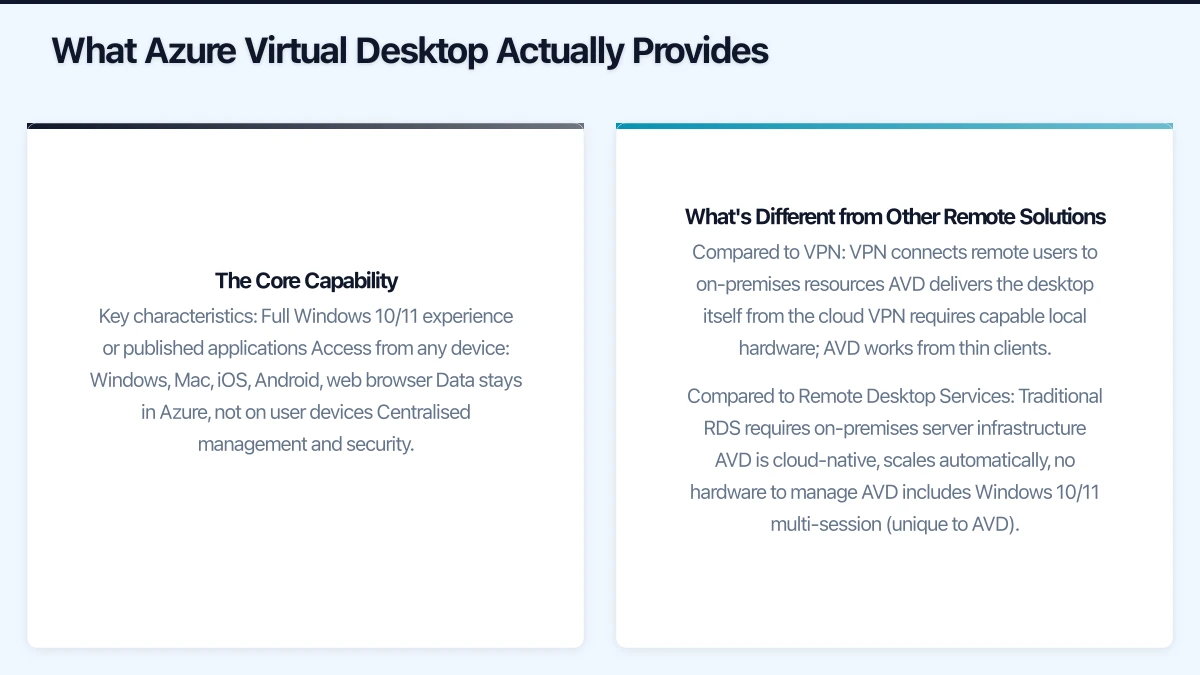
Compared to VPN
- VPN connects remote users to on-premises resources
- AVD delivers the desktop itself from the cloud
- VPN requires capable local hardware; AVD works from thin clients
Compared to Remote Desktop Services
- Traditional RDS requires on-premises server infrastructure
- AVD is cloud-native, scales automatically, no hardware to manage
- AVD includes Windows 10/11 multi-session (unique to AVD)
Compared to Physical Desktops
- Physical desktops require local IT presence for management
- AVD enables centralised management regardless of user location
- Easier to secure data that never leaves the datacentre
Use Cases That Make Sense
Seasonal or Variable Workforce
Businesses with fluctuating staff counts:
- Accounting firms with tax season contractors
- Retail businesses with holiday casuals
- Event companies with project-based staff
AVD advantages:
- Spin up desktops in minutes, not days
- Pay only when desktops are running
- No hardware procurement for temporary staff
- Consistent environment for all users
Security-Sensitive Applications
When data must stay centralised:
- Financial services handling client data
- Healthcare with patient information
- Legal firms with privileged documents
- Any business handling sensitive customer data
AVD advantages:
- Data never reaches user devices
- Centralised security controls
- Audit logging of all access
- Easier compliance demonstration
Multi-Location Operations
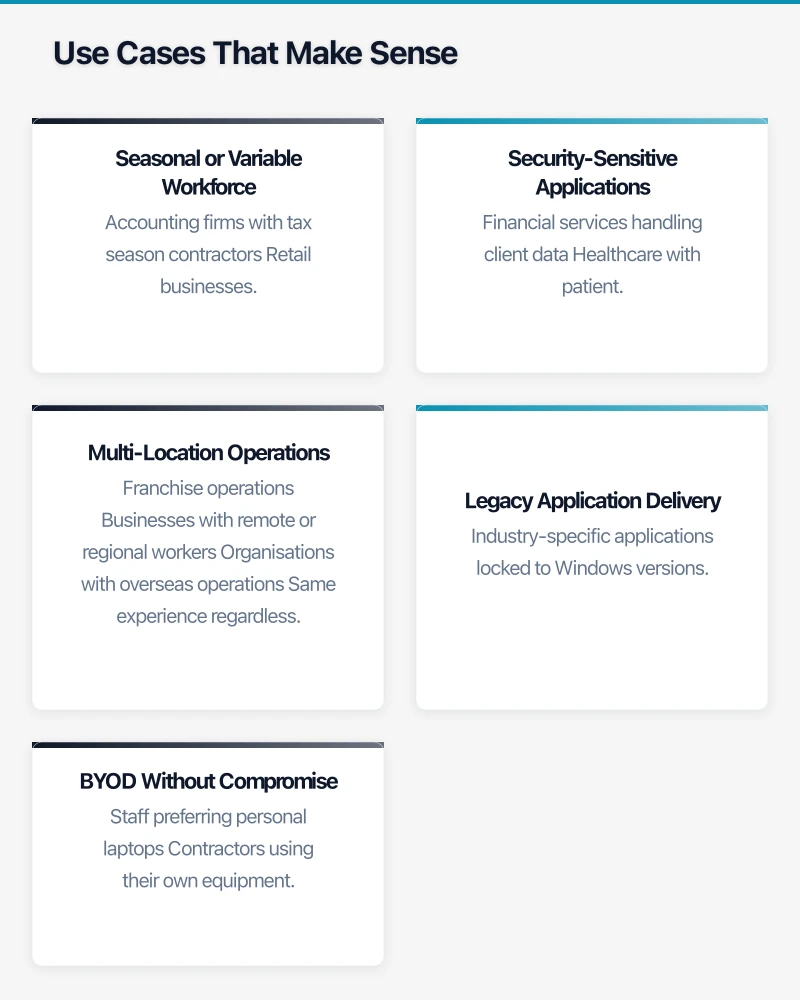
Businesses with multiple offices or distributed teams:
- Franchise operations
- Businesses with remote or regional workers
- Organisations with overseas operations
AVD advantages:
- Same experience regardless of location
- No need for complex site-to-site networking
- Centralised application deployment
- Consistent performance for all users (data-dependent)
Legacy Application Delivery
Older applications that can’t run on modern systems:
- Industry-specific applications locked to Windows versions
- Applications requiring specific configurations
- Software that doesn’t support modern deployment methods
AVD advantages:
- Run legacy Windows versions in isolated environments
- Maintain configurations without affecting other systems
- Gradual modernisation without disrupting users
BYOD Without Compromise
Allowing personal devices while maintaining security:
- Staff preferring personal laptops
- Contractors using their own equipment
- Reducing device procurement costs
AVD advantages:
- Corporate environment separate from personal device
- No corporate data on personal storage
- Works on any device with internet access
Use Cases Where AVD Isn’t Ideal
Single-Location Office with Good Hardware
If your team works from a well-equipped office with modern PCs, AVD adds complexity and cost without clear benefit. Local desktops are simpler and often cheaper.
Graphics-Intensive Applications
While AVD supports GPU-enabled VMs, the cost is significant and the experience may not match local workstations:
- CAD applications
- Video editing
- 3D rendering
Specialised solutions often work better for these use cases.
Minimal Application Requirements
If users only need web browsers and Microsoft 365, simpler solutions exist:
- Chromebooks with web apps
- Microsoft 365 on personal devices
- Less expensive remote access solutions
Unreliable Internet Connectivity
AVD requires stable internet. Locations with poor connectivity—rural areas, travelling workers—may experience frustrating performance. Offline work isn’t possible.
Cost Analysis for Australian SMBs
Pricing Components
AVD-Specific Costs
- Azure compute (virtual machines)
- Azure storage for profiles and data
- Network bandwidth
Supporting Costs
- Azure Active Directory (included with M365)
- Microsoft 365 licenses (if not already present)
- Management and monitoring tools
Example Scenarios
Scenario 1: 10-User Professional Services Firm
Setup:
- 10 standard office workers
- Core hours: 9am-6pm weekdays
- Microsoft 365 Business Premium existing
Estimated Monthly Cost:
- Pooled VMs (D4s_v4): ~$600-800/month (auto-scaling)
- Storage (FSLogix profiles): ~$50/month
- Networking: ~$30/month
Total: ~$680-880/month or ~$68-88/user/month
Comparison: New laptops every 3 years = ~$40/user/month equivalent
Scenario 2: 25-User Accounting Firm with Seasonal Surge
Setup:
- 20 permanent staff
- 15 additional during tax season (3 months)
- Specialised accounting software
Non-Peak Monthly Cost:
- Personal VMs for 20 users: ~$1,200/month
- Shared resources: ~$200/month
Peak Monthly Cost (3 months):
- Additional pooled VMs for 15 contractors: ~$900/month extra
Annual Total: ~$19,500 or ~$65/user/month average
Comparison: Buying 15 laptops for seasonal use = poor utilisation
Cost Optimisation Strategies
Right-Size Virtual Machines
- Start smaller, scale up if needed
- Monitor actual resource utilisation
- Different sizes for different roles
Use Auto-Scaling
- Scale to zero outside business hours
- Increase capacity during peak times
- Pay only for actual usage
Pooled vs. Personal Desktops
- Pooled: Multiple users share VM pool (cheaper)
- Personal: Dedicated VMs per user (better experience)
- Match to user requirements
Reserved Instances
- Commit for 1-3 years for 30-60% savings
- Good for predictable, persistent workloads
- Not suitable for variable usage
Implementation Considerations
Technical Prerequisites
Azure Requirements
- Azure subscription with appropriate limits
- Azure Virtual Network configured
- Azure AD or Azure AD Domain Services
- Sufficient Azure credits/budget
Identity Requirements
- Users must exist in Azure AD
- Hybrid identity if connecting to on-premises AD
- MFA configuration for security
Networking Requirements
- Sufficient bandwidth for user count
- Low latency to Australian Azure regions
- Consider ExpressRoute for large deployments
Deployment Approach
Phase 1: Pilot (2-4 weeks)
- Deploy for 3-5 users
- Test core applications
- Validate performance
- Gather user feedback
Phase 2: Expand (2-4 weeks)
- Refine based on pilot
- Deploy to broader group
- Establish operational procedures
- Train support staff
Phase 3: Production (Ongoing)
- Full deployment
- Continuous optimisation
- Regular review and adjustment
Common Pitfalls
Underestimating Internet Requirements
- Each user needs 5-15 Mbps for good experience
- Aggregate bandwidth often insufficient
- Test thoroughly before full rollout
Profile Management Overlooked
- User profiles significantly impact experience
- FSLogix essential for most deployments
- Plan storage and performance accordingly
Application Compatibility Assumptions
- Test all applications before committing
- Some applications have licensing restrictions in VDI
- Network-dependent applications may behave differently
Change Management Neglected
- Users need training and support
- The experience is different from local desktops
- Resistance is common; plan for adoption support
Alternatives to Consider
Windows 365
Microsoft’s simpler cloud PC option:
- Fixed monthly per-user pricing
- Easier to understand and deploy
- Less flexible than AVD
- Good for straightforward requirements
Remote Desktop Services
On-premises virtual desktop:
- Capital expense model
- Full control over infrastructure
- Requires server management expertise
- May suit some compliance requirements
Citrix or VMware Horizon
Enterprise VDI platforms:
- More features than AVD
- Higher complexity and cost
- Better for large enterprises
- Overkill for most SMBs
Application-Specific Solutions
For single applications:
- Application virtualisation (Citrix Virtual Apps)
- Web-based alternatives
- Terminal server for specific apps
Making the Decision
AVD Makes Sense When:
- Remote work is significant and ongoing
- Security requirements demand centralised data
- Workforce size varies substantially
- Multiple locations need consistent experience
- Legacy application delivery is challenging
- BYOD is desired without security compromise
Consider Alternatives When:
- Single location with good infrastructure
- Simple application requirements
- Tight budget with stable workforce
- Poor internet connectivity
- Graphics-intensive workloads
- Strong preference for local computing
Questions to Answer Before Proceeding
- What specific problem does AVD solve for us?
- What’s our expected total cost compared to alternatives?
- Do we have reliable internet for all users?
- Are our applications compatible with AVD?
- Do we have skills to manage Azure infrastructure?
- How will we support users through the transition?
Getting Help
Azure Virtual Desktop implementation benefits from experienced guidance. At CloudGeeks, we help Australian SMBs evaluate, design, and implement cloud desktop solutions that match their actual needs—including helping you determine when AVD isn’t the right answer.
Whether you need help assessing fit, designing architecture, or managing ongoing operations, we can help you make informed decisions about your remote work infrastructure.
Related Articles
- Microsoft 365 Copilot: Is Your Australian SMB Ready?
- Cloud Security Fundamentals for Australian Small Business
- Digital Transformation Roadmap: A 7-Step Guide for Australian SMBs
A reliable cloud backend deserves a polished frontend. Our web development team at Cosmos Web Tech creates websites optimised for speed, SEO, and conversions.
Part of the Ganda Tech Services family, Cloud Geeks delivers specialist IT and cloud solutions for Australian small and medium businesses.