
249 WordPress Vulnerabilities in a Week: What an Australian Small Business Should Actually Do
Wordfence’s weekly vulnerability report for 3–9 August 2026 recorded 249 vulnerabilities across 197 WordPress plugins and 2 themes, disclosed by 136 separate security researchers.
If you run a WordPress site for an Australian business, that number is easy to react to badly in either direction — panic, or dismiss it. Both are wrong, and for the same reason: the weekly count is the least useful part of the report.
Here is what the figures actually tell you, and the routine that follows from them.
249 is normal, and that is the point
The four most recent weekly reports ran 75, 223, 224 and 249 vulnerabilities. Two hundred-odd disclosures a week is not a spike. It is the steady-state output of an ecosystem with tens of thousands of plugins, and Wordfence’s vulnerability database now holds over 35,000 entries in total.
So the useful question is not “was this a bad week”. It is: when something in that stream affects a plugin we run, how long does it take us to find out and fix it?
Most small businesses cannot answer that, because they cannot answer the prior question — what is installed.
The failure types that end badly
Not all vulnerabilities are equal. Around the same window, three disclosures illustrate the ones that matter:
| Plugin | Vulnerability | Scale | Patched in |
|---|---|---|---|
| Forminator Forms | Arbitrary file upload | ~600,000 sites | 1.56.2 |
| User Profile Builder | Authentication bypass | ~40,000 sites | 3.16.5 |
| Elementor Pro | Arbitrary file upload (critical) | — | 4.2.2 |
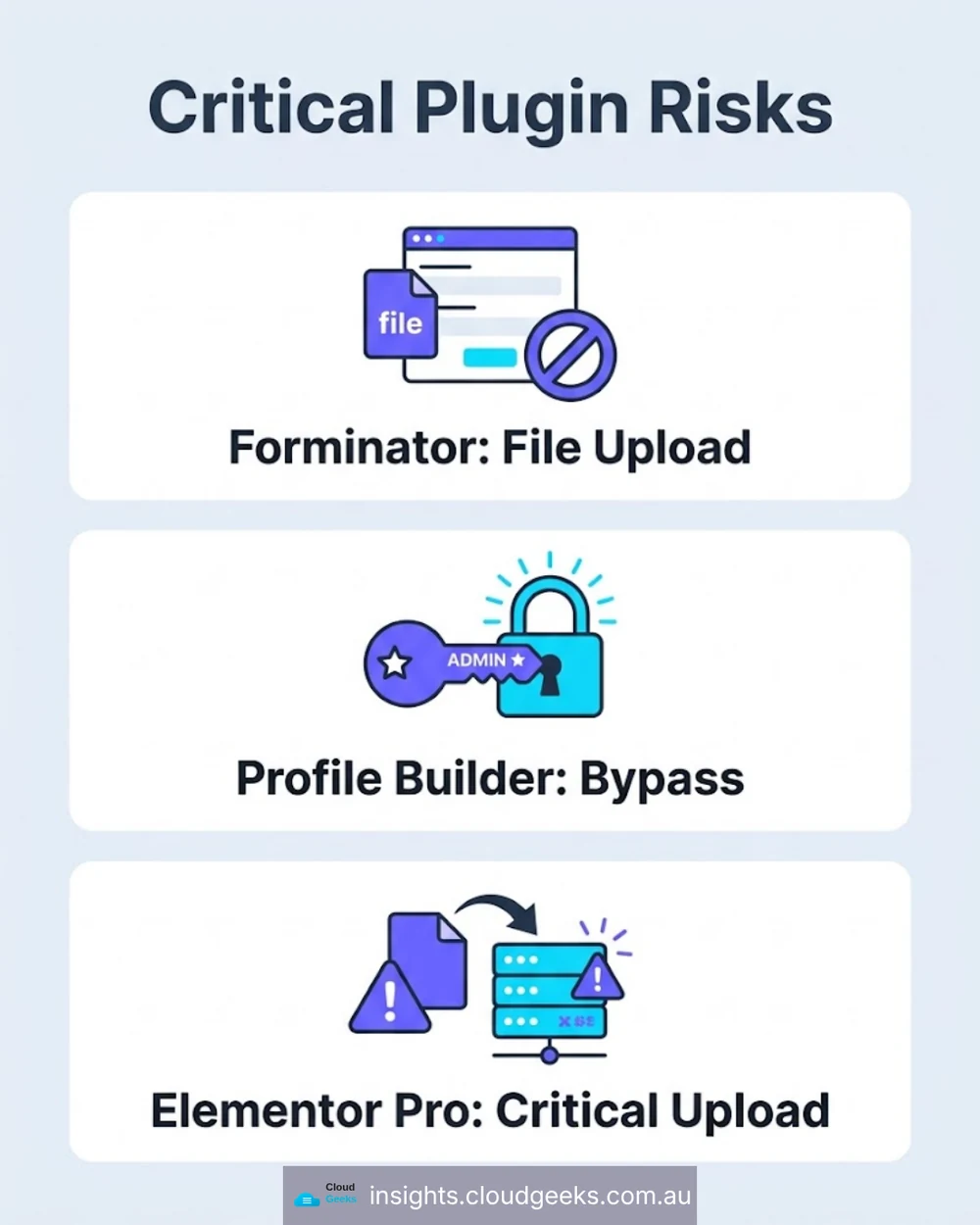
Arbitrary file upload means an attacker can place a file of their choosing on your server. That is usually a web shell, which is remote control of the site.
Authentication bypass means they can act as a user without valid credentials — often an administrator.
Both are the opening move of a compromise, not the end of one. And note what these plugins do: contact forms, user registration, and page building. This is not exotic software. It is the standard kit on a small-business site.
If you run any of the three, check your version today. That is a five-minute job and it is the highest-value thing in this article.
The delay nobody signed off on
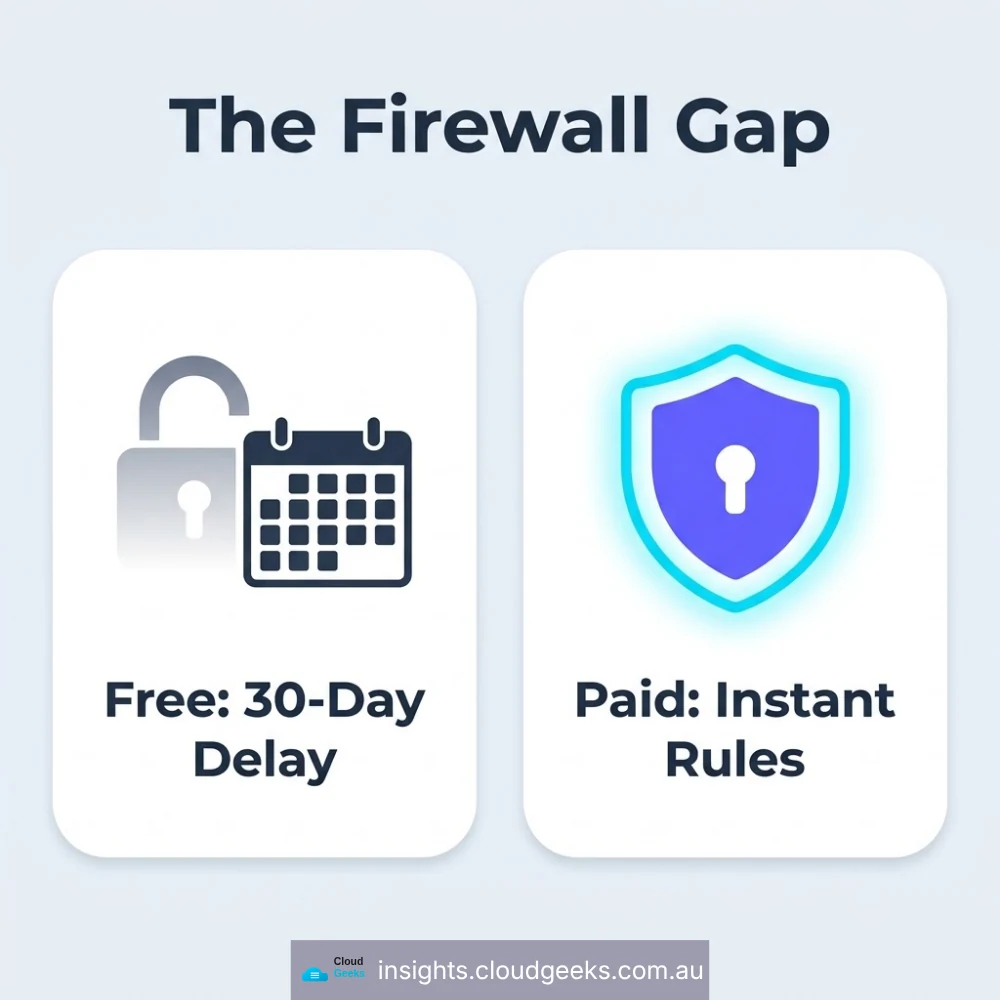
Alongside that report, Wordfence deployed three new firewall rules. Premium, Care and Response customers received them immediately. Free-tier users receive the same protection after a 30-day delay.
That is a legitimate commercial model — the free tier is genuinely useful and the research has to be funded. But it means something specific for your risk:
If you are on the free tier, there is a month between a vulnerability becoming public knowledge and your firewall knowing about it.
Attackers read disclosure reports. That window is not theoretical.
This is worth a deliberate decision rather than a default, and it is the crux of our MalCare vs Wordfence comparison. For a site that takes bookings, payments or personal information, the licence cost is small against the exposure. For a brochure site with no accounts and good backups, the free tier plus a fast patch routine may be entirely reasonable. What is not reasonable is not knowing which situation you are in.
The one that patching would not have stopped
The most instructive item in the same period was not a vulnerability at all. Wordfence issued a PSA about a supply chain compromise in the BdThemes ecosystem, delivered through a poisoned API response, which was actively exploited. Their guidance was to audit affected sites for rogue administrator accounts, web shells and persistence mechanisms.
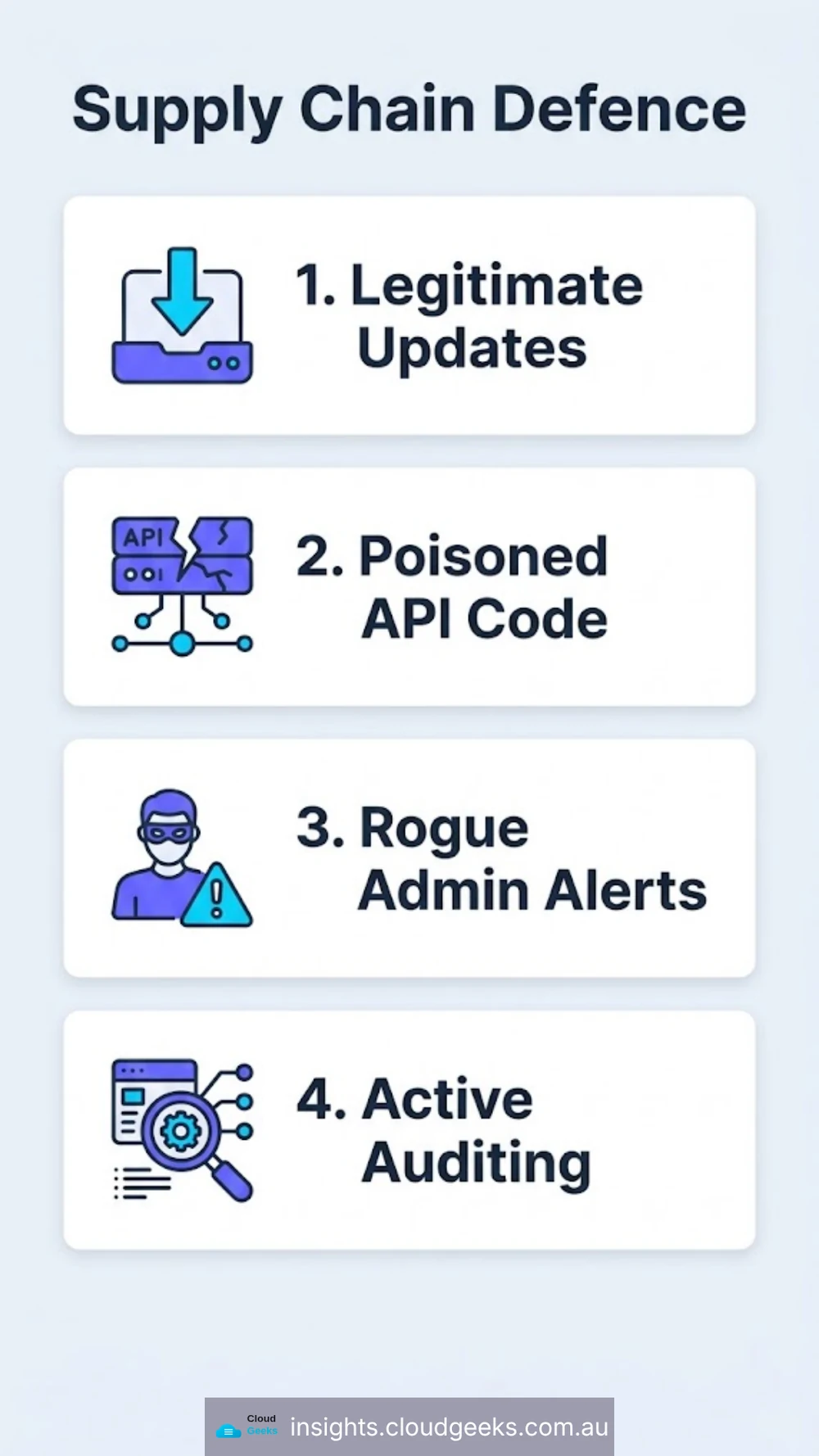
Read that carefully. The site owner did nothing wrong. They installed a legitimate plugin from a legitimate vendor, and they kept it updated — and the update channel itself carried the attack.
Prompt patching was necessary and would not have been sufficient.
This is a software supply chain, the same as any other, and it needs the same two habits: know what you have installed and where it comes from, and be able to detect a change you did not make.
The routine a 20-seat business can actually run
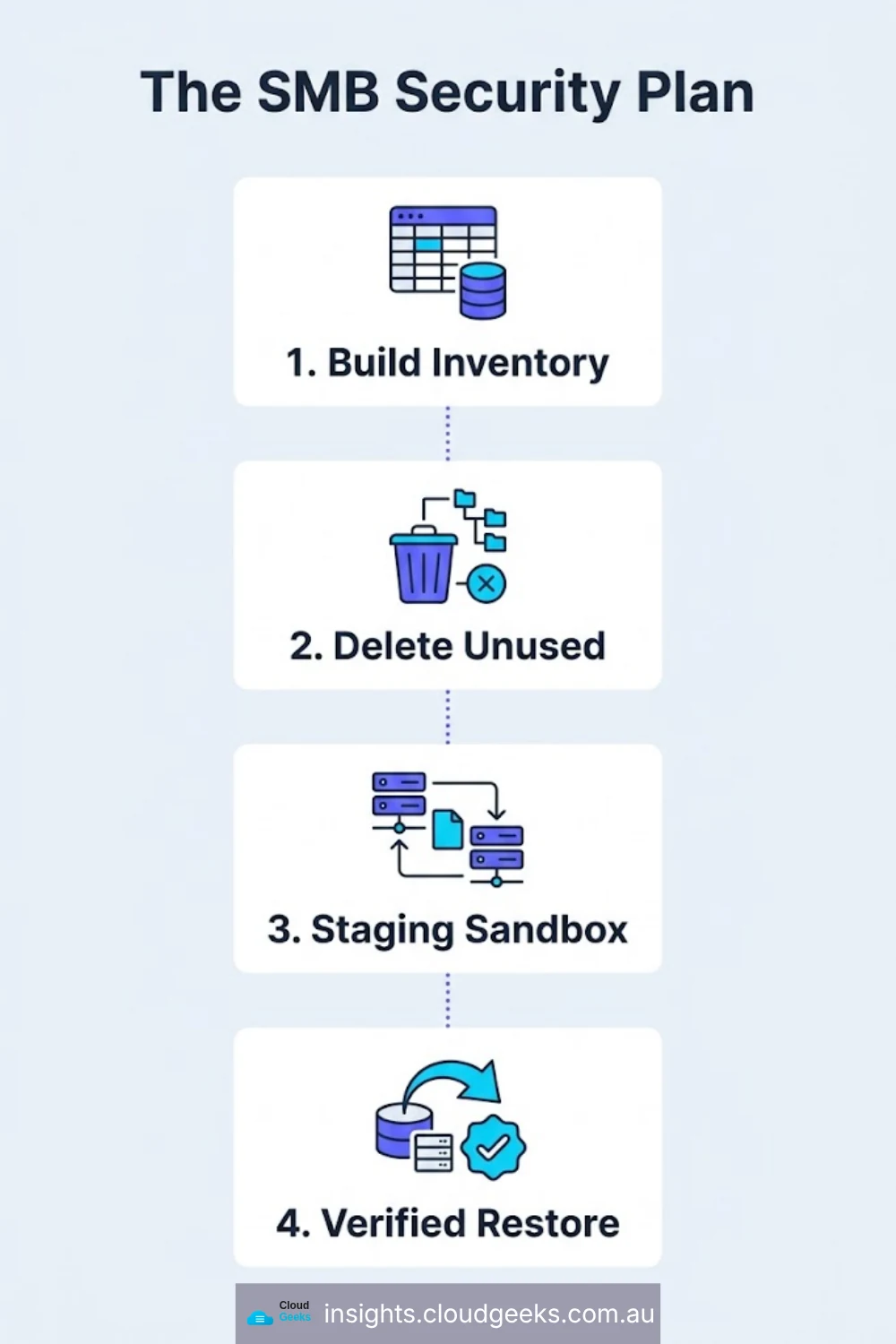
Nothing here needs a security team.
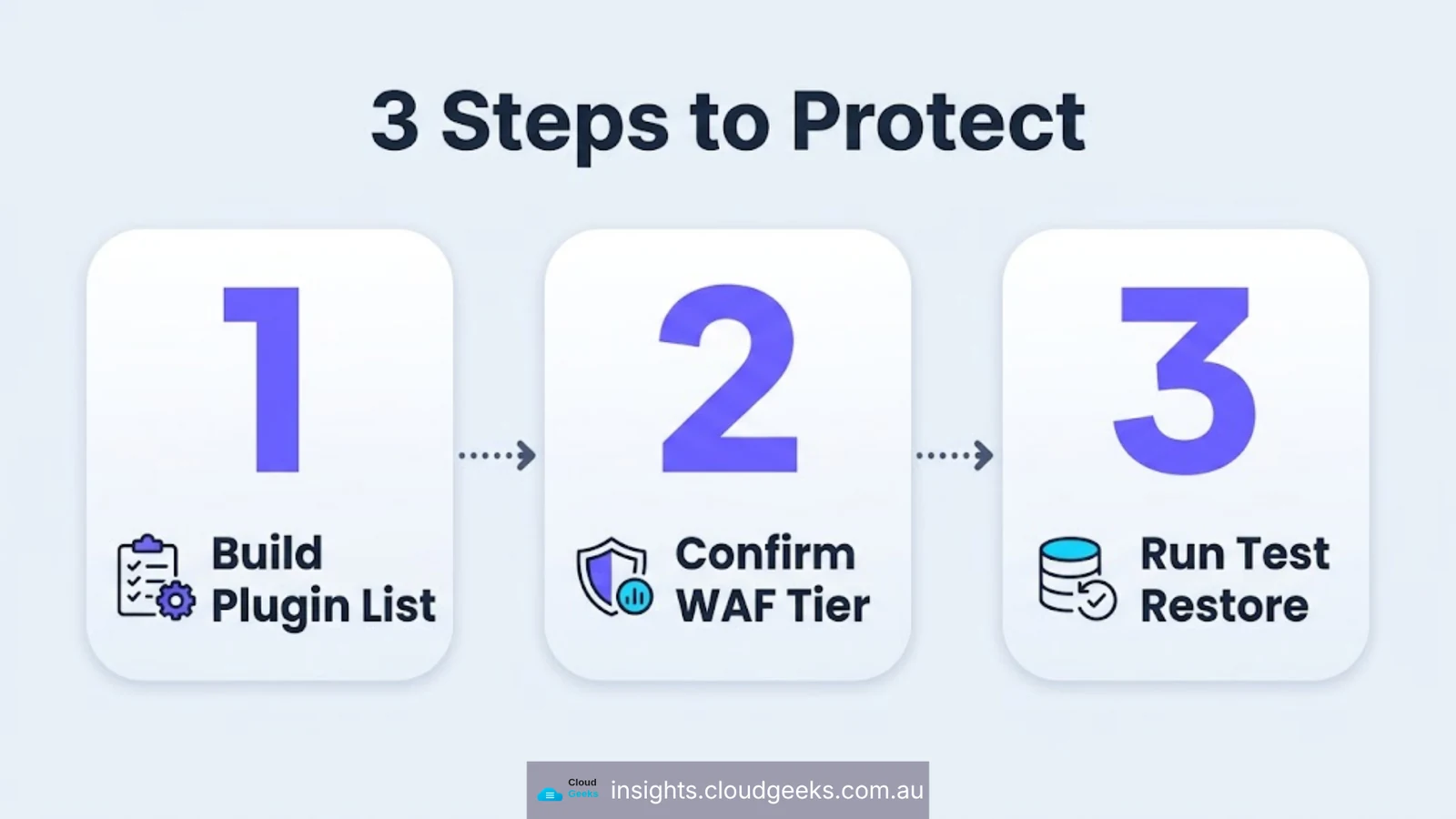
Build a plugin inventory once. Every site, every plugin, the version, and one line on why it is there. A spreadsheet is fine. Until this exists you cannot answer “are we affected” when a disclosure lands, and every security product you buy is less useful than it should be.
Delete what you are not using. A deactivated plugin still has files on the server. Dormant plugins are a recurring source of compromise precisely because nobody is watching them. If it has not been used in six months, remove it rather than deactivate it.
Set a patch window and measure it. Pick a target — say, security patches applied within 72 hours of release — and check monthly whether you actually hit it. “We update regularly” is not a control; a number you review is.
Test updates somewhere that is not production. A staging copy costs very little and turns “the update broke checkout” from an outage into a Tuesday.
Have a restore you have actually tested. Not a backup that reports success — a restore you have performed, opened, and confirmed is current. A clean, recent, verified backup is what turns a compromise into an afternoon instead of a fortnight.
Watch for changes you did not make. New administrator accounts, modified core files, unexpected scheduled tasks. This is what catches the supply-chain case, where the software was legitimate right up until it was not.
What this means if someone else runs your site
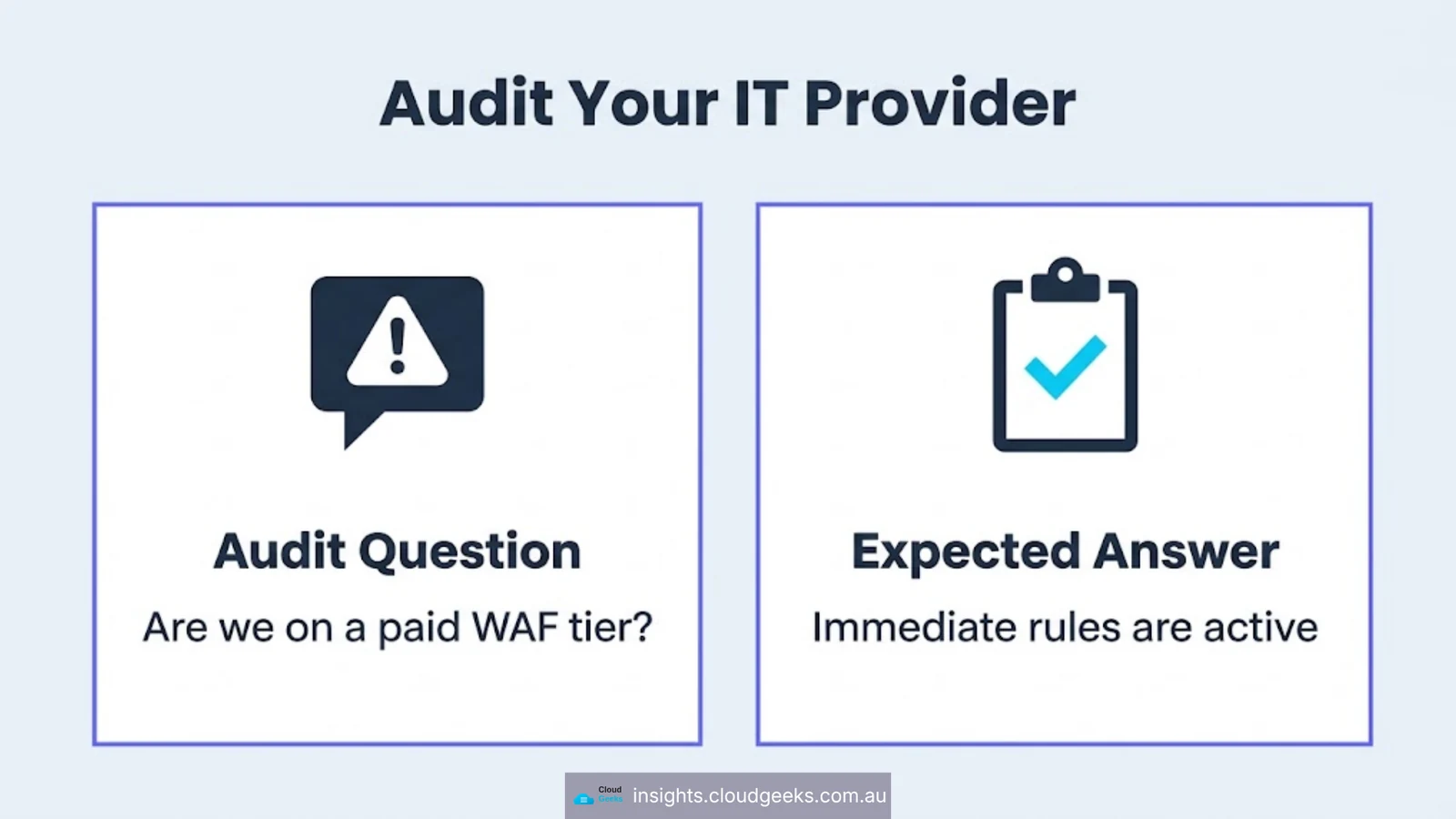
If you have an agency or an IT provider maintaining WordPress for you, these are fair questions to ask, and the answers should come quickly:
- Can you send me the current plugin inventory for our sites?
- What is our patch window for security updates, and did we meet it last month?
- Are we on a paid or free security tier, and who decided?
- When did we last restore a backup to check it works?
- What would tell us if an administrator account appeared that we did not create?
A provider doing this properly will have the answers to hand. A provider who has to go and find out has just told you something useful.
Frequently asked questions
Is 249 vulnerabilities in a week unusually high for WordPress? No. Recent weekly reports have ranged from 75 to 249, and Wordfence’s database holds over 35,000 vulnerabilities in total. Volume is the normal condition of a large plugin ecosystem; response time is the variable you control.
Does a security plugin on the free tier protect me straight away? Not against the newest disclosures. Wordfence’s new firewall rules reach free users 30 days after paid customers. The free tier is genuinely useful, but that delay should be a decision you have made knowingly.
What is an arbitrary file upload vulnerability? One that lets an attacker place a file of their choosing on your server. It is commonly used to install a web shell, which gives ongoing remote control of the site.
We keep everything updated. Are we safe from supply chain attacks? Updating is necessary but not sufficient. In a supply chain compromise the malicious code arrives through the legitimate update channel. Detection — noticing unexpected admin accounts, changed files or new scheduled tasks — is the layer that catches it.
How often should we review installed plugins? Quarterly is a reasonable rhythm for a small business: confirm each plugin is still needed, still maintained by its developer, and still updated. Remove anything that fails one of those tests.
CloudGeeks provides managed IT, cloud and cybersecurity services to Sydney businesses, including WordPress patch management and monitoring. Web and SEO work sits with Cosmos Web Tech, mobile apps with Awesome Apps. All divisions of GTS.
Vulnerability figures in this article are drawn from Wordfence’s weekly intelligence reports and public security advisories, August 2026.