
What WordPress Patch Management Actually Costs an Australian Small Business

WordPress patch management costs an Australian small business between roughly $0 and $5,000 a month, and the difference is almost entirely about who does the work and how fast. The licence fees are the small part. The hours, and the exposure while you are not looking, are the expensive parts.
Here is the actual arithmetic, using real disclosure volumes rather than a vendor’s scare number.
What you are patching: the real volume
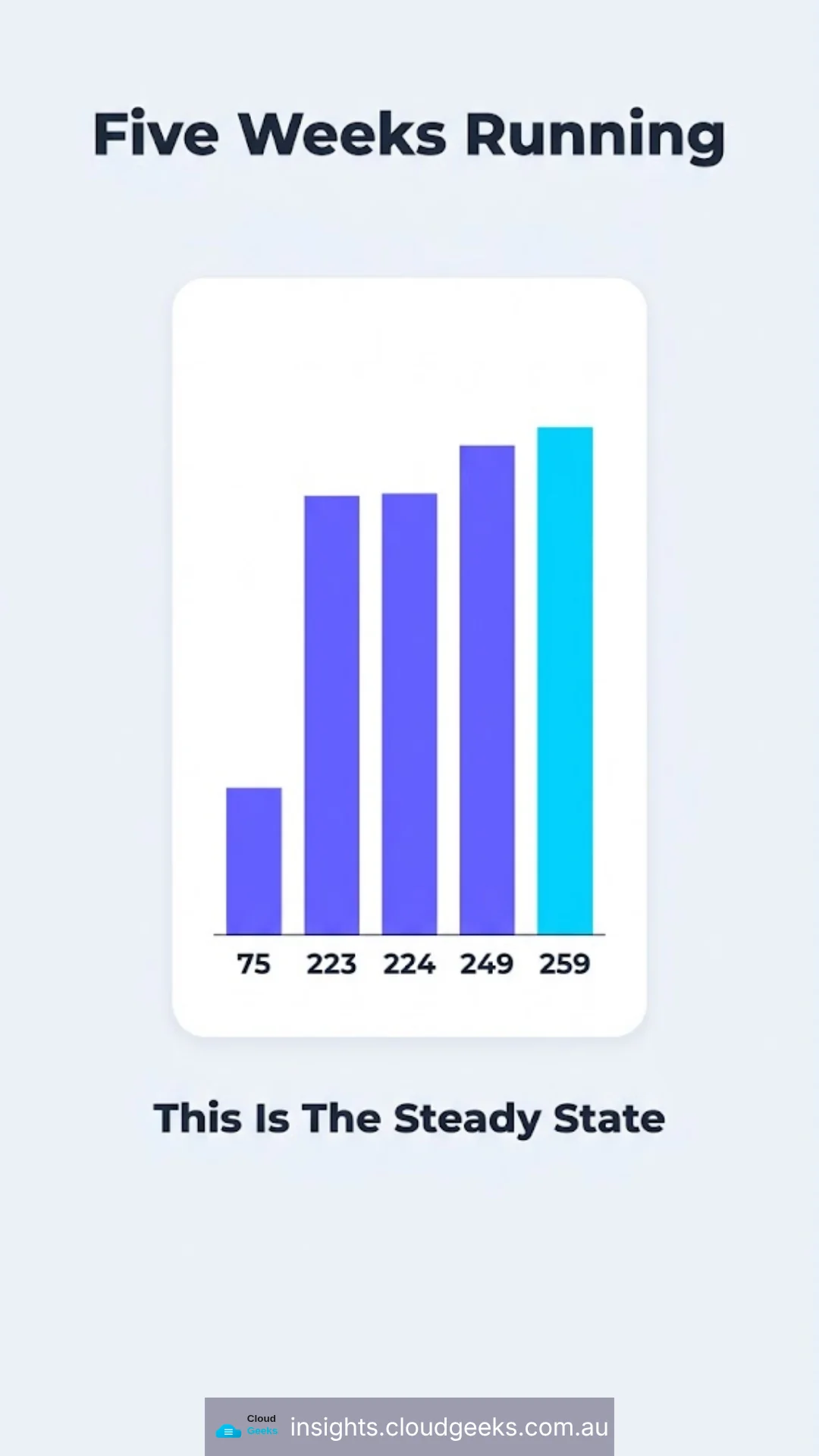
Wordfence publishes a weekly count of vulnerabilities disclosed across the WordPress plugin and theme ecosystem. Five consecutive recent weeks:
| Week | Vulnerabilities | Plugins | Themes | Researchers |
|---|---|---|---|---|
| 1 | 75 | — | — | — |
| 2 | 223 | — | — | — |
| 3 | 224 | — | — | — |
| 4 (3–9 Aug 2026) | 249 | 197 | 2 | 136 |
| 5 (10–16 Aug 2026) | 259 | 199 | 5 | 142 |
Wordfence’s vulnerability database now holds over 35,000 entries in total.
The number that matters is not any single week — it is that roughly 200 to 260 disclosures a week is the steady state. This is not a spike you wait out. It is the ongoing operating condition of running WordPress.
Cost 1: the licence, and the 30-day question
The most common security plugins have a free tier that is genuinely useful. There is one specific difference that has a price attached.
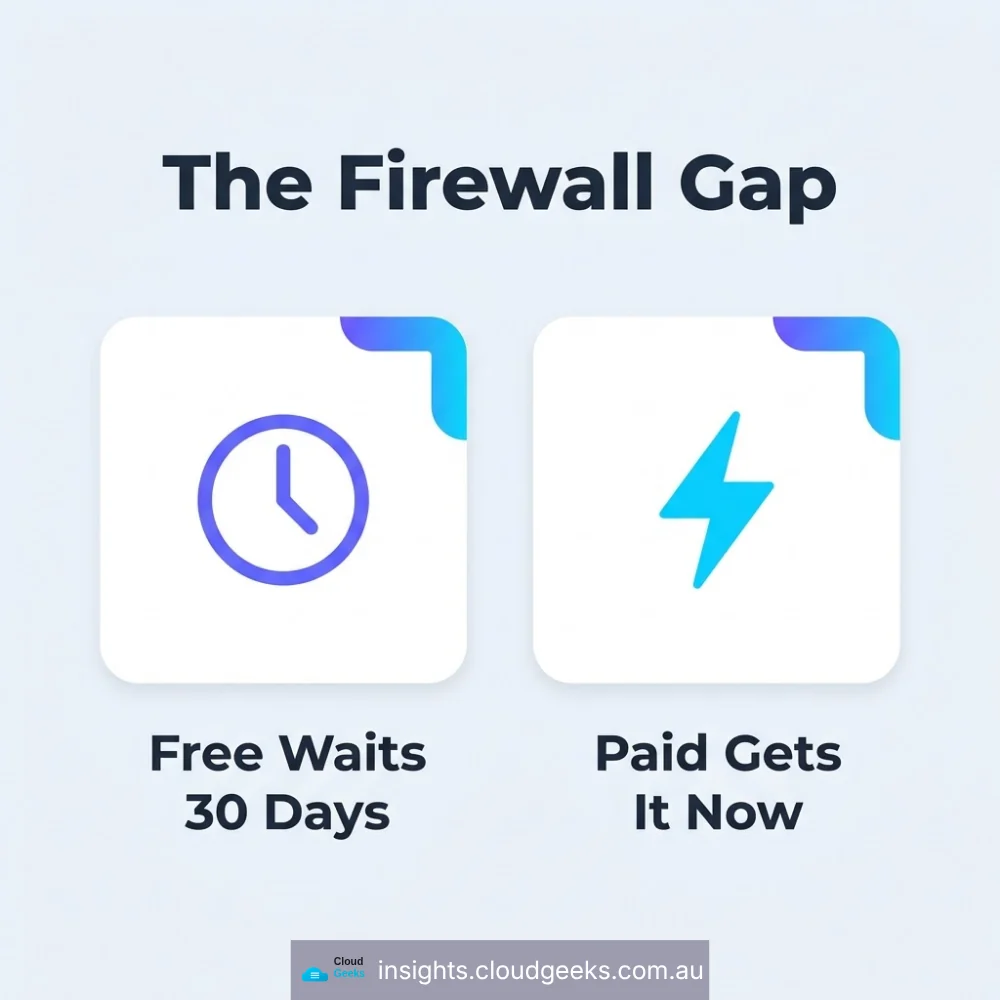
When Wordfence deploys new firewall rules, Premium, Care and Response customers receive them immediately. Free-tier users receive the same protection after a 30-day delay.
If you are on the free tier, there is a month between a vulnerability becoming public knowledge and your firewall knowing about it.
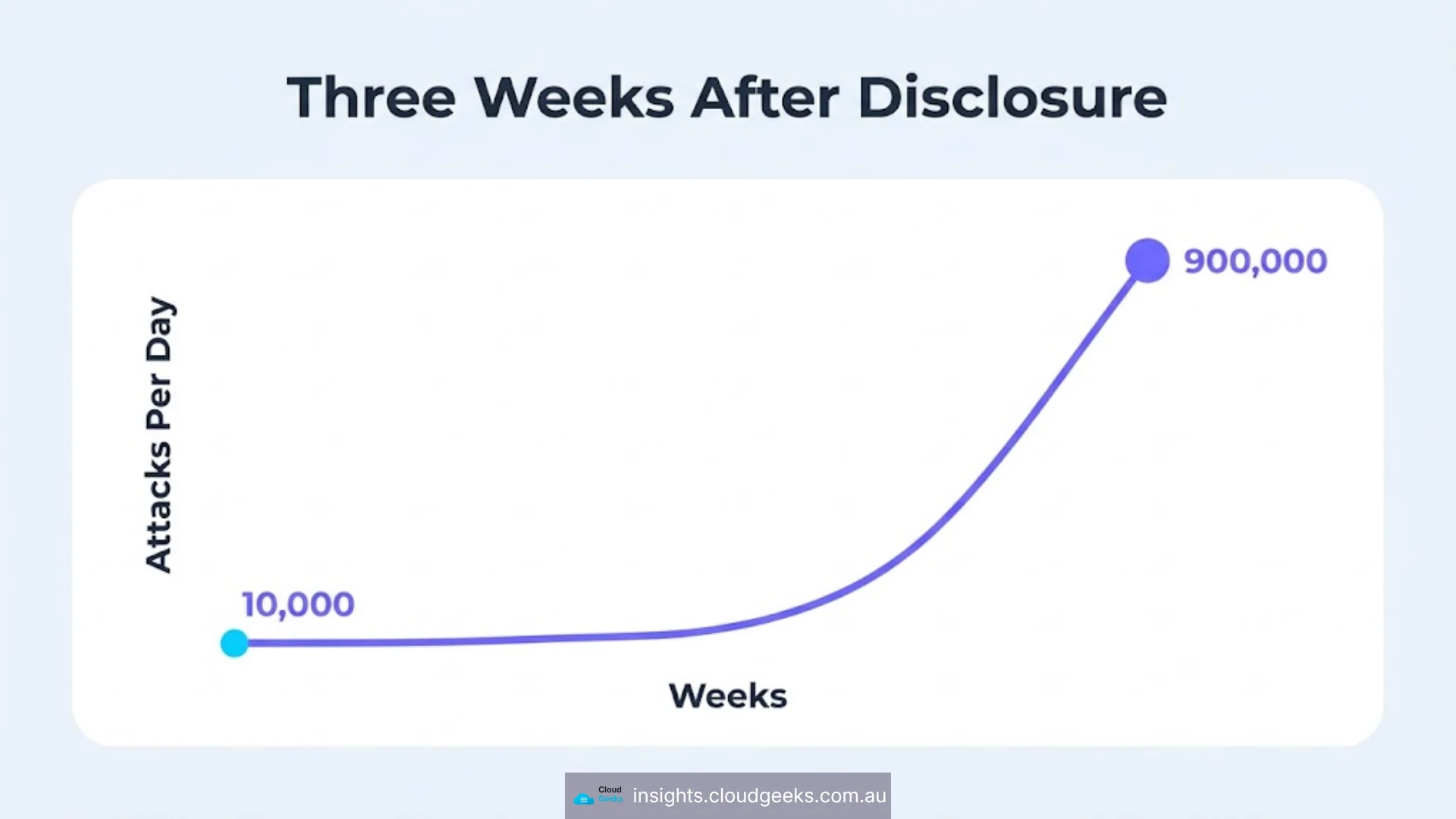
Attackers read disclosure reports. In the three weeks after one WordPress core remote-code-execution flaw was disclosed this year, attacks against it rose from about 10,000 to over 900,000 per day. Ninety-fold, inside the window a free-tier firewall would still have been waiting.
What to do with that: for a site taking bookings, payments or personal information, the licence cost is small against the exposure and the decision is easy. For a brochure site with no accounts and verified backups, free plus a fast patch routine may be entirely reasonable. What is not reasonable is not knowing which situation you are in. We compared the two most common options in detail in MalCare vs Wordfence for Australian small business.
Cost 2: the hours, which is the real number
This is where the money actually goes, and it is the line most quotes leave vague.
Doing it yourself. Realistically 2–4 hours a month for a single site: check the disclosure stream against your plugin inventory, apply updates, verify nothing broke, confirm the backup ran. At a business owner’s opportunity cost, that is the most expensive way to do it, and the first thing dropped in a busy month.
A developer on an ad-hoc basis. Cheap until something breaks, then expensive, because ad-hoc means nobody was watching between calls. This is the model under which sites get compromised — not because the work is hard, but because nobody owned the calendar.
A managed arrangement. Managed IT in Australia runs roughly $500 to $5,000 a month depending on scope, and WordPress patching is usually one line inside a broader agreement rather than a product on its own. What changes the number is how many sites, whether staging and restore-testing are included, and how fast the response window is.
Cost 3: what it costs when it goes wrong
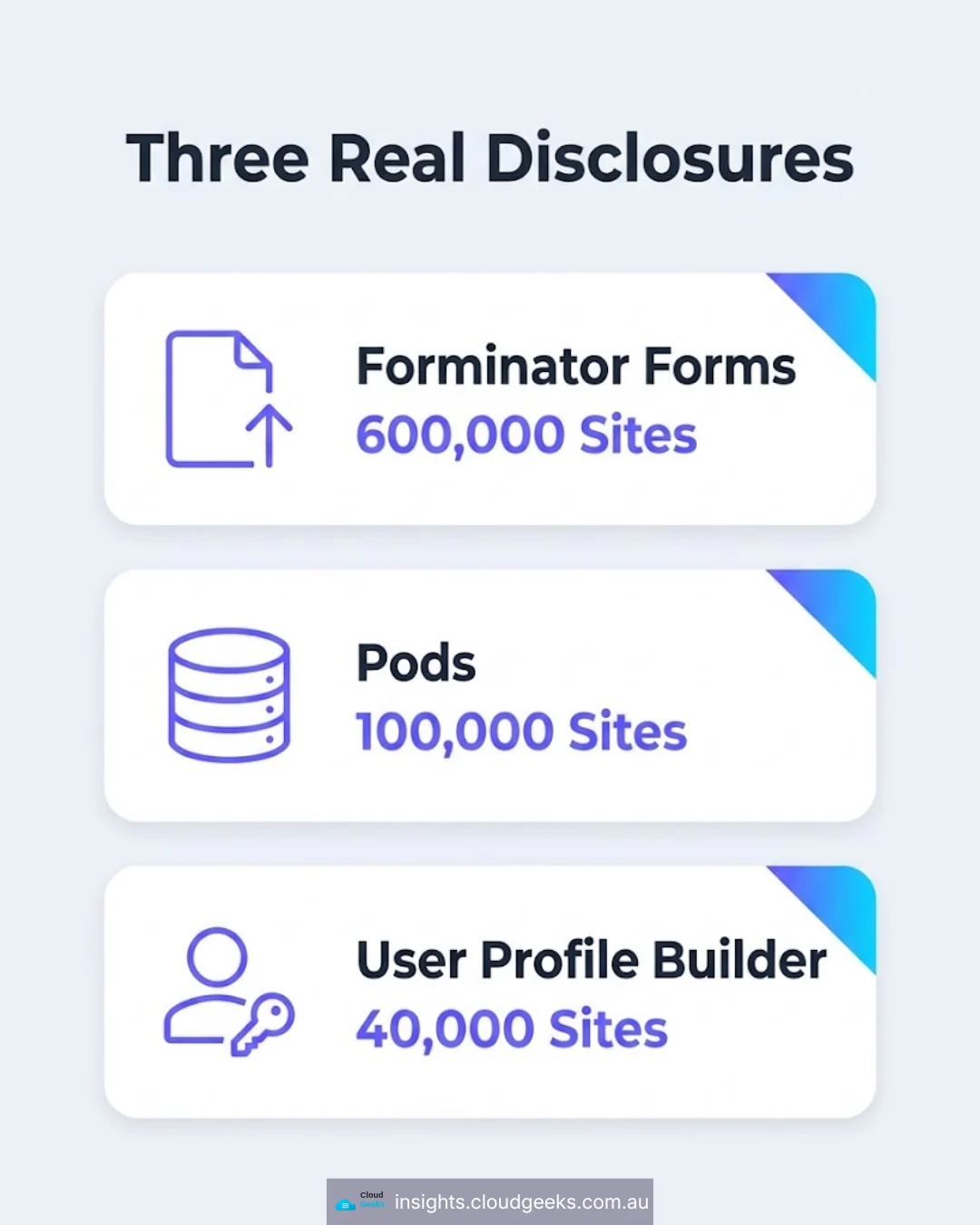
Three disclosures from a single recent window show what class of failure you are buying insurance against:
| Plugin | Vulnerability | Sites affected |
|---|---|---|
| Forminator Forms | Arbitrary file upload | ~600,000 |
| Pods | Privilege escalation | ~100,000 |
| User Profile Builder | Authentication bypass | ~40,000 |
Contact forms, custom fields and user registration. This is not exotic software — it is the standard kit on a small-business site.
Arbitrary file upload means an attacker can place a file of their choosing on your server, usually a web shell, which is remote control. Privilege escalation and authentication bypass mean acting as a user, often an administrator, without valid credentials. All three are opening moves, not endings.
A compromise costs a clean-up engagement, a restore, potential notifiable-breach obligations if personal information was exposed, and the time your site is off. Against that, the monthly figure is not the expensive half.
The one that patching would not have stopped
Worth knowing before you buy anything: in the same period, Wordfence issued an advisory about a supply chain compromise delivered through a poisoned update channel, actively exploited. The site owner did nothing wrong — they installed a legitimate plugin from a legitimate vendor and kept it updated. The update itself carried the attack.
Prompt patching was necessary and would not have been sufficient. What catches that case is detection: noticing an administrator account you did not create, a changed core file, a scheduled task nobody added. If a quote covers updates but not monitoring, it does not cover this.
What a fair scope looks like
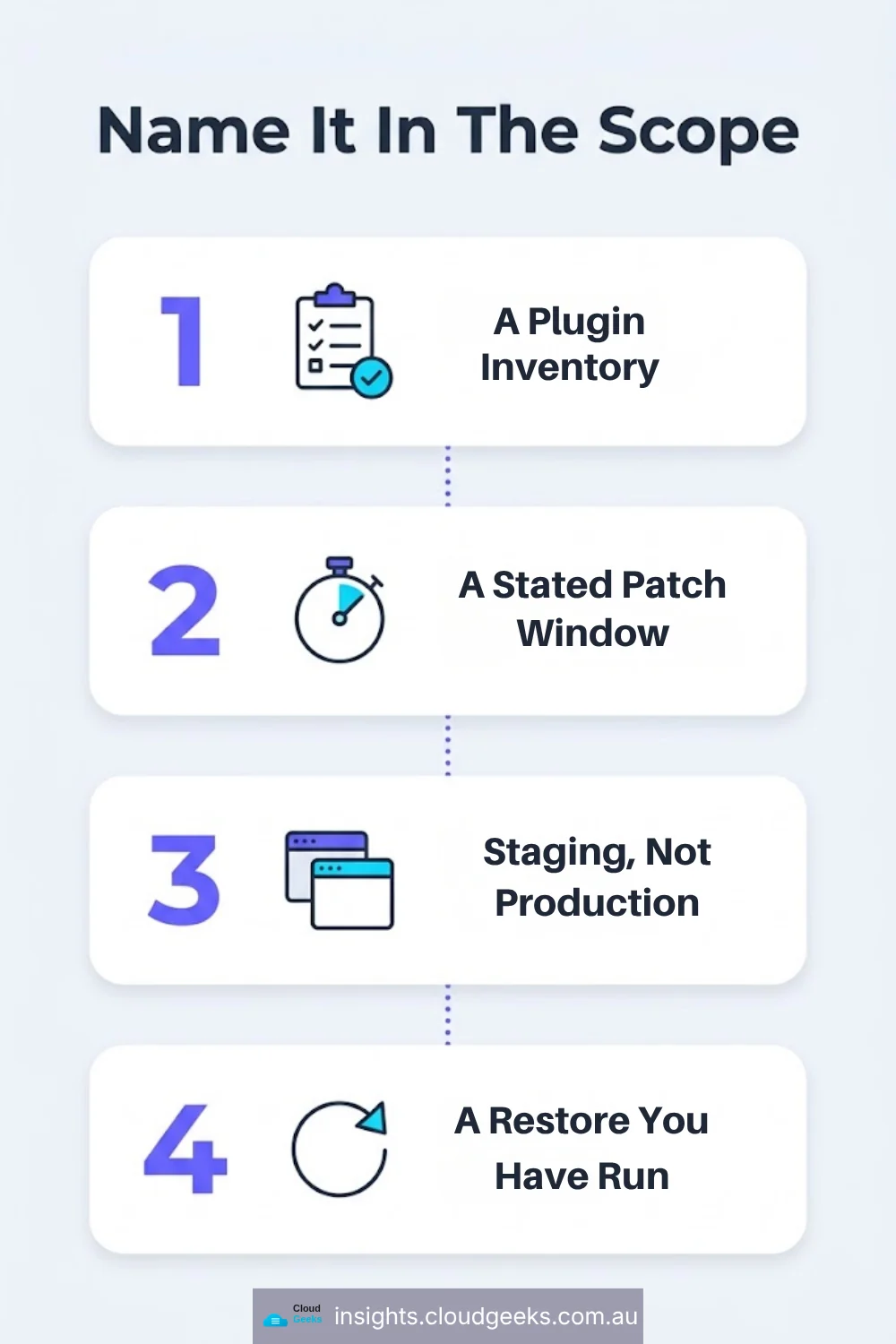
Whoever does the work, these are the line items worth naming explicitly:
- A plugin inventory, maintained — every site, every plugin, version, and why it is there.
- A stated patch window for security updates, with a number you can review. “We update regularly” is not a control.
- Staging — updates tested somewhere that is not production.
- A restore you have actually performed, not a backup that reports success.
- Change detection — something that tells you about new admin accounts and modified files.
- A named firewall tier, chosen deliberately, with the delay understood.
If you already have an internal process and want the strategy rather than the service, our patch management strategy guide covers the mechanics.
Questions worth asking a provider
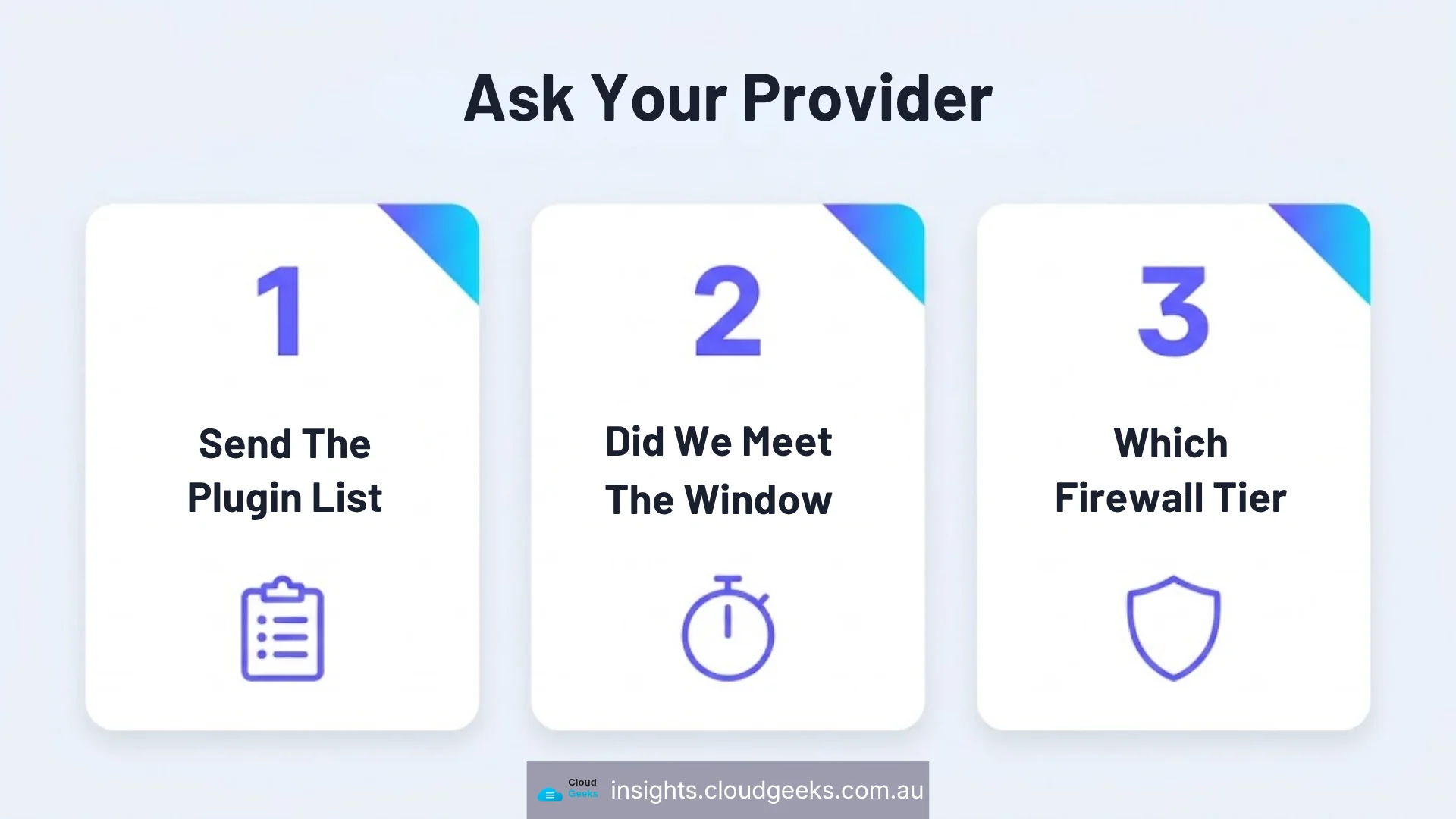
- Can you send me the current plugin inventory for our sites?
- What is our patch window, and did we meet it last month?
- Are we on a paid or free security tier, and who decided?
- When did we last restore a backup to check it works?
- What would tell us if an administrator account appeared that we did not create?
A provider doing this properly has the answers to hand. A provider who has to go and find out has just told you something useful.
CloudGeeks provides managed IT, cloud and cybersecurity services to Sydney businesses, including WordPress patch management and monitoring. Web and SEO work sits with Cosmos Web Tech, mobile apps with Awesome Apps. All divisions of GTS.
Frequently asked questions
How much does WordPress maintenance cost per month in Australia? For a single small-business site, expect a few hundred dollars a month for a managed arrangement covering updates, monitoring and backups. Broader managed IT agreements that include WordPress patching run roughly $500 to $5,000 a month depending on how many sites and how fast the response window is.
Is Wordfence Premium worth paying for? It depends on what your site holds. New firewall rules reach free users 30 days after paid customers, so the licence buys you that month. For a site handling bookings, payments or personal information the cost is small against the exposure; for a brochure site with verified backups, free plus a fast patch routine can be reasonable.
How many WordPress vulnerabilities are disclosed each week? Recent weekly reports have ranged from 75 to 259 across plugins and themes, with Wordfence’s database holding over 35,000 entries in total. Two hundred-odd a week is the steady state, not a spike.
Can I just turn on automatic updates and stop worrying? Automatic updates handle the routine cases and are better than nothing. They do not test whether the update broke your checkout, they do not cover a compromised update channel, and they do not tell you which of your sites was affected by a given disclosure. Those need an inventory and a staging copy.
What is the cheapest safe setup for a small business? A maintained plugin inventory, automatic updates on, a staging copy for anything that touches payments or forms, one verified restore per quarter, and a deliberate decision about the firewall tier. That combination costs very little and removes most of the realistic failure modes. If keeping that running is not work anyone in the business wants, it is what a WordPress care plan covers.