
Year-End IT Planning: Preparing Your Australian Business for 2022
Year-End IT Planning: Preparing Your Australian Business for 2022
The end of the calendar year is an ideal time to review your IT environment, assess what worked, identify what did not, and plan for the year ahead. For Australian businesses, this is also the midpoint of the financial year — a useful time to review IT spending against budget and plan for the second half.
2021 has been another year of significant technology change. Hybrid work has become permanent for many businesses. Cybersecurity threats have continued to escalate. Cloud adoption has accelerated. As you plan for 2022, these trends will shape your IT priorities.
This guide provides a structured approach to year-end IT planning for Australian SMBs.
Part 1: Review the Current Year
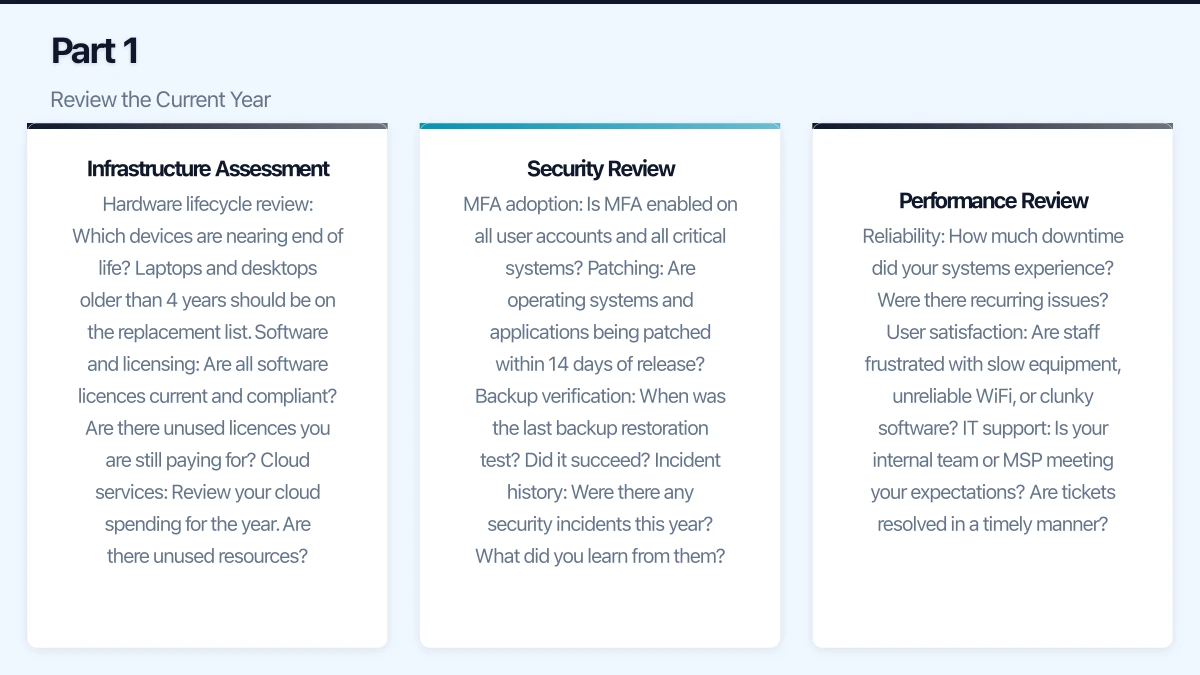
Infrastructure Assessment
Take stock of your current IT environment:
Hardware lifecycle review:
- Which devices are nearing end of life? Laptops and desktops older than 4 years should be on the replacement list.
- Are there servers approaching end of warranty or hardware support?
- Is your networking equipment (firewall, switches, access points) current? Devices older than 5 years likely need attention.
Software and licensing:
- Are all software licences current and compliant?
- Are there unused licences you are still paying for?
- Are any applications running on unsupported versions? (Check vendor end-of-support dates.)
- Have you maximised the value of your existing licences? Many businesses pay for Microsoft 365 Business Premium but only use basic features.
Cloud services:
- Review your cloud spending for the year. Are there unused resources?
- Have cloud costs been within budget?
- Are there on-premises workloads that should be migrated to the cloud?
Security Review
Ask these critical questions:
- MFA adoption: Is MFA enabled on all user accounts and all critical systems?
- Patching: Are operating systems and applications being patched within 14 days of release?
- Backup verification: When was the last backup restoration test? Did it succeed?
- Incident history: Were there any security incidents this year? What did you learn from them?
- Staff training: Has your team received cybersecurity awareness training this year?
- Email security: Are SPF, DKIM, and DMARC configured for your domains?
If any of these areas have gaps, they should be high-priority items for 2022.
Performance Review
Reflect on how well your technology supported the business:
- Reliability: How much downtime did your systems experience? Were there recurring issues?
- User satisfaction: Are staff frustrated with slow equipment, unreliable WiFi, or clunky software?
- IT support: Is your internal team or MSP meeting your expectations? Are tickets resolved in a timely manner?
- Remote work: Is the remote/hybrid work infrastructure working effectively? Are there ongoing pain points?
Part 2: Plan for 2022
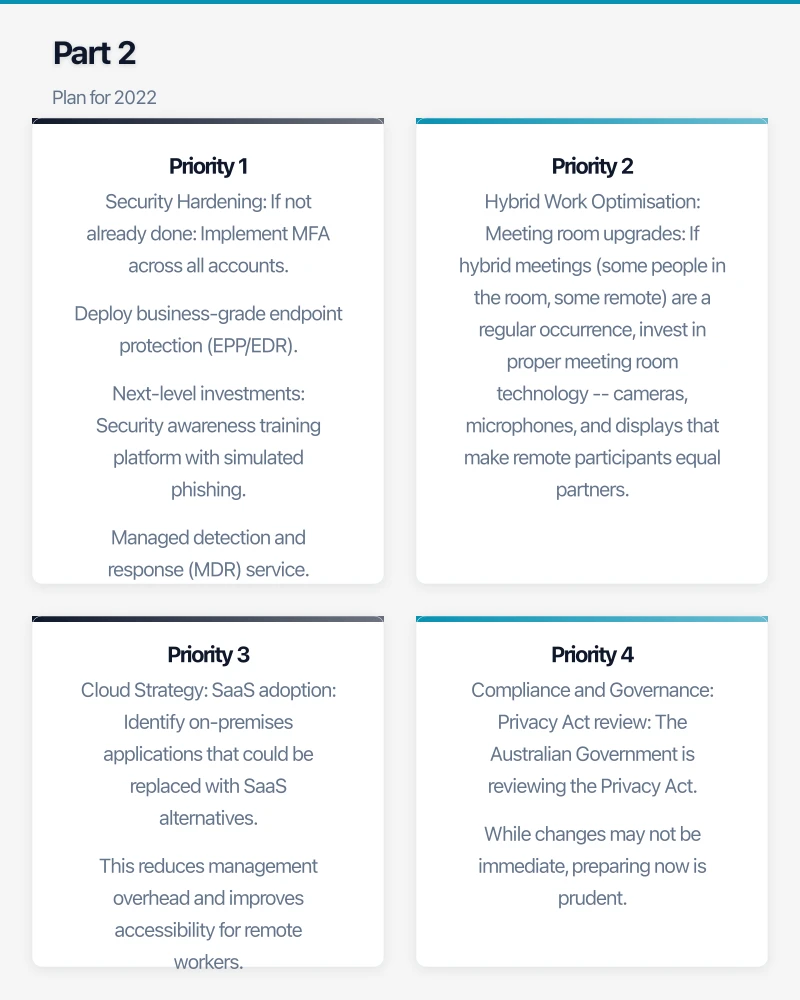
Priority 1: Security Hardening
Cybersecurity should be the top IT priority for every Australian business in 2022. The threat landscape is not improving — ransomware, phishing, and business email compromise continue to escalate. Key security investments for 2022:
If not already done:
- Implement MFA across all accounts.
- Deploy business-grade endpoint protection (EPP/EDR).
- Configure email authentication (SPF, DKIM, DMARC).
- Establish an immutable backup strategy.
Next-level investments:
- Security awareness training platform with simulated phishing.
- Managed detection and response (MDR) service.
- Vulnerability assessments or penetration testing.
- Cyber insurance (review or obtain coverage).
- Zero-trust network access to replace traditional VPN.
Priority 2: Hybrid Work Optimisation
Many businesses adopted remote work technology in a rush during 2020. 2022 is the year to refine it:
- Meeting room upgrades: If hybrid meetings (some people in the room, some remote) are a regular occurrence, invest in proper meeting room technology — cameras, microphones, and displays that make remote participants equal partners.
- Collaboration tools: Ensure your team is getting full value from Teams or Google Workspace. If adoption stalled, invest in training.
- WiFi and network: Upgrade office WiFi to business-grade if not already done. Ensure network infrastructure supports the increased demands of hybrid work.
- Device refresh: Staff who have been working on ageing laptops need upgraded equipment. Consider standardising on a model with a good webcam, microphone, and sufficient processing power.
Priority 3: Cloud Strategy
If you have not yet developed a cloud strategy, 2022 is the time:
- SaaS adoption: Identify on-premises applications that could be replaced with SaaS alternatives. This reduces management overhead and improves accessibility for remote workers.
- Cloud infrastructure: For applications that cannot move to SaaS, evaluate Azure or AWS for hosting.
- Microsoft 365 optimisation: If you are on Microsoft 365, are you using SharePoint, Teams, Power Automate, and other included tools? Many businesses leave value on the table.
Priority 4: Compliance and Governance
The Australian privacy landscape continues to evolve:
- Privacy Act review: The Australian Government is reviewing the Privacy Act. While changes may not be immediate, preparing now is prudent.
- Data governance: Do you know where your sensitive data is stored and who has access to it?
- Retention policies: Have you defined how long different types of data should be retained and how they should be disposed of?
- Documentation: Is your IT environment properly documented? Could someone outside your current IT team manage your systems if needed?
Part 3: Budget Planning
Review Current Year Spending
Compare actual IT spending against the budget:
- Where did you overspend? Why?
- Where did you underspend? Did planned projects not proceed?
- Were there unplanned expenses? What caused them?
Build the 2022 Budget
Structure your budget around these categories:
Recurring costs (predictable):
- Software and SaaS subscriptions
- Managed IT services
- Internet and telecommunications
- Cloud consumption
- Security subscriptions
Capital/Project costs (planned):
- Hardware replacements
- Infrastructure upgrades
- Migration projects
- New software deployments
- Office technology upgrades (meeting rooms, WiFi)
Contingency (unplanned):
- Reserve 10% to 15% of total IT budget for unexpected needs
Leverage Tax Incentives
The Temporary Full Expensing measure allows businesses to immediately deduct the full cost of eligible depreciable assets. If you are planning hardware purchases, ensuring they are completed within the eligible period maximises the tax benefit. Consult your accountant for specific advice.
Part 4: Vendor and Contract Review
MSP Performance
If you use a managed IT services provider, year-end is a good time for a performance review:
- Are they meeting their SLAs?
- Are they proactive or purely reactive?
- Do they provide strategic advice and a technology roadmap?
- Are their reports useful and timely?
- How does their pricing compare to the market?
If your MSP is underperforming, the start of a new year is a natural time to evaluate alternatives.
Contract Renewals
Review upcoming contract renewals for 2022:
- Internet and telecommunications contracts
- Software and SaaS agreements
- Hardware leases
- Managed services agreements
- Cyber insurance
For each renewal, assess:
- Is the service still needed?
- Are you on the best plan for your current usage?
- Can you negotiate better terms?
- Are there better alternatives on the market?
Vendor Consolidation
If you are using multiple vendors for similar services, consider consolidation. Fewer vendor relationships means simpler management, potentially better pricing, and clearer accountability.
Part 5: People and Skills
Staff IT Skills
Assess your team’s technology skills:
- Are staff using your collaboration tools effectively?
- Are there common IT support requests that could be reduced with training?
- Do managers know how to run effective hybrid meetings?
- Are staff aware of cybersecurity best practices?
Plan targeted training for 2022 based on the gaps you identify.
IT Team or Provider Capacity
Will your IT support capacity be sufficient for 2022?
- Are there planned projects that will require additional support?
- Is your current team or MSP keeping up with ticket volume?
- Are there specialist skills needed (cloud architecture, security, compliance) that you do not currently have access to?
Year-End IT Checklist
Complete these tasks before the end of the year:
- Review hardware inventory and identify devices for replacement in 2022.
- Audit software licences and cancel unused subscriptions.
- Verify all backups are current and test a restoration.
- Confirm MFA is enabled on all accounts.
- Check that all operating systems and applications are up to date.
- Review user accounts and disable any that are no longer needed.
- Review firewall rules and network security configurations.
- Update IT documentation (network diagrams, credentials, procedures).
- Back up critical configurations and credentials before the holiday period.
- Plan IT coverage over the holiday shutdown (who is available for emergencies?).
- Communicate any planned changes or downtime to staff before they leave for the holidays.
Getting Started
Year-end planning does not need to be complicated. Set aside a few hours to work through the review and planning sections of this guide. Involve your IT provider or MSP — they should be proactive partners in this process.
The businesses that thrive in 2022 will be those that treat technology as a strategic enabler, not an afterthought. By investing a little time now in planning and preparation, you set your business up for a productive, secure, and efficient year ahead.
Looking beyond the technical to the strategic? Ash Ganda writes about how CTOs and business leaders can drive digital transformation.
Part of the Ganda Tech Services family, Cloud Geeks delivers specialist IT and cloud solutions for Australian small and medium businesses.