
1,888 WordPress Vulnerabilities in Nine Weeks: What the Numbers Ask of You
Every week Wordfence publishes a count of vulnerabilities disclosed across the WordPress ecosystem — core, plugins and themes together. We receive it because we manage WordPress sites and need to know what landed.
Here are nine consecutive weeks, taken from those reports as received:
| Week ending | Vulnerabilities disclosed |
|---|---|
| 21 June 2026 | 146 |
| 28 June 2026 | 199 |
| 5 July 2026 | 246 |
| 12 July 2026 | 267 |
| 19 July 2026 | 75 |
| 26 July 2026 | 223 |
| 2 August 2026 | 224 |
| 9 August 2026 | 249 |
| 16 August 2026 | 259 |
| Nine-week total | 1,888 |
An average of roughly 210 a week. Not a spike, not an incident — the ordinary background rate of the platform that runs something like two in five websites.
Updated 25 August 2026: three further weeks added — 224, 249 and 259. The most recent report covers 199 plugins and 5 themes from 142 researchers. Nothing in the argument below changed, which is rather the point: nine weeks on, the run rate is still the run rate.
This post is not an argument that WordPress is unsafe. It is an argument that the weekly number is the wrong thing to watch, and that noticing why leads to a much shorter list of things worth doing.
The dip is the interesting part
Look at the week ending 19 July: 75, against a run rate near 200.
That is the week WordPress core was patched for wp2shell, the first critical unauthenticated remote code execution chain in core in nearly a decade. The most consequential WordPress security week in years is also the lowest disclosure count in the series.
We should be careful here, because this is exactly where analysis usually overreaches. We do not know from the counts alone why that week was low. Disclosure counts reflect when researchers and vendors publish, not when vulnerabilities are found or exploited, and a single week is a small sample.
But it does establish something useful with certainty: the weekly count and the weekly risk are not the same quantity. A quiet week contained the decade’s worst bug. Whatever the number is measuring, it is not “how much danger you were in.”
If you were managing your patching by watching that number, the week it mattered most is the week it would have told you to relax.
What 1,888 actually consists of
The headline figure needs deflating before it is useful, and deflating it honestly is more persuasive than leaving it scary.
Most are in plugins you do not have installed. The WordPress plugin directory carries tens of thousands of plugins. A vulnerability in a booking plugin for driving schools is a real vulnerability and completely irrelevant to a site that does not run it.
Many require authentication. A large share of disclosures need an existing account — often a contributor or admin. On a site with three staff accounts and no public registration, that is a much smaller problem than the raw count suggests.
Severity is not uniform. The same list contains “critical unauthenticated RCE” and “low-severity self-XSS requiring administrator interaction.” Counting them as one unit each is what makes the number alarming and also what makes it uninformative.
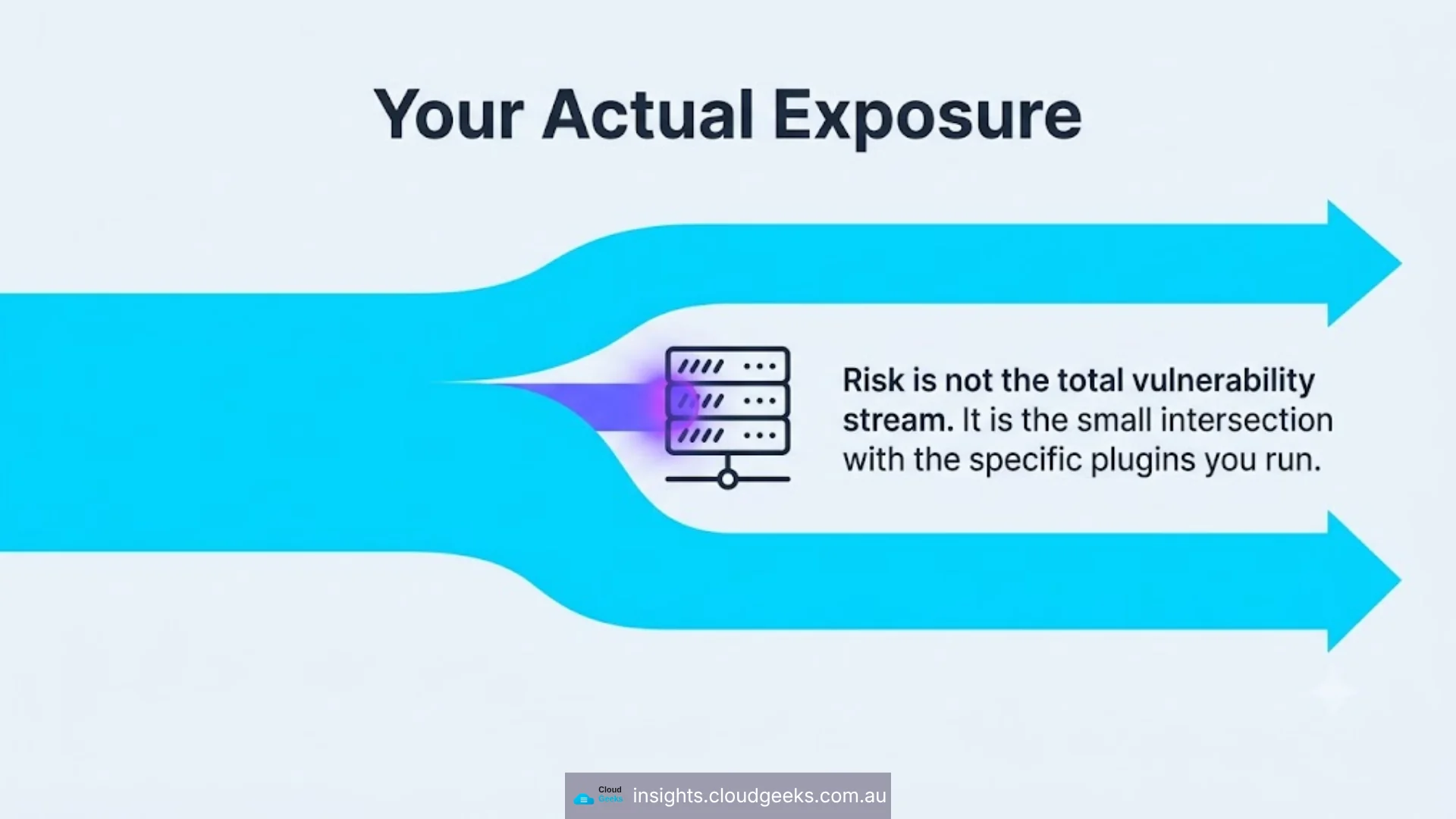
So the honest reading is: 1,888 is not 1,888 threats to your site. It is the size of the stream you are standing in. Your actual exposure is the small intersection of that stream with the specific software you run — and you cannot compute that intersection by reading a weekly summary.
Which is why the answer is process, not vigilance
If you cannot usefully track the stream, the only strategy left is to be resilient to whatever comes out of it. Four decisions do nearly all the work.
1. Automatic updates on for minor core releases
Minor WordPress releases are security and bug fixes. They are the least likely updates to break a site and the most likely to matter. WordPress can apply them automatically and, for the overwhelming majority of sites, should.
The wp2shell patch arrived as a minor release. Sites with this switched on were protected without anybody making a decision.
2. A scheduled window for major updates
Major releases — the ones that move 6.9 to 7.0 — do occasionally break themes and plugins. That is a real cost, and the usual response is to defer them indefinitely, which is how sites end up years behind.
The workable middle is a fixed monthly window: a staging check, apply, confirm, with a rollback path you have actually tested. Deferring is fine. Never is not.
3. File-change detection, so you find out first
Almost every WordPress compromise we clean up was discovered by someone other than the owner — a customer seeing spam, Google flagging the site, a host suspending it. By then, remediation is a bigger job and the reputational damage is already done.
File-change monitoring inverts that. It is available in the free tier of every major security plugin, and it is arguably the single most valuable free feature in the category.
4. A backup you have restored from at least once
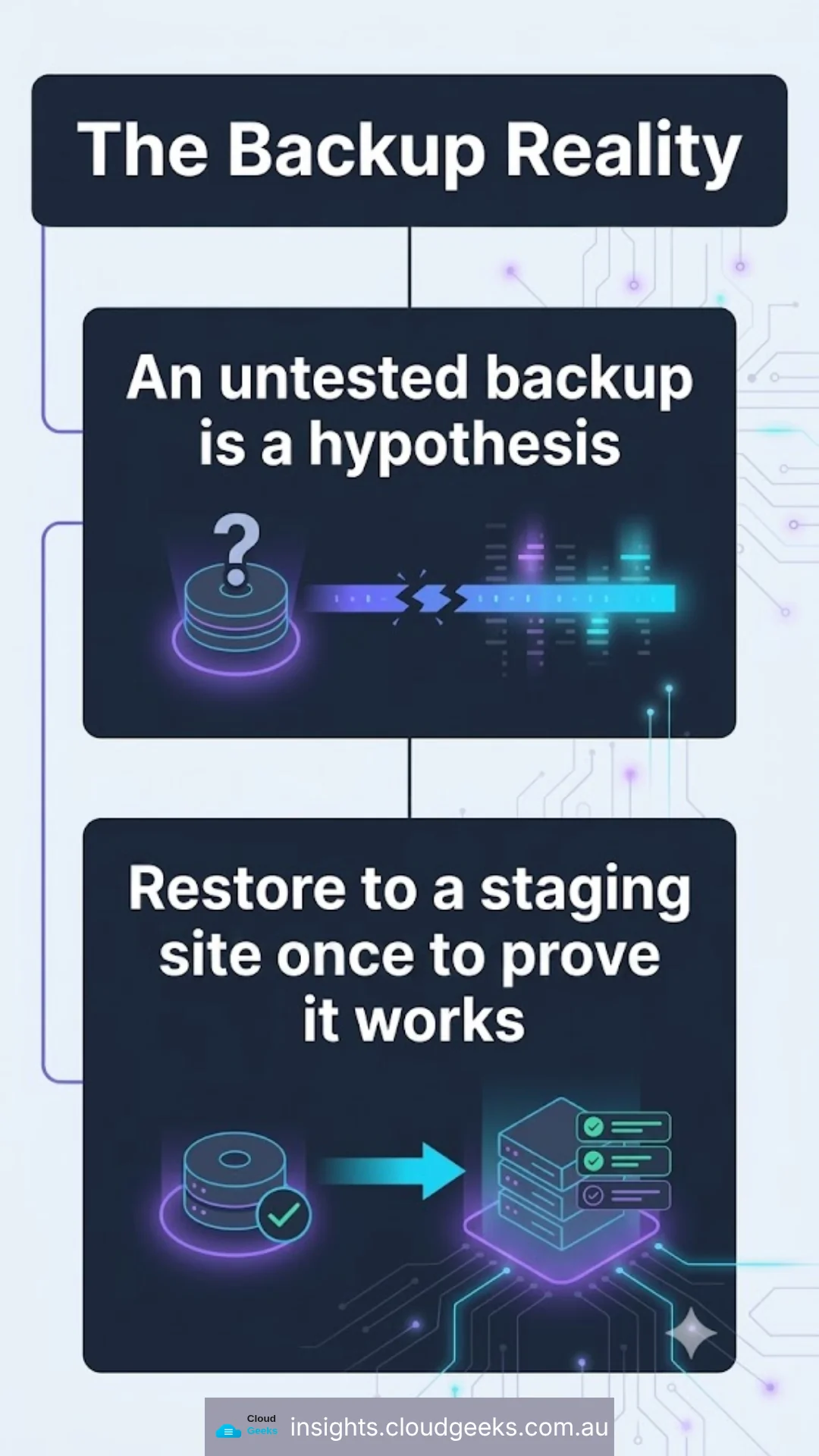
An untested backup is a hypothesis. The failure mode is not “we had no backups” — it is “we had backups and the restore did not work,” which people discover on the worst possible day.
Restore one to a staging site. Once. Then you know.
What this does not require
Worth stating plainly, because security content usually implies the opposite.
It does not require reading vulnerability reports. It does not require a paid security plugin on every site — the free tiers do detection well, and the protection-delay tradeoff only bites during a live, actively exploited event. It does not require knowing what a CVE is.
It requires four decisions made once, and then mostly left alone.
The one thing worth watching instead
If you want a single signal rather than a weekly count, watch for core disclosures specifically. They are rare — wp2shell was the first of its kind in roughly a decade — and unlike the plugin stream, a core vulnerability applies to you by definition. Everything else is a question of whether you happen to run the affected software.
That is a much smaller thing to pay attention to, and it is the honest shape of the problem.
Sources. Wordfence Intelligence Weekly Vulnerability Reports for the weeks ending 21 June, 28 June, 5 July, 12 July, 19 July and 26 July 2026, as received by email. Counts are quoted as published. The interpretation of why the week ending 19 July was low is explicitly marked above as unestablished — the reports give totals, not causes.
Disclosure: Cloud Geeks holds affiliate relationships with Wordfence, MalCare and Sucuri. This post recommends no purchase.