
VoIP Phone Systems for Australian Offices: A Practical Guide
VoIP Phone Systems for Australian Offices: A Practical Guide
Traditional phone systems are on their way out. Telstra has been progressively migrating customers off ISDN services, and the shift to the NBN has made VoIP (Voice over Internet Protocol) the standard for business telephony. If your office still relies on a traditional PBX or ISDN lines, now is the time to plan your transition.
VoIP phone systems route calls over your internet connection rather than dedicated phone lines. For Australian SMBs, this means lower costs, greater flexibility, and features that were previously only available to large enterprises.
How VoIP Works
In simple terms, a VoIP system converts your voice into digital data and sends it over the internet. Instead of phone lines running to a physical exchange, your calls travel through the same network as your emails and web browsing.
There are two main deployment models:
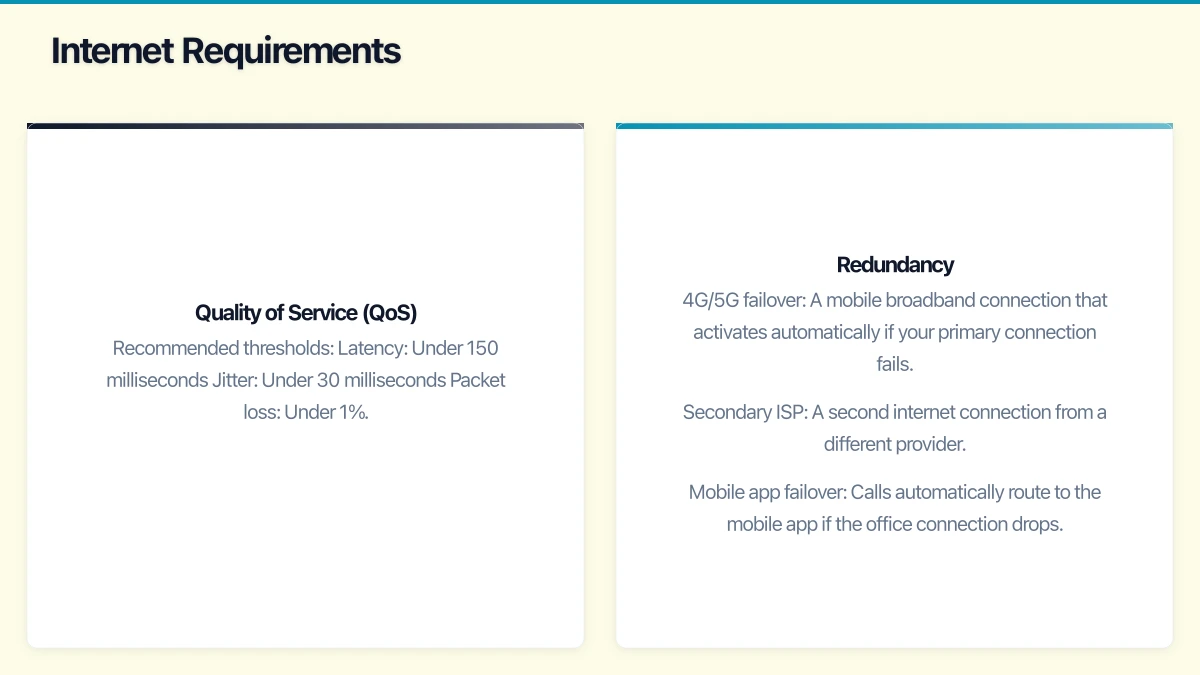
On-Premises VoIP
A physical PBX (Private Branch Exchange) sits in your office. It connects to the internet for external calls and manages internal calls locally.
Pros: Full control over the system. No ongoing subscription for the PBX itself (you own the hardware). Can work without internet for internal calls.
Cons: Higher upfront cost. Requires technical knowledge to manage. Hardware eventually needs replacing. Limited scalability.
Cloud-Hosted VoIP (UCaaS)
The PBX runs in the provider’s cloud. Your handsets connect over the internet, and all call routing and management happens in the cloud.
Pros: Low upfront cost. Easy to scale up or down. Managed and updated by the provider. Works from anywhere with an internet connection (ideal for remote workers). Built-in redundancy.
Cons: Dependent on internet connectivity. Ongoing monthly subscription. Less control over the underlying system.
For most Australian SMBs in 2021, cloud-hosted VoIP is the better choice. The flexibility, lower upfront cost, and support for remote work make it the natural fit.
Key Features to Look For
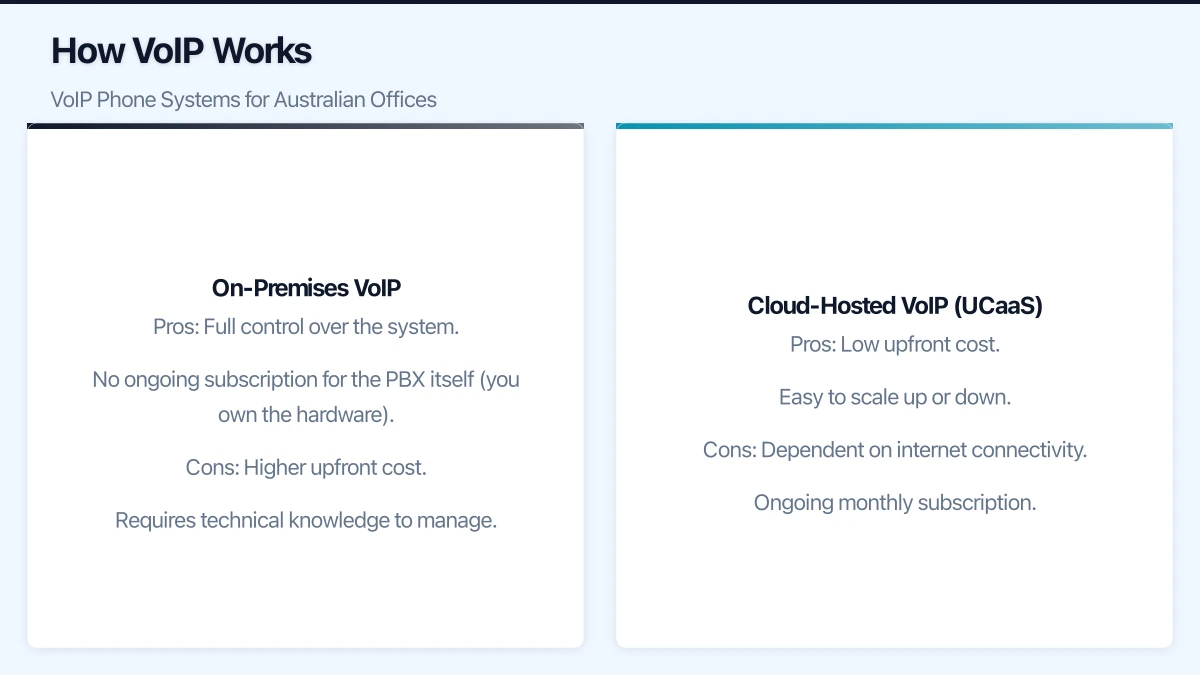
Essential Features
- Auto-attendant: An automated greeting that routes callers to the right department or person.
- Voicemail to email: Voicemail messages delivered as audio files to your email inbox.
- Call forwarding and routing: Ability to forward calls to mobile phones, other extensions, or external numbers.
- Call recording: Record calls for training, compliance, or dispute resolution. Be aware of Australian laws requiring notification of recording.
- Conference calling: Multi-party calls without additional equipment.
- Mobile app: Make and receive calls on your business number from your mobile phone.
- Music on hold: Professional hold music and messages.
Advanced Features
- Integration with CRM: Click-to-call from your CRM and automatic call logging.
- Microsoft Teams integration: Some providers integrate directly with Teams, allowing calls through the Teams interface.
- Call analytics and reporting: Understand call volumes, peak times, and staff performance.
- Ring groups: Multiple phones ring simultaneously so the first available person can answer.
- Call queues: Manage high call volumes with queuing and callback options.
- Number porting: Keep your existing phone numbers when switching providers.
Australian VoIP Providers Compared
Here are the leading VoIP providers serving Australian SMBs:
8x8
A global UCaaS provider with an Australian presence.
Plans and pricing:
- X2 (voice, video, chat): Approximately $35 per user per month
- X4 (adds analytics and supervisor features): Approximately $65 per user per month
Strengths: Feature-rich platform, good international calling rates, Microsoft Teams integration available.
Considerations: Global provider — support may not always be in Australian time zones. Interface can be complex for small businesses.
RingCentral
One of the largest global UCaaS providers, available in Australia.
Plans and pricing:
- Essentials (up to 20 users): Approximately $30 per user per month
- Standard: Approximately $40 per user per month
- Premium: Approximately $55 per user per month
Strengths: Comprehensive feature set, strong mobile app, wide range of integrations, reliable platform.
Considerations: Pricing can add up for larger teams. Some features only available on higher tiers.
Vonage Business
A well-established VoIP provider with Australian operations.
Plans and pricing:
- Mobile: Approximately $25 per user per month
- Premium: Approximately $35 per user per month
- Advanced: Approximately $45 per user per month
Strengths: Flexible plans, good API for custom integrations, reasonable pricing.
Considerations: Some advanced features require add-on purchases.
Telstra Calling for Office 365
Telstra’s integration of phone calling directly into Microsoft Teams.
Pricing: Approximately $17 to $30 per user per month for calling plans, plus Microsoft 365 licence costs.
Strengths: Native Teams integration — no separate phone application needed. Australian numbers and support. Familiar Telstra billing.
Considerations: Requires Microsoft 365. Limited features compared to dedicated UCaaS platforms. Best suited to Teams-centric businesses.
Net2Phone
A cloud phone system with a growing Australian presence.
Plans and pricing:
- Office: Approximately $25 per user per month
- Office Pro: Approximately $30 per user per month
Strengths: Competitive pricing, good feature set for the price, Australian support.
Considerations: Smaller brand recognition in Australia compared to some competitors.
Aussie-Based Providers
Several Australian-owned providers serve the SMB market:
- Crazytel: Competitive pricing, Australian-owned and operated.
- VoIPLine Telecom: Australian provider popular with MSPs.
- Nexgen: Australian cloud PBX provider with competitive rates.
These providers often offer more personalised service and local support, which can be valuable for SMBs that prefer dealing with local businesses.
Internet Requirements
VoIP call quality depends directly on your internet connection. Here is what you need:
Bandwidth
Each simultaneous call requires approximately 100 Kbps of bandwidth (both upload and download) for standard quality, or up to 300 Kbps for HD voice. For an office with 10 people who might have 5 simultaneous calls, you need at least 1.5 Mbps of dedicated bandwidth for voice.
This is well within the capability of most NBN plans, but remember that this bandwidth is shared with all other internet usage. If your team is downloading large files or running video conferences at the same time as making calls, ensure your total bandwidth is sufficient.
Quality of Service (QoS)
Voice traffic is sensitive to latency (delay), jitter (variation in delay), and packet loss. Your router or firewall should support QoS settings that prioritise voice traffic over other data.
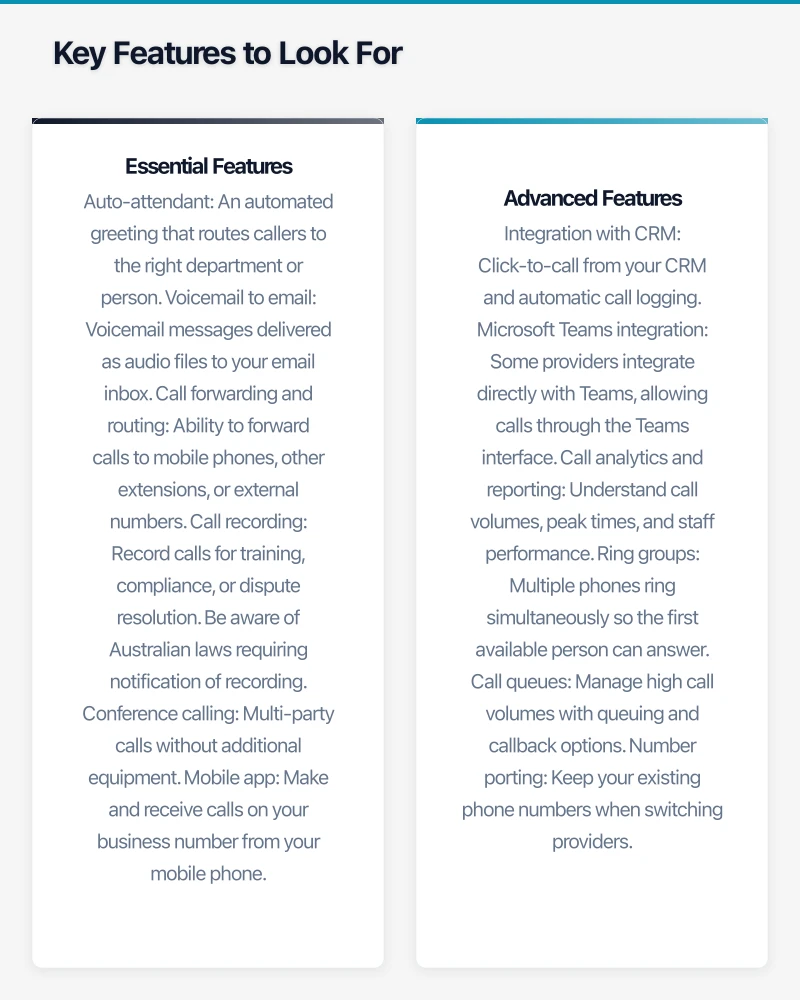
Recommended thresholds:
- Latency: Under 150 milliseconds
- Jitter: Under 30 milliseconds
- Packet loss: Under 1%
Redundancy
If your internet goes down, so do your phones. Consider:
- 4G/5G failover: A mobile broadband connection that activates automatically if your primary connection fails.
- Secondary ISP: A second internet connection from a different provider.
- Mobile app failover: Calls automatically route to the mobile app if the office connection drops.
Hardware Considerations
Desk Phones
If your team prefers physical handsets, business-grade IP phones from Yealink, Poly (formerly Polycom), and Cisco are the standard choices.
- Entry-level (Yealink T31G, Poly VVX 150): $100 to $150 per handset. Suitable for standard office use.
- Mid-range (Yealink T43U, Poly VVX 250): $180 to $280 per handset. Colour screens, Bluetooth, better audio.
- Executive (Yealink T54W, Poly VVX 450): $300 to $450 per handset. Large colour screens, WiFi, advanced features.
Headsets
For staff who prefer headsets (particularly those on the phone frequently or working in open-plan offices):
- Wired USB headsets (Jabra Evolve2 30, Poly Blackwire): $80 to $150. Simple and reliable.
- Wireless headsets (Jabra Evolve2 65, Poly Voyager Focus 2): $250 to $400. Freedom to move around.
Softphones
Many VoIP providers offer softphone applications that run on computers and mobile devices, eliminating the need for physical handsets entirely. This is increasingly popular, particularly for remote workers and hot-desking environments.
Implementation Tips
Plan the Transition
- Port your numbers: Start the number porting process early. It can take two to four weeks to transfer Australian phone numbers between carriers.
- Run parallel systems: Keep your old phone system running alongside the new VoIP system for a transition period.
- Test thoroughly: Before going live, test call quality, features, and failover scenarios.
Network Preparation
- Assess your network: Ensure your switches support PoE (Power over Ethernet) if you are using desk phones — this powers the phones through the network cable.
- Configure QoS: Set up quality of service rules on your router or firewall.
- VLAN separation: Ideally, separate voice traffic onto its own VLAN for better performance and security.
Training
- Train staff on the new system before go-live.
- Create quick-reference guides for common tasks (transferring calls, setting up voicemail, using the mobile app).
- Assign a super-user in each team who can help colleagues with basic questions.
Costs Summary
For a typical Australian office with 20 users:
| Item | Cost |
|---|---|
| Cloud VoIP service (20 users) | $500 - $1,000/month |
| Desk phones (20 units, mid-range) | $3,600 - $5,600 (one-time) |
| Network switches with PoE (if needed) | $500 - $2,000 (one-time) |
| Number porting | Usually free or nominal |
| Implementation and training | $1,000 - $3,000 (one-time) |
Compare this with a traditional phone system that might cost $5,000 to $15,000 upfront plus $500 to $1,500 per month in line rentals and call charges. Most businesses see a reduction in their total telephony costs after switching to VoIP.
Making Your Choice
When selecting a VoIP solution:
- Assess your internet connection — if it is unreliable, fix that first.
- List your must-have features — do not pay for features you will never use.
- Request demos and trials — most providers offer free trials.
- Check contract terms — look for month-to-month options or short commitment periods.
- Ask about Australian support — can you reach someone in your time zone when you have a problem?
- Verify number porting — confirm your existing numbers can be transferred.
The transition from traditional telephony to VoIP is inevitable for Australian businesses. By planning it deliberately rather than waiting until you are forced to change, you can choose the right solution, negotiate better pricing, and ensure a smooth transition for your team.
If your business also needs a web portal or customer-facing dashboard, Cosmos Web Tech builds custom web applications tailored to Australian SMBs.
Ashish Ganda is the founder of Ganda Tech Services, a Sydney-based technology consultancy helping Australian businesses grow through cloud, web, and mobile solutions.