
Turnstile, Honeypots and What Still Gets Through
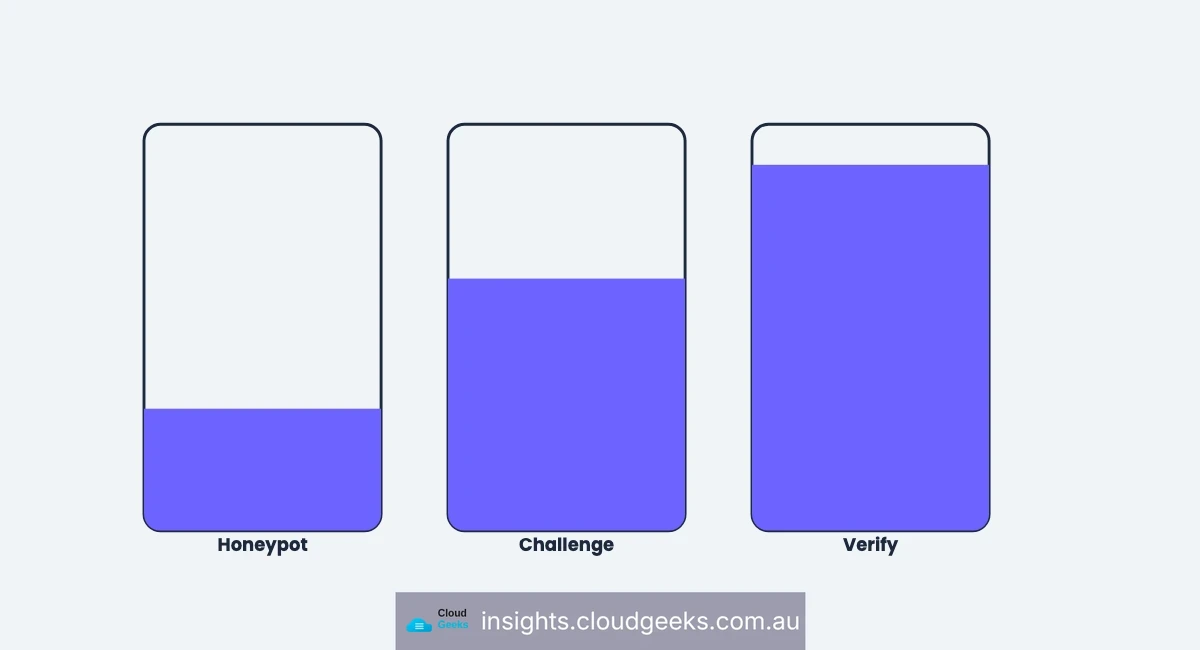
Most contact forms have one layer of protection, and most businesses believe it does more than it does.
We rebuilt ours across five sites recently and ended up with three layers, each catching something the others cannot, and a clear list of what still gets through.
Layer one: the honeypot
A field hidden from human visitors and visible to automated form-fillers. A bot fills every field it finds; a person cannot see this one. Anything arriving with it completed is discarded.
Catches: unsophisticated bots, which is the bulk of form spam by volume.
Costs: nothing. No third party, no user friction, no privacy consideration. A hidden field and one condition.
Misses: anything that renders the page properly and behaves like a browser.
This is the highest return-per-effort item on the whole list and a surprising number of forms do not have one.
Layer two: a challenge
Cloudflare Turnstile or an equivalent. It examines browser behaviour and signals rather than asking the visitor to identify traffic lights, and most legitimate visitors never see anything.
Catches: automated submissions that survive the honeypot.
Costs: a third-party script, and a dependency. If the provider is unreachable, you must decide whether the form still works.
Misses: a real person. A challenge establishes that a browser is being driven by something human-like. It says nothing about whether the information typed into it is true.
One implementation note from our rebuild: the challenge belongs on the site, in the browser — not on a shared backend service. A challenge has to be solved client-side, and routing it through a shared service means every site’s form depends on that service being reachable just to render.
Layer three: verifying the address
Before anything is stored, the email address is checked — does the domain exist, is the mailbox real, is it a disposable throwaway.
Catches: typos, dead mailboxes, and throwaway addresses. The failure mode that is not spam at all: the genuine enquiry with gmial.com in it.
Costs: a per-check fee, and a second dependency.
Misses: a real, working address that belongs to someone else.
★ Insight ─────────────────────────────────────
The three layers answer three different questions, and conflating them is why businesses feel protected and still have bad data. The honeypot asks is this automated. The challenge asks is this a browser driven by a human. Verification asks does this address exist. None of them asks does this address belong to the person filling in the form — and that question needs a fourth thing entirely.
─────────────────────────────────────────────────
What still gets through
Three categories, and they are the ones that actually cost you.
A real person typing a real address that is not theirs. Nothing above catches it. Only a confirmation email does — a link the person has to click, proving they can receive mail at the address they gave. That is the fourth layer, and it is the one most businesses skip because it adds a step.
A real person with no intent. Somebody who genuinely wants your lead magnet and will never buy anything. Not a technical problem, and worth knowing the volume of.
Targeted abuse. Somebody who has decided to submit your form repeatedly. Layers one to three are built for indiscriminate volume, not for a determined individual. Rate limiting per address and per source is the answer, and it should be in place before you need it.
The failure decision nobody documents
Both the challenge and the verification service are third parties. Both can be slow or down. So the system must decide what happens when a check cannot complete, and there are only two answers.
Fail closed: no check, no submission. Your form now depends on a third party.
Fail open: the submission proceeds unchecked.
We fail open on address verification and fail closed on the challenge, and the reasoning differs.
Losing a real enquiry because a verification API had a bad minute is worse than admitting one junk address — the enquiry is revenue. But a challenge that fails open is not a challenge; a bot will simply arrive during the outage, and outages are exactly when automated abuse is most effective.
Whichever you choose, record which submissions were unchecked. Otherwise your database holds two kinds of contact that look identical, and every later decision treats them the same.
The order matters
A detail that affects both cost and experience: run the layers cheapest-first.
The honeypot costs nothing and catches the most volume, so it goes first — there is no sense spending an API call on a submission that is obviously automated.
The challenge runs next, in the browser, before anything is sent.
Address verification runs last, because it is the only one that costs money per check. Placing it first would mean paying to verify addresses submitted by bots.
That ordering is not an optimisation detail. On a form receiving meaningful spam volume it is the difference between a verification bill that tracks genuine enquiries and one that tracks attacks.
What to check on your own form
- Is there a honeypot? It is free and it catches most of the volume.
- What happens when the challenge provider is unreachable? Find out before it happens.
- Is the address checked before it is stored, or cleaned up afterwards? The bounce you avoid is never counted against your sending reputation; the one you clean up already was.
- Is there a confirmation step? If anything automated will ever email these people, there should be.
- Is there a rate limit? Per address and per source.
- Do you record which checks ran? If not, you cannot tell a verified contact from an unverified one.
The layers are cumulative and each one is cheap. The mistake is believing that having one of them means the job is done, because the first layer stops the most visible problem and the remaining ones stop the expensive problems.
Cloud Geeks builds forms, email infrastructure and cloud services for Australian small businesses. Websites come from Cosmos Web Tech, apps from Awesome Apps, and the group is Ganda Tech Services.