Someone Had Already Fixed It. The Fix Was Being Silently Ignored.
Three security advisories had been failing our build on every push since at least 24 August. On 4 September we went to fix them and discovered that someone already had.
The fix was in the repository. It had been written, committed and pushed. It had simply stopped working, because the tool it was written for no longer reads the file it was written in — and it says so in a warning that nobody had ever seen.
This is a specific failure with a general shape, and the general shape is worth more than the specifics: a correction that is present, recorded and inert. Every audit sees it. Every reviewer sees it. Nothing is doing it.
What we thought the problem was
Three high-severity advisories in our dependency tree, in packages called brace-expansion, js-yaml and nanoid.
Before going further, the honest risk assessment, because this matters for how urgently a small business should treat findings like these. All three are build-time dependencies — tools used to compile the website, not code that reaches a visitor’s browser. A statically built site ships none of them to anybody. The realistic exposure is that a maliciously crafted input could hang our build, and the only inputs are our own article files.
So: real findings, genuinely worth fixing, not an emergency. That distinction is one most vulnerability reports will not make for you, and it is the difference between a planned afternoon and a panicked evening.
The fix that was already there
Opening the project file to add the version pins, we found version pins already there. A previous fix had pinned two of the three packages to safe versions, in the place the documentation said to put them.
Three things were wrong with it, and they compound in an instructive order.
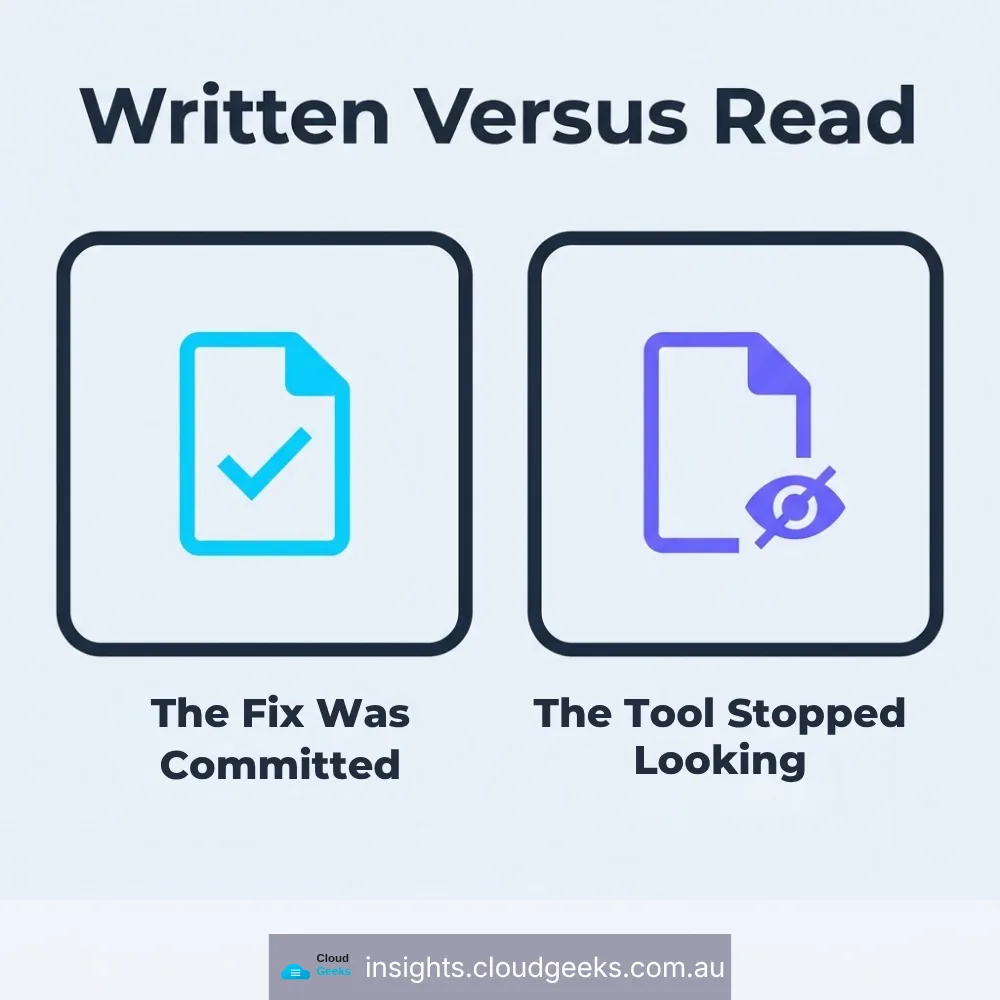
The package manager had stopped reading that location. The pins lived in a field of package.json that newer versions of our package manager no longer consult. It does not error. It prints a warning and carries on, ignoring the configuration entirely.
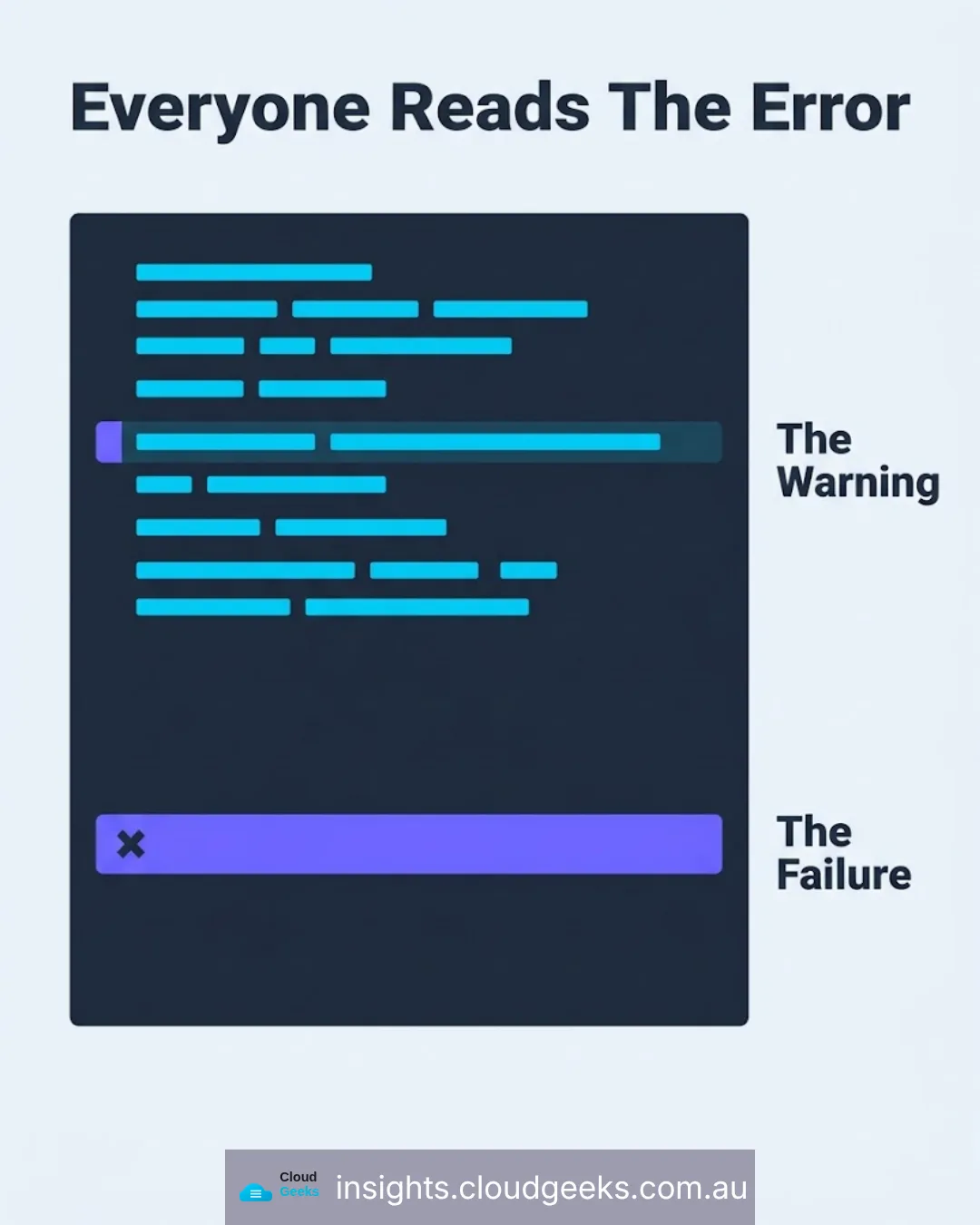
Nobody had ever seen the warning. The warning is printed during install. Our install step was dying before anyone read its output, and a warning inside a failing job is functionally invisible — when a job is red, people read the error, not the lines above it.
The pins were a patch short anyway. Each pinned version was one release below what the advisory actually required: >=5.0.8 where 5.0.9 was needed, >=4.3.0 where 4.3.1 was needed. And the third package had never been pinned at all.
So even in a world where the configuration was being read, it would not have closed two of the three advisories and would not have touched the third.
The part that made it worse
Here is where it stops being untidy and starts being expensive.
The package manager was ignoring the overrides — but the lockfile, the file that records exactly which versions were installed, still had them recorded from when the configuration was being read.
Our build runs a strict install: the one that refuses to proceed if the lockfile and the configuration disagree. They disagreed. It refused.
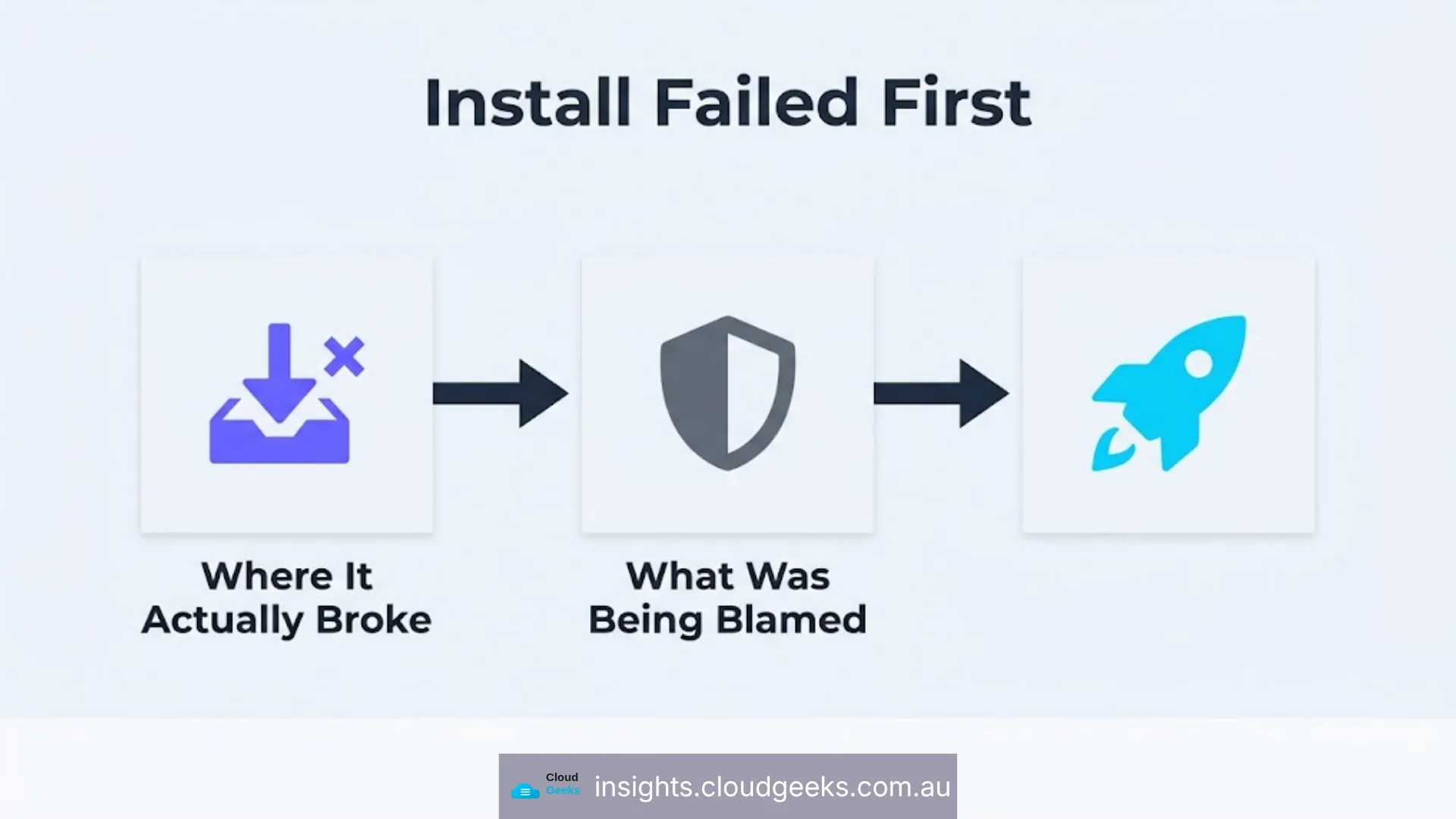
So the security audit was not the first thing failing in the build. Installation was. The audit never ran at all. Every red build for three weeks was reporting a problem downstream of a problem nobody had looked at.
The consequence is worth stating plainly, because the tempting shortcut would have made it permanent: deleting the audit step to get a green build would not have produced a green build. Install would still have failed. The visible symptom and the actual cause were two different things, and only one of them was in the error message people were reading.
And one more layer
The strict install was failing in our build system and passing on the machine where the work was done.
Same repository, same commands, opposite results — which is the most disorienting kind of bug, because the thing you cannot reproduce is the thing that is correct.
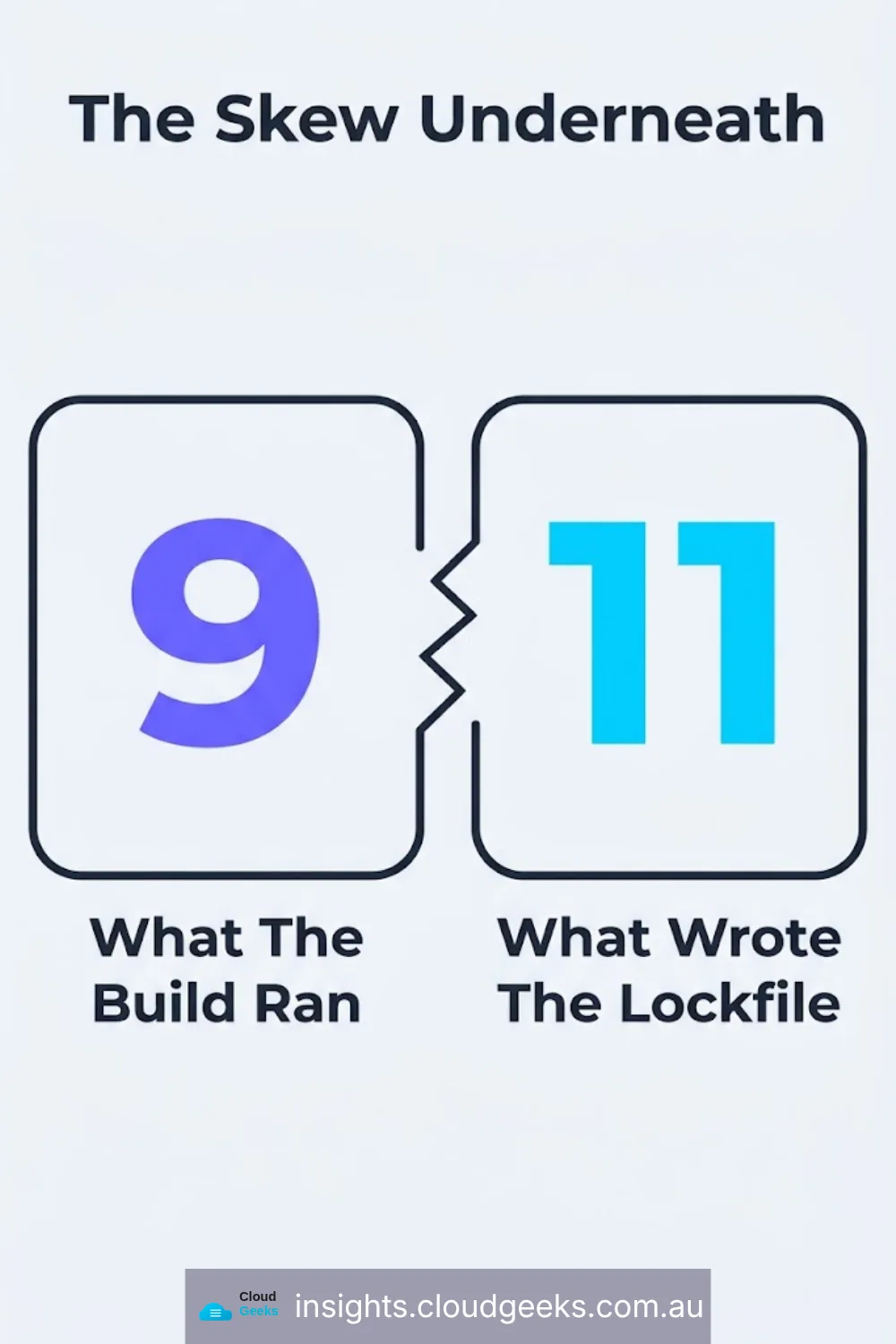
The cause was a version mismatch. Our build configuration pinned the package manager to version 9. The machine writing the lockfile was running version 11. Reading overrides from the newer configuration file is a version 10-and-above feature. So the build system, on version 9, saw no overrides configured at all, while the lockfile recorded five of them.
The version skew was the thing keeping installation broken. Not the overrides, not the advisories. A number in a configuration file that had been correct when it was written and had quietly become wrong as the tooling moved underneath it.
What we changed
The overrides moved to the file the current version actually reads, with the correct versions and, importantly, with upper bounds so a future release cannot silently widen them again. The build’s package-manager pin moved to 11, matching the version that produces the lockfile. And the three advisories closed.
One more fix went in alongside, worth mentioning because it is the same category of problem. A deployment step in the build was configured to skip when a particular credential was absent — except the syntax used to express that condition is not permitted in the place it was written. It does not evaluate to false. It fails to parse, which fails the whole build. That had cost two red builds on a sister project. The step now skips properly, because a red tick that means “a condition was written slightly wrong” devalues every red tick that means something real.
What a small business should take from this
A fix in the repository is not a fix in effect. The only evidence that a configuration change is working is an observed behaviour change. If nobody checked that the pinned version was actually installed, the pin was a note, not a control.
Read the warnings in failing jobs. Everyone reads the error. Almost nobody reads the twelve lines above it. In this case the answer had been printing on every run for three weeks.
Version pins go stale in both directions. Pinning your tooling to a known-good version is sound practice, and it means that when the tooling’s configuration format moves on, your pinned version keeps quietly using the old one. Pins need a review date.
Fix the first failure, not the loudest one. The audit was shouting. Install was the problem. Working down to the first thing that broke, rather than the last thing reported, is the difference between a fix and a workaround.
Ask what your build actually proves. If your deployment pipeline can be red for three weeks and the website keeps serving, that is your hosting being resilient — not your pipeline being fine. Those are easy to confuse, and the confusion is comfortable.
That last one has a companion incident worth knowing about: a month earlier, on a different site, a commit updated the wrong lockfile, the strict install refused, the build failed, and the hosting platform did exactly what it is designed to do and kept serving the previous version. Git was clean. The commit was pushed. The dashboard showed the right revision. Production was three days stale, and nothing was watching production.
If your business depends on a website or an application that deploys automatically, the question worth asking your provider is not whether the build passes. It is what is watching the live site, and how you would find out if it had stopped changing.
That kind of review is part of how we work with clients through managed IT support and across Parramatta and Western Sydney.
Ash Ganda is the founder of Cloud Geeks, which provides managed IT support and cyber security for Australian small and medium businesses.