
Small Business Server Room Best Practices
Small Business Server Room Best Practices
For many Australian small businesses, the “server room” is a converted storage closet, a corner of the office, or worse — a shelf under someone’s desk. Even as more workloads move to the cloud, most SMBs still have on-premise equipment that needs a proper home: network switches, firewalls, a NAS, a local server, or telecommunications gear.
Getting the basics right in your server room (or server closet) protects your business from preventable downtime caused by overheating, power failures, or physical security lapses. This guide covers the essentials.
Location Selection
If you are setting up a new server room or relocating equipment, choose the location carefully.
Ideal characteristics:
- Internal room without windows. Windows let in heat and sunlight, increase cooling costs, and create a physical security vulnerability.
- Not below water sources. Avoid rooms directly below bathrooms, kitchens, or roof areas prone to leaks. Water damage is one of the most common causes of server room disasters.
- Adequate floor loading. A full server rack with UPS can weigh 300 to 500 kg. Ensure the floor can handle the load, particularly in older buildings or raised floors.
- Accessible but not high-traffic. The room should be easy to access for IT maintenance but not in a high-traffic area where doors are left open or equipment is accidentally disturbed.
- Not in the basement. While basements offer good temperature stability, they are vulnerable to flooding. In Australian cities prone to flash flooding (Brisbane, Sydney), basement server rooms are particularly risky.
Temperature and Cooling
Overheating is the number one environmental threat to server room equipment. Australian summers make this especially relevant.
Temperature Guidelines
The American Society of Heating, Refrigerating and Air-Conditioning Engineers (ASHRAE) recommends:
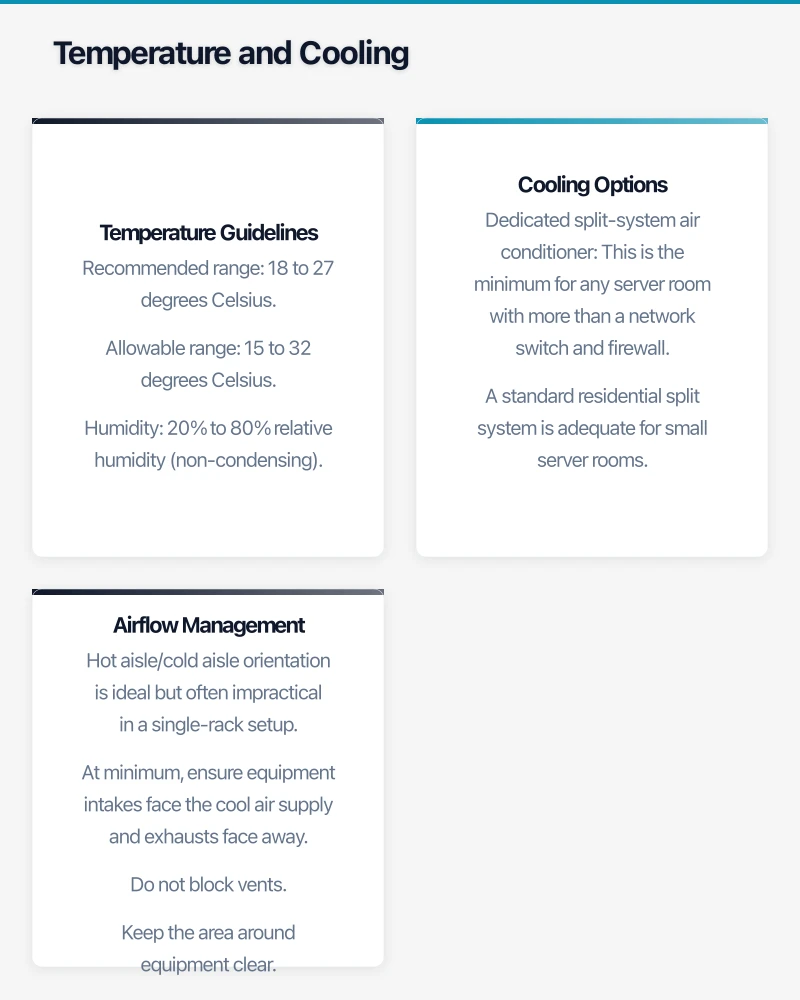
- Recommended range: 18 to 27 degrees Celsius
- Allowable range: 15 to 32 degrees Celsius
- Humidity: 20% to 80% relative humidity (non-condensing)
For a small business server room, aim to maintain 20 to 24 degrees Celsius. This provides a comfortable margin before equipment begins to throttle or fail.
Cooling Options
Dedicated split-system air conditioner. This is the minimum for any server room with more than a network switch and firewall. A standard residential split system is adequate for small server rooms. Key considerations:
- Size the unit for your heat load plus 20% headroom. A typical SMB server room with one to two servers, a UPS, and network gear generates 2 to 5 kW of heat. A 3.5 to 7 kW split system is appropriate.
- Set the thermostat to 22 degrees Celsius.
- Ensure the system runs 24/7, not just during office hours. Equipment generates heat around the clock.
- Schedule regular maintenance (filter cleaning every three months, professional service annually).
In-row or precision cooling. For larger setups with multiple racks, precision cooling units provide better airflow management. This is typically overkill for SMBs with a single rack.
What to avoid:
- Relying on the building’s central HVAC system, which typically shuts off after hours and on weekends
- Portable air conditioning units (inconsistent, noisy, require regular draining)
- No cooling at all (equipment will overheat in an Australian summer within hours)
Airflow Management
Even with adequate cooling, poor airflow reduces its effectiveness.
- Hot aisle/cold aisle orientation is ideal but often impractical in a single-rack setup. At minimum, ensure equipment intakes face the cool air supply and exhausts face away.
- Do not block vents. Keep the area around equipment clear. Never stack boxes, paper, or other items in the server room.
- Cable management affects airflow. Neat, bundled cables allow better air circulation than a spaghetti mess of cables.
- Blanking panels. If your rack has empty spaces, install blanking panels to prevent hot exhaust air from recirculating to the front of the rack.
Power
Uninterruptible Power Supply (UPS)
A UPS is non-negotiable for any server room. It protects against:
- Power outages: Provides battery runtime to safely shut down equipment or ride through short outages
- Power surges and spikes: Filters incoming power to protect sensitive electronics
- Brown-outs: Regulates voltage when mains supply drops below normal levels
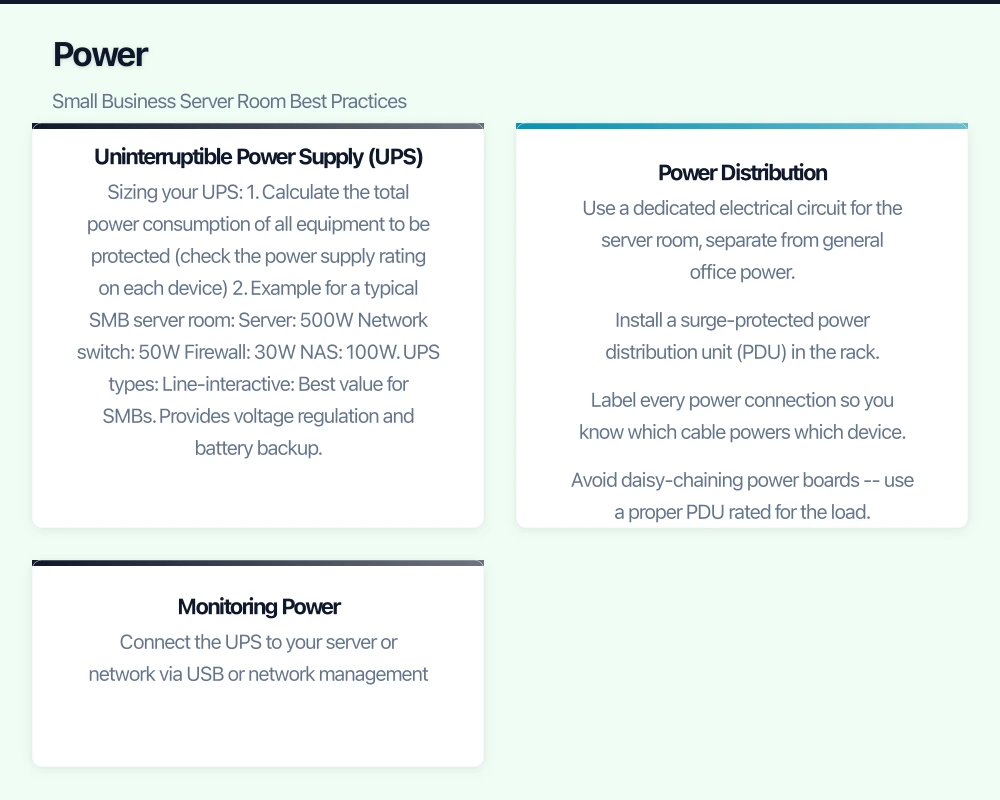
Sizing your UPS:
- Calculate the total power consumption of all equipment to be protected (check the power supply rating on each device)
- Add 20% headroom for growth
- Choose a UPS with sufficient VA (volt-ampere) rating
Example for a typical SMB server room:
- Server: 500W
- Network switch: 50W
- Firewall: 30W
- NAS: 100W
- Total: 680W
- With 20% headroom: 816W
- UPS rating needed: approximately 1,200 VA (accounting for power factor)
UPS types:
- Line-interactive: Best value for SMBs. Provides voltage regulation and battery backup. Suitable for most small server rooms.
- Online/double-conversion: Provides the cleanest power by continuously converting AC to DC and back. More expensive but offers better protection. Recommended if your area experiences frequent power fluctuations.
Recommended UPS brands available in Australia: APC (Schneider Electric), Eaton, and CyberPower. APC Smart-UPS and Eaton 5P series are popular choices for SMB server rooms.
Runtime considerations: Most UPS units for SMBs provide 10 to 30 minutes of runtime. This is typically enough to either ride through a brief outage or perform a graceful shutdown. If you need extended runtime (for example, to stay operational during longer outages), consider additional battery packs or a generator.
Power Distribution
- Use a dedicated electrical circuit for the server room, separate from general office power
- Install a surge-protected power distribution unit (PDU) in the rack
- Label every power connection so you know which cable powers which device
- Avoid daisy-chaining power boards — use a proper PDU rated for the load
Monitoring Power
Configure your UPS to notify you of power events:
- Connect the UPS to your server or network via USB or network management card
- Configure email or SMS alerts for power failures, low battery, and overload conditions
- Set up automated graceful shutdown of servers when battery runtime reaches a critical threshold
Physical Security
Your server room contains your most valuable IT assets and potentially sensitive data on local storage. Physical security is essential.
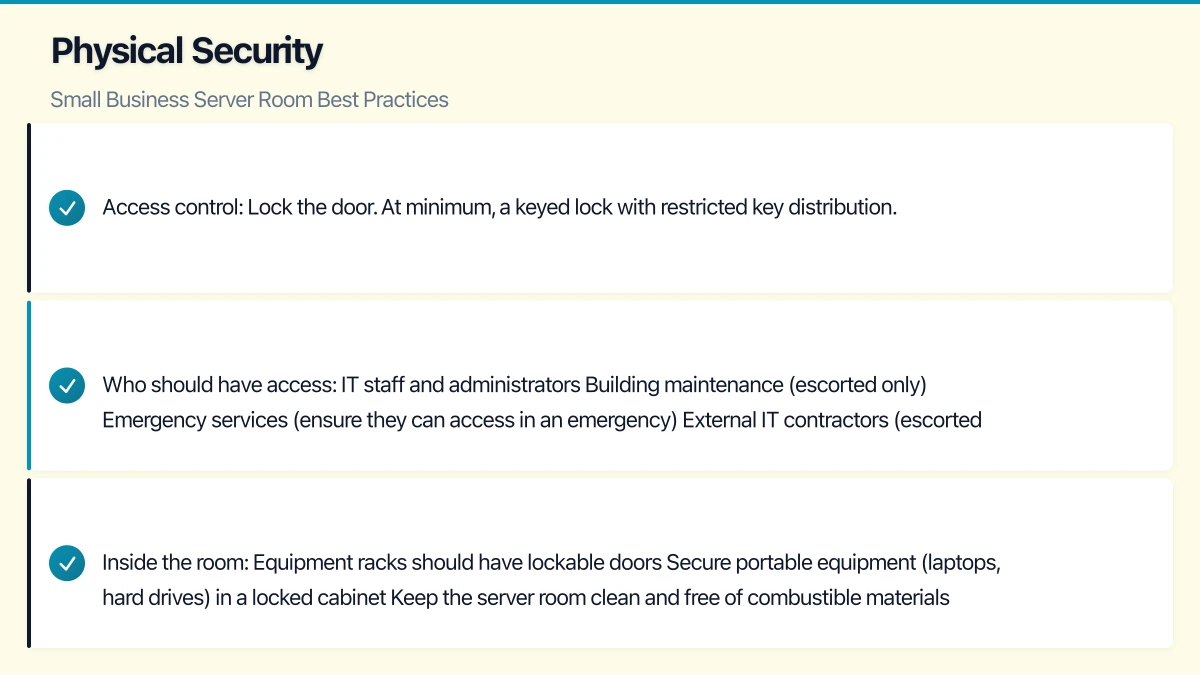
Access control:
- Lock the door. At minimum, a keyed lock with restricted key distribution. Only IT staff and authorised personnel should have access.
- Better option: Electronic access control (keypad, card reader, or smart lock). This provides an audit trail of who entered and when.
- Best option: Electronic access control integrated with your building security system, with CCTV covering the entrance.
Who should have access:
- IT staff and administrators
- Building maintenance (escorted only)
- Emergency services (ensure they can access in an emergency)
- External IT contractors (escorted and logged)
Inside the room:
- Equipment racks should have lockable doors
- Secure portable equipment (laptops, hard drives) in a locked cabinet
- Keep the server room clean and free of combustible materials (no paper storage)
- No food or drinks in the server room
Fire Protection
Server rooms present a unique fire risk due to concentrated electrical equipment.
Fire detection:
- Install smoke detectors rated for IT environments (photoelectric type, which detects smouldering fires common in electronics)
- Connect to the building fire alarm system if possible
- Consider very early smoke detection apparatus (VESDA) for critical environments
Fire suppression:
- Standard water sprinklers will destroy equipment. If your server room has sprinklers, consider replacing them with a clean agent suppression system.
- For most SMBs, portable clean agent fire extinguishers (CO2 or clean agent type) kept near the server room are the practical minimum.
- Never use ABC powder extinguishers on IT equipment — the powder is corrosive to electronics.
Important: Check with your building management and local fire authority about requirements for your specific situation. Building codes vary by state and territory.
Environmental Monitoring
Do not rely on discovering problems when equipment fails. Basic environmental monitoring is affordable and effective.
What to monitor:
- Temperature: At minimum, one sensor inside the rack or room. Alert if temperature exceeds 28 degrees Celsius.
- Humidity: Alert if humidity drops below 20% (static electricity risk) or exceeds 80% (condensation risk).
- Water/leak detection: Place a sensor on the floor near the lowest point of the room.
- Door contact: Alert if the server room door is left open.
Monitoring options:
- Network-attached sensors: Devices like the APC NetBotz or Ubiquiti UniFi Protect sensors connect to your network and send alerts. $200 to $800 depending on features.
- Standalone sensors with alerts: Battery-powered sensors that send SMS or email alerts. Less expensive ($50 to $200) but more limited.
- UPS management card: Many UPS units with a network management card include basic temperature monitoring.
Cabling
Poor cabling causes more day-to-day frustration than almost any other server room issue.
Structured cabling principles:
- Label everything. Every cable should be labelled at both ends. Use a consistent labelling scheme (for example, matching your patch panel port numbers).
- Use patch panels. Do not run permanent cables directly into equipment. Use a patch panel as the termination point, then use short patch cables to connect to equipment.
- Separate power and data cables. Run power cables on one side of the rack and data cables on the other to reduce electromagnetic interference.
- Use cable management. Horizontal and vertical cable managers keep cables organised and maintainable. A $50 cable manager saves hours of troubleshooting.
- Maintain a cable schedule. A simple spreadsheet documenting which cable goes from where to where. Update it every time you make a change.
Cable types for Australian SMBs:
- Cat6 or Cat6a for new ethernet installations. Cat6a supports 10 Gbps and is future-proof for most SMB needs.
- Single-mode fibre if you need to connect between buildings or over distances greater than 90 metres.
- Avoid Cat5e for new installations — the cost difference to Cat6 is minimal, and Cat6 provides better performance.
Documentation
Document your server room setup so that anyone on your IT team (or an external contractor) can understand the environment.
Essential documentation:
- Rack layout diagram: What is in each rack unit, from top to bottom
- Network diagram: How devices are connected, including port numbers
- IP address register: IP addresses assigned to each device
- Power diagram: Which UPS outlet powers which device
- Contact list: Vendor support numbers, electrician, HVAC contractor, building management
- Emergency procedures: Steps for server room emergencies (power failure, cooling failure, fire, water intrusion)
Keep a printed copy of this documentation in the server room and a digital copy accessible from outside the room.
Maintenance Schedule
Establish a regular maintenance routine:
Monthly:
- Visual inspection of equipment and cables
- Check UPS status and battery health
- Verify environmental monitoring is working
- Clean dust filters on equipment and air conditioning
Quarterly:
- Deep clean the server room (vacuum, wipe surfaces)
- Test UPS by simulating a power failure
- Review and update documentation
- Check fire extinguisher status
Annually:
- Professional air conditioning service
- UPS battery replacement (typically every 3 to 5 years, but test annually)
- Review physical security access list
- Audit the room against this checklist
Your server room does not need to rival a data centre. It just needs to protect your equipment from the most common threats: heat, power issues, physical access, and water. Getting these basics right is straightforward and prevents the kind of outages that cost Australian businesses real money.
Looking for a website that matches your enterprise-grade infrastructure? Cosmos Web Tech specialises in responsive web design and SEO for Australian businesses.
Cloud Geeks is the IT infrastructure division of Ganda Tech Services, providing managed cloud and cybersecurity solutions to Australian businesses.