
Cybersecurity Basics Every Australian Small Business Should Know
Introduction
Cyber attacks aren’t just a big business problem. Australian small businesses are targeted constantly—often because attackers assume you’re less protected than larger organisations. They’re usually right.
The good news: you don’t need an enterprise security budget to protect your business. Most successful attacks exploit basic vulnerabilities that are straightforward to address. This guide covers what actually matters.
The Threats You Face
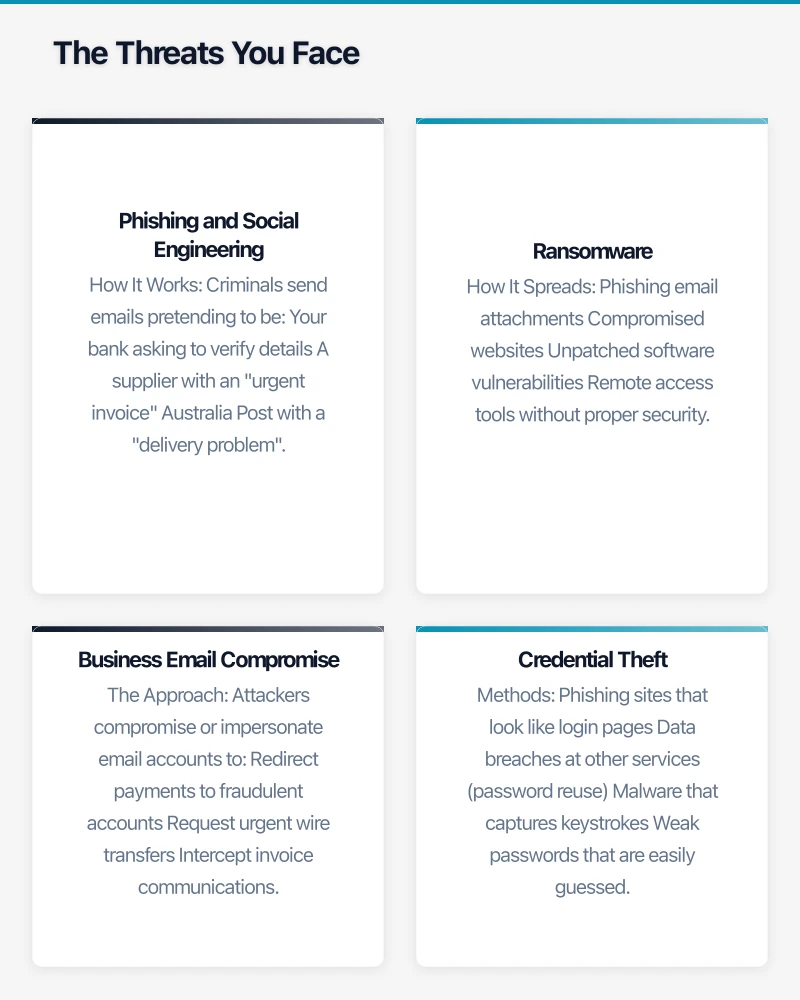
Phishing and Social Engineering
The most common attack vector:
How It Works
Criminals send emails pretending to be:
- Your bank asking to verify details
- A supplier with an “urgent invoice”
- Australia Post with a “delivery problem”
- The ATO with a “refund notification”
The goal is getting you to click a link, download a file, or provide credentials.
Why It Works
- Emails look increasingly legitimate
- Creates urgency and fear
- Targets human behaviour, not technology
- Only needs one person to fall for it
Real Impact
- Business email compromise cost Australian businesses $227 million in 2022 according to ACCC reports
- Average loss per incident continues to rise
- Recovery is difficult once money is transferred
Ransomware
Software that locks your files until you pay:
How It Spreads
- Phishing email attachments
- Compromised websites
- Unpatched software vulnerabilities
- Remote access tools without proper security
The Consequences
- All your files encrypted
- Business operations stopped
- Ransom demanded (often in cryptocurrency)
- No guarantee files are recovered even if you pay
- Possible data theft alongside encryption
Business Email Compromise
Targeted attacks on business transactions:
The Approach
Attackers compromise or impersonate email accounts to:
- Redirect payments to fraudulent accounts
- Request urgent wire transfers
- Intercept invoice communications
- Manipulate financial processes
Why It’s Effective
- Uses legitimate-seeming email addresses
- Exploits trust and business relationships
- Often timed with real transactions
- Difficult to reverse once payment is made
Credential Theft
Stealing usernames and passwords:
Methods
- Phishing sites that look like login pages
- Data breaches at other services (password reuse)
- Malware that captures keystrokes
- Weak passwords that are easily guessed
Consequences
- Access to business email and documents
- Ability to impersonate you
- Access to financial accounts
- Gateway to further attacks
Essential Protections
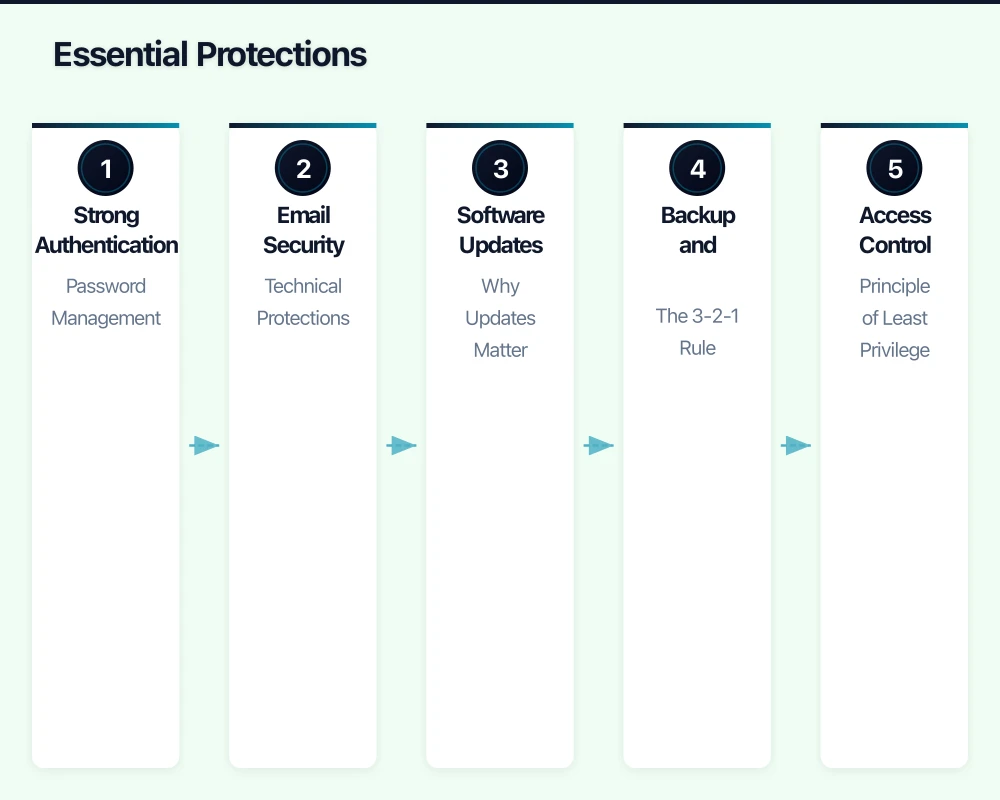
Strong Authentication
Password Management
For every person in your business:
- Unique password for every account
- Strong passwords (long, not just complex)
- Password manager to handle this practically
- Never share passwords
Multi-Factor Authentication (MFA)
Add a second verification step:
- Enable MFA on all accounts that support it
- Especially: email, banking, cloud services
- Authenticator apps are better than SMS
- Make this mandatory, not optional
This single step prevents most credential-based attacks.
Email Security
Technical Protections
Ensure your email service has:
- Spam filtering enabled
- Phishing protection active
- Attachment scanning
- External sender warnings
Microsoft 365 and Google Workspace include these—make sure they’re configured.
Process Protections
Train your team:
- Verify unexpected requests through another channel
- Never click links in suspicious emails
- Report potential phishing attempts
- Be especially careful with financial requests
Software Updates
Why Updates Matter
Software updates fix security vulnerabilities. Unpatched software is a primary attack vector.
What to Update
- Operating systems (Windows, macOS)
- Web browsers
- Microsoft Office or equivalent
- Accounting software
- Any internet-connected software
How to Handle This
- Enable automatic updates where possible
- Schedule regular update times
- Don’t delay security updates
- Include all devices (computers, phones, tablets)
Backup and Recovery
The 3-2-1 Rule
- 3 copies of important data
- 2 different types of storage
- 1 copy offsite (or in cloud)
Practical Implementation
- Automated cloud backup for critical files
- Local backup for quick recovery
- Test that you can actually restore from backups
- Keep some backups offline (ransomware can encrypt connected backups)
What to Back Up
- Financial records and accounting data
- Customer information
- Business documents
- Email archives
- System configurations
Access Control
Principle of Least Privilege
People should have access only to what they need:
- Not everyone needs admin rights
- Separate accounts for different functions
- Review access when roles change
- Remove access when people leave
Device Security
Protect the devices that access your data:
- Screen lock on all devices
- Full disk encryption enabled
- Antivirus/endpoint protection
- Remote wipe capability for mobile devices
Practical Steps by Priority
This Week (High Priority)
1. Enable MFA Everywhere
Start with:
- Business email (most critical)
- Banking and financial accounts
- Cloud storage (OneDrive, Google Drive, Dropbox)
- Accounting software
2. Verify Backups Work
- Check backups are running
- Test restoring a file
- Confirm offsite/cloud backup is current
3. Update Everything
- Run updates on all computers
- Update phones and tablets
- Update router firmware
This Month (Important)
4. Implement Password Manager
- Choose a business password manager
- Roll out to all staff
- Migrate from browser-saved passwords
- Set minimum password standards
5. Review Email Security Settings
- Confirm spam and phishing protection active
- Enable external sender warnings
- Check attachment handling policies
6. Basic Staff Awareness
- Brief team on phishing recognition
- Establish reporting process
- Cover verification procedures for financial requests
This Quarter (Foundational)
7. Access Review
- List who has access to what
- Remove unnecessary access
- Review admin accounts
- Document access decisions
8. Incident Response Plan
- What happens if we’re compromised?
- Who do we call?
- How do we communicate?
- Where is critical information documented?
9. Security Assessment
- Identify remaining gaps
- Prioritise improvements
- Consider professional assessment
Common Mistakes to Avoid
”We’re Too Small to Be a Target”
Attackers use automation. They don’t check your company size before attacking. Small businesses are often targeted specifically because defenses are typically weaker.
”Our IT Person Handles Security”
Security is everyone’s responsibility. Technical controls help, but humans remain the primary attack vector. Everyone needs to be aware.
”We Can’t Afford Proper Security”
Most essential protections are free or low-cost:
- MFA is free on most platforms
- Updates are free
- Basic backup services are inexpensive
- Awareness doesn’t cost money
”It Won’t Happen to Us”
The ACCC receives thousands of reports of business scams each year. Many more go unreported. It’s a matter of when, not if, you’re targeted. Preparation matters.
”We’ll Deal With It If It Happens”
Incident response without preparation is expensive and chaotic. A ransomware attack discovered Friday afternoon with no backups and no plan can threaten business survival.
When to Get Professional Help
Signs You Need Assistance
- You’ve had a security incident
- You handle sensitive customer data
- You’re in a regulated industry
- You have compliance requirements
- You don’t have internal IT capability
What to Look For
- Cybersecurity experience with SMBs
- Understanding of Australian regulations
- Practical, proportionate recommendations
- Clear communication
- References from similar businesses
Australian Resources
ACSC (Australian Cyber Security Centre)
Free resources and guidance:
- cyber.gov.au/acsc/small-and-medium-businesses
- Report incidents: cyber.gov.au/acsc/report
ACCC Scamwatch
Scam information and reporting:
- scamwatch.gov.au
- Report business scams
OAIC (Office of the Australian Information Commissioner)
Privacy and data breach guidance:
- oaic.gov.au
- Data breach notification requirements
Conclusion
Cybersecurity doesn’t require enterprise budgets or dedicated teams. Most attacks succeed through basic vulnerabilities: phishing, weak passwords, missing updates, inadequate backups. Address these fundamentals and you’ve handled the majority of risk.
Start this week with MFA and backups. Build from there. Perfect security doesn’t exist, but proportionate protection is achievable for every Australian business.
The criminals are counting on you to do nothing. Don’t make it easy for them.
Want your team to manage cloud operations from their phones? Awesome Apps creates mobile dashboards and management tools for Australian SMBs.
Ganda Tech Services brings together cloud infrastructure, web development, and mobile app expertise to help Australian businesses thrive in the digital economy.