
Setting Up Remote Work Infrastructure for Australian Teams
Setting Up Remote Work Infrastructure for Australian Teams
A year ago, most Australian businesses scrambled to enable remote work almost overnight. Now, as we settle into 2021, it is clear that remote and hybrid work is here to stay. The question is no longer whether to support remote work, but how to do it properly.
The improvised setups of early 2020 — personal laptops, consumer VPNs, and kitchen-table offices — served their purpose in a crisis. But sustainable remote work requires deliberate infrastructure planning. This guide covers what Australian SMBs need to build a reliable, secure, and productive remote work environment.
The Foundation: Internet Connectivity
Remote work is only as good as your internet connection. In Australia, this remains a genuine challenge for some workers, particularly those in regional areas or on older NBN technology types.
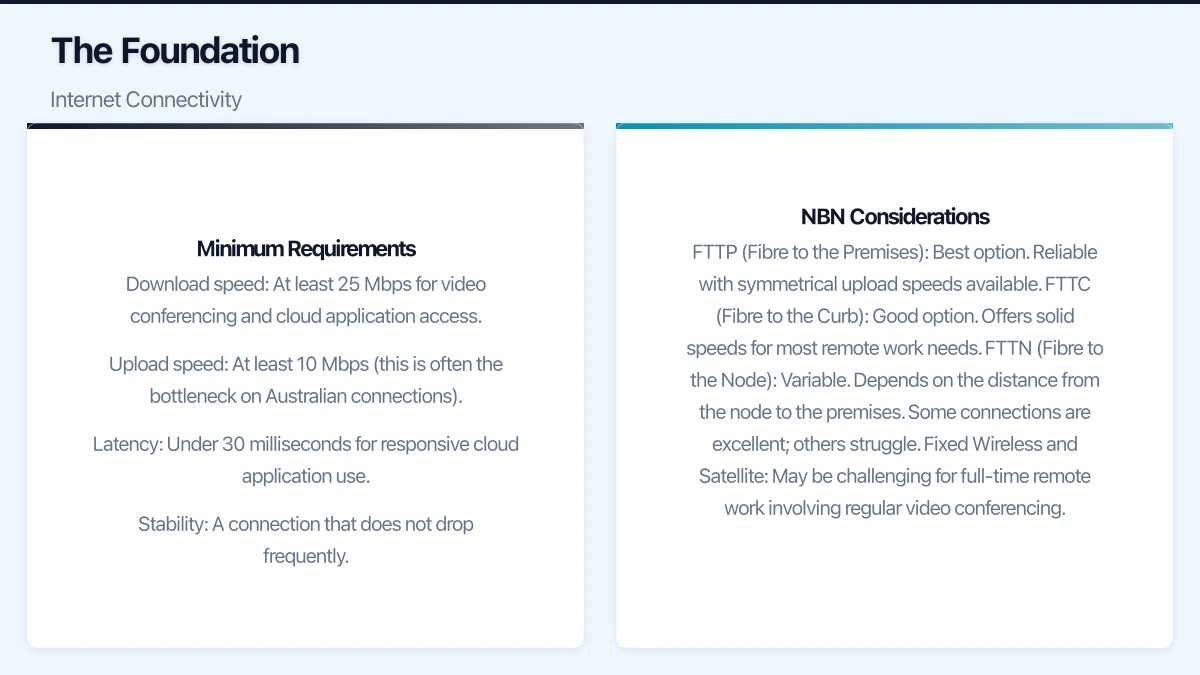
Minimum Requirements
For reliable remote work, each team member needs:
- Download speed: At least 25 Mbps for video conferencing and cloud application access
- Upload speed: At least 10 Mbps (this is often the bottleneck on Australian connections)
- Latency: Under 30 milliseconds for responsive cloud application use
- Stability: A connection that does not drop frequently
NBN Considerations
The type of NBN connection matters significantly:
- FTTP (Fibre to the Premises): Best option. Reliable with symmetrical upload speeds available.
- FTTC (Fibre to the Curb): Good option. Offers solid speeds for most remote work needs.
- FTTN (Fibre to the Node): Variable. Depends on the distance from the node to the premises. Some connections are excellent; others struggle.
- Fixed Wireless and Satellite: May be challenging for full-time remote work involving regular video conferencing.
For staff with inadequate home internet, consider:
- Contributing to the cost of a plan upgrade
- Providing a 4G/5G mobile broadband backup device
- Allowing flexible work arrangements where heavy-bandwidth activities are done during off-peak hours
Devices and Equipment
Company-Managed Devices
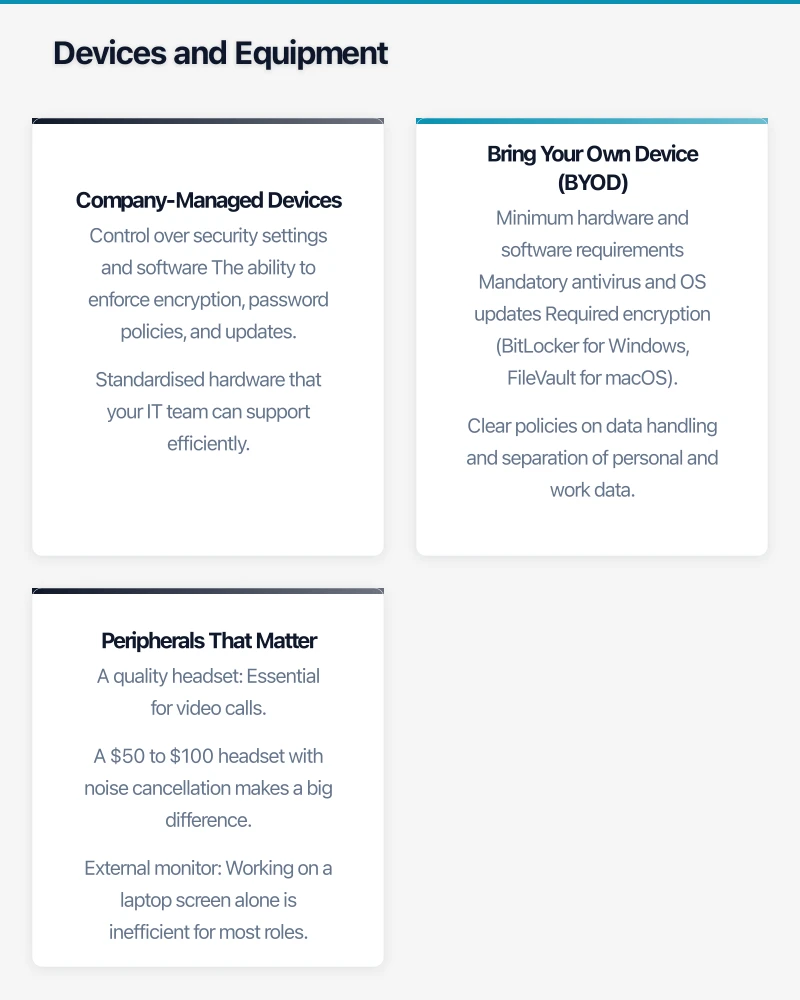
Where budget allows, providing company-owned and managed laptops is the preferred approach. This gives you:
- Control over security settings and software
- The ability to enforce encryption, password policies, and updates
- Standardised hardware that your IT team can support efficiently
- Clean separation between work and personal data
For Australian SMBs, a business-grade laptop from Lenovo, HP, or Dell in the $1,200 to $1,800 range will serve most office workers well. Look for:
- Intel Core i5 (10th or 11th generation) or AMD Ryzen 5 processor
- 16 GB RAM (8 GB is increasingly insufficient for modern workloads)
- 256 GB SSD minimum (512 GB preferred)
- Built-in webcam and microphone
- At least one USB-C port
Bring Your Own Device (BYOD)
If company devices are not feasible, a BYOD policy can work, but requires additional security measures:
- Minimum hardware and software requirements
- Mandatory antivirus and OS updates
- Required encryption (BitLocker for Windows, FileVault for macOS)
- Clear policies on data handling and separation of personal and work data
- Mobile Device Management (MDM) software to enforce security policies
Peripherals That Matter
Do not overlook the basics. For productive remote work, staff should have:
- A quality headset: Essential for video calls. A $50 to $100 headset with noise cancellation makes a big difference.
- External monitor: Working on a laptop screen alone is inefficient for most roles. A 24-inch monitor costs around $250 to $400.
- Keyboard and mouse: Proper peripherals reduce fatigue during long work days.
- Webcam (if the laptop camera is poor): A 1080p external webcam costs around $80 to $150.
Core Software Stack
Collaboration Platform
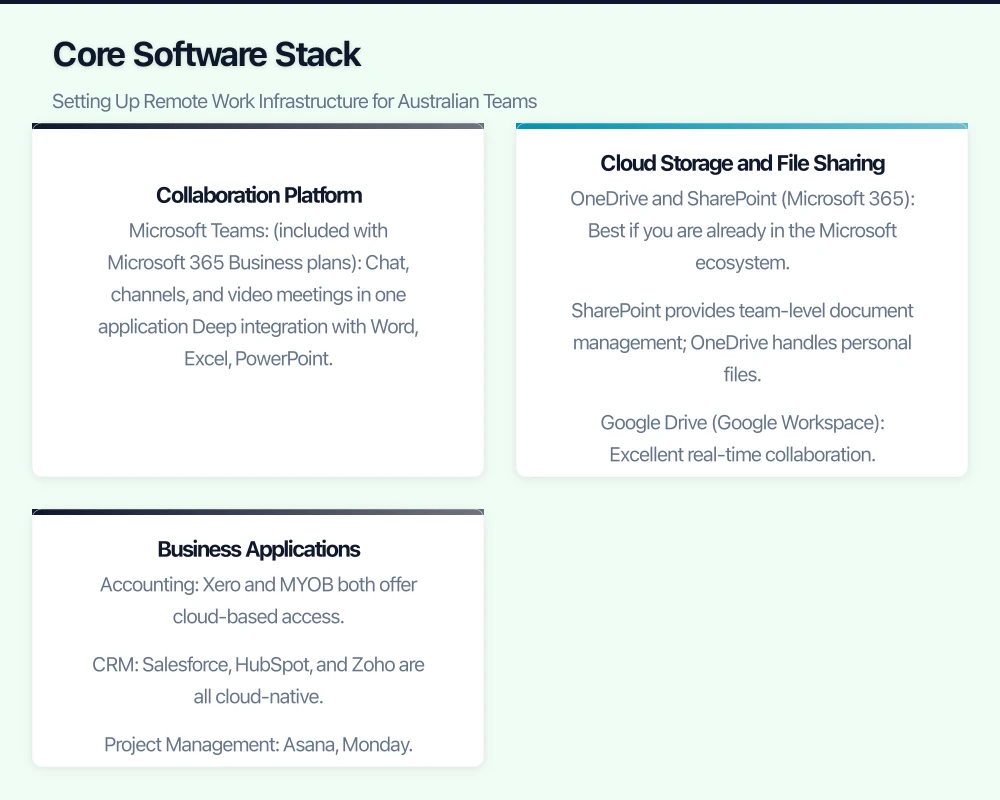
Your collaboration platform is the backbone of remote work. The two leading options for Australian SMBs are:
Microsoft Teams (included with Microsoft 365 Business plans):
- Chat, channels, and video meetings in one application
- Deep integration with Word, Excel, PowerPoint, and SharePoint
- Robust meeting features including recording and breakout rooms
- Strong adoption across Australian businesses
Google Meet and Chat (included with Google Workspace):
- Simple, browser-based video meetings
- Integration with Gmail, Calendar, and Drive
- Clean interface that is easy for non-technical users
- Growing feature set
Pick one and commit to it. Having half your team on Teams and half on Zoom creates confusion and missed communications.
Cloud Storage and File Sharing
Remote workers need access to business files from anywhere. The main options are:
- OneDrive and SharePoint (Microsoft 365): Best if you are already in the Microsoft ecosystem. SharePoint provides team-level document management; OneDrive handles personal files.
- Google Drive (Google Workspace): Excellent real-time collaboration. Simple sharing model.
- Dropbox Business: Platform-agnostic option with a familiar interface.
Whichever you choose, establish clear folder structures and naming conventions. Without the discipline of a shared office server, files can quickly become disorganised.
Business Applications
Ensure your key business applications are accessible remotely:
- Accounting: Xero and MYOB both offer cloud-based access.
- CRM: Salesforce, HubSpot, and Zoho are all cloud-native.
- Project Management: Asana, Monday.com, Trello, and Microsoft Planner.
- Industry-specific software: Check whether your specialist applications offer cloud or web-based access. If not, you may need remote desktop solutions.
Security for Remote Work
Remote work expands your attack surface significantly. Every home network is now an entry point to your business.
Virtual Private Network (VPN)
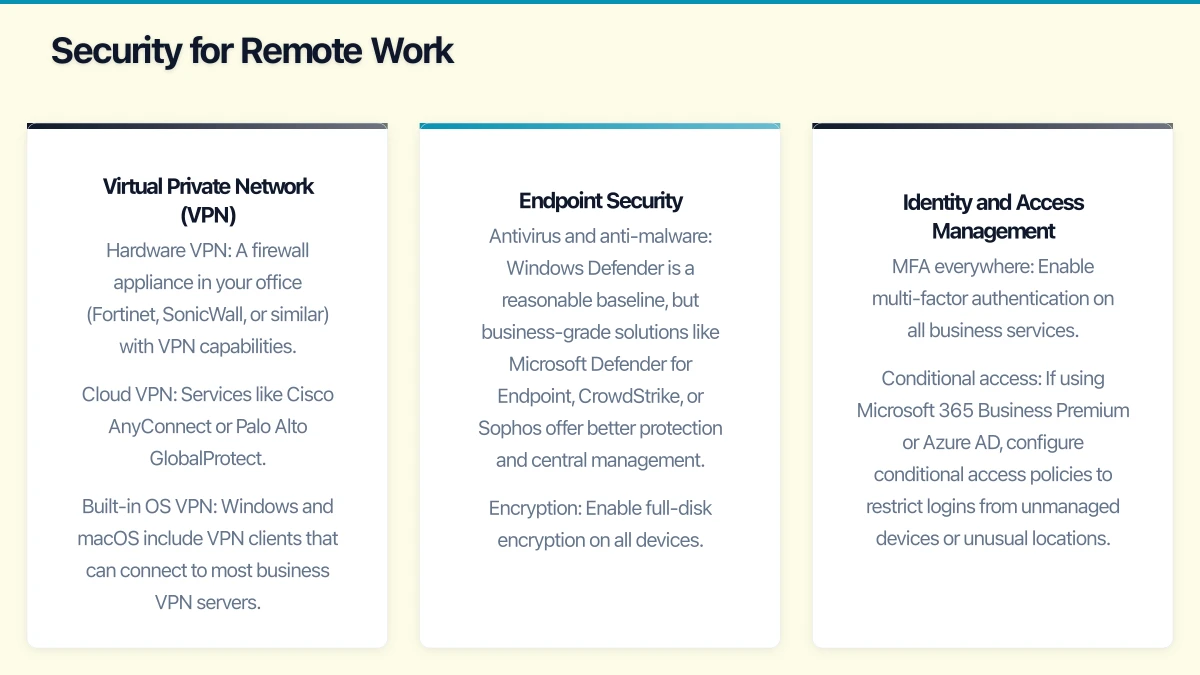
If staff need to access on-premises resources (file servers, legacy applications), a VPN is essential. A business-grade VPN provides encrypted tunnels between remote workers and your office network.
Options include:
- Hardware VPN: A firewall appliance in your office (Fortinet, SonicWall, or similar) with VPN capabilities.
- Cloud VPN: Services like Cisco AnyConnect or Palo Alto GlobalProtect.
- Built-in OS VPN: Windows and macOS include VPN clients that can connect to most business VPN servers.
Avoid consumer-grade VPN services (like NordVPN or ExpressVPN) for business use. These are designed for privacy, not for connecting to your office network.
Endpoint Security
Every device connecting to your business systems needs protection:
- Antivirus and anti-malware: Windows Defender is a reasonable baseline, but business-grade solutions like Microsoft Defender for Endpoint, CrowdStrike, or Sophos offer better protection and central management.
- Encryption: Enable full-disk encryption on all devices. BitLocker (Windows) and FileVault (macOS) are built in and free.
- Automatic updates: Enforce automatic OS and application updates.
- Screen lock: Require automatic screen lock after five minutes of inactivity.
Identity and Access Management
- MFA everywhere: Enable multi-factor authentication on all business services.
- Conditional access: If using Microsoft 365 Business Premium or Azure AD, configure conditional access policies to restrict logins from unmanaged devices or unusual locations.
- Single Sign-On (SSO): Where possible, use SSO to reduce the number of passwords staff need to manage and to centralise access control.
Communication and Culture
Technology is only part of the equation. Remote work also requires deliberate communication practices.
Establish Communication Norms
Document and share guidelines covering:
- Response time expectations: How quickly should someone respond to a chat message versus an email?
- Meeting etiquette: Cameras on or off? How to use the mute button? How to signal you want to speak?
- Status updates: How should team members communicate their availability (online, busy, away)?
- Escalation paths: When should someone call instead of sending a message?
Avoid Meeting Overload
Remote teams often compensate for the lack of physical presence by scheduling too many meetings. Be intentional:
- Not every discussion needs a meeting. Many can be handled asynchronously through chat or shared documents.
- Keep meetings short and focused. A 25-minute meeting is often more productive than a 60-minute one.
- Record meetings for team members in different time zones or those who cannot attend.
Maintain Team Connection
Without the incidental interactions of an office, teams can become siloed. Counteract this with:
- Regular team check-ins (weekly or fortnightly)
- Virtual social activities (optional, not forced)
- One-on-one catch-ups between managers and direct reports
- Shared channels for non-work topics
Managing Remote Work IT Support
When something breaks, remote workers cannot simply walk to the IT desk. You need a remote support strategy.
Remote Support Tools
Invest in tools that allow your IT team (or provider) to remotely access and troubleshoot staff machines:
- Microsoft Quick Assist: Built into Windows 10 and free.
- TeamViewer: Cross-platform remote access.
- ConnectWise Control (formerly ScreenConnect): Popular with managed IT services providers.
- AnyDesk: Lightweight and fast.
Self-Service Resources
Create simple guides for common issues:
- How to restart the VPN connection
- How to clear browser cache
- How to reconnect to the printer (when back in the office)
- How to reset passwords
- Basic troubleshooting steps for internet connectivity issues
A shared FAQ document or internal wiki can reduce the load on your IT support significantly.
Planning for Hybrid Work
As offices reopen, many Australian businesses are adopting hybrid models where staff split their time between home and office. This adds complexity:
- Hot-desking technology: If not everyone is in the office every day, shared desks may need docking stations and monitors.
- Meeting room upgrades: Meeting rooms need cameras, speakers, and displays that allow remote participants to engage equally with those in the room.
- Consistent experience: Staff should be able to do their work equally well from home or the office. If a system only works in the office, it needs to be migrated or made accessible remotely.
Budget Considerations
For a typical Australian SMB with 20 staff, expect to budget approximately:
- Laptops: $24,000 to $36,000 (if purchasing new devices)
- Peripherals (headsets, monitors, keyboards): $6,000 to $10,000
- Software licences (Microsoft 365 or Google Workspace): $3,600 to $9,000 per year
- Security tools: $2,400 to $6,000 per year
- VPN and network infrastructure: $2,000 to $5,000 (one-time) plus ongoing costs
- IT support: Varies, but budget for increased support during the transition
While the upfront cost is significant, compare it against the cost of office space. Many businesses find that supporting remote work is cost-effective when factoring in reduced office footprint, lower utility costs, and improved staff retention.
Getting Started
If your remote work infrastructure is still running on the improvised setup from early 2020, now is the time to formalise it. Start by:
- Surveying your staff about their current home setup and pain points.
- Auditing the security of remote connections and devices.
- Standardising on a collaboration platform and cloud storage solution.
- Addressing the most critical gaps first — usually security and connectivity.
- Developing a roadmap for ongoing improvements.
The investment in proper remote work infrastructure pays dividends in productivity, security, staff satisfaction, and business resilience. It is worth doing right.
Pairing cloud infrastructure with a professional website amplifies your online presence. Cosmos Web Tech builds high-performance sites that make the most of solid hosting foundations.
Part of the Ganda Tech Services family, Cloud Geeks delivers specialist IT and cloud solutions for Australian small and medium businesses.