
Securing Remote Workers: VPN vs Zero Trust for Australian SMBs
Securing Remote Workers: VPN vs Zero Trust for Australian SMBs
Remote and hybrid work is no longer a temporary arrangement for Australian businesses. According to the Australian Bureau of Statistics, around 40 percent of employed Australians regularly work from home at least one day per week. This shift has fundamentally changed how businesses need to think about network security.
For years, VPNs (Virtual Private Networks) have been the standard approach for connecting remote workers to company resources. But a newer paradigm, Zero Trust Network Access (ZTNA), is challenging that dominance. Which approach is right for your Australian SMB?
This guide compares VPNs and Zero Trust for practical, real-world SMB environments, not theoretical enterprise scenarios.
The Traditional VPN Approach
How VPNs Work
A VPN creates an encrypted tunnel between a remote worker’s device and your company network. Once connected, the user’s device effectively joins the corporate network as if they were sitting in the office. They can access file servers, printers, internal applications, and other resources.
VPN Strengths
Proven technology: VPNs have been around for decades. They are well-understood, widely supported, and relatively straightforward to implement.
Familiar to users: Most employees have used a VPN at some point. The concept of “connecting to the office network” is intuitive.
Cost-effective for small teams: Basic VPN solutions can be implemented using features built into most business-grade firewalls or routers. Many Australian SMBs already have VPN-capable hardware from vendors like Fortinet, SonicWall, or Cisco Meraki.
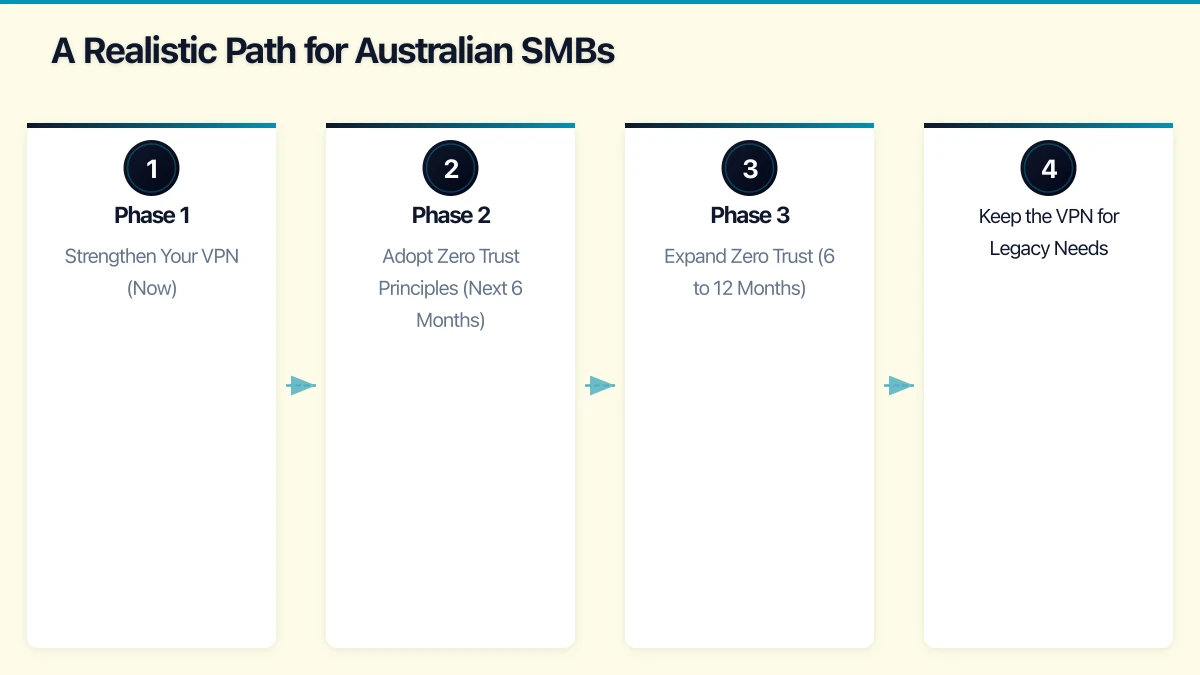
Full network access: When you need remote workers to access legacy on-premises applications, file shares, or other network resources, a VPN provides straightforward connectivity.
VPN Weaknesses
Castle-and-moat security model: Once a user connects via VPN, they typically have broad access to the network. If an attacker compromises a VPN-connected device, they can move laterally across the network.
Performance issues: All traffic routes through the VPN concentrator, which can create bottlenecks. Australian workers connecting to a VPN server in Sydney while accessing cloud services hosted in the same city may experience unnecessary latency because traffic hairpins through the corporate network.
Scalability challenges: VPN concentrators have connection limits. During the pandemic, many Australian businesses discovered their VPN infrastructure could not handle the entire workforce connecting simultaneously.
Device posture blind spots: Traditional VPNs authenticate the user but often do not assess the security state of the connecting device. A user could connect from a compromised personal laptop, introducing risk to the corporate network.
Management overhead: Managing VPN clients, certificates, and split-tunnelling configurations across a distributed workforce requires ongoing effort.
The Zero Trust Approach
How Zero Trust Works
Zero Trust operates on the principle of “never trust, always verify.” Instead of granting broad network access after authentication, Zero Trust evaluates every access request individually based on multiple factors:
- Who is the user?
- What device are they using?
- Is the device compliant with security policies?
- Where are they connecting from?
- What resource are they trying to access?
- Is this access pattern normal for this user?
Access is granted on a per-application basis rather than at the network level. Users get access only to the specific resources they need, nothing more.
Zero Trust Strengths
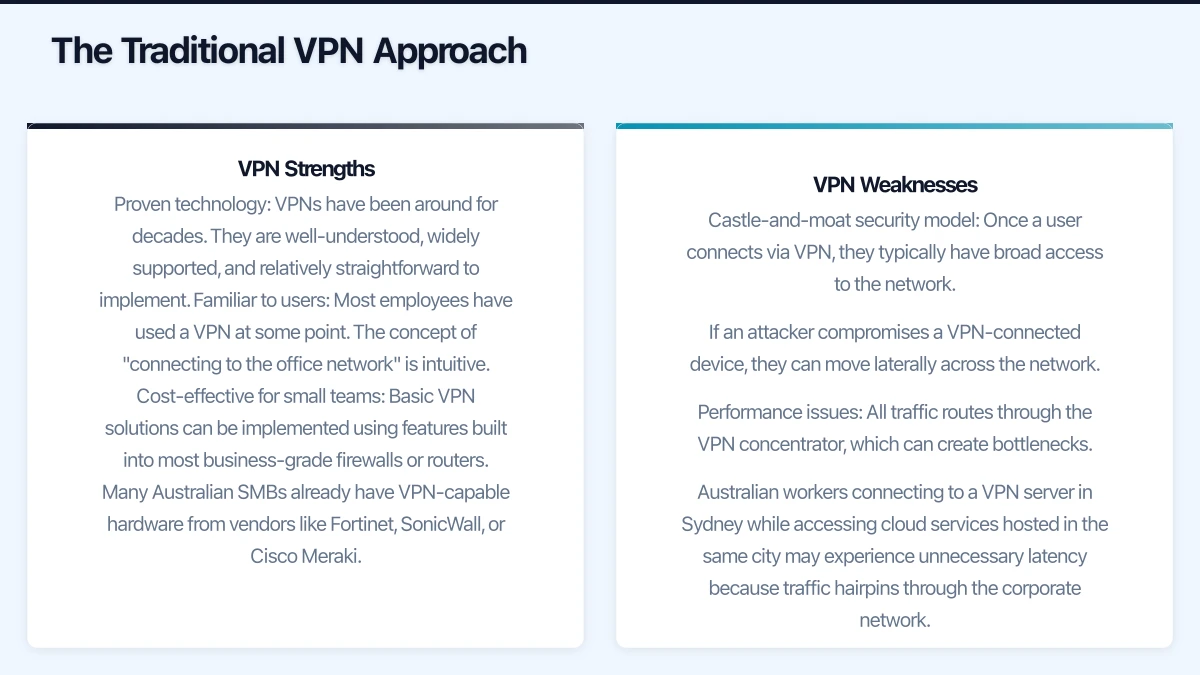
Reduced attack surface: Users only access the specific applications they are authorised for. Even if an attacker compromises a user’s credentials, they cannot move laterally across the network.
Device posture assessment: Zero Trust solutions evaluate the security state of the connecting device. If a device is missing patches, lacks antivirus, or has other security issues, access can be restricted or blocked.
Better performance for cloud workloads: Since Zero Trust provides direct application access rather than routing through a central network point, users connecting to cloud services get a direct path, improving performance.
Consistent experience: Whether a user is in the office, at home, or at a cafe, the access experience is the same. There is no “connect to VPN first” step.
Granular logging and visibility: Every access request is logged with rich context, supporting compliance and incident investigation.
Zero Trust Weaknesses
Complexity: Implementing Zero Trust requires a different mindset and architecture. It is not a single product you install but a framework that involves identity, device management, application configuration, and policy definition.
Cost: Full Zero Trust implementations typically require premium licensing. For Microsoft environments, many ZTNA capabilities require Microsoft 365 Business Premium or E5 licensing, plus Azure AD Premium.
Legacy application challenges: Zero Trust works well with modern, cloud-based applications that support identity-aware access. Legacy on-premises applications that rely on network-level connectivity may require additional configuration or proxying to work in a Zero Trust model.
Learning curve: IT teams need to learn new concepts and tools. Users may need to adjust to new access workflows, particularly for applications that previously only required network connectivity.
Practical Comparison for Australian SMBs
| Factor | VPN | Zero Trust |
|---|---|---|
| Setup complexity | Low to medium | Medium to high |
| Cost | Low (often included in firewall) | Medium to high (requires premium licences) |
| Best for | On-premises resources, legacy apps | Cloud applications, modern workloads | | Security model | Perimeter-based | Identity and context-based | | User experience | Connect, then access | Seamless, always-on | | Scalability | Limited by hardware | Cloud-native, scales easily | | Compliance visibility | Basic logging | Rich, granular logging | | Legacy app support | Excellent | Requires additional work |
A Realistic Path for Australian SMBs
For most Australian small and medium businesses in early 2023, the answer is not “VPN or Zero Trust” but rather a pragmatic blend of both approaches, evolving toward Zero Trust over time.
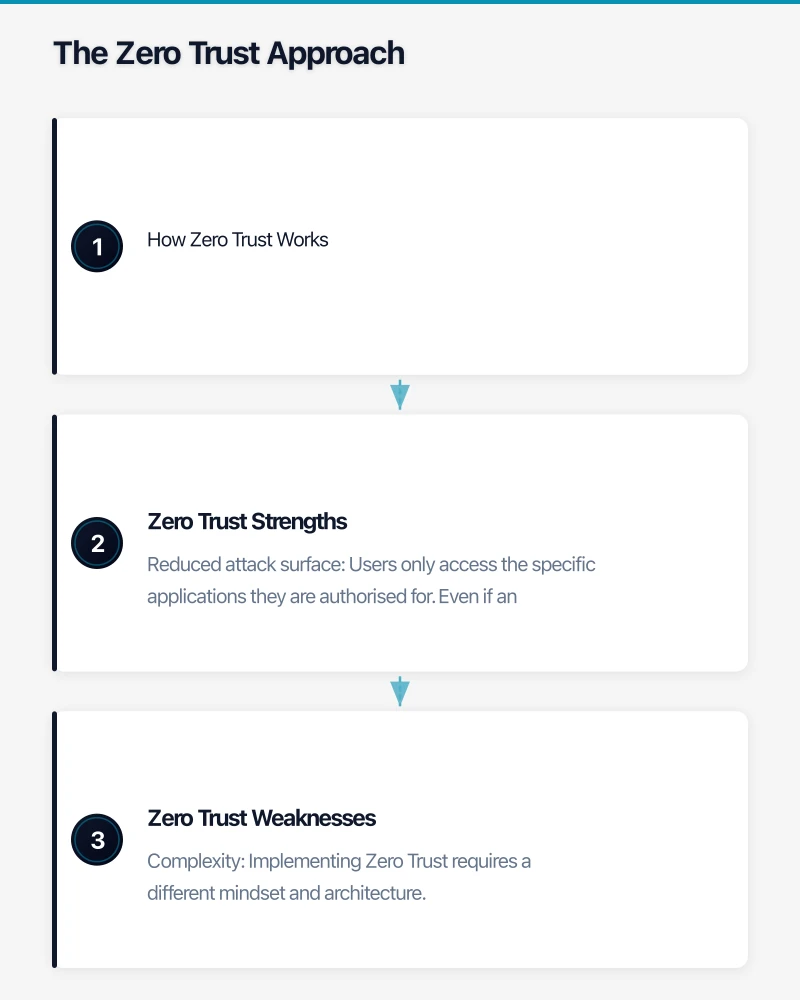
Phase 1: Strengthen Your VPN (Now)
If you currently rely on a VPN, start by hardening it:
- Enable MFA for VPN connections. This single step dramatically reduces the risk of compromised credentials being used to access your network.
- Implement split tunnelling. Configure the VPN so that only traffic destined for corporate resources goes through the tunnel. Cloud service traffic (Microsoft 365, web browsing) goes directly to the internet, improving performance and reducing load on your VPN.
- Review access permissions. Segment your network so VPN users only access the resources relevant to their role, not the entire network.
- Keep VPN software updated. VPN appliance vulnerabilities are actively exploited by attackers. Ensure your firewall firmware and VPN client software are current.
Phase 2: Adopt Zero Trust Principles (Next 6 Months)
Begin adopting Zero Trust principles where it is most practical:
- Enable Conditional Access in Azure AD. If you use Microsoft 365, Conditional Access policies (available in Business Premium) allow you to control access based on user identity, device compliance, location, and risk level. This is Zero Trust applied to your cloud services.
- Implement device compliance policies. Use Microsoft Intune or your endpoint management solution to ensure devices meet security requirements before accessing corporate resources.
- Enforce MFA everywhere. Not just for VPN but for all cloud applications, admin portals, and sensitive systems.
- Move to identity-aware application access. Where possible, publish internal applications through Azure AD Application Proxy or similar solutions, allowing secure access without VPN.
Phase 3: Expand Zero Trust (6 to 12 Months)
As you become comfortable with Zero Trust principles:
- Evaluate ZTNA solutions. Products like Microsoft Azure AD Application Proxy, Cloudflare Access, or Zscaler Private Access can replace VPN for specific application access.
- Reduce VPN dependency. As more applications are accessible through identity-aware access, your reliance on the VPN decreases.
- Implement continuous access evaluation. Modern Zero Trust platforms continuously assess risk during a session, not just at the point of login.
Keep the VPN for Legacy Needs
Maintain your VPN for resources that genuinely require network-level connectivity:
- Legacy line-of-business applications
- On-premises file shares (until migrated to SharePoint/OneDrive)
- Network management and administration tasks
- Specialised applications that cannot be proxied through identity-aware solutions
Microsoft Zero Trust Capabilities for SMBs
For Australian SMBs using Microsoft 365, several Zero Trust capabilities are available:
Microsoft 365 Business Premium (AUD approximately 33 per user per month) includes:
- Azure AD Premium P1 with Conditional Access
- Microsoft Intune for device management
- Microsoft Defender for Business for endpoint protection
- Azure AD Application Proxy for publishing internal apps
These capabilities enable:
- MFA enforcement with Conditional Access
- Device compliance requirements for accessing resources
- Conditional policies based on location, device state, and risk
- Secure access to on-premises web applications without VPN
For many Australian SMBs, upgrading to Business Premium provides a practical entry point to Zero Trust without deploying additional third-party products.
Australian Compliance Considerations
Both VPN and Zero Trust can support Australian compliance requirements, but Zero Trust provides more granular controls:
- Privacy Act 1988: Both approaches support the requirement to take reasonable steps to protect personal information. Zero Trust’s granular access controls provide stronger evidence of “reasonable steps.”
- Essential Eight: The ACSC’s Essential Eight includes restricting administrative privileges and using multi-factor authentication, both of which align more naturally with Zero Trust.
- APRA CPS 234: Financial services firms subject to APRA requirements benefit from Zero Trust’s granular logging and access controls for demonstrating compliance.
Making the Decision
Stay with VPN (for now) if:
- Your workforce is small (under 20 remote users)
- Most of your applications are on-premises and legacy
- Your budget is constrained
- Your IT team is small and already stretched
Start moving to Zero Trust if:
- Most of your applications are cloud-based or SaaS
- You are already using Microsoft 365 Business Premium or plan to upgrade
- You have compliance requirements that demand granular access controls
- Your VPN is causing performance issues or scaling problems
- You want to improve security for an expanding remote workforce
For most Australian SMBs, the journey toward Zero Trust is gradual. Start where you are, strengthen your current VPN, and progressively adopt Zero Trust principles as your cloud adoption matures and your team gains expertise.
The goal is not to rip out your VPN overnight but to build toward a security posture where trust is never assumed and every access request is verified, regardless of where the user sits.
Pairing cloud infrastructure with a professional website amplifies your online presence. Cosmos Web Tech builds high-performance sites that make the most of solid hosting foundations.
This article is brought to you by Ganda Tech Services — Sydney’s complete digital solutions provider covering cloud, web, and mobile.