
SD-WAN Solutions for Multi-Site Australian Businesses
SD-WAN Solutions for Multi-Site Australian Businesses
If your Australian business operates across multiple locations — even just two offices — you know the pain of keeping them connected reliably. Traditional approaches like MPLS (Multiprotocol Label Switching) work but come with high costs and long provisioning times. SD-WAN (Software-Defined Wide Area Network) is changing this equation, making enterprise-grade networking accessible to businesses that previously could not justify the cost.
This guide explains SD-WAN in practical terms for Australian SMBs and helps you decide if it is the right solution for your multi-site connectivity needs.
What SD-WAN Actually Does
At its core, SD-WAN creates an intelligent overlay network across your existing internet connections. Instead of relying on a single, expensive dedicated link between offices, SD-WAN uses multiple cheaper connections (NBN, 4G/5G, business ethernet) and intelligently routes traffic across them.
Traditional approach (MPLS):
- Dedicated private network between sites
- Guaranteed performance and reliability
- Expensive ($500 to $2,000+ per month per site)
- Long provisioning times (4 to 12 weeks)
- Single provider dependency
SD-WAN approach:
- Uses multiple internet connections (NBN, ethernet, 4G/5G)
- Software selects the best path for each application in real time
- Lower cost ($200 to $600 per month per site for connectivity, plus SD-WAN platform costs)
- Faster provisioning (days to weeks)
- Provider diversity reduces single-point-of-failure risk
How SD-WAN Works
Traffic steering: SD-WAN monitors the performance of each available connection (latency, jitter, packet loss) in real time. When you make a voice call, SD-WAN routes it over the connection with the lowest latency. When someone downloads a large file, it can use the connection with the most available bandwidth.
Application awareness: SD-WAN recognises different applications and applies policies accordingly. For example:
- Microsoft Teams video calls: Prioritise over the lowest-latency connection
- File backups: Use the connection with the most available bandwidth, even if latency is higher
- General web browsing: Use any available connection
Failover: If one connection fails, SD-WAN automatically shifts traffic to the remaining connections. Users typically experience no interruption for critical applications.
Encryption: SD-WAN creates encrypted tunnels between sites, so traffic travelling over the public internet is protected. This provides MPLS-like security over commodity internet connections.
Centralised management: All SD-WAN devices across your sites are managed from a single dashboard, usually cloud-hosted. This means your IT team (or MSP) can monitor and configure all locations from one place.
When SD-WAN Makes Sense for Australian SMBs
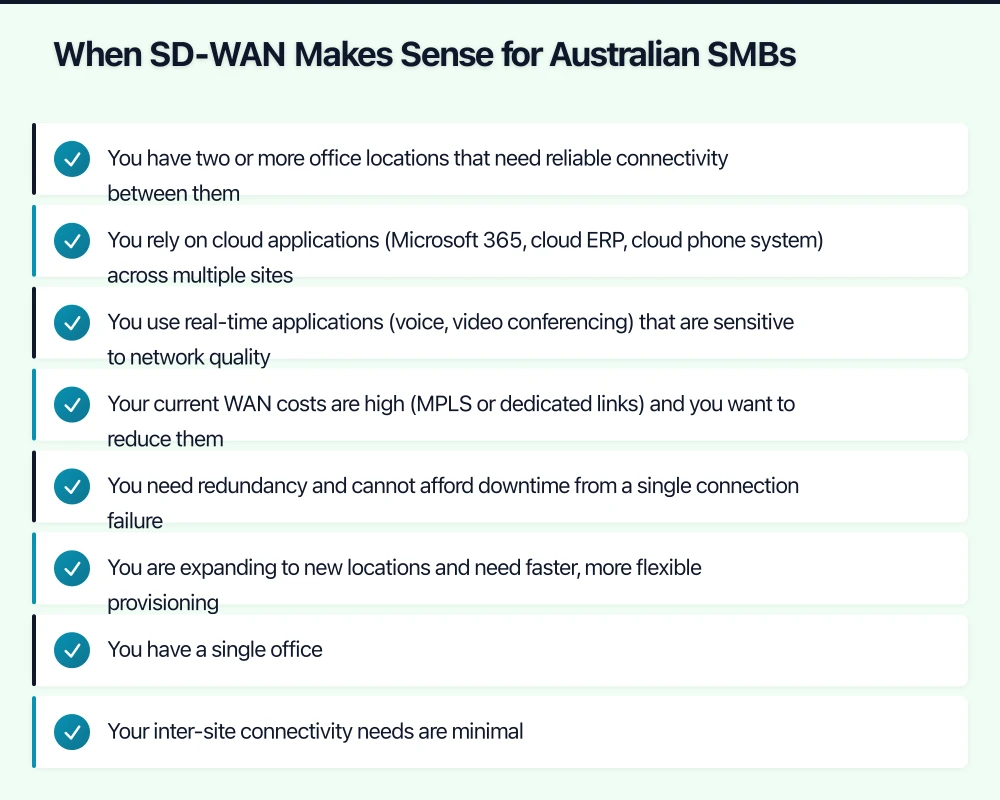
SD-WAN is not for every business. It makes the most sense when:
- You have two or more office locations that need reliable connectivity between them
- You rely on cloud applications (Microsoft 365, cloud ERP, cloud phone system) across multiple sites
- You use real-time applications (voice, video conferencing) that are sensitive to network quality
- Your current WAN costs are high (MPLS or dedicated links) and you want to reduce them
- You need redundancy and cannot afford downtime from a single connection failure
- You are expanding to new locations and need faster, more flexible provisioning
SD-WAN may be overkill if:
- You have a single office
- Your inter-site connectivity needs are minimal
- You only use basic internet for email and web browsing
- Your budget does not stretch to the SD-WAN platform cost on top of internet connections
SD-WAN Vendors for Australian SMBs
Fortinet Secure SD-WAN
Strengths:
- SD-WAN is built into FortiGate firewalls, so you get a firewall and SD-WAN in one device
- No additional licensing fee for SD-WAN features on FortiGate appliances (included with the security subscription)
- Strong security integration (NGFW, IPS, web filtering)
- Good performance and reliability
Considerations:
- Requires Fortinet hardware at each site
- More complex to configure than some purpose-built SD-WAN solutions
- Best suited for businesses already using or planning to use FortiGate firewalls
Cost: FortiGate hardware plus security subscription (approximately $900 to $1,500 per site for hardware, plus $500 to $800 per year for subscriptions). No additional SD-WAN licensing cost.
Cisco Meraki SD-WAN (MX Series)
Strengths:
- Extremely simple cloud management
- Easy to deploy (zero-touch provisioning)
- Good for businesses without dedicated networking staff
- Built-in security features
Considerations:
- Requires annual Meraki licensing (if the licence lapses, the device stops working)
- Less granular traffic steering than some competitors
- Higher ongoing cost due to mandatory licensing
Cost: Hardware plus annual licence (approximately $1,500 to $3,000 per site for hardware, plus $400 to $800 per year for licensing).
VMware SD-WAN (formerly VeloCloud)
Strengths:
- Strong application awareness and traffic steering
- Cloud-delivered orchestration and analytics
- Excellent multi-transport support
- Large global partner network
Considerations:
- Typically delivered through a managed service provider
- Higher cost than Fortinet for SMB deployments
- More suited to mid-market than small businesses
Cost: Typically $100 to $200 per site per month through an MSP, plus internet connectivity.
Cisco Viptela (Cisco SD-WAN)
Strengths:
- Enterprise-grade capabilities
- Deep integration with Cisco networking infrastructure
- Advanced analytics and visibility
Considerations:
- Complex to deploy and manage
- Higher cost and complexity than most SMBs need
- Best suited for businesses with existing Cisco infrastructure and networking expertise
Australian Managed SD-WAN Services
Several Australian telecommunications providers offer managed SD-WAN services, which may be the best option for SMBs without dedicated networking staff:
- Telstra SD-WAN: Managed service using various SD-WAN technologies. Bundled with Telstra connectivity.
- TPG/iiNet Business SD-WAN: Managed SD-WAN with TPG network connectivity.
- Macquarie Telecom: Managed SD-WAN focused on the mid-market and government sectors.
- Aussie Broadband Business: Growing business networking offering with SD-WAN capabilities.
Managed services handle the complexity of SD-WAN configuration and monitoring, but at a premium over self-managed solutions.
Designing Your SD-WAN Deployment
Internet Connectivity at Each Site
The foundation of SD-WAN is your underlying internet connections. For Australian sites, consider:
Primary connection: NBN Enterprise Ethernet or business-grade fibre. Provides consistent bandwidth and priority fault response. Cost: $200 to $800 per month depending on speed and SLA.
Secondary connection: Standard NBN business plan or a 4G/5G failover connection. Cost: $80 to $200 per month.
Why two connections? SD-WAN’s failover capability requires at least two connections per site. Using connections from different providers and technologies (for example, fibre plus 4G) provides the best resilience.
Bandwidth planning: For a typical office of 10 to 20 staff using cloud applications and video conferencing:
- Primary: 50/20 Mbps to 100/40 Mbps
- Secondary: 25/10 Mbps to 50/20 Mbps
Quality of Service (QoS) Configuration
Configure SD-WAN traffic priorities:
- Highest priority: Voice (VoIP) and video conferencing
- High priority: Business-critical cloud applications (ERP, CRM, accounting)
- Medium priority: Email and general business applications
- Low priority: Software updates, backups, non-essential web browsing
Security Integration
SD-WAN does not replace your firewall — it complements it. Ensure your SD-WAN deployment includes:
- Encrypted tunnels between all sites
- Firewall inspection of traffic entering and leaving each site
- Web filtering and threat prevention at each site (or via a centralised security stack)
- Segmentation between business and guest traffic
If using Fortinet SD-WAN, these security features are built into the FortiGate. For other SD-WAN solutions, ensure you have adequate security appliances at each site.
Migration Strategy
Migrating from your current WAN to SD-WAN should be planned carefully.
Phase 1: Preparation (2 to 4 weeks)
- Audit current connectivity at each site
- Order secondary internet connections if needed
- Procure and configure SD-WAN equipment
- Define traffic steering policies
Phase 2: Parallel operation (2 to 4 weeks)
- Deploy SD-WAN alongside existing WAN
- Route non-critical traffic through SD-WAN while critical traffic stays on the existing WAN
- Monitor performance and tune policies
- Train IT staff on the new management platform
Phase 3: Cutover (1 week)
- Move all traffic to SD-WAN
- Monitor closely for issues
- Keep existing WAN available as a fallback for 30 days
Phase 4: Decommission (after 30 days)
- Remove old WAN connections
- Realise cost savings
Cost Comparison
For an Australian business with three office locations:
Traditional MPLS:
- 3 sites x $800/month = $2,400/month
- Plus internet access at each site: 3 x $150/month = $450/month
- Total: approximately $2,850/month
SD-WAN with dual internet:
- Primary internet: 3 x $300/month = $900/month
- Secondary internet: 3 x $100/month = $300/month
- SD-WAN platform (Fortinet): amortised hardware and licensing approximately $200/month
- Total: approximately $1,400/month
Savings: approximately $1,450/month ($17,400/year)
These savings increase with more sites and can be even greater if your current MPLS costs are higher.
Monitoring and Management
Once deployed, SD-WAN requires ongoing monitoring:
- Real-time dashboard: Monitor connection health, application performance, and failover events
- Monthly review: Analyse bandwidth utilisation, identify traffic trends, and adjust policies
- Quarterly review: Assess whether bandwidth needs have changed, review security policies
- Annual review: Evaluate vendor relationship, assess new features, and review costs against alternatives
SD-WAN transforms multi-site networking for Australian businesses by providing better performance, more resilience, and lower costs than traditional approaches. For any business with two or more locations, it deserves serious consideration.
Pair your cloud backend with a polished mobile experience. Awesome Apps develops apps for iOS and Android that keep your team and customers connected.
Part of the Ganda Tech Services family, Cloud Geeks delivers specialist IT and cloud solutions for Australian small and medium businesses.