
Scale to Zero, and What It Really Costs
“Only pay for what you use” is the best marketing line the cloud industry ever wrote. It is also doing a lot of work in that sentence.
Scaling down is real and it does save money. But it has costs that do not appear on the bill, and for a large share of Australian SMB workloads the honest answer is that a commitment discount will save more with less risk.
Here is how to tell which one you are.
The first question: does your load actually vary?
Autoscaling pays in proportion to variance. If your traffic is a flat line, there is nothing to scale into.
Genuinely variable workloads:
- Anything with an Australian business-hours shape — 8am–6pm AEST, near-dead overnight
- Batch and reporting jobs
- Seasonal retail
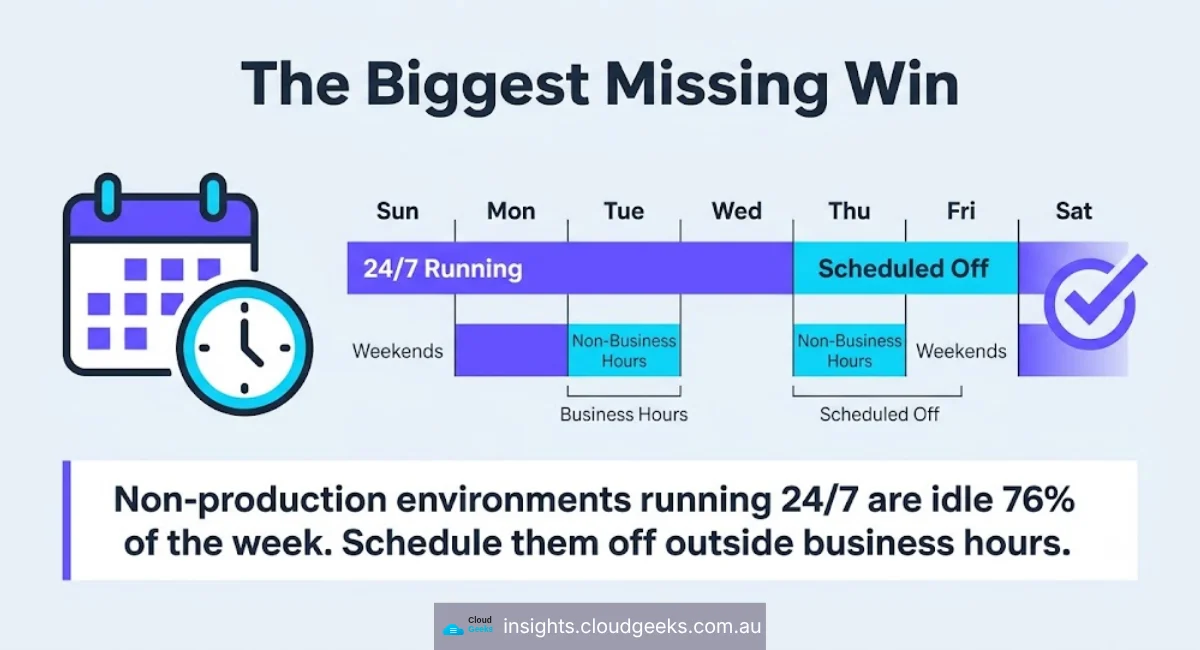
- Dev and test environments, which is the most commonly missed win
Workloads that look variable and are not:
- A database. It has to be there when the first request arrives.
- Anything holding long-lived connections
- Systems with a hard latency budget where a cold start is unacceptable
The dev/test case deserves its own line. Non-production environments running 24/7 for a team that works 40 hours a week are idle roughly 76% of the time, and shutting them outside business hours is the least risky saving available. If you do one thing from this article, do that one.
Cost 1 — cold starts
Scaling to zero means the next request pays the start-up cost.
That is milliseconds for a small serverless function and can be tens of seconds for a container pulling a large image, or a JVM warming up. If a customer is waiting, you have traded money for their patience.
The mitigation is provisioned capacity — which is the thing you were trying to avoid paying for. Keeping one warm instance eliminates the worst cold start and removes most of the saving on a low-traffic service. That is a real trade, not a gotcha, and it should be made deliberately.
Cost 2 — minimum viable capacity
Most systems cannot actually go to zero.
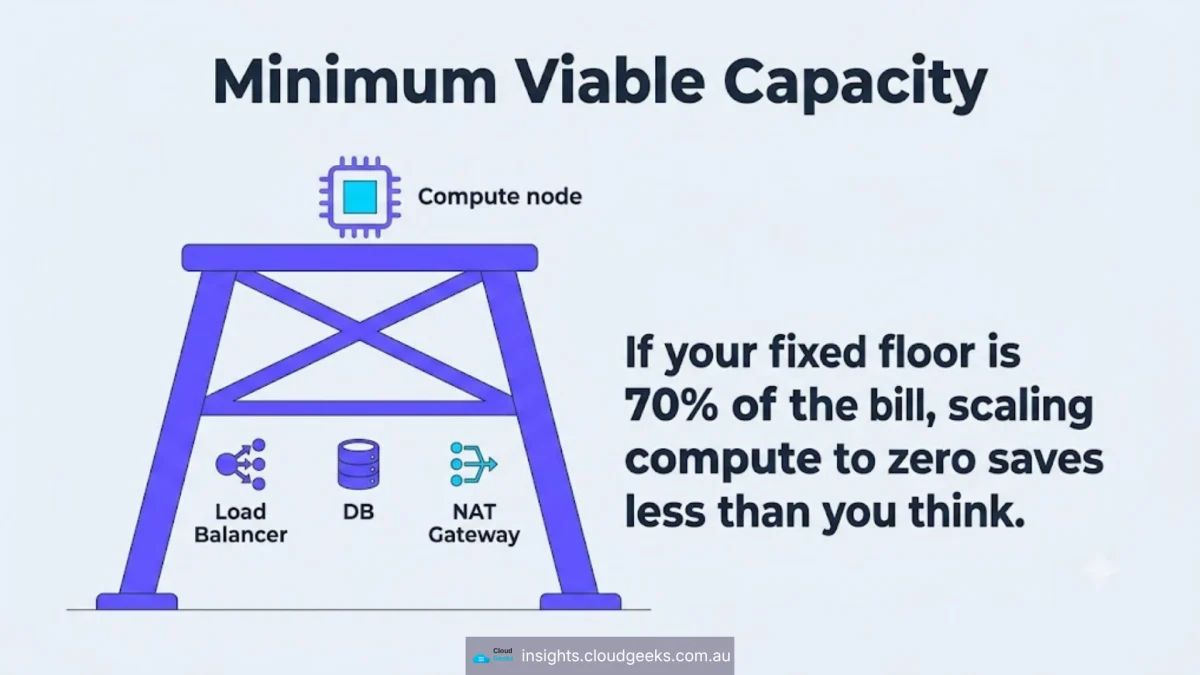
You still need the load balancer, the NAT gateway, the managed database, the monitoring. On a small AWS or Azure footprint these fixed components frequently outweigh the compute they front. Scaling application servers from three to one saves less than people expect when the NAT gateway is a meaningful share of the bill.
Before you engineer autoscaling, work out what your floor is. If the floor is 70% of the bill, you are optimising the remaining 30% and the effort is better spent elsewhere.
Cost 3 — engineering time, permanently
An autoscaled system is a harder system.
It has to be stateless, or externalise state. It has to tolerate instances disappearing mid-request. It needs health checks that are honest about readiness rather than liveness. Deployments have to work while the fleet is changing size.
This is not a one-off cost. It is a permanent increase in the difficulty of every subsequent change, and it is the cost most often left out of the business case.
Cost 4 — the scaling signal is harder than it looks
Scale on CPU and you will scale late, because by the time CPU is saturated your queue is already deep. Scale on request count and a slow downstream dependency will make you scale into a bottleneck you do not control.
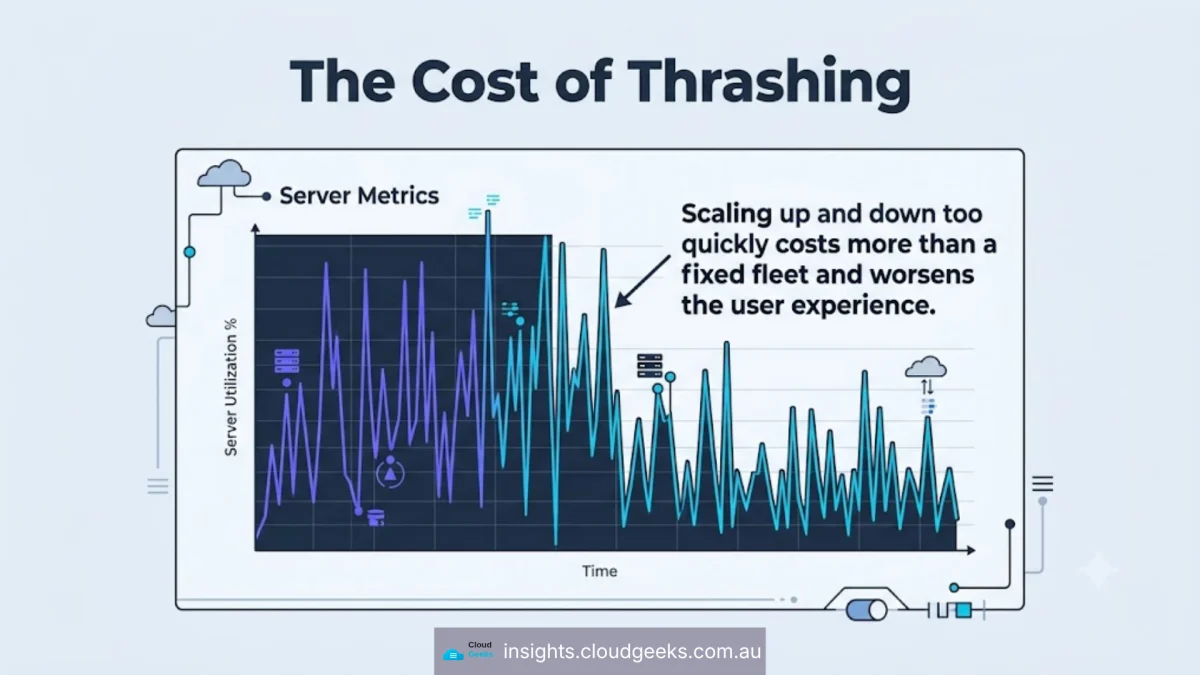
Getting this wrong produces thrash — scaling up, scaling down, scaling up — which costs more than a fixed fleet and is worse for users. Add cooldowns and scale down more slowly than you scale up. Being slow to release capacity is much cheaper than being slow to add it.
The alternative nobody sells you
For steady-state workloads, commitment discounts are the larger lever and almost nobody markets them, because there is no product to sell.
Reserved instances and savings plans discount capacity you were going to buy anyway, in exchange for committing to a term. No architecture change, no cold starts, no new failure modes. The saving is immediate and it is available on the workloads autoscaling cannot help with.
The catch is genuine: you are locked in, and if you over-commit you pay for capacity you do not use. The usual approach is to commit to your baseline — the floor your usage never goes below — and leave the variable portion on demand.
A great many SMB cloud bills would come down more from commitments than from any autoscaling project, and commitments take an afternoon rather than a quarter.
How to decide
| If your workload… | Do this |
|---|---|
| Is idle outside business hours (dev/test especially) | Schedule it off. Simplest, biggest, safest win |
| Has genuine peaks and troughs in production | Autoscale, with a warm floor |
| Is steady-state | Commit, do not autoscale |
| Is latency-critical | Keep warm capacity; treat cold starts as unacceptable |
| Is small enough that fixed components dominate | Optimise the fixed components first |
The order we would work in
- Turn off what nobody uses at night. Non-production first.
- Find your floor — the fixed cost that exists at zero traffic. Attack that if it is large.
- Commit to the baseline. Reserved capacity on the steady portion.
- Autoscale the variance, if variance survives steps 1–3.
- Tune the signal and the cooldowns, because a thrashing autoscaler costs more than no autoscaler.
Note that autoscaling is fourth. It is the most talked about and rarely the first thing that should be done.
The honest summary
Scale-to-zero is excellent for spiky, stateless, latency-tolerant work, and for anything that should not be running at 2am. It is oversold for steady production systems, where it adds architectural difficulty in exchange for a saving a commitment would have delivered without touching the code.
Ask which of those you have before you start, because the answer decides whether this is a weekend of scheduling or a quarter of re-architecture.
If you are weighing this up
We run cloud infrastructure for Australian businesses and this decision comes up constantly. If you want a read on whether your workload is a scheduling problem, a commitment problem or a genuine autoscaling problem, tell us what you are running — the answer is often the cheap one, and we would rather say so.