
Ransomware Protection Strategies for Australian Business
Ransomware Protection Strategies for Australian Business
Ransomware attacks against Australian businesses have surged. The ACSC’s Annual Cyber Threat Report noted a 15% increase in ransomware-related cybercrime reports, with attacks becoming more sophisticated, targeted, and damaging. Ransomware gangs are no longer just encrypting data — they are stealing it first and threatening to publish it publicly if the ransom is not paid (a tactic known as double extortion).
For Australian SMBs, the consequences of a ransomware attack extend beyond the ransom demand. Business downtime, lost productivity, reputational damage, regulatory obligations under the Notifiable Data Breaches scheme, and recovery costs can far exceed the ransom itself.
Prevention is always better than response. This guide covers practical strategies to protect your Australian business from ransomware at every level.
Understanding the Threat
How Ransomware Gets In
The most common entry points for ransomware targeting Australian businesses:
Phishing emails: Still the number one delivery method. A staff member clicks a link or opens an attachment, which downloads the ransomware payload. Modern phishing campaigns are highly targeted and convincing.
Remote Desktop Protocol (RDP): If RDP is exposed to the internet (common for businesses that set up remote access quickly during 2020), attackers can brute-force weak credentials or exploit vulnerabilities to gain access.
Exploited vulnerabilities: Unpatched software — particularly internet-facing applications, VPN appliances, and web servers — provides entry points. Recent vulnerabilities in Microsoft Exchange Server have been particularly impactful.
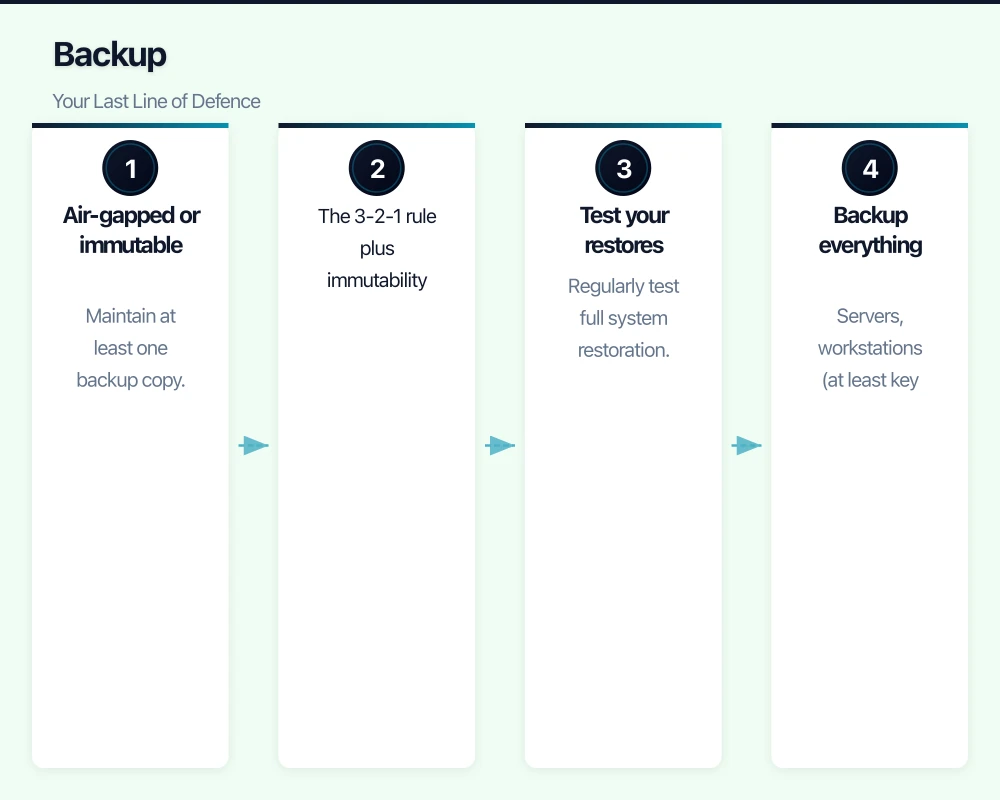
Compromised credentials: Stolen usernames and passwords (often from breaches at other services) are used to log into business systems.
Supply chain: Attackers compromise a trusted software vendor or IT service provider and use that access to deploy ransomware to their customers.
Modern Ransomware Tactics
Today’s ransomware operators are not opportunistic amateurs. They are organised criminal enterprises that:
- Spend days or weeks inside your network before deploying ransomware, mapping your systems and identifying your most valuable data.
- Exfiltrate (steal) data before encrypting it, enabling double extortion.
- Target and destroy backups to eliminate your ability to recover without paying.
- Time attacks for maximum impact (weekends, holidays, month-end).
- Tailor ransom demands to the victim’s ability to pay, based on reconnaissance of your financial information.
Prevention Strategies
1. Email Security
Since email is the primary attack vector:
- Deploy advanced email filtering with attachment sandboxing (Microsoft Defender for Office 365, Mimecast, or Proofpoint).
- Enable external email banners to flag messages from outside your organisation.
- Block high-risk attachment types (executable files, scripts, macros).
- Implement SPF, DKIM, and DMARC to prevent domain spoofing.
- Conduct regular phishing awareness training and simulations.
2. Patch Management
Keeping systems patched closes the vulnerabilities that attackers exploit:
- Patch critical vulnerabilities within 48 hours of release.
- Patch all other vulnerabilities within 14 days.
- Prioritise internet-facing systems (VPN appliances, email servers, web servers).
- Include third-party applications (browsers, Java, PDF readers) in your patching program.
- Automate where possible using tools like Windows Server Update Services (WSUS), Intune, or your MSP’s patch management platform.
3. Secure Remote Access
If your business provides remote access:
- Never expose RDP directly to the internet. If you need RDP, access it through a VPN or use Azure Bastion / Remote Desktop Gateway.
- Use a business-grade VPN with MFA.
- Consider replacing traditional VPN with a cloud-based solution that provides conditional access.
- Review remote access logs regularly for unusual patterns.
4. Access Controls
Limit the damage an attacker can do by restricting access:
- Least privilege: Give users only the access they need. Most staff do not need administrator rights.
- Separate admin accounts: IT administrators should use a separate account for administrative tasks, not their daily email account.
- MFA everywhere: Multi-factor authentication on all accounts, especially administrative accounts and remote access.
- Disable unnecessary services: Remove or disable services, protocols, and accounts that are not actively used.
5. Endpoint Protection
Deploy modern endpoint security that goes beyond traditional antivirus:
- Use an endpoint protection platform (EPP) with behavioural detection, not just signature-based scanning.
- Consider endpoint detection and response (EDR) for better visibility and response capability.
- Enable ransomware-specific features (controlled folder access in Windows, CryptoGuard in Sophos).
- Ensure all endpoints — including remote workers’ devices — are protected and managed.
6. Network Security
Limit the ability of ransomware to spread across your network:
- Segment your network into zones (corporate, guest, IoT).
- Deploy a business-grade firewall with IPS (intrusion prevention system).
- Implement DNS filtering to block connections to known malicious domains.
- Monitor network traffic for unusual patterns (large data transfers, connections to known bad IP addresses).
7. Application Control
Where feasible, implement application whitelisting or control:
- Block execution of programs from user-writable locations (downloads folder, temp folders, email attachments).
- Disable macros in Microsoft Office for users who do not need them. If macros are necessary, only allow signed macros from trusted publishers.
- Block PowerShell and scripting engines for users who do not require them.
Backup: Your Last Line of Defence
If all preventive measures fail, backups are what allow you to recover without paying the ransom. But attackers know this and specifically target backups.
Ransomware-Resilient Backup Practices
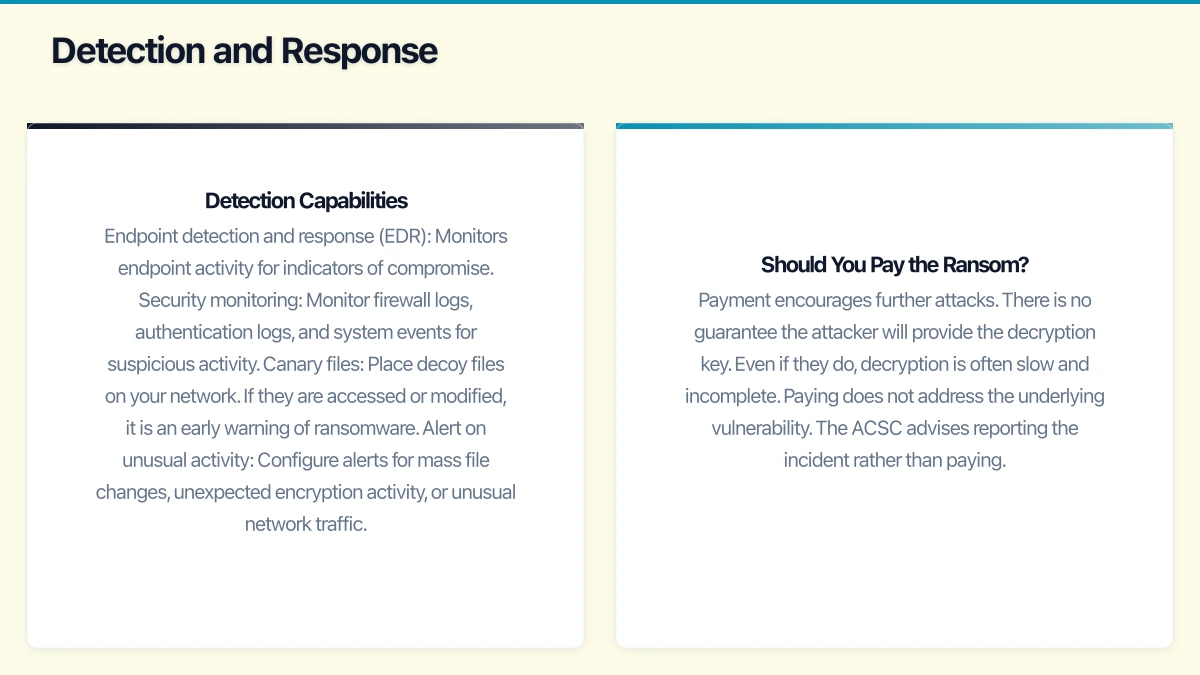
Air-gapped or immutable backups: Maintain at least one backup copy that is physically or logically disconnected from your network. Attackers cannot encrypt what they cannot reach.
Options:
- Offline backup drives that are only connected during backup operations.
- Cloud backup with immutable storage (backups that cannot be modified or deleted for a defined retention period).
- Backup appliances with ransomware detection that identify suspicious encryption activity.
The 3-2-1 rule plus immutability:
- 3 copies of your data
- On 2 different types of media
- With 1 copy offsite
- And at least 1 copy immutable
Test your restores: Regularly test full system restoration from backups. Time the process to verify it meets your recovery time objectives. Document the restore process step by step.
Backup everything critical: Servers, workstations (at least key data), Microsoft 365 data (email, OneDrive, SharePoint), databases, and system configurations.
Detection and Response
Prevention reduces risk but cannot eliminate it. You need the ability to detect and respond to attacks in progress.
Detection Capabilities
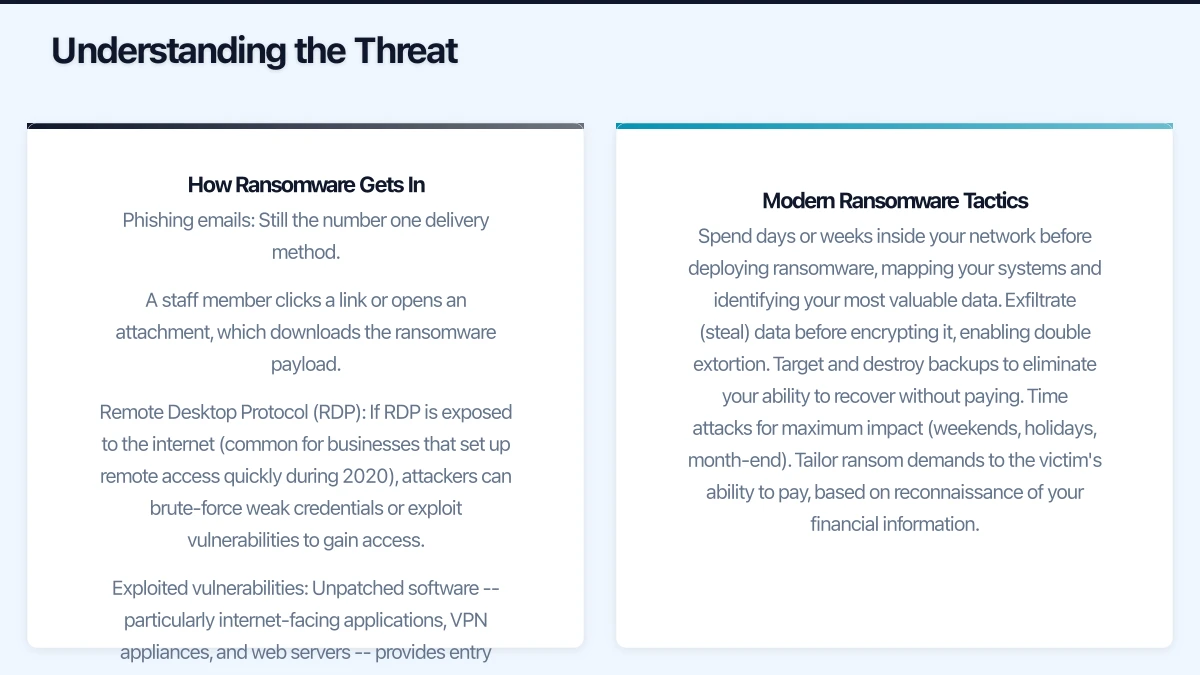
- Endpoint detection and response (EDR): Monitors endpoint activity for indicators of compromise.
- Security monitoring: Monitor firewall logs, authentication logs, and system events for suspicious activity.
- Canary files: Place decoy files on your network. If they are accessed or modified, it is an early warning of ransomware.
- Alert on unusual activity: Configure alerts for mass file changes, unexpected encryption activity, or unusual network traffic.
Incident Response Plan
Document a ransomware-specific incident response plan:
- Isolate: Immediately disconnect affected systems from the network. Disable WiFi and unplug network cables. The goal is to stop the spread.
- Assess: Determine which systems are affected. Identify the ransomware variant if possible (ID Ransomware at id-ransomware.malwarehunterteam.com can help).
- Notify: Alert your IT provider/MSP. If personal data is compromised, assess obligations under the Notifiable Data Breaches scheme. Report the incident to the ACSC via ReportCyber.
- Preserve evidence: Do not wipe affected systems immediately. Forensic evidence may be needed for investigation and insurance claims.
- Recover: Restore from backups. Verify the integrity of restored data. Rebuild compromised systems from clean media.
- Review: After recovery, conduct a thorough review. How did the attacker get in? What can you do to prevent a recurrence?
Should You Pay the Ransom?
The Australian Government’s position is clear: do not pay ransoms. Reasons include:
- Payment encourages further attacks.
- There is no guarantee the attacker will provide the decryption key.
- Even if they do, decryption is often slow and incomplete.
- Paying does not address the underlying vulnerability.
- The ACSC advises reporting the incident rather than paying.
The best way to avoid facing this decision is to have reliable, tested backups that allow you to recover without the decryption key.
Cyber Insurance
Cyber insurance can help cover the costs of a ransomware incident, including:
- Incident response and forensic investigation
- Data recovery costs
- Business interruption losses
- Legal and regulatory costs
- Notification costs (under the NDB scheme)
- Third-party claims
However, insurers are tightening requirements. Many now require evidence of specific security measures (MFA, patching, endpoint protection, backup practices) before issuing policies. This is actually a positive development — it aligns financial incentives with good security practices.
Expect cyber insurance for an Australian SMB to cost $1,000 to $5,000 per year, depending on your industry, revenue, and security posture.
Implementation Priority
If you need to prioritise your ransomware defences, implement in this order:
- MFA on all accounts — prevents credential-based access.
- Reliable, tested backups with immutable copy — ensures recovery.
- Patch management — closes known vulnerabilities.
- Email security — blocks the primary delivery mechanism.
- Endpoint protection — detects and blocks malicious activity.
- Secure remote access — eliminates exposed RDP and weak VPN.
- Network segmentation — limits lateral movement.
- Security awareness training — reduces the success rate of phishing.
- EDR and monitoring — detects attacks in progress.
- Incident response plan — ensures effective response when needed.
Getting Started
Ransomware protection is not a single product or solution — it is a layered approach combining technology, process, and people. No single measure is sufficient, but together they create a defence that makes your business a difficult and unattractive target.
Start with the basics: MFA, backups, and patching. These three measures alone dramatically reduce your risk. Build from there, adding layers as your budget and maturity allow.
The cost of prevention is always less than the cost of recovery. For an Australian SMB, implementing the measures described in this guide typically costs $500 to $2,000 per month. The average cost of a ransomware incident — including downtime, recovery, and reputational damage — is many times that amount. The maths is straightforward.
For insights on building a technology roadmap that ties cloud, web, and mobile together, visit Ash Ganda’s blog.
This article is brought to you by Ganda Tech Services — Sydney’s complete digital solutions provider covering cloud, web, and mobile.