
Ransomware Protection for Australian SMBs: The 2026 Defence Playbook
Introduction
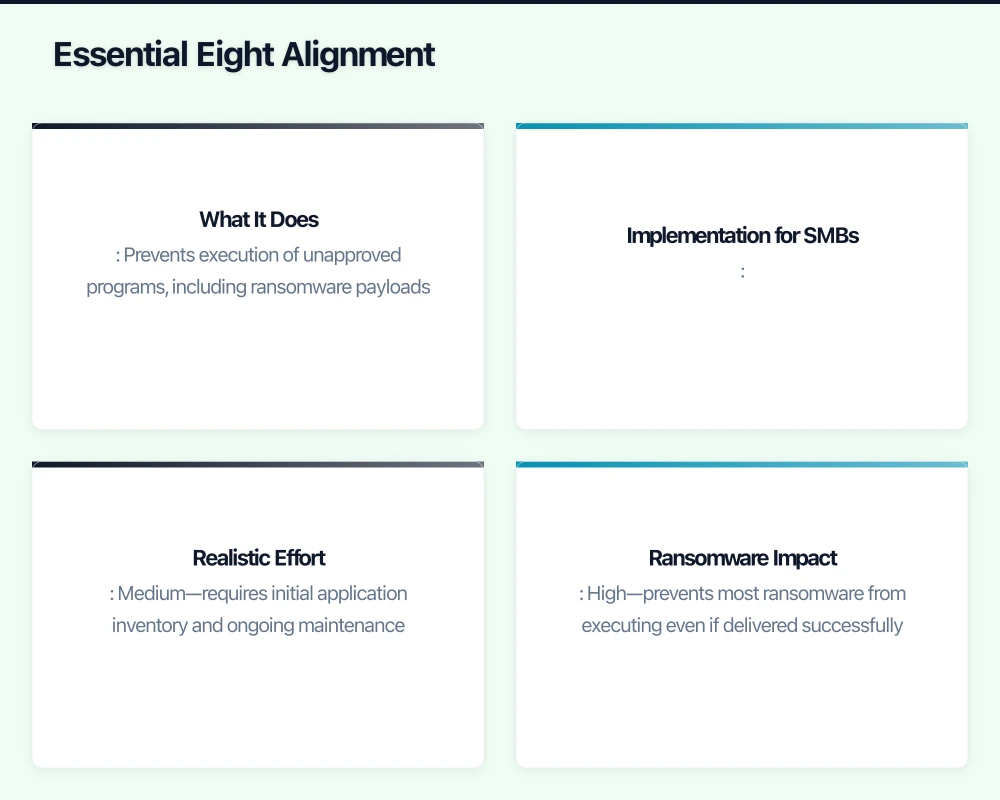
The ransomware landscape has shifted dramatically over the past 18 months. What was once predominantly an enterprise problem has become an existential threat for Australian small and medium businesses. The ACSC’s latest threat report shows ransomware attacks on Australian SMBs increased 47% in the first half of 2026, with median ransom demands now exceeding A$350,000.
More concerning than the raw numbers is the sophistication of attacks. The days of spray-and-pray ransomware are largely over. Today’s attacks are targeted, patient, and devastating. Attackers spend weeks or months inside networks before encryption, exfiltrating data, compromising backups, and maximising pressure for payment.
This guide provides practical, implementable ransomware defence strategies specifically for Australian SMBs—businesses that can’t afford enterprise security teams but can’t afford to be unprepared either.
The Current Threat Landscape
Understanding today’s ransomware threats helps inform defence priorities.
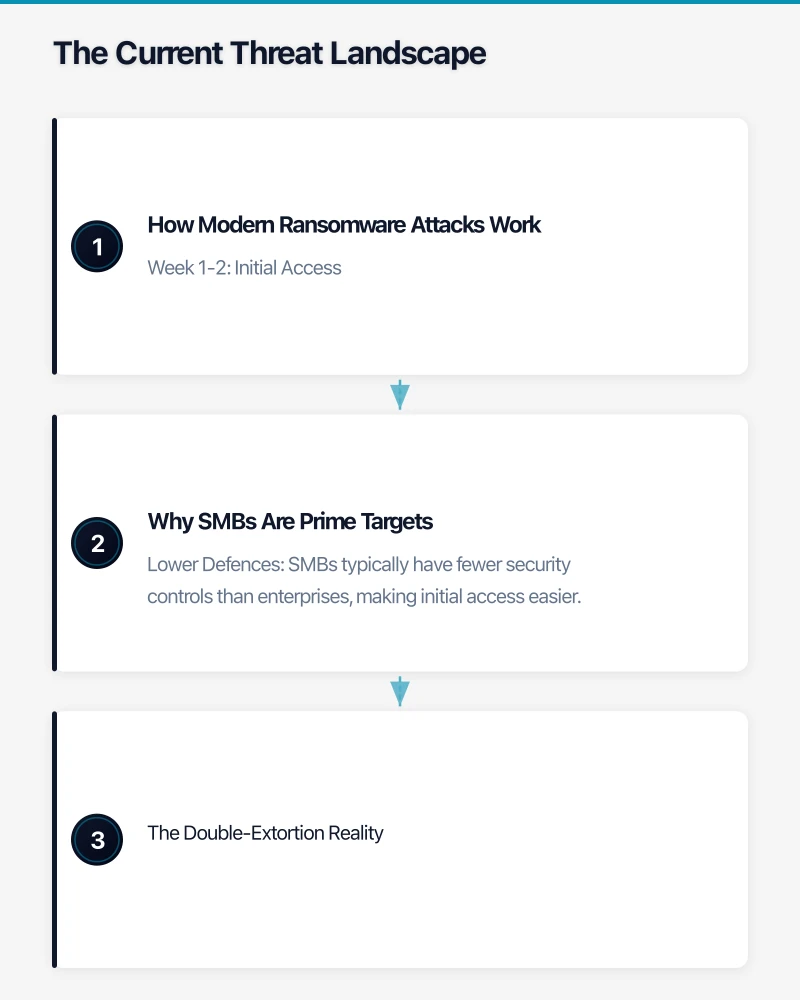
How Modern Ransomware Attacks Work
The typical attack progression in 2026:
Week 1-2: Initial Access Attackers gain entry through:
- Phishing emails with malicious attachments or links (still the most common)
- Exploitation of unpatched public-facing systems (especially VPNs and email servers)
- Compromised credentials purchased on dark web marketplaces
- Supply chain compromise through trusted vendors
Week 3-6: Reconnaissance and Privilege Escalation Once inside, attackers:
- Map your network and identify valuable data
- Harvest additional credentials, especially admin accounts
- Move laterally to access more systems
- Test and compromise backup systems
- Exfiltrate sensitive data for double-extortion leverage
Week 7-8: Deployment and Extortion The visible attack phase:
- Deploy ransomware across all accessible systems simultaneously
- Encrypt data including any backups they’ve accessed
- Deliver ransom note with payment demands
- Threaten to publish stolen data if ransom isn’t paid
Why SMBs Are Prime Targets
Attackers increasingly target SMBs because:
Lower Defences: SMBs typically have fewer security controls than enterprises, making initial access easier.
Faster Decisions: SMB leadership can authorise ransom payments quickly, unlike enterprises with complex approval processes.
Limited Recovery Options: Without sophisticated backup systems, SMBs often face a choice between paying or losing everything.
Insurance Coverage: Many SMBs have cyber insurance that attackers know will cover ransom payments.
Supply Chain Value: Compromising an SMB often provides access to larger organisations they serve.
The Double-Extortion Reality
Nearly 80% of ransomware attacks now include data theft. Even if you have perfect backups and can recover without paying, attackers threaten to:
- Publish sensitive customer data
- Share proprietary business information with competitors
- Report regulatory violations discovered in stolen data
- Notify your customers and partners of the breach
This double-extortion model means backup alone isn’t sufficient protection.
Essential Eight Alignment
The ACSC’s Essential Eight framework provides the foundation for ransomware defence. Here’s how each mitigation maps to ransomware protection:
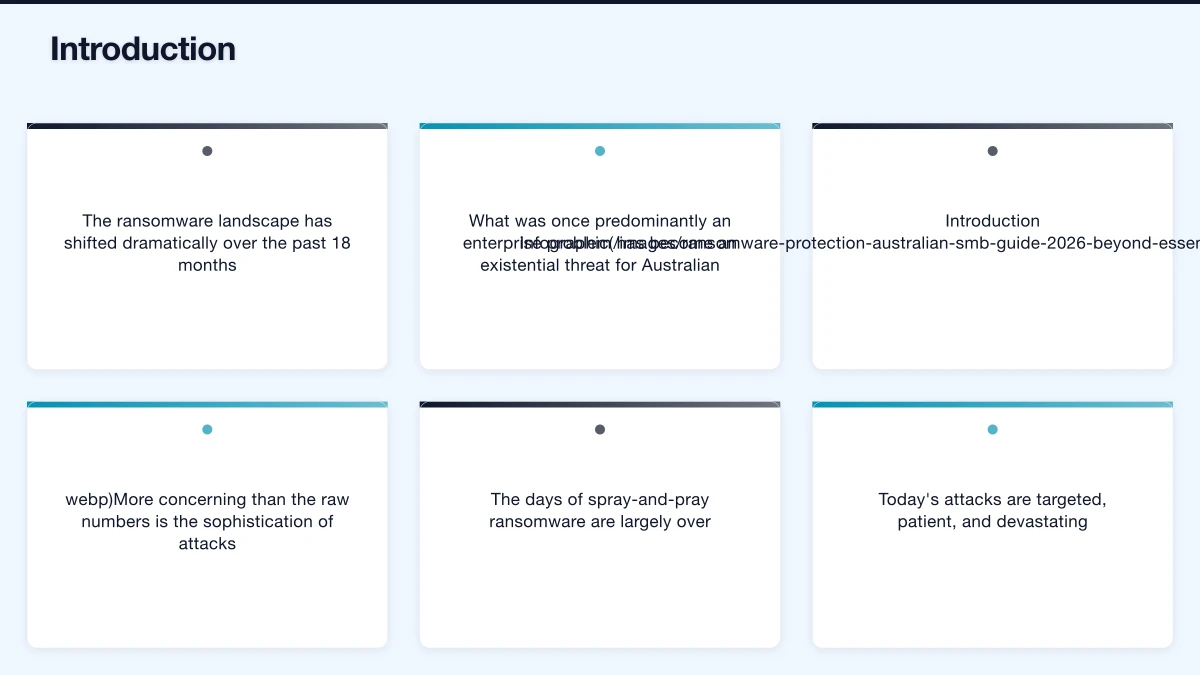
1. Application Control (Critical)
What It Does: Prevents execution of unapproved programs, including ransomware payloads.
Implementation for SMBs:
- Use Microsoft Defender Application Control or AppLocker on Windows systems
- Whitelist only approved applications
- Block execution from user-writeable directories (Downloads, Temp folders)
Realistic Effort: Medium—requires initial application inventory and ongoing maintenance.
Ransomware Impact: High—prevents most ransomware from executing even if delivered successfully.
2. Patch Applications (Critical)
What It Does: Eliminates known vulnerabilities that attackers exploit for initial access.
Implementation for SMBs:
- Enable automatic updates for operating systems and applications
- Prioritise patches for internet-facing systems (email, VPN, web applications)
- Patch critical vulnerabilities within 48 hours of release
Realistic Effort: Low-Medium—mostly automatable with proper tooling.
Ransomware Impact: High—removes common initial access vectors.
3. Configure Microsoft Office Macro Settings (Critical)
What It Does: Blocks malicious macros, a common ransomware delivery mechanism.
Implementation for SMBs:
- Block macros from the internet (default in recent Office versions)
- Disable macros for users who don’t need them
- Use read-only Office viewer apps for opening untrusted documents
Realistic Effort: Low—can be configured via Microsoft 365 admin centre.
Ransomware Impact: Medium-High—eliminates a popular attack vector.
4. User Application Hardening (Critical)
What It Does: Reduces attack surface in commonly exploited applications.
Implementation for SMBs:
- Configure web browsers to block Flash (deprecated), Java, and unnecessary plugins
- Disable Office OLE package execution
- Block PowerShell where not required
Realistic Effort: Low—one-time configuration with group policy or Intune.
Ransomware Impact: Medium—reduces exploitation opportunities.
5. Restrict Administrative Privileges (Important)
What It Does: Limits damage attackers can do with compromised accounts.
Implementation for SMBs:
- Implement separate admin accounts for IT staff (don’t use admin accounts for email)
- Remove local admin rights from standard users
- Use just-in-time administration where possible
Realistic Effort: Medium—requires process changes for IT operations.
Ransomware Impact: High—prevents lateral movement and limits encryption scope.
6. Patch Operating Systems (Important)
What It Does: Addresses vulnerabilities in Windows, macOS, and other operating systems.
Implementation for SMBs:
- Enable automatic Windows Update for workstations
- Establish monthly patching schedule for servers
- Use Microsoft Defender for Endpoint for patch compliance visibility
Realistic Effort: Low-Medium—mostly automatable.
Ransomware Impact: Medium—reduces exploitation opportunities.
7. Multi-Factor Authentication (Important)
What It Does: Prevents attackers from using stolen passwords.
Implementation for SMBs:
- Enable MFA for all cloud services (Microsoft 365, Google Workspace, etc.)
- Require MFA for remote access (VPN, RDP)
- Use phishing-resistant MFA (FIDO2 keys, passkeys) where possible
Realistic Effort: Low—cloud platforms have built-in MFA.
Ransomware Impact: High—significantly complicates initial access and lateral movement.
8. Regular Backups (Essential)
What It Does: Enables recovery without paying ransom.
Implementation for SMBs:
- Follow the 3-2-1 rule: 3 copies, 2 different media types, 1 offsite
- Keep offline or immutable backups that ransomware can’t encrypt
- Test restoration regularly—untested backups aren’t backups
Realistic Effort: Medium—requires proper tooling and process.
Ransomware Impact: Critical—the last line of defence.
Beyond Essential Eight: SMB-Specific Measures
The Essential Eight provides a foundation, but effective ransomware defence requires additional measures.
Email Security Enhancement
Email remains the primary attack vector:
Implement Advanced Email Filtering
- Use Microsoft Defender for Office 365 or equivalent
- Enable Safe Attachments (sandboxing)
- Enable Safe Links (URL scanning)
- Configure anti-spoofing protections (SPF, DKIM, DMARC)
Cost: Included in Microsoft 365 Business Premium (A$33/user/month) or available as add-on.
Train Staff Continuously
- Regular phishing simulation exercises
- Brief, frequent security awareness updates (not annual compliance training)
- Clear reporting process for suspicious emails
Cost: A$3-8/user/month for platforms like KnowBe4 or Proofpoint Security Awareness.
Endpoint Detection and Response (EDR)
Traditional antivirus isn’t sufficient against modern ransomware:
Deploy EDR Capability
- Microsoft Defender for Endpoint (included in Business Premium)
- Alternatives: CrowdStrike Falcon Go, SentinelOne, Huntress
Configure Automated Response
- Enable automatic isolation of infected devices
- Configure alerting for suspicious activities
- Integrate with backup systems for automatic protection
Cost: A$5-15/endpoint/month depending on vendor.
Backup Hardening
Standard backups are often compromised during ransomware attacks:
Implement Immutable Backups
- Use backup solutions with immutability features (Veeam, Datto, Azure Backup)
- Configure retention periods that can’t be shortened by attackers
- Store at least one backup copy completely offline
Test Recovery Procedures
- Monthly restoration tests of critical systems
- Annual full disaster recovery exercise
- Document and update recovery procedures
Cost: A$10-30/server/month for enterprise backup solutions.
Network Segmentation
Limit how far ransomware can spread:
Segment Critical Systems
- Separate networks for servers, workstations, and IoT devices
- Restrict lateral movement with firewall rules
- Isolate backup infrastructure from production networks
Cost: Minimal if using existing firewall capabilities; may require hardware refresh for older equipment.
Incident Response Preparation
Hope for the best, prepare for the worst.
Create an Incident Response Plan
Document before you need it:
- Who to contact (internal, IT provider, cyber insurance, legal)
- Initial containment steps (network isolation, system shutdown procedures)
- Evidence preservation requirements
- Communication templates (staff, customers, regulators)
- Decision framework for ransom payment consideration
Establish Key Relationships
Before an incident:
- Know your cyber insurance policy coverage and reporting requirements
- Identify a incident response firm and negotiate pre-incident retainer rates
- Establish relationship with local police cyber unit
- Understand OAIC notification requirements
Practice the Response
- Annual tabletop exercise walking through scenarios
- Test communication channels and contact lists
- Verify backup restoration procedures
Insurance Considerations
Cyber insurance is increasingly complex for SMBs.
What’s Typically Covered
- Incident response costs (forensics, legal, PR)
- Business interruption losses
- Data recovery expenses
- Regulatory fines and legal settlements
- Ransom payments (increasingly with restrictions)
Getting and Keeping Coverage
Insurers now require evidence of security controls:
- MFA implementation
- Backup procedures and testing
- EDR deployment
- Employee training programs
Expect detailed questionnaires and potentially security assessments before coverage approval.
Coverage Limitations
Be aware of common exclusions:
- War and nation-state attacks (increasingly broad interpretation)
- Failure to maintain required security controls
- Unpatched known vulnerabilities
- Social engineering losses (may require separate coverage)
The Decision: To Pay or Not to Pay
If you’re hit with ransomware, the payment decision is complex.
Arguments Against Payment
- No guarantee of decryption key delivery
- Funds criminal organisations and incentivises further attacks
- May violate sanctions if attacker is on prohibited lists
- Payment doesn’t address data theft exposure
- Average recovery time is similar whether paying or not
Arguments for Consideration
- Business survival may depend on rapid data recovery
- Double-extortion threatens data publication
- Insurance may cover payment
- Some attackers maintain “business reputation” for delivering keys
The Realistic Position
- Prevention is always better than response
- If hit, engage professional incident responders before deciding
- Understand regulatory and legal implications
- Payment should be last resort, not first response
Implementation Roadmap
Prioritise your ransomware defence investments:
Immediate (This Month)
- Enable MFA everywhere—cloud services, VPN, critical systems
- Verify backup integrity and offline copy existence
- Configure Microsoft Office macro blocking
- Review and update patching practices
Short-Term (Next Quarter)
- Deploy EDR solution across all endpoints
- Implement email security enhancements
- Conduct staff phishing awareness training
- Document incident response procedures
Medium-Term (Next 6 Months)
- Implement application control on critical systems
- Configure network segmentation
- Establish immutable backup capability
- Conduct tabletop incident response exercise
Ongoing
- Monthly backup restoration testing
- Quarterly phishing simulations
- Regular security awareness updates
- Annual incident response exercise
The Bottom Line
Ransomware is the most significant cyber threat facing Australian SMBs in 2026. The attacks are more sophisticated, the impacts more severe, and the recovery more difficult than ever before.
But effective defence is achievable. The Essential Eight framework, properly implemented, addresses the majority of attack vectors. Combined with EDR, hardened backups, and incident response preparation, SMBs can significantly reduce both the likelihood and impact of ransomware attacks.
The cost of prevention—A$20-50 per user per month for comprehensive protection—is a fraction of the A$350,000+ average ransom demand, let alone the operational disruption, reputation damage, and regulatory consequences of a successful attack.
Don’t wait for an attack to prioritise ransomware defence. The time to prepare is now.
Need help assessing your ransomware readiness or implementing defence measures? CloudGeeks provides security assessments and implementation support for Australian SMBs. Contact us for a confidential discussion.
Cloud is one piece of the digital puzzle. Ash Ganda writes about enterprise technology strategy and how to align IT investments with business growth.
Cloud Geeks operates under the Ganda Tech Services umbrella, delivering end-to-end technology solutions for Australian businesses.