
One Forms Service for Five Websites
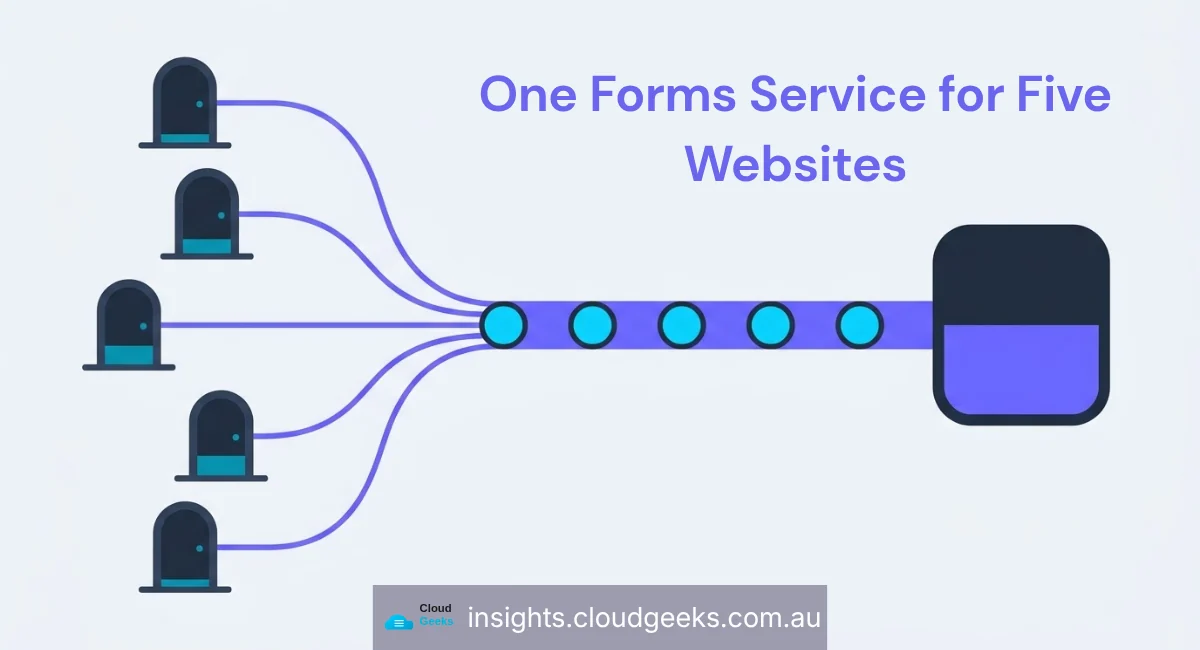
If your business runs more than one website, you almost certainly have more than one contact form, and they almost certainly do not behave the same way.
That was us. Five sites across the group — ashganda.com, g-t-s.com.au, cosmoswebtech.com.au, eawesome.com.au and cloudgeeks.com.au — each with its own form handler, written at a different time, with a different idea of what to do with a submission. Some had spam protection, some did not. Some pushed to our CRM, some sent an email and hoped. When a lead went missing, working out which of five code paths had swallowed it was a half-hour job every time.
On 25 September all five started posting through the same service: a single Cloudflare Worker, 603 lines of TypeScript, deployed once.
This is what it does, why each piece is there, and the parts that are still wrong.
What a submission goes through now
A form on any of the five sites posts to its own site’s function, which forwards to the shared Worker. The Worker exposes three routes: POST /submit for the sites’ form handlers, GET /confirm for the confirmation link in the email, and a legacy POST / still serving the original CloudGeeks front end while it is migrated.
A submission runs through five steps.
1. Spam protection happens on the site, not in the Worker. Cloudflare Turnstile plus a honeypot field, checked before the submission is forwarded. This is deliberate: a challenge has to be solved in the browser, and pushing it back to a shared service would mean every site’s form depended on the Worker being reachable just to render.
2. The email address is checked against Clearout. This catches typos (gmial.com), disposable addresses and mailboxes that do not exist. It runs before anything is written anywhere.
Two things about that check are worth stating plainly. It is an external paid service, and if it is unavailable the Worker fails open — the submission proceeds unverified rather than being rejected. That is a deliberate trade: for a contact form, losing a real enquiry because a third-party API had a bad minute is a worse outcome than admitting one junk address. Your risk calculation may differ, and if you are gating something expensive behind the form it probably should.
3. The contact is created or updated in Mautic over the REST API. Not through a Mautic form submission — through the contacts API, keyed on the email address.
This is the change that removed the most recurring pain, and it deserves its own section below.
4. The contact is tagged unverified and sent a branded confirmation email. Each brand has its own template, so someone who filled in a form on the Cosmos site gets an email that looks like Cosmos, not like the parent group.
5. Clicking the link tags the contact verified and stamps email_verified_at. Until that click, the contact is in the CRM but marked as unconfirmed, and no marketing sequence will pick them up.
Why the CRM upsert stopped using form IDs
The old arrangement posted to Mautic form IDs — each site’s handler had a numeric form ID baked in as a default, overridable by an environment variable.
That design fails in a specific and maddening way. Mautic silently drops submitted fields it does not recognise on the target form. If someone adds a field to a site’s form but the corresponding Mautic form has not been updated to match, the data arrives, is discarded without complaint, and every status code along the way is a 200. Nothing tells you. You find out when you go looking for a value that was never stored.
It also creates a coordination dependency between two systems maintained by different people at different times. When we audited it, the form ID one site defaulted to was also registered to a different site in our internal registry, and a request for that form’s definition had returned a 404 at least once. Nobody could say with confidence which form each site was actually posting to.
Upserting a contact by email over the REST API removes the class of problem. There is no form to keep in sync. Unknown fields fail loudly rather than vanishing. And a repeat submitter updates their existing record instead of creating a duplicate.
★ Insight ─────────────────────────────────────
The failure mode here was not an outage — it was a 200 response for a write that did not happen. Those are the integrations worth auditing first, because monitoring is built around non-200s and will report perfect health indefinitely. If a third-party integration accepts arbitrary fields and returns success regardless, your only real check is reading back what you wrote.
─────────────────────────────────────────────────
The confirmation token, and why it is so short
The link in the confirmation email carries a signed token. Signed rather than random, because a random token needs a database of pending confirmations and an expiry sweep; a signed one carries its own claims and needs no storage at all.
The token is an HMAC-SHA-256 signature over a compact body: contact ID, brand, form kind, an optional lead-magnet identifier, an expiry in base 36, and a short hash of the lowercased email address. It expires after seven days.
That email hash is the piece worth copying. It binds the link to the address it was sent to, so a token cannot be replayed against a different contact even if someone changes the contact ID.
The compactness is not elegance for its own sake. The whole confirmation URL has to be stored in a Mautic text field, and those cap at 255 characters. A conventional JSON web token blows that budget on its header alone. The constraint came from the CRM and shaped the format.
Between the sites and the Worker there is a shared secret in an X-Forms-Key header, compared in constant time rather than with a string equality check.
What is still wrong
Two things, and they are the reason this is a report rather than a victory lap.
A confirmation email landed in Spam. On ashganda.com, during testing. The DNS records that authenticate our sending domain have not been imported yet, which is the most likely cause. Until that is done, a double opt-in flow has a real failure mode: the contact submits, never sees the email, and sits in the CRM tagged unverified forever. The mitigation going in first is the unglamorous one — every form’s success message will say “check your spam or promotions folder”.
The full browser test matrix has not been run. The Worker itself was verified end to end — rejection, junk address, contact creation, email delivery, confirmation, and a tampered token — and the ashganda.com contact form was tested in a real browser. Every form on every site has not been. Until that is done, the honest status is “the service works and most of the forms are believed to be wired to it correctly.”
Whether this is worth doing for your business
The consolidation pays off at three sites, roughly. Below that the shared service is overhead — you are maintaining a deployment to save yourself two copies of a form handler.
The signal that you have crossed the line is not the number of sites. It is whether you can answer this question quickly: when a lead does not arrive, where do you look? If the answer names a different place depending on which site the form was on, you are paying for the fragmentation already, in time, on the days it matters most.
Cloud Geeks builds and runs cloud infrastructure for Australian small businesses. Web builds are handled by our sister brand Cosmos Web Tech, mobile work by Awesome Apps, and the wider group is Ganda Tech Services.