
Network Security Essentials for Small Business Offices
Network Security Essentials for Small Business Offices
Your office network is the backbone of your business operations. Every email, file transfer, customer transaction, and cloud application runs through it. Yet many small businesses treat network security as an afterthought, relying on consumer-grade equipment and default configurations that leave them exposed to attack.
A properly secured network does not require an enterprise budget. It requires deliberate planning, the right equipment, and good configuration practices. This guide covers the essential network security measures every small business office should have in place.
Understanding Your Network
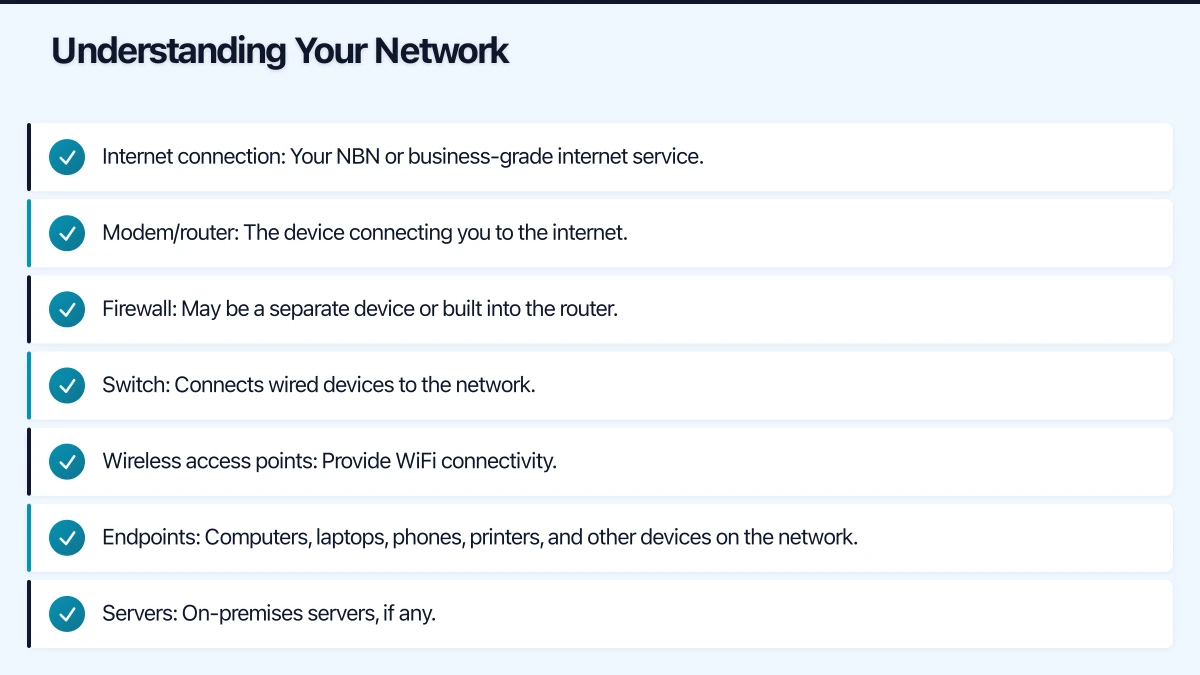
Before securing your network, understand what you have. A typical small business office network includes:
- Internet connection: Your NBN or business-grade internet service.
- Modem/router: The device connecting you to the internet.
- Firewall: May be a separate device or built into the router.
- Switch: Connects wired devices to the network.
- Wireless access points: Provide WiFi connectivity.
- Endpoints: Computers, laptops, phones, printers, and other devices on the network.
- Servers: On-premises servers, if any.
Many small businesses use a consumer-grade modem/router from their ISP as their only network device. This is the single biggest network security gap we see.
Essential Security Measure 1: Business-Grade Firewall
A firewall is your network’s front door. It inspects incoming and outgoing traffic and blocks anything that violates your security rules.
Why Consumer Routers Are Not Enough
The router your ISP provided is designed for home use. It offers basic NAT (Network Address Translation) and perhaps simple port filtering, but it lacks:
- Deep packet inspection
- Intrusion detection and prevention
- Content filtering
- VPN capabilities for remote access
- Centralised logging and reporting
- Regular security updates
Recommended Business Firewalls
For small offices (5 to 30 users), the following appliances offer excellent protection at a reasonable cost:
- Fortinet FortiGate 40F or 60F: Industry-leading next-generation firewall. Includes IPS, web filtering, application control, and VPN. Expect to pay $600 to $1,200 for the hardware plus $300 to $600 per year for security subscriptions.
- SonicWall TZ270 or TZ370: Solid SMB firewall with comprehensive security features. Similar pricing range to Fortinet.
- Ubiquiti UniFi Security Gateway or Dream Machine: More affordable option. Good for basic firewall and routing, though less sophisticated on the security features compared to Fortinet or SonicWall.
The hardware cost is a one-time expense. The annual security subscription covers threat intelligence updates and is essential — a firewall without current threat data is like a guard without a guest list.
Configuration Best Practices
Once you have a business firewall, configure it properly:
- Default deny: Block all inbound traffic except what is explicitly allowed.
- Outbound filtering: Do not allow unrestricted outbound traffic. Block known malicious destinations and unnecessary protocols.
- Enable IPS: Turn on intrusion prevention to detect and block known attack patterns.
- Web filtering: Block categories of websites known to host malware (and optionally, categories irrelevant to work).
- Logging: Enable comprehensive logging. If an incident occurs, logs are essential for understanding what happened.
- Firmware updates: Keep the firewall firmware and threat signatures up to date. Set a monthly reminder to check for updates if automatic updates are not available.
Essential Security Measure 2: Network Segmentation
Network segmentation divides your network into separate zones, limiting what an attacker (or malware) can access if they breach one part of the network.
Why Segment?
Without segmentation, every device on your network can communicate with every other device. If a staff member’s laptop is compromised, the attacker can potentially reach your servers, printers, security cameras, and every other device.
Segmentation contains the blast radius of a security incident.
Practical Segmentation for Small Offices
You do not need enterprise-grade complexity. Start with three segments:
- Corporate network: Staff computers, servers, and business devices.
- Guest network: A separate WiFi network for visitors, completely isolated from your corporate network.
- IoT network: Security cameras, smart TVs, and other Internet of Things devices. These devices often have poor security and should not share a network with your business systems.
Segmentation is implemented using VLANs (Virtual Local Area Networks) on your switch and firewall. Most business-grade firewalls and managed switches support VLANs.
Essential Security Measure 3: WiFi Security
Wireless networks are inherently more exposed than wired networks because signals extend beyond your office walls.
WiFi Security Checklist
- Use WPA3 or WPA2-Enterprise: WPA3 is the current standard, but WPA2-Enterprise with RADIUS authentication is also strong. Never use WEP or WPA — they are broken.
- Strong passwords: If using WPA2-Personal (pre-shared key), use a long, random password. Change it when staff leave.
- Separate SSIDs: Create separate wireless networks for corporate use, guest access, and IoT devices.
- Disable WPS: WiFi Protected Setup is convenient but has known vulnerabilities. Turn it off.
- Hide the SSID (optional): Hiding your network name adds a minor layer of obscurity. It will not stop a determined attacker, but it keeps casual observers from seeing your network.
- Position access points thoughtfully: Minimise signal leakage outside your office. You want coverage inside, not in the car park.
Business-Grade Access Points
Consumer WiFi routers are not designed for business use. Business-grade access points offer better performance, security features, and management capabilities.
Recommended options:
- Ubiquiti UniFi access points: Excellent value. Centralised management through the UniFi Controller. Popular with MSPs.
- Cisco Meraki: Cloud-managed access points with excellent security features. Higher price point but very well-managed.
- Aruba Instant On: HP’s SMB wireless solution. Good balance of features and price.
Essential Security Measure 4: DNS Security
DNS (Domain Name System) translates website names into IP addresses. By securing DNS, you can block access to known malicious websites before your users even connect to them.
Options
- Cisco Umbrella (formerly OpenDNS): A cloud-based DNS security service. Blocks malicious and unwanted domains. Pricing starts at approximately $3 per user per month.
- Cloudflare Gateway: DNS filtering with a free tier for small deployments.
- Built-in firewall filtering: Most business firewalls include DNS filtering as part of their web filtering features.
DNS security is one of the easiest and most effective security layers you can add. It requires no software on endpoints — just point your network’s DNS settings to the security provider.
Essential Security Measure 5: Access Controls
Physical Security
Do not overlook the basics:
- Lock your server room or network closet: Physical access to network equipment is full access to your network.
- Disable unused network ports: If a network port in a meeting room or unused desk is active, it is a potential entry point. Disable unused ports on your switch.
- Secure your firewall and switch management: Change default passwords on all network equipment. Use HTTPS for management interfaces. Restrict management access to specific IP addresses.
Network Access Control
- MAC address filtering: While not foolproof (MAC addresses can be spoofed), it adds a layer of control to wired networks.
- 802.1X authentication: For businesses with higher security requirements, 802.1X requires devices to authenticate before gaining network access. This requires a RADIUS server (which can run on a Windows Server or dedicated appliance).
Essential Security Measure 6: Monitoring and Alerting
You cannot defend against what you cannot see. Network monitoring helps you detect problems and suspicious activity.
What to Monitor
- Firewall logs: Review for blocked intrusion attempts, unusual outbound connections, and policy violations.
- Bandwidth usage: Unusual spikes can indicate malware, data exfiltration, or misuse.
- Device inventory: Know what is connected to your network. Rogue devices are a security risk.
- Failed authentication attempts: Multiple failed login attempts may indicate a brute-force attack.
Monitoring Tools
- Built-in firewall dashboards: Most business firewalls provide dashboards showing traffic patterns, threats blocked, and top users.
- Network monitoring software: Tools like PRTG (free for up to 100 sensors), Nagios, or Zabbix can monitor network health and alert you to problems.
- MSP monitoring: If you use a managed IT services provider, they should be monitoring your network as part of their service.
Essential Security Measure 7: Keep Everything Updated
Network devices need regular updates, just like computers:
- Firewall firmware: Check monthly for updates. Security patches are critical.
- Switch firmware: Update at least quarterly.
- Access point firmware: Update when patches are available.
- Router firmware: If separate from the firewall, keep it updated.
Many network devices do not update automatically. Set calendar reminders to check for updates regularly.
Implementation Roadmap
If you are starting from scratch, here is a practical sequence:
Week 1-2: Assessment
- Document your current network layout
- Inventory all connected devices
- Identify the biggest gaps
Week 3-4: Firewall
- Purchase and deploy a business-grade firewall
- Configure security policies, IPS, and web filtering
- Set up VPN for remote access
Week 5-6: WiFi and Segmentation
- Deploy business-grade access points
- Create separate networks for corporate, guest, and IoT
- Configure VLANs on switches
Week 7-8: Monitoring and Hardening
- Enable logging and monitoring
- Implement DNS security
- Change all default passwords
- Disable unnecessary services and ports
- Document your final configuration
Budget Estimate
For a typical small office with 15 to 25 users:
| Item | Estimated Cost |
|---|---|
| Business firewall (hardware) | $600 - $1,200 |
| Firewall security subscription (annual) | $300 - $600 |
| Managed switch (24-port, PoE) | $400 - $800 |
| Business WiFi access points (2-3 units) | $600 - $1,500 |
| DNS security service (annual) | $500 - $1,000 |
| Installation and configuration (MSP) | $1,500 - $3,000 |
| Total first-year investment | $3,900 - $8,100 |
This is a modest investment compared to the potential cost of a security breach. For context, the average cost of a cybersecurity incident for an Australian small business was estimated at $8,000 to $30,000 by the ACSC.
Getting Started
If your office is running on consumer-grade equipment with default settings, the single most impactful upgrade you can make is deploying a business-grade firewall with proper configuration. This one change dramatically improves your security posture.
From there, address WiFi security, implement network segmentation, and establish monitoring. Each step builds on the previous one, creating layers of defence that make your business a much harder target.
Network security is not glamorous, but it is foundational. Every other security measure you implement — endpoint protection, email security, user training — is undermined if your network itself is insecure. Get the foundation right, and everything else becomes more effective.
Looking for a website that matches your enterprise-grade infrastructure? Cosmos Web Tech specialises in responsive web design and SEO for Australian businesses.
Ashish Ganda is the founder of Ganda Tech Services, a Sydney-based technology consultancy helping Australian businesses grow through cloud, web, and mobile solutions.