
Microsoft Viva for Australian SMBs: Is the Employee Experience Platform Worth It?
Introduction
Microsoft launched Viva in February 2021, positioning it as an “employee experience platform” built into Microsoft 365 and Teams. A year later, Australian businesses are asking practical questions: What does Viva actually do? Does it add value beyond what we already have with Microsoft 365? And is it worth the additional cost for an SMB?
The honest answer: it depends. Viva addresses real problems around employee engagement, wellbeing, and knowledge sharing—but it’s designed with larger organisations in mind. For Australian SMBs, the value proposition requires careful evaluation.
This guide examines what Viva offers, what it costs, and how to determine whether it makes sense for your organisation.
What Microsoft Viva Actually Is
Viva isn’t a single product but a suite of modules, each addressing different aspects of employee experience. Currently, four modules are available, with more announced.
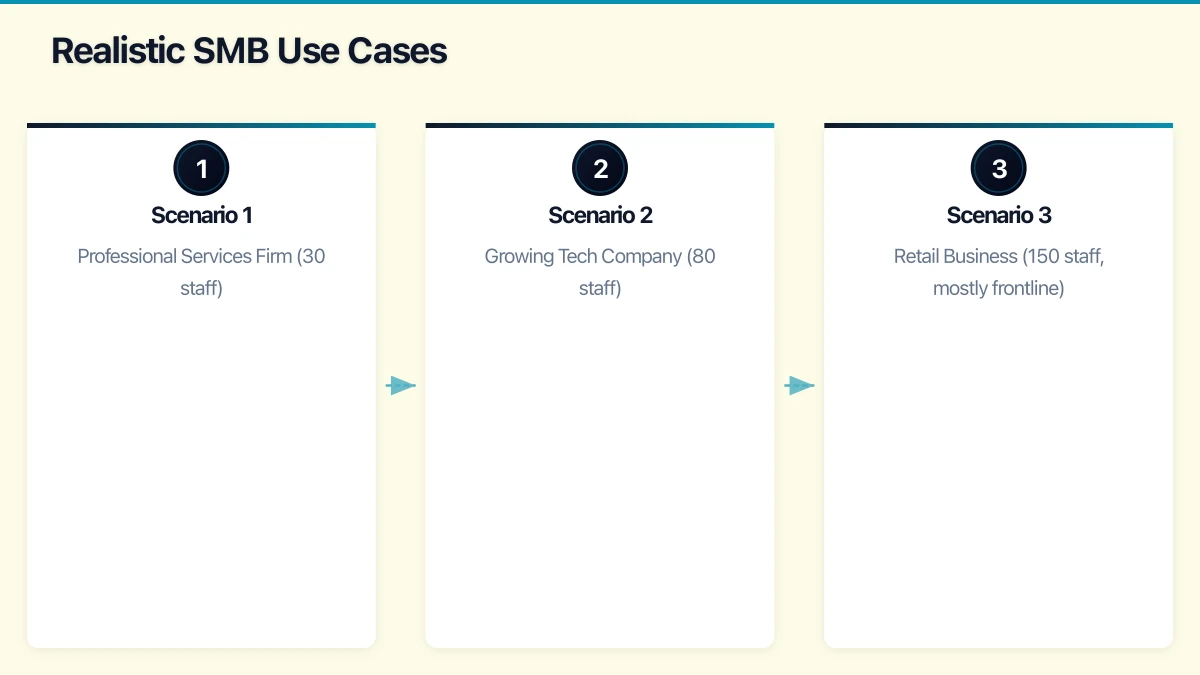
Viva Connections
Think of Connections as your company intranet delivered through Microsoft Teams. It provides:
- Dashboard: Personalised hub showing relevant company resources, news, and tasks
- Feed: Company news and announcements aggregated from SharePoint and Yammer
- Resources: Quick access to important links and tools
For organisations already using SharePoint for internal communications, Connections surfaces that content where employees actually spend time—in Teams. It’s about meeting people where they work rather than expecting them to seek out information.
Australian SMB Relevance: If you’re already struggling to get employees to check SharePoint or your intranet, Connections can help. If you don’t have significant internal communications content, there’s little to surface.
Viva Insights
Insights provides data about work patterns to help individuals, managers, and organisations understand how time is spent. Three tiers exist:
Personal Insights (included in many Microsoft 365 plans):
- Focus time recommendations
- Meeting effectiveness metrics
- Network and collaboration analysis
- Wellbeing suggestions
Manager Insights:
- Team work patterns (aggregated, not individual)
- Meeting culture metrics
- Focus time availability across team
Organisation Insights (requires premium):
- Company-wide work pattern analysis
- Collaboration network mapping
- Change management effectiveness tracking
The privacy considerations are significant—Microsoft emphasises that individual data isn’t visible to managers. But the value comes from understanding aggregate patterns: Is your organisation drowning in meetings? Are people getting focus time? Is after-hours work becoming problematic?
Australian SMB Relevance: Personal Insights are genuinely useful and already available. Manager and organisation tiers add value once you have enough employees to analyse meaningful patterns—probably 50+ staff minimum.
Viva Learning
Learning aggregates training content into Teams, including:
- Microsoft Learn courses
- LinkedIn Learning (requires separate subscription)
- Third-party content providers
- Your own custom content
Managers can recommend and assign learning. Employees can discover and track their development. The goal is making professional development accessible without leaving the flow of work.
Australian SMB Relevance: Potentially valuable if you’re investing in employee development. The real question is whether you have content to surface and whether employees will actually use it. The LinkedIn Learning integration is attractive but adds significant cost.
Viva Topics
Topics uses AI to automatically identify and organise knowledge across your Microsoft 365 environment. It creates topic pages aggregating:
- Related documents
- Relevant people (experts)
- Connected topics
- Definitions and context
When employees encounter a topic they don’t understand (in emails, documents, or Teams), Topics provides instant context without requiring manual search.
Australian SMB Relevance: This is where Viva’s enterprise focus shows most clearly. Topics requires substantial content to analyse and benefits organisations with knowledge management challenges at scale. Most SMBs won’t have enough content for meaningful topic generation.
Understanding Viva Licensing
Viva licensing is where things get complicated for SMBs.
What’s Included in Existing Microsoft 365 Plans
If you’re running Microsoft 365 Business Premium or Enterprise plans:
- Viva Connections: Basic features included
- Viva Insights (Personal): Included in most plans
- Microsoft Teams integration: Available
What Requires Additional Licensing
- Viva Insights (Manager/Organisation): Requires Viva Insights add-on
- Viva Learning (Premium): Full features require Viva Learning add-on
- Viva Topics: Requires separate Topics license
- Viva Suite: Bundle of all modules
Current Pricing (as of early 2022)
Individual modules: Approximately $6-8 AUD per user per month each Viva Suite (all modules): Approximately $17 AUD per user per month
For a 50-person organisation, the Viva Suite adds roughly $10,200 annually to your Microsoft 365 costs. That’s a significant investment requiring clear return.
LinkedIn Learning Consideration
Viva Learning’s strongest content source—LinkedIn Learning—requires its own subscription, typically $30-40 AUD per user per month. This substantially increases the total investment for a meaningful learning platform.
Realistic SMB Use Cases
Rather than evaluating Viva in abstract, consider specific scenarios.
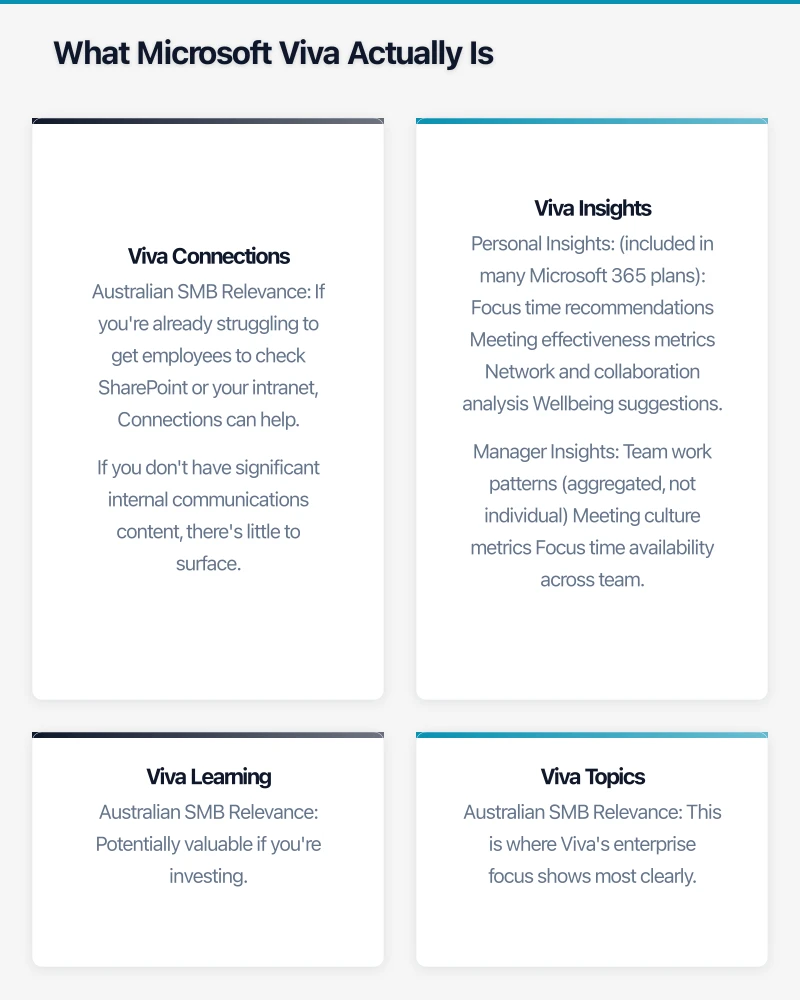
Scenario 1: Professional Services Firm (30 staff)
A Sydney accounting firm using Microsoft 365 Business Premium wants to improve internal communications and employee engagement.
Current state: SharePoint rarely visited, important announcements missed, no formal learning platform.
Viva potential:
- Connections could improve announcement visibility through Teams
- Personal Insights (already included) helps with work-life balance
- Learning could formalise professional development
Recommendation: Start with Viva Connections (largely included) and Personal Insights (already available). Evaluate whether improved engagement justifies Learning premium features after 6 months.
Monthly additional cost: Minimal for Connections; $360/month for Learning premium if added.
Scenario 2: Growing Tech Company (80 staff)
A Melbourne technology company scaling rapidly wants to maintain culture and ensure knowledge sharing as they grow.
Current state: Onboarding knowledge scattered, collaboration patterns unclear as teams expand.
Viva potential:
- Insights (Manager) provides visibility into team work patterns
- Learning supports onboarding and development at scale
- Topics could help surface expertise as the organisation grows
Recommendation: Viva Suite may deliver value at this size, particularly if knowledge management and manager visibility are strategic priorities.
Monthly additional cost: Approximately $1,360/month for Viva Suite.
Scenario 3: Retail Business (150 staff, mostly frontline)
A Queensland retail chain with 15 locations wants to improve communication with frontline workers.
Current state: Store staff rarely access computers; email communication unreliable.
Viva potential:
- Connections could deliver updates via Teams mobile app
- However, frontline workers may not have Microsoft 365 licenses
Recommendation: Consider Microsoft 365 F3 licenses for frontline workers first, then evaluate Connections. Insights and Topics add minimal value for retail floor staff.
Consideration: Licensing frontline workers changes the cost equation significantly.
Implementing Viva Effectively
If you decide Viva makes sense, implementation approach matters significantly.
Start with What’s Included
Before purchasing premium features:
- Ensure Viva Connections is configured and promoted
- Encourage Personal Insights usage (it’s already there)
- Evaluate employee engagement with existing features
Build Foundation First
Viva amplifies your existing Microsoft 365 content. If your SharePoint is disorganised, Connections won’t help. If you have no learning content, Learning has nothing to surface.
Prerequisites for success:
- Organised SharePoint with current content
- Active Yammer or Teams communications
- Clear company news and announcement processes
- For Learning: Content to aggregate
Measure Adoption
Before investing in premium tiers, establish baselines:
- How often do employees access internal communications?
- What’s the average meeting load and focus time?
- How frequently do people seek learning resources?
These metrics justify (or question) additional investment.
Consider Change Management
Technology alone doesn’t create engagement. Viva requires:
- Leadership championing the platform
- Clear communication about benefits
- Integration into existing workflows
- Ongoing promotion and reinforcement
The organisations seeing value from Viva invested in change management, not just licensing.
Alternatives to Consider
For Australian SMBs finding Viva’s cost or complexity excessive, alternatives exist.
For Internal Communications
- SharePoint modern pages: Improved communication sites don’t require Viva
- Teams channels: Dedicated announcement channels with mandatory acknowledgment
- Third-party intranets: Platforms like Happeo or Simpplr, though with their own costs
For Employee Insights
- Microsoft MyAnalytics: Personal productivity insights, widely included already
- Simple surveys: Regular employee feedback without sophisticated analytics
- Manager conversations: Sometimes low-tech approaches work best
For Learning
- LinkedIn Learning standalone: Don’t need Viva Learning wrapper
- Free resources: Microsoft Learn, industry certifications, internal knowledge sharing
- Other LMS platforms: Dedicated learning management systems with different pricing models
For Knowledge Management
- Well-organised SharePoint: Proper information architecture solves most problems
- Microsoft Search: Already powerful across Microsoft 365 content
- Wiki or documentation practices: Cultural approaches to knowledge sharing
Making the Decision
For Australian SMBs evaluating Viva, consider these questions:
Do You Have the Foundation?
Viva enhances existing Microsoft 365 investments. If your SharePoint is underutilised, your Teams adoption patchy, and your internal communications ad hoc, address those fundamentals first.
Is Employee Experience a Strategic Priority?
If leadership is committed to improving employee engagement, wellbeing, and development, Viva provides integrated tools. If these aren’t strategic priorities, the investment likely won’t deliver returns.
Do You Have the Scale?
Most Viva modules deliver better value at larger scale:
- Insights needs enough people for meaningful patterns
- Topics needs enough content for useful analysis
- Learning needs enough users to justify content investment
Below 50 employees, the per-user costs are harder to justify.
Can You Invest in Adoption?
Licensing is just the beginning. Successful Viva deployment requires:
- Configuration and customisation effort
- Change management and communication
- Ongoing content creation and curation
- Executive sponsorship and promotion
What’s the Total Cost?
Consider the complete picture:
- Viva licensing (which modules?)
- LinkedIn Learning if using Learning features
- Implementation effort (internal or consulting)
- Ongoing administration and content creation
Recommendations by Organisation Size
Based on typical Australian SMB needs:
Under 30 employees: Focus on Microsoft 365 fundamentals. Use included Personal Insights. Configure basic Connections if SharePoint is already active. Premium Viva modules unlikely to deliver sufficient value.
30-75 employees: Evaluate Viva Connections and Learning based on specific needs. Personal Insights valuable for all. Manager Insights useful if work patterns are a concern. Topics probably unnecessary.
75-150 employees: Full Viva Suite becomes more viable if employee experience is strategic. At this scale, organisational insights become meaningful. Still evaluate versus alternatives based on specific priorities.
150+ employees: Viva’s enterprise-focused features align better with organisational complexity. Full evaluation against specific use cases recommended.
Moving Forward
If Viva is on your consideration list:
- Inventory current state: What Microsoft 365 features are you actually using?
- Identify specific problems: What employee experience challenges need solving?
- Evaluate included features first: Many Viva capabilities are already available
- Calculate total cost: Including content, change management, and ongoing administration
- Start small: Pilot with willing teams before broad rollout
- Measure outcomes: Define success metrics before beginning
Microsoft Viva addresses real problems, but it’s designed for organisations with substantial scale and specific employee experience priorities. For Australian SMBs, careful evaluation ensures investment matches actual needs.
Considering Microsoft Viva or other employee experience improvements? Cloud Geeks helps Australian SMBs evaluate and implement the right solutions for their scale and needs.
Need a web presence to complement your cloud setup? Our web team at Cosmos Web Tech designs fast, secure websites for Australian businesses.
Ashish Ganda is the founder of Ganda Tech Services, a Sydney-based technology consultancy helping Australian businesses grow through cloud, web, and mobile solutions.