
Microsoft Sentinel for Australian SMBs: Enterprise Security on an SMB Budget
Introduction
Security Information and Event Management (SIEM) has traditionally been enterprise territory. The infrastructure costs, operational complexity, and specialised expertise required put comprehensive security monitoring out of reach for most Australian SMBs. You either paid enterprise prices or went without.
Microsoft Sentinel changed this equation. As a cloud-native SIEM with consumption-based pricing, it’s possible to implement meaningful security monitoring for SMBs at costs that actually make sense. Not cheap—security never is—but achievable for businesses that couldn’t previously afford this capability.
The question isn’t whether you can afford enterprise-grade security monitoring. It’s whether you can afford not to have it in an environment where ransomware attacks on Australian SMBs have increased 47% this year.
What Microsoft Sentinel Actually Does
Let’s cut through the marketing and be specific about capabilities.
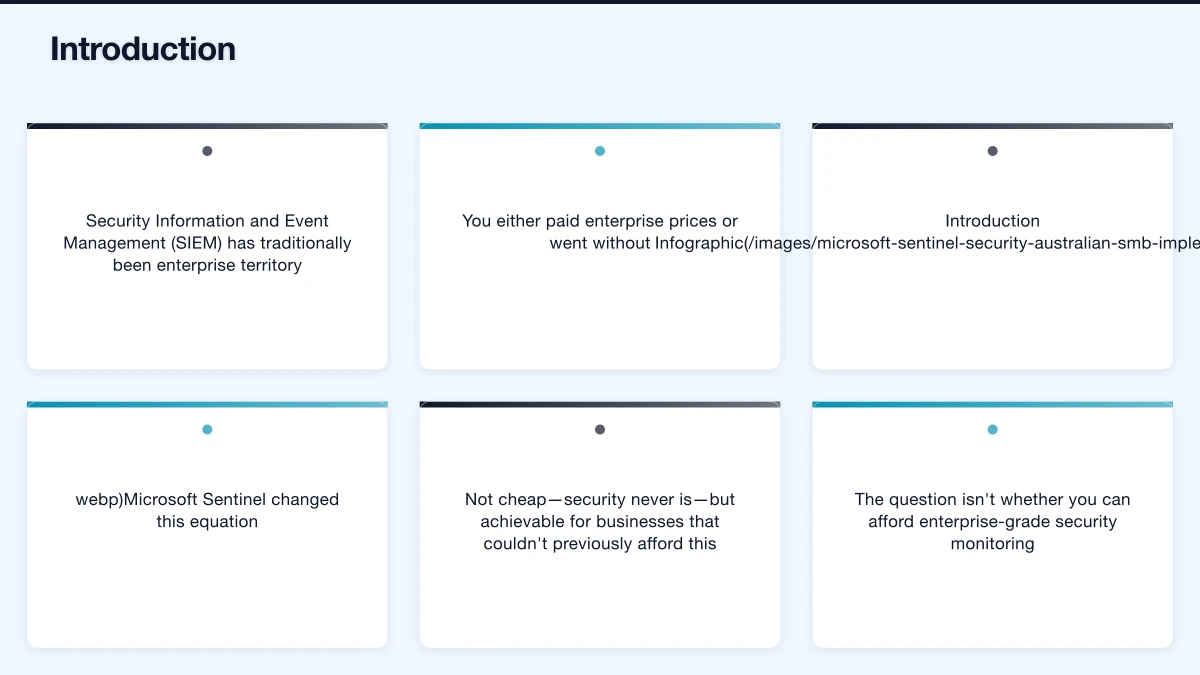
Security Data Collection
Sentinel collects and centralises security data from across your environment:
Microsoft 365 Sources
- Azure Active Directory sign-ins and audit logs
- Microsoft 365 activity (Exchange, SharePoint, Teams)
- Microsoft Defender for Endpoint alerts
- Microsoft Defender for Office 365 signals
- Microsoft Cloud App Security logs
Azure Infrastructure
- Azure Activity logs
- Azure Diagnostics
- Network Security Group flow logs
- Azure Firewall logs
Third-Party Sources
- Firewalls (Cisco, Fortinet, Palo Alto, etc.)
- AWS and GCP logs
- SaaS application logs (Salesforce, Okta, etc.)
- On-premises servers and network devices
Custom Sources
- Custom applications via API
- Legacy systems via syslog
- IoT and OT devices
Threat Detection
Sentinel doesn’t just collect logs—it analyses them for threats:
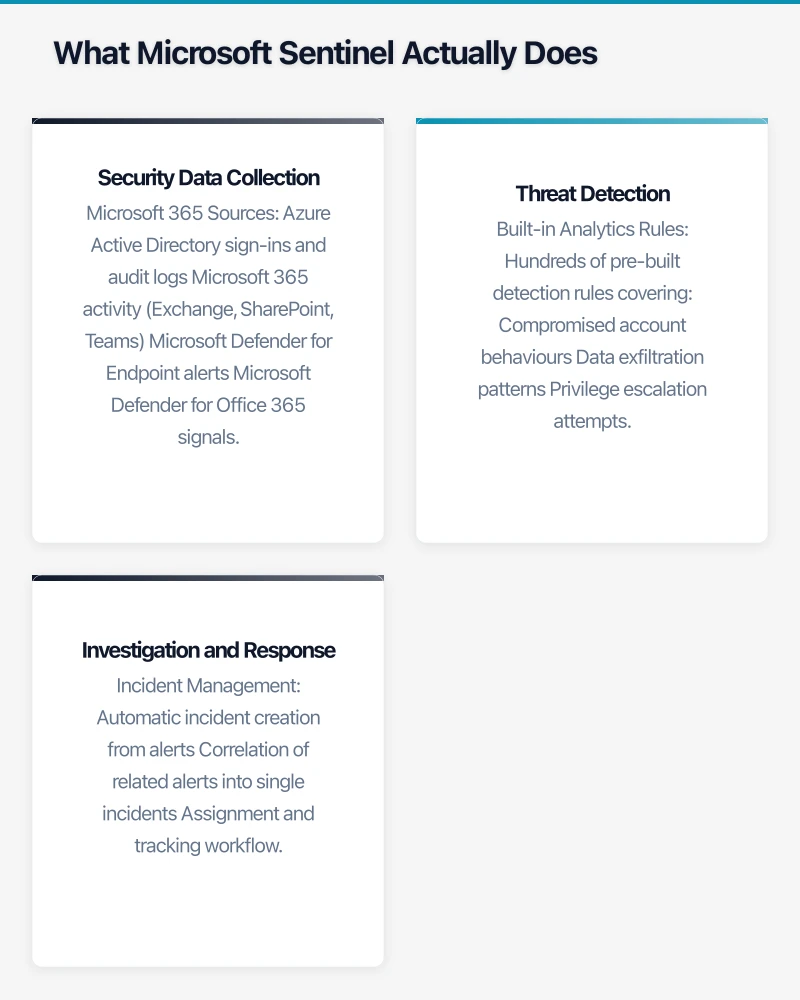
Built-in Analytics Rules Hundreds of pre-built detection rules covering:
- Compromised account behaviours
- Data exfiltration patterns
- Privilege escalation attempts
- Malware indicators
- Network anomalies
Machine Learning Detection
- User and Entity Behaviour Analytics (UEBA)
- Anomaly detection based on historical patterns
- Fusion attacks correlating multiple weak signals
Threat Intelligence Integration
- Microsoft threat intelligence feeds
- MITRE ATT&CK framework mapping
- Custom indicator import
Investigation and Response
When threats are detected:
Incident Management
- Automatic incident creation from alerts
- Correlation of related alerts into single incidents
- Assignment and tracking workflow
Investigation Tools
- Investigation graphs showing entity relationships
- Timeline views of attacker activity
- Entity pages with contextual information
Automated Response
- Playbooks (Logic Apps) for automated response
- Integration with Microsoft 365 Defender for containment
- Custom automation for organisation-specific responses
Realistic SMB Implementation
Here’s what an SMB Sentinel deployment actually looks like.
Typical SMB Scope
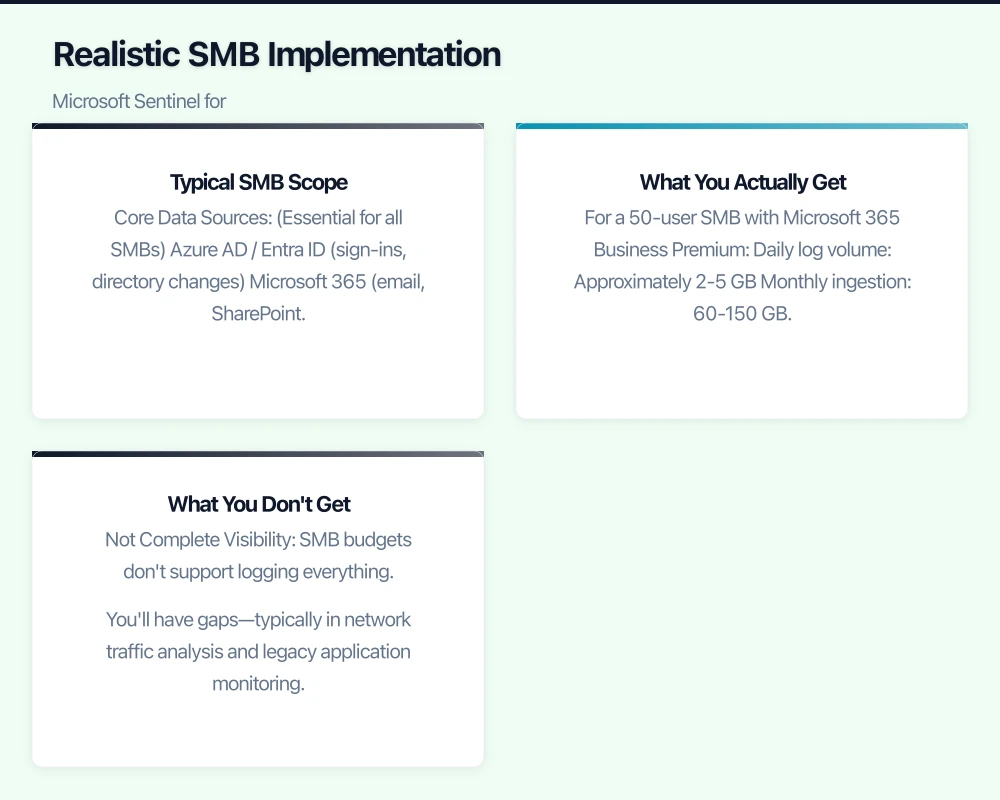
Core Data Sources (Essential for all SMBs)
- Azure AD / Entra ID (sign-ins, directory changes)
- Microsoft 365 (email, SharePoint, Teams activity)
- Microsoft Defender for Endpoint (endpoint security)
- Azure Activity (for Azure users)
Extended Sources (Based on Environment)
- Firewall logs (perimeter security)
- VPN logs (remote access monitoring)
- Critical application logs (ERP, CRM)
- On-premises domain controllers (if applicable)
What You Actually Get
For a 50-user SMB with Microsoft 365 Business Premium:
Daily log volume: Approximately 2-5 GB Monthly ingestion: 60-150 GB
This provides:
- Visibility into authentication anomalies
- Detection of compromised accounts
- Email threat monitoring
- Endpoint threat correlation
- Cloud application usage monitoring
Detection Coverage Examples:
- Impossible travel (login from Sydney then Paris within an hour)
- Password spray attacks (multiple failed logins across accounts)
- Privilege escalation (normal user gains admin rights)
- Suspicious email forwarding rules
- Mass file downloads
- Malware alerts from endpoints
What You Don’t Get
Let’s be honest about limitations:
Not Complete Visibility SMB budgets don’t support logging everything. You’ll have gaps—typically in network traffic analysis and legacy application monitoring.
Not Real-Time Response Without 24/7 security operations, alerts wait until business hours. Automated playbooks help but don’t replace human response.
Not Fully Managed Sentinel requires ongoing attention. Rules need tuning, false positives need addressing, and incidents need investigation.
Implementation Guide
A practical approach to deploying Sentinel for SMBs.
Phase 1: Foundation (Weeks 1-2)
Create Sentinel Workspace
- Create Log Analytics workspace in Azure (Australian East or Southeast region)
- Enable Microsoft Sentinel on the workspace
- Configure basic settings (retention, access control)
Connect Microsoft 365 Sources
- Enable Office 365 connector (Exchange, SharePoint, Teams)
- Enable Azure AD connector (sign-in and audit logs)
- Enable Microsoft 365 Defender connector (if using)
Initial Analytics Rules
- Enable Microsoft Security analytics rules
- Enable basic identity protection rules
- Review and tune initial rule set
Time Required: 4-8 hours Cost: Minimal (connector enablement is free)
Phase 2: Endpoint Integration (Weeks 3-4)
Microsoft Defender for Endpoint If using Defender for Endpoint:
- Enable connector to stream alerts to Sentinel
- Configure raw event streaming (optional, increases cost)
- Create detection rules for endpoint alerts
Extended Security Visibility
- Enable Azure Activity logs
- Connect additional Microsoft sources as relevant
- Review data ingestion volumes and costs
Time Required: 2-4 hours Cost: Depends on data volume—typically A$100-300/month additional
Phase 3: Perimeter and Network (Weeks 5-8)
Firewall Integration
- Configure firewall to forward logs (syslog or API)
- Enable appropriate Sentinel connector
- Deploy normalisation rules for consistent data format
- Create detection rules for firewall events
VPN and Remote Access
- Forward VPN authentication logs
- Create rules for suspicious VPN activity
- Correlate VPN access with other activity
Time Required: 8-16 hours (varies significantly by firewall vendor) Cost: A$200-500/month additional depending on log volume
Phase 4: Automation and Response (Weeks 9-12)
Basic Playbooks Create automated responses for:
- Suspicious sign-in → Block account + notify IT
- Malware detection → Isolate endpoint + create ticket
- High-risk user → Force password reset + MFA re-registration
Notification Configuration
- Configure incident email notifications
- Set up Teams channel alerts for critical incidents
- Establish escalation procedures
Time Required: 8-16 hours Cost: Logic Apps consumption (typically A$20-50/month)
Phase 5: Ongoing Operations
Daily
- Review new incidents
- Triage and investigate alerts
- Close resolved incidents
Weekly
- Review detection rule performance
- Tune noisy rules
- Check data source health
Monthly
- Review security posture trends
- Update detection rules as needed
- Assess coverage gaps
Cost Management
Sentinel pricing is consumption-based—you pay for data ingested. Managing costs requires attention.
Understanding the Cost Model
Log Analytics Ingestion: A$3.50 per GB (approximately, varies by region) Sentinel Cost: A$3.50 per GB (additional to Log Analytics) Total: Approximately A$7 per GB ingested
Typical SMB Cost Profiles
| Business Size | Daily Volume | Monthly Cost |
|---|---|---|
| 25 users, M365 only | 1-2 GB | A$200-400 |
| 50 users, M365 + Endpoints | 2-5 GB | A$400-1,000 |
| 100 users, Full deployment | 5-15 GB | A$1,000-3,000 |
Cost Reduction Strategies
Free Data Sources Some data sources are free for ingestion:
- Azure Activity logs (free tier)
- Microsoft 365 audit logs (basic, with M365 E5)
- Microsoft Defender alerts (summary, not raw events)
Filtering and Aggregation
- Don’t ingest everything—filter at source
- Use Basic Logs tier for high-volume, low-value data (50% cost reduction)
- Archive instead of retain (cheaper long-term storage)
Commitment Tiers
- Commitment tiers provide discounts for predictable volume
- 100 GB/day tier is ~50% cheaper per GB
- Only makes sense for larger deployments
Right-Sizing Data Collection
- Review which logs provide security value
- Disable verbose logging unless needed
- Sample high-volume, low-risk data
Budget Protection
Set up budget alerts:
- Configure Azure cost alerts
- Set anomaly detection for unexpected ingestion spikes
- Create dashboard for daily ingestion monitoring
Detection Rule Strategy
Out-of-the-box rules aren’t enough. Here’s how to approach detection.
Start with Microsoft Rules
Enable rule templates for:
- Identity Protection: Brute force, password spray, impossible travel
- Microsoft 365: Suspicious mail forwarding, admin activity, eDiscovery abuse
- Endpoint: Malware detection, suspicious processes, persistence mechanisms
Tune for Your Environment
Every environment generates false positives. Plan to tune:
- Run rules for 2-4 weeks before tuning
- Identify consistent false positive patterns
- Add exclusions for known-good activity
- Document tuning decisions
Add Custom Rules for Your Business
Standard rules miss business-specific threats:
- Access to sensitive file shares by unusual users
- After-hours activity on critical systems
- Changes to financial system configurations
- New admin accounts in specific applications
Rule Maintenance
Detection rules aren’t set-and-forget:
- Review rule performance monthly
- Disable rules generating only noise
- Update rules when environment changes
- Add rules for new threat intelligence
Who Operates Sentinel?
Sentinel reduces monitoring effort but doesn’t eliminate it.
Option 1: Internal IT Staff
Requirements:
- Dedicated time (2-4 hours/day for 50+ user environment)
- Security knowledge (beyond general IT)
- Incident response capability
Suitable For: Larger SMBs with IT team capacity and interest
Option 2: Managed Service Provider (MSP)
Requirements:
- MSP with Sentinel expertise (not all have this)
- Clear SLAs for alert response
- Access and escalation procedures
Suitable For: SMBs without internal security expertise
Cost: A$500-2,000/month for managed Sentinel operations
Option 3: Managed Detection and Response (MDR)
Requirements:
- MDR provider integrating with or replacing Sentinel
- 24/7 monitoring capability
- Defined response procedures
Suitable For: SMBs wanting outsourced security operations
Cost: A$2,000-8,000/month depending on scope
Realistic SMB Approach
Most SMBs combine approaches:
- Internal staff handles day-to-day monitoring during business hours
- MSP provides after-hours alerting and escalation
- External incident response engaged for serious incidents
Integration with Existing Security
Sentinel works best as part of a security ecosystem.
Microsoft Security Stack Integration
If you’re using Microsoft security tools, Sentinel provides the unified view:
Microsoft Defender for Endpoint → Endpoint protection + Sentinel visibility Microsoft Defender for Office 365 → Email protection + Sentinel alerts Microsoft Defender for Cloud Apps → SaaS security + Sentinel monitoring Microsoft Entra ID Protection → Identity security + Sentinel correlation
The combination is more powerful than any single tool.
Third-Party Tool Integration
Sentinel supports 200+ connectors, but integration varies in quality:
- Strong integration: Major firewalls, common SaaS apps, cloud platforms
- Moderate integration: Less common tools require more configuration
- Limited integration: Legacy or niche systems may need custom work
What Sentinel Doesn’t Replace
Sentinel complements but doesn’t replace:
- Endpoint protection (still need Defender or equivalent)
- Email security (still need filtering and sandboxing)
- Network security (still need firewalls and segmentation)
- Backup and recovery (still need DR capability)
Measuring Security Value
Track metrics that demonstrate Sentinel’s value.
Detection Metrics
| Metric | Target | Meaning |
|---|---|---|
| Mean time to detect (MTTD) | < 1 hour | How quickly threats are identified |
| Alert volume | Stable or declining | Too many alerts = noise |
| True positive rate | > 80% | Are alerts real threats? |
| Coverage | Increasing | Are critical assets monitored? |
Response Metrics
| Metric | Target | Meaning |
|---|---|---|
| Mean time to respond (MTTR) | < 4 hours | How quickly threats are addressed |
| Incidents investigated | 100% | Are alerts being actioned? |
| Automated response rate | > 50% | Is automation reducing manual work? |
Business Metrics
| Metric | Target | Meaning |
|---|---|---|
| Security incidents | Decreasing | Is security improving? |
| Compliance violations | Zero | Meeting regulatory requirements |
| Insurance premium impact | Stable/decreasing | Demonstrating security maturity |
The Realistic Assessment
Microsoft Sentinel makes enterprise-grade security monitoring achievable for Australian SMBs. For A$500-2,000 per month (plus operational time or MSP costs), you get visibility and detection capabilities that simply weren’t available at this price point before.
But it’s not magic. Sentinel requires:
- Initial implementation effort (20-40 hours typically)
- Ongoing operational attention (10-20 hours/month)
- Security expertise (internal or external)
- Realistic expectations about what it can and can’t do
The businesses getting value from Sentinel are those that:
- Commit to the operational investment, not just the license
- Tune detection rules for their environment
- Act on alerts rather than letting them pile up
- View it as part of security strategy, not the whole strategy
For Australian SMBs facing increasing cyber threats with limited security resources, Sentinel offers a practical path to meaningful security monitoring. The investment is justified; the question is whether you’ll make it work.
Considering Microsoft Sentinel for your security operations? CloudGeeks provides Sentinel assessments, implementation, and managed security services for Australian SMBs. Contact us to discuss your security monitoring needs.
If your business also needs a web portal or customer-facing dashboard, Cosmos Web Tech builds custom web applications tailored to Australian SMBs.
Ashish Ganda is the founder of Ganda Tech Services, a Sydney-based technology consultancy helping Australian businesses grow through cloud, web, and mobile solutions.