
Microsoft Copilot Readiness: What Australian Businesses Should Know
Microsoft Copilot Readiness: What Australian Businesses Should Know
Microsoft 365 Copilot has arrived. On 1 November 2023, Microsoft made Copilot for Microsoft 365 generally available for enterprise customers. This AI assistant, built on large language model technology, integrates directly into the Microsoft 365 applications your business uses every day: Word, Excel, PowerPoint, Outlook, and Teams.
The promise is significant: draft documents in seconds, summarise lengthy email threads, generate presentations from existing content, analyse data in Excel using natural language, and catch up on missed Teams meetings through AI-generated summaries. Early enterprise previews have shown genuine productivity gains.
But Copilot is not something you switch on and immediately benefit from. It requires preparation, particularly around data governance, licensing, and organisational readiness. Australian businesses that prepare thoughtfully will get far more value than those who rush in.
What Is Microsoft 365 Copilot?
Copilot is an AI assistant embedded within Microsoft 365 applications. It uses large language model technology (based on OpenAI’s models) combined with your organisation’s Microsoft 365 data to generate content, answer questions, and automate tasks.
Key capabilities at launch:
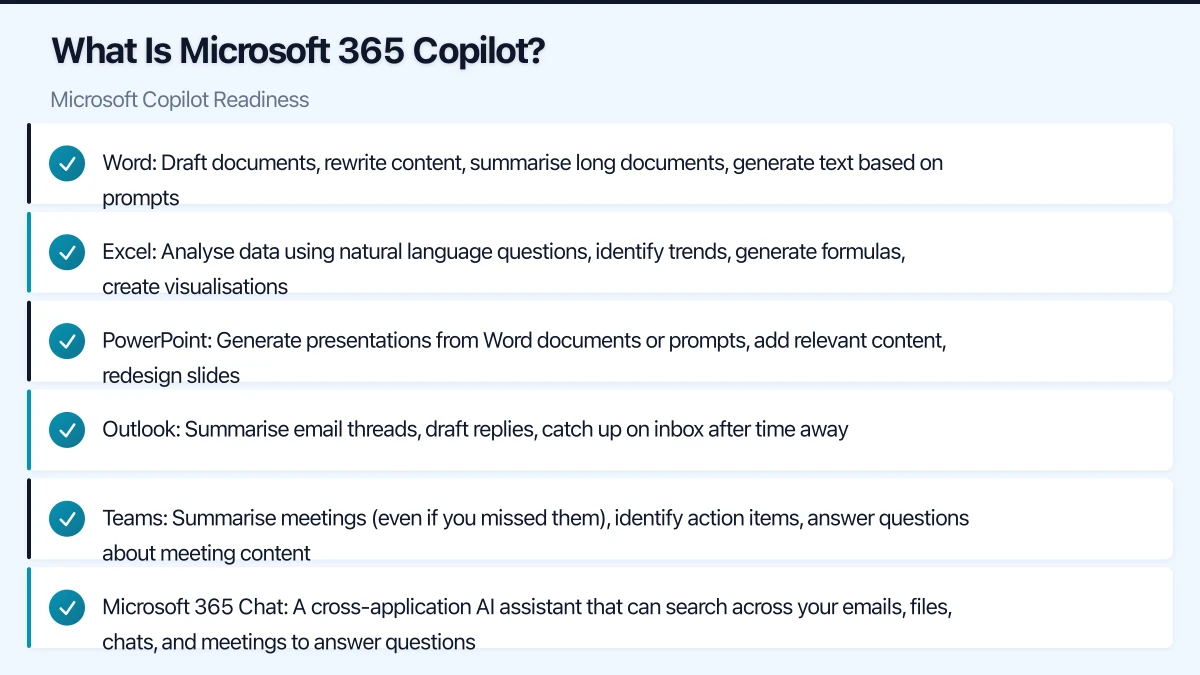
- Word: Draft documents, rewrite content, summarise long documents, generate text based on prompts
- Excel: Analyse data using natural language questions, identify trends, generate formulas, create visualisations
- PowerPoint: Generate presentations from Word documents or prompts, add relevant content, redesign slides
- Outlook: Summarise email threads, draft replies, catch up on inbox after time away
- Teams: Summarise meetings (even if you missed them), identify action items, answer questions about meeting content
- Microsoft 365 Chat: A cross-application AI assistant that can search across your emails, files, chats, and meetings to answer questions
How it works: Copilot accesses data that the user already has permission to access within Microsoft 365. It does not grant access to information the user could not already see. This is a critical point for data governance.
Licensing and Cost
Requirements
Microsoft 365 Copilot requires:
- A qualifying Microsoft 365 base licence (Microsoft 365 E3, E5, Business Standard, or Business Premium)
- The Microsoft 365 Copilot add-on licence at USD 30 per user per month
For Australian businesses, the Copilot licence translates to approximately AUD 45 to 50 per user per month at current exchange rates, on top of your existing Microsoft 365 subscription.
Cost Consideration
For a 30-person Australian business:
- Copilot for all users: Approximately AUD 1,350 to 1,500 per month (AUD 16,200 to 18,000 per year)
- Copilot for 10 key users: Approximately AUD 450 to 500 per month (AUD 5,400 to 6,000 per year)
This is a significant investment. Not every user will benefit equally. Start by identifying the users whose roles involve the most content creation, email management, meeting attendance, and data analysis. These users will see the greatest productivity gains.
Why Data Governance Matters
Here is the critical issue that many businesses overlook: Copilot can access everything the user can access.
If your Microsoft 365 environment has loose permissions, where employees can access SharePoint sites, Teams channels, and files beyond what they need for their role, Copilot amplifies this problem. An employee might ask Copilot, “What were the salary discussions in the leadership team last quarter?” and if that employee has access to the leadership team’s files or meeting recordings, Copilot will surface that information.
This is not a flaw in Copilot. It is a consequence of existing over-permissioning in your environment. Copilot simply makes the existing access landscape more visible and accessible.
Data Governance Readiness Steps
1. Audit SharePoint and OneDrive permissions
Review who has access to what across your SharePoint sites, Teams, and OneDrive:
- Identify sites and folders with broad access (e.g., “Everyone” or “All Employees” permissions)
- Review external sharing settings
- Check for orphaned access (former employees, former project members)
- Identify sensitive content that should have restricted access
2. Implement least-privilege access
Apply the principle of least privilege: users should only have access to the information they need for their role.
- Review and tighten SharePoint site permissions
- Audit Microsoft Teams membership (remove members who no longer need access)
- Review and restrict external sharing where not needed
- Use sensitivity labels to classify and protect sensitive documents
3. Clean up stale data
Old, outdated documents and sites can cause Copilot to surface irrelevant or incorrect information:
- Archive or delete obsolete SharePoint sites and Teams
- Remove outdated documents from active libraries
- Label draft and final versions clearly
- Establish data retention policies
4. Implement sensitivity labels
Microsoft 365 sensitivity labels classify and protect documents based on their sensitivity:
- Public: No restrictions
- Internal: Accessible within the organisation
- Confidential: Restricted to specific groups
- Highly Confidential: Maximum protection, limited access
Sensitivity labels can prevent Copilot from surfacing content in responses to users who should not see it (when combined with appropriate access controls).
5. Review Teams and channel structure
Teams and channels that are no longer needed or have overly broad membership should be archived or cleaned up. Copilot can draw on Teams meeting transcripts and channel conversations, so stale or irrelevant content should be managed.
Technical Readiness
Microsoft 365 Environment Prerequisites
Ensure your environment meets the technical requirements:
- Azure Active Directory: Users must be in Azure AD (standard for Microsoft 365)
- OneDrive: Users need OneDrive provisioned (for Copilot to access their files)
- Microsoft Teams: Deploy Teams for meeting intelligence features
- Exchange Online: Required for Outlook Copilot features
- SharePoint Online: For organisational content access
Network Considerations
Copilot adds AI processing to everyday Microsoft 365 tasks, which may slightly increase bandwidth usage and API calls. For most Australian businesses on standard NBN connections, this should not be an issue. However, if your internet connection is already at capacity, monitor usage after enabling Copilot.
Update Channels
Ensure your Microsoft 365 apps are on the Current Channel or Monthly Enterprise Channel to receive Copilot features as they are released. Some organisations on older update channels may need to switch.
Organisational Readiness
Identify Copilot Champions
Select a small group of tech-savvy, enthusiastic users to pilot Copilot. These champions will:
- Test Copilot in real work scenarios
- Identify the most valuable use cases for your business
- Develop best practices and tips
- Help train and support other users when you expand
Set Expectations
Copilot is a powerful tool, but it is not perfect:
- It generates content that needs human review and editing
- It may produce inaccurate information (especially in complex or niche domains)
- It works best when given clear, specific prompts
- It learns from your organisation’s data, so the quality of your data affects the quality of its output
Communicate these expectations clearly to avoid disappointment or over-reliance.
Develop Usage Guidelines
Create clear guidelines for how your organisation will use Copilot:
- Review requirement: All Copilot-generated content must be reviewed by a human before being sent externally
- Disclosure: Consider whether to disclose when content has been AI-generated (some clients and industries may have expectations)
- Sensitive information: Clarify what types of prompts and content are appropriate to use with Copilot
- Data input: Staff should not paste confidential third-party information into Copilot prompts
- Accuracy: Users are responsible for verifying the accuracy of Copilot output
Training
Copilot’s value depends heavily on how well your team uses it. Invest in training that covers:
- How Copilot works (and its limitations)
- Writing effective prompts for each application
- Reviewing and editing AI-generated content
- Identifying when Copilot is helpful vs when manual work is better
- Your organisation’s Copilot usage guidelines
Australian-Specific Considerations
Data Residency
Microsoft 365 Copilot processes data within the Microsoft 365 boundary. For Australian tenants with data residency in Australia, your data remains within Australian and regional data boundaries. Microsoft has committed to processing Copilot queries within the same data residency framework as Microsoft 365.
Verify your tenant’s data residency settings in the Microsoft 365 admin centre.
Privacy Act Implications
Copilot processes personal information stored in your Microsoft 365 environment. Under the Privacy Act:
- Ensure your privacy policy covers AI-assisted processing of personal information
- If Copilot generates insights from customer data, consider whether this constitutes a new “use” of that information
- Ensure data minimisation principles are applied (Copilot should only access data the user legitimately needs)
Industry Considerations
- Financial services: Review APRA CPS 234 implications of AI-processed data. Ensure Copilot usage aligns with your information security framework.
- Healthcare: Consider whether patient data should be accessible to Copilot. Sensitivity labels and access restrictions may be needed.
- Legal: Client confidentiality requirements may necessitate careful control of which data Copilot can access.
A Phased Approach
Phase 1: Prepare (Now)
- Audit and tighten SharePoint and Teams permissions
- Clean up stale data and obsolete content
- Implement sensitivity labels for sensitive documents
- Review and update your privacy policy
- Assess your Microsoft 365 licensing
Phase 2: Pilot (Month 1-2)
- Purchase Copilot licences for 5 to 10 champion users
- Provide training on effective Copilot use
- Gather feedback on productivity impact and issues
- Identify the highest-value use cases for your business
- Refine usage guidelines based on pilot experience
Phase 3: Expand (Month 3-6)
- Roll out to additional users based on pilot findings
- Focus on roles with the highest productivity potential
- Provide broader training
- Monitor adoption and gather ongoing feedback
- Measure productivity impact
Phase 4: Optimise (Ongoing)
- Refine prompts and workflows based on experience
- Share best practices across the organisation
- Review data governance regularly
- Assess ROI and adjust licence allocation
Is Your Business Ready?
Ask yourself these questions:
- Do you know who has access to what in your Microsoft 365 environment?
- Are your SharePoint and Teams permissions based on the principle of least privilege?
- Do you have sensitivity labels for confidential and restricted content?
- Is your stale data cleaned up and archived?
- Do you have clear guidelines for AI usage in your organisation?
- Can you justify the per-user cost based on expected productivity gains?
If you answer “no” to several of these questions, focus on data governance first. Copilot will deliver far more value in a well-governed environment than in one where data is scattered and permissions are loose.
The opportunity is real. Australian businesses that prepare properly for Microsoft 365 Copilot will gain a meaningful productivity advantage. The key is preparation: clean your data, tighten your permissions, and invest in training your team to use this tool effectively.
How does cloud adoption fit your long-term business strategy? Ash Ganda explores technology leadership and digital maturity for growing businesses.
Ganda Tech Services brings together cloud infrastructure, web development, and mobile app expertise to help Australian businesses thrive in the digital economy.