
Your Site Management Tool Now Has an MCP. Here Is What You Just Connected.
Three things shipped within a week of each other in August 2026, and together they change how WordPress sites get managed.
WP Remote released an MCP in beta, letting an AI assistant answer questions like “which of my 100 sites need attention today” against live data. Kinsta published a guide to building a WordPress MCP integration for AI agents. And WordPress 7.1, released 19 August, extended the Abilities API — the mechanism by which a site declares what an external agent is allowed to invoke.
If you manage more than a handful of sites, this is genuinely useful. It is also the moment to ask a question most teams skip: what exactly did you just give an AI assistant access to?
What an MCP connection actually is
MCP — Model Context Protocol — is a standard way for an AI assistant to call tools and read data from a system, rather than being told about that system in a prompt.
In practice, connecting your site-management platform to an assistant means the assistant can query the real state of your estate. WP Remote’s beta exposes visibility across tasks (what is running, completed or failed), security (activity logs, firewall activity), backups, and more than thirty other areas.
The value is obvious to anyone who has manually opened thirty dashboards. Instead of checking each site, you ask a question and get an answer assembled from all of them.
The setup is deliberately trivial — WP Remote advertises about thirty seconds to connect. That is the part worth pausing on.
The permission question nobody asks at setup
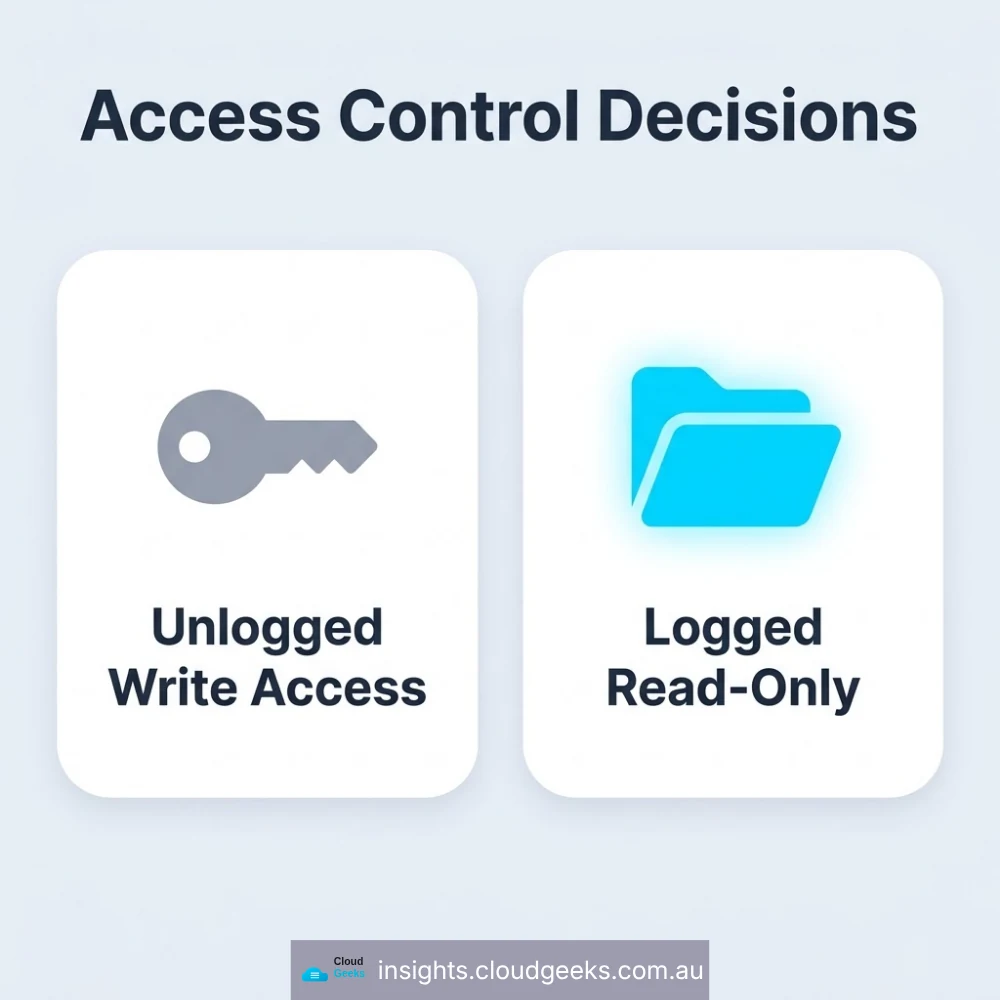
Thirty seconds is not long enough to think about scope, and the connection is not read-only in principle. So four questions are worth answering before you connect anything, and they are the same questions you would ask about a new staff member’s access.
What can it read? Activity logs and firewall events are security telemetry. They describe who logged in, from where, and what was blocked. That is useful for triage and sensitive if it leaves your control.
What can it change? Reading site health is one thing. Triggering updates, restoring backups or modifying configuration is another. Know which of those the connection permits, because “ask it to fix the failing sites” is exactly the workflow being marketed.
Whose account is it acting as? An agent connected with an administrator credential has administrator reach on every site in the portfolio. If that credential is shared across your team, the activity log will not tell you who asked.
Where does the data go? The assistant is a third party. Your site inventory, plugin versions and firewall history are being sent to it. For most businesses that is an acceptable trade; it should still be a decision, and it should appear in your privacy documentation if any of it touches personal information.
What WordPress 7.1 added, and why it matters here
The Abilities API is the WordPress-side half of this. It lets code declare abilities — named operations an external client can discover and invoke — instead of exposing raw endpoints.
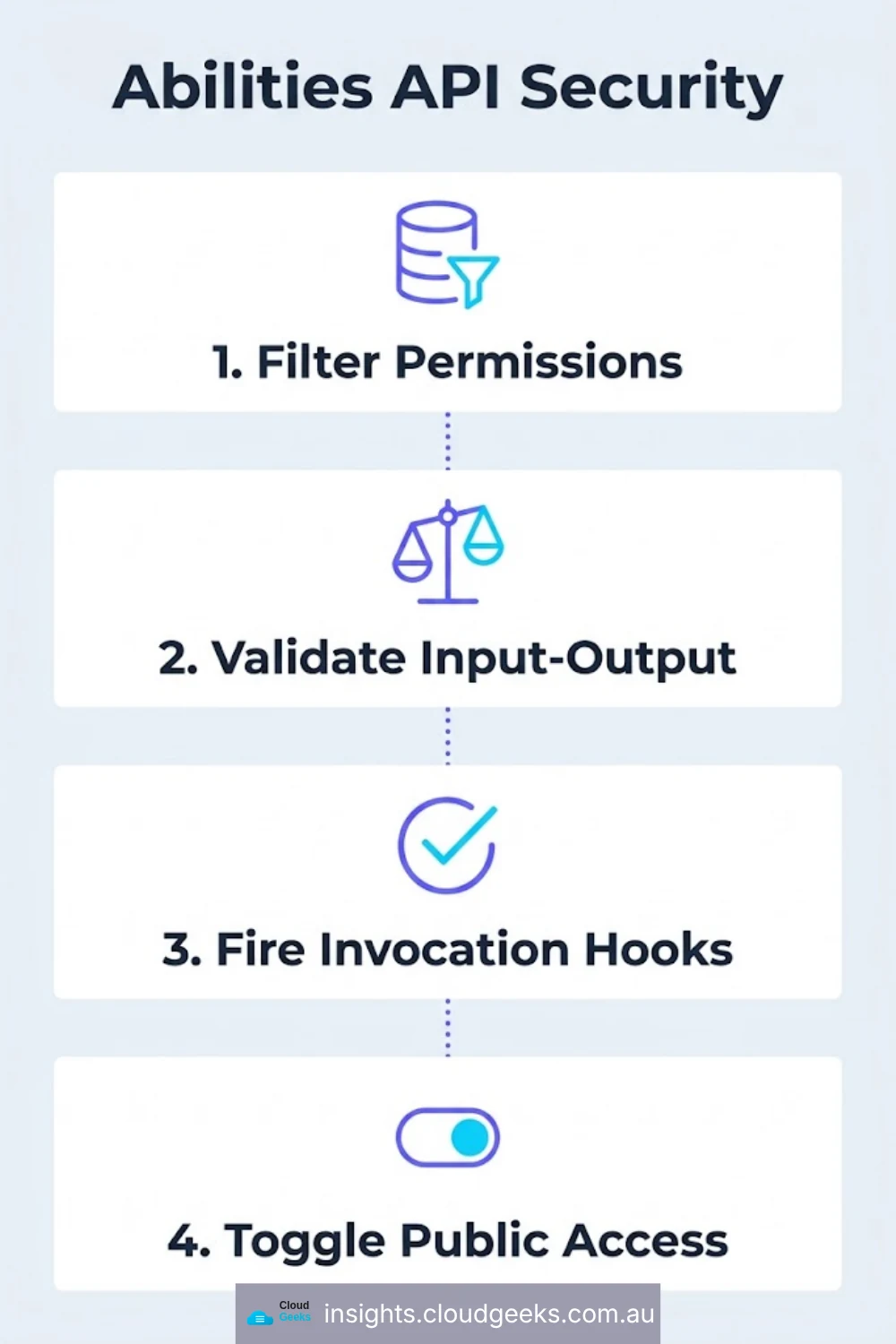
Version 7.1 added the controls that make it governable:
wp_ability_permission_result— a filter over whether a caller is permitted to run a given ability.wp_ability_validate_inputandwp_ability_validate_output— validation on both sides of the call.wp_ability_invoked— an action that fires on invocation attempts, so calls can be logged.- A
meta.publicflag controlling whether an ability is exposed to external clients at all.
Read that list as what it is: a permissions layer, a validation layer and an audit trail. The people building this expect agents to be given access to production sites, and they have provided the hooks to constrain and record it.
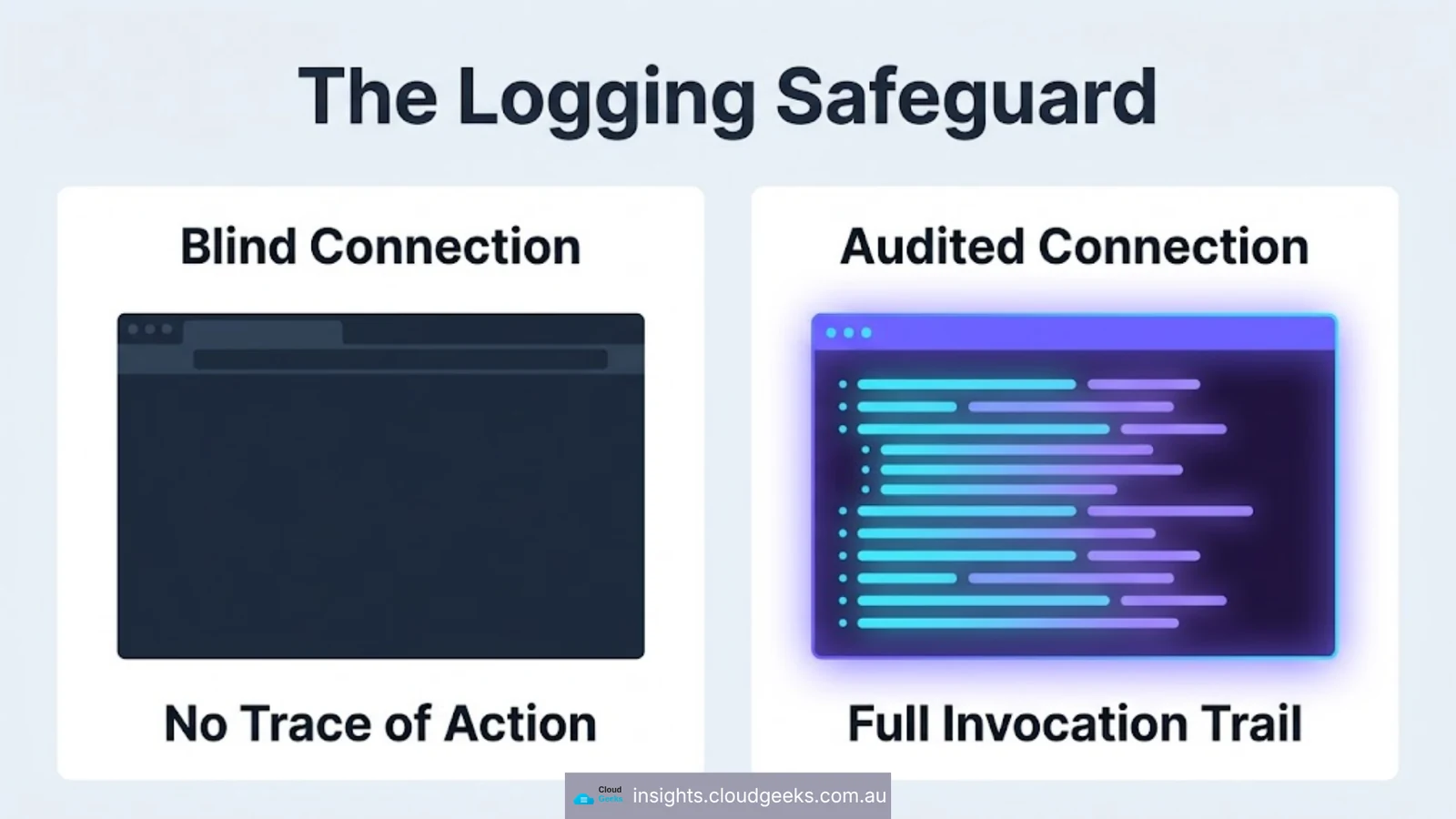
If your developer is building an MCP integration for your sites, wp_ability_invoked is the one to insist on. An agent connection without an invocation log is an actor on your systems whose actions you cannot reconstruct afterwards.
Where this genuinely helps
Scepticism aside, the operational case is real, and it is strongest in exactly the places manual work does not scale:
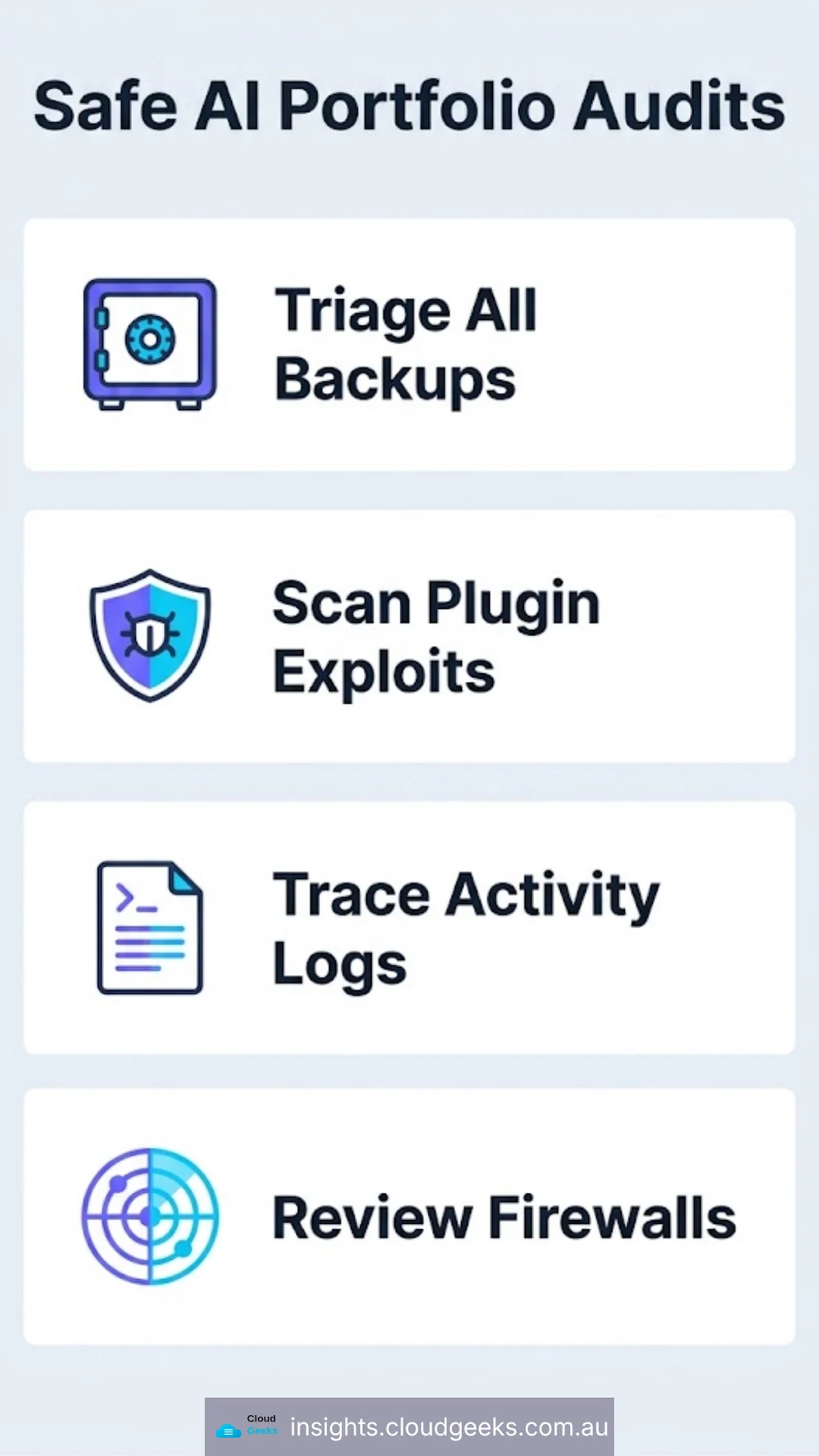
Triage across a portfolio. “Which sites failed their backup last night, and which of those also have pending security updates?” is a question that takes an agent seconds and a person an hour.
Post-incident reconstruction. Pulling activity logs and firewall events from multiple sites into one timeline is tedious, which means it is often skipped.
Update planning. Cross-referencing plugin versions against disclosed vulnerabilities is precisely the kind of comparison that computers are good at and humans do badly at eleven at night.
None of these require the agent to change anything. That is the pattern worth adopting first: connect it read-only, use it for questions, and add write access deliberately if the read-only version proves itself.
The adjacent development
In the same announcement, WP Remote reported that WordPress Core RCE attacks had escalated from about 10,000 to over 900,000 per day in the three weeks following disclosure, with attackers rapidly trying new variations.
That figure is the reason portfolio-wide visibility matters. When exploitation of a newly disclosed flaw scales ninety-fold in three weeks, the constraint is not whether you can patch a site — it is whether you know, today, which of your sites is unpatched.
An assistant that can answer that in seconds is worth having. An assistant that can answer it and has unlogged write access to all of them is a different proposition.
What we would do
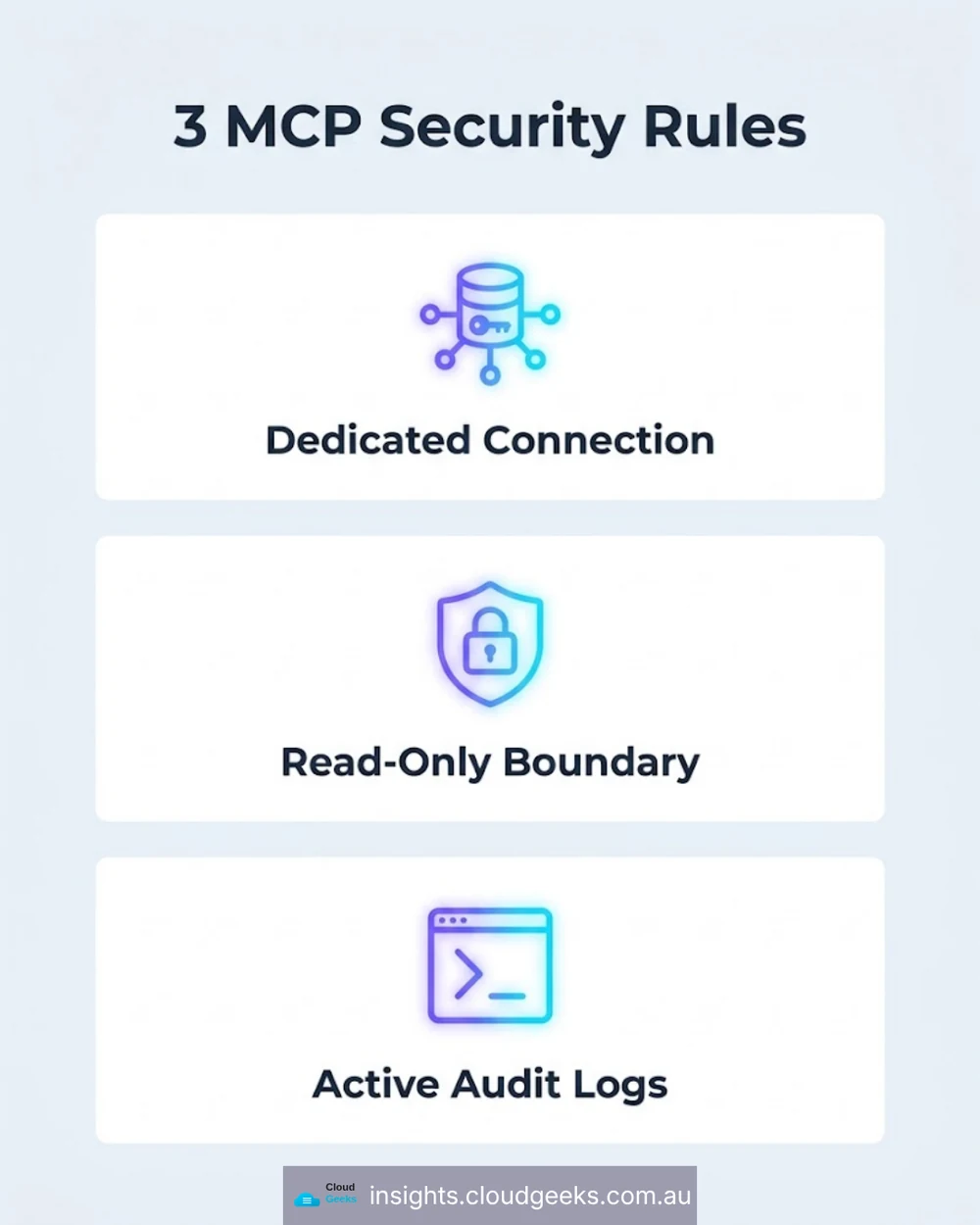
For a business running more than about ten WordPress sites, this is worth adopting now, with three conditions:
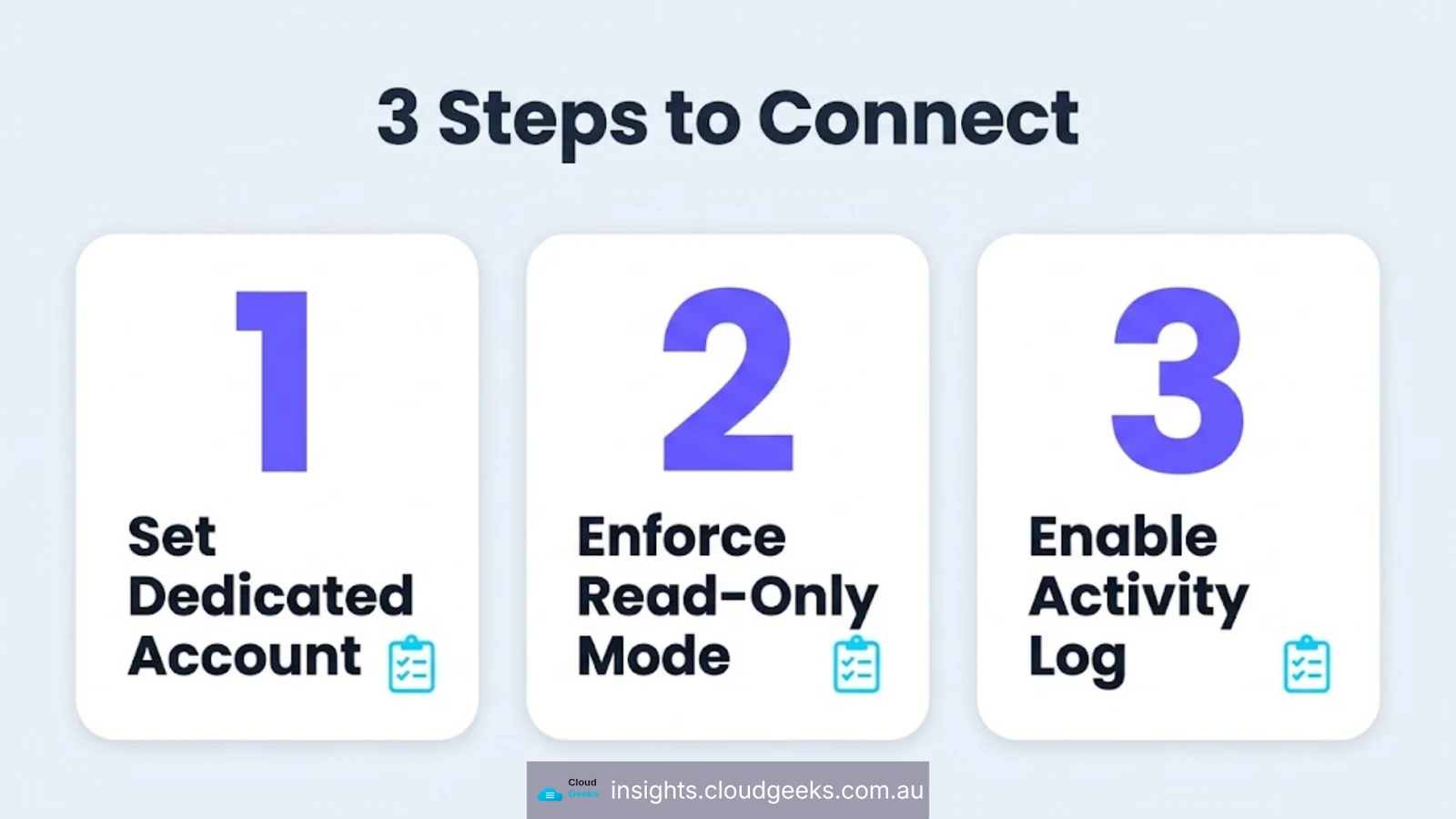
- Connect with a dedicated account, not a shared administrator login, so the audit trail names the connection rather than a person.
- Start read-only. Prove the workflow on questions before granting it the ability to act.
- Confirm invocation logging is on and that you can produce a list of what the agent did last month. If you cannot, you have added an actor to your estate that your incident response cannot see.
None of that slows adoption meaningfully. It is the difference between a tool you control and one you have merely enabled.
Frequently asked questions
What is MCP in the context of WordPress? Model Context Protocol is a standard interface that lets an AI assistant query and act on a system directly, rather than relying on information pasted into a prompt. WP Remote released an MCP in beta in August 2026, and Kinsta has published a guide to building one against WordPress.
Is connecting an AI agent to my WordPress sites safe? It depends entirely on scope. Read-only access to site health and backup status is low risk. Write access — triggering updates, restoring backups, changing configuration — carries the same risk as giving any third party administrator rights, and should be logged accordingly.
What is the Abilities API? A WordPress mechanism for declaring named operations that external clients can discover and invoke. WordPress 7.1 added permission filtering, input and output validation, an invocation action for logging, and a flag controlling whether each ability is publicly exposed.
Should a small business with one website bother with this? Probably not yet. The value scales with the number of sites you manage. For a single site, the manual dashboard is not the bottleneck.
How do we audit what an AI agent did on our sites? Through invocation logging on the WordPress side and the activity log on your management platform. If neither is enabled, there is no reliable record — which is the situation to avoid before it matters.
CloudGeeks provides managed IT, cloud and cybersecurity services to Sydney businesses, including WordPress estate management and access governance. Web and SEO work sits with Cosmos Web Tech, mobile apps with Awesome Apps. All divisions of GTS.
Product details in this article are drawn from vendor announcements by BlogVault/WP Remote, Kinsta and the WordPress 7.1 release, August 2026.