
Managed Print Services for Australian Office Environments
Managed Print Services for Australian Office Environments
Printing is one of those business costs that hides in plain sight. Australian businesses spend far more on printing than most realise. Between hardware purchases, toner and ink, maintenance, paper, electricity, and the IT staff time spent troubleshooting printer issues, printing costs can reach 1 to 3 percent of annual revenue for a typical office-based business.
Managed Print Services (MPS) takes the pain out of business printing by consolidating your print fleet, optimising usage, automating supply replenishment, and providing proactive maintenance, all for a predictable monthly cost.
If your office has a collection of mismatched printers, a cupboard full of different toner cartridges, and recurring print-related IT tickets, MPS deserves your attention.
What Is Managed Print Services?
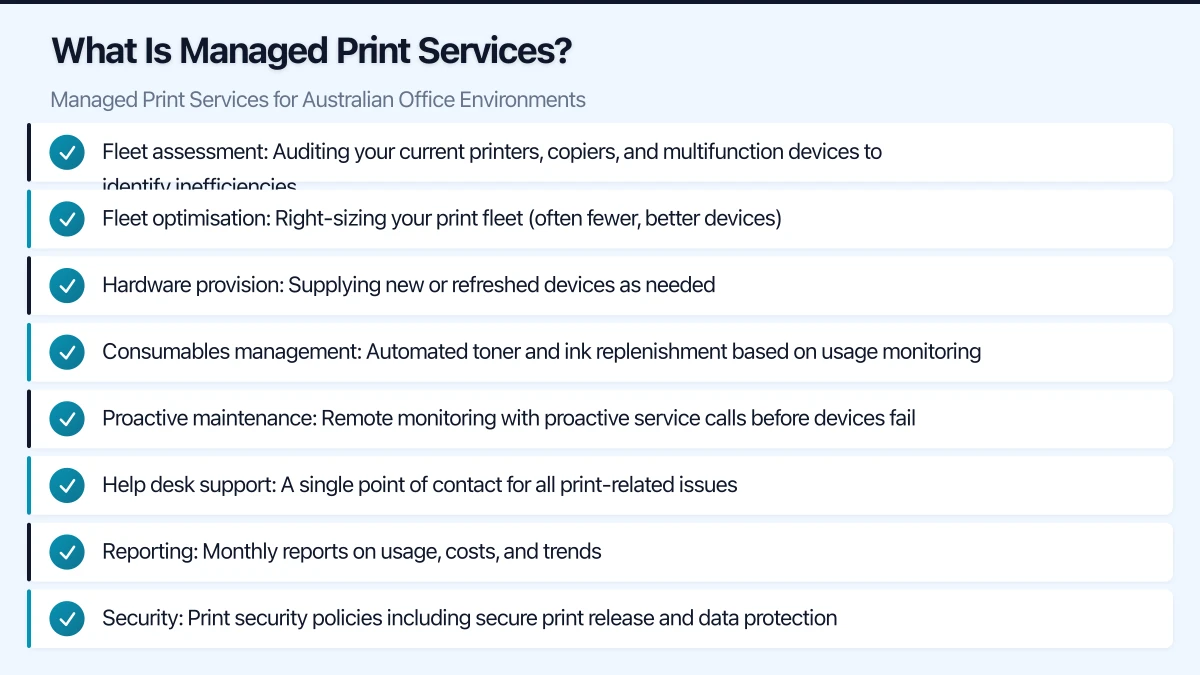
MPS is an outsourced arrangement where a provider takes responsibility for your entire print environment. A typical MPS engagement includes:
- Fleet assessment: Auditing your current printers, copiers, and multifunction devices to identify inefficiencies
- Fleet optimisation: Right-sizing your print fleet (often fewer, better devices)
- Hardware provision: Supplying new or refreshed devices as needed
- Consumables management: Automated toner and ink replenishment based on usage monitoring
- Proactive maintenance: Remote monitoring with proactive service calls before devices fail
- Help desk support: A single point of contact for all print-related issues
- Reporting: Monthly reports on usage, costs, and trends
- Security: Print security policies including secure print release and data protection
Why Australian Businesses Choose MPS
Cost Reduction
Most MPS engagements deliver 20 to 30 percent reduction in total print costs. The savings come from:
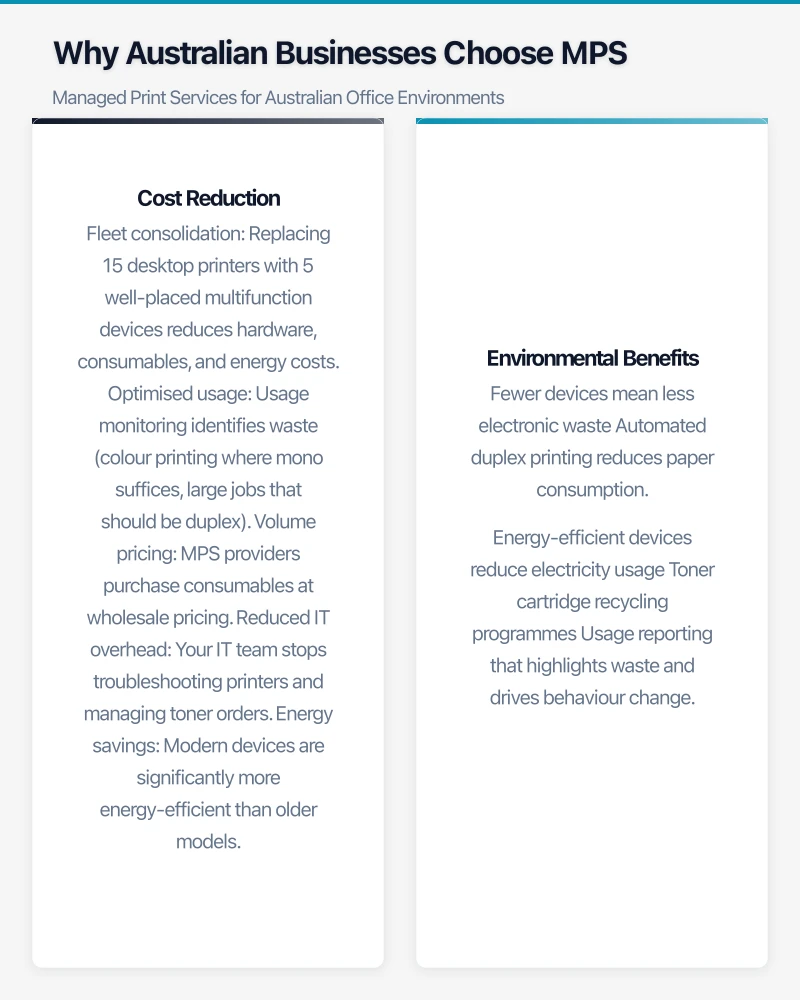
- Fleet consolidation: Replacing 15 desktop printers with 5 well-placed multifunction devices reduces hardware, consumables, and energy costs
- Optimised usage: Usage monitoring identifies waste (colour printing where mono suffices, large jobs that should be duplex)
- Volume pricing: MPS providers purchase consumables at wholesale pricing
- Reduced IT overhead: Your IT team stops troubleshooting printers and managing toner orders
- Energy savings: Modern devices are significantly more energy-efficient than older models
Predictable Costs
Instead of unpredictable expenses (a printer breaks down, toner runs out, a copier lease is due), MPS provides a predictable monthly cost per page or per device. This simplifies budgeting and eliminates surprise expenses.
Improved Uptime
Proactive monitoring means issues are often detected and resolved before users notice. When a toner cartridge is running low, a replacement arrives automatically. When a device shows signs of an impending paper feed issue, a technician is dispatched before it becomes a jam that stops the office.
Environmental Benefits
MPS providers help Australian businesses reduce their environmental footprint:
- Fewer devices mean less electronic waste
- Automated duplex printing reduces paper consumption
- Energy-efficient devices reduce electricity usage
- Toner cartridge recycling programmes
- Usage reporting that highlights waste and drives behaviour change
Assessing Your Current Print Environment
Before engaging an MPS provider, understand your starting point:
Print Fleet Audit
Document every printing device in your business:
- Device type (printer, copier, multifunction, scanner)
- Make and model
- Age and condition
- Monthly volume (pages per month)
- Colour vs monochrome capability
- Location within the office
- Connectivity (network, USB, WiFi)
- Current consumable costs per page
Cost Analysis
Calculate your true cost of printing:
Direct costs:
- Hardware purchases and lease payments
- Toner, ink, and drum cartridges
- Paper
- Maintenance contracts and repair costs
Indirect costs:
- IT staff time managing printers (estimate hours per month)
- Downtime when printers are unavailable
- Electricity for devices that are always on
- Storage space for consumables inventory
Cost per page calculation:
Total monthly printing costs divided by total monthly pages printed equals your cost per page.
For Australian businesses, typical unmanaged costs are:
- Monochrome: 3 to 8 cents per page
- Colour: 12 to 25 cents per page
MPS providers typically deliver:
- Monochrome: 1.5 to 4 cents per page
- Colour: 6 to 12 cents per page
Usage Patterns
Understanding how your business prints helps optimise the fleet:
- What percentage of printing is colour vs monochrome?
- What percentage is single-sided vs duplex?
- Who are the heaviest print users?
- What are the peak printing times?
- How much printing could be replaced by digital workflows?
Choosing an MPS Provider
Key Australian MPS Providers
Several providers serve the Australian MPS market:
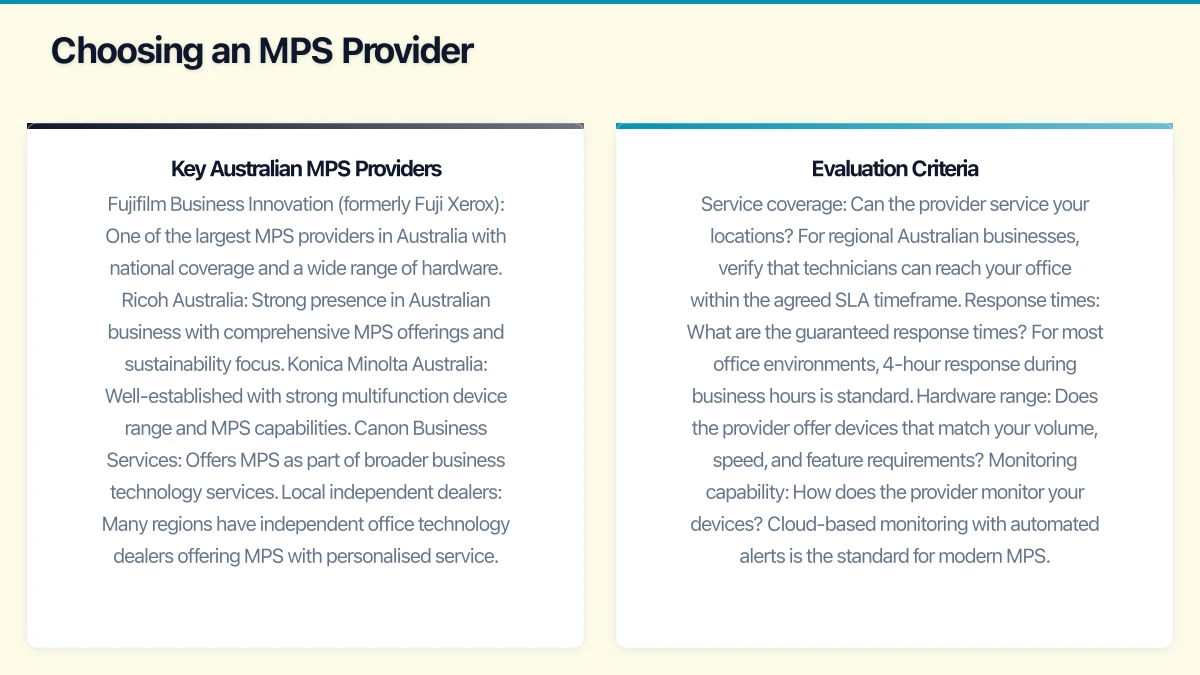
- Fujifilm Business Innovation (formerly Fuji Xerox): One of the largest MPS providers in Australia with national coverage and a wide range of hardware.
- Ricoh Australia: Strong presence in Australian business with comprehensive MPS offerings and sustainability focus.
- Konica Minolta Australia: Well-established with strong multifunction device range and MPS capabilities.
- Canon Business Services: Offers MPS as part of broader business technology services.
- Local independent dealers: Many regions have independent office technology dealers offering MPS with personalised service.
Evaluation Criteria
Service coverage: Can the provider service your locations? For regional Australian businesses, verify that technicians can reach your office within the agreed SLA timeframe.
Response times: What are the guaranteed response times? For most office environments, 4-hour response during business hours is standard. Critical environments may need faster SLAs.
Hardware range: Does the provider offer devices that match your volume, speed, and feature requirements?
Monitoring capability: How does the provider monitor your devices? Cloud-based monitoring with automated alerts is the standard for modern MPS.
Flexibility: Can you scale up or down as your business changes? What happens if you add a new office or reduce headcount?
Contract terms: What is the contract length? Typical MPS contracts run 3 to 5 years. Understand what happens at the end of the term and what exit provisions exist.
Security capabilities: Does the provider support secure print release, hard drive encryption, and data wiping at end of life?
Questions to Ask MPS Providers
- How do you calculate cost per page, and what is included in that cost?
- What hardware brands and models do you offer?
- What is your average response time for service calls in our area?
- How do you handle consumables replenishment?
- What reporting and analytics do you provide?
- Can you integrate with our existing IT infrastructure (Active Directory, print servers)?
- What happens if we need to add or remove devices during the contract?
- How do you handle device data security at end of life?
- What is the process for transitioning from our current environment?
- Can you provide references from similar Australian businesses?
Security Considerations
Print security is often overlooked, but modern multifunction devices are networked computers that store data, process documents, and connect to your network.
Print Security Risks
- Uncollected printouts: Sensitive documents left in output trays visible to anyone walking by
- Device hard drives: Multifunction devices store copies of every document printed, scanned, or copied
- Network access: An unsecured printer can be an entry point for network attacks
- Data in transit: Documents sent to printers over the network may be intercepted if not encrypted
- Former employee access: Print access not revoked when staff leave
Security Features to Require
- Secure print release: Documents are held in a queue and only printed when the user authenticates at the device (PIN, card, or badge)
- Hard drive encryption: Data stored on device hard drives is encrypted
- Data overwrite: Automatic overwrite of stored data after each job
- End-of-life data wiping: Certified data destruction when devices are returned or decommissioned
- Network segmentation: Printers on a separate network VLAN with controlled access
- Firmware updates: Regular firmware updates to address security vulnerabilities
- User authentication: Integration with Active Directory for user identification and access control
- Audit logging: Tracking of who printed what and when
For Australian businesses subject to the Privacy Act, healthcare regulations, or financial services compliance, print security is not optional. A confidential document left in a printer tray or data recovered from a decommissioned device’s hard drive constitutes a potential data breach.
Implementation Process
Phase 1: Assessment (2-4 weeks)
- MPS provider conducts a detailed audit of your current print environment
- Usage data is collected (some providers install monitoring software for 2 to 4 weeks)
- A proposal is developed with recommended fleet, pricing, and projected savings
Phase 2: Design (1-2 weeks)
- Finalise device placement and specifications
- Configure print policies (duplex defaults, colour restrictions, quotas)
- Plan network integration and security settings
- Develop a rollout schedule
Phase 3: Deployment (1-4 weeks, depending on fleet size)
- New devices are delivered and installed
- Network configuration and driver deployment
- Secure print release setup
- User training
- Old devices are removed and responsibly recycled
Phase 4: Ongoing Management
- Automated monitoring and consumables replenishment
- Proactive maintenance and service calls
- Monthly reporting and quarterly reviews
- Continuous optimisation based on usage data
Reducing Print Volume
The most effective way to reduce printing costs is to print less. MPS providers can help implement:
- Default duplex printing: Reduces paper usage by up to 50 percent
- Default monochrome: Users must deliberately select colour, reducing unnecessary colour printing
- Print quotas: Setting monthly page limits per user or department
- Scan-to-email and scan-to-cloud: Replacing printed document distribution with digital alternatives
- Digital forms: Replacing paper forms with electronic alternatives
- Follow-me printing: Documents print only when the user walks to a device and authenticates, eliminating abandoned print jobs
Cost Example
For a 40-person Australian office currently spending AUD 4,000 per month on printing (hardware, consumables, maintenance, IT time):
Current state:
- 12 devices (mix of desktop printers and 2 copiers)
- 15,000 pages per month (40% colour)
- Effective cost per page: 12 cents monochrome, 22 cents colour
- Monthly total: approximately AUD 4,000
After MPS:
- 5 multifunction devices (strategically placed)
- Same volume but optimised (30% colour after defaults changed)
- Cost per page: 3 cents monochrome, 8 cents colour
- Monthly total: approximately AUD 2,400
Annual saving: approximately AUD 19,200
The exact savings depend on your current environment, but 20 to 40 percent reductions are common.
Making the Decision
If your Australian business has more than 10 employees and multiple printing devices, MPS is worth investigating. The assessment is typically free (providers want to win your business), so there is little risk in having a conversation.
Focus on finding a provider that understands your business, offers transparent pricing, can service your locations reliably, and treats print security seriously. The right MPS partner simplifies your office operations, reduces costs, and eliminates one of those ongoing IT headaches that quietly drains productivity and budget.
Strong cloud infrastructure is the foundation — a great website is the shopfront. Cosmos Web Tech helps Australian businesses turn technical capability into online growth.
Part of the Ganda Tech Services family, Cloud Geeks delivers specialist IT and cloud solutions for Australian small and medium businesses.