
Managed IT Services: What Australian SMBs Should Expect
Managed IT Services: What Australian SMBs Should Expect
For many Australian small and medium businesses, hiring a full-time IT team is neither practical nor affordable. A managed IT services provider (MSP) offers a middle path — professional IT management and support without the overhead of in-house staff. But the managed services landscape in Australia is crowded, and not all providers deliver the same level of service.
This guide explains what managed IT services actually includes, what it should cost, and how to evaluate providers so you get genuine value for your investment.
What Are Managed IT Services?
Managed IT services is a model where a third-party provider takes responsibility for some or all of your IT operations. Instead of calling someone when things break (the traditional “break-fix” model), a managed services provider proactively monitors, maintains, and supports your IT environment.
The core idea is simple: prevent problems before they happen, and resolve them quickly when they do.
What a Typical MSP Provides
While offerings vary between providers, a comprehensive managed IT service typically includes:
Proactive Management
- 24/7 monitoring of servers, networks, and endpoints
- Automated patch management for operating systems and applications
- Antivirus and security management
- Backup monitoring and management
- Performance monitoring and optimisation
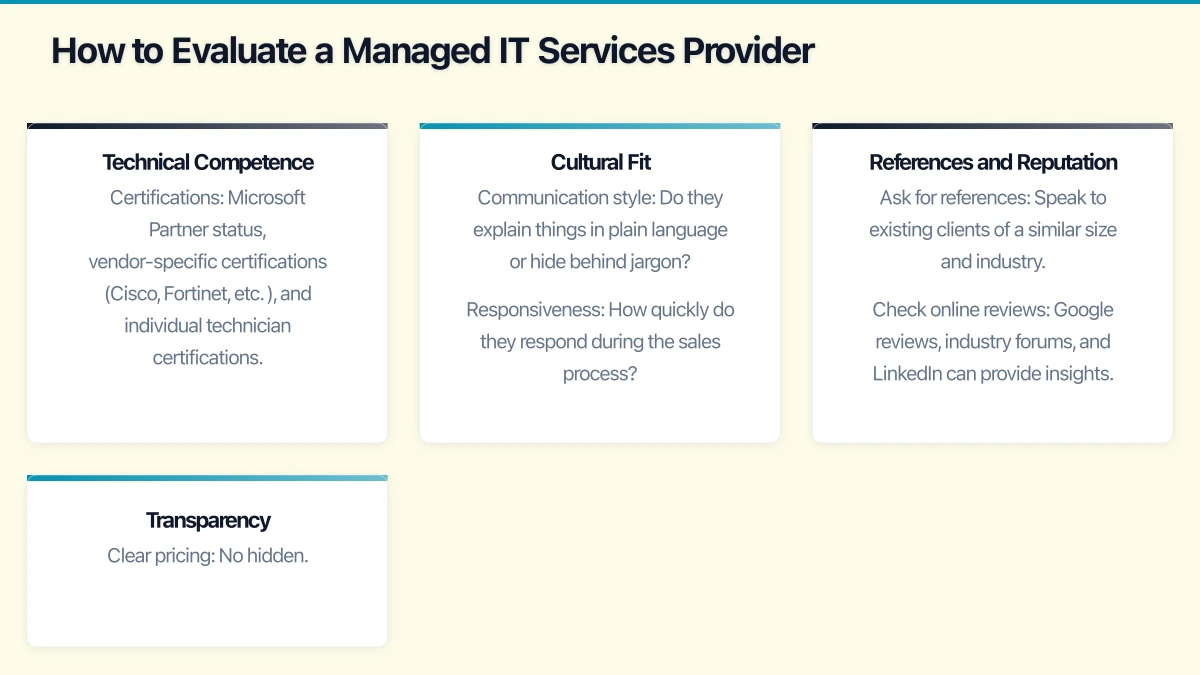
Reactive Support
- Help desk support for day-to-day IT issues
- Remote and on-site technical support
- Escalation paths for complex problems
- After-hours emergency support
Strategic Services
- IT planning and budgeting
- Technology roadmap development
- Vendor management (dealing with your internet provider, software vendors, etc.)
- Compliance guidance
- Regular account reviews
Project Work
- Office moves and setups
- Server and network upgrades
- Cloud migrations
- Software deployments
- New staff onboarding
Pricing Models
Understanding how MSPs charge is essential for evaluating value. The main pricing models in the Australian market are:
Per-User Pricing
You pay a fixed monthly fee per user. This typically covers all the devices that user uses (desktop, laptop, mobile) and all the support they need.
Typical range: $80 to $180 per user per month, depending on the scope of services.
Pros: Simple to budget. Scales naturally as your team grows or shrinks. Cons: Costs can seem high if you have many users with simple needs.
Per-Device Pricing
You pay a fixed monthly fee per device (server, desktop, laptop, network device).
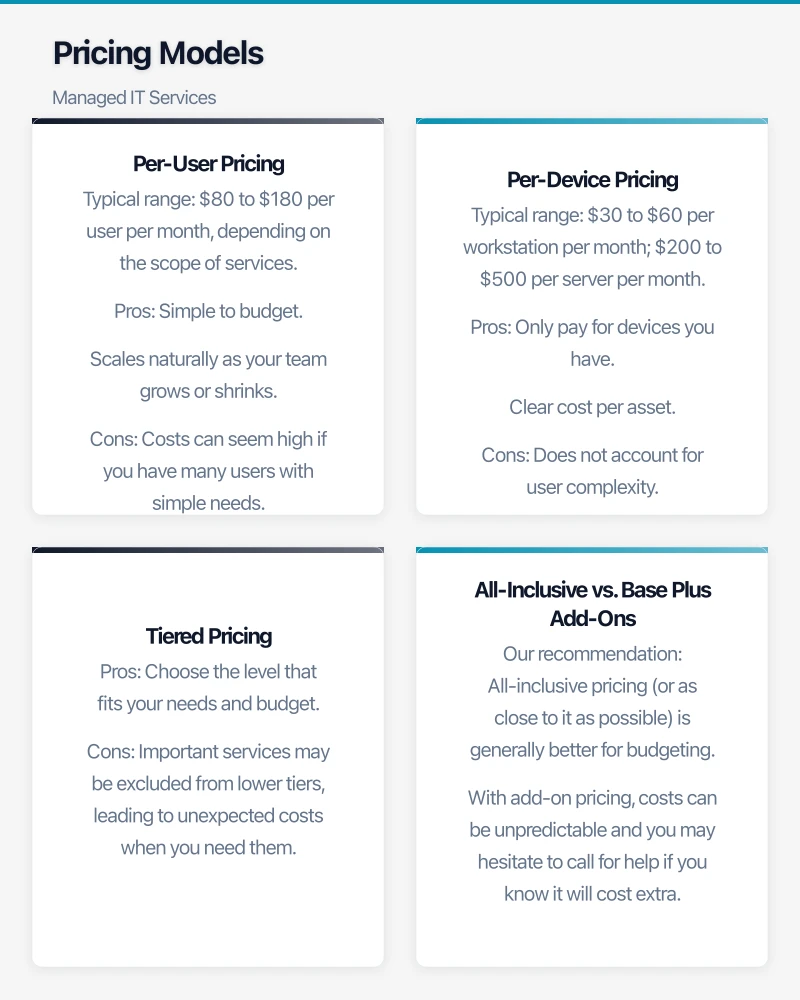
Typical range: $30 to $60 per workstation per month; $200 to $500 per server per month.
Pros: Only pay for devices you have. Clear cost per asset. Cons: Does not account for user complexity. Adding a second device for a user doubles the cost.
Tiered Pricing
The provider offers packages at different levels — for example, Bronze, Silver, and Gold — with increasing levels of service and coverage.
Pros: Choose the level that fits your needs and budget. Cons: Important services may be excluded from lower tiers, leading to unexpected costs when you need them.
All-Inclusive vs. Base Plus Add-Ons
Some MSPs offer a comprehensive all-inclusive price. Others offer a base service with additional charges for project work, on-site visits, after-hours support, or services beyond the standard scope.
Our recommendation: All-inclusive pricing (or as close to it as possible) is generally better for budgeting. With add-on pricing, costs can be unpredictable and you may hesitate to call for help if you know it will cost extra.
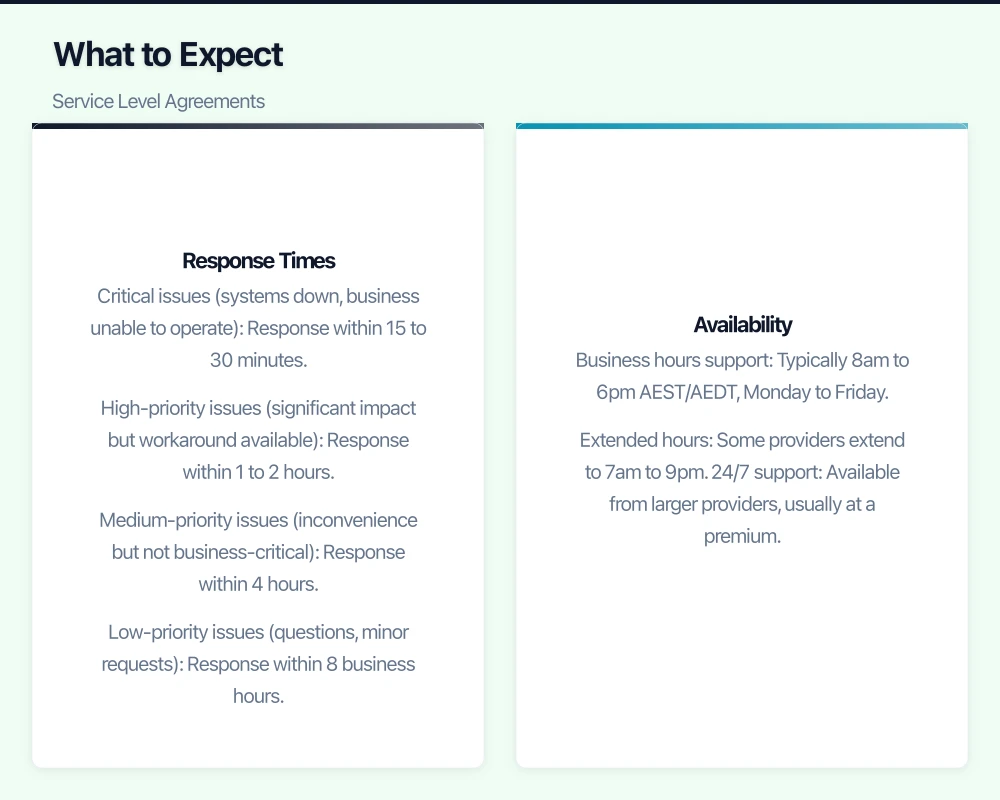
What to Expect: Service Level Agreements
A Service Level Agreement (SLA) defines the standards the MSP commits to. Key SLA elements include:
Response Times
How quickly will the MSP acknowledge your request? Typical targets:
- Critical issues (systems down, business unable to operate): Response within 15 to 30 minutes.
- High-priority issues (significant impact but workaround available): Response within 1 to 2 hours.
- Medium-priority issues (inconvenience but not business-critical): Response within 4 hours.
- Low-priority issues (questions, minor requests): Response within 8 business hours.
Note the difference between response time and resolution time. Response means acknowledging the issue and starting to work on it. Resolution times vary depending on the complexity of the problem.
Availability
What hours is support available? Most MSPs offer:
- Business hours support: Typically 8am to 6pm AEST/AEDT, Monday to Friday.
- Extended hours: Some providers extend to 7am to 9pm.
- 24/7 support: Available from larger providers, usually at a premium.
For most Australian SMBs, business hours support with an after-hours emergency line is sufficient.
Uptime Guarantees
If the MSP manages your servers or cloud infrastructure, the SLA may include uptime commitments — commonly 99.9% (about 8.7 hours of downtime per year) or 99.99% (about 52 minutes per year).
Understand what the guarantee covers and what happens if it is not met. Some SLAs include service credits; others do not.
How to Evaluate a Managed IT Services Provider
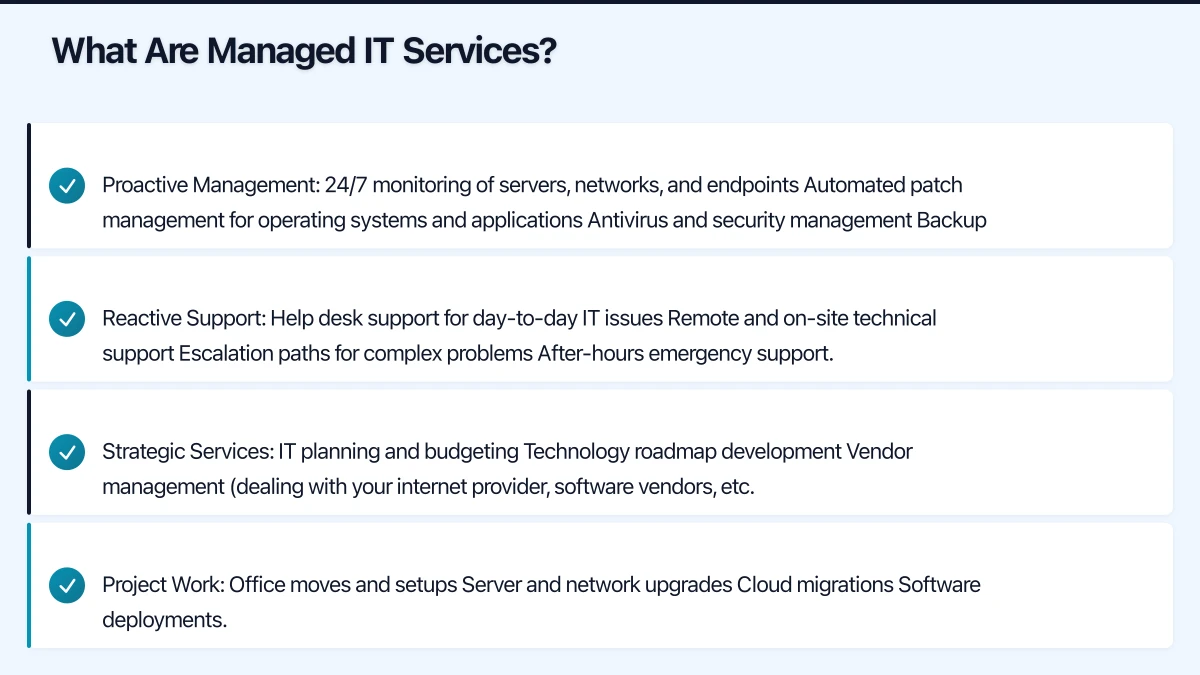
Technical Competence
Look for:
- Certifications: Microsoft Partner status, vendor-specific certifications (Cisco, Fortinet, etc.), and individual technician certifications.
- Experience with your systems: Ask about their experience with the specific platforms and applications your business uses.
- Specialisation: Some MSPs specialise in particular industries (healthcare, legal, accounting). If your industry has specific IT requirements, a specialist provider may offer better value.
Cultural Fit
You will be working closely with your MSP. Consider:
- Communication style: Do they explain things in plain language or hide behind jargon?
- Responsiveness: How quickly do they respond during the sales process? This is a preview of their service.
- Proactivity: Do they offer suggestions and improvements, or just wait for you to report problems?
- Local presence: Are they based in your city or state? On-site support may be needed from time to time.
References and Reputation
- Ask for references: Speak to existing clients of a similar size and industry.
- Check online reviews: Google reviews, industry forums, and LinkedIn can provide insights.
- Ask about client retention: A provider that keeps clients for years is doing something right.
Transparency
- Clear pricing: No hidden fees or vague inclusions.
- Regular reporting: Monthly reports on tickets, response times, and system health.
- Honest advice: A good MSP will tell you when you do not need to spend money, not just when you do.
Red Flags to Watch For
Be cautious of providers that:
- Will not provide a clear scope of services in writing: If they cannot define what is included, expect disputes.
- Lock you into long contracts without performance clauses: Reasonable contract lengths are 12 to 36 months, but ensure there are exit provisions if service is consistently poor.
- Do not perform an onboarding assessment: A provider that quotes without understanding your environment is guessing.
- Have no after-hours support option: Even if you rarely need it, emergencies do not respect business hours.
- Cannot explain their security practices: Your MSP will have access to your most sensitive systems. They must take their own security seriously.
- Resist documentation: A good MSP documents your environment thoroughly. This protects both parties.
The Onboarding Process
When you engage a new MSP, expect an onboarding process that typically takes two to four weeks:
- Discovery and documentation: The MSP audits your environment, documents all systems, accounts, and configurations.
- Tool deployment: They install their monitoring and management tools on your devices and servers.
- Knowledge transfer: You share passwords, vendor contacts, and historical information about your systems.
- Staff introduction: Your team is introduced to the MSP’s help desk and shown how to log support requests.
- Initial remediation: The MSP addresses any urgent issues identified during discovery.
- Strategic review: Within the first month, expect a meeting to discuss findings and a recommended technology roadmap.
Making the Relationship Work
A managed IT services relationship is a partnership. To get the most value:
- Communicate openly: Tell your MSP about business changes (new staff, office moves, new projects) early so they can plan accordingly.
- Use the help desk: Do not let issues fester. Log tickets so the MSP can track patterns and address root causes.
- Attend regular reviews: Most MSPs offer quarterly or monthly reviews. Use these to discuss performance, upcoming needs, and strategic planning.
- Provide feedback: If something is not working, say so. Good providers welcome constructive feedback.
- Plan ahead: Give your MSP advance notice of projects, new hires, and major changes.
Is Managed IT Right for Your Business?
Managed IT services is a good fit if:
- You have 5 to 200 staff and no dedicated IT team (or a small team that needs supplementary support)
- IT issues are consuming time that should be spent on your core business
- You want predictable monthly IT costs
- Security and reliability are important to your business
- You need strategic IT guidance, not just break-fix support
If your business is very small (one or two people) with minimal IT needs, a break-fix arrangement or a tech-savvy friend may suffice for now. But as soon as your business relies on its IT systems to operate, professional management becomes a wise investment.
Final Thoughts
The right managed IT services provider becomes a trusted advisor to your business, not just a tech support line. They should understand your business goals and align technology to support them. Take the time to evaluate your options, ask the right questions, and choose a provider that fits your business culture and needs.
The Australian MSP market is competitive, which works in your favour. There are many excellent providers — and a few mediocre ones. Doing your due diligence upfront saves you the significant cost and disruption of switching providers later.
Need a web presence to complement your cloud setup? Our web team at Cosmos Web Tech designs fast, secure websites for Australian businesses.
Cloud Geeks is the IT infrastructure division of Ganda Tech Services, providing managed cloud and cybersecurity solutions to Australian businesses.