
IT Strategic Planning for Australian SMBs Entering 2023
IT Strategic Planning for Australian SMBs Entering 2023
As 2022 draws to a close, it is time to look ahead. For Australian small businesses, technology decisions made now will shape your competitiveness, security, and operational efficiency throughout 2023 and beyond.
IT strategic planning does not need to be a complex, month-long exercise for a small business. A focused planning process that aligns technology investments with business goals can be completed in a few days and will save you from reactive, unplanned spending throughout the year.
Step 1: Review 2022
Before planning forward, look back at what happened this year.
IT Spend Analysis
Pull your 2022 IT spending data from your accounting system and categorise it:
- Subscriptions and licensing: Microsoft 365, cloud services, SaaS tools, security software
- Hardware: Laptops, monitors, phones, printers, networking equipment
- Professional services: MSP fees, consultant fees, project work
- Telecommunications: Internet, phone, mobile plans
- One-off projects: Migrations, upgrades, new implementations
Questions to answer:
- Did total IT spend increase, decrease, or stay flat compared to 2021?
- Were there unplanned expenses? What caused them?
- Which investments delivered clear business value?
- Which tools or services are underutilised?
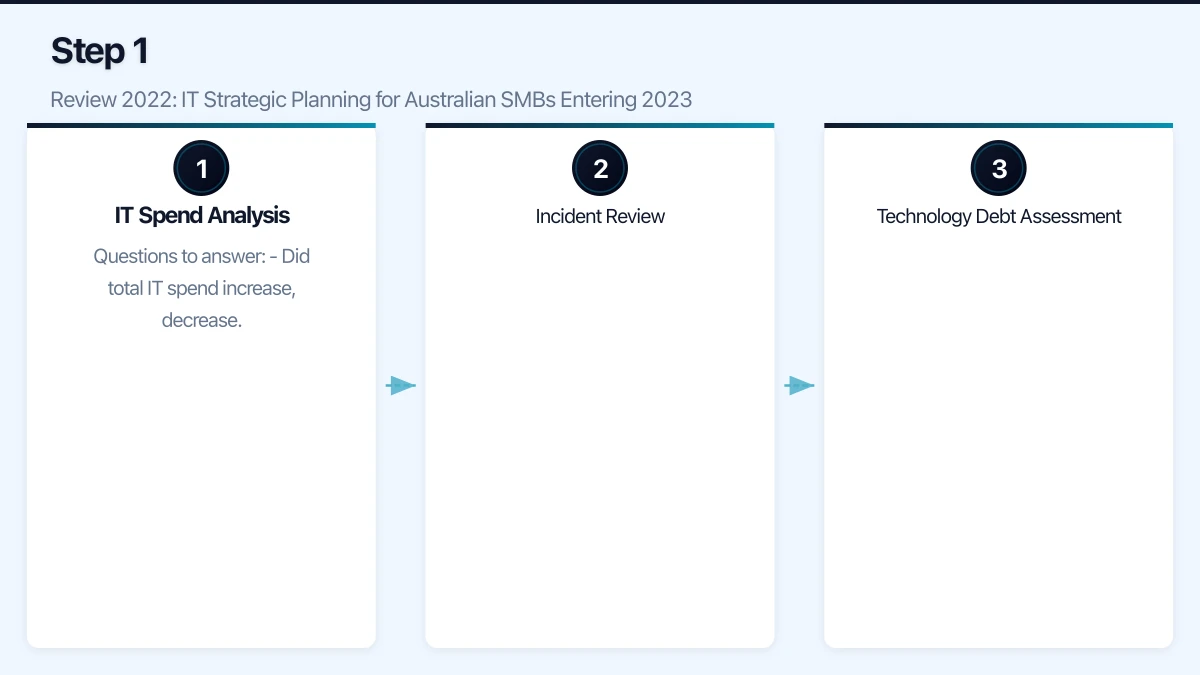
Incident Review
Document significant IT incidents from 2022:
- System outages and their causes
- Security incidents (phishing attempts, malware, data breaches)
- Help desk trends (what issues consumed the most support time?)
- Vendor performance issues
Each incident is a learning opportunity. If you experienced repeated outages from the same system, that system needs attention in your 2023 plan.
Technology Debt Assessment
Identify systems and practices that are past their best:
- Devices approaching end-of-life (laptops over 3 years old, servers over 4 years old)
- Software running on unsupported versions
- Manual processes that should be automated
- Workarounds that have become permanent
- Documentation gaps
Technology debt accumulates interest. The longer you defer addressing it, the more expensive and risky it becomes.
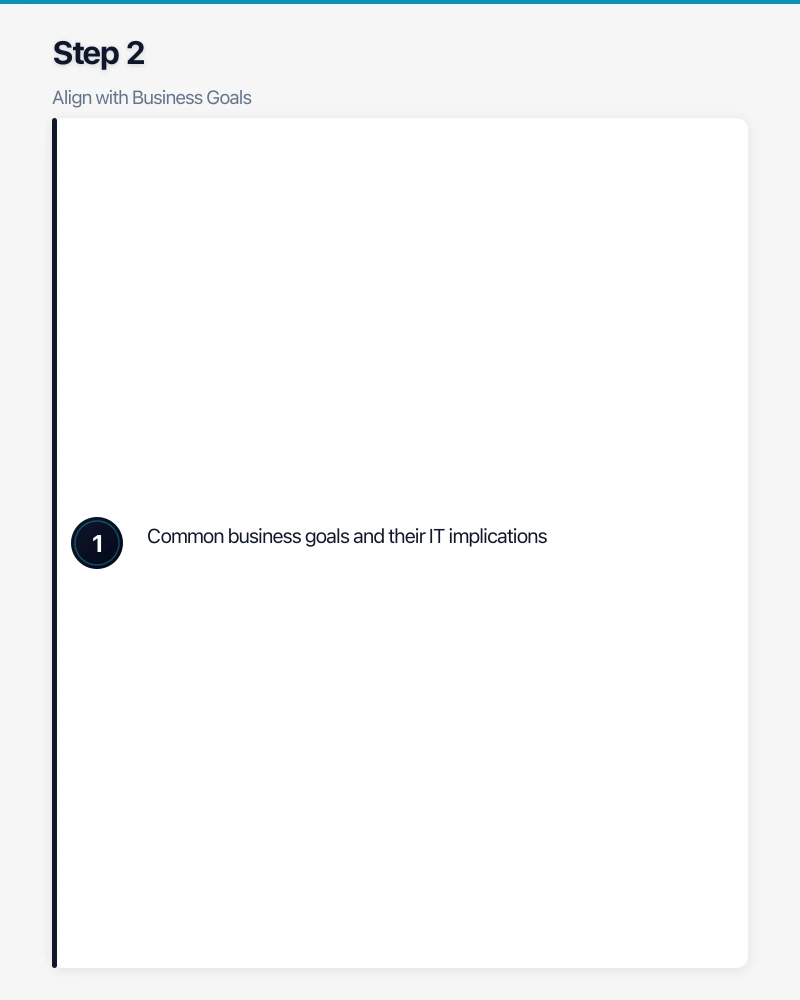
Step 2: Align with Business Goals
Your IT plan must support your business plan. If the business is growing, IT must support that growth. If the business is optimising costs, IT should contribute to efficiency.
Common business goals and their IT implications:
| Business Goal | IT Implications |
|---|---|
| Grow revenue by 20% | Scale infrastructure, add licences, ensure systems handle increased load |
| Expand to a second office | Network connectivity, SD-WAN, unified phone system |
| Hire 10 new staff | Device procurement, licence planning, onboarding automation |
| Improve customer experience | CRM optimisation, communication tools, customer-facing technology |
| Reduce operating costs | Cloud optimisation, software licence audit, automation |
| Enter government market | Security compliance (Essential Eight), data sovereignty |
| Enable hybrid work | Remote access, collaboration tools, device management |
If your business does not have a formal plan for 2023, have a conversation with the business owner or leadership team about priorities. Understanding the direction helps you allocate IT resources effectively.
Step 3: Define Technology Priorities for 2023
Based on your 2022 review and business alignment, define your top priorities.
Security Investments
The Australian threat landscape continues to intensify. The high-profile breaches of 2022 have demonstrated that Australian businesses of all sizes are targets. Security should be a priority for every SMB.
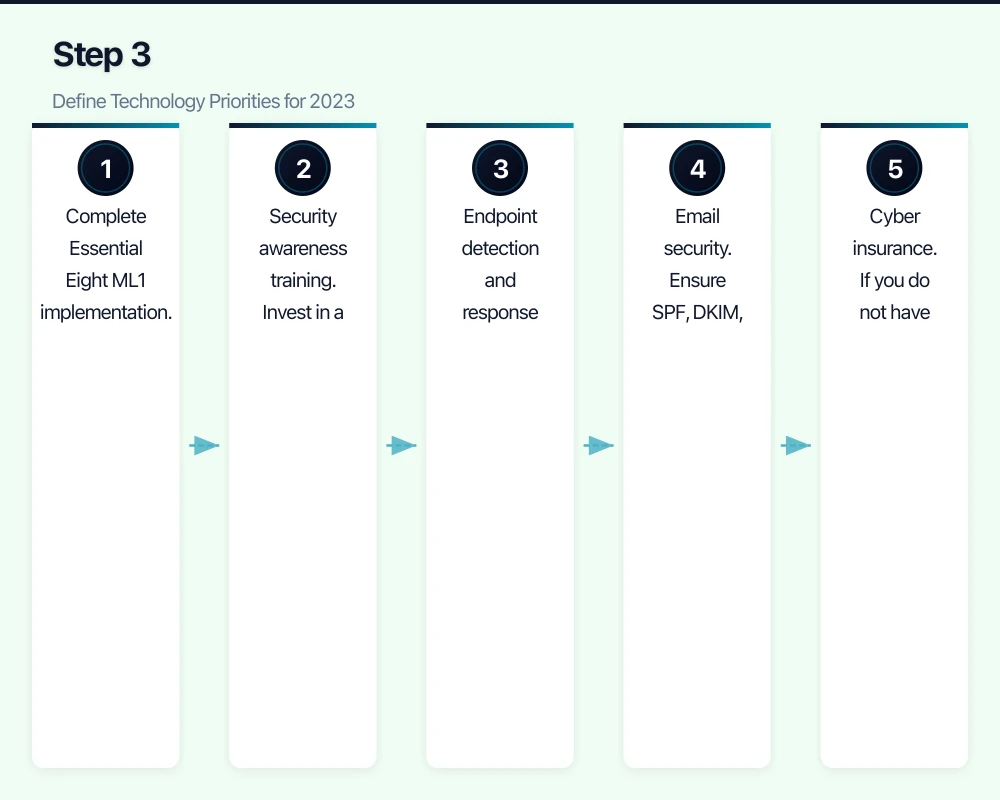
2023 security priorities for Australian SMBs:
- Complete Essential Eight ML1 implementation. If you have not started, begin with MFA, patching, and backups. If you have started, close the gaps.
- Security awareness training. Invest in a platform like KnowBe4, Proofpoint Security Awareness, or Mimecast Awareness Training. Budget approximately $3 to $8 per user per month.
- Endpoint detection and response (EDR). Move beyond basic antivirus. Microsoft Defender for Endpoint (included in Business Premium) or CrowdStrike Falcon provides better protection against modern threats.
- Email security. Ensure SPF, DKIM, and DMARC are fully implemented. Consider advanced email security (Defender for Office 365 or a third-party solution).
- Cyber insurance. If you do not have it, budget for it. If you do, review your coverage and ensure it matches your risk profile.
Cloud and Infrastructure
Evaluate cloud readiness for remaining on-premise workloads. If you still have on-premise servers, assess whether they should move to the cloud in 2023. Common candidates:
- File servers (migrate to SharePoint or Azure Files)
- On-premise Exchange (migrate to Exchange Online)
- On-premise applications (migrate to Azure VMs or SaaS alternatives)
- On-premise backup targets (replace with cloud backup)
Review Microsoft 365 licensing. Ensure you are on the right plan. Many SMBs are either overpaying (premium licences for users who need basic) or underpaying (missing out on security features in Business Premium).
Plan hardware refreshes. Identify devices reaching end-of-life in 2023 and budget for replacements. Ordering in advance avoids emergency purchases when devices fail.
Productivity and Collaboration
Optimise Microsoft Teams. If your team adopted Teams during the pandemic and has been using it in its default configuration, there is likely room for improvement:
- Review team and channel structure
- Implement governance policies
- Configure Teams Phone if still using a legacy phone system
- Train staff on advanced features (recording, breakout rooms, task management)
Automate repetitive processes. Identify manual processes that consume significant time and evaluate automation using Power Automate, Zapier, or custom solutions. Common automation candidates:
- Employee onboarding and offboarding
- Invoice processing and approval
- Report generation and distribution
- Data entry between systems
Compliance and Governance
Privacy Act compliance. Review your data handling practices against the Australian Privacy Principles. The OAIC has increased enforcement activity, and the Privacy Act review may result in changes in 2023.
Data sovereignty. Audit where your business data is stored and ensure it meets your obligations and customer expectations.
Documentation. If your IT documentation is weak, commit to building it in 2023. This reduces risk and makes every other IT activity more efficient.
Step 4: Build the Budget
Structuring Your IT Budget
Divide your IT budget into three categories:
Run (maintain current operations): 60-70% of budget
- Software subscriptions and licences
- Hardware maintenance and replacements
- MSP or internal IT staff costs
- Internet and telecommunications
- Backup and security tools
Grow (support business growth): 15-25% of budget
- New tools and platforms
- Additional licences for new staff
- Infrastructure scaling
- Training and skill development
Transform (strategic improvements): 10-20% of budget
- Cloud migrations
- Automation projects
- Security uplift initiatives
- New capability deployment
Benchmarking Your IT Spend
Australian SMBs typically spend 3 to 7% of revenue on IT. This varies significantly by industry:
- Professional services: 3-5%
- Retail: 2-4%
- Healthcare: 3-6%
- Manufacturing: 2-4%
- Technology companies: 5-10%
If you are spending under 3% of revenue on IT, you are likely underinvesting and accumulating technology debt. If you are spending over 7%, review for inefficiencies or confirm the spending is driving proportional business value.
Budget Template
A simple budget structure for an Australian SMB with 20 staff:
| Category | Monthly | Annual |
|---|---|---|
| Microsoft 365 licences (20 users) | $660 | $7,920 |
| Security tools (EDR, backup, training) | $400 | $4,800 |
| Internet and telecoms | $350 | $4,200 |
| MSP or IT support | $2,000 | $24,000 |
| Hardware refresh fund | $500 | $6,000 |
| Cloud infrastructure (Azure) | $400 | $4,800 |
| SaaS subscriptions (CRM, PM, etc.) | $500 | $6,000 |
| IT projects fund | $800 | $9,600 |
| Contingency (10%) | $560 | $6,720 |
| Total | $6,170 | $74,040 |
Adjust these figures based on your specific needs and business size.
Step 5: Create the Roadmap
Map your priorities against the calendar year. Avoid trying to do everything in Q1.
Q1 2023 (January-March):
- Complete hardware refresh for end-of-life devices
- Implement or verify MFA across all systems
- Conduct security awareness training kickoff
- Review and optimise Microsoft 365 licences
- Set up IT documentation framework
Q2 2023 (April-June):
- Implement EDR across all endpoints
- Begin cloud migration project (if applicable)
- Automate one key business process
- Conduct first DR test of the year
- Review Q1 spend against budget
Q3 2023 (July-September):
- Complete cloud migration project
- Implement Essential Eight improvements
- Mid-year IT spend review and reforecast
- Conduct security assessment or penetration test
- Review and update IT policies
Q4 2023 (October-December):
- Complete remaining 2023 projects
- Begin planning for 2024
- Annual documentation review and update
- Hardware planning for FY 2023-24 replacements
- Renew annual contracts and licences
Step 6: Communicate and Get Buy-In
Your IT plan needs support from business leadership and buy-in from staff.
For leadership: Present the plan in business terms. Focus on:
- How IT investments support business goals
- The risks of underinvestment (security incidents, downtime, competitive disadvantage)
- Total cost and expected return (or cost avoidance)
- Quarterly milestones so progress is visible
For staff: Communicate upcoming changes early. If you are implementing new security measures (MFA, security training), explain the why before the what. People accept change more readily when they understand the reason.
Making It Happen
The most common failure in IT strategic planning is creating a plan and then not executing it. Avoid this by:
- Reviewing monthly: Spend 30 minutes each month checking progress against the plan
- Assigning ownership: Every initiative needs a person responsible for delivery
- Being flexible: The plan will need adjustments as business conditions change. That is normal.
- Celebrating progress: When you complete a milestone, acknowledge it. This builds momentum for the next one.
An IT strategic plan does not guarantee a perfect technology year. But it does ensure that your IT investments are deliberate, aligned with your business, and prioritised for maximum impact. That is a significant advantage over the alternative: making IT decisions reactively throughout the year and hoping for the best.
Looking for a website that matches your enterprise-grade infrastructure? Cosmos Web Tech specialises in responsive web design and SEO for Australian businesses.
Ganda Tech Services brings together cloud infrastructure, web development, and mobile app expertise to help Australian businesses thrive in the digital economy.