
IT Security Awareness Training for Australian Employees
IT Security Awareness Training for Australian Employees
Your employees are simultaneously your greatest cybersecurity asset and your most significant vulnerability. No firewall, antivirus, or security tool can fully protect your business if an employee clicks a phishing link, shares credentials with a social engineer, or uses “password123” for their business accounts.
The ACSC’s Annual Cyber Threat Report continues to identify human factors as a primary enabler of cyber incidents. Phishing, social engineering, and credential compromise all exploit human behaviour rather than technical vulnerabilities. In 2023, with business email compromise and sophisticated phishing campaigns targeting Australian organisations of all sizes, security awareness training is not optional. It is essential.
This guide provides a practical framework for building an effective security awareness training programme for your Australian business.
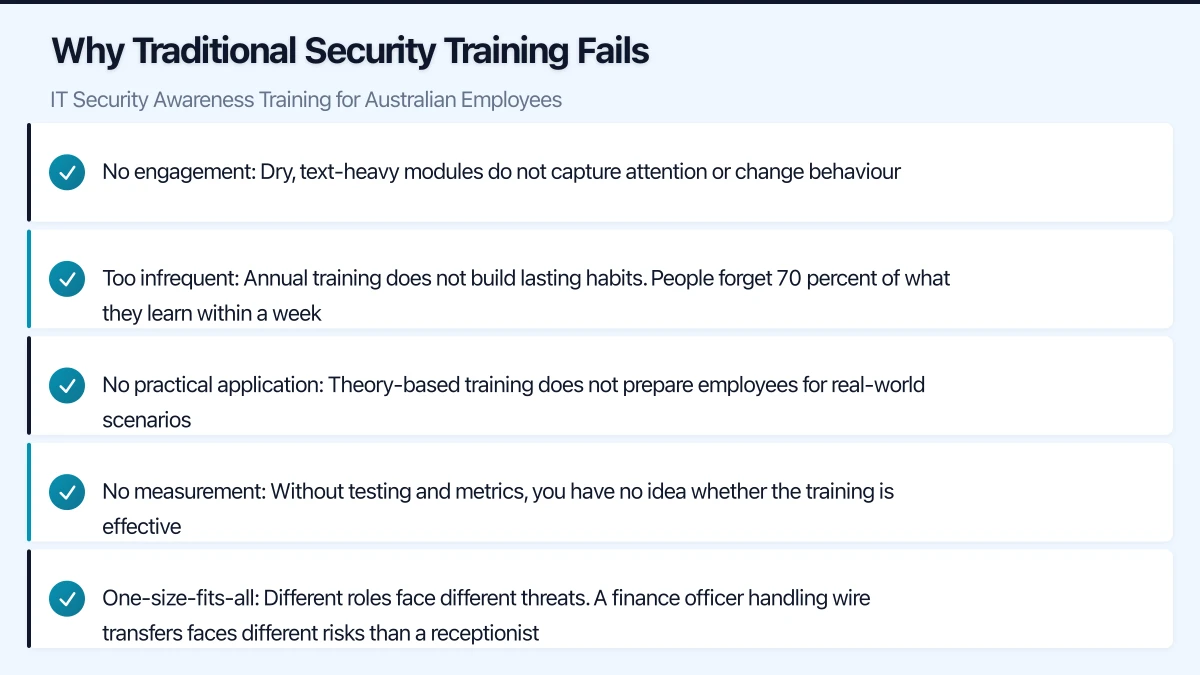
Why Traditional Security Training Fails
Many Australian businesses approach security training as a compliance exercise: an annual presentation or a checkbox e-learning module that employees click through as quickly as possible. This approach fails because:
- No engagement: Dry, text-heavy modules do not capture attention or change behaviour
- Too infrequent: Annual training does not build lasting habits. People forget 70 percent of what they learn within a week
- No practical application: Theory-based training does not prepare employees for real-world scenarios
- No measurement: Without testing and metrics, you have no idea whether the training is effective
- One-size-fits-all: Different roles face different threats. A finance officer handling wire transfers faces different risks than a receptionist
Building an Effective Programme
Core Principles
An effective security awareness programme is:
- Continuous: Regular, ongoing training rather than an annual event
- Engaging: Short, relevant, and interactive content
- Practical: Focused on real scenarios employees will encounter
- Measured: Tracked through phishing simulations and assessments
- Relevant: Tailored to Australian context and your industry
Programme Structure
Monthly micro-training (5 to 10 minutes): Short, focused modules on a single topic. Delivered via email link or your LMS. Topics rotate throughout the year.
Quarterly phishing simulations: Simulated phishing emails sent to all employees. Results are tracked to measure awareness and identify individuals who need additional training.
Annual comprehensive training (30 to 60 minutes): A more detailed session covering your security policies, recent threats, and emerging risks. Can be delivered in person, via video, or through an e-learning platform.
Just-in-time training: When an employee fails a phishing simulation or makes a security mistake, provide immediate, targeted education about what they missed.
Essential Training Topics
Topic 1: Phishing and Email Security
The number one threat for Australian businesses. Training should cover:
- How to identify phishing emails: Suspicious sender addresses, urgency, unexpected requests, generic greetings, poor grammar, mismatched URLs
- Australian-specific phishing: Fake ATO notifications, fake Australia Post tracking, fake Medicare communications, fake toll road infringement notices
- Business email compromise (BEC): How attackers impersonate executives to request wire transfers, gift card purchases, or sensitive data
- What to do when suspicious: Do not click links or open attachments. Report to IT. Verify requests through a separate communication channel (phone call, not email reply)
- Real examples: Use de-identified examples of actual phishing emails targeting Australian businesses
Topic 2: Password Security
Despite the push toward passwordless authentication, passwords remain essential:
- Strong passwords: Long, unique passwords for every account. Passphrases (four or more random words) are effective and memorable
- Password managers: How to use the company password manager to generate and store strong, unique passwords
- Never share passwords: Not with colleagues, not with IT (IT should never ask for your password), not with anyone posing as support
- Multi-factor authentication: What it is, why it matters, how to use it
Topic 3: Social Engineering
Beyond email phishing, social engineers use multiple channels:
- Phone calls (vishing): Attackers impersonating IT support, the ATO, or a vendor. They may have researched your business and use real names and details to build credibility
- SMS phishing (smishing): Fake delivery notifications, banking alerts, or government messages
- In-person pretexting: Someone claiming to be a contractor, delivery driver, or new employee to gain physical access
- How to verify: Always verify identity through a known, trusted channel before sharing information or granting access
Topic 4: Device Security
With hybrid work now standard across Australian businesses:
- Lock your screen: Win+L (Windows) or Ctrl+Command+Q (Mac) every time you step away
- Encrypt your devices: Ensure BitLocker (Windows) or FileVault (Mac) is enabled
- Keep software updated: Accept updates promptly when notified
- Public WiFi risks: Use VPN or mobile hotspot instead of public WiFi for business work
- Physical security: Do not leave laptops visible in cars. Use cable locks in shared spaces
- USB devices: Never plug in unknown USB drives
Topic 5: Data Handling
How to handle business and customer data responsibly:
- Classification: Understanding what data is confidential, internal, or public
- Sharing: Using approved methods for sharing (SharePoint links, not email attachments for sensitive files)
- Storage: Keeping data in approved locations (OneDrive, SharePoint) not on local desktops or personal cloud storage
- Disposal: Secure deletion of data when no longer needed. Shredding paper documents
- Privacy obligations: Australian Privacy Act basics and what they mean for daily work
Topic 6: Incident Reporting
Encourage a culture of reporting:
- What to report: Suspicious emails, unexpected MFA prompts, unusual system behaviour, potential data exposure, lost or stolen devices
- How to report: Clear, simple reporting process (email, phone, Teams message to IT)
- No blame culture: Emphasise that reporting a potential issue is always the right thing to do, even if it turns out to be nothing. Delayed reporting causes far more damage than false alarms
- What happens after reporting: Explain that IT will investigate and may ask for additional information
Phishing Simulations
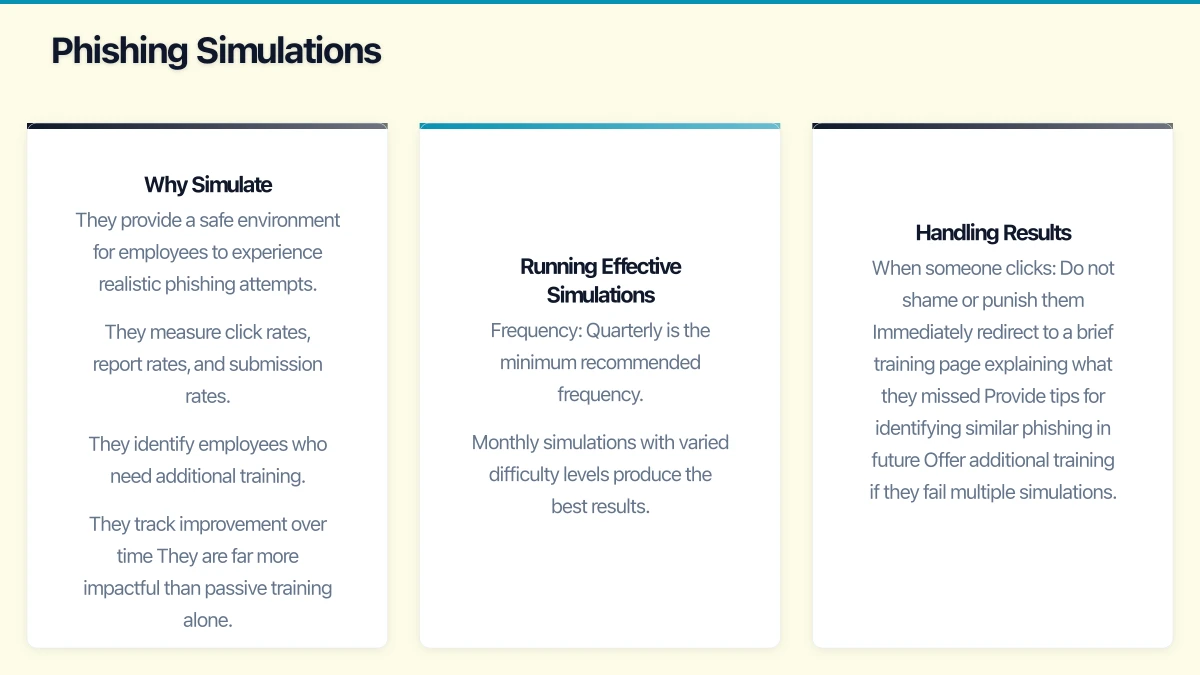
Why Simulate
Phishing simulations are the most effective way to measure and improve your organisation’s resilience:
- They provide a safe environment for employees to experience realistic phishing attempts
- They measure click rates, report rates, and submission rates
- They identify employees who need additional training
- They track improvement over time
- They are far more impactful than passive training alone
Running Effective Simulations
Frequency: Quarterly is the minimum recommended frequency. Monthly simulations with varied difficulty levels produce the best results.
Difficulty levels:
- Easy: Obvious phishing indicators (poor grammar, suspicious sender, generic greeting)
- Medium: More convincing phishing with some realistic elements but identifiable red flags
- Hard: Sophisticated phishing that closely mimics legitimate business communications
- Advanced: Targeted spear phishing using information from your organisation’s public presence
Australian-themed scenarios:
- Fake ATO tax refund notification
- Fake Australia Post parcel delivery
- Fake Microsoft 365 password expiry (branded with your company)
- Fake invoice from a known supplier
- Fake request from an executive (BEC simulation)
- Fake Xero payment notification
- Fake NBN service notification
Handling Results
When someone clicks:
- Do not shame or punish them
- Immediately redirect to a brief training page explaining what they missed
- Provide tips for identifying similar phishing in future
- Offer additional training if they fail multiple simulations
When someone reports:
- Acknowledge and thank them promptly
- Reinforce that reporting is the right behaviour
- Consider recognising or rewarding consistent reporters
Metrics to track:
- Click rate (percentage of users who clicked the phishing link)
- Report rate (percentage who reported the email to IT)
- Submission rate (percentage who entered credentials on a fake page)
- Repeat offenders (individuals who fail multiple simulations)
- Trend over time (improvement quarter over quarter)
Benchmarks for Australian businesses:
- Industry average initial click rate: 15 to 25 percent
- Target after 12 months of training: under 5 percent
- Report rate target: over 70 percent of simulated phishing reported
Security Awareness Platforms
KnowBe4
The largest security awareness platform globally. Offers comprehensive training content, phishing simulations, and reporting.
Strengths: Extensive content library, strong phishing simulation engine, detailed reporting, Australian-relevant content.
Pricing: From approximately USD 18 per user per year.
Proofpoint Security Awareness Training
Enterprise-focused platform with strong integration into Proofpoint’s email security suite.
Strengths: Threat intelligence-driven training, integration with Proofpoint email protection, adaptive learning.
Mimecast Awareness Training
Integrated with Mimecast’s email security platform.
Strengths: Good integration with email security, focused on practical behaviour change, engaging content.
Microsoft Attack Simulation Training
Included with Microsoft 365 E5 or Microsoft Defender for Office 365 Plan 2.
Strengths: Built into the Microsoft 365 ecosystem, no additional vendor relationship, simulations based on real-world attack data.
Considerations: More limited content library than dedicated platforms. May be sufficient for smaller organisations.
Free and Low-Cost Options
For businesses with limited budgets:
- Google Phishing Quiz: Free online quiz for basic phishing awareness
- ACSC resources: Free cybersecurity awareness materials from the Australian Government
- Internal training: Develop your own training using real examples and Australian context
Building a Culture of Security
Training alone does not change culture. Complement formal training with:
- Leadership buy-in: Senior leaders visibly supporting and participating in security practices
- Regular communications: Monthly security tips via email or Teams (short, practical, relevant)
- Recognition: Acknowledge employees who report suspicious activity or demonstrate security-conscious behaviour
- Accessible IT support: Make it easy to report concerns and ask security questions
- No-blame policy: Reinforce that honest mistakes should be reported, not hidden
Measuring Success
Track these metrics to evaluate your programme’s effectiveness:
- Phishing simulation click rate trend: Should decrease over time
- Phishing report rate trend: Should increase over time
- Training completion rates: Target 95 percent or above
- Security incident frequency: Should decrease as awareness improves
- Help desk tickets related to security concerns: An increase in reporting is a positive sign
- Employee satisfaction with training: Survey annually to ensure training is engaging
Getting Started
- Month 1: Select a platform or develop initial training content. Run a baseline phishing simulation to measure your starting point.
- Month 2: Deploy your first round of micro-training modules. Focus on phishing and password security.
- Month 3: Run a second phishing simulation. Deliver just-in-time training to those who clicked.
- Ongoing: Monthly micro-training, quarterly phishing simulations, annual comprehensive training. Review metrics quarterly.
The goal is not to create security experts from every employee. It is to develop a workforce that recognises common threats, follows basic security practices, and reports concerns promptly. In the Australian threat landscape of 2023, this human layer of defence is as important as any technology investment you make.
Mobile apps thrive on solid cloud foundations. Awesome Apps can build a companion app that leverages your existing cloud setup.
Ganda Tech Services brings together cloud infrastructure, web development, and mobile app expertise to help Australian businesses thrive in the digital economy.