
IT Procurement Guide for Australian Small Business
IT Procurement Guide for Australian Small Business
IT procurement for small businesses is often ad hoc. A laptop breaks and you buy a replacement from the nearest retailer. A software subscription is signed up on a credit card without comparing alternatives. A server is purchased based on a single vendor quote.
This reactive approach costs Australian SMBs more than they realise: in dollars, in compatibility issues, in security gaps, and in time spent managing a patchwork of incompatible technology.
A structured procurement approach does not require a dedicated procurement team. It requires a framework that ensures you make informed decisions, get competitive pricing, and build a technology environment that works together cohesively.
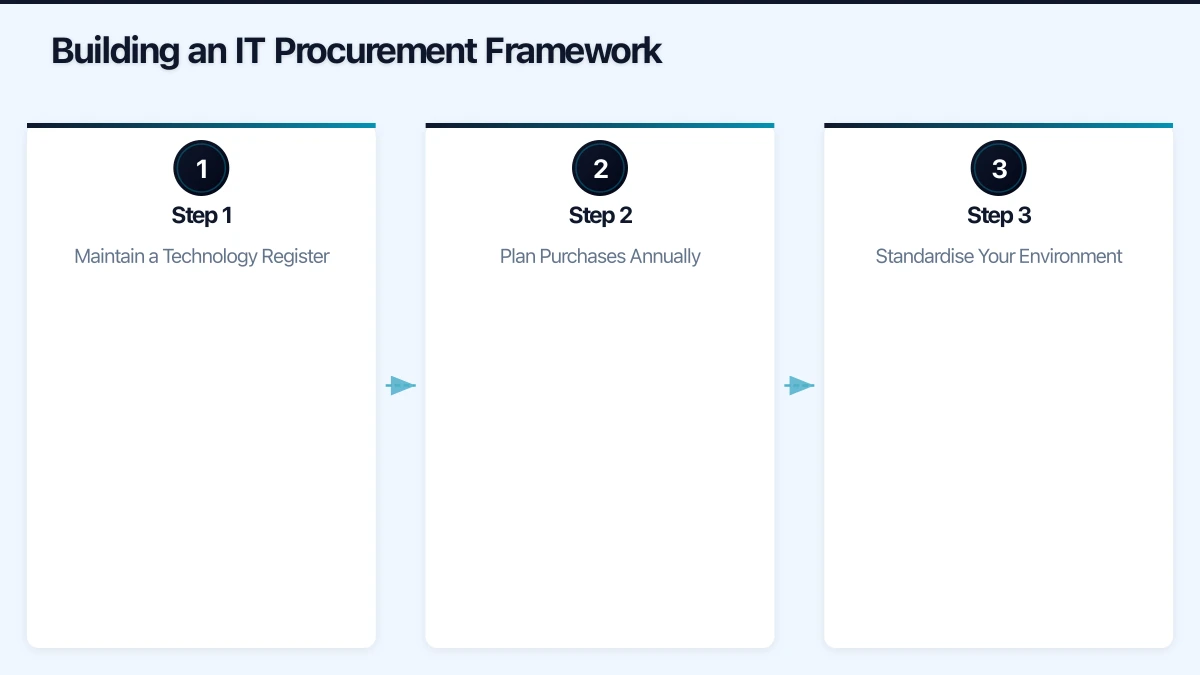
Building an IT Procurement Framework
Step 1: Maintain a Technology Register
Before buying anything new, know what you already have. Maintain a simple register (a spreadsheet works for small businesses) that tracks:
- Hardware: Every laptop, desktop, server, printer, phone, network device. Include purchase date, warranty expiry, and assigned user.
- Software: Every licence and subscription. Include renewal dates, licence counts, and annual costs.
- Contracts: Service agreements, support contracts, and vendor relationships. Include term, renewal date, and cancellation notice requirements.
- Network infrastructure: Switches, access points, firewalls, cabling. Include age and firmware version.
Review this register quarterly. It tells you what needs replacing, what is coming off warranty, and what subscriptions are due for renewal.
Step 2: Plan Purchases Annually
Instead of buying technology reactively, create an annual IT procurement plan. In Q4 of each year (or at your financial year start), identify:
- Replacement needs: Devices approaching end of life or end of warranty
- Growth needs: New hires, office expansions, or new locations
- Upgrade needs: Systems that no longer meet business requirements
- Strategic investments: New capabilities you want to add (cloud migration, security improvements)
Planning ahead allows you to budget accurately, time purchases to take advantage of sales cycles, and negotiate better pricing with vendors.
Step 3: Standardise Your Environment
One of the most impactful decisions a small business can make is to standardise its technology. This means:
- One laptop model (or a small number of models) for the entire business
- One operating system across all workstations
- One productivity suite (Microsoft 365 or Google Workspace, not both)
- One business phone system for all users
- Consistent network equipment from a single vendor
Standardisation reduces support costs, simplifies training, enables bulk purchasing discounts, and ensures compatibility. When everything is the same, troubleshooting is faster and spare parts are interchangeable.
Hardware Procurement
Laptops and Desktops
For most Australian SMBs, business-grade laptops should be the default. Desktops are only justified for specialised roles (graphic design, engineering, reception desks).
Business-grade vs consumer-grade:
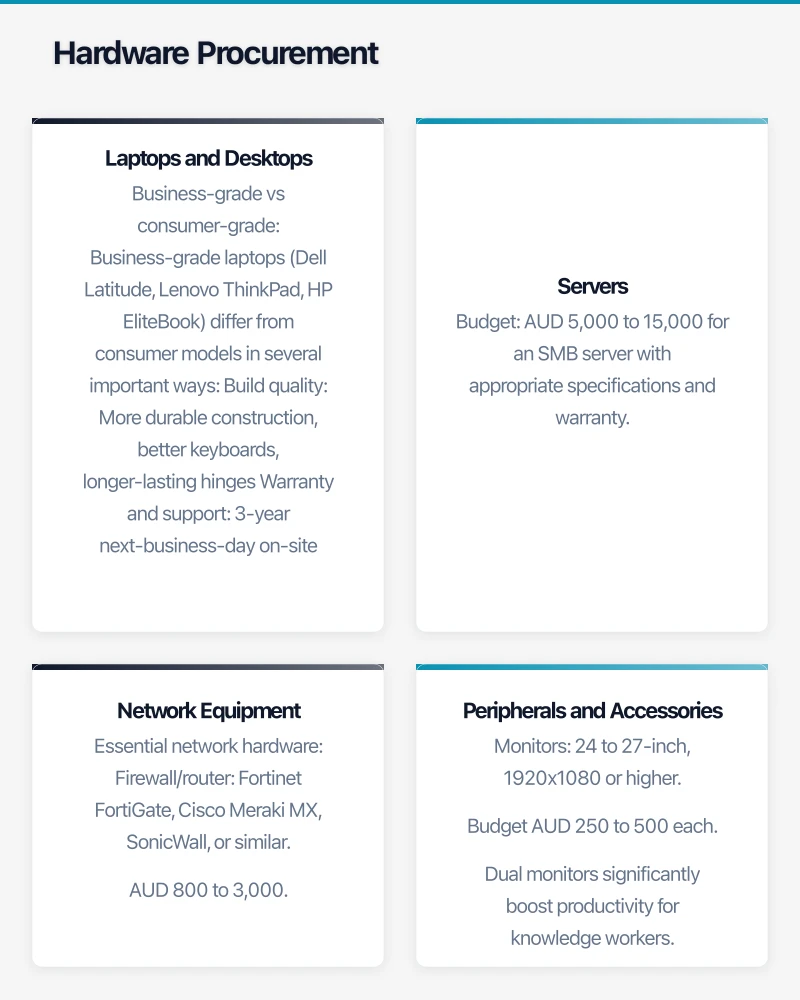
Business-grade laptops (Dell Latitude, Lenovo ThinkPad, HP EliteBook) differ from consumer models in several important ways:
- Build quality: More durable construction, better keyboards, longer-lasting hinges
- Warranty and support: 3-year next-business-day on-site warranty options (consumer typically offers 1-year return-to-base)
- Security features: TPM chips, fingerprint readers, smart card readers, BIOS-level security
- Manageability: Intel vPro for remote management, consistent driver support
- Longevity: Designed for a 4 to 5 year lifecycle vs 2 to 3 years for consumer
Recommended specifications for general business use in 2023:
- Processor: Intel Core i5 (12th or 13th generation) or AMD Ryzen 5
- RAM: 16 GB (minimum; 8 GB is no longer sufficient for modern business workloads)
- Storage: 256 GB SSD (minimum; 512 GB recommended)
- Display: 14-inch, 1920x1080 resolution
- Connectivity: WiFi 6, Bluetooth 5, USB-C with charging
- Operating system: Windows 11 Pro (not Home)
Budget: AUD 1,200 to 2,000 per unit for a quality business laptop with 3-year warranty.
Where to buy: Purchase through an authorised business reseller or IT supplier rather than a consumer electronics store. Australian business IT resellers include Insight, Dicker Data (through resellers), and local managed service providers. They offer better pricing, proper warranty, and can pre-configure devices before delivery.
Servers
Most Australian SMBs should avoid purchasing on-premises servers in 2023. Cloud-based alternatives (Azure VMs, Microsoft 365, SaaS applications) provide better resilience, lower management overhead, and predictable costs.
If you genuinely need an on-premises server (specific latency requirements, large local data sets, or regulatory reasons):
- Purchase from an authorised server vendor (Dell, HPE, Lenovo)
- Include at least a 3-year warranty with next-business-day parts
- Budget for a UPS (uninterruptible power supply) to protect against power fluctuations
- Plan for redundancy (RAID storage, dual power supplies)
- Factor in ongoing maintenance and patching costs
Budget: AUD 5,000 to 15,000 for an SMB server with appropriate specifications and warranty.
Network Equipment
Invest in business-grade networking equipment. Consumer routers and switches lack the features, reliability, and security needed for business use.
Essential network hardware:
- Firewall/router: Fortinet FortiGate, Cisco Meraki MX, SonicWall, or similar. AUD 800 to 3,000.
- Managed switch: A business-grade managed switch for network segmentation. AUD 300 to 1,500.
- Wireless access points: Cloud-managed units as covered in our managed WiFi guide. AUD 200 to 2,000 per unit.
- UPS: Protect network equipment from power issues. AUD 200 to 800.
Peripherals and Accessories
Do not overlook the peripherals that affect daily productivity:
- Monitors: 24 to 27-inch, 1920x1080 or higher. Budget AUD 250 to 500 each. Dual monitors significantly boost productivity for knowledge workers.
- Docking stations: For laptop users, a docking station provides single-cable connectivity to monitors, peripherals, and power. Budget AUD 150 to 350 each.
- Headsets: Essential for Microsoft Teams and cloud phone systems. Budget AUD 80 to 200 for quality business headsets (Jabra, Poly, EPOS).
- Webcams: If laptops lack good built-in cameras or for desktop users. Budget AUD 100 to 250.
Software Procurement
Licences vs Subscriptions
The software market has largely shifted to subscription (SaaS) models. For most Australian SMBs, subscriptions are preferable:
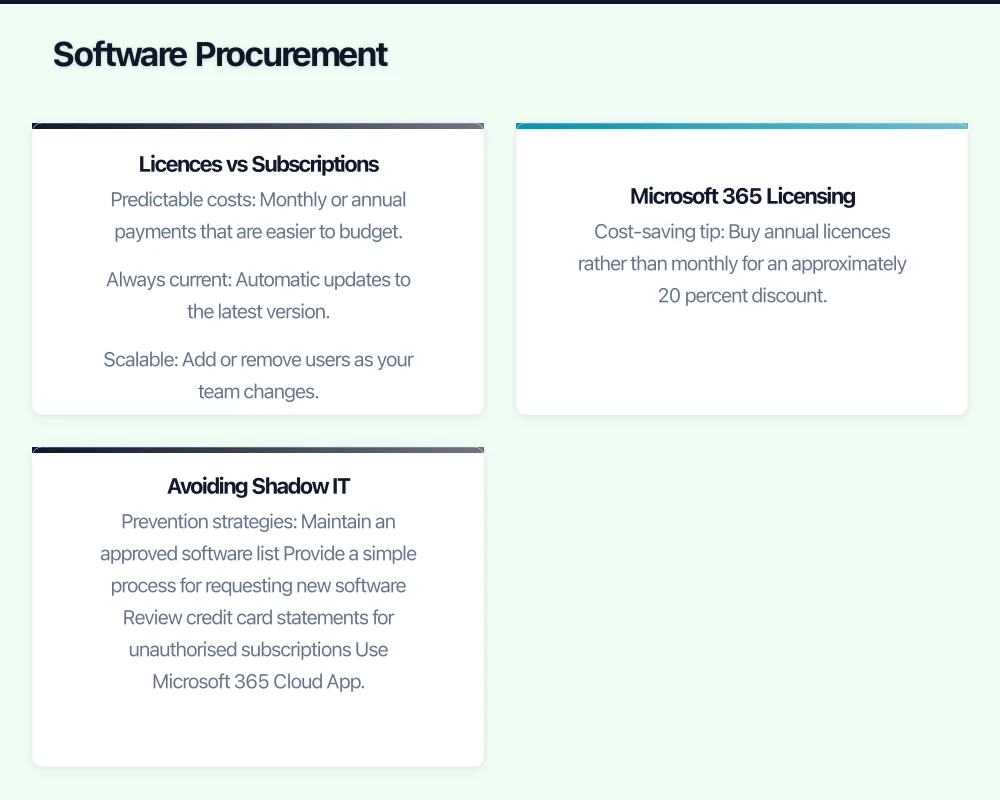
- Predictable costs: Monthly or annual payments that are easier to budget
- Always current: Automatic updates to the latest version
- Scalable: Add or remove users as your team changes
- Lower upfront cost: No large capital expenditure
Microsoft 365 Licensing
For most Australian SMBs, Microsoft 365 is the core software platform. Choose the right plan:
- Business Basic (approx. AUD 9/user/month): Cloud-only Office apps, email, Teams, SharePoint, OneDrive. Good for businesses that do not need desktop Office applications.
- Business Standard (approx. AUD 19/user/month): Everything in Basic plus desktop Office apps. The most common choice for SMBs.
- Business Premium (approx. AUD 33/user/month): Everything in Standard plus advanced security (Intune, Conditional Access, Defender for Business). Recommended for businesses that handle sensitive data or have compliance requirements.
Cost-saving tip: Buy annual licences rather than monthly for an approximately 20 percent discount. Purchase through a Microsoft Cloud Solution Provider (CSP) partner for volume discounts and support.
Avoiding Shadow IT
Shadow IT occurs when employees sign up for software without IT approval. This creates security risks, compliance issues, and wasted spending (multiple teams paying for overlapping tools).
Prevention strategies:
- Maintain an approved software list
- Provide a simple process for requesting new software
- Review credit card statements for unauthorised subscriptions
- Use Microsoft 365 Cloud App Discovery to identify unsanctioned cloud services
Vendor Selection
Evaluating IT Vendors
When selecting vendors for major purchases or ongoing services:
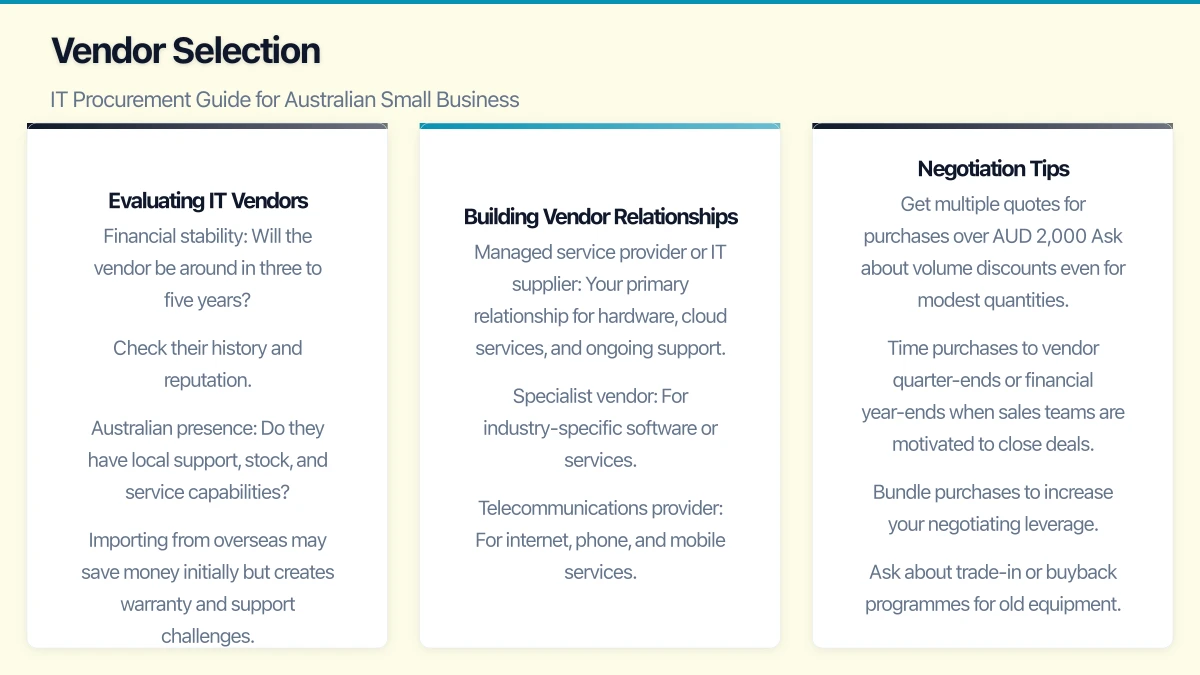
Financial stability: Will the vendor be around in three to five years? Check their history and reputation.
Australian presence: Do they have local support, stock, and service capabilities? Importing from overseas may save money initially but creates warranty and support challenges.
References: Ask for references from similar-sized Australian businesses. Talk to their existing customers.
Support quality: How responsive is their support? What are their SLAs? Test their support process before committing.
Total cost of ownership: Compare not just the purchase price but the total cost including implementation, training, support, and ongoing licensing.
Building Vendor Relationships
For Australian SMBs, having two to three trusted IT vendors is typically sufficient:
- Managed service provider or IT supplier: Your primary relationship for hardware, cloud services, and ongoing support
- Specialist vendor: For industry-specific software or services
- Telecommunications provider: For internet, phone, and mobile services
Long-term vendor relationships provide benefits: better pricing, priority support, deeper understanding of your environment, and proactive recommendations.
Negotiation Tips
- Get multiple quotes for purchases over AUD 2,000
- Ask about volume discounts even for modest quantities
- Time purchases to vendor quarter-ends or financial year-ends when sales teams are motivated to close deals
- Bundle purchases to increase your negotiating leverage
- Ask about trade-in or buyback programmes for old equipment
- Negotiate payment terms (net 30 is standard for business accounts)
Common Procurement Mistakes
Buying the Cheapest Option
The cheapest laptop, firewall, or software is rarely the best value. Factor in the total cost of ownership: a consumer laptop that needs replacement after two years costs more than a business laptop that lasts four to five years.
Not Planning for Growth
Buying exactly what you need today means you will be purchasing again soon if you grow. Where practical, buy with modest headroom: a switch with extra ports, a firewall that can handle more users, software licences that include room for new hires.
Ignoring Compatibility
Ensure new purchases are compatible with your existing environment. A new printer that does not support your print management system or a laptop that is not compatible with your docking stations creates unnecessary costs and frustration.
Skipping Warranty
Extended warranties and support contracts are worth the investment for critical equipment. A server failure without warranty support can cost thousands in emergency repair or replacement. Budget for at least three-year warranties on all business-critical hardware.
Not Tracking Renewals
Missed renewal dates lead to service interruptions or automatic renewals at unfavourable rates. Add all renewal dates to a shared calendar or your technology register.
Tax Considerations for Australian Businesses
Instant Asset Write-Off
The Australian Government’s instant asset write-off provisions (check current thresholds and eligibility) allow eligible businesses to immediately deduct the full cost of eligible assets. This can significantly reduce the after-tax cost of IT purchases.
Consult your accountant for current thresholds and eligibility requirements, as these provisions have changed multiple times in recent years.
GST
Ensure your IT vendors are providing tax invoices that correctly show GST. Legitimate business purchases should include 10 percent GST that you can claim as an input tax credit (if registered for GST).
FBT Considerations
If providing technology to employees for personal use (phones, laptops used at home), consider Fringe Benefits Tax implications. Work-related use is generally exempt, but the rules can be complex. Discuss with your accountant.
Getting Started
- Create your technology register if you do not have one
- Review all upcoming warranty expirations and contract renewals
- Identify your next three to six months of procurement needs
- Standardise your laptop model and software stack
- Establish relationships with one or two quality IT vendors
- Build an annual IT procurement budget
Structured IT procurement is one of those operational improvements that pays dividends year after year. The time invested in building a simple procurement framework saves your Australian business money, reduces IT headaches, and ensures your technology works together as a cohesive platform rather than a collection of incompatible parts.
A reliable cloud backend deserves a polished frontend. Our web development team at Cosmos Web Tech creates websites optimised for speed, SEO, and conversions.
Part of the Ganda Tech Services family, Cloud Geeks delivers specialist IT and cloud solutions for Australian small and medium businesses.