
IT Help Desk Solutions for Growing Australian Businesses
IT Help Desk Solutions for Growing Australian Businesses
As Australian businesses grow, the informal approach to IT support, walking over to the IT person’s desk, sending a quick email, or calling someone directly, breaks down. Issues get lost, response times become unpredictable, and there is no visibility into what problems are recurring or how long they take to resolve.
An IT help desk solution brings structure to IT support. It provides a single place for users to log issues, a system for prioritising and assigning work, and reporting that helps you improve your IT operations over time.
Whether you are a 15-person business about to hire your first dedicated IT person or a 200-person company outgrowing a shared inbox, this guide covers the options available to Australian businesses in 2023.
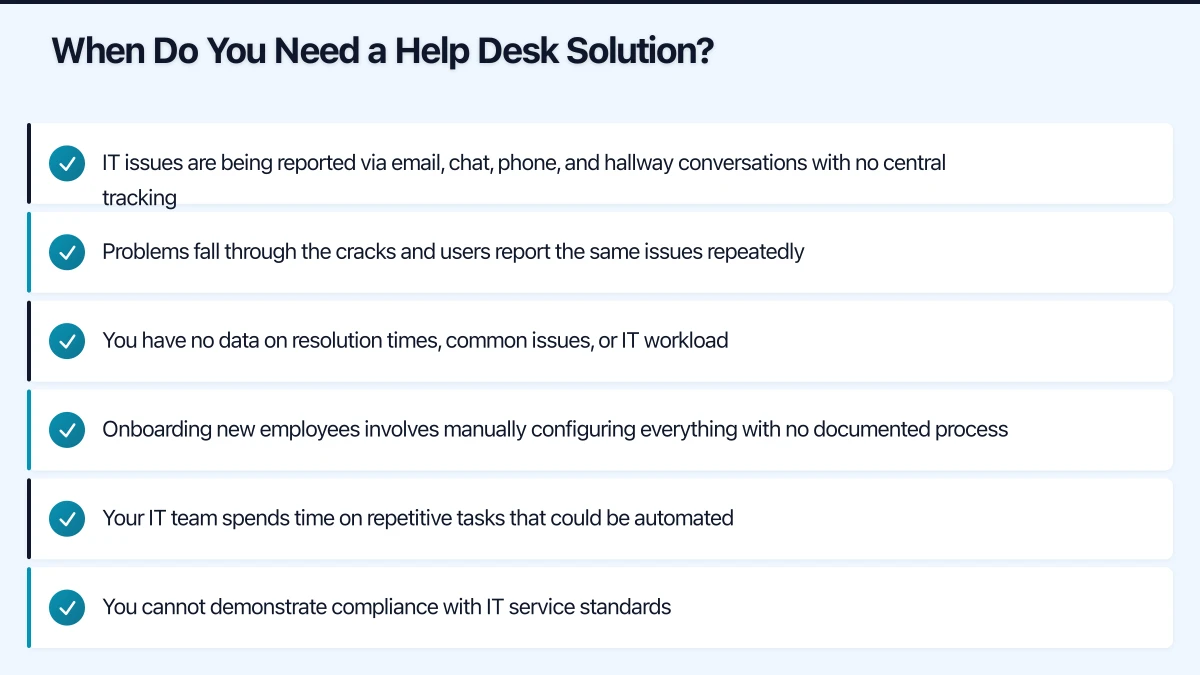
When Do You Need a Help Desk Solution?
You have outgrown informal IT support when:
- IT issues are being reported via email, chat, phone, and hallway conversations with no central tracking
- Problems fall through the cracks and users report the same issues repeatedly
- You have no data on resolution times, common issues, or IT workload
- Onboarding new employees involves manually configuring everything with no documented process
- Your IT team spends time on repetitive tasks that could be automated
- You cannot demonstrate compliance with IT service standards
If three or more of these apply to your business, it is time to implement a proper help desk solution.
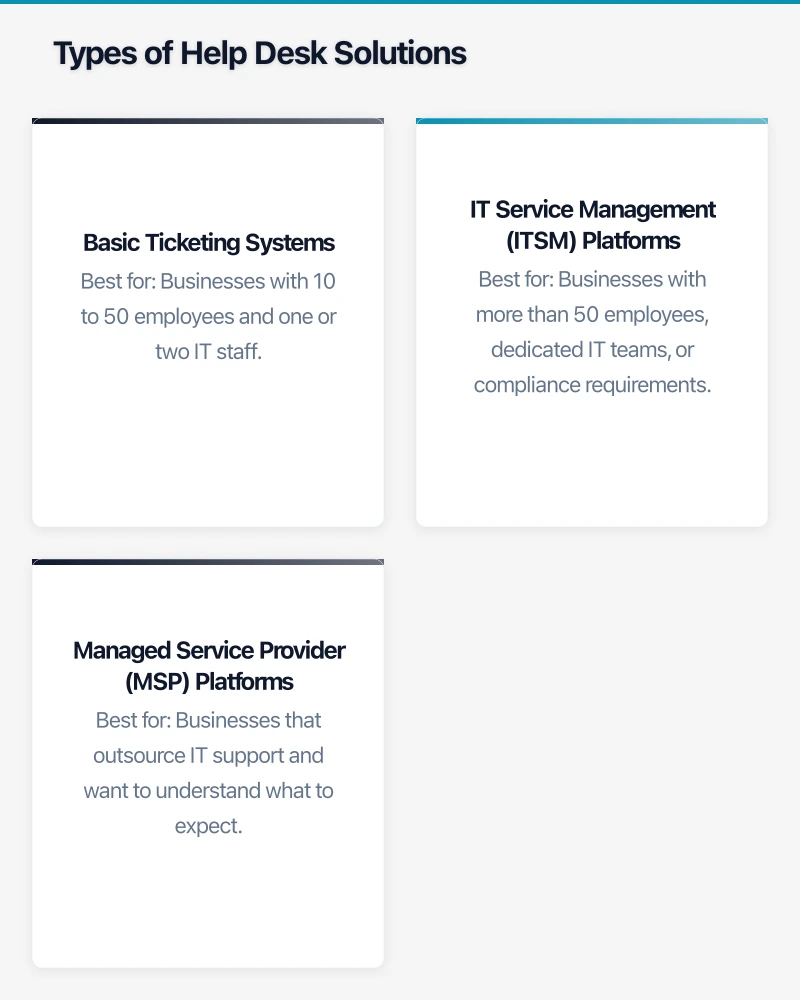
Types of Help Desk Solutions
Basic Ticketing Systems
These focus on tracking and managing IT support requests. They are straightforward to set up and use, making them ideal for smaller teams.
Best for: Businesses with 10 to 50 employees and one or two IT staff.
IT Service Management (ITSM) Platforms
ITSM platforms go beyond ticketing to include change management, asset management, problem management, and service catalogues. They align with ITIL frameworks and are suited to more mature IT operations.
Best for: Businesses with more than 50 employees, dedicated IT teams, or compliance requirements.
Managed Service Provider (MSP) Platforms
If you outsource IT support to a managed service provider, they will typically use their own help desk platform. Understanding what your MSP uses helps you evaluate their service quality.
Best for: Businesses that outsource IT support and want to understand what to expect.
Comparing Help Desk Solutions for Australian Businesses
Freshdesk / Freshservice
Type: Freshdesk (customer-facing help desk) or Freshservice (internal IT service management)
Pricing: Freshservice starts at USD 19 per agent per month (Starter plan)
Key features:
- Intuitive, modern interface
- ITIL-aligned processes (incident, change, problem, asset management)
- Self-service portal and knowledge base
- Workflow automation
- SLA management and reporting
- Integration with Microsoft 365, Azure AD, and popular business tools
Australian relevance: Freshworks has a growing presence in Australia with local support options. Data is hosted in Australian data centres (Sydney) on AWS.
Best for: Australian SMBs wanting a balance of features and ease of use.
Jira Service Management
Type: ITSM platform
Pricing: Free for up to 3 agents; USD 21 per agent per month (Standard plan)
Key features:
- Deep integration with Jira Software (useful if your team already uses Atlassian products)
- ITIL-aligned processes
- Automation engine for repetitive tasks
- Confluence integration for knowledge base
- SLA tracking and reporting
- Customer portal and email channel
Australian relevance: Atlassian is an Australian company headquartered in Sydney. Their cloud platform offers Australian data residency.
Best for: Businesses already using Atlassian products, or those that value an Australian-headquartered vendor.
Zendesk
Type: Customer service and internal help desk platform
Pricing: From USD 19 per agent per month (Suite Team plan)
Key features:
- Omnichannel support (email, chat, phone, social media)
- Customisable workflows and triggers
- Extensive marketplace of integrations
- Reporting and analytics
- Self-service portal and knowledge base
- AI-powered ticket routing and suggestions
Australian relevance: Zendesk has an Australian office and local support. Data can be hosted in the Australian region.
Best for: Businesses that want a single platform for both customer support and internal IT help desk.
Microsoft 365 Built-in Options
Type: Basic ticketing through Microsoft tools
Pricing: Included with Microsoft 365 subscriptions
Key features:
- Microsoft Forms for intake
- Microsoft Lists or Planner for ticket tracking
- Power Automate for workflow automation
- SharePoint for knowledge base
- Teams integration for communication
Australian relevance: If you are already paying for Microsoft 365, this approach has no additional software cost.
Best for: Very small businesses (under 20 employees) that want basic ticketing without additional tools. This approach requires manual configuration and lacks the polish of dedicated help desk software, but it works for simple needs.
ServiceNow
Type: Enterprise ITSM platform
Pricing: Custom pricing (typically starts at several hundred dollars per agent per month)
Key features:
- Comprehensive ITSM, ITOM, and ITBM capabilities
- Extensive automation and orchestration
- Advanced reporting and dashboards
- Enterprise-grade security and compliance
- Platform for building custom applications
Australian relevance: ServiceNow has a strong Australian presence with local data centres and support. Widely used by Australian enterprises and government.
Best for: Larger businesses (200-plus employees) with complex IT operations and budget for an enterprise platform. Overkill for most SMBs.
Key Selection Criteria
Ease of Use
Your IT team needs to adopt the tool quickly, and your end users need to find it simple to submit requests. Solutions with clean interfaces and intuitive workflows will see faster adoption.
Recommendation: Request a trial and have both IT staff and a few end users test the submission process before committing.
Scalability
Choose a solution that can grow with your business. Starting with a basic plan and upgrading as your needs evolve is better than implementing an enterprise platform from day one.
Integration with Your Environment
Consider how the help desk integrates with:
- Microsoft 365 or Google Workspace: For user directory and authentication
- Email: For creating tickets via email
- Chat platforms: For submitting and updating tickets from Microsoft Teams or Slack
- Remote access tools: For connecting to user devices directly from tickets
- Monitoring tools: For automatically creating tickets when systems detect issues
Reporting and Analytics
Good reporting helps you identify recurring problems, measure team performance, and justify IT investments to leadership. Look for:
- Average resolution time
- First-response time
- Ticket volume trends
- Most common issue categories
- SLA compliance rates
- Customer satisfaction scores
Cost for Australian Businesses
Factor in the exchange rate for USD-priced solutions. For a team of three IT agents:
- Freshservice Starter: Approximately AUD 85 per month
- Jira Service Management Standard: Approximately AUD 95 per month
- Zendesk Suite Team: Approximately AUD 85 per month
- Microsoft 365 DIY: Included (but factor in configuration time)
These are estimates and may vary with exchange rates and plan changes.
Implementation Best Practices
Define Your Service Catalogue
Before deploying any tool, define the services your IT team provides. Common categories for Australian SMBs include:
- Access requests: New accounts, password resets, permission changes
- Hardware: Laptop issues, printer problems, monitor requests
- Software: Application installation, licensing, updates
- Network: Connectivity issues, WiFi problems, VPN access
- Security: Suspicious emails, potential breaches, security questions
- Onboarding/offboarding: New starter setup, departing employee account closure
Set Realistic SLAs
Service Level Agreements set expectations for response and resolution times. Start with achievable targets and tighten them as your processes mature:
- Critical (business down): Respond within 30 minutes, resolve within 4 hours
- High (significant impact): Respond within 1 hour, resolve within 8 hours
- Medium (moderate impact): Respond within 4 hours, resolve within 24 hours
- Low (minimal impact): Respond within 8 hours, resolve within 48 hours
Build a Knowledge Base
A knowledge base reduces ticket volume by enabling users to solve common problems themselves. Start with articles covering:
- How to reset your password
- How to connect to the office WiFi
- How to set up email on your mobile device
- How to use the VPN
- Printer setup instructions
- Common application troubleshooting
Automate Where Possible
Even basic help desk tools offer automation. Start with:
- Auto-assignment: Route tickets to the right team member based on category
- Auto-responses: Acknowledge ticket receipt and set expectations
- Escalation rules: Automatically escalate tickets that breach SLA thresholds
- Recurring tickets: Automate scheduled tasks like monthly patch reviews
Measuring Success
After implementing your help desk solution, track these metrics monthly:
- Ticket volume: Is it increasing or stable? Spikes may indicate underlying issues.
- Resolution time: Are you meeting your SLAs? Where are the bottlenecks?
- First-contact resolution rate: How often are issues resolved in a single interaction?
- User satisfaction: Are users happy with the support they receive?
- Self-service usage: Are users accessing the knowledge base?
Use this data to continuously improve your IT support operations and make a case for additional resources when needed.
Making the Decision
For most Australian SMBs in 2023, Freshservice or Jira Service Management offer the best combination of features, ease of use, and value. If you are already in the Atlassian ecosystem, Jira Service Management is a natural fit. If you are starting fresh, Freshservice provides a smooth onboarding experience.
For very small businesses not ready for a dedicated tool, building a basic system using Microsoft 365 components can serve as a starting point until your needs justify a purpose-built solution.
Whatever you choose, the key is to move away from informal, untracked IT support. The visibility, accountability, and efficiency that a help desk solution provides will pay for itself quickly as your Australian business grows.
Looking for a website that matches your enterprise-grade infrastructure? Cosmos Web Tech specialises in responsive web design and SEO for Australian businesses.
Ashish Ganda is the founder of Ganda Tech Services, a Sydney-based technology consultancy helping Australian businesses grow through cloud, web, and mobile solutions.