
IT Documentation Best Practices for Small Business

IT Documentation Best Practices for Small Business
If your IT person (or IT team) left tomorrow, could someone else keep your systems running? For most Australian small businesses, the answer is a concerning “probably not.” Critical knowledge lives in one person’s head, passwords are scattered across sticky notes and personal spreadsheets, and the network diagram is whatever the original installer scribbled on a napkin.
IT documentation is not exciting, but it is one of the most valuable investments a small business can make in operational resilience. This guide provides a practical framework for creating and maintaining IT documentation, tailored for businesses that do not have the luxury of dedicated documentation staff.
Why Documentation Matters
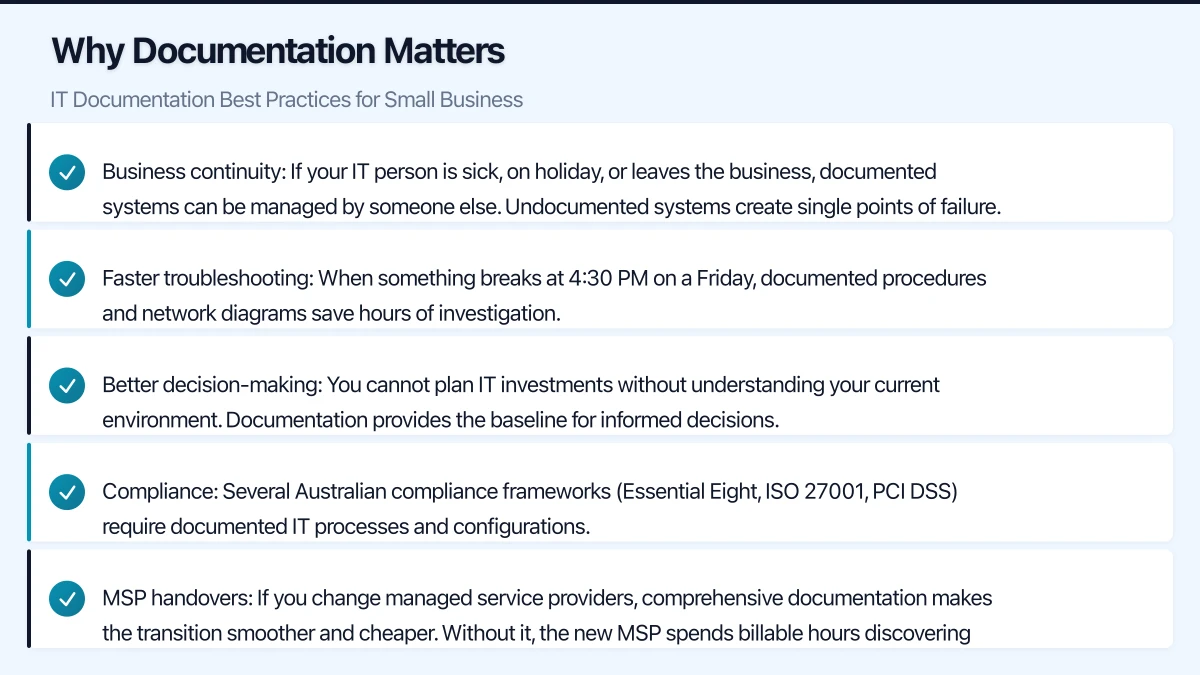
Business continuity. If your IT person is sick, on holiday, or leaves the business, documented systems can be managed by someone else. Undocumented systems create single points of failure.
Faster troubleshooting. When something breaks at 4:30 PM on a Friday, documented procedures and network diagrams save hours of investigation.
Better decision-making. You cannot plan IT investments without understanding your current environment. Documentation provides the baseline for informed decisions.
Compliance. Several Australian compliance frameworks (Essential Eight, ISO 27001, PCI DSS) require documented IT processes and configurations.
MSP handovers. If you change managed service providers, comprehensive documentation makes the transition smoother and cheaper. Without it, the new MSP spends billable hours discovering what you have.
What to Document
Not everything needs documentation, and trying to document everything at once is a recipe for never finishing. Start with the most critical items and build from there.
Tier 1: Document Immediately
These items should be documented first because they are needed most during emergencies and transitions.
Network diagram:
- Physical layout of your network (what connects to what)
- IP address scheme (subnets, DHCP ranges, static IP assignments)
- Internet connection details (ISP, plan, account number, static IP if applicable)
- VPN configuration
- WiFi network names, passwords, and security settings
Credentials and access:
- Administrator accounts for all systems (firewall, switches, servers, cloud services)
- Service accounts and their purposes
- Vendor portal access credentials
- WiFi passwords
- Safe or physical access codes
Store credentials in a proper password manager (1Password Business, Keeper, or Bitwarden) — never in a spreadsheet or document.
Vendor and support contacts:
- ISP support: account number, support phone, escalation contacts
- Hardware vendors: warranty details, support contacts, contract numbers
- Software vendors: licence keys, support portals, account details
- MSP or IT contractor: contact details, scope of service, SLA details
Critical procedures:
- How to restart the internet connection (modem, router, firewall)
- How to reboot the server safely
- How to check and reset the UPS
- Emergency contact list and escalation order
Tier 2: Document Within 30 Days
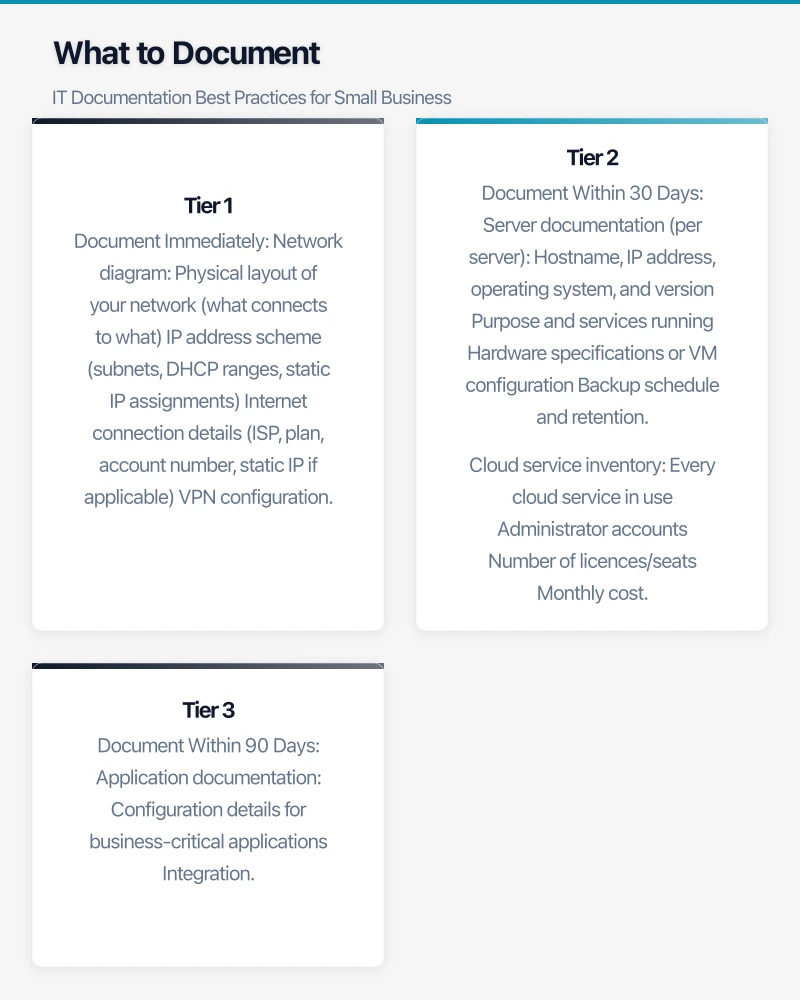
Server documentation (per server):
- Hostname, IP address, operating system, and version
- Purpose and services running
- Hardware specifications or VM configuration
- Backup schedule and retention
- Software installed and licence details
- Last patch date and patch management approach
- Recovery procedure
Cloud service inventory:
- Every cloud service in use
- Administrator accounts
- Number of licences/seats
- Monthly cost
- Data residency (where data is stored)
- Renewal dates
Standard operating procedures (SOPs):
- New employee IT setup (account creation, device provisioning, application access)
- Employee offboarding (access revocation, device recovery, licence reclamation)
- Backup verification process
- Password reset procedure
- New device setup and configuration
Tier 3: Document Within 90 Days
Application documentation:
- Configuration details for business-critical applications
- Integration points between applications
- Data flow diagrams (how data moves between systems)
- Known issues and workarounds
Security documentation:
- Firewall rules and their justification
- Security policies (acceptable use, BYOD, data classification)
- Incident response plan
- Disaster recovery plan
- Access control matrix (who has access to what)
Historical records:
- Change log (significant changes to IT systems)
- Incident log (past outages, breaches, and resolutions)
- Project records (migrations, upgrades, implementations)
Choosing a Documentation Platform
The best documentation tool is one your team will actually use. Here are practical options for Australian SMBs.
For Teams Already Using Microsoft 365
OneNote (included with Microsoft 365):
- Familiar interface, easy to start using immediately
- Good for unstructured notes and procedures
- Supports images, files, and tables
- Searchable
- Limitation: Not ideal for structured, wiki-style documentation
SharePoint wiki pages:
- Create a dedicated SharePoint site for IT documentation
- Wiki-style pages with linking between topics
- Version history and access control
- Integrates with Teams for easy access
Dedicated Documentation Tools
IT Glue:
- Purpose-built for IT documentation
- Structured templates for networks, devices, passwords, and procedures
- Excellent for MSPs and IT teams
- Approximately $39 per user per month
- Integrates with common RMM and PSA tools
Hudu:
- Similar to IT Glue but more affordable
- Self-hosted or cloud-hosted options
- Approximately $25 per user per month (cloud) or one-time fee (self-hosted)
- Good balance of structure and usability
Confluence (Atlassian):
- Wiki-style documentation platform
- Free for up to 10 users
- Good for teams already using Jira or other Atlassian tools
- More general-purpose than IT-specific tools
Notion:
- Flexible documentation and knowledge management tool
- Free for personal use, $10 per user per month for teams
- Good for both structured and unstructured documentation
- Modern interface that encourages adoption
For Solo IT Administrators
If you are a one-person IT department, keep it simple:
- Use a password manager (1Password Business or Bitwarden) for credentials
- Use a shared OneNote notebook or a dedicated SharePoint site for procedures and configurations
- Keep a network diagram in draw.io (free) or Visio
- Store everything in a single, well-organised location
Writing Effective Documentation
Good documentation is not about volume — it is about clarity and usefulness.
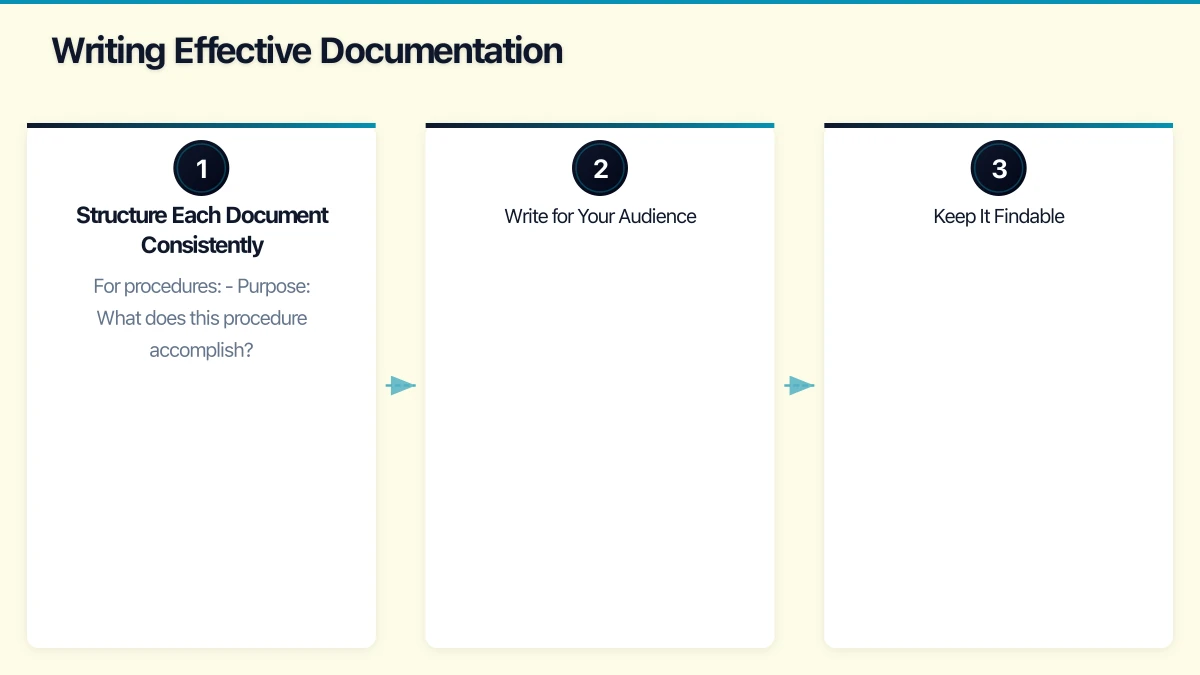
Structure Each Document Consistently
Use a standard template for each document type:
For procedures:
- Purpose: What does this procedure accomplish?
- When to use: Under what circumstances is this procedure needed?
- Prerequisites: What must be in place before starting?
- Steps: Numbered, clear, unambiguous steps
- Verification: How do you confirm the procedure was successful?
- Troubleshooting: Common issues and solutions
- Last updated: Date and author
For system documentation:
- System name and purpose
- Technical details (IP, OS, specs)
- Configuration notes
- Dependencies (what depends on this system, and what does it depend on)
- Support and vendor contacts
- Recovery procedure
Write for Your Audience
IT documentation for a small business will be read by people with varying technical levels. Write for the least technical person who might need to use it.
- Use plain language where possible
- Define acronyms on first use
- Include screenshots for procedures involving graphical interfaces
- Assume the reader has basic IT competence but no specific knowledge of your environment
Keep It Findable
Documentation that cannot be found is useless.
- Use consistent naming conventions for documents and pages
- Create a table of contents or index page
- Tag or categorise documents by topic
- Use your platform’s search functionality and write titles that are search-friendly
Maintaining Documentation
Creating documentation is the easy part. Keeping it current is the challenge.
Build Documentation Into Your Processes
- When making changes: Update documentation as part of the change process, not after. If you upgrade a server, update the server documentation before you consider the project complete.
- During incidents: After resolving an incident, document what happened, what was done, and how to prevent recurrence. This is a post-incident review habit that builds your knowledge base over time.
- New projects: Include documentation as a deliverable for every IT project.
Schedule Regular Reviews
- Monthly: Quick review of the most critical documents (network diagram, credentials, emergency procedures). Are they still accurate?
- Quarterly: Review all Tier 1 and Tier 2 documentation. Update anything that has changed.
- Annually: Comprehensive review of all IT documentation. Archive outdated documents and identify gaps.
Assign Ownership
Every document should have an owner — someone responsible for keeping it current. In a small IT team, this might be one person for everything. That is fine, but make it explicit.
Getting Started: The Two-Week Sprint
If you currently have no IT documentation, here is a practical two-week plan to establish the essentials.
Days 1-2: Set up your documentation platform. Choose a tool and create the basic structure (folders, categories, or sections for Network, Servers, Cloud Services, Procedures, and Vendors).
Days 3-4: Document credentials and access. Set up a password manager if you do not have one. Transfer all IT credentials from wherever they currently live (sticky notes, spreadsheets, memory) into the password manager.
Days 5-6: Create the network diagram. Walk through your office, trace every cable, and document every device. Use draw.io, Visio, or even a whiteboard photo as a starting point.
Days 7-8: Document your most critical procedures. Start with: how to restart the internet, how to reboot the server, how to reset a user’s password, and the emergency contact list.
Days 9-10: Document your cloud services and vendor contacts. List every cloud service, its purpose, cost, and admin access. List every vendor with support contact details.
Days 11-12: Document each server and critical system. One page per server covering the essential details outlined earlier.
Days 13-14: Review and organise. Read through everything you have created. Fill obvious gaps. Share with your team and ask for feedback.
This sprint will not produce perfect documentation, but it will produce functional documentation that dramatically improves your operational resilience. Build on it from there.
The Payoff
Comprehensive IT documentation takes effort to create and discipline to maintain. But the payoff is substantial: faster incident resolution, smoother staff transitions, better compliance posture, and the peace of mind that your business can survive the unexpected. Start today, keep it practical, and improve it over time.
Cloud tools are even more powerful with mobile access. Awesome Apps develops native and cross-platform mobile apps that connect to your cloud infrastructure.
This article is brought to you by Ganda Tech Services — Sydney’s complete digital solutions provider covering cloud, web, and mobile.