
IT Documentation for Australian Businesses: A Practical Guide
There’s a scenario that plays out in Australian businesses more often than anyone admits: the person who knows how the IT systems work leaves, becomes unavailable, or simply forgets—and suddenly nobody knows the admin password, how to restart the server, or where the backup tapes are.
Good IT documentation prevents this. It transforms knowledge locked in one person’s head into accessible information that keeps your business running regardless of who’s available.
Yet documentation is consistently neglected. It’s not urgent until it is. It’s not glamorous. It’s easy to postpone. The result? Businesses operate with significant risk hidden in their lack of documentation.
This guide provides a practical framework for IT documentation that Australian SMBs can actually implement and maintain.
Why Documentation Matters
Let’s make the case concretely:
Business Continuity
When a key IT person is unavailable—sick, on leave, departed—documented systems can still be managed. Without documentation, you’re at their mercy for even basic operations.
Consider: What happens in your business if the person who manages IT isn’t available and your email server needs restarting?
Faster Problem Resolution
With good documentation, troubleshooting becomes faster. Instead of working from memory or guessing, you have defined procedures and known-good configurations to compare against.
Reduced Training Time
New IT staff or service providers can get up to speed faster with comprehensive documentation. What takes weeks to learn through trial and error takes days with good documentation.
Compliance Requirements
Various compliance frameworks require documented IT policies and procedures. Privacy Act compliance, industry certifications, and cyber insurance applications all typically require documentation.
Vendor Management
When you engage external IT support, documentation helps them help you faster. They don’t need to spend hours (that you pay for) just learning how your systems are configured.
What to Document
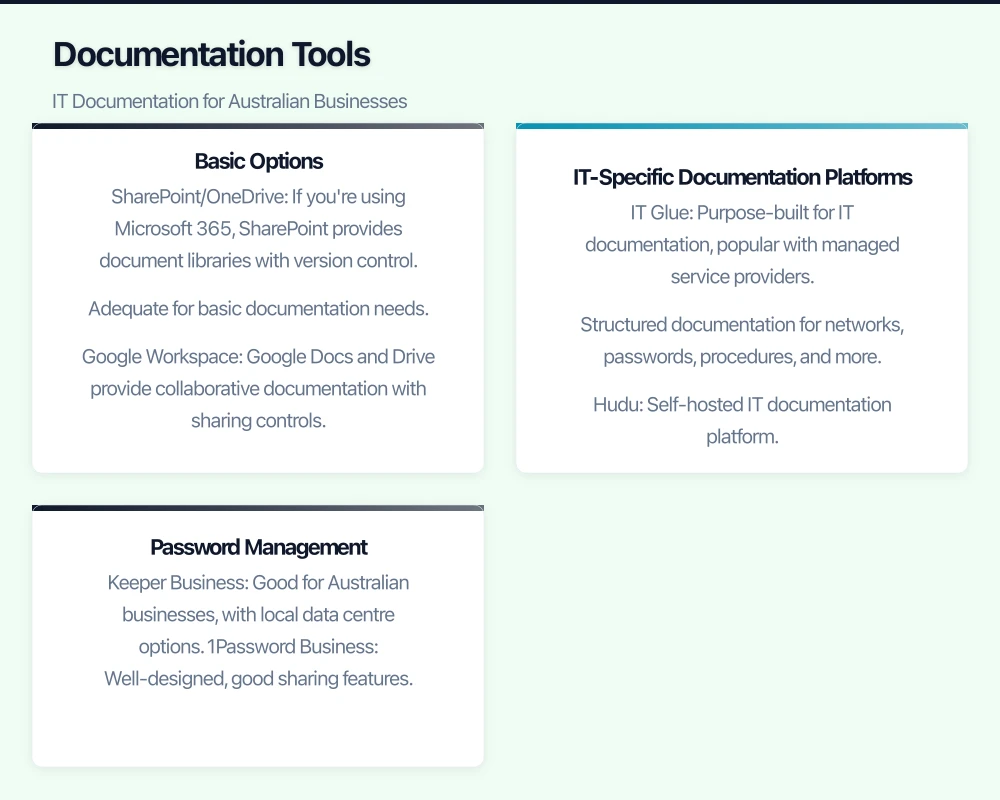
Comprehensive IT documentation covers several categories. You don’t need everything on day one—start with the most critical items and build over time.
Infrastructure Documentation
Network Diagrams: Visual representation of your network, showing how systems connect. Doesn’t need to be fancy—even a basic diagram showing your internet connection, firewall, switches, and key devices is valuable.
Asset Inventory: List of all IT assets—servers, computers, network equipment, software licenses. Include purchase dates, warranty information, and asset tags if you use them.
IP Address Scheme: Documentation of how IP addresses are allocated on your network. Which ranges are for servers? Which for user devices? What’s statically assigned versus DHCP?
Server Documentation: For each server (physical or virtual):
- Hardware specifications or VM configuration
- Operating system and version
- Installed applications
- Network configuration
- Backup schedule
- Monitoring configuration
- Maintenance requirements
Cloud Services: Document all cloud services in use:
- Service name and purpose
- Admin credentials location
- Subscription details
- Integration points with other systems
Account and Credential Documentation
Administrative Accounts: Document all administrative accounts:
- What systems they access
- Who knows the credentials
- Where credentials are stored securely
- When passwords were last changed
Service Accounts: Accounts used by applications to access other systems. Document what they’re for and what depends on them.
Break Glass Accounts: Emergency access accounts that bypass normal authentication. Critical for business continuity.
Vendor Accounts: Credentials for vendor portals, support systems, and management consoles.
Procedural Documentation
Standard Operating Procedures (SOPs): Step-by-step guides for routine tasks:
- Adding a new user
- Resetting passwords
- Provisioning a new computer
- Monthly maintenance tasks
- Backup verification procedures
Emergency Procedures: What to do when things go wrong:
- Server down procedures
- Network outage response
- Security incident response
- Backup restoration steps
Change Management Procedures: How changes to IT systems should be requested, approved, and implemented.
Configuration Documentation
System Configurations: Document non-default configurations:
- Firewall rules
- Group policy settings
- Application configurations
- Integration settings
Build Documents: How to build/rebuild systems from scratch. Critical for disaster recovery.
Vendor Configuration: Settings provided by vendors for their products.
Documentation Tools
You need somewhere to store and organise your documentation. Options range from simple to sophisticated:
Basic Options
SharePoint/OneDrive: If you’re using Microsoft 365, SharePoint provides document libraries with version control. Adequate for basic documentation needs.
Google Workspace: Google Docs and Drive provide collaborative documentation with sharing controls.
Confluence: Atlassian’s wiki platform is popular for technical documentation. Good for structured knowledge bases.
IT-Specific Documentation Platforms
IT Glue: Purpose-built for IT documentation, popular with managed service providers. Structured documentation for networks, passwords, procedures, and more. Australian data hosting available.
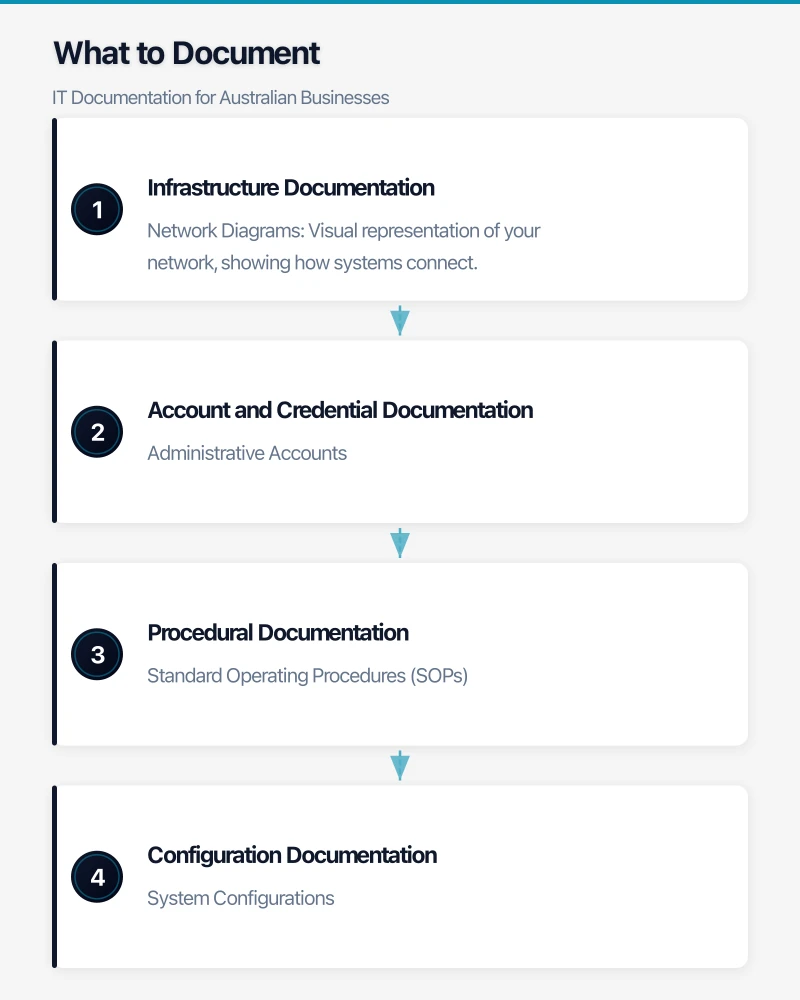
Hudu: Self-hosted IT documentation platform. Good option if you want to keep documentation on-premises.
Passportal: Documentation platform with strong password management integration.
Password Management
Documentation of credentials requires special handling. Use a dedicated password manager:
Keeper Business: Good for Australian businesses, with local data centre options.
1Password Business: Well-designed, good sharing features.
LastPass Teams/Business: Widely used, though evaluate security history.
Bitwarden Teams: Open-source option, can be self-hosted.
Never store credentials in plain text documents, spreadsheets, or sticky notes.
Creating Effective Documentation
Good documentation is:
Accessible
Documentation that can’t be found when needed is worthless. Establish a clear structure and teach your team how to navigate it.
Accurate
Outdated documentation can be worse than no documentation—it leads people astray. Build processes to keep documentation current.
Actionable
Documentation should tell people what to do, not just what exists. Include steps, not just facts.
Appropriate
Match detail level to audience. A procedure for the IT admin can assume technical knowledge; documentation for business users should not.
Documentation Templates
Server Documentation Template
SERVER NAME: [Name]
PURPOSE: [Brief description]

HARDWARE
- Type: Physical / Virtual
- Host: [If virtual, which host]
- CPU: [Configuration]
- RAM: [Amount]
- Storage: [Disks and configuration]

OPERATING SYSTEM
- OS: [Name and version]
- Last Updated: [Date]
- Update Method: [WSUS / Manual / Auto]

NETWORK
- IP Address: [Address]
- Subnet: [Subnet]
- Gateway: [Gateway]
- DNS: [DNS servers]

INSTALLED APPLICATIONS
- [Application 1]: [Version] - [Purpose]
- [Application 2]: [Version] - [Purpose]

DEPENDENCIES
- Depends On: [Other systems this requires]
- Depended By: [Systems that require this]

BACKUP
- Method: [Backup system]
- Schedule: [When]
- Retention: [How long]
- Last Verified: [Date]

ADMINISTRATIVE ACCESS
- Local Admin: See password vault entry [ID]
- Domain Admin Required: Yes/No

CONTACTS
- Primary Support: [Name/Team]
- Vendor Support: [Details]

CHANGE HISTORY
[Date] - [Description of change]
Standard Operating Procedure Template
PROCEDURE: [Title]
VERSION: [Number]
LAST UPDATED: [Date]
AUTHOR: [Name]

PURPOSE
[Why this procedure exists]

PREREQUISITES
- [What's needed before starting]
- [Access required]
- [Tools required]

PROCEDURE

Step 1: [Action]
[Detailed instructions]
[Screenshots if helpful]

Step 2: [Action]
[Detailed instructions]

[Continue as needed]

VERIFICATION
[How to confirm the procedure completed successfully]

TROUBLESHOOTING
[Common issues and solutions]

RELATED PROCEDURES
- [Link to related SOP]
Incident Response Template
INCIDENT TYPE: [Type]
VERSION: [Number]
LAST REVIEWED: [Date]

SCOPE
[What this procedure covers]

IDENTIFICATION
[How to recognise this type of incident]

IMMEDIATE ACTIONS
1. [First priority action]
2. [Second priority action]
3. [Assessment steps]

NOTIFICATION
- Notify: [Who]
- Escalate to: [When and to whom]

RESPONSE STEPS
[Detailed response procedures]

RECOVERY
[Steps to return to normal operations]

POST-INCIDENT
- Documentation required
- Review meeting requirements
- Improvement recommendations
Building a Documentation Culture
Documentation fails when it’s seen as someone else’s job or something to do when there’s spare time (there never is). Building a documentation culture requires:
Leadership Commitment
Make documentation a stated priority. Include documentation quality in performance discussions. Celebrate good documentation.
Integrated Workflows
Build documentation into standard workflows:
- New systems aren’t “complete” until documented
- Changes require documentation updates
- Incidents conclude with documentation review
Regular Reviews
Schedule documentation reviews:
- Monthly: Review procedures used in the past month
- Quarterly: Review all critical documentation
- Annually: Comprehensive documentation audit
Documentation Champions
Identify team members with aptitude for documentation. Give them time and recognition for documentation work.
Starting Your Documentation Project
If you’re starting from scratch, here’s a practical approach:
Week 1-2: Critical Documentation
Document the most critical items first:
- Network credentials and administrative accounts
- Core server documentation
- Emergency contact list
- Backup procedures and credentials
Week 3-4: Infrastructure Overview
Create your infrastructure foundation:
- Network diagram (even basic)
- Asset inventory (start simple)
- Cloud services list
Month 2: Procedures
Document your most common procedures:
- User provisioning/deprovisioning
- Password resets
- Backup verification
- Common troubleshooting
Month 3 and Beyond: Expand and Refine
Continue building documentation:
- Detailed server documentation
- Application-specific procedures
- Vendor information
- Training documentation
Ongoing: Maintain
Establish maintenance routines:
- Update documentation when making changes
- Review documentation after incidents
- Quarterly documentation reviews
- Annual documentation audit
Common Documentation Mistakes
Avoid these pitfalls:
Over-engineering: Don’t spend months designing the perfect documentation system. Start simple, improve over time.
All or Nothing: Don’t wait until you can document everything. Partial documentation is vastly better than none.
Set and Forget: Documentation must be maintained. Outdated documentation breeds distrust and disuse.
Credential Exposure: Never document credentials in plain text or alongside the documentation of what they access.
Single Custodian: If only one person can access or update documentation, you have a problem. Ensure multiple people have access and responsibility.
Measuring Documentation Success
How do you know if your documentation is effective?
Time to Resolution: Track how long it takes to resolve issues. Good documentation should reduce this over time.
New Starter Onboarding: How quickly can new IT staff become productive? Documentation should accelerate this.
Procedure Adherence: Are documented procedures actually followed? If not, they may need improvement or better training.
Documentation Currency: What percentage of documentation has been reviewed in the past 12 months?
Taking the First Step
Documentation is one of those tasks that’s easy to defer indefinitely. But every day without documentation is another day of accumulated risk.
Start today. Pick one critical system or procedure. Spend an hour documenting it. Tomorrow, do another. Small consistent effort builds comprehensive documentation over time.
The goal isn’t perfect documentation—it’s useful documentation that reduces risk and improves operations. Progress beats perfection.
Need help establishing IT documentation practices in your Australian business? We assist SMBs with documentation frameworks, tools selection, and implementation. Contact us to discuss your requirements.
Considering an online store backed by your cloud infrastructure? Cosmos Web Tech creates Shopify and WooCommerce stores optimised for the Australian market.
Ashish Ganda is the founder of Ganda Tech Services, a Sydney-based technology consultancy helping Australian businesses grow through cloud, web, and mobile solutions.