
IT Budget Planning Guide for Australian SMBs
IT Budget Planning Guide for Australian SMBs
Technology is no longer a back-office cost for Australian small businesses — it is a core business enabler. Yet many SMBs approach IT spending reactively, buying equipment when things break and subscribing to software as needs arise. This leads to unpredictable costs, missed opportunities, and technology that does not align with business goals.
A well-planned IT budget transforms technology from an unpredictable expense into a strategic investment. This guide will help you build an IT budget that supports your business effectively without wasting money.
How Much Should You Spend on IT?
This is the question every business owner asks. The honest answer is: it depends. But benchmarks provide a useful starting point.
Industry Benchmarks
Research from Gartner and other analysts suggests that the average business spends 3% to 6% of revenue on IT. For technology-heavy industries (professional services, financial services), the figure can reach 7% to 10%. For less technology-dependent businesses (retail, manufacturing), 2% to 4% is common.
For Australian SMBs, a practical guideline is:
- Minimum viable IT: 3% of revenue. This covers basic operations but leaves little room for improvement.
- Adequate IT: 4% to 5% of revenue. Covers operations plus ongoing maintenance and moderate improvements.
- Strategic IT: 6% or more of revenue. Enables technology-driven competitive advantage.
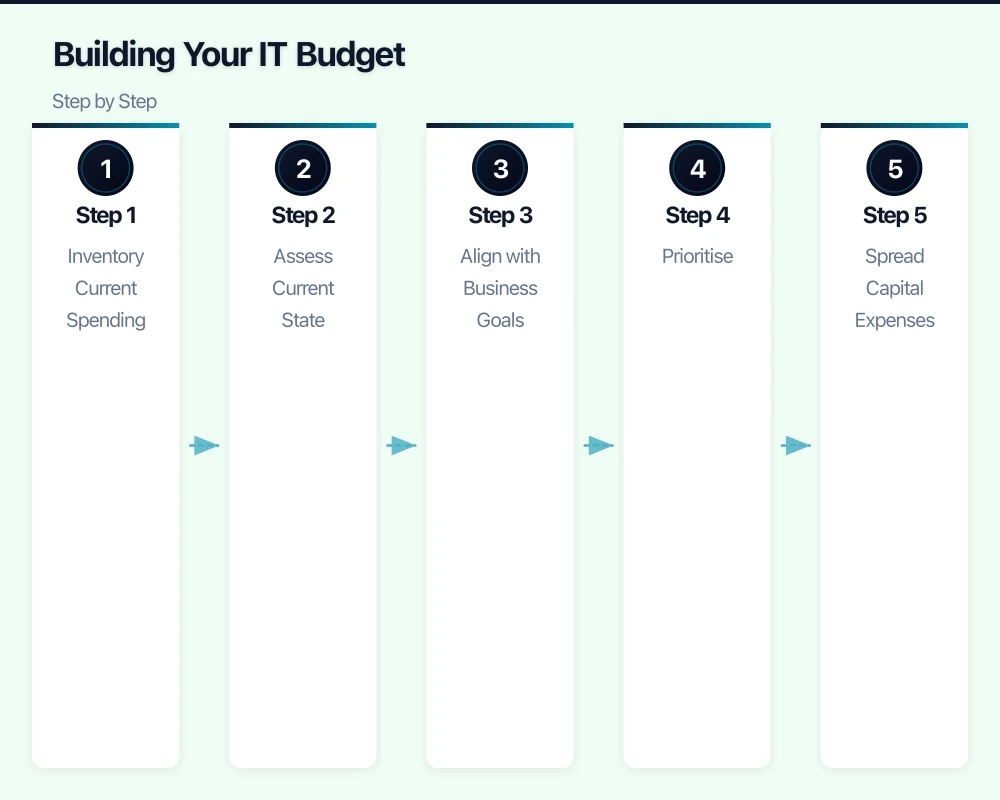
Per-Employee Benchmarks
Another way to think about IT spending is per employee:
- Basic: $2,000 to $3,500 per employee per year
- Moderate: $3,500 to $6,000 per employee per year
- Comprehensive: $6,000 to $10,000 per employee per year
These figures include hardware, software, services, support, and telecommunications.
Reality Check
Benchmarks are guidelines, not rules. A business that recently invested in new equipment will spend less in the following year. A business planning a cloud migration will need to budget more. The key is spending deliberately, not hitting an arbitrary percentage.
IT Budget Categories
Break your IT budget into these categories for clear visibility:
1. Hardware
Physical equipment with a defined lifespan:
- Desktops and laptops: Plan for replacement every 3 to 5 years. Budget $1,200 to $2,500 per device.
- Servers: On-premises servers typically last 5 to 7 years. Budget $5,000 to $15,000 per server.
- Networking equipment: Firewalls, switches, and access points. Plan for replacement every 5 to 7 years.
- Peripherals: Monitors, keyboards, mice, headsets, webcams. Replace as needed.
- Printers and scanners: Declining in importance for many businesses, but still a budget item. Consider managed print services.
- Mobile devices: Company phones or tablets, if applicable.
Tip: Create a hardware lifecycle plan. Staggering replacements over time avoids the shock of replacing everything at once.
2. Software and Subscriptions
Recurring costs for the applications your business uses:
- Productivity suites: Microsoft 365 or Google Workspace ($7 to $30 per user per month).
- Line-of-business applications: Accounting (Xero, MYOB), CRM (Salesforce, HubSpot), industry-specific software.
- Security software: Antivirus, email security, DNS filtering.
- Backup solutions: Cloud backup subscriptions.
- Operating system licences: Windows, Windows Server.
- Other SaaS tools: Project management, design tools, communication tools.
Tip: Audit your software subscriptions annually. Unused licences are wasted money. You may find subscriptions for staff who have left or tools no one uses.
3. IT Services and Support
The cost of managing and maintaining your IT environment:
- Managed IT services: $80 to $180 per user per month for comprehensive managed services.
- Break-fix support: If not using an MSP, ad-hoc support at $100 to $200 per hour.
- Project work: Migrations, upgrades, office moves, and deployments. Costs vary by scope.
- Consulting: Strategic IT planning and advice.
4. Telecommunications
- Internet service: NBN or business-grade internet. $80 to $500+ per month depending on speed and SLA.
- Phone system: VoIP service at $25 to $60 per user per month.
- Mobile plans: $30 to $80 per device per month.
5. Cloud Services
If you use cloud infrastructure (beyond SaaS applications):
- Azure or AWS consumption: Virtual machines, storage, databases. Highly variable based on usage.
- Cloud hosting: Website hosting, application hosting.
6. Security
Dedicated security spending (some may overlap with other categories):
- Firewall subscriptions: $300 to $600 per year.
- Security awareness training: $3 to $8 per user per month for platforms like KnowBe4.
- Cyber insurance: $1,000 to $5,000+ per year, depending on coverage and business size.
- Security assessments: Annual penetration testing or vulnerability assessments. $2,000 to $8,000 depending on scope.
7. Contingency
Always include a contingency budget for unexpected expenses:
- Hardware failures outside of warranty
- Emergency support
- Unplanned software requirements
- Security incidents
A contingency of 10% to 15% of your total IT budget is prudent.
Building Your IT Budget: Step by Step
Step 1: Inventory Current Spending
Before planning future spending, understand what you are spending now. Gather invoices and receipts for the past 12 months across all IT categories. Many businesses are surprised by the total when they see it all in one place.
Step 2: Assess Current State
Evaluate your current IT environment:
- What hardware is nearing end of life?
- Are there security gaps that need addressing?
- Are staff frustrated by slow or outdated technology?
- Are there manual processes that could be automated?
- Is your current IT setup supporting or hindering your business goals?
Step 3: Align with Business Goals
Talk to your leadership team (or reflect, if you are the leader) about business plans for the coming year:
- Are you hiring? You will need additional hardware, software licences, and onboarding.
- Are you opening a new location? Budget for network infrastructure, phones, and equipment.
- Are you targeting growth? Ensure your IT can scale.
- Are you looking to reduce costs? Identify IT efficiencies (cloud migration, consolidating software, renegotiating contracts).
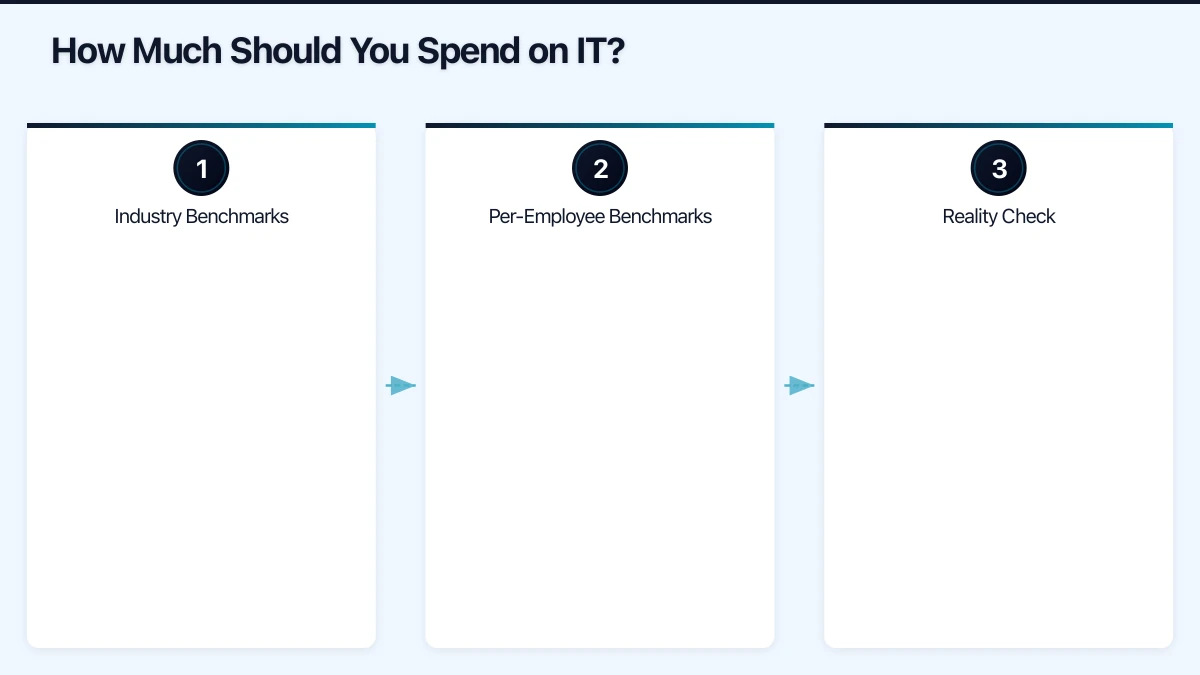
Step 4: Prioritise
You will likely identify more needs than your budget can cover. Prioritise by:
- Must-have: Security essentials, compliance requirements, equipment replacements that cannot be deferred.
- Should-have: Improvements that increase productivity or reduce risk.
- Nice-to-have: Enhancements that add value but can wait.
Step 5: Spread Capital Expenses
Large capital purchases (servers, firewalls, laptops) can strain cash flow. Consider:
- Leasing: Spread the cost over 2 to 3 years.
- Hardware-as-a-Service: Some MSPs offer device subscription models.
- Cloud migration: Replace on-premises hardware with cloud services, converting capital expense to operational expense.
- Staggered replacement: Replace a portion of your fleet each year rather than all at once.
Step 6: Build the Budget
Compile your budget in a spreadsheet with columns for:
- Category
- Item
- Monthly cost
- Annual cost
- Notes (contract renewal dates, expected changes)
Review it monthly to track actual spending against the plan.
Cost Optimisation Strategies
Consolidate Software
Many businesses use overlapping tools. Do you need Slack and Teams? Asana and Monday.com? Audit your software and eliminate redundancies.
Right-Size Cloud Resources
If you use cloud infrastructure, review your resource utilisation monthly. Oversized virtual machines and unused storage are common sources of waste. Azure and AWS both provide cost management tools to identify savings.
Negotiate Contracts
When renewing software or service contracts:
- Ask for discounts on multi-year commitments.
- Bundle services where possible.
- Compare pricing with alternatives — the threat of switching gives you leverage.
- Pay annually rather than monthly if offered a discount.
Standardise Hardware
Standardising on a single laptop model (or a small number of models) reduces support costs, simplifies spare parts management, and enables bulk purchase discounts.
Invest in Prevention
Spending on security, backups, and proactive maintenance is almost always cheaper than dealing with the consequences of neglect. A $5,000 annual investment in security measures is far less than the $30,000+ average cost of a cyber incident.
Sample IT Budget
For an Australian SMB with 20 employees and $3 million in revenue:
| Category | Annual Cost |
|---|---|
| Hardware (replacements and new) | $15,000 |
| Software and subscriptions | $24,000 |
| Managed IT services | $36,000 |
| Telecommunications | $18,000 |
| Security (dedicated) | $8,000 |
| Projects (cloud migration phase) | $15,000 |
| Contingency (10%) | $11,600 |
| Total | $127,600 |
This represents approximately 4.3% of revenue, which falls within the moderate range. The exact figures for your business will differ, but this provides a realistic reference point.
Review and Adjust
An IT budget is not a set-and-forget document. Review it:
- Monthly: Track actual spending against plan. Address variances early.
- Quarterly: Review priorities and adjust for changes in business needs.
- Annually: Conduct a full review and rebuild the budget for the next year.
Technology evolves rapidly, and your business needs change. Your IT budget should be a living document that adapts with you.
Getting Started
If you have never had a formal IT budget, start simple:
- Add up everything you spent on IT last year.
- Identify the obvious gaps and risks in your current setup.
- List the three most impactful IT improvements you could make this year.
- Estimate the costs and build a basic budget.
From there, refine and expand the process each year. The discipline of IT budget planning pays for itself through better decision-making, fewer surprises, and technology that genuinely supports your business goals.
If your team needs on-the-go access to cloud-managed systems, Awesome Apps builds practical mobile solutions for Australian businesses.
Part of the Ganda Tech Services family, Cloud Geeks delivers specialist IT and cloud solutions for Australian small and medium businesses.