
IT Asset Management for Australian SMBs: Beyond Spreadsheets
Introduction
How many laptops does your business own? What software licenses are you paying for but not using? When was the last security update applied to your servers? If these questions make you uncomfortable, you’re not alone.
IT asset management in most Australian SMBs consists of a spreadsheet that was accurate when someone created it three years ago. The result: duplicate software purchases, security vulnerabilities from unpatched systems, tax depreciation missed because assets weren’t tracked, and the recurring surprise of discovering hardware you didn’t know existed when someone leaves the company.
Proper IT asset management isn’t about bureaucratic overhead—it’s about knowing what you have, ensuring it’s secure and maintained, and optimising your IT spending. For businesses with 20 to 200 employees, good asset management typically saves 15-25% on IT costs while improving security posture.
This guide provides practical approaches to IT asset management for Australian SMBs—systems and processes that provide visibility without requiring a full-time asset manager.
The Cost of Poor Asset Management
Before discussing solutions, let’s quantify the problem.
Financial Impact
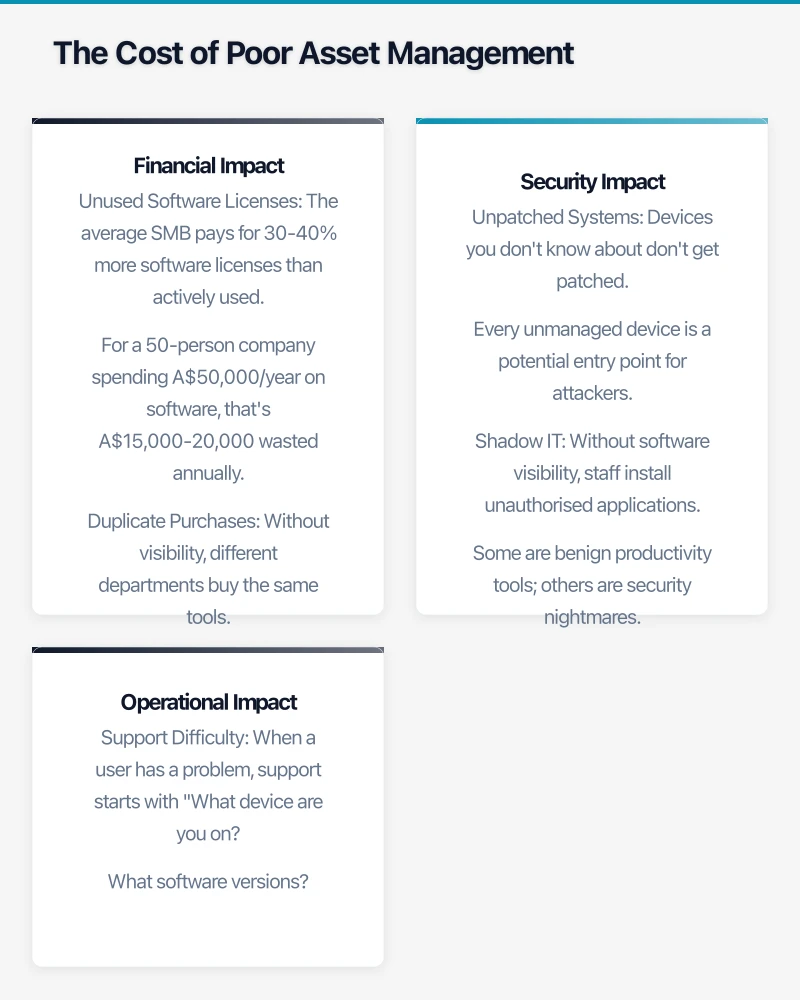
Unused Software Licenses The average SMB pays for 30-40% more software licenses than actively used. For a 50-person company spending A$50,000/year on software, that’s A$15,000-20,000 wasted annually.
Duplicate Purchases Without visibility, different departments buy the same tools. Marketing has Canva Pro, design has Canva Enterprise, and operations has another Canva account. Consolidation typically saves 20-30%.
Missed Tax Benefits IT assets are depreciable. Without proper tracking, businesses miss deductions or miscalculate depreciation schedules. For a business with A$200,000 in IT assets, this can mean A$10,000+ in missed deductions.
Premature Replacement Without lifecycle tracking, businesses replace hardware based on perceived rather than actual condition. Some laptops get replaced after 2 years while perfectly good machines sit forgotten in drawers.
Security Impact
Unpatched Systems Devices you don’t know about don’t get patched. Every unmanaged device is a potential entry point for attackers.
Shadow IT Without software visibility, staff install unauthorised applications. Some are benign productivity tools; others are security nightmares.
Departed Employee Access When someone leaves, do you know all the devices they had? All the cloud services they accessed? Without asset management, offboarding is incomplete and security gaps remain.
Operational Impact
Support Difficulty When a user has a problem, support starts with “What device are you on? What software versions?” Without asset data, every ticket starts with discovery.
Planning Challenges Budget planning for hardware refresh requires knowing what you have and its condition. Without this data, budgets are guesswork.
Compliance Gaps Software audits from vendors (Microsoft, Adobe, Autodesk) require license documentation. Without records, audits are stressful and often expensive.
What Needs Managing
IT asset management covers several categories, each with different management needs.
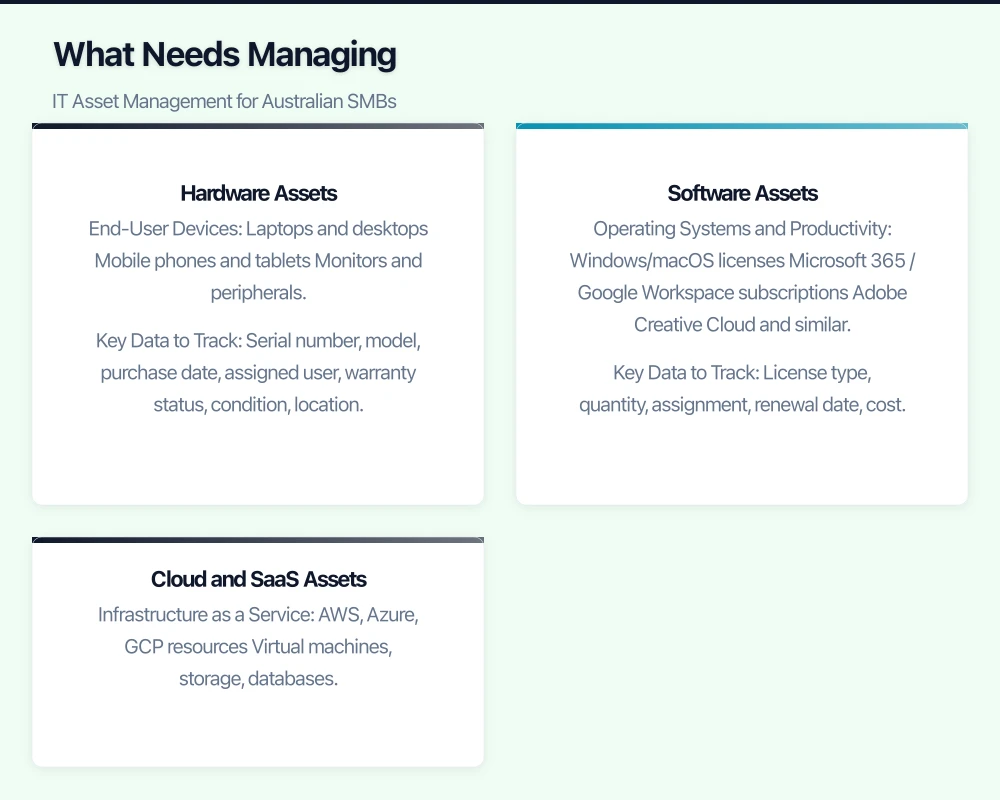
Hardware Assets
End-User Devices
- Laptops and desktops
- Mobile phones and tablets
- Monitors and peripherals
Key Data to Track: Serial number, model, purchase date, assigned user, warranty status, condition, location.
Infrastructure Hardware
- Servers (physical)
- Network equipment (routers, switches, access points)
- Storage devices
- Printers and scanners
Key Data to Track: Serial number, model, location, purchase date, warranty, support contracts, configuration details.
IoT and Specialised Devices
- Security cameras
- Access control systems
- Industry-specific equipment
Key Data to Track: Device type, location, network configuration, vendor, support arrangements.
Software Assets
Operating Systems and Productivity
- Windows/macOS licenses
- Microsoft 365 / Google Workspace subscriptions
- Adobe Creative Cloud and similar
Key Data to Track: License type, quantity, assignment, renewal date, cost.
Business Applications
- ERP/Accounting (Xero, MYOB, SAP)
- CRM (Salesforce, HubSpot)
- Industry-specific software
Key Data to Track: License count, named users vs concurrent, renewal terms, integration dependencies.
Security Software
- Endpoint protection
- Password managers
- VPN clients
Key Data to Track: Coverage (all devices?), version currency, policy compliance.
Cloud and SaaS Assets
Infrastructure as a Service
- AWS, Azure, GCP resources
- Virtual machines, storage, databases
Key Data to Track: Resource inventory, cost allocation, utilisation, owner/purpose.
Software as a Service
- Productivity tools
- Marketing platforms
- Collaboration tools
Key Data to Track: Users, actual usage, cost per user, integration with other systems.
Practical Asset Management Approaches
The right approach depends on your size and complexity.
Tier 1: Manual with Structure (Under 30 employees)
For smaller businesses, spreadsheet-based tracking can work if properly structured.
Hardware Register Create a spreadsheet with columns for:
- Asset tag/ID (apply physical labels)
- Device type and model
- Serial number
- Purchase date and cost
- Assigned to (user/location)
- Warranty expiry
- Status (in use, spare, retired)
Software Register Separate spreadsheet tracking:
- Software name
- Vendor
- License type (perpetual, subscription)
- Quantity purchased
- Quantity assigned
- Annual cost
- Renewal date
- Admin contact
Process Requirements
- Update registers when purchasing/disposing
- Quarterly review of accuracy
- Include in onboarding/offboarding checklists
- Annual software license audit
Cost: Minimal (staff time only) Limitations: Manual effort, prone to drift, limited reporting
Tier 2: Basic ITAM Tool (30-100 employees)
At this scale, purpose-built tools provide significant value over spreadsheets.
Recommended Tools
Snipe-IT
- Open source, can self-host or use cloud
- Good hardware asset tracking
- Basic software license management
- Free self-hosted; A$30/month cloud
- Good starting point for SMBs
Spiceworks
- Free cloud-based inventory
- Automatic network discovery
- Basic helpdesk integration
- Ad-supported but functional
Asset Panda
- Cloud-based with mobile apps
- Barcode/QR scanning
- Good for distributed teams
- From A$1,500/year
Implementation Approach
- Deploy network discovery to identify all devices
- Import discovered assets into tool
- Apply physical asset tags to hardware
- Manually add software licenses
- Establish processes for ongoing maintenance
Cost: A$0-3,000/year Effort: Initial setup 2-4 weeks, ongoing 2-4 hours/week
Tier 3: Integrated ITAM Platform (100+ employees)
Larger SMBs benefit from comprehensive platforms with automation.
Recommended Platforms
ServiceNow ITAM
- Enterprise-grade but available for mid-market
- Strong integration with ITSM
- Automated discovery and reconciliation
- From A$10,000/year for SMB tiers
Freshservice
- Cloud-native, modern interface
- Good automation capabilities
- Integrated service desk
- From A$4,000/year for asset management
Lansweeper
- Strong discovery capabilities
- Good for Microsoft environments
- On-premises or cloud
- From A$2,000/year
NinjaOne (formerly NinjaRMM)
- Combines RMM with asset management
- Good for businesses using MSPs
- Strong automation
- From A$3/endpoint/month
Implementation Approach
- Deploy agents or network discovery
- Integrate with Active Directory/Azure AD
- Connect to software licensing sources (Microsoft 365 admin, etc.)
- Configure automated workflows (onboarding, patching)
- Build dashboards and reports
Cost: A$2,000-15,000/year Effort: Initial setup 4-8 weeks, ongoing automation reduces manual effort
Software License Management Deep Dive
Software licensing is complex enough to warrant specific attention.
Understanding License Types
Perpetual Licenses One-time purchase, use indefinitely. Still common for some desktop software. Track the license key and assignment.
Subscription Licenses Ongoing payment for continued use. Most SaaS and modern software. Track renewal dates, user assignments, and actual usage.
Volume Licenses Bulk purchase with simplified deployment. Microsoft Enterprise Agreements, Adobe VIP. Track agreement terms, product use rights, true-ups.
Named User vs Concurrent Named: Specific people assigned. Concurrent: Pool of licenses shared. Understanding the model affects how you track and optimise.
Software Audit Preparation
Major vendors (Microsoft, Adobe, Oracle) conduct license audits. Preparation saves pain:
Maintain Documentation
- Purchase records (invoices, agreements)
- License keys and certificates
- Assignment records
- Usage logs
Know Your Entitlements
- What did you actually purchase?
- What products/versions does that include?
- What are the use rights (devices, virtualisation, etc.)?
Regular Self-Audit
- Compare deployed software to entitlements
- Identify gaps before vendors do
- Either purchase additional licenses or remove excess installations
SaaS Sprawl Management
The average SMB uses 80+ SaaS applications. Managing this sprawl:
Discovery
- Use tools like Zylo, Productiv, or Torii to discover SaaS usage
- Review expense reports for software charges
- Check SSO logs for application access
Rationalisation
- Identify duplicate tools serving same function
- Evaluate actual usage vs licensed quantity
- Consolidate where possible
Governance
- Procurement process for new SaaS tools
- Regular usage reviews
- Offboarding process to remove departed users
Hardware Lifecycle Management
Managing hardware from procurement to disposal.
Procurement Best Practices
Standardisation Define standard configurations for different roles. Reduces support complexity and enables bulk purchasing.
Lifecycle Planning Plan 4-year laptop lifecycle, 5-year server lifecycle. Budget for refresh in year 3-4, not when devices fail.
Asset Tagging Apply unique identifiers to all hardware at receipt. QR codes or barcodes enable easy lookup.
During Use
Assignment Tracking Know who has what. Update when devices move between users.
Condition Monitoring Track repairs, battery health, performance issues. Feeds into replacement decisions.
Warranty Management Track warranty expiration. Consider extended warranty for business-critical devices.
End of Life
Data Sanitisation Proper data wiping before disposal or reuse. Use certified methods (NIST guidelines) and document.
Disposal Options
- Internal reuse (development machines, loaners)
- Donation (deductible if to qualifying organisations)
- Recycling (use e-waste certified recyclers)
- Trade-in (Dell, HP programs)
Record Keeping Document disposal for depreciation, compliance, and audit purposes.
Integration with Other IT Processes
Asset management delivers most value when integrated with other IT operations.
Service Desk Integration
- Tickets linked to specific assets
- Asset history visible to support staff
- Configuration details available for troubleshooting
Security Integration
- Asset database feeds vulnerability scanners
- Identify unmanaged devices on network
- Ensure all devices covered by endpoint protection
Financial Integration
- Asset costs flow to accounting for depreciation
- Department cost allocation
- Budget planning from lifecycle data
HR Integration
- Onboarding triggers device assignment
- Offboarding triggers recovery process
- Role changes trigger software access review
Building Your Asset Management Program
A practical implementation roadmap.
Phase 1: Discovery (Weeks 1-4)
Hardware Discovery
- Network scan to identify connected devices
- Physical walkthrough for offline devices
- Collect basic information (model, serial, location)
Software Discovery
- Inventory installed software via scripts or tools
- Compile list of SaaS subscriptions
- Gather license documentation
Current State Assessment
- How many assets of each type?
- What’s the age distribution?
- What are the obvious gaps?
Phase 2: Tool Implementation (Weeks 5-8)
Select Appropriate Tool Based on size, complexity, and budget.
Initial Data Load
- Import discovered assets
- Apply asset tags
- Verify data quality
Process Definition
- Who updates the system?
- What triggers updates?
- Who owns different asset categories?
Phase 3: Process Integration (Weeks 9-12)
Connect to Workflows
- Procurement creates asset records
- Onboarding assigns assets
- Offboarding recovers assets
- Support references asset data
Reporting Setup
- Asset inventory dashboards
- License compliance reports
- Cost allocation reports
Training
- IT staff on tool usage
- All staff on asset responsibilities
Phase 4: Continuous Improvement (Ongoing)
Regular Reviews
- Monthly software license review
- Quarterly hardware condition assessment
- Annual comprehensive audit
Process Refinement
- Address gaps identified in operation
- Improve automation where possible
- Expand scope as maturity grows
Measuring Success
Track these metrics to ensure your asset management program delivers value.
Accuracy Metrics
- Asset inventory accuracy (spot-check verification)
- Time since last physical verification
- Percentage of assets with complete data
Financial Metrics
- Software license utilisation rate
- Cost per user for key applications
- Hardware refresh on schedule vs emergency
Operational Metrics
- Time to provision new employee
- Time to resolve asset-related tickets
- Onboarding/offboarding completeness
Security Metrics
- Percentage of devices under management
- Devices with current patches
- Time to identify new devices on network
The Practical Reality
IT asset management doesn’t have to be complicated. The goal is knowing what you have, keeping it secure and maintained, and optimising costs—not perfect data about every USB cable.
Start with what matters most: user devices, significant software licenses, and critical infrastructure. Get those right first. Expand scope as your processes mature and the value becomes clear.
The businesses doing asset management well aren’t those with the fanciest tools. They’re the ones with clear processes, consistent execution, and appropriate tools for their scale.
The investment in asset management pays for itself through reduced waste, better security, and smoother operations. But only if you actually do it—a sophisticated tool gathering dust is worse than a well-maintained spreadsheet.
Need help establishing IT asset management for your business? CloudGeeks provides asset management assessments and implementation support for Australian SMBs. Contact us to discuss your needs.
A reliable cloud backend deserves a polished frontend. Our web development team at Cosmos Web Tech creates websites optimised for speed, SEO, and conversions.
This article is brought to you by Ganda Tech Services — Sydney’s complete digital solutions provider covering cloud, web, and mobile.