
Hybrid Work Technology Stack for Australian Offices
Hybrid Work Technology Stack for Australian Offices
Hybrid work is no longer an experiment. For Australian businesses, 2022 has confirmed that the future of work is a blend of office and remote. Staff expect flexibility, and businesses that insist on full-time office attendance are losing talent to those that offer hybrid options.
But hybrid work only succeeds when the technology supports it. A patchy setup where some tools work in the office and others work remotely — but nothing works seamlessly across both — creates friction, frustration, and security gaps.
This guide defines the technology stack that Australian SMBs need to make hybrid work function properly, covering collaboration, security, hardware, and management.
The Core Platform: Microsoft 365 or Google Workspace
Everything starts with your core productivity platform. For Australian SMBs, this is almost always Microsoft 365 or Google Workspace.
Microsoft 365 (Recommended for Most Australian SMBs)
Why Microsoft 365:
- Dominant in the Australian business market
- Comprehensive suite: email, files, collaboration, meetings, phone, security, and device management in one platform
- Australian data centres (Sydney and Melbourne)
- Strong security and compliance features in Business Premium
- Ecosystem of integrations with Australian business tools (Xero, MYOB, etc.)
Recommended plan: Microsoft 365 Business Premium ($33/user/month). This includes Office apps, Exchange Online, SharePoint, OneDrive, Teams, Intune device management, Azure AD P1, and advanced security features. For a hybrid workforce, Business Premium provides the security and management capabilities you need.
For businesses on Business Standard ($18.70/user/month): Consider upgrading to Business Premium for the security features (Intune, Conditional Access, Defender for Office 365). The additional $14/user/month is justified by the risk reduction alone.
Google Workspace
When Google Workspace makes sense:
- Your team works primarily in web browsers
- You prefer Google’s collaboration model (real-time co-editing is excellent)
- You do not need advanced device management or security features
- Your business is under 20 people and simplicity is paramount
Limitation for hybrid work: Google Workspace’s device management and security features are less mature than Microsoft 365 Business Premium. If security and device management are priorities (and they should be for hybrid work), Microsoft 365 has the advantage.
Collaboration Layer
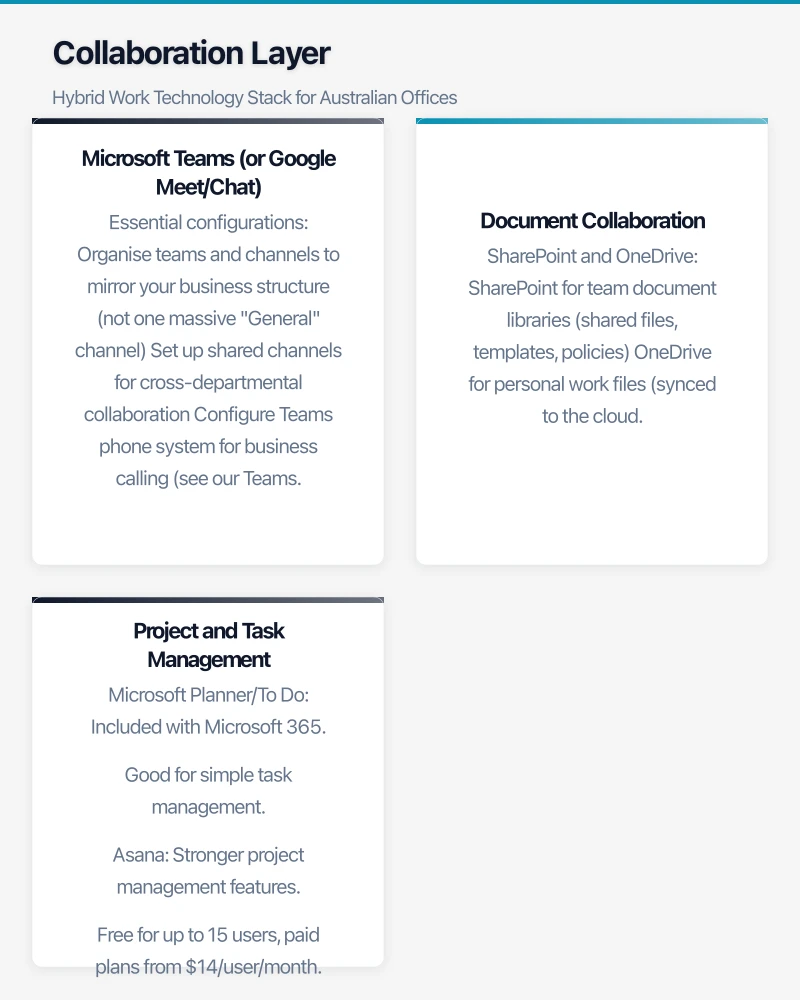
Microsoft Teams (or Google Meet/Chat)
Teams is the hub for hybrid work communication:
Essential configurations:
- Organise teams and channels to mirror your business structure (not one massive “General” channel)
- Set up shared channels for cross-departmental collaboration
- Configure Teams phone system for business calling (see our Teams Phone guide)
- Standardise on Teams for all internal communication (reduce email for internal conversations)
Meeting equity: The biggest hybrid work challenge is ensuring remote participants have the same experience as in-room participants. This requires:
- Quality audio equipment in meeting rooms (not laptop speakers)
- Camera positioning that shows the entire room
- Encouraging in-room participants to use their own devices for chat during hybrid meetings
- Setting meeting norms: everyone on camera, mute when not speaking, use the raise hand feature
Document Collaboration
SharePoint and OneDrive:
- SharePoint for team document libraries (shared files, templates, policies)
- OneDrive for personal work files (synced to the cloud, accessible from any device)
- Train staff to share links rather than email attachments
- Configure sharing defaults to “People in your organisation” for security
Co-authoring: Enable and encourage real-time co-editing in Word, Excel, and PowerPoint. This is one of the most significant productivity gains of cloud-based collaboration.
Project and Task Management
Choose one tool and standardise:
- Microsoft Planner/To Do: Included with Microsoft 365. Good for simple task management.
- Asana: Stronger project management features. Free for up to 15 users, paid plans from $14/user/month.
- Monday.com: Visual project management. Popular with marketing and creative teams. From $10/user/month.
- Jira: Best for software development teams. Free for up to 10 users.
The worst situation is having multiple project management tools in use across the business with no visibility between them. Pick one.
Security Layer
Hybrid work expands your attack surface. Staff accessing business data from home networks, coffee shops, and personal devices creates risks that did not exist in an office-only environment.
Identity Security
- MFA on everything. Non-negotiable for hybrid work. Every cloud service, every user, every time.
- Conditional Access: Require compliant devices for sensitive applications. Block legacy authentication. Consider location-based policies.
- Single sign-on: Centralise authentication through Azure AD. Reduce the number of passwords staff manage.
Device Security
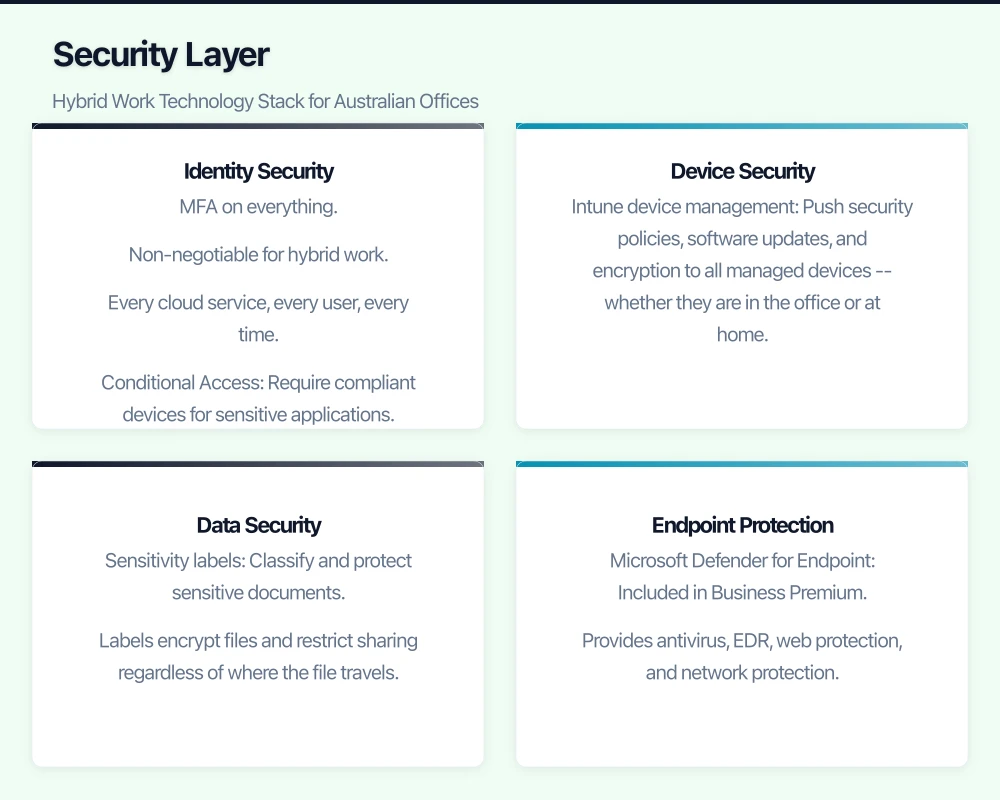
- Intune device management: Push security policies, software updates, and encryption to all managed devices — whether they are in the office or at home.
- Compliance policies: Define what a “compliant” device looks like (encrypted, updated, antivirus running) and block non-compliant devices from accessing business data.
- Remote wipe capability: Essential for lost or stolen devices. Configure Intune to wipe business data while preserving personal data on BYOD devices.
Data Security
- Sensitivity labels: Classify and protect sensitive documents. Labels encrypt files and restrict sharing regardless of where the file travels.
- Data Loss Prevention: Prevent sensitive data (customer PII, financial records) from being shared externally through email, Teams, or SharePoint.
- Information barriers: If needed, prevent specific groups from communicating or sharing data with each other (for example, between departments with Chinese wall requirements).
Endpoint Protection
- Microsoft Defender for Endpoint: Included in Business Premium. Provides antivirus, EDR, web protection, and network protection.
- Or a third-party EDR: CrowdStrike Falcon, SentinelOne, or similar. If your MSP uses a specific EDR platform, align with their choice.
Hardware Layer
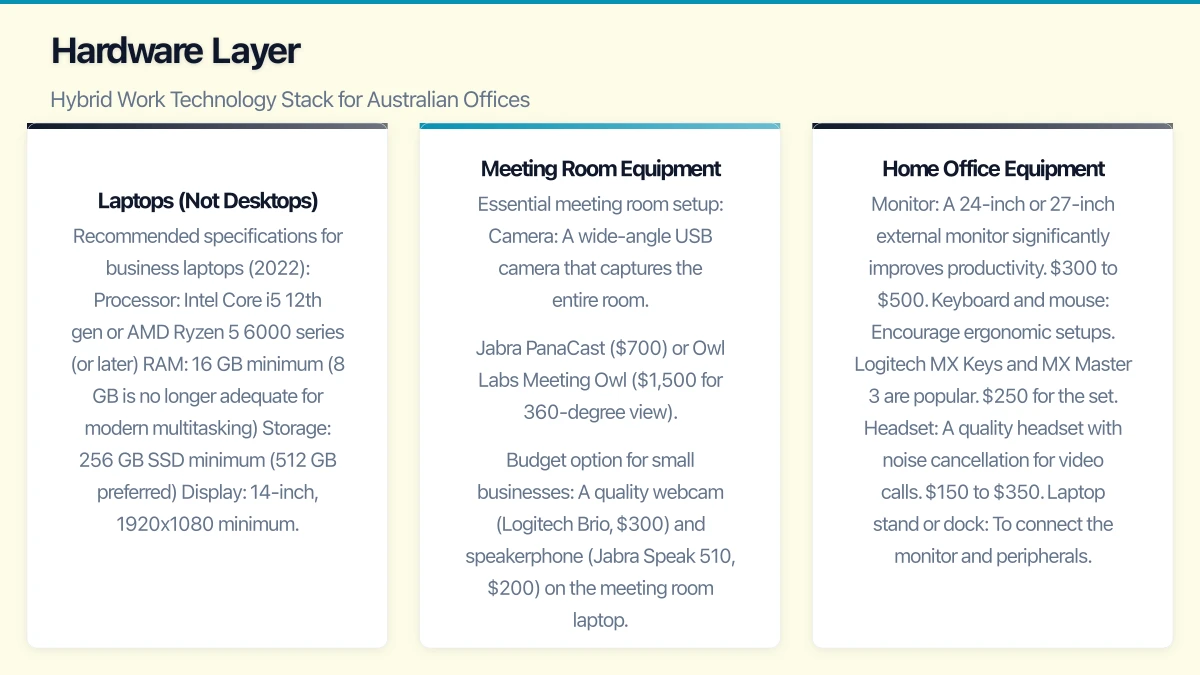
Laptops (Not Desktops)
For hybrid work, every staff member needs a laptop, not a desktop. This seems obvious but many Australian businesses still issue desktops to staff who work part-time from home.
Recommended specifications for business laptops (2022):
- Processor: Intel Core i5 12th gen or AMD Ryzen 5 6000 series (or later)
- RAM: 16 GB minimum (8 GB is no longer adequate for modern multitasking)
- Storage: 256 GB SSD minimum (512 GB preferred)
- Display: 14-inch, 1920x1080 minimum
- Camera: 1080p (720p cameras produce poor video quality)
- Battery: 8 hours or more
- Weight: Under 1.6 kg for staff who commute
Recommended models available in Australia:
- Dell Latitude 5430/5530: Solid business laptop, good keyboard, excellent manageability. $1,400 to $1,800.
- Lenovo ThinkPad T14s/T16: Excellent reliability, great keyboard, good for power users. $1,500 to $2,000.
- HP EliteBook 840 G9: Premium build quality, strong security features. $1,600 to $2,200.
- Apple MacBook Air M2: If your business supports macOS. Excellent battery life and performance. $1,899.
Meeting Room Equipment
The office meeting room is the bridge between in-person and remote participants. Poor equipment ruins hybrid meetings.
Essential meeting room setup:
- Camera: A wide-angle USB camera that captures the entire room. Jabra PanaCast ($700) or Owl Labs Meeting Owl ($1,500 for 360-degree view).
- Audio: A quality speakerphone or soundbar. Jabra Speak 750 ($450) for small rooms, Poly Studio ($1,200) or Jabra PanaCast 50 ($1,800) for medium rooms.
- Display: A large screen (55-inch or larger) showing the remote participants and shared content.
- Microsoft Teams Rooms: For a complete integrated experience, consider a Teams Room system (Poly, Yealink, or Logitech). $3,000 to $10,000 depending on room size and features.
Budget option for small businesses: A quality webcam (Logitech Brio, $300) and speakerphone (Jabra Speak 510, $200) on the meeting room laptop. Total: $500 plus your existing display.
Home Office Equipment
Consider providing or subsidising essential home office equipment:
- Monitor: A 24-inch or 27-inch external monitor significantly improves productivity. $300 to $500.
- Keyboard and mouse: Encourage ergonomic setups. Logitech MX Keys and MX Master 3 are popular. $250 for the set.
- Headset: A quality headset with noise cancellation for video calls. $150 to $350.
- Laptop stand or dock: To connect the monitor and peripherals. USB-C docks from $150.
Some Australian businesses provide a one-time home office stipend ($500 to $1,000) for staff to set up their home workspace.
Network and Connectivity
Office Network
- Business-grade internet with static IP (NBN 100/40 minimum, Enterprise Ethernet preferred)
- Failover internet connection (4G/5G)
- Quality WiFi coverage throughout the office (WiFi 6 access points)
- Guest WiFi on a separate VLAN
Home Network
You cannot control staff home networks, but you can set minimum standards:
- Home WiFi must use WPA2 or WPA3 encryption
- VPN required for accessing on-premise resources (if applicable)
- Conditional Access policies verify device compliance regardless of network
Management and Support
Remote IT Support
Your IT support model must work for both office and remote staff.
Remote support tools:
- Microsoft Quick Assist: Built into Windows, allows IT to remotely view and control staff devices.
- TeamViewer or Splashtop: Third-party remote support tools if you need more capability.
- Intune remote actions: Restart device, sync policies, wipe device — all from the Intune console without requiring the user to do anything.
Self-Service
Reduce IT support load by enabling self-service:
- Self-service password reset (SSPR): Azure AD SSPR lets users reset their own passwords.
- Company Portal app: Users can install approved applications themselves.
- Knowledge base: Create a simple FAQ document or SharePoint page covering the most common issues (how to connect to VPN, how to set up email on a new phone, how to share files).
Putting It All Together
The hybrid work technology stack for an Australian SMB with 20 staff:
| Component | Solution | Monthly Cost |
|---|---|---|
| Core platform | Microsoft 365 Business Premium | $660 |
| Internet (office) | NBN 100/40 business + 4G failover | $270 |
| Phone system | Teams Phone + Calling Plan | $580 |
| Security training | KnowBe4 or similar | $120 |
| Cloud backup | Third-party M365 backup | $80 |
| Total recurring | $1,710 |
One-time costs:
- Laptop fleet (if refreshing): $30,000 to $40,000
- Meeting room equipment: $2,000 to $5,000
- Home office stipends: $10,000 to $20,000
These are investments in your business’s ability to attract talent, maintain productivity, and operate securely in a hybrid work environment.
The Non-Negotiables
If budget is tight, these are the absolute minimum requirements for hybrid work:
- Cloud-based email and file storage (Microsoft 365 or Google Workspace)
- MFA on all accounts
- Laptops (not desktops) for staff who work remotely
- A quality headset for each remote worker
- A reliable internet connection with failover
Everything else is an enhancement. Get these five right, and you have a functional hybrid work foundation. Build from there as your business grows and your budget allows.
Hybrid work is here to stay for Australian businesses. The technology stack that supports it is well-established, affordable, and proven. The only question is whether your business will invest deliberately in making it work well, or continue to patch things together and hope for the best.
Need a web presence to complement your cloud setup? Our web team at Cosmos Web Tech designs fast, secure websites for Australian businesses.
Cloud Geeks is the IT infrastructure division of Ganda Tech Services, providing managed cloud and cybersecurity solutions to Australian businesses.