
Compliance Automation for Australian SMBs: Navigating the Privacy Act Amendments
Introduction
The Privacy Act amendments that took effect earlier this year have fundamentally changed the compliance landscape for Australian businesses. The expanded definition of personal information, stricter consent requirements, and significantly increased penalties (up to A$50 million for serious breaches) mean that privacy compliance is no longer a “nice to have” for SMBs—it’s an operational imperative.
For businesses without dedicated compliance teams, managing these new requirements manually is unsustainable. The good news is that compliance automation tools have matured significantly, making systematic privacy management achievable for businesses of all sizes.
This guide provides practical approaches to automating Privacy Act compliance for Australian SMBs—not to replace human judgment, but to make compliance manageable alongside running your actual business.
Understanding the New Compliance Landscape
Before automating, let’s be clear about what the amended Privacy Act requires.
Key Changes Affecting SMBs
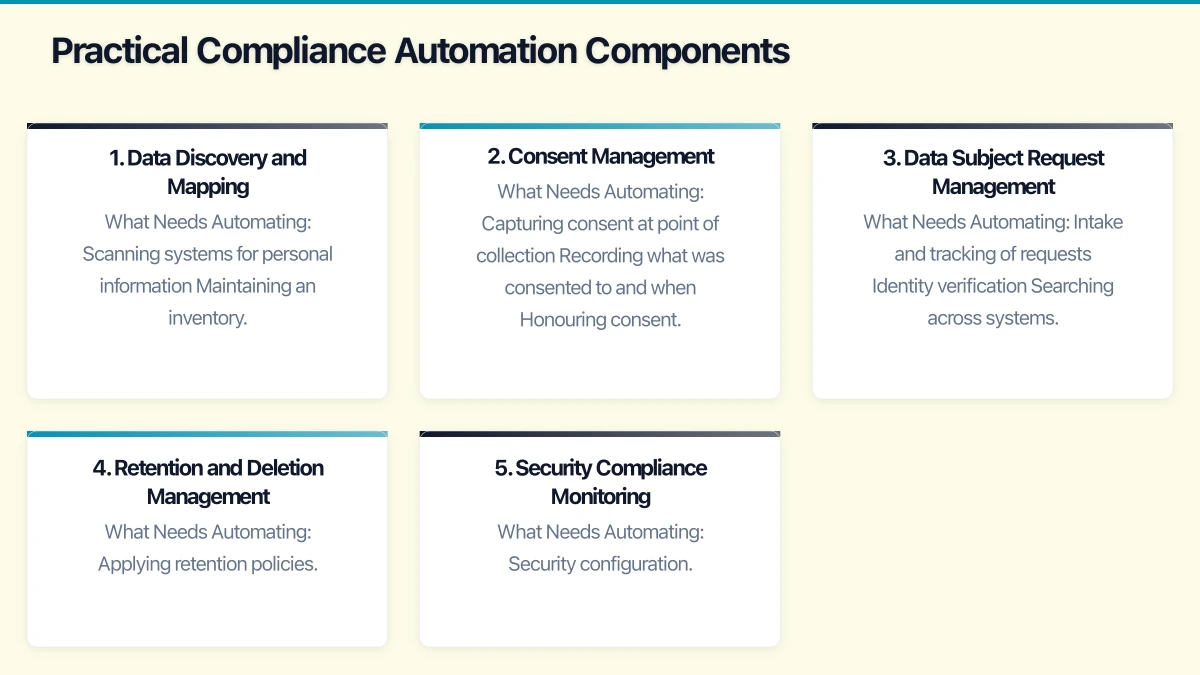
Expanded Personal Information Definition The definition now explicitly includes technical identifiers like IP addresses, device IDs, and location data. If you’re collecting any digital interaction data, you’re likely collecting personal information.
Small Business Exemption Narrowed Previously, businesses with annual turnover under A$3 million were largely exempt. The exemption now only applies to businesses that don’t trade in personal information, don’t provide health services, and meet other specific criteria. Many SMBs that thought they were exempt are now caught.
Strengthened Consent Requirements Consent must be voluntary, informed, specific, and current. Bundled consents (where agreeing to one thing requires agreeing to everything) are no longer valid. Consent must be as easy to withdraw as to give.
Mandatory Data Retention Limits You can’t keep personal information indefinitely. Retention must be limited to what’s necessary for the purpose it was collected, and you need clear processes for secure deletion.
Enhanced Individual Rights Individuals have strengthened rights to access their data, correct inaccuracies, request erasure, and object to certain processing. You need processes to handle these requests within 30 days.
Data Breach Notification The Notifiable Data Breaches scheme continues, but penalties for failure to notify have increased substantially.
The Compliance Burden
For a typical SMB, these requirements translate to:
- Knowing what personal data you hold and where
- Managing consent preferences across multiple channels
- Responding to data subject requests within timeframes
- Implementing and documenting retention and deletion processes
- Maintaining security appropriate to data sensitivity
- Reporting breaches promptly when they occur
Without automation, this creates significant administrative overhead.
The Case for Compliance Automation
Manual compliance is theoretically possible but practically unsustainable:
Consistency: Automated processes apply rules consistently. Manual processes depend on individual judgment and memory.
Auditability: Automated systems create logs and evidence. Manual processes leave gaps that auditors (and regulators) will notice.
Scalability: As your business grows, automated compliance scales. Manual compliance requires proportional staff increases.
Responsiveness: Automated systems can respond to data subject requests immediately. Manual processes create backlogs and deadline risks.
Cost: Initial automation investment is offset by reduced ongoing manual effort and, more importantly, reduced regulatory risk.
Practical Compliance Automation Components
Here’s how to build an automated compliance framework appropriate for SMBs.
1. Data Discovery and Mapping
You can’t protect what you don’t know you have.
What Needs Automating:
- Scanning systems for personal information
- Maintaining an inventory of data assets
- Tracking data flows between systems
- Identifying sensitive information requiring additional protection
Practical Tools:
Microsoft Purview (for Microsoft 365 environments)
- Included in Microsoft 365 Business Premium
- Scans SharePoint, OneDrive, Exchange, Teams for sensitive information
- Classifies documents based on content
- Creates data maps showing where sensitive information resides
OneTrust Data Discovery
- Comprehensive data mapping across cloud and on-premises systems
- Connects to 200+ data sources
- Automated data flow visualisation
- A$1,500-3,000/month for SMB tiers
BigID
- Strong ML-based discovery across structured and unstructured data
- Good for complex environments
- A$2,000-5,000/month depending on scale
For Smaller Budgets:
- Document your systems manually but maintain the inventory in a structured tool
- Use built-in search capabilities in each system
- Focus discovery efforts on systems most likely to contain personal information
2. Consent Management
Managing consent preferences across channels and over time is complex.
What Needs Automating:
- Capturing consent at point of collection
- Recording what was consented to and when
- Honouring consent preferences across all systems
- Processing consent withdrawals
- Managing consent expiry and renewal
Practical Tools:
Cookiebot (for website consent)
- Automatic scanning and categorisation of cookies
- GDPR and Australian Privacy Act compliant consent banners
- Consent logging and evidence
- From A$15/month for small sites
OneTrust PreferenceChoice
- Comprehensive consent management across channels
- Integration with marketing and CRM systems
- Consent preference centres for customers
- A$500-1,500/month for SMB implementations
Usercentrics
- Website consent management with strong UX
- Integration with advertising platforms
- A$50-300/month depending on traffic
For Smaller Budgets:
- Implement basic consent logging in your CRM or database
- Use privacy-respecting analytics (Plausible, Fathom) that don’t require consent
- Maintain spreadsheet-based consent records for manual requests
3. Data Subject Request Management
Responding to access, correction, and erasure requests within 30 days requires efficient processes.
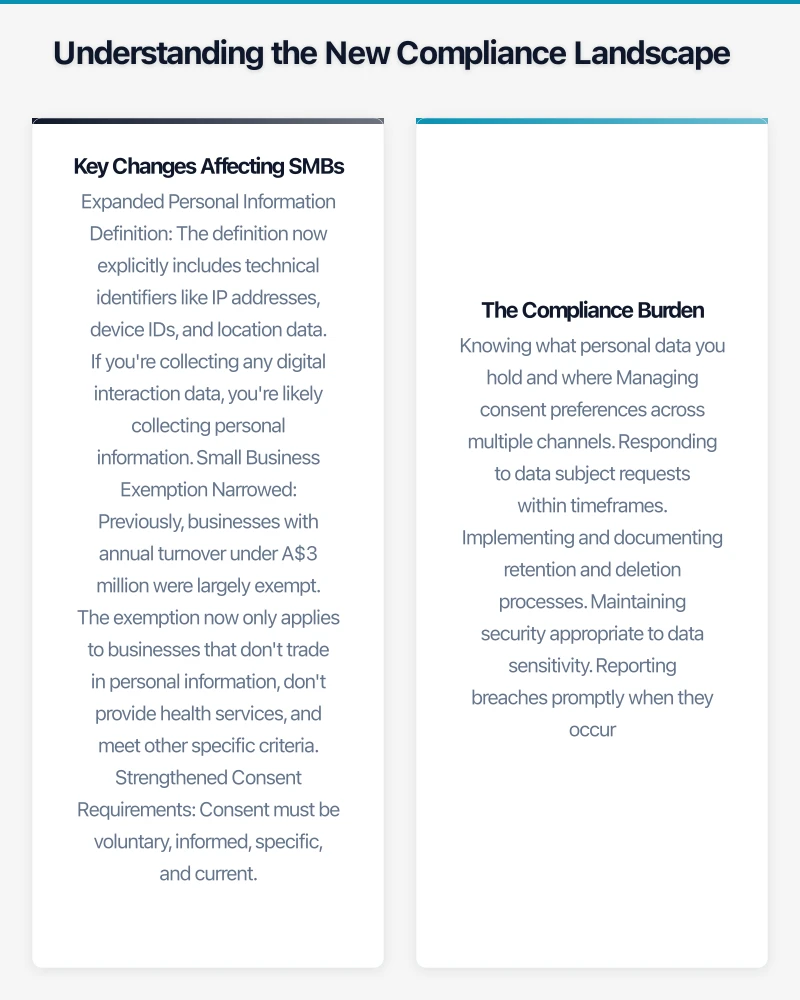
What Needs Automating:
- Intake and tracking of requests
- Identity verification
- Searching across systems for requester’s data
- Compiling and reviewing responses
- Managing approvals and delivery
- Logging and audit trails
Practical Tools:
OneTrust DSAR Automation
- Self-service portal for request submission
- Automated search across connected systems
- Workflow for review and approval
- A$500-2,000/month depending on volume
DataGrail
- Strong integration with SaaS applications
- Automated data retrieval and deletion
- Good for businesses with many cloud tools
- A$800-2,500/month
Osano
- Simpler DSAR management
- Good for smaller volumes
- From A$300/month
For Smaller Budgets:
- Use Microsoft Forms or Typeform for request intake
- Track requests in a spreadsheet or simple ticket system
- Create checklists for manual search across systems
- Template responses for common request types
4. Retention and Deletion Management
You need processes to delete data when retention periods expire.
What Needs Automating:
- Applying retention policies to data
- Identifying data past retention period
- Executing deletion across systems
- Maintaining deletion logs for compliance evidence
Practical Tools:
Microsoft 365 Retention Policies
- Built into Microsoft 365
- Automatic retention and deletion for email, documents, Teams
- Legal hold capabilities for litigation
- Included in Microsoft 365 Business Premium
Egnyte
- Retention policies for file systems
- Works across cloud and on-premises storage
- Automated deletion with approval workflows
- From A$20/user/month
For Structured Data:
- Database-level retention through scheduled jobs
- CRM/ERP retention policies (most enterprise systems have these built in)
- Regular manual reviews for systems without automation
5. Security Compliance Monitoring
Privacy requires security. Automation helps maintain and demonstrate security posture.
What Needs Automating:
- Security configuration monitoring
- Vulnerability identification
- Access control verification
- Security incident detection
- Compliance reporting
Practical Tools:
Microsoft Defender for Business
- Endpoint protection with compliance dashboards
- Security configuration assessment
- Vulnerability management
- Included in Microsoft 365 Business Premium
Vanta
- Automated security and compliance monitoring
- Continuous evidence collection
- Framework mapping (SOC 2, ISO 27001, and now Australian Privacy Act)
- From A$1,000/month
Drata
- Similar to Vanta with strong automation
- Good integration ecosystem
- A$1,000-2,500/month
For Smaller Budgets:
- Microsoft Secure Score (free with Microsoft 365)
- Regular manual security reviews using CIS benchmarks
- Quarterly access reviews using export and spreadsheet analysis
Building an Integrated Compliance System
Individual tools help, but integrated compliance management provides the most value.
Architecture for SMBs
Foundation Layer: Microsoft 365 Business Premium
- Identity management (Azure AD)
- Basic data classification (Purview)
- Email and document retention
- Endpoint security (Defender)
- Cost: A$33/user/month
Consent Layer: Website Consent Tool
- Cookie consent management
- Basic preference capture
- Cost: A$50-300/month
Request Management Layer: Simple DSAR Process
- Request intake form
- Tracking spreadsheet or simple ticket system
- Response templates
- Cost: Minimal (process, not software)
Compliance Evidence Layer: Documentation
- Privacy policy and notices
- Processing records
- Consent evidence
- Breach response plan
- Cost: One-time legal review (A$2,000-5,000)
Total Cost for Basic Compliance: A$35-45/user/month + setup
For Larger SMBs (50+ Employees)
Add:
- Dedicated consent management platform (A$500-1,500/month)
- DSAR automation tool (A$500-2,000/month)
- Compliance monitoring platform (A$1,000-2,500/month)
Total Additional Cost: A$2,000-6,000/month
Implementation Roadmap
A realistic approach to building compliance automation:
Phase 1: Foundation (Months 1-2)
Week 1-2: Inventory
- List all systems that process personal information
- Identify data types in each system
- Map data flows between systems
Week 3-4: Documentation
- Update privacy policy for new requirements
- Create/update privacy notices for collection points
- Document your processing activities
Week 5-6: Basic Controls
- Implement website consent management
- Configure email and document retention in Microsoft 365
- Establish data subject request intake process
Week 7-8: Verification
- Review implementation against requirements
- Identify gaps for phase 2
- Train staff on new processes
Phase 2: Enhancement (Months 3-4)
Month 3
- Implement data discovery/classification
- Deploy security monitoring
- Automate retention enforcement
Month 4
- Implement DSAR workflow (manual or automated)
- Create compliance dashboards
- Conduct test data subject request
Phase 3: Optimisation (Ongoing)
- Regular compliance audits
- Process improvements based on experience
- Tool upgrades as needs grow
- Staff training refreshers
Common Implementation Mistakes
Avoid these pitfalls:
Over-Engineering Starting with enterprise-grade tools when simpler solutions would suffice. Match tools to your actual scale and complexity.
Ignoring Process Tools don’t replace processes. You still need documented procedures for handling requests, breaches, and exceptions.
Set and Forget Compliance automation requires ongoing management. Retention periods need review, consent mechanisms need testing, and staff need training.
Privacy Theatre Implementing visible compliance measures (cookie banners) while ignoring substantive requirements (actual data minimisation). Regulators see through this.
Excluding IT Compliance automation intersects heavily with IT systems. Implement collaboratively, not in silos.
Measuring Compliance Effectiveness
Track these metrics to ensure your compliance program is working:
Operational Metrics
- Data subject requests: volume, response time, completion rate
- Consent capture rate across collection points
- Retention policy compliance rate
- Security incident frequency
Risk Metrics
- Open compliance gaps/issues
- Overdue data subject requests
- Systems without classification/retention policies
- Third parties without adequate data processing agreements
Maturity Metrics
- Automation coverage (% of compliance activities automated)
- Staff training completion
- Policy review currency
- Audit findings trend
The Regulatory Reality
The OAIC is actively enforcing the amended Privacy Act. In the first six months of 2026, enforcement actions against Australian businesses have increased 40% compared to the same period last year, with penalties averaging A$1.2 million.
SMBs are not immune—several recent enforcement actions have targeted businesses with under 100 employees. The regulator has explicitly stated that organisation size doesn’t excuse compliance failures.
The investment in compliance automation isn’t just about efficiency—it’s about demonstrably meeting your legal obligations in a way that can withstand regulatory scrutiny.
Conclusion
Privacy compliance under the amended Privacy Act is a permanent operational requirement for Australian businesses. The good news is that compliance automation tools have become accessible and affordable for SMBs.
The key is matching your compliance infrastructure to your actual scale and risk. A 20-person professional services firm doesn’t need enterprise-grade tools, but it does need systematic processes for managing consent, handling data subject requests, and maintaining appropriate security.
Start with the foundation—know what data you have, manage consent properly, and have processes for handling requests. Build automation progressively based on where manual effort is highest and risk is greatest.
The businesses managing compliance well aren’t spending more; they’re spending smarter, using automation to make compliance sustainable alongside running their actual business.
Need help building your Privacy Act compliance program? CloudGeeks provides compliance assessments and implementation support for Australian SMBs. Contact us for a confidential discussion of your compliance needs.
For executive-level thinking on technology investment and digital strategy, explore Ash Ganda’s blog on enterprise innovation.
Cloud Geeks operates under the Ganda Tech Services umbrella, delivering end-to-end technology solutions for Australian businesses.