
Cloud Migration Lessons: What Australian Businesses Learned in 2022
Cloud Migration Lessons: What Australian Businesses Learned in 2022
2022 has been a year of significant cloud adoption for Australian businesses. The hybrid work patterns that emerged from the pandemic became permanent, and many SMBs that had been putting off cloud migration finally made the move. Some transitions went smoothly. Many did not.
This article distils the lessons learned from cloud migrations across Australian SMBs this year — the mistakes, the surprises, and the practices that actually worked.
Lesson 1: The Cloud Is Not Automatically Cheaper
The most common misconception going into cloud migration is that it will immediately reduce costs. Many Australian businesses discovered the opposite.
What went wrong:
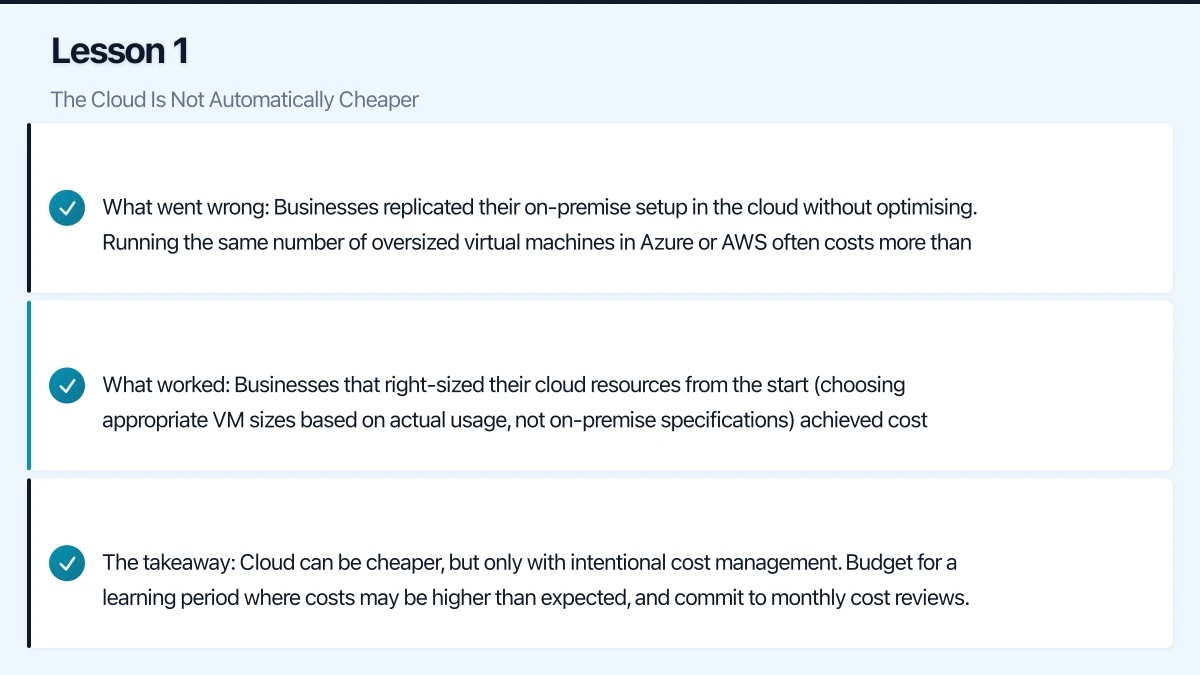
- Businesses replicated their on-premise setup in the cloud without optimising. Running the same number of oversized virtual machines in Azure or AWS often costs more than running them on depreciated on-premise hardware.
- Nobody planned for data egress charges. Moving data out of cloud platforms (Azure, AWS) incurs fees that were not part of the original cost estimate.
- Forgotten resources accumulated. Test environments spun up during migration were never shut down and continued to run at full cost.
- Licences doubled during transition periods where both on-premise and cloud systems ran simultaneously.
What worked:
- Businesses that right-sized their cloud resources from the start (choosing appropriate VM sizes based on actual usage, not on-premise specifications) achieved cost savings within the first six months.
- Setting up cost alerts and budgets in Azure or AWS from day one prevented bill shock.
- Planning for a clean cutover rather than extended coexistence reduced the period of double licensing.
- Using reserved instances for predictable workloads cut costs by 30 to 50%.
The takeaway: Cloud can be cheaper, but only with intentional cost management. Budget for a learning period where costs may be higher than expected, and commit to monthly cost reviews.
Lesson 2: Internet Bandwidth Was the Bottleneck
Many Australian businesses underestimated the internet bandwidth required for a fully cloud-based operation.
What went wrong:
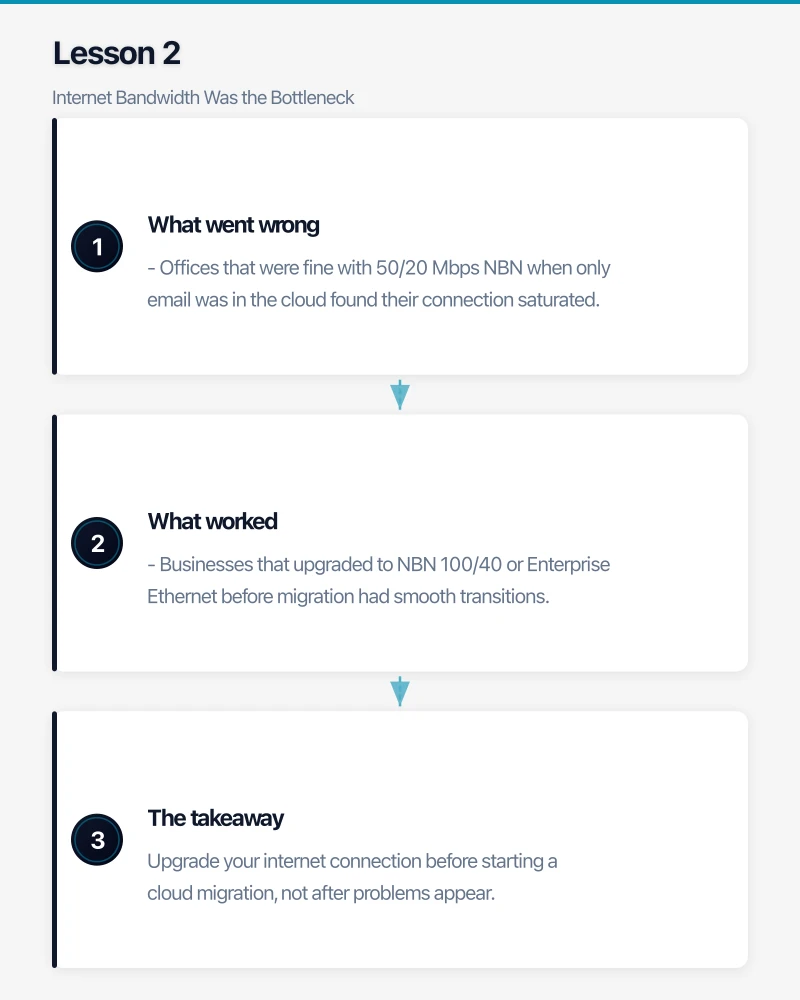
- Offices that were fine with 50/20 Mbps NBN when only email was in the cloud found their connection saturated once files, applications, video conferencing, and phone systems all moved to the cloud.
- Upload bandwidth was the consistent bottleneck. Standard Australian NBN plans offer asymmetric speeds with limited upload capacity. When 20 people are simultaneously on video calls and uploading to SharePoint, 20 Mbps upload is not enough.
- Single internet connections became single points of failure. When the connection dropped, the entire business stopped.
What worked:
- Businesses that upgraded to NBN 100/40 or Enterprise Ethernet before migration had smooth transitions.
- Implementing a secondary internet connection (4G/5G failover) before migration ensured business continuity during ISP outages.
- Using SD-WAN to intelligently distribute traffic across multiple connections improved both performance and reliability.
The takeaway: Upgrade your internet connection before starting a cloud migration, not after problems appear. Factor in failover connectivity as a requirement, not a luxury.
Lesson 3: Data Migration Takes Longer Than You Think
Almost every Australian business that migrated data to the cloud underestimated the time required.
What went wrong:
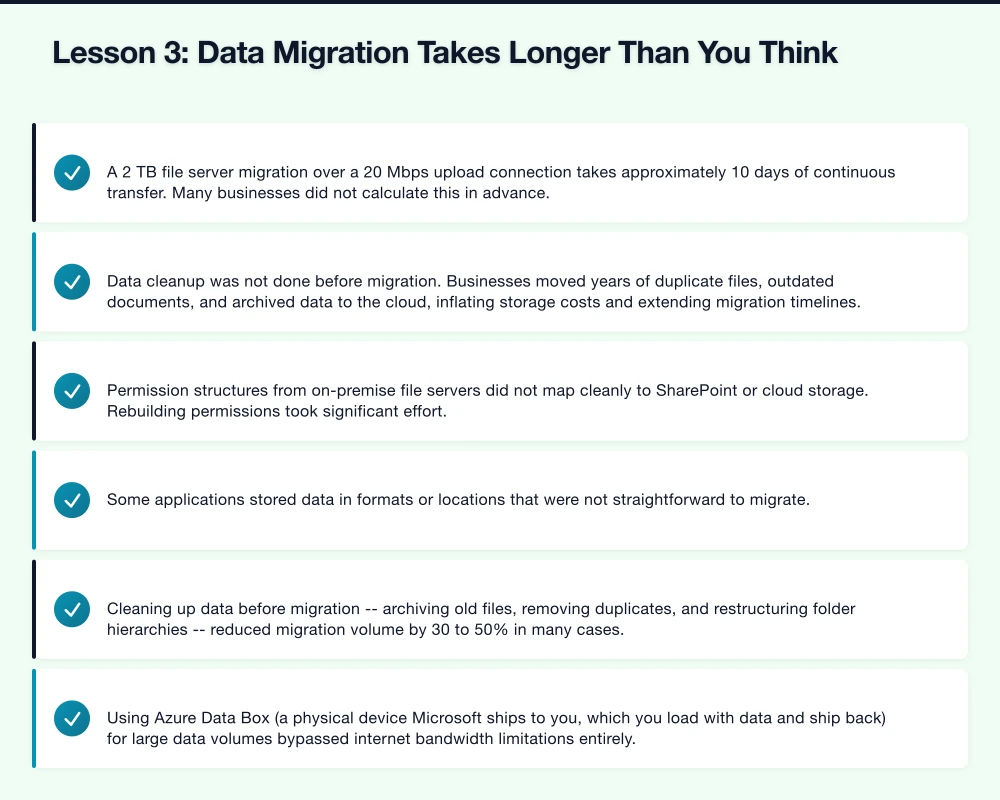
- A 2 TB file server migration over a 20 Mbps upload connection takes approximately 10 days of continuous transfer. Many businesses did not calculate this in advance.
- Data cleanup was not done before migration. Businesses moved years of duplicate files, outdated documents, and archived data to the cloud, inflating storage costs and extending migration timelines.
- Permission structures from on-premise file servers did not map cleanly to SharePoint or cloud storage. Rebuilding permissions took significant effort.
- Some applications stored data in formats or locations that were not straightforward to migrate.
What worked:
- Cleaning up data before migration — archiving old files, removing duplicates, and restructuring folder hierarchies — reduced migration volume by 30 to 50% in many cases.
- Using Azure Data Box (a physical device Microsoft ships to you, which you load with data and ship back) for large data volumes bypassed internet bandwidth limitations entirely.
- Migrating in phases rather than all at once. Start with less critical data, learn from the experience, and then migrate business-critical data.
- Running a pilot migration with a single department before committing to a full-scale migration.
The takeaway: Add 50% to your initial time estimate for data migration. Clean your data before you move it. For large volumes, consider physical data transfer options.
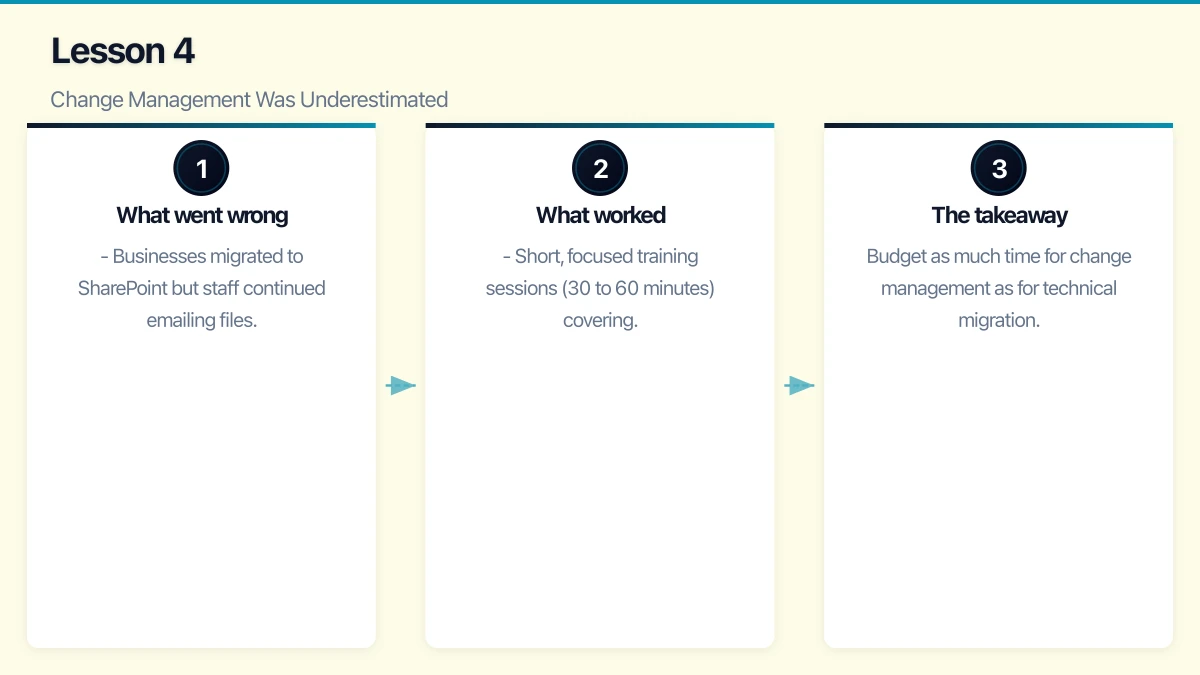
Lesson 4: Change Management Was Underestimated
Technical migration is only half the challenge. Getting people to adopt new tools and processes is the other half.
What went wrong:
- Businesses migrated to SharePoint but staff continued emailing files as attachments because nobody showed them how to share links.
- Teams was deployed but staff defaulted to their old habits (separate email, file server, and phone system) because the new workflow was not explained.
- IT teams assumed that because the tools were intuitive, training was unnecessary. Users do not explore tools — they use the minimum to get their work done.
- Resistance from staff who were comfortable with existing systems slowed adoption and created shadow IT.
What worked:
- Short, focused training sessions (30 to 60 minutes) covering the specific workflows relevant to each team. Not generic “Microsoft 365 training” but “here is how you will save, share, and collaborate on documents in your new setup.”
- Champions programs where one person per department was trained first and then supported their colleagues. This scaled training and provided local support.
- Quick reference guides (one page, laminated, on every desk) showing the most common tasks in the new system.
- Celebrating early wins publicly to build positive momentum.
The takeaway: Budget as much time for change management as for technical migration. The best technology in the world fails if people do not use it.
Lesson 5: Security Cannot Be Retrofitted
Some businesses rushed to the cloud and planned to “sort out security later.” That approach created real vulnerabilities.
What went wrong:
- Cloud services deployed without MFA. Several Australian businesses experienced account compromises because cloud-accessible systems did not have multi-factor authentication from the start.
- Default sharing settings in SharePoint and OneDrive were too permissive. Staff accidentally shared sensitive documents externally because the default was “Anyone with the link” rather than “People in your organisation.”
- Legacy on-premise security controls (firewall rules, network segmentation) were not replicated in the cloud environment. The assumption that “the cloud provider handles security” left gaps.
- Admin accounts were not secured properly. Global administrator accounts without MFA became targets.
What worked:
- Configuring security before migration: MFA, Conditional Access, sharing policies, and data loss prevention were set up before users were migrated.
- Using Microsoft Secure Score as a baseline. Microsoft Secure Score provides a checklist of security configurations with clear improvement actions.
- Engaging a security-aware MSP or consultant to review the cloud configuration before going live.
- Regular security configuration reviews (monthly for the first six months, then quarterly).
The takeaway: Security must be part of the migration plan from day one, not an afterthought. Configure security controls before migrating users and data.
Lesson 6: Backup Is Still Your Responsibility
A persistent myth is that cloud data does not need backup because “the cloud is redundant.” 2022 taught several Australian businesses otherwise.
What went wrong:
- Data accidentally deleted by users was not recoverable beyond Microsoft 365’s retention period (93 days for SharePoint recycle bin).
- A compromised admin account was used to delete SharePoint sites and mailboxes. Without independent backup, recovery was limited.
- Cloud provider outages (while rare) left businesses unable to access their data for hours. Without a local cache or backup, work stopped.
What worked:
- Third-party backup for Microsoft 365 (Veeam, Datto SaaS Protection, Acronis) provided independent, granular recovery capability.
- Clear understanding of the shared responsibility model: the cloud provider is responsible for platform availability, but you are responsible for your data.
- Testing backup restores quarterly to verify recovery actually works.
The takeaway: Back up your cloud data. Microsoft 365’s built-in retention is not a backup strategy. Independent backup is essential.
Lesson 7: Vendor Lock-In Is Real
Several businesses discovered that moving to a cloud platform is much easier than moving away from one.
What went wrong:
- Business processes became deeply integrated with specific cloud platforms. Moving away from Microsoft 365 or Google Workspace means retraining staff, migrating data, and rebuilding integrations.
- Some SaaS vendors made data export difficult, either by not providing export tools or by exporting data in proprietary formats.
- Multi-year contracts locked businesses into platforms that no longer met their needs.
What worked:
- Choosing platforms with strong data export capabilities. Ask “how do I get my data out?” before asking “how do I get my data in?”
- Avoiding over-reliance on platform-specific features that have no equivalent elsewhere.
- Negotiating shorter contract terms (annual rather than multi-year) for new cloud services, at least until the platform proves its value.
The takeaway: Consider exit strategy as part of your platform selection. The best time to plan your exit is before you enter.
Lesson 8: The MSP Relationship Matters
Many Australian SMBs used managed service providers for their cloud migration. The quality of that relationship had a direct impact on outcomes.
What went wrong:
- Some MSPs treated migration as a one-time project rather than a journey. After the technical migration was complete, they moved on, leaving the business without ongoing optimisation or support.
- MSPs that lacked cloud expertise attempted migrations based on their on-premise knowledge. The result was cloud environments that replicated on-premise inefficiencies.
- Scope creep and unexpected charges damaged trust when the migration encountered complications.
What worked:
- Choosing an MSP with documented cloud migration experience and Australian client references.
- Clearly defined scope, timeline, and pricing before the project started. Fixed-price migrations (with defined scope) provided budget certainty.
- Post-migration support agreements that covered optimisation, not just break-fix.
- Regular communication throughout the migration with clear escalation paths for issues.
The takeaway: Your MSP is a partner in your cloud journey. Choose them carefully, define expectations clearly, and ensure the relationship extends beyond the migration itself.
Looking Ahead to 2023
The lessons of 2022 provide a clear foundation for Australian businesses planning cloud initiatives in 2023:
- Plan for costs, do not assume savings
- Upgrade internet connectivity first
- Clean and prepare data before migration
- Invest in change management and training
- Configure security before, not after, migration
- Back up your cloud data independently
- Consider long-term platform commitments carefully
- Choose experienced partners
Cloud migration is not a destination — it is a continuous journey of optimisation, security improvement, and capability building. The businesses that learned these lessons in 2022 are better positioned for what comes next.
Cloud is one piece of the digital puzzle. Ash Ganda writes about enterprise technology strategy and how to align IT investments with business growth.
This article is brought to you by Ganda Tech Services — Sydney’s complete digital solutions provider covering cloud, web, and mobile.